

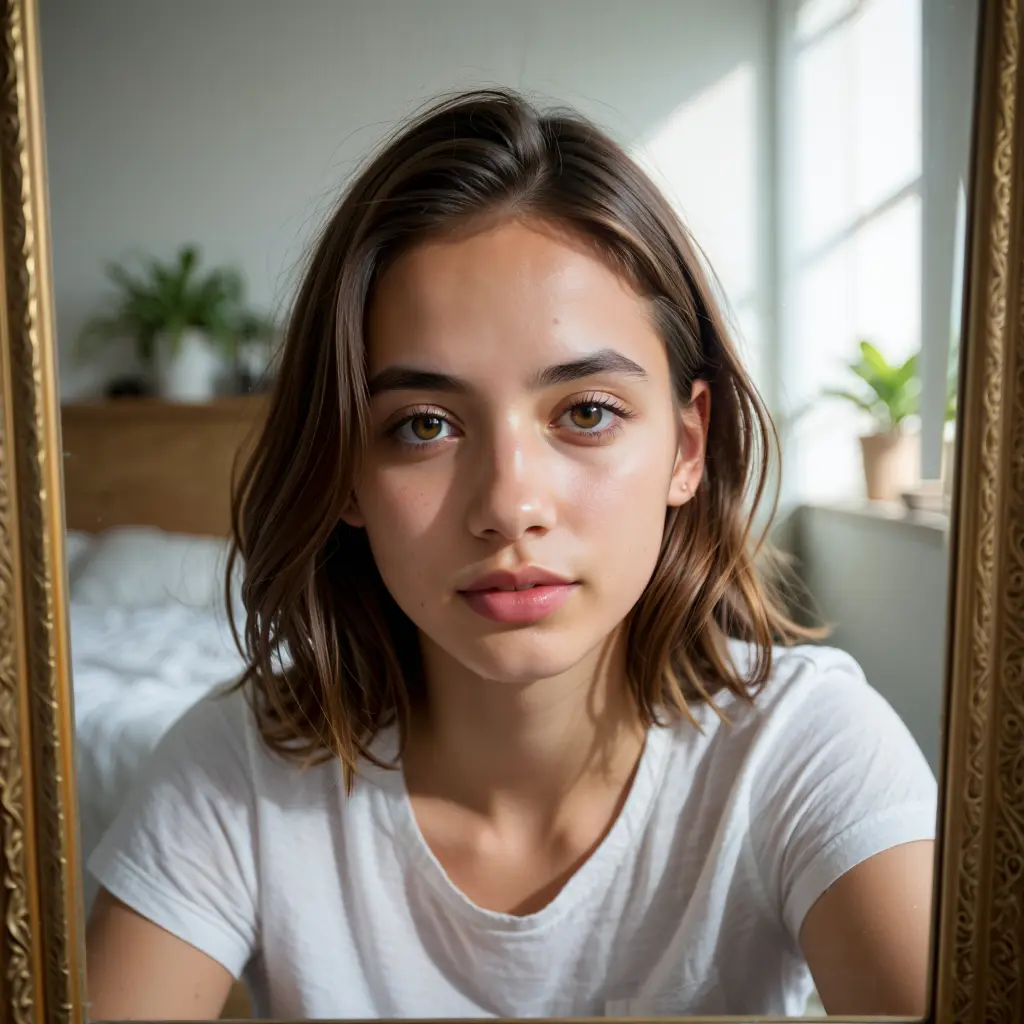
Turn any photo into a polished, professional LinkedIn headshot. AI enhances lighting, background, and styling to make you look your best — in seconds.

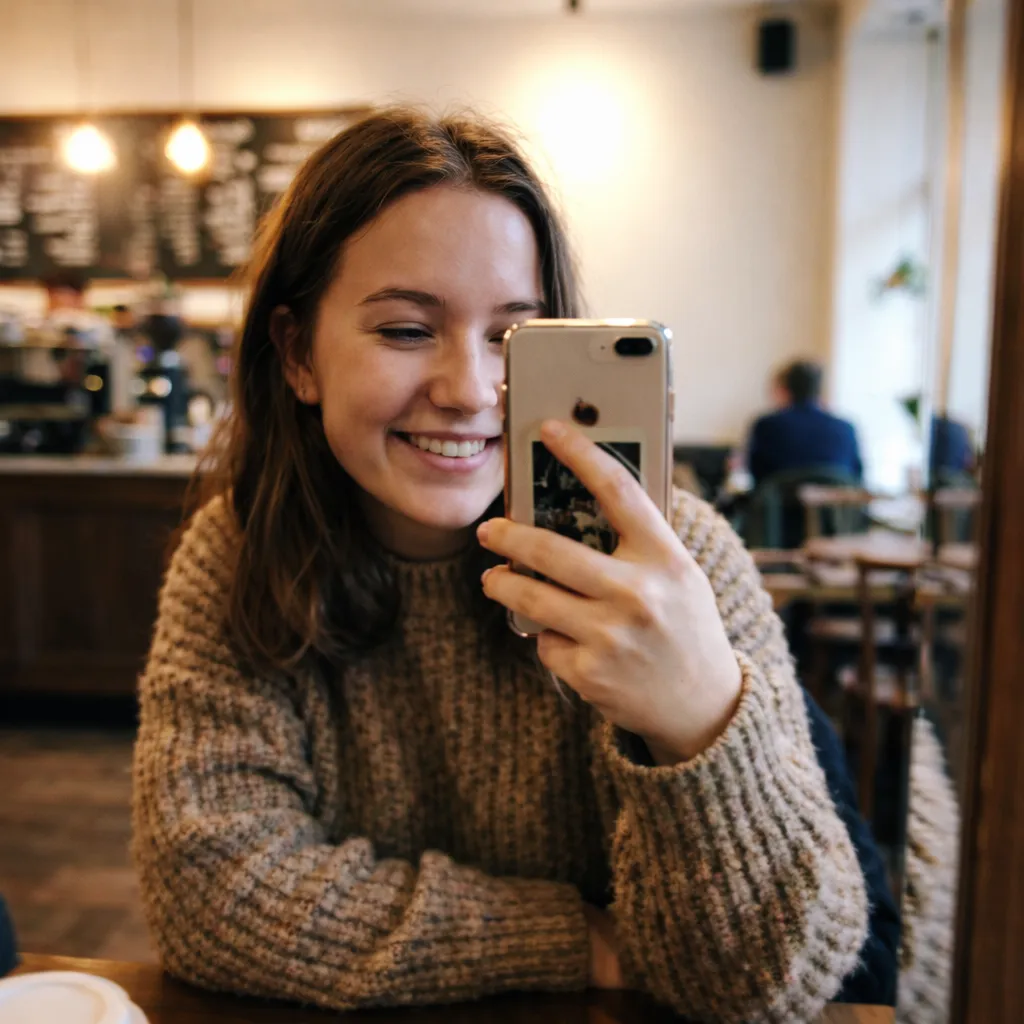
Turned a casual vacation selfie into a polished LinkedIn headshot. Got 3x more profile views the first week!

The studio background option is perfect. Looks like I paid for a professional photographer. Recruiters love it.

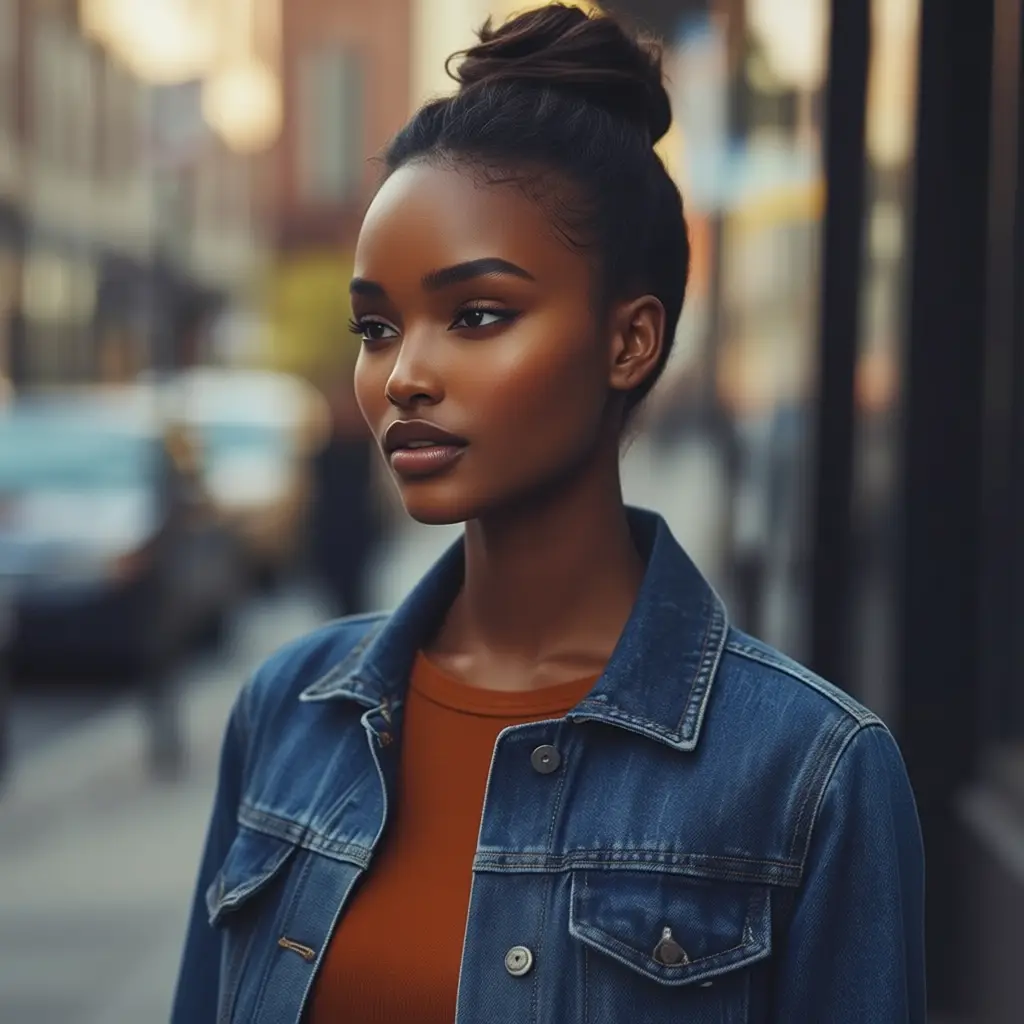
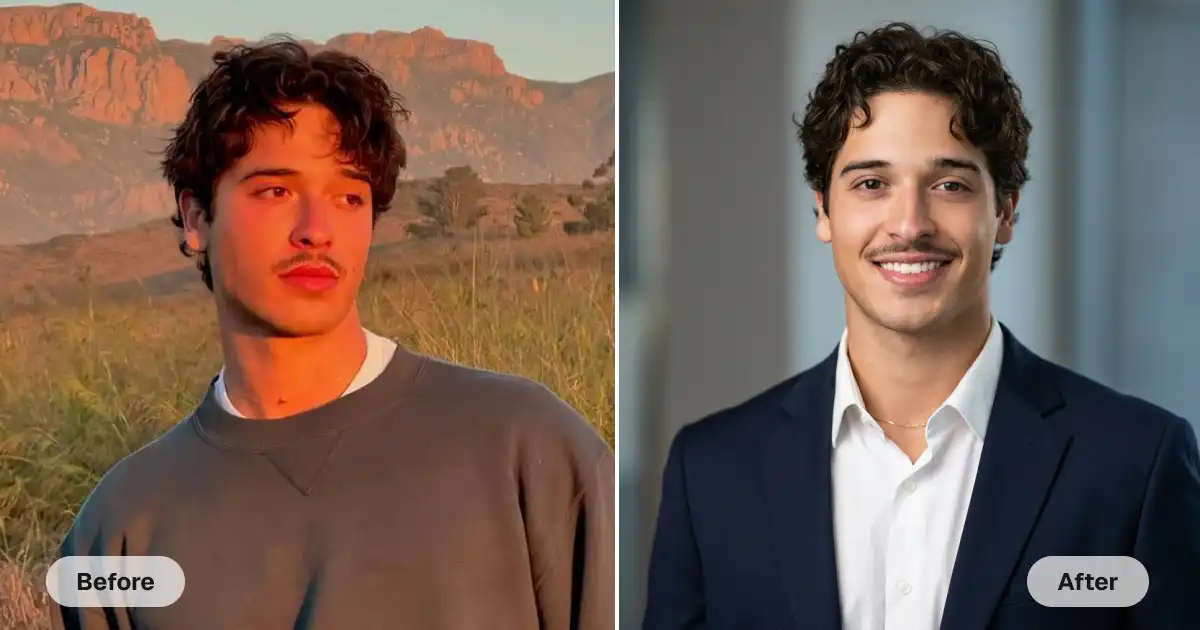
The formal suit option is genius. Turned my t-shirt selfie into a professional business headshot instantly.

Updated my LinkedIn photo before a job search. Got way more connection requests and interview invites. Worth it!

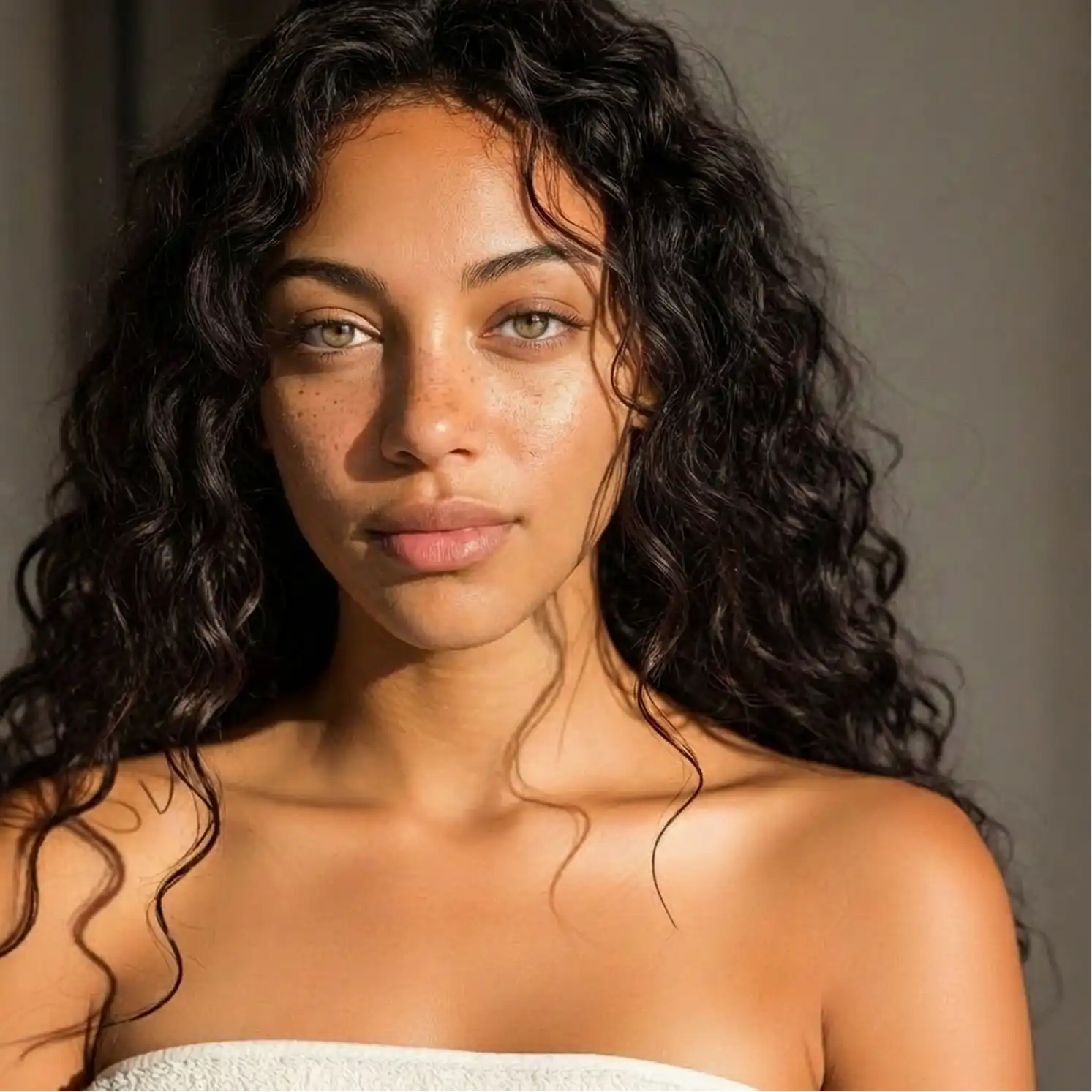
Lighting and background look incredibly professional. Way better than what I could do myself!

Made headshots for our whole team in 10 minutes. Everyone looks consistent and professional. Amazing tool.
Turned a casual vacation selfie into a polished LinkedIn headshot. Got 3x more profile views the first week!
The studio background option is perfect. Looks like I paid for a professional photographer. Recruiters love it.
The formal suit option is genius. Turned my t-shirt selfie into a professional business headshot instantly.
Updated my LinkedIn photo before a job search. Got way more connection requests and interview invites. Worth it!
Lighting and background look incredibly professional. Way better than what I could do myself!
Made headshots for our whole team in 10 minutes. Everyone looks consistent and professional. Amazing tool.
Use our online LinkedIn image maker to turn any selfie into a professional-style headshot in seconds. Just upload your picture and select settings such as whether or not to wear a suit and which background to add. Then, download your LinkedIn-ready image.
Save hundreds of dollars and hours of time with Overchat AI, an online tool that provides professional-quality headshots in seconds. Make your profile stand out with amazing studio-quality photos without ever setting foot in a studio.
All you need to get started is a photo of yourself — literally. As long as your face is visible, our advanced image-to-image generation artificial intelligence models can provide you with a professional-quality image.
Customize your LinkedIn profile image to your liking. Keep or change the background, dress yourself in professional attire, or wear your own clothes. Add any details you want with our custom prompt support. Create LinkedIn profile shots that are truly yours.
On average, it takes Overchat AI about 30 seconds to generate your LinkedIn headshot. Compared with the cost and time of booking a professional photographer — our tool delivers studio-quality results instantly.
USE CASES
Professional photo shoots can cost over $100 for just a few images, but with Overchat AI, you can achieve the same quality results for free.
Don't worry about booking the photo studio, making time in your schedule, or spending hours on the shoot. Get all the images you need with the click of a button.
Use advanced customization via presets and custom text prompts to make the images exactly how you want them to look. Describe the look in natural language, and our AI will deliver.
A beautiful and professional profile picture distinguishes you from the rest of LinkedIn profiles and instantly creates a reliable and trustworthy first impression.
Make your profile stand out from the millions of amateur pages on LinkedIn with a professional-quality headshot that shows you in the best light.
Maximize your chances of getting noticed by employers searching for job prospects on LinkedIn. Increase your success in online networking with a great profile.
Join thousands of people who are already using Overchat AI.
Overchat AI brings you the power of the world's top AI models: GPT, Claude, Gemini, Mistral, and more.

An AI LinkedIn image generator is a tool that uses artificial intelligence to generate images. This tool is specifically designed to create professional headshots from selfies. To use the tool, just upload your casual image. It will automatically change it into a professional headshot that is perfect for your LinkedIn profile. You can also use it for job applications, cover letters, resumes, email signatures, and more.
Overchat AI's LinkedIn image generator uses an AI model that can analyze and create new images from uploaded pictures. Depending on the settings you choose, this can be a completely new generation or a modified version of the original. In this case, parts of the original image were "painted over" by the AI using a technology called inpainting. Inpainting is a type of selective image editing. The whole process takes about 30 seconds. In the end, you receive a professional-quality LinkedIn profile picture of yourself in any setting, wearing professional clothes, and looking exactly like you do in real life.
Overchat AI is one of the best online tools for creating LinkedIn images. It uses a very advanced AI image model, which ensures very consistent, high-quality results. It works very quickly, and it's free to use. You can even start using it without creating an account.

Chinese company Baidu has quietly released a model that's just as good as DeepSeek and ChatGPT — ERNIE 4.5 delivers exceptional performance at a fraction of the cost — and most people outside China have never even heard of it.

If you're wondering: what is DeepSeek AI, the answer is quite simple. DeepSeek AI is a Chinese AI research lab that builds large language models. The company released several models in late 2024 and early 2025 that compete directly with OpenAI's GPT-4 and Anthropic's Claude, but at a fraction of the operating cost.

ChatGPT Plus costs $20 per month plus tax, while the Pro plan costs $200 per month plus tax. Understandably, not everyone is willing to pay that much for a chatbot, especially if the premium features aren’t worth it to them. This raises an obvious question: how can I use ChatGPT for free?
Available on Web, iOS, and Android. Access your AI assistant anywhere, anytime.



.svg)
