Overchat AI is an online toolkit that groups five AI content detectors in one place. The text detector checks writing for AI authorship, the image detector identifies AI-generated photos and deepfakes, the code detector flags AI-written source code, the music detector spots AI-composed tracks, and the video detector analyzes clips for AI generation. Each detector runs in the browser and returns a confidence score in seconds.
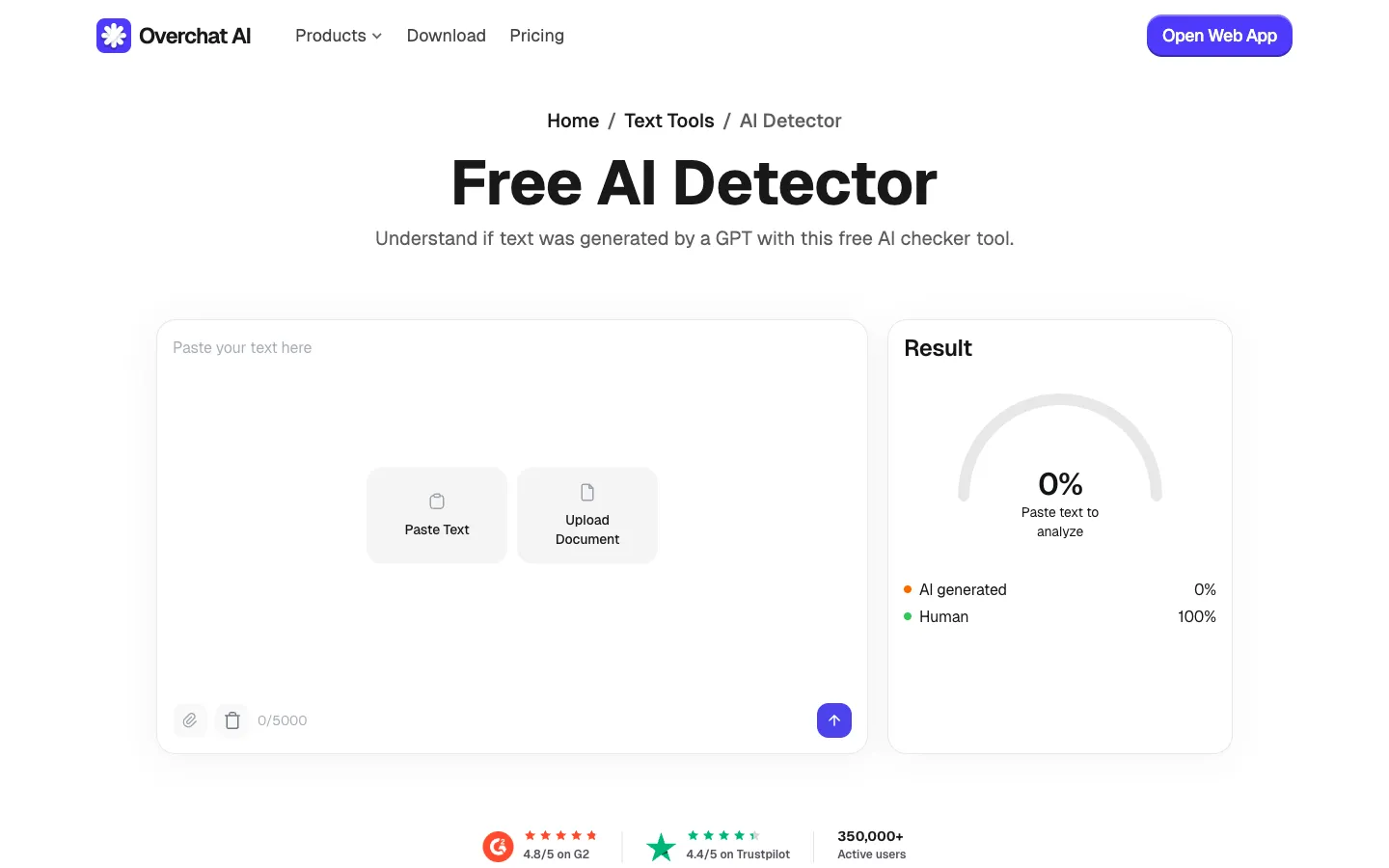
Analyzes writing to determine whether it was produced by a large language model. Works on essays, articles, reports, and cover letters, and identifies output from GPT-5, Claude Opus 4.7, Gemini 3, Grok 4, Llama 4, DeepSeek V3, and Mistral Large 3. Returns an overall confidence score with sentence-level highlighting of the most probable AI passages.
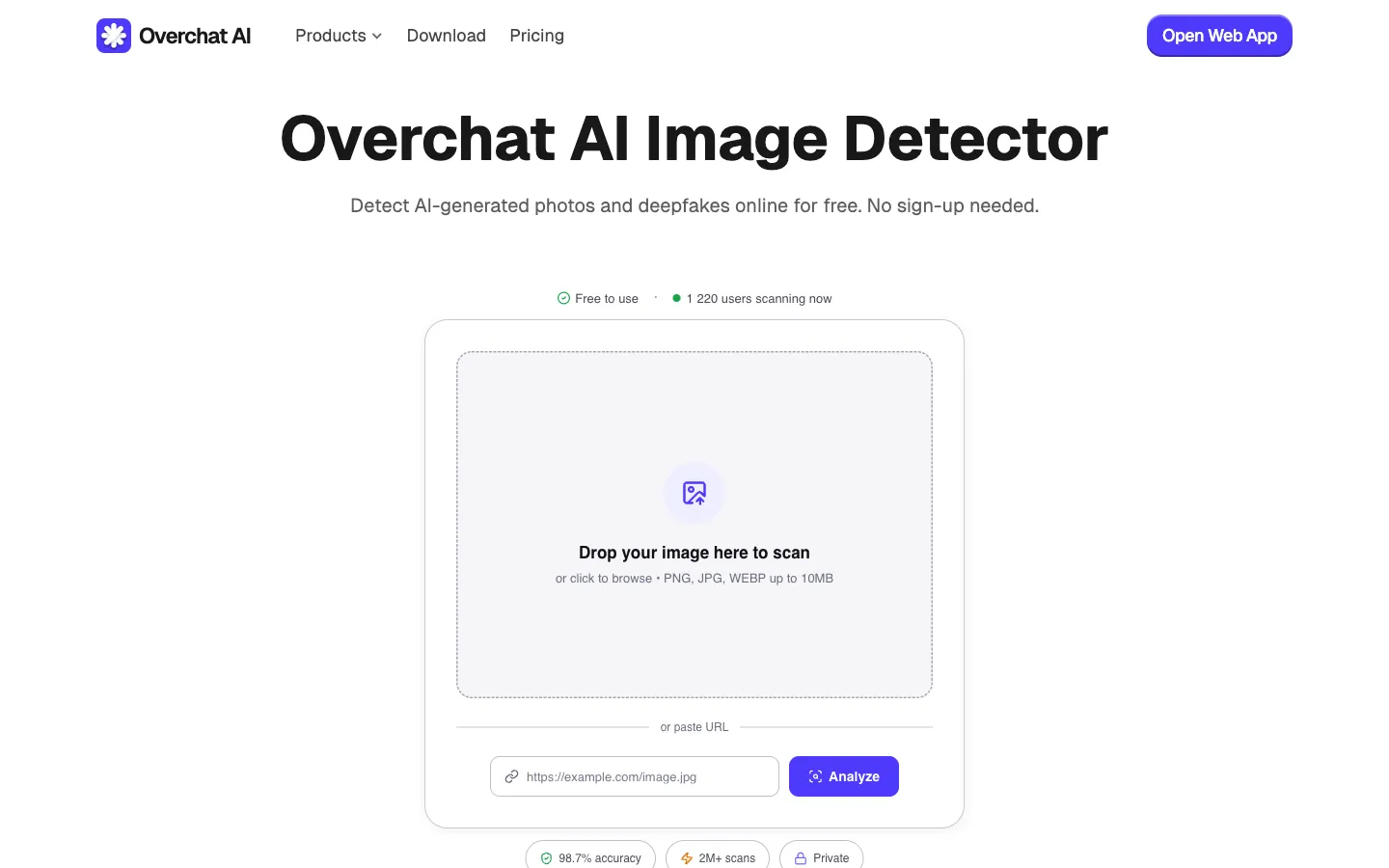
Inspects pixel-level artifacts and diffusion fingerprints to tell human-made photos and artwork apart from AI output. Covers images produced by Midjourney v7, Nano Banana 2, Seedream, GPT-Image-1.5, Grok Imagine, Flux 1.1 Pro, Ideogram 3, and common face-swap deepfake models. Accepts PNG, JPG, and WEBP files up to 10MB.
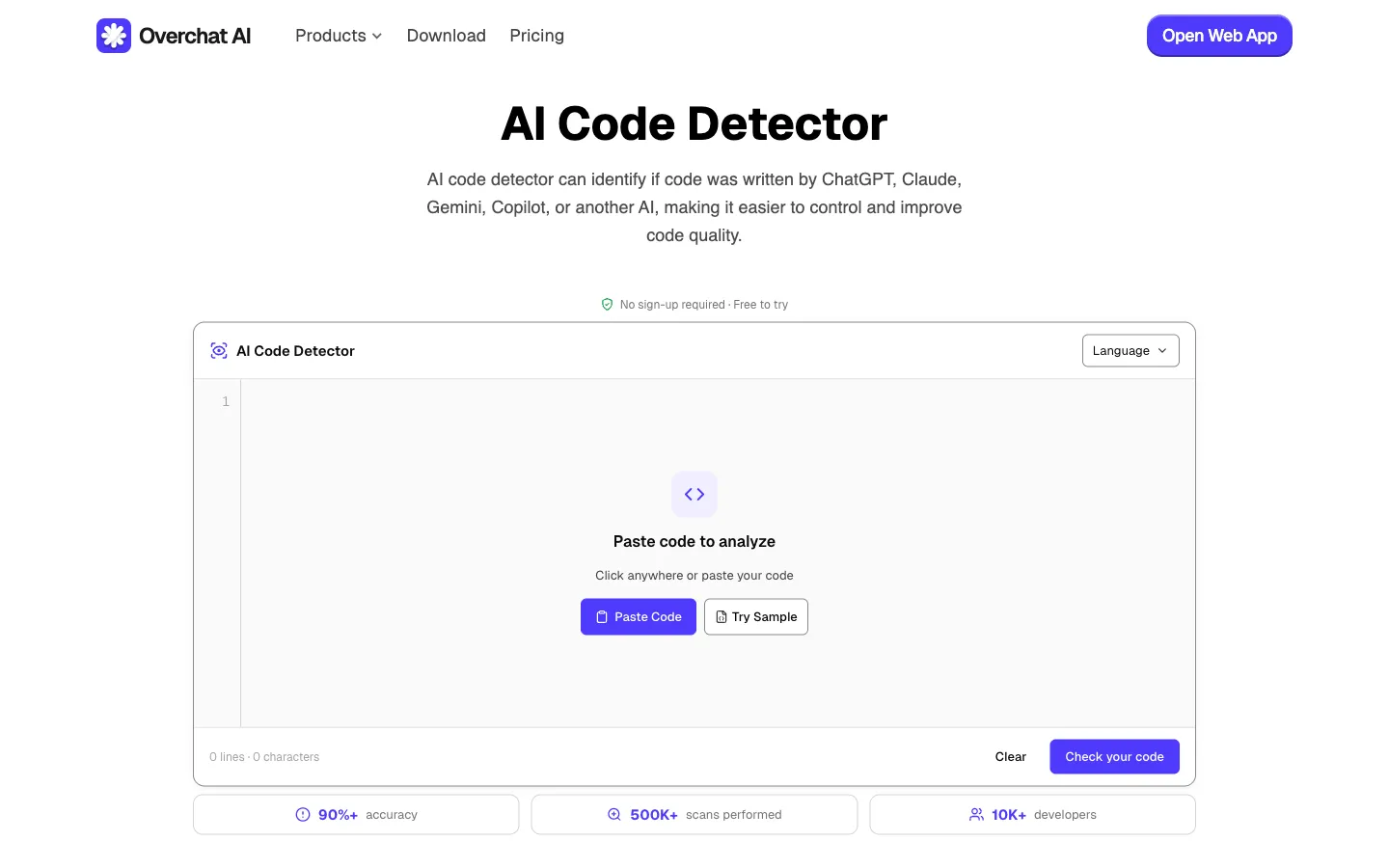
Compares a snippet's style and structure against patterns typical of large language models. Supports more than 20 programming languages and identifies code written by GPT-5, Claude Opus 4.7, Gemini 3, Grok 4, and Codex, including output produced via GitHub Copilot and Cursor. Used for code review, technical interviews, and academic assessment.

Examines tempo, harmonic structure, and production fingerprints to determine whether a track was composed by an AI model. Identifies output from Suno v5, Udio v2, Stable Audio 2.5, and ElevenLabs Music. Accepts MP3, WAV, FLAC, M4A, and OGG files up to 50MB.

Analyzes motion consistency, lighting, and facial geometry to identify AI-generated footage and deepfakes. Covers clips from Sora 2, Veo 3, Runway Gen-4, Kling 2.5, Hailuo 02, and Seedance, and accepts MP4, MOV, and WEBM files up to 100MB or a URL to a remote video.
Each detector uses a model trained on signals specific to its medium rather than a single general-purpose classifier. The sections below describe what sets the Overchat suite apart.
The image detector looks at pixel-level artifacts, the text detector analyzes token distribution and burstiness, and the music detector examines harmonic and production fingerprints. Each model is tuned for the signals that actually indicate AI authorship in its format.
A typical scan finishes in two to three seconds regardless of format, provided the input is within the stated size limits. There is no queue and no paid tier that unlocks faster processing.
Uploaded content is processed on request and discarded afterward. It is not used to train the detection models, which makes the tools suitable for unreleased manuscripts, internal source code, and pre-publication material.
The suite is updated as new generators ship. As of April 2026 it covers GPT-5, Claude Opus 4.7, Gemini 3, Nano Banana 2, Seedream, Sora 2, Veo 3, Suno v5, and the other models named on this page.
The workflow is the same for all five detectors. Select the detector that matches the content, provide the file or paste the text, then read the result.
Open the detector that matches the content being checked. Text and code are entered in paste fields. Images, audio, and video can be uploaded as files or provided as a URL to a remote asset.
Text fields accept up to 5,000 characters. Image uploads are limited to 10MB, audio tracks to 50MB, and video files to 100MB. Longer documents can be checked in sections.
Each detector returns a confidence score and, when it can be determined, the likely source model. The text detector also highlights individual sentences that are most likely to have been generated by AI.
AI detection is commonly used in contexts where the origin of the content affects the decision being made — including education, journalism, software development, and content publishing.
The text detector and code detector are used to check essays, take-home exams, research papers, and programming assignments before grading. Sentence-level highlighting helps locate AI passages inside longer submissions.
Editors run the text detector on press releases and guest posts to identify AI-rewritten copy. The image and video detectors are used to screen viral media for deepfakes and AI-generated footage before publication.
The code detector is used during pull-request review and technical interviews to identify code written by GPT-5, Claude Opus 4.7, Gemini 3, or Codex — including output produced via GitHub Copilot and Cursor. This is particularly relevant for safety-critical codebases and take-home coding tasks.
The music detector is used to check tracks submitted as original compositions. The image detector is used to verify photographs and artwork before licensing, publication, or entry into juried competitions.
The text detector is the most common entry point. For images, code, music, or video, open the matching detector from the list above. Each one returns a result within a few seconds.
