Generate stunning AI images with GPT Image 2.0 — OpenAI's most advanced image-generation model featuring thinking-mode reasoning, near-perfect text rendering, multilingual typography, and 4K resolution.
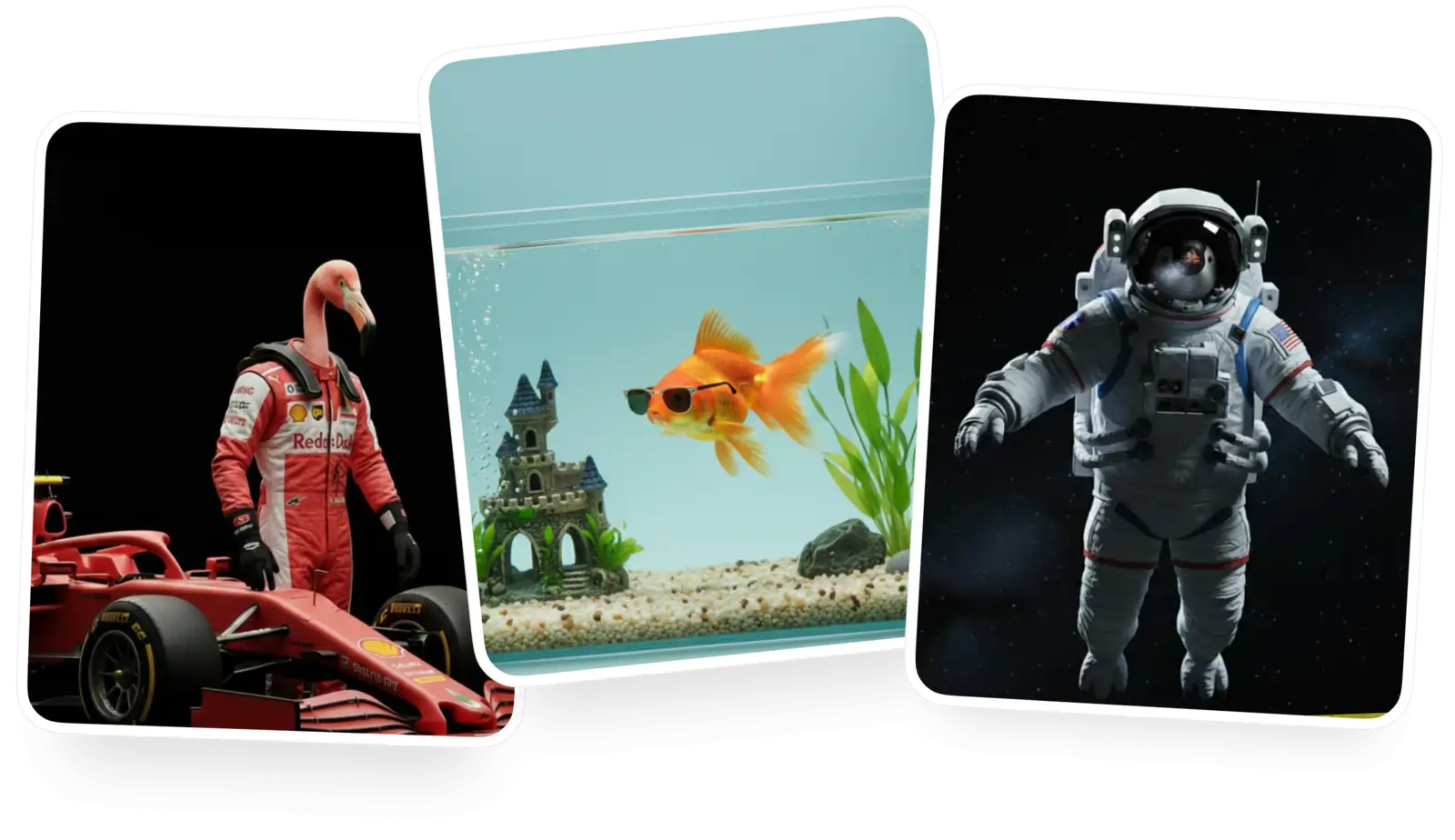
Create a free account to download it and keep generating
GPT Image 2.0 is OpenAI's latest text-to-image and image-to-image AI model. Released on April 21, 2026, it is the first image model from OpenAI with built-in “thinking” capabilities — the model reasons about composition, layout, and object relationships before drawing. A significant upgrade from GPT Image 1, it delivers ~99% typography accuracy, native support for non-Latin scripts like Japanese, Chinese, Korean, Hindi, and Bengali, and renders at up to 4096×4096 resolution roughly twice as fast as its predecessor. GPT Image 2.0 sets a new standard for detail, prompt-following, and text rendering in AI image generation.
GPT Image 2.0 reasons about layout, composition, and object relationships before generating, just like a text model thinks before answering. The result: dramatic gains in prompt comprehension, accuracy, and visual taste.
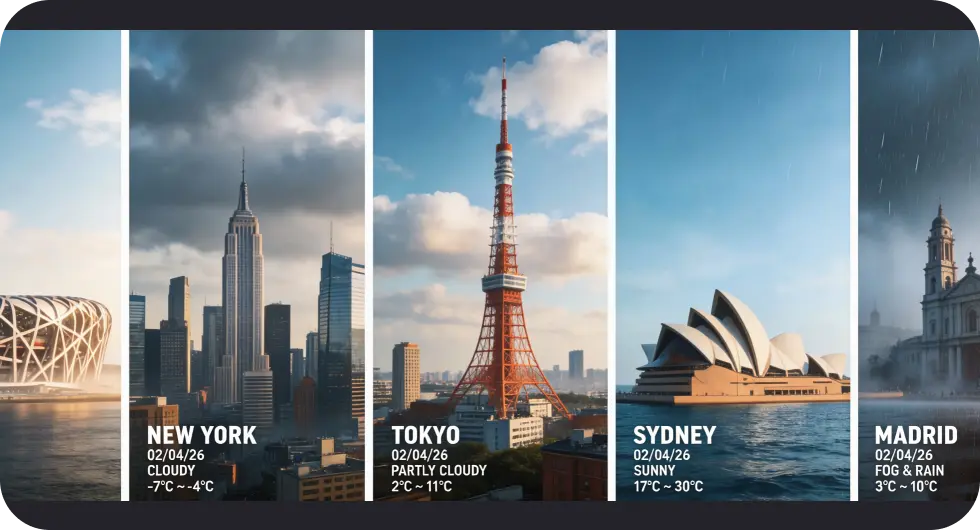
With ~99% typography accuracy, GPT Image 2.0 finally renders clean, legible text at any size — even inside UI mockups, infographics, charts, posters, and magazine-style layouts.
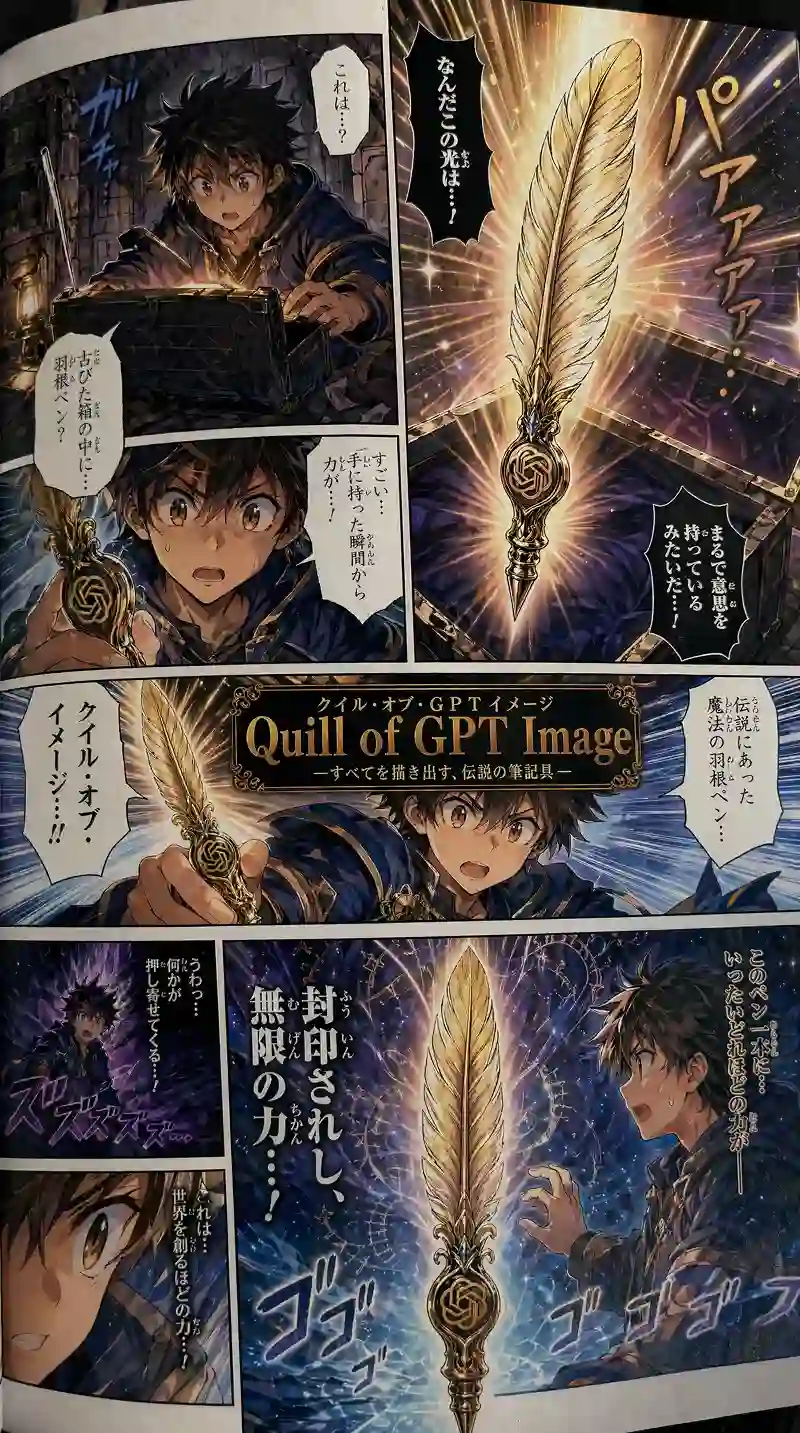
GPT Image 2.0 handles non-Latin scripts natively — Japanese, Chinese, Korean, Hindi, and Bengali — producing localized images that feel authentic, not translated.
Go to the Overchat AI image generator and select GPT Image 2.0 from the model dropdown menu.
Describe the image you want in the text field and provide as many details as you like. GPT Image 2.0 excels at detailed instructions: specify fonts, layouts, languages, and object placement, and the model will follow them precisely.
Select the aspect ratio you want, click Generate, and wait a few seconds while GPT Image 2.0 processes your image at up to 4K resolution.
Download your image, or use Overchat AI's built-in editing tools to refine it further — upscale, extend, remove backgrounds, and more.
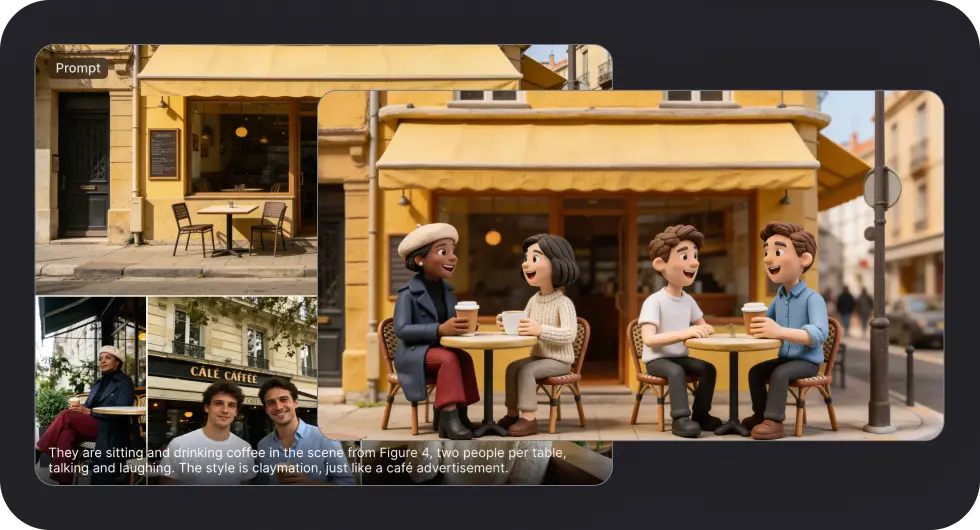
With its combination of thinking-mode reasoning, flawless text rendering, and 4K output, GPT Image 2.0 is one of the best AI image generation models of 2026.
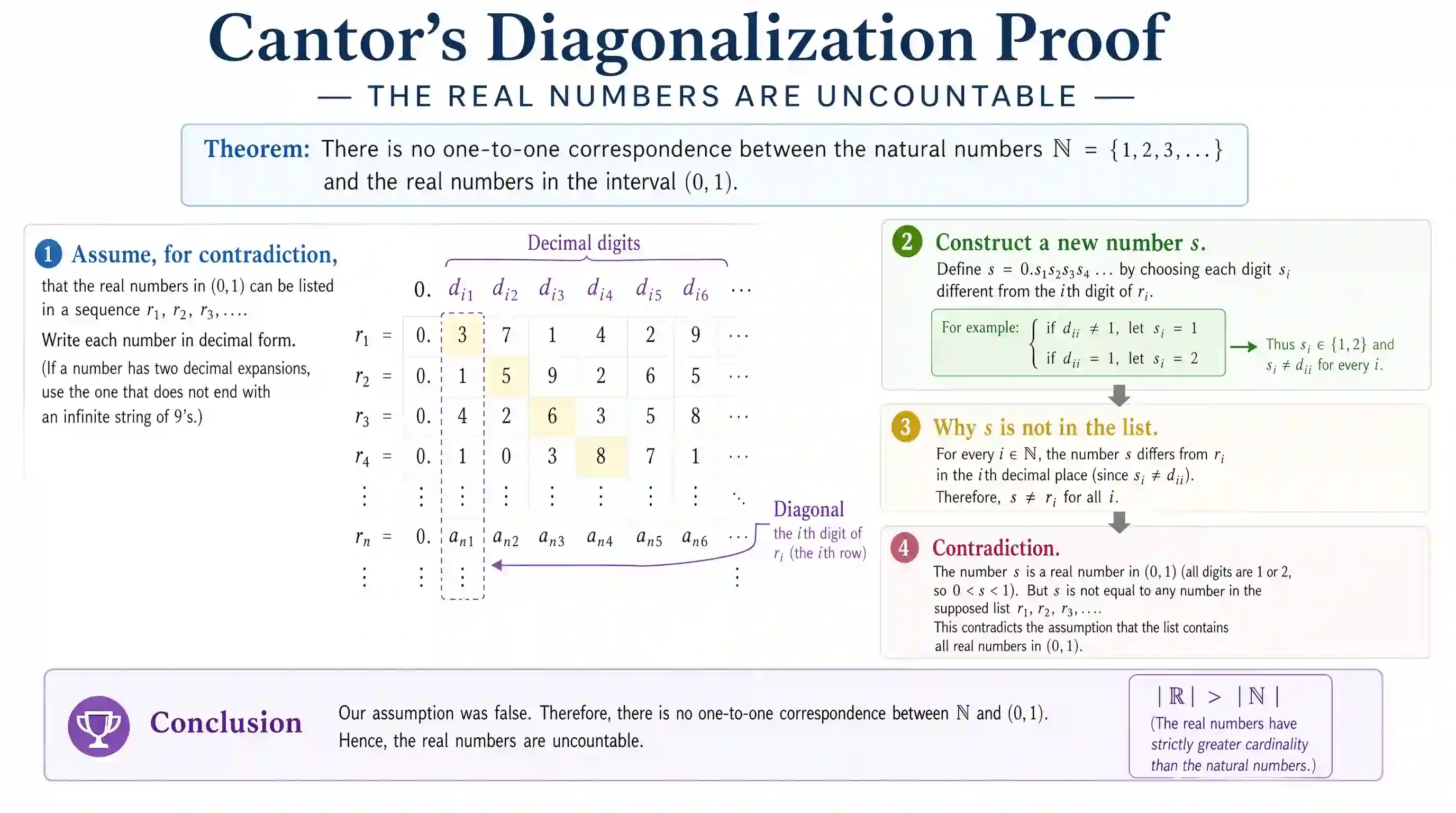
GPT Image 2.0 generates images at up to 4096×4096 resolution without external upscaling. It creates crisp, highly detailed images right out of the box — ready for print, commercial use, or social media.
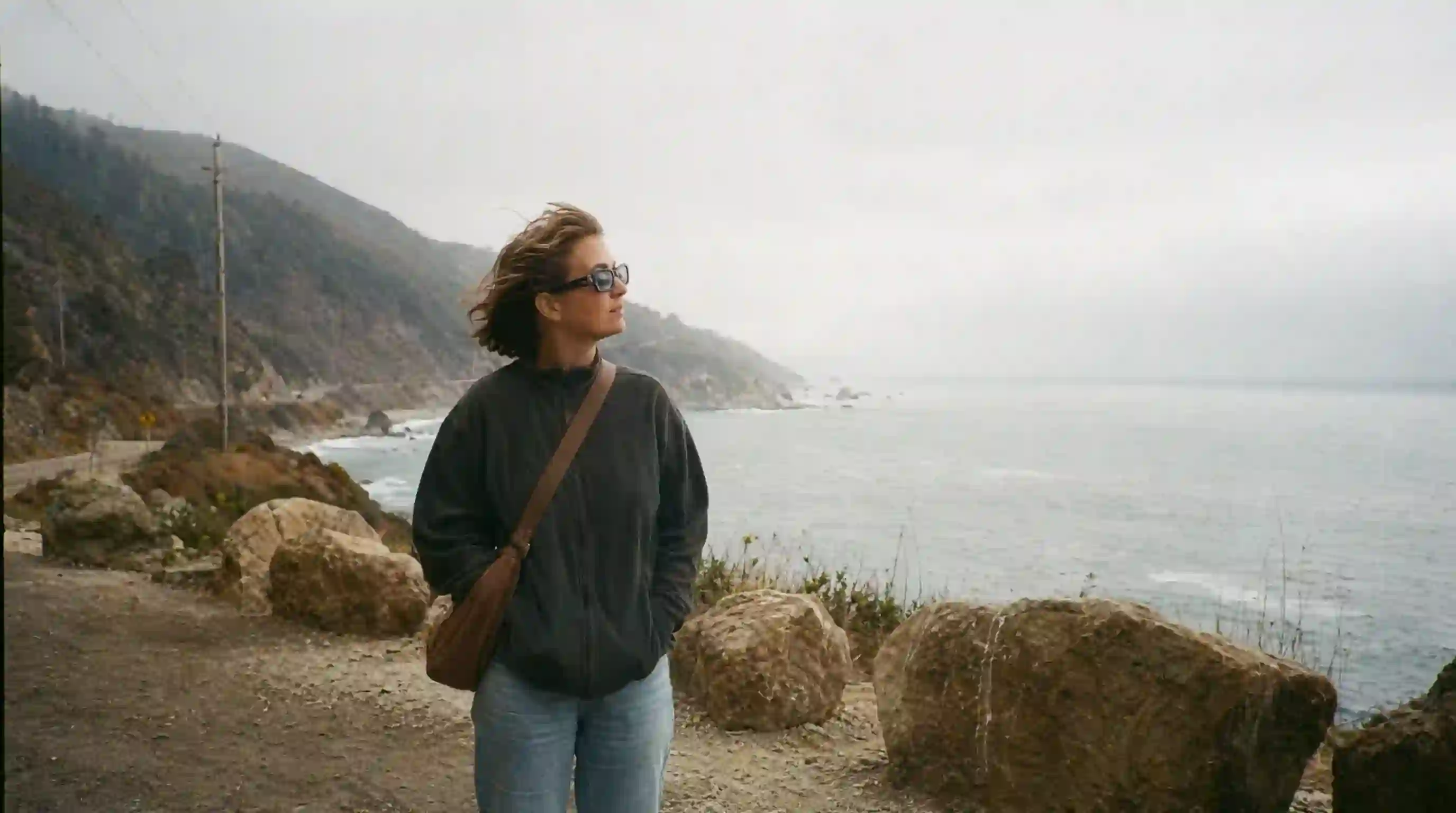
Unlike previous AI image generators that turned text into gibberish, GPT Image 2.0 hits ~99% typography accuracy. That makes it one of the best models for infographics, UI mockups, posters, and any design where text matters.
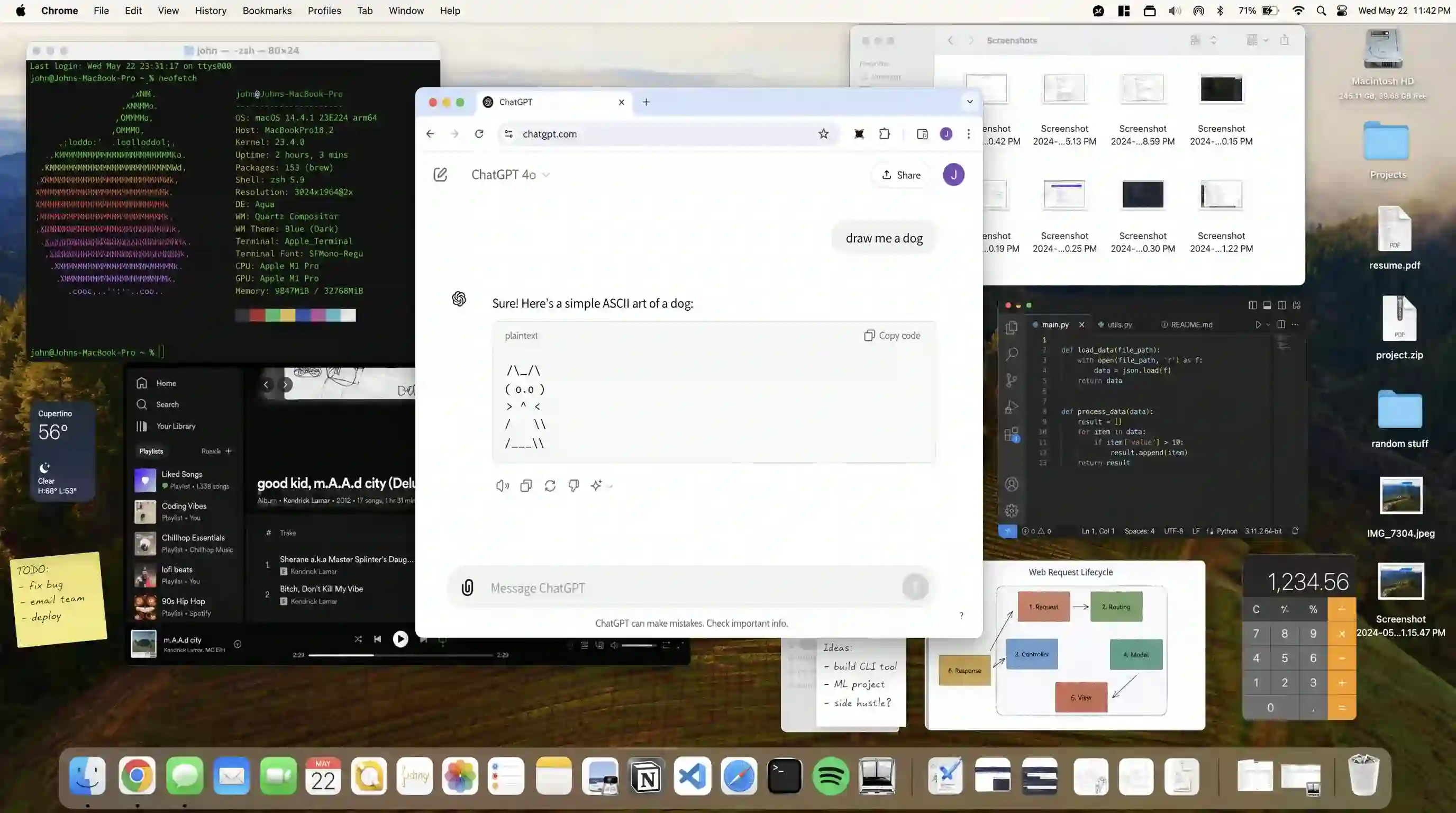
GPT Image 2.0 generates images roughly twice as fast as its predecessor, GPT Image 1. You can produce high-quality 4K results in seconds — not minutes — and batch up to 8 images from a single prompt.
Overchat AI brings you the power of the world's top AI models: GPT, Claude, Gemini, Mistral, and more.

GPT Image 2.0 is a text-to-image and image-to-image generation AI model created by OpenAI, released on April 21, 2026. It replaces GPT Image 1 and is OpenAI's first image model with “thinking” capabilities — it reasons about composition, layout, and text before drawing. It matches or beats other frontier models like Nano Banana 2 and Seedream 5, with class-leading typography accuracy and multilingual support.
GPT Image 2.0 is one of the most computationally demanding AI image generators, which is why offering it for free is impossible. To use it, you need the Overchat AI Pro plan, which starts at $14.99 per month. This plan also unlocks access to hundreds of pro-level models and tools available on our platform.
Nano Banana 2 and GPT Image 2.0 are evenly matched at the top of the AI image leaderboards. Both deliver best-in-class quality. The difference is subjective: Nano Banana tends to be more film-like with softer colors, while GPT Image 2.0 is crisper, with punchier contrast and stronger text rendering. Neither is strictly better — it's a matter of taste and the job at hand.
GPT Image 2.0 was developed by OpenAI, the company behind ChatGPT and DALL·E. It is the successor to GPT Image 1 and is available through ChatGPT, the OpenAI API (as gpt-image-2), and Overchat AI.
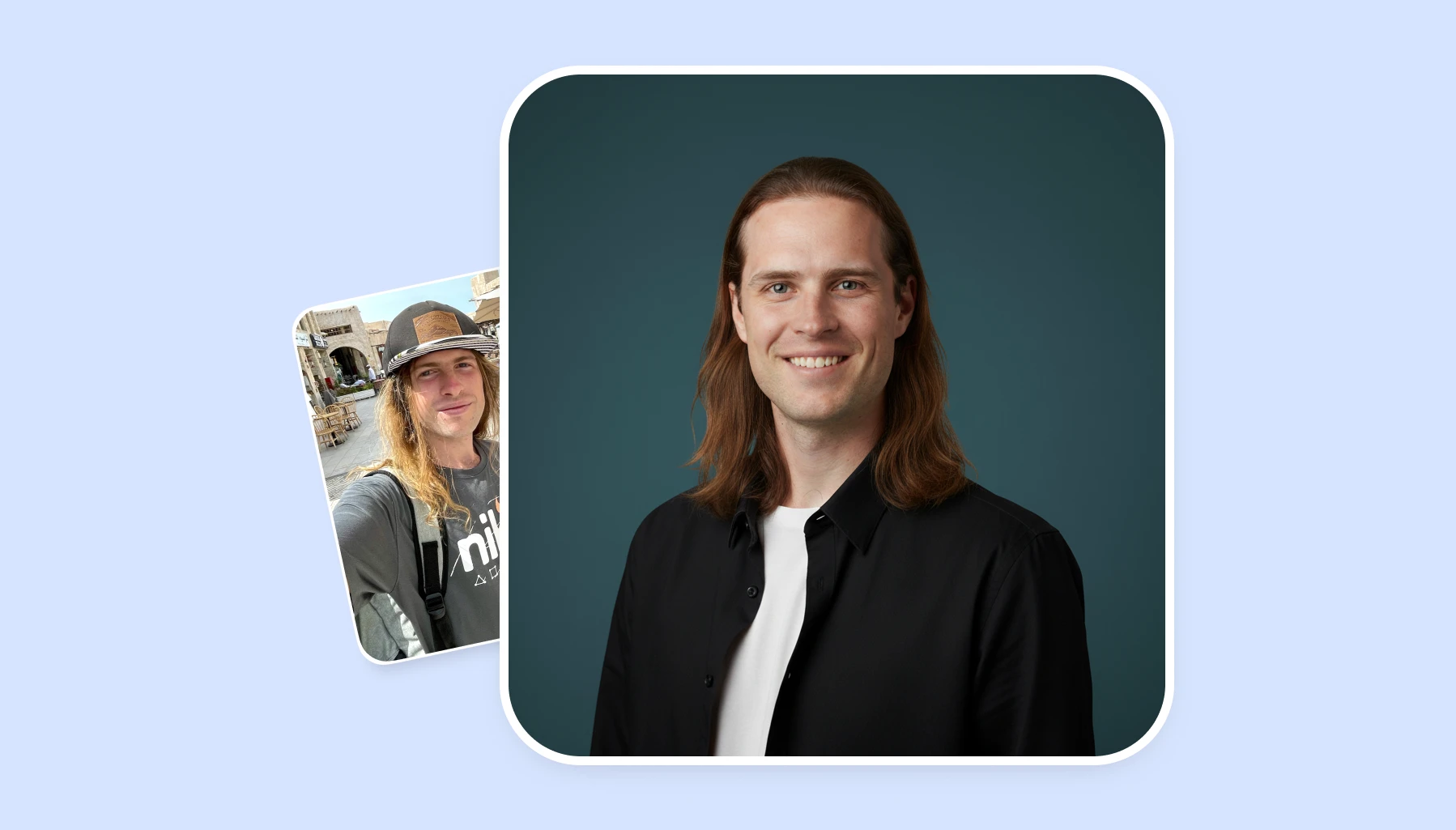
Discover the top AI headshot tools that deliver professional results in minutes. We compare pricing, quality, and features to help you choose the perfect solution for your needs.
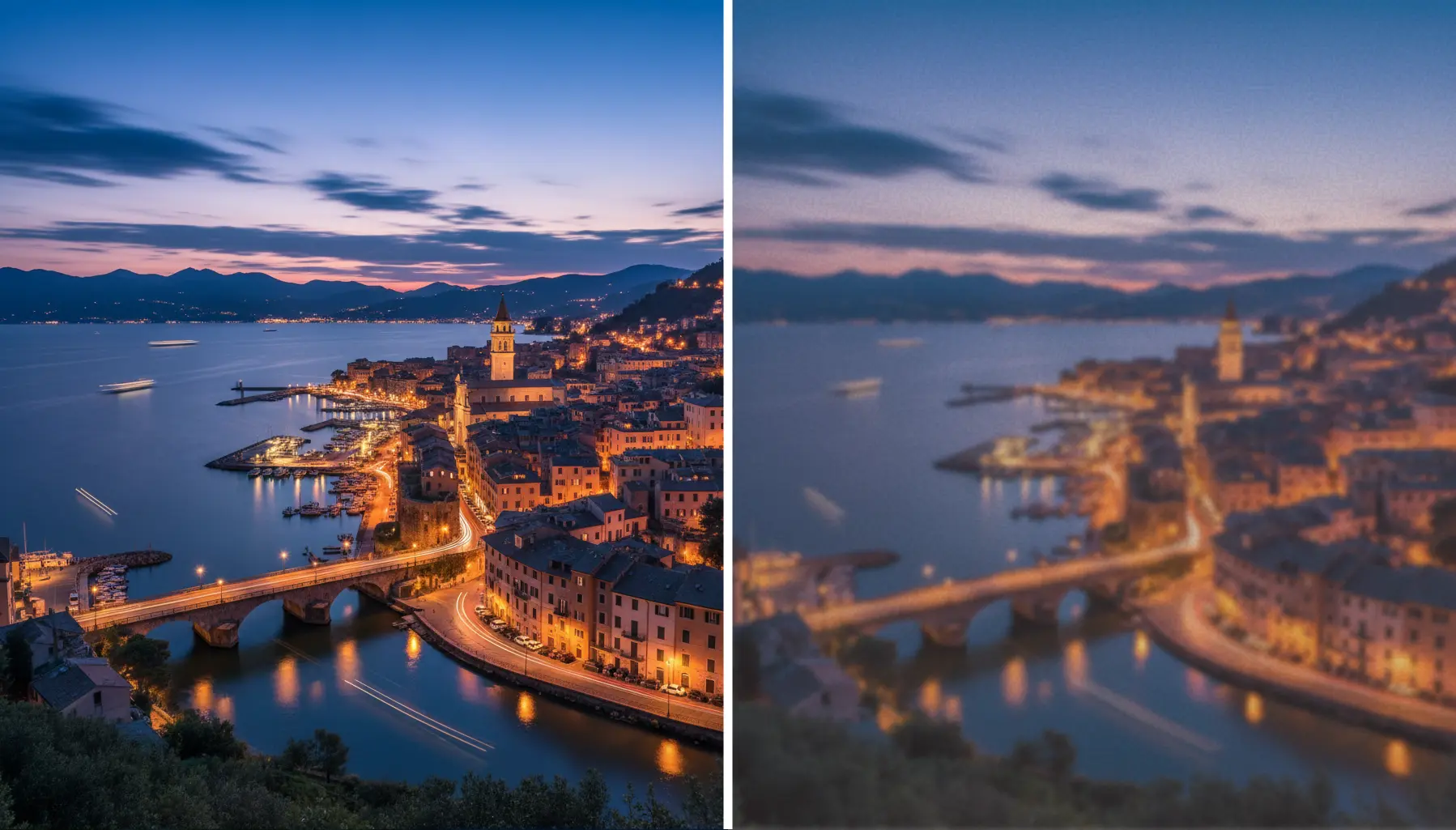
Learn the secrets to upscaling your images without losing quality. From AI-powered tools to best practices, we'll show you how to enhance resolution while preserving every detail.
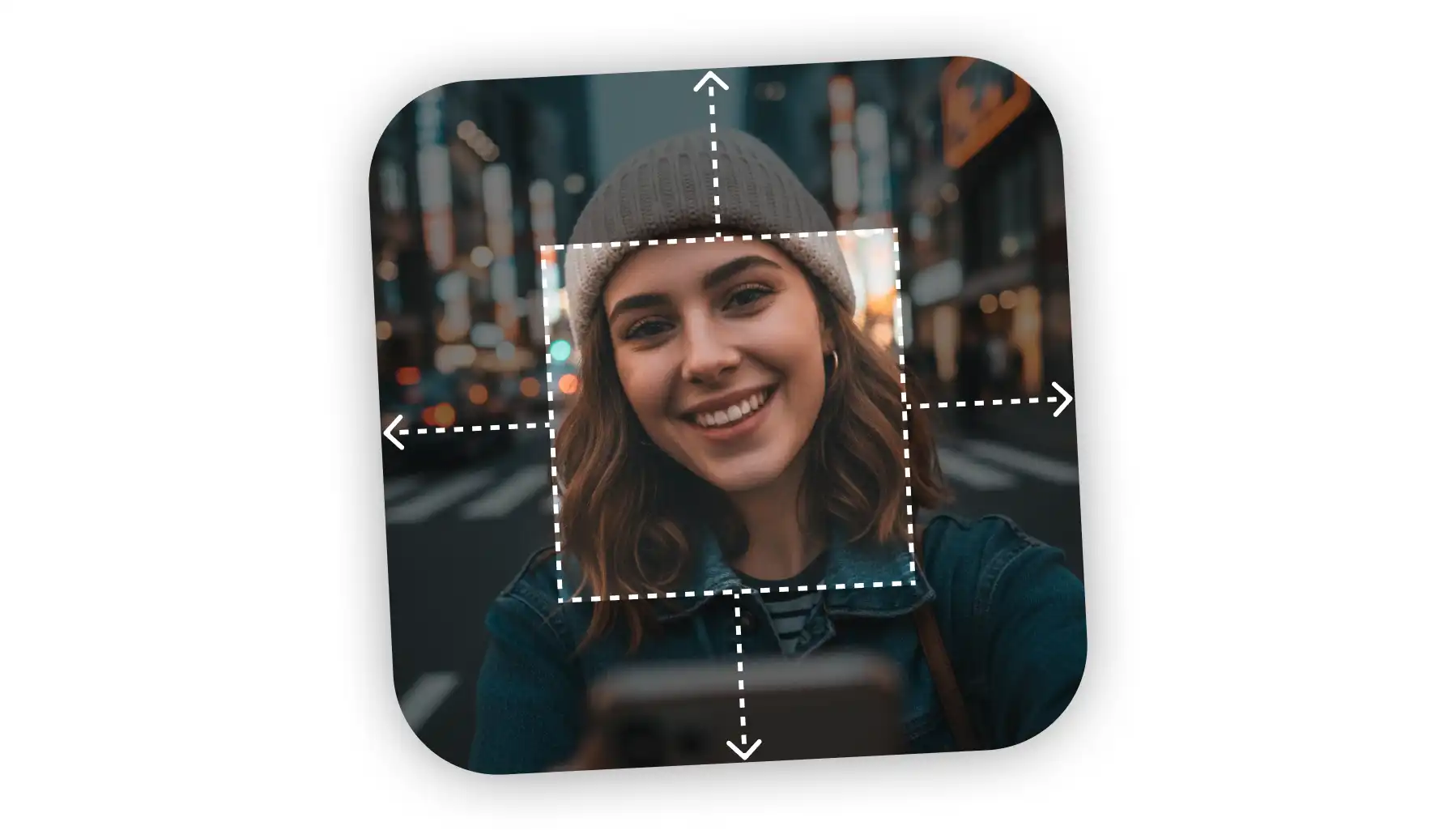
Need to uncrop your photos beyond their original borders? Explore the leading AI image extenders that seamlessly fill in backgrounds and create the perfect composition for any project.
Available on Web, iOS, and Android. Access your AI assistant anywhere, anytime.



.svg)
