Gere imagens incríveis com IA usando o GPT Image 2.0 — o modelo de geração de imagens mais avançado da OpenAI, com raciocínio em modo thinking, renderização de texto quase perfeita, tipografia multilíngue e resolução 4K.
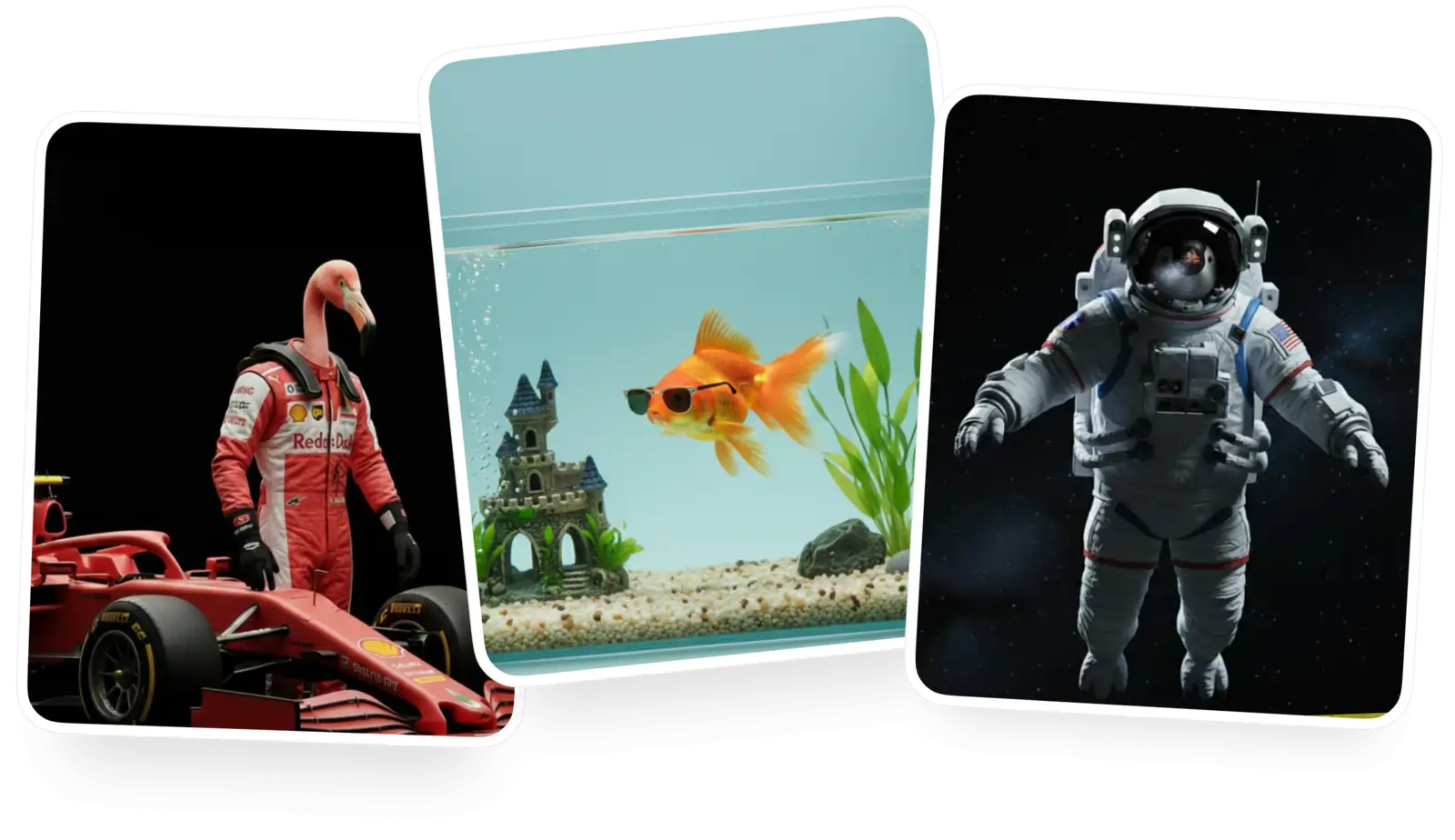
Crie uma conta grátis para baixar e continuar gerando
O GPT Image 2.0 é o modelo de IA de texto para imagem e imagem para imagem mais recente da OpenAI. Lançado em 21 de abril de 2026, é o primeiro modelo de imagem da OpenAI com capacidade nativa de “thinking” — o modelo raciocina sobre composição, layout e relação entre objetos antes de desenhar. Um salto e tanto em relação ao GPT Image 1, ele entrega ~99% de precisão tipográfica, suporte nativo a escritas não latinas como japonês, chinês, coreano, híndi e bengali, e renderiza em até 4096×4096 cerca de duas vezes mais rápido que o antecessor. O GPT Image 2.0 estabelece um novo padrão de detalhe, fidelidade ao prompt e renderização de texto na geração de imagens com IA.
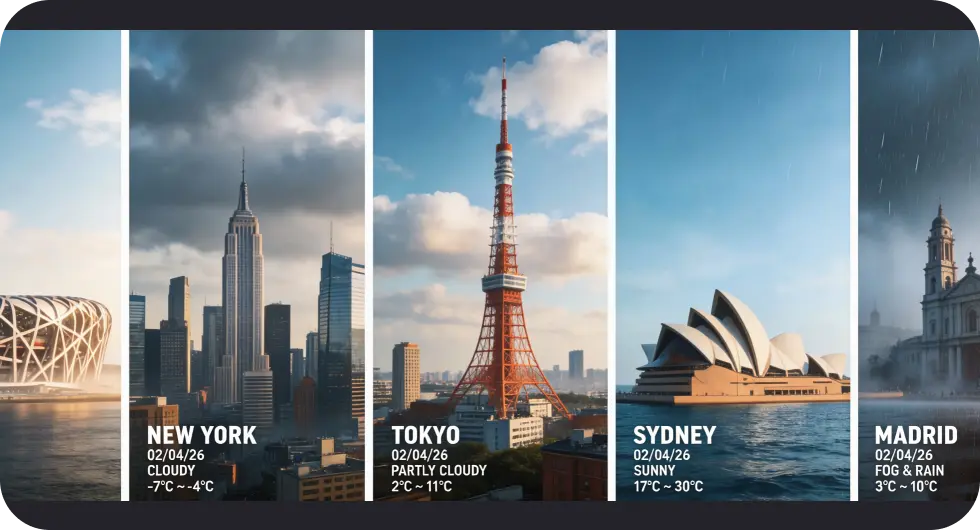
O GPT Image 2.0 raciocina sobre layout, composição e relação entre objetos antes de gerar, do mesmo jeito que um modelo de texto pensa antes de responder. O resultado: ganhos enormes em compreensão do prompt, precisão e bom gosto visual.
Com ~99% de precisão tipográfica, o GPT Image 2.0 finalmente renderiza textos limpos e legíveis em qualquer tamanho — inclusive em mockups de interface, infográficos, gráficos, pôsteres e layouts estilo revista.
O GPT Image 2.0 lida nativamente com escritas não latinas — japonês, chinês, coreano, híndi e bengali — gerando imagens localizadas que parecem autênticas, e não traduzidas.
Acesse o gerador de imagens do Overchat AI e selecione o GPT Image 2.0 no menu suspenso de modelos.
Descreva a imagem que você quer no campo de texto e dê quantos detalhes quiser. O GPT Image 2.0 é ótimo com instruções detalhadas: especifique fontes, layouts, idiomas e a posição dos objetos, e o modelo vai seguir tudo à risca.
Se a aparência não estiver correta, ajuste as configurações do construtor e regenere até que fique perfeito.
Baixe sua imagem ou use as ferramentas de edição integradas do Overchat AI para refiná-la ainda mais — ampliar, expandir, remover fundos e muito mais.
Tudo acontece em um só lugar, do início ao fim. Você cria um personagem, molda a aparência e usa a mesma configuração para produzir quantas imagens precisar. Pequenos ajustes podem levar a resultados completamente diferentes, então é fácil explorar ideias e refiná-las à medida que você avança.
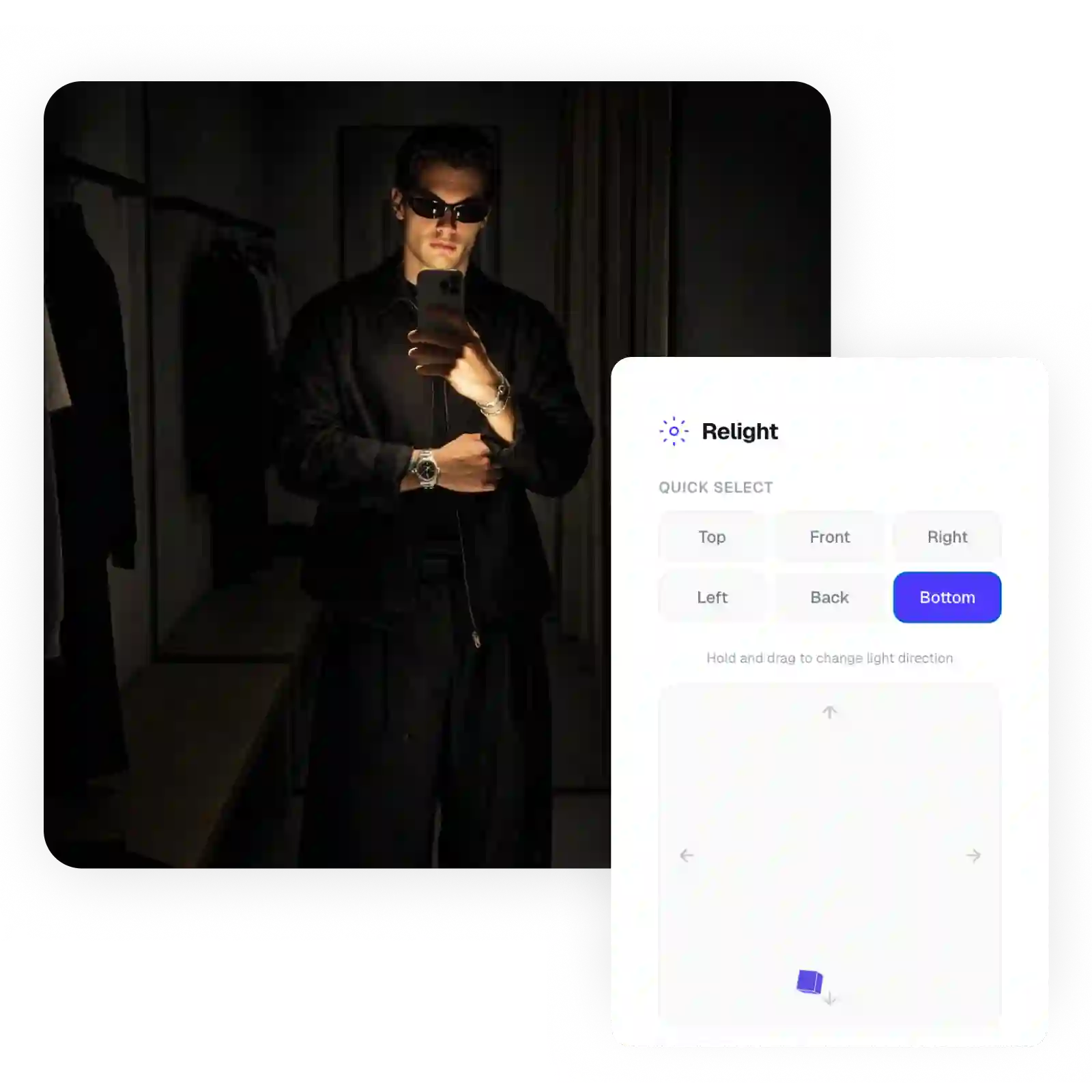
O GPT Image 2.0 gera imagens em resolução de até 4096×4096 sem precisar de ampliação externa. Ele cria imagens nítidas e cheias de detalhes já de cara — prontas para impressão, uso comercial ou redes sociais.
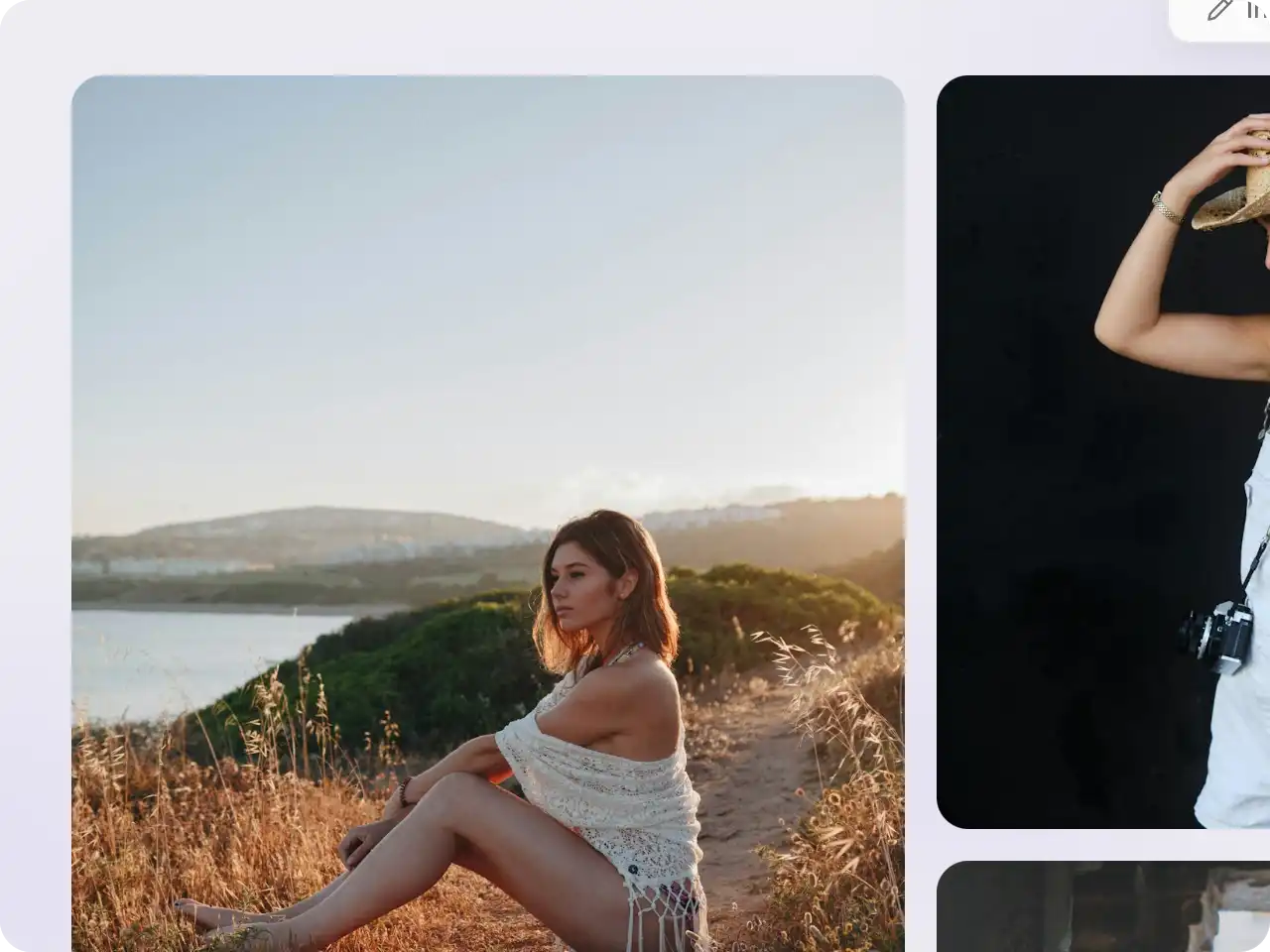
Diferente dos geradores de imagem com IA anteriores, que transformavam texto em rabiscos sem sentido, o GPT Image 2.0 atinge cerca de 99% de precisão tipográfica. Isso o torna um dos melhores modelos para infográficos, mockups de interface, pôsteres e qualquer design em que o texto importa.
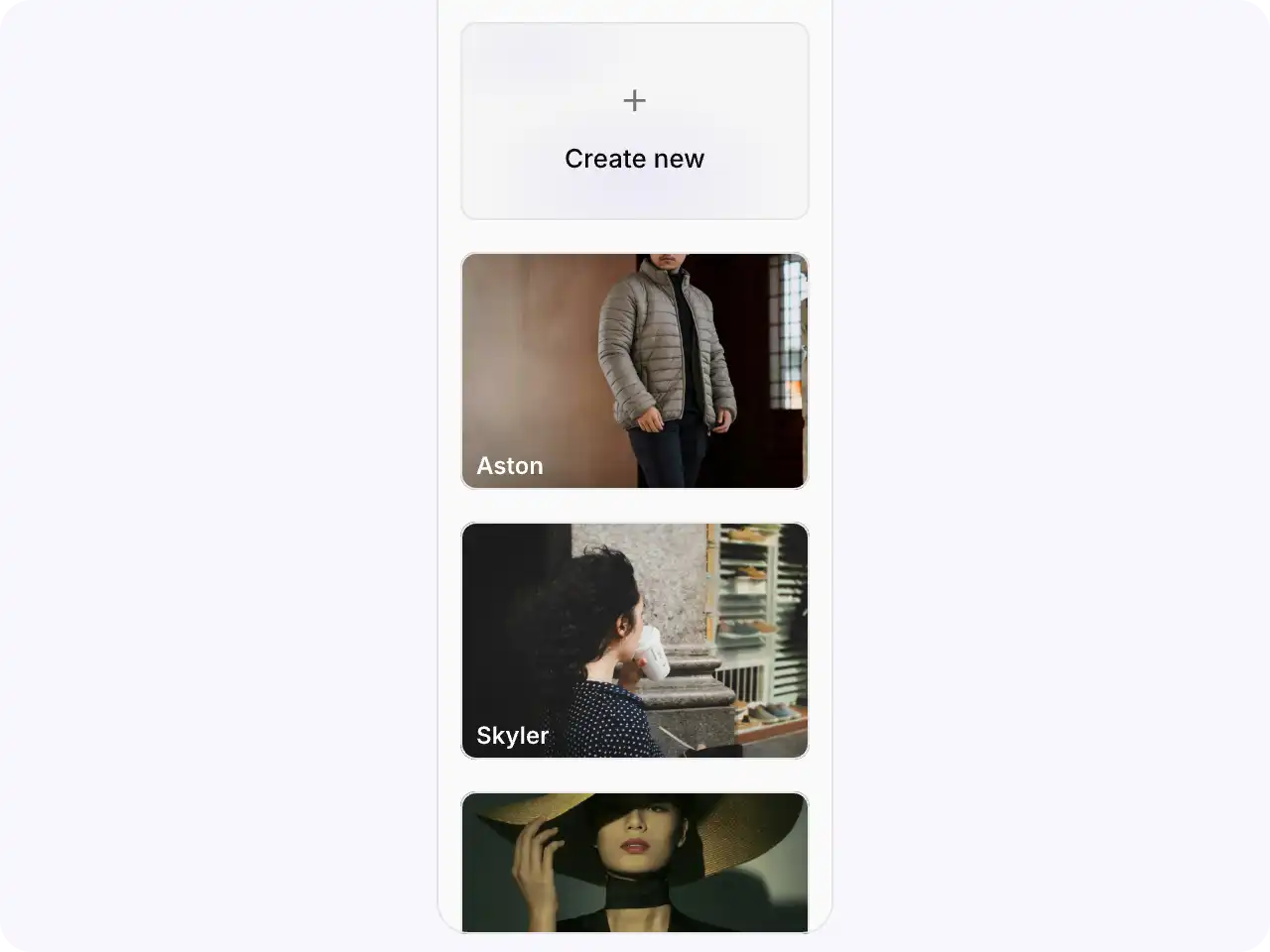
Baixe suas fotos para publicá-las em suas contas de mídia social ou compartilhá-las diretamente do Overchat AI com um clique.
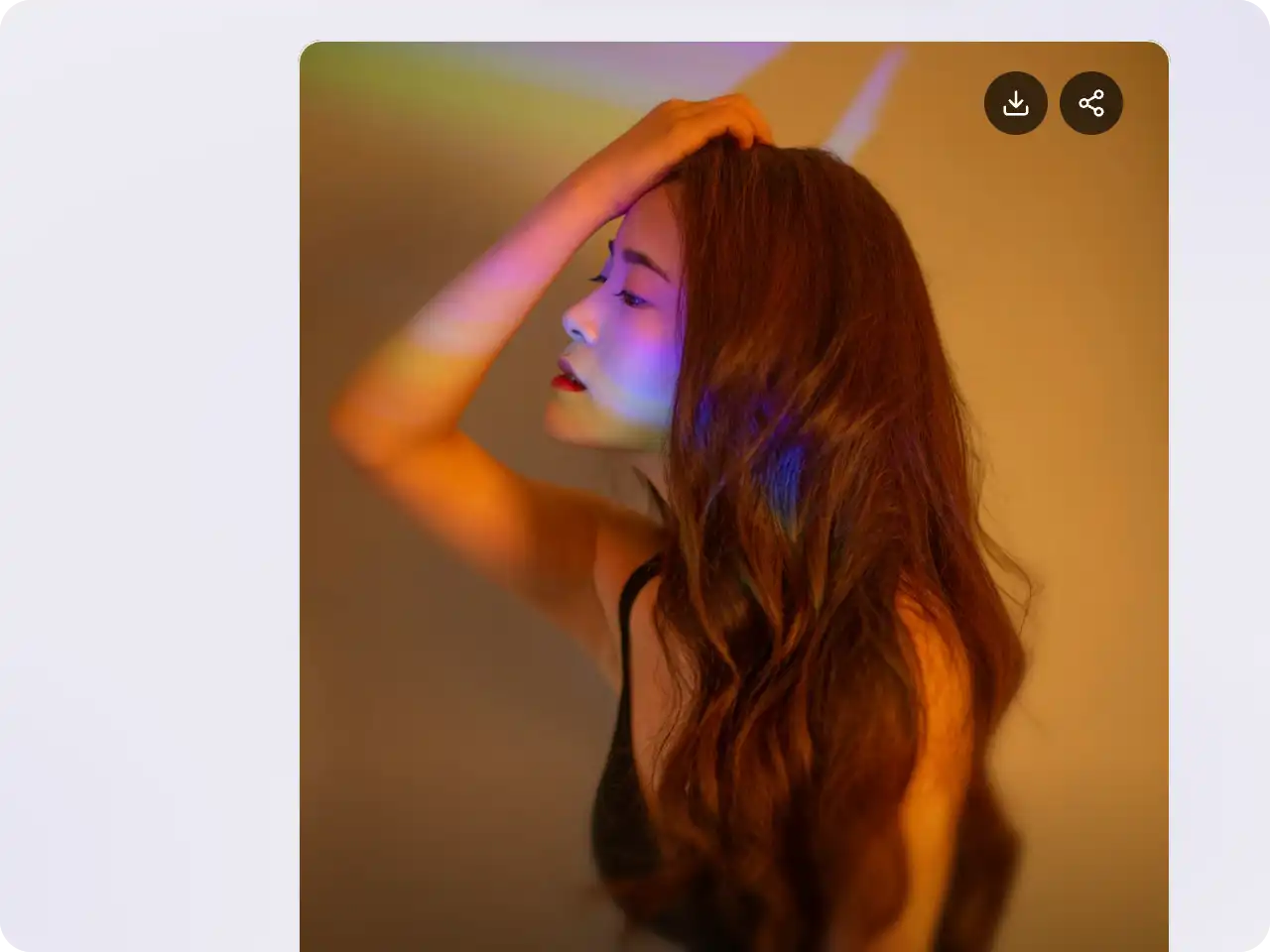
A IA do Overchat traz para você o poder dos principais modelos de IA do mundo: GPT, Claude, Gemini, Mistral e muito mais.

O GPT Image 2.0 é um modelo de IA de geração de texto para imagem e imagem para imagem criado pela OpenAI e lançado em 21 de abril de 2026. Ele substitui o GPT Image 1 e é o primeiro modelo de imagem da OpenAI com capacidade de “thinking” — raciocina sobre composição, layout e texto antes de desenhar. Ele empata ou supera outros modelos de fronteira como Nano Banana 2 e Seedream 5, com precisão tipográfica e suporte multilíngue líderes da categoria.
O GPT Image 2.0 é um dos geradores de imagens com IA que mais exigem poder computacional, e por isso é impossível oferecê-lo de graça. Para usá-lo, você precisa do plano Overchat AI Pro, a partir de $14.99 por mês. Esse plano também libera o acesso a centenas de modelos e ferramentas de nível profissional disponíveis na nossa plataforma.
Nano Banana 2 e GPT Image 2.0 estão tecnicamente empatados no topo dos rankings de imagens com IA. Os dois entregam qualidade de primeira linha. A diferença é subjetiva: o Nano Banana costuma ter um visual mais cinematográfico, com cores mais suaves, enquanto o GPT Image 2.0 é mais nítido, com contraste mais marcante e texto mais bem renderizado. Nenhum é melhor em termos absolutos — é questão de gosto e do trabalho que você tem em mãos.
O GPT Image 2.0 foi desenvolvido pela OpenAI, empresa por trás do ChatGPT e do DALL·E. É o sucessor do GPT Image 1 e está disponível no ChatGPT, na API da OpenAI (como gpt-image-2) e no Overchat AI.
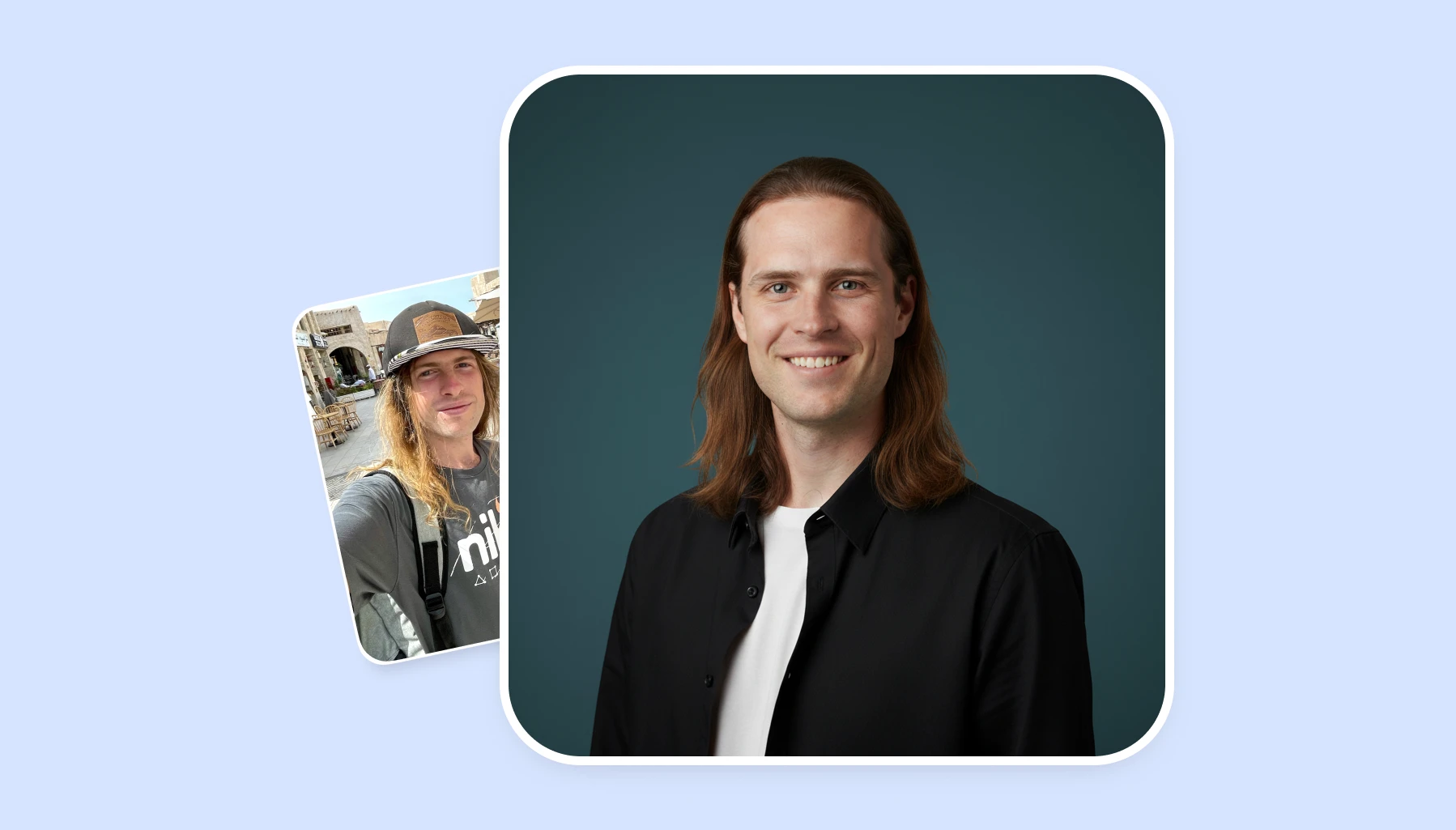
Descubra as principais ferramentas de IA para tirar fotos de rosto que oferecem resultados profissionais em minutos. Comparamos preços, qualidade e recursos para ajudar você a escolher a solução perfeita para suas necessidades.
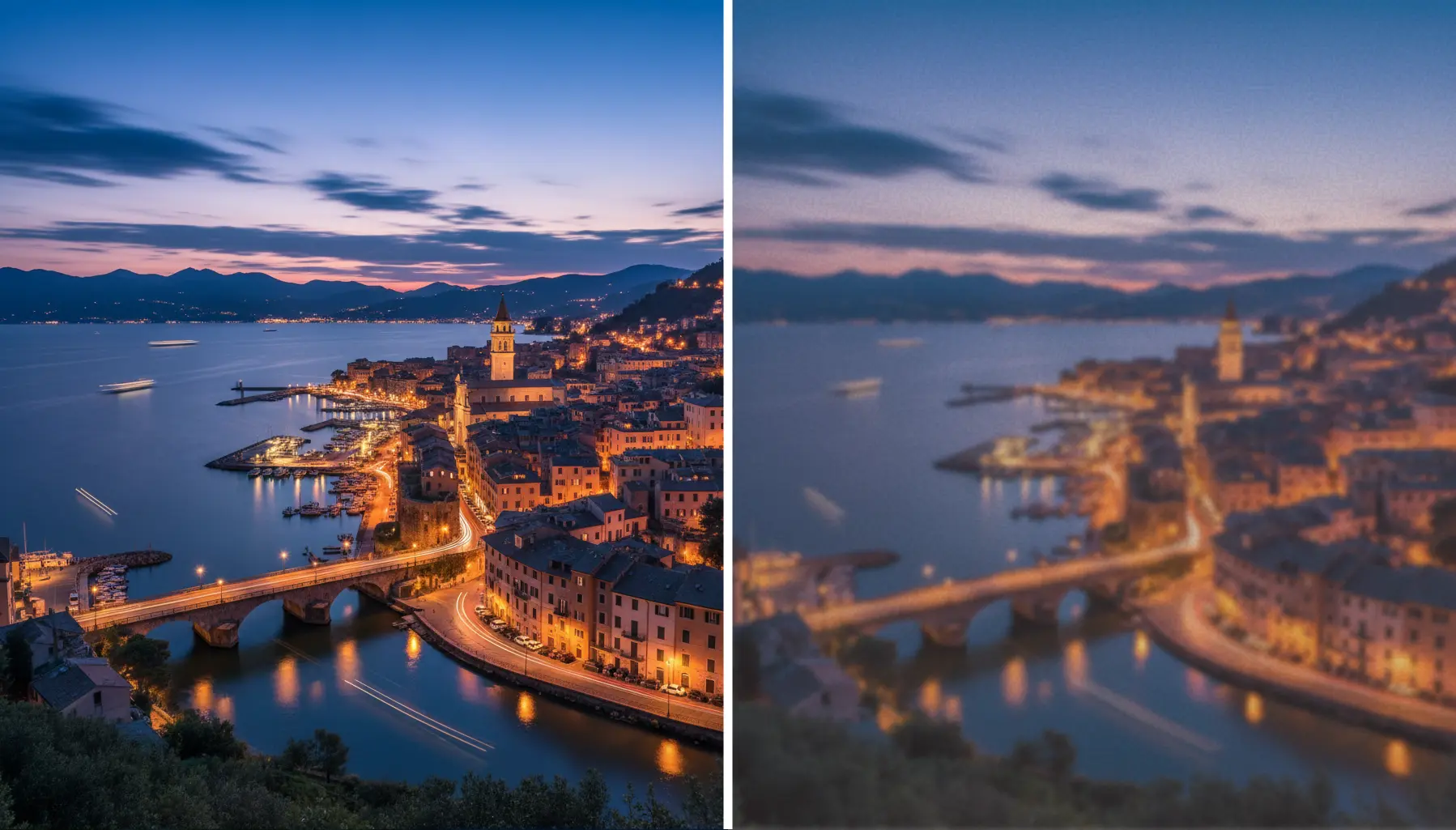
Aprenda os segredos para aumentar a escala de suas imagens sem perder qualidade. De ferramentas baseadas em IA às melhores práticas, mostraremos como aprimorar a resolução e preservar todos os detalhes.
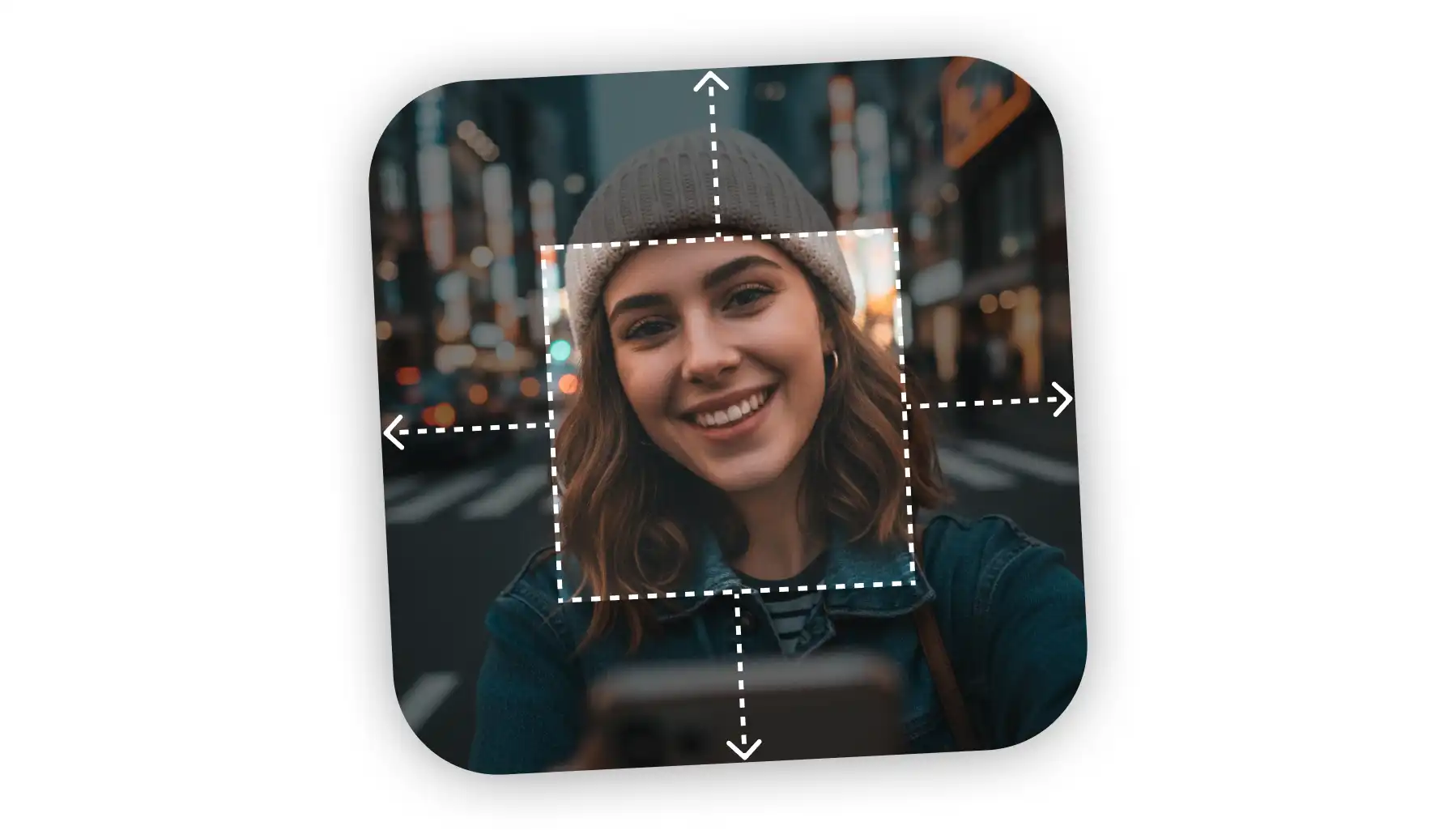
Precisa desrecortar suas fotos além das bordas originais? Explore os principais extensores de imagem de IA que preenchem perfeitamente os planos de fundo e criam a composição perfeita para qualquer projeto.
Disponível na Web, iOS e Android. Acesse seu assistente de IA em qualquer lugar, a qualquer hora.



.svg)
