Arraste ou escolha
Até 10 MB
Arraste ou escolha
Até 10 MB
Junte duas fotos em uma única imagem com IA. Envie as duas imagens, descreva como elas devem se encaixar e receba o resultado em segundos.
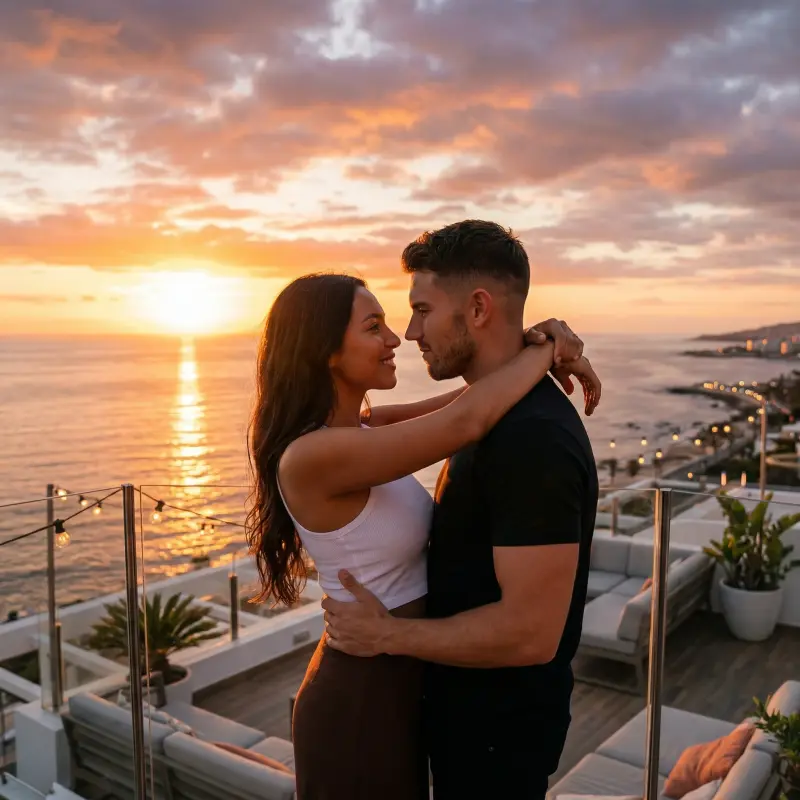
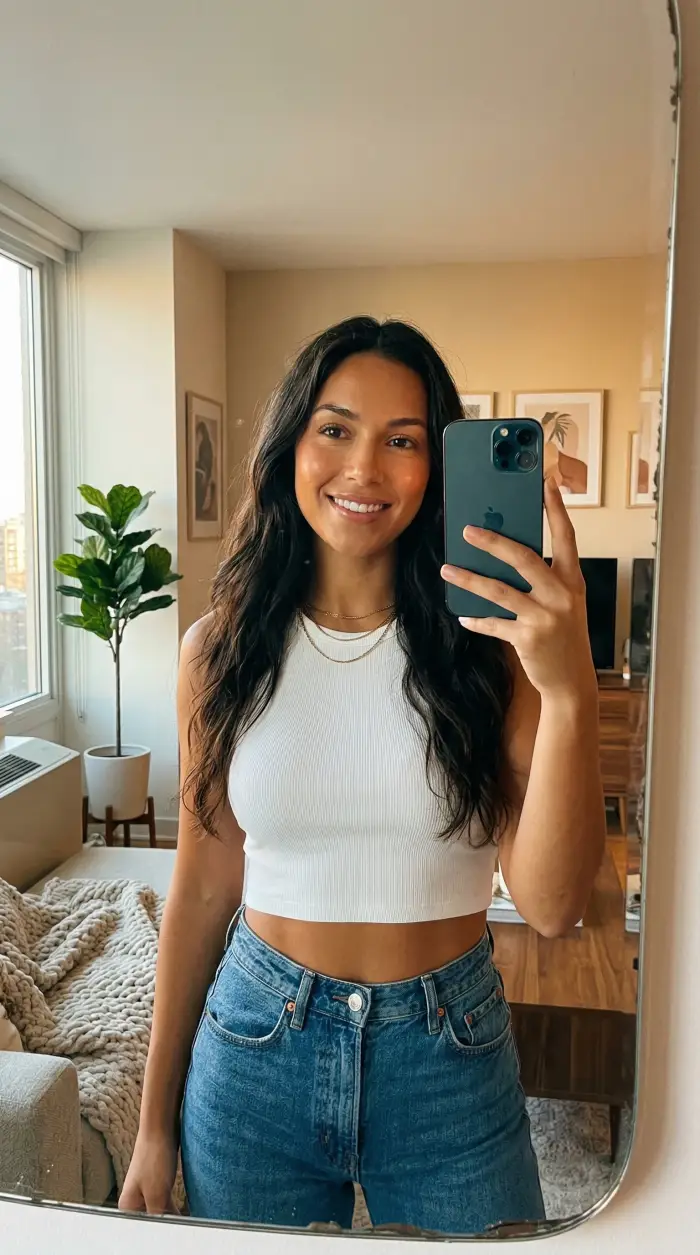 Foto 1
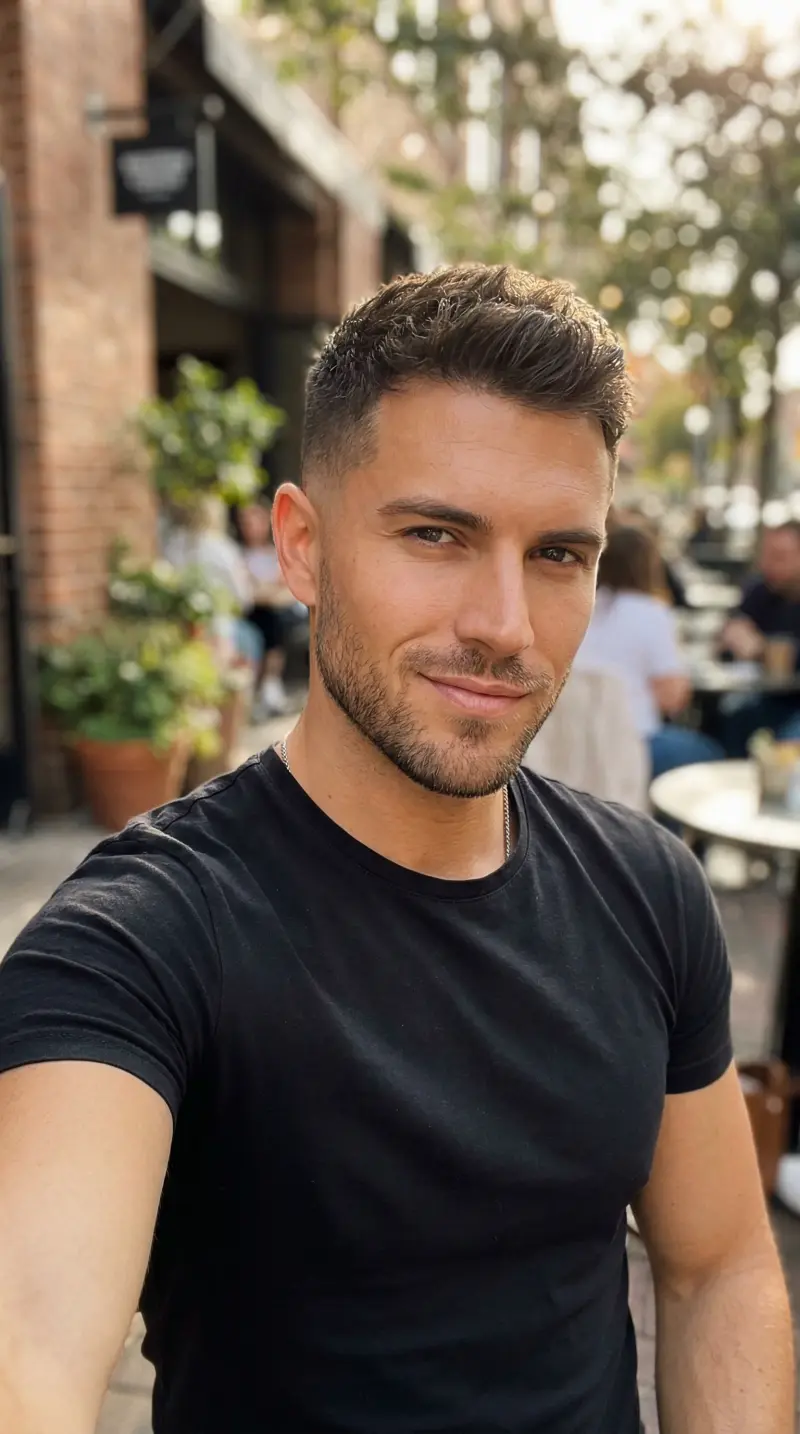 Foto 2

Juntei duas fotos da viagem em uma só. A mesclagem ficou tão boa que ninguém percebe que é IA.

O ajuste de iluminação é impressionante. Uni um retrato com um fundo de pôr do sol e ficou totalmente natural.

Fiz uma colagem de família juntando fotos separadas. Simples de usar e o resultado ficou ótimo.

Uso direto no meu trabalho de design. O ajuste de perspectiva e escala é muito bom.

Muito fácil. Enviei duas fotos e já saiu pronta. Gostei de poder descrever como elas se juntam.
Juntei duas fotos da viagem em uma só. A mesclagem ficou tão boa que ninguém percebe que é IA.
O ajuste de iluminação é impressionante. Uni um retrato com um fundo de pôr do sol e ficou totalmente natural.
Fiz uma colagem de família juntando fotos separadas. Simples de usar e o resultado ficou ótimo.
Uso direto no meu trabalho de design. O ajuste de perspectiva e escala é muito bom.
Muito fácil. Enviei duas fotos e já saiu pronta. Gostei de poder descrever como elas se juntam.
Envie duas fotos separadas e a IA junta as duas em uma cena só, como se os dois tivessem sido fotografados juntos.
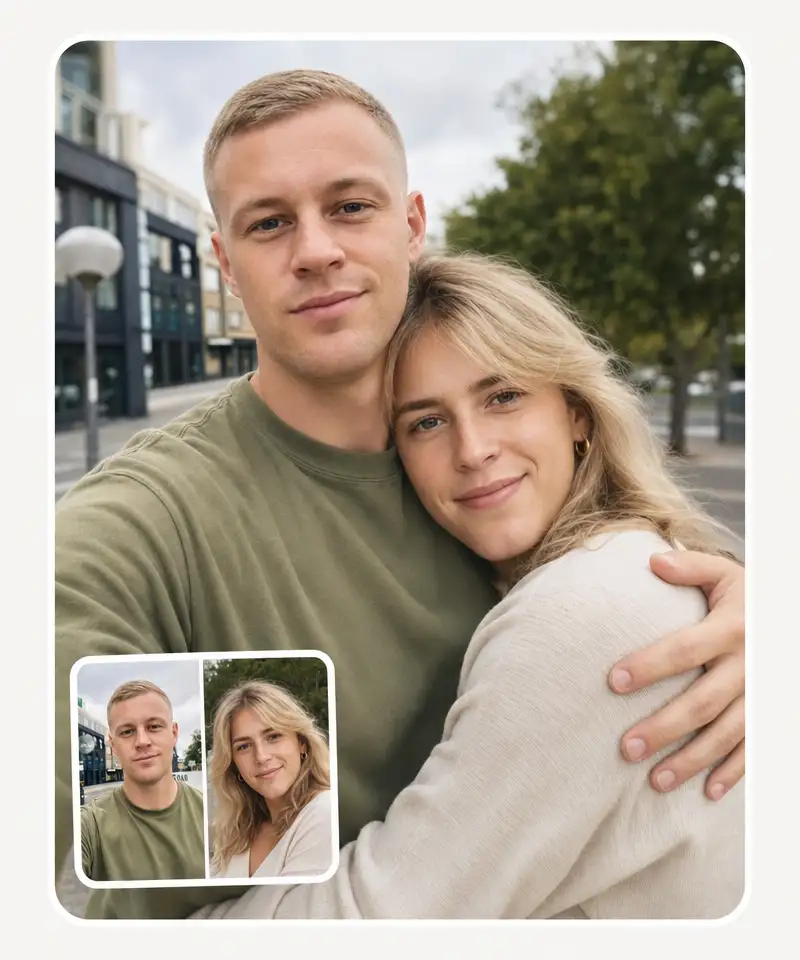
O Overchat AI junta fotos de pessoas, pets, produtos ou objetos colocados em outro cenário. A IA acerta luz, sombra e escala, então o resultado parece uma foto única.
Use para
Descreva como juntar suas fotos
Escreva no campo de texto do Overchat AI como as imagens devem se juntar. Quanto mais detalhes em português simples, mais perto o resultado fica do que você imaginou. Dá para pedir uma cena única com as duas fotos ou misturar só alguns elementos de cada uma.

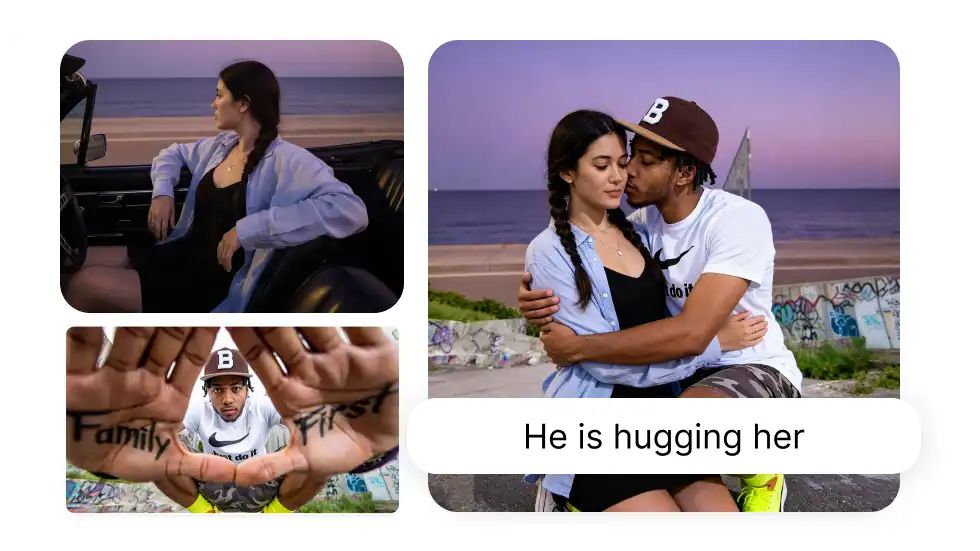
Resultado natural. Em toda junção.
A IA iguala luz e cor e cria a máscara de recorte, então a imagem final parece uma foto só, e não duas coladas no Photoshop. Antes de juntar, ela analisa profundidade, sombra e perspectiva das duas fotos.
Junte qualquer par de imagens
Una retratos a fundos novos, junte fotos de produto para anúncios, monte comparações antes e depois ou misture as imagens do seu jeito. A IA lida com selfie, paisagem e objeto, e faz o alinhamento sozinha.
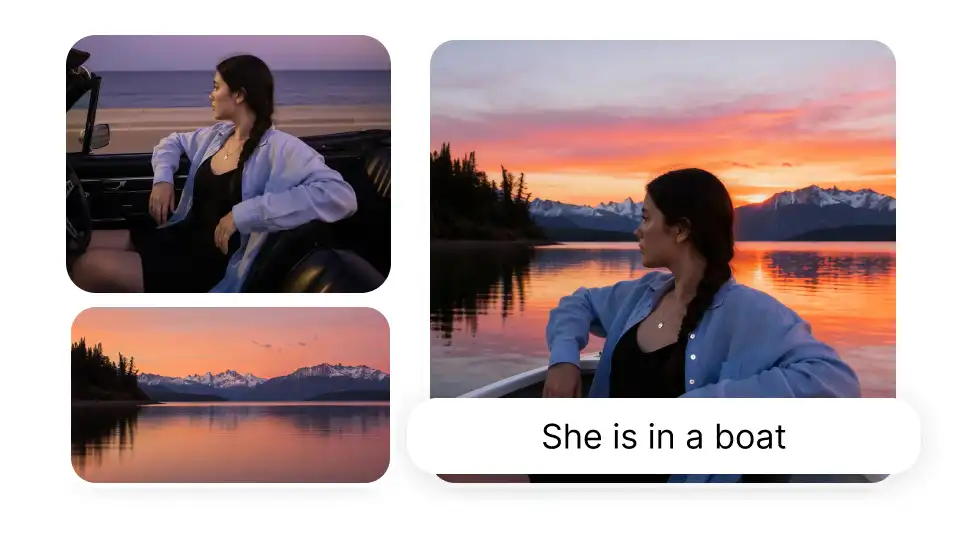
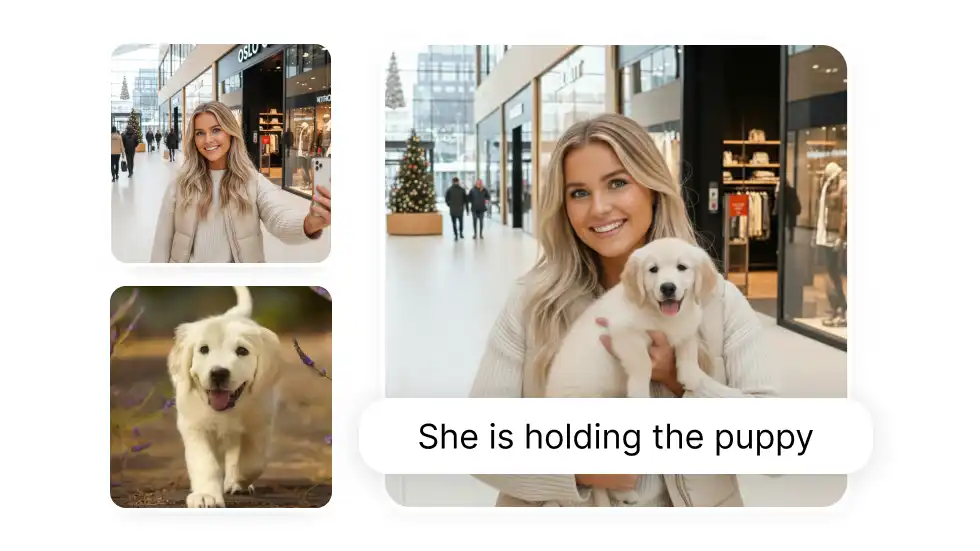
Escolha entre cinco proporções
A imagem juntada pode sair numa proporção diferente das originais: são cinco opções, de retrato a paisagem. Serve para Instagram, Facebook, apresentação ou impressão.
Veja o que dá para fazer no Overchat AI juntando duas imagens
Trocar o fundo
Troque um fundo sem graça por outro. Junte um retrato com qualquer cenário: praia, cidade, o lugar que você quiser. A IA encaixa as duas imagens de forma natural.
Colocar pessoas na mesma foto
Junte fotos de pessoas que nunca estiveram no mesmo lugar. Dois retratos separados viram um retrato de grupo, útil para foto de família, de time ou para postar.
Juntar duas fotos lado a lado
Coloque duas imagens uma ao lado da outra para antes e depois, comparação de produto ou diferenças visuais. A IA alinha as duas com o mesmo espaçamento.
Misturar imagens
Misture duas fotos em uma imagem artística. Pegue elementos de cada uma e crie algo novo para um projeto criativo, arte conceitual ou um post.
Montar uma composição
Junte duas fotos em um quadro só. Descreva como quer a montagem e a IA cuida do enquadramento e do encaixe.
Ajustar o tamanho da imagem
Junte as imagens já no tamanho certo para cada plataforma. São cinco proporções, do quadrado do Instagram ao vertical do TikTok.
Foto de família e de grupo
Transforme retratos separados em uma foto de grupo. Família, amigos ou o time inteiro no mesmo quadro, com a luz igualada para parecer uma foto de verdade.
Foto de produto e e-commerce
Coloque o produto em um cenário real para o anúncio ou a página da loja. A foto limpa do produto ganha um fundo de verdade e o resultado parece estúdio, sem estúdio nem fotógrafo.
Provador virtual
Veja como uma roupa ou um acessório fica em você antes de comprar. Junte sua foto com a peça e a IA ajusta ao seu corpo e à sua pose.
Junte duas fotos online em 3 passos
Envie as duas imagens
Solte as duas fotos nos campos de upload e escreva como elas devem se juntar.
A IA junta as fotos
A IA mescla as duas imagens seguindo a sua descrição.
Baixe a imagem pronta
A imagem sai pronta para postar ou imprimir.
Como juntar duas fotos em uma só?

Envie as duas fotos nos campos acima, escreva como elas devem se juntar e clique em Juntar imagens. A IA segue a sua descrição: "coloque a pessoa da Imagem 1 no fundo da Imagem 2", "deixe as duas lado a lado", e assim por diante.
Como juntar 2 fotos em 1 só no iPhone?
Pelo navegador do iPhone, sem instalar aplicativo. Envie as duas fotos do rolo da câmera, descreva como elas devem se juntar e baixe a imagem final no próprio aparelho. Fotos em HEIC são convertidas automaticamente no envio.
Juntar fotos aqui é grátis?
Juntar imagens com IA é um recurso pago do Overchat AI. Criar a conta é gratuito e dá acesso a outras ferramentas sem custo, como o gerador de imagens.
Quais formatos e tamanhos de imagem posso enviar?
JPG, PNG e WEBP de até 10 MB cada. As fotos em HEIC do iPhone são convertidas na hora do envio. GIF não é aceito.
Quanto tempo leva para juntar as fotos?
Poucos segundos na maioria dos casos. Junções mais complexas, com muitos elementos descritos, podem levar cerca de um minuto.
Como se faz colagem de fotos no celular?
Direto no navegador do celular. Envie as fotos, descreva a montagem que você quer ("uma em cima da outra", "lado a lado", "as duas na mesma praia") e escolha a proporção. Não precisa instalar aplicativo nem saber editar imagem.
Como a IA junta duas imagens?
A IA lê as duas fotos, identifica quem ou o que está em cada uma, onde ficam as bordas, de onde vem a luz e qual a profundidade da cena. Depois compõe uma imagem única, ajustando sombra, tom de cor e perspectiva para o resultado não parecer recorte colado.
Como agrupar uma imagem na outra?
Descreva onde uma deve entrar na outra: "coloque o produto da Imagem 1 sobre a mesa da Imagem 2", por exemplo. A IA recorta o elemento, corrige o tamanho e a perspectiva e encaixa no cenário da segunda foto. As imagens podem ter dimensões diferentes.
Posso usar a imagem final comercialmente?
Sim, a imagem gerada é sua e pode ir para anúncio, loja online, material de marketing, rede social ou impressão. Para uso comercial de maior porte, confira os termos de uso do Overchat AI.
Dá para juntar mais de duas fotos?
Esta ferramenta trabalha com duas imagens por vez. Para uma montagem com mais fotos, junte duas, baixe o resultado e use essa imagem como uma das entradas na junção seguinte.
Como juntar 2 imagens em 1 no Canva?
No Canva você posiciona as duas fotos na mesma prancheta e acerta recorte, tamanho e transparência na mão. Aqui a junção é descrita em texto: envie as duas fotos, diga como devem se encaixar e a IA cuida do recorte, da luz e da perspectiva.
Preciso do Photoshop ou saber editar imagem?
Não. O recorte, o casamento de cores, o ajuste de luz e a fusão das bordas ficam com a IA. Você envia as duas fotos e descreve o resultado em português, sem camadas nem máscaras.


