

Remove text overlays, watermarks, captions, and annotations from your photos with AI — while keeping the original image and its content intact.
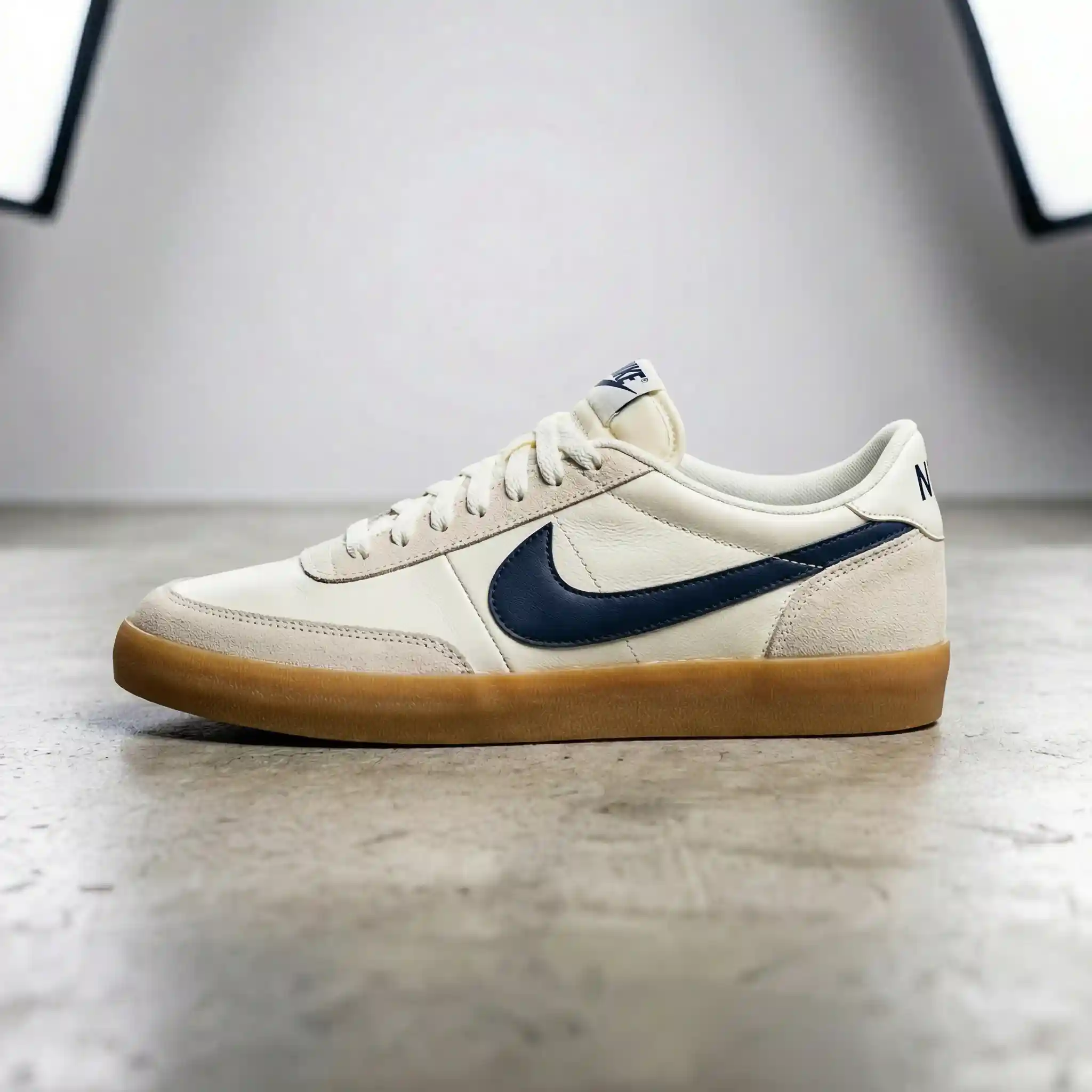


Removed a huge watermark from my photo and it looks completely clean. You can't even tell there was text there!

Had captions burned into a screenshot. AI removed them perfectly and kept the image intact. Amazing.

Cleaned up product photos with text overlays for my online store. Saved me hours of manual editing!

Removed date stamps from old photos. Pro quality is incredible — no artifacts at all.

So easy! Uploaded a meme with text all over it and got the clean original image back in seconds.

Removed subtitles from movie screenshots for my blog. Clean results every time. 10/10.
Removed a huge watermark from my photo and it looks completely clean. You can't even tell there was text there!
Had captions burned into a screenshot. AI removed them perfectly and kept the image intact. Amazing.
Cleaned up product photos with text overlays for my online store. Saved me hours of manual editing!
Removed date stamps from old photos. Pro quality is incredible — no artifacts at all.
So easy! Uploaded a meme with text all over it and got the clean original image back in seconds.
Removed subtitles from movie screenshots for my blog. Clean results every time. 10/10.
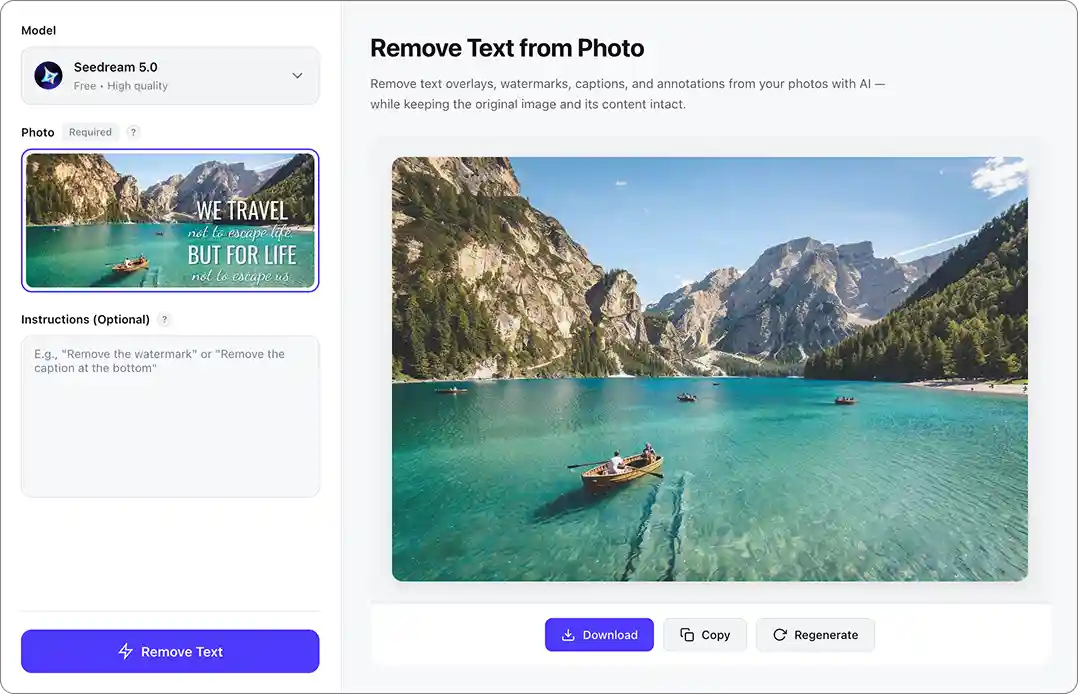
Use our free AI text remover from image tool to erase any text overlaid on a photo. Just upload your image, click Generate, and our AI will automatically remove all text while perfectly reconstructing the background underneath — no Photoshop skills required.
Wondering how to remove text from an image without ruining the background? This AI text remover makes it effortless. Overchat AI automatically detects and erases all text overlays — from photos and images alike — while seamlessly reconstructing what was behind them, delivering clean results in a single step.
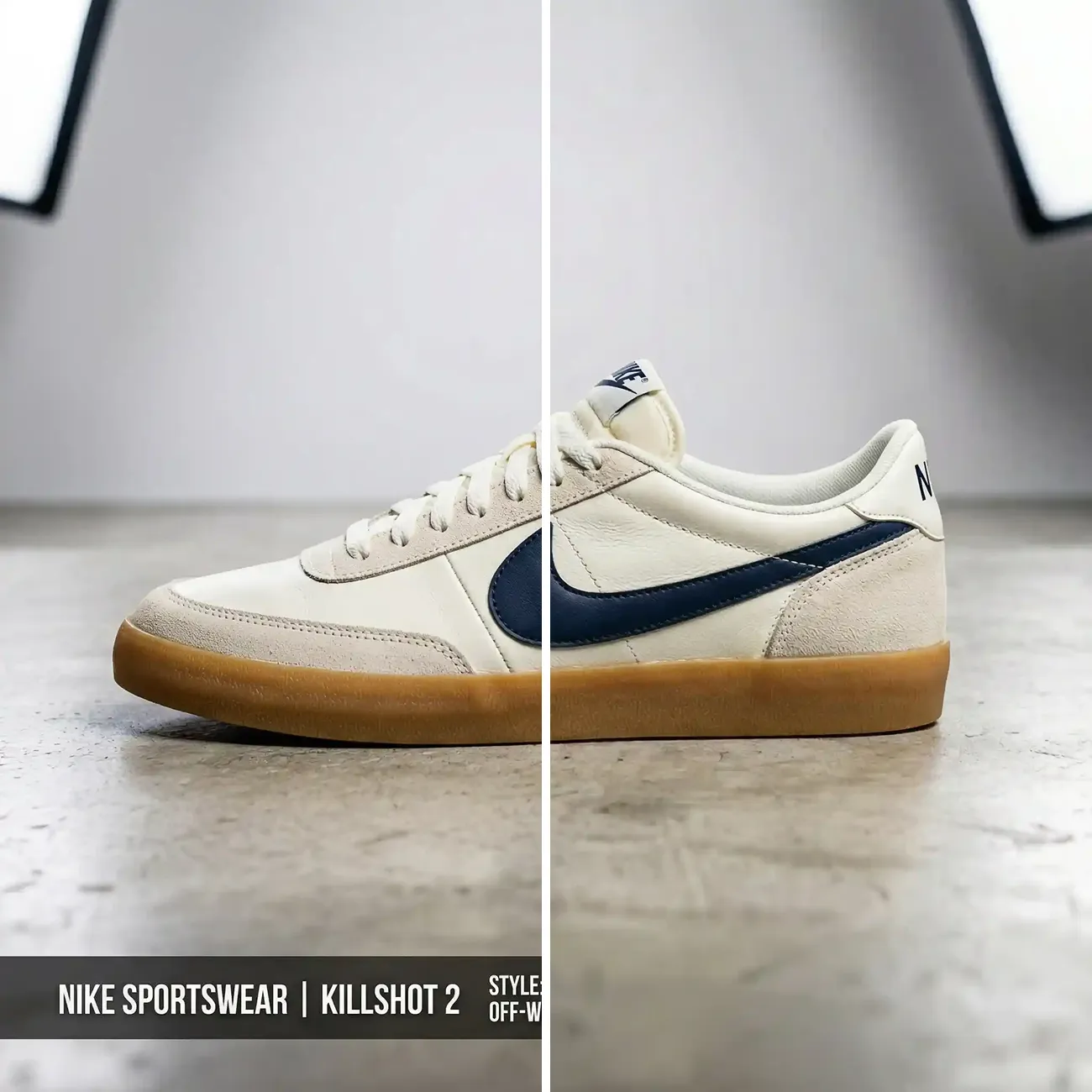
Our AI text remover uses an advanced image-to-image generation model with inpainting technology. It detects every piece of text in your photo or image, erases it, and intelligently fills in the missing areas so the result looks completely natural.
No manual selection or masking needed. Just upload your image and our AI will automatically detect and remove text from images in one click. You can also add optional instructions if you only want to erase specific text while keeping other parts intact.
The Overchat AI text remover works almost instantly, delivering a clean, text-free version of your image in under 30 seconds. This saves you hours of painstaking manual editing work in Photoshop or similar tools.
Watermarks, captions, date stamps, sale badges, meme text, posters — our AI text remover erases any overlay and fills the background so it looks like the text was never there.
 Watermarks
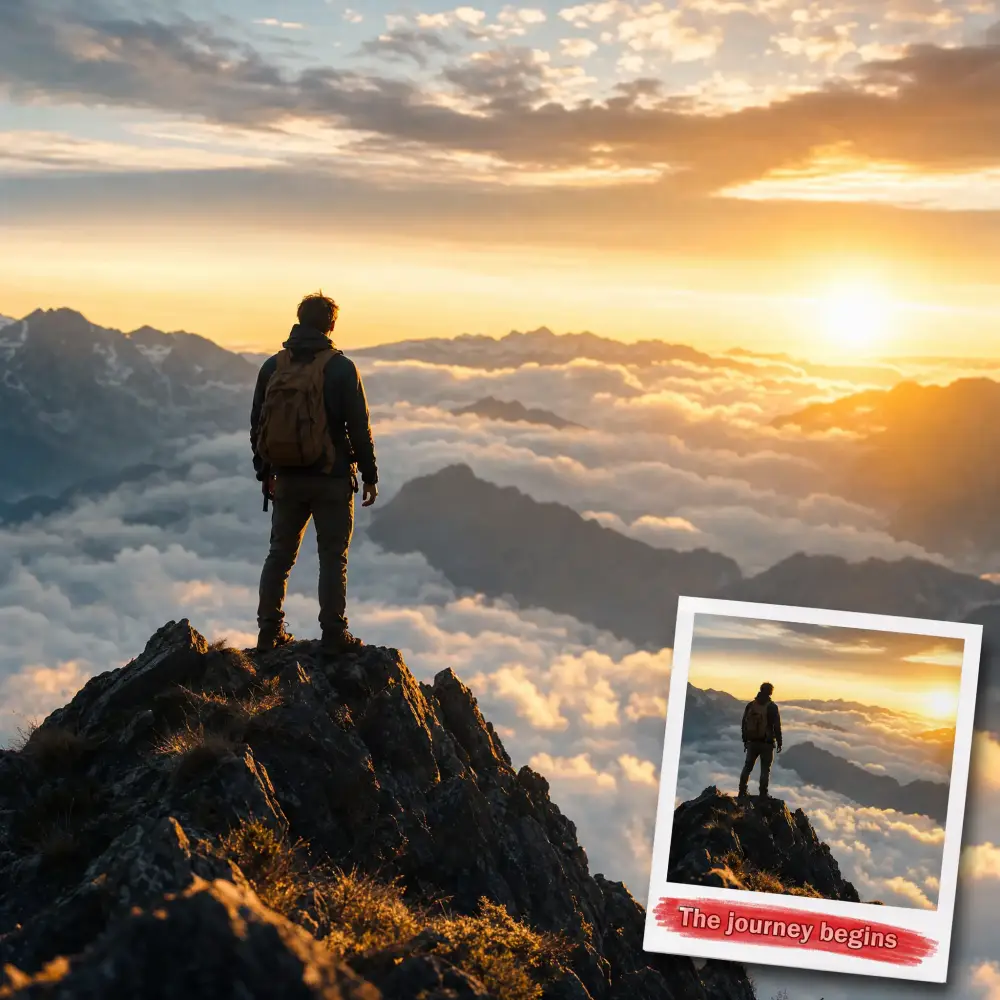 Captions & subtitles
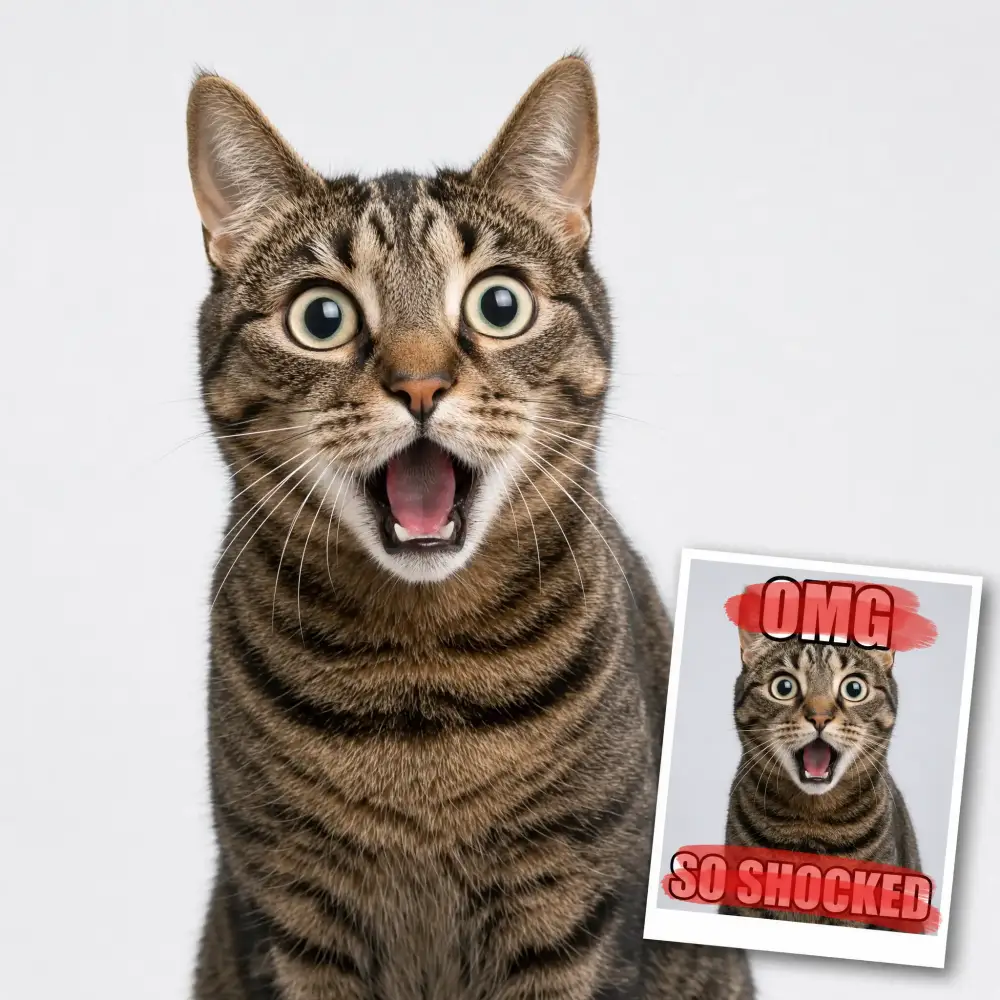 Meme text
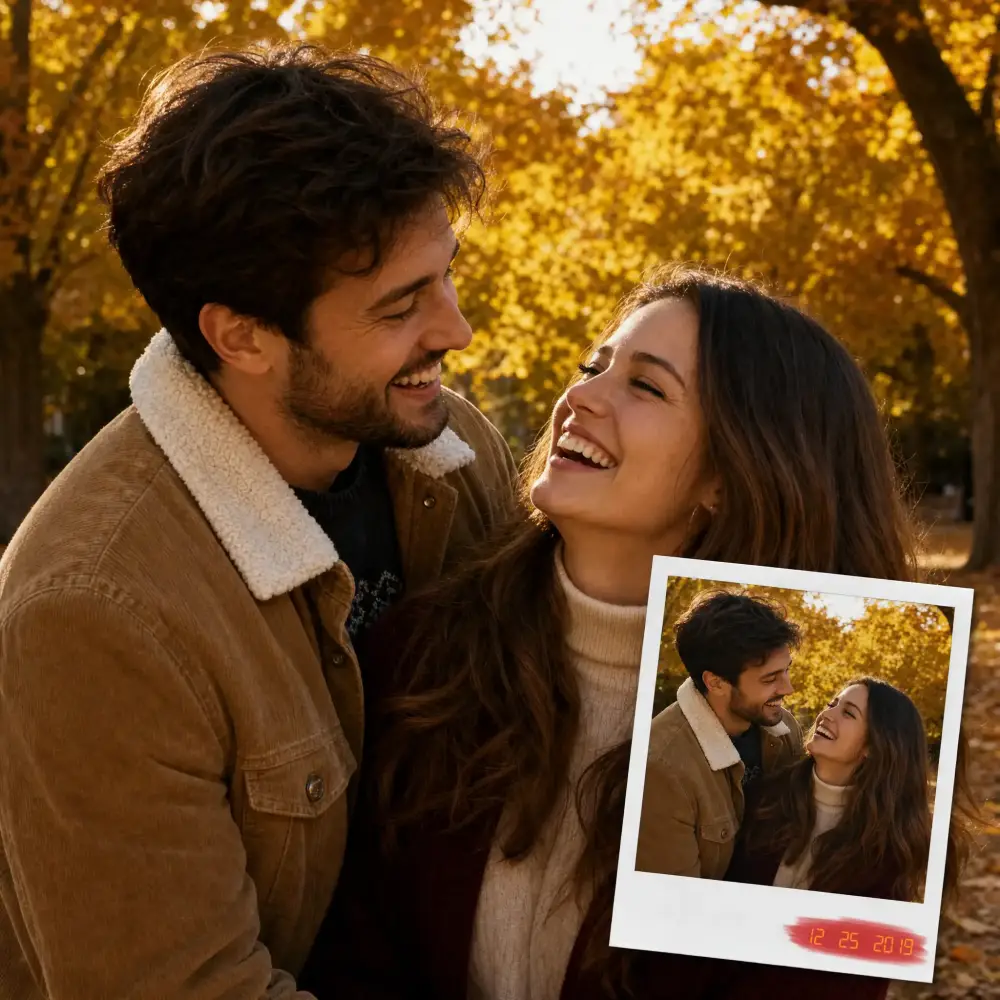 Date & time stamps
 Sale & price badges
 Posters & signs
Open the Remove Text From Image tool on Overchat AI and click the upload button to select the image that contains the text you want to remove.
Click the Generate button and wait a few seconds. The AI will analyze your image, detect all text, and reconstruct the background behind it. Do not close the browser tab while processing.
Check the cleaned image. If any text remains or the background needs refinement, simply regenerate. Each attempt improves the result.
Click the Download button to save your clean, text-free image in full resolution.
USE CASES
Remove text from stock photos and images — erase captions, branding, or overlays so you can reuse them in your own projects with a clean background.
Found the perfect image but it has meme captions baked in? Remove the text and get a clean version of the original photo in seconds.
Have a screenshot or still frame with hardcoded subtitles? Erase them cleanly and recover the full image behind the text.
Strip promotional banners, price tags, or sale labels from product photos to create clean, professional e-commerce listings.
Remove text from an image you previously used for Instagram, TikTok, or Pinterest so you can add fresh copy and repurpose it for a new campaign.
Are you a designer or content creator? Quickly remove text from images to create blank templates, mockups, or clean backgrounds for your next project.
Join thousands of people who use our AI text remover to clean up photos and images every day.
Overchat AI brings you the power of the world's top AI models: GPT, Claude, Gemini, Mistral, and more.

The tool uses an advanced AI image-to-image generation model to detect all text in your image, erase it, and then reconstruct the background using a technique called inpainting. Unlike simple blur or clone-stamp approaches, AI inpainting generates entirely new pixels that blend naturally with the surrounding area, producing results that look as if the text was never there.
Overchat AI is designed to remove text from images without affecting the background. The AI uses inpainting to erase only the text pixels and then reconstructs the area behind them based on surrounding context. This means the background stays fully intact — whether it’s a complex photo, gradient, or pattern. The result looks natural with no blurring, smudging, or color mismatch.
Yes, you can remove text from any photo directly on your iPhone or Android. Overchat AI works in your mobile browser — just open overchat.ai, upload the photo from your camera roll, and tap Generate. The AI text eraser processes your image in seconds, and you can save the cleaned photo straight to your device. No app download needed.
Overchat AI offers an AI text eraser that delivers professional-quality results. Unlike basic tools that blur or smudge the text area, our AI text remover from image uses generative inpainting to fully reconstruct the background. It works on any type of text — captions, watermarks, subtitles, meme text — and handles complex backgrounds with ease.
Overchat AI preserves the full resolution and quality of your original image. The AI only modifies the areas where text was detected, leaving everything else untouched. The reconstructed background is generated at the same resolution as the original, so you get a pixel-perfect result with no visible artifacts or quality loss.
The AI can remove virtually any kind of text from images, including overlaid captions, meme text, subtitles, watermarks, logos with text, timestamps, date stamps, promotional banners, and handwritten annotations. It works with any font, color, size, or language.
Yes. Your images are processed over a secure, encrypted connection and are only used to generate your result. We don't share or sell your photos, and you stay in control of your originals at all times.
Yes. Instead of just painting over the text, the AI analyzes the surrounding pixels and reconstructs textures, gradients and patterns underneath — so it works on skies, foliage, skin, fabric and other complex backgrounds, not just flat colors.
You can upload JPG, Jpeg, PNG, HEIC and WebP images, as well as other popular formats.
A manual editor means masking the text by hand and cloning the background pixel by pixel, which takes skill and minutes per image. Our AI text remover does both steps automatically in seconds — no layers, no clone stamp, and no editing experience needed.
No. The tool only edits the area you mark and rebuilds it to match the surrounding detail, leaving the rest of the photo untouched at its original resolution — so the final image stays sharp.
You can use your results for personal and commercial projects. Just make sure you have the rights to the original image and to remove any text on it — for example, don't remove copyright watermarks from photos you don't own.

Chinese company Baidu has quietly released a model that's just as good as DeepSeek and ChatGPT — ERNIE 4.5 delivers exceptional performance at a fraction of the cost — and most people outside China have never even heard of it.

If you're wondering: what is DeepSeek AI, the answer is quite simple. DeepSeek AI is a Chinese AI research lab that builds large language models. The company released several models in late 2024 and early 2025 that compete directly with OpenAI's GPT-4 and Anthropic's Claude, but at a fraction of the operating cost.

ChatGPT Plus costs $20 per month plus tax, while the Pro plan costs $200 per month plus tax. Understandably, not everyone is willing to pay that much for a chatbot, especially if the premium features aren’t worth it to them. This raises an obvious question: how can I use ChatGPT for free?
Available on Web, iOS, and Android. Access your AI assistant anywhere, anytime.



.svg)
