

Transform black & white or sepia photos into vibrant, full-color images with AI. Choose from realistic, vintage, or vivid color styles and bring your old memories to life.
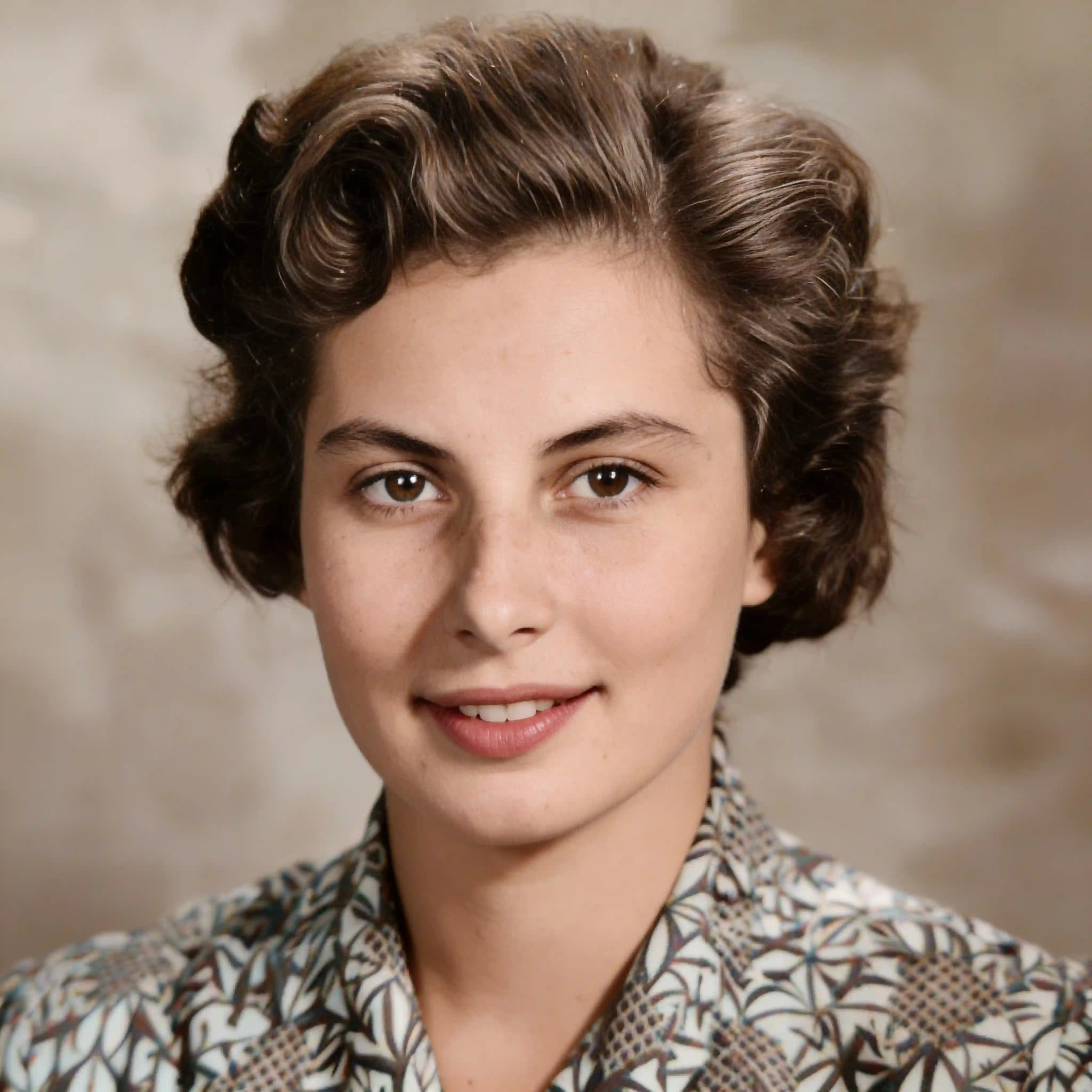
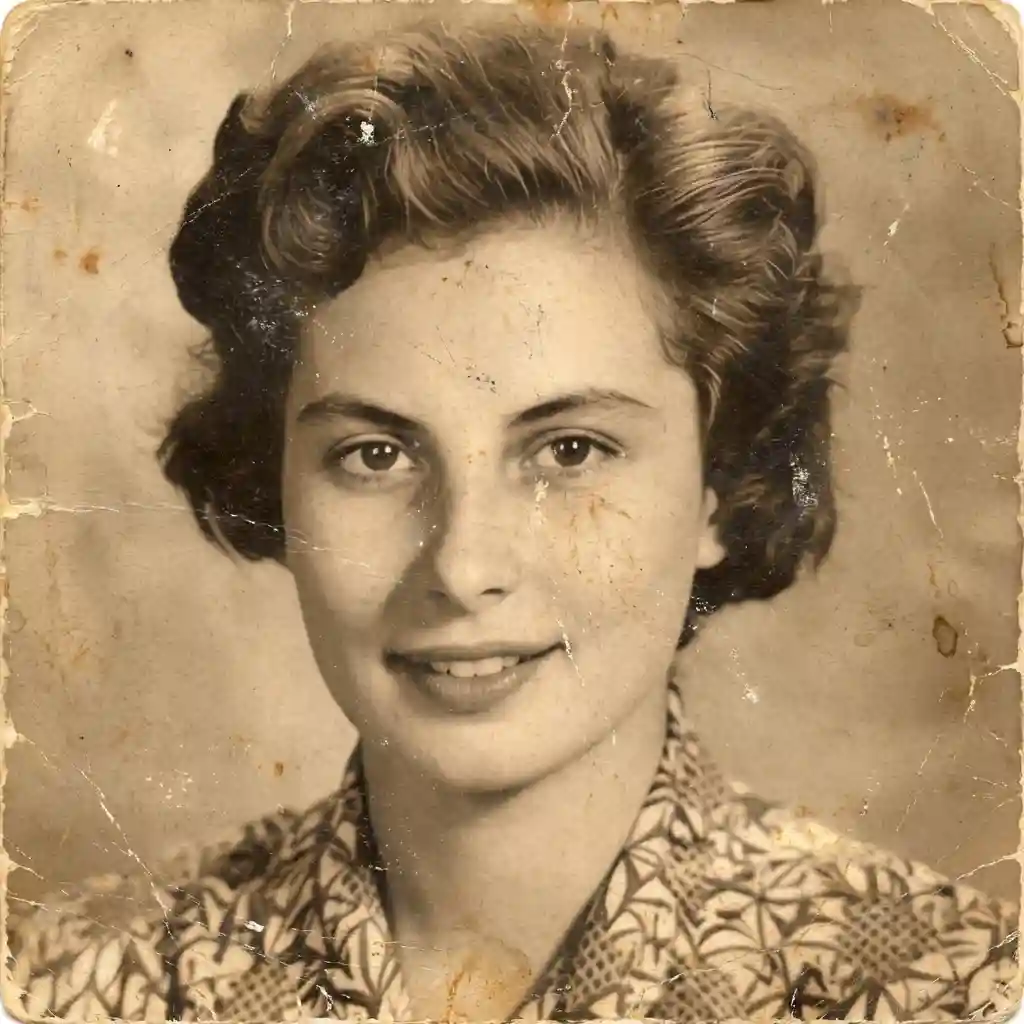

Colorized my grandparents' wedding photo from 1952. Seeing them in full color for the first time made me cry. Absolutely stunning.

Turned an old B&W family portrait from the 1940s into a vibrant color photo. The skin tones look incredibly natural.

Used the vintage warm style on a sepia photo of my great-grandma. The colors look so authentic — gave it to my mom as a gift!

The vivid mode is incredible. Colors pop without looking fake. Best colorizer I've tried by far.

So easy! Just uploaded my B&W photo and got a beautifully colorized result in seconds. It looks like it was shot in color.

Found old B&W photos in my attic. This tool added beautiful, realistic colors to all of them. 10/10 recommend.
Colorized my grandparents' wedding photo from 1952. Seeing them in full color for the first time made me cry. Absolutely stunning.
Turned an old B&W family portrait from the 1940s into a vibrant color photo. The skin tones look incredibly natural.
Used the vintage warm style on a sepia photo of my great-grandma. The colors look so authentic — gave it to my mom as a gift!
The vivid mode is incredible. Colors pop without looking fake. Best colorizer I've tried by far.
So easy! Just uploaded my B&W photo and got a beautifully colorized result in seconds. It looks like it was shot in color.
Found old B&W photos in my attic. This tool added beautiful, realistic colors to all of them. 10/10 recommend.
Use our free AI photo colorizer to automatically add realistic color to black-and-white or grayscale photographs. Just upload your image, click Colorize, and watch as AI brings your old monochrome photos to life with vibrant, natural-looking colors — no editing skills required.
Colorizing black-and-white photos manually requires hours of painstaking work in Photoshop, but with Overchat AI, you can instantly transform grayscale images into full-color photographs with a single click. Our AI understands context — it knows that skies are blue, grass is green, and skin tones should look natural — delivering realistic results every time.
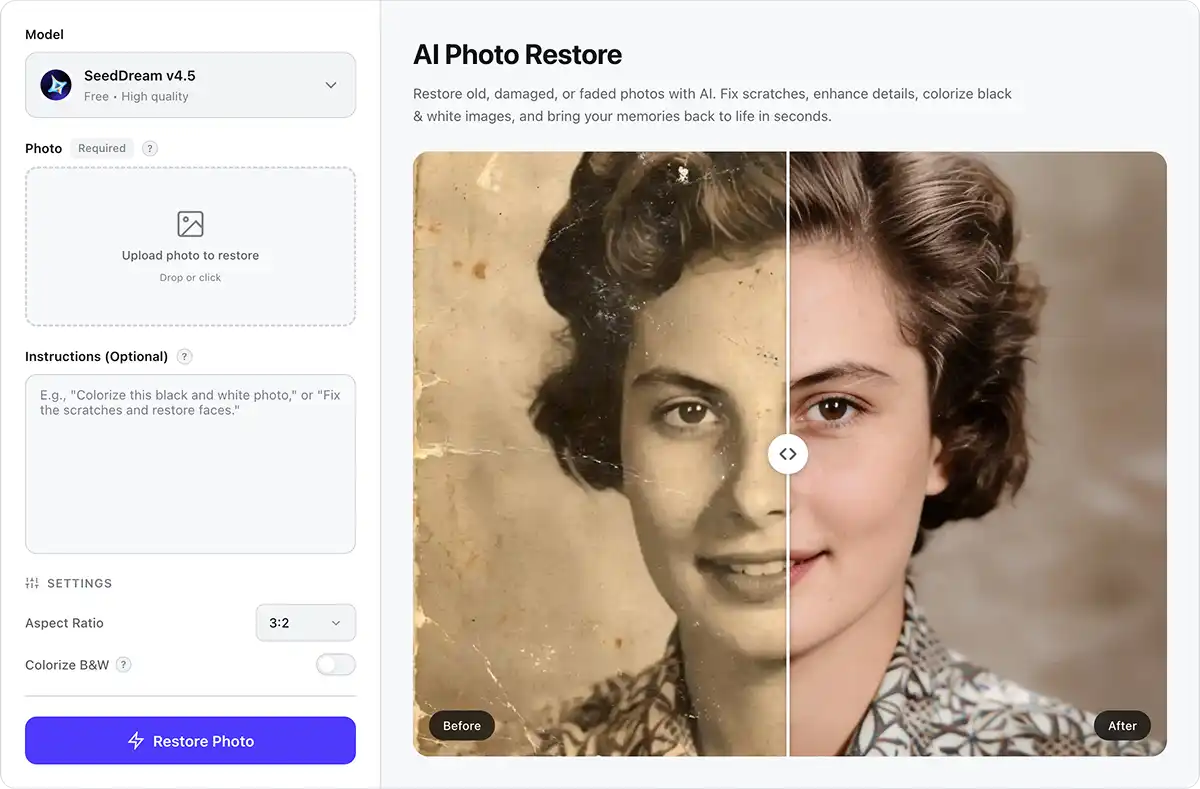
Our photo colorizer uses an advanced AI image generation model that analyzes the content of your black-and-white photo and applies realistic, context-aware colors while preserving all the original details and textures perfectly.
Just upload your black-and-white image, and our AI will automatically colorize it. You can also add optional instructions to guide the process — for example, specifying hair color, clothing colors, or the season of a landscape to get the exact look you want.
The Overchat AI photo colorizer works almost instantly, delivering a fully colorized version of your image in under 30 seconds. This saves you hours of tedious manual coloring work per photograph.
USE CASES
Bring old black-and-white family photos to life by adding vivid, realistic colors that make precious memories feel brand new.
Transform old black-and-white portraits into stunning color images that reveal the true appearance of people from decades past.
Add color to historical photographs from wars, expeditions, and world events to see history as it actually looked, not just in shades of gray.
Breathe new life into grayscale sketches, drawings, and artwork by adding rich, natural-looking colors with AI — no manual painting required.
Honor the memory of loved ones by colorizing their old black-and-white photographs — see them as they truly were, in full, vibrant color.
Are you a photographer, historian, or content creator? Instantly colorize entire collections of black-and-white images with Overchat AI.
Join thousands of people who are already using Overchat AI.
Overchat AI brings you the power of the world's top AI models: GPT, Claude, Gemini, Mistral, and more.

An AI photo colorizer is an online tool powered by artificial intelligence that automatically adds realistic color to black-and-white or grayscale photographs. Overchat AI offers a fully automated, online colorization service, so you can use it without downloading anything.
AI photo colorizers use deep learning models trained on millions of color images to understand what colors objects, textures, and scenes should have. The model analyzes the grayscale values, shapes, and context of your image to predict the most realistic colors for each region. For example, it recognizes that skin has warm tones, vegetation is green, and skies are blue. This is fundamentally different from manual colorization, where an artist paints each area by hand. Because the AI has learned from vast amounts of real-world imagery, it can produce natural-looking results that are comparable to professional colorization work.
For quick, high-quality photo colorization, Overchat AI is an excellent choice. It uses one of the best commercially available AI image generators to deliver vivid, realistic colorization results in under 30 seconds and is completely free to use.

Chinese company Baidu has quietly released a model that's just as good as DeepSeek and ChatGPT — ERNIE 4.5 delivers exceptional performance at a fraction of the cost — and most people outside China have never even heard of it.

If you're wondering: what is DeepSeek AI, the answer is quite simple. DeepSeek AI is a Chinese AI research lab that builds large language models. The company released several models in late 2024 and early 2025 that compete directly with OpenAI's GPT-4 and Anthropic's Claude, but at a fraction of the operating cost.

ChatGPT Plus costs $20 per month plus tax, while the Pro plan costs $200 per month plus tax. Understandably, not everyone is willing to pay that much for a chatbot, especially if the premium features aren’t worth it to them. This raises an obvious question: how can I use ChatGPT for free?
Available on Web, iOS, and Android. Access your AI assistant anywhere, anytime.



.svg)
