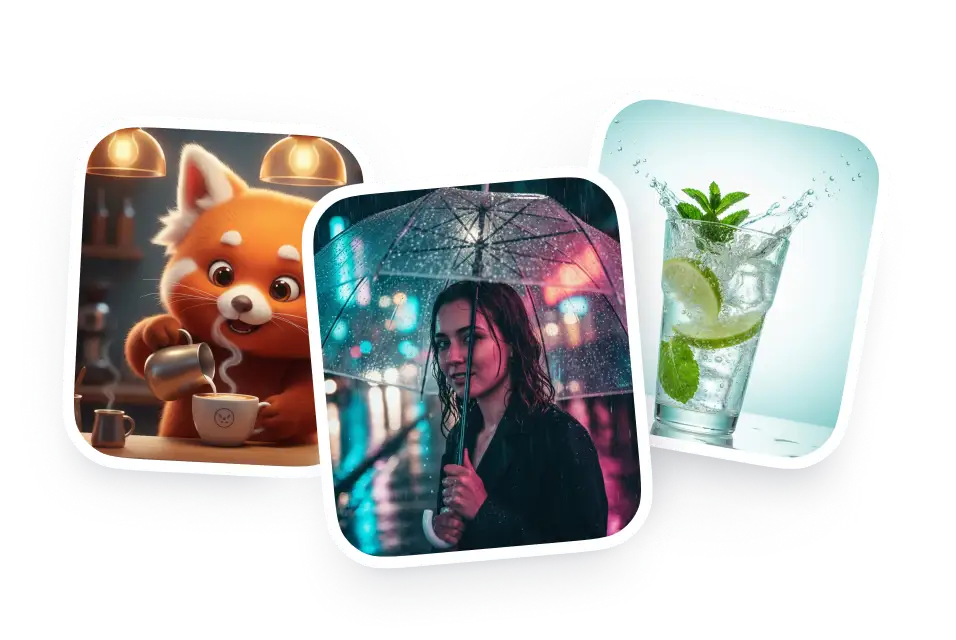
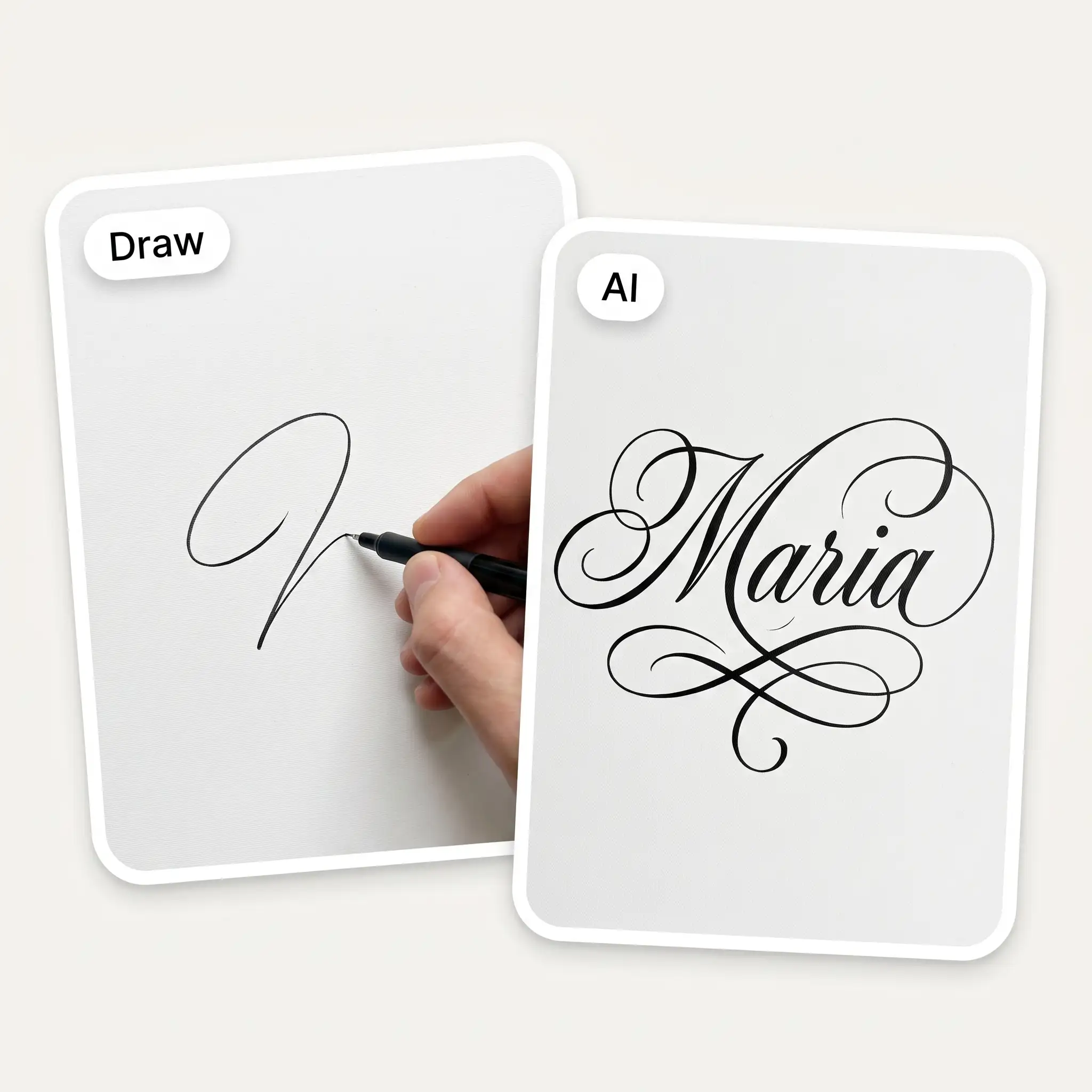
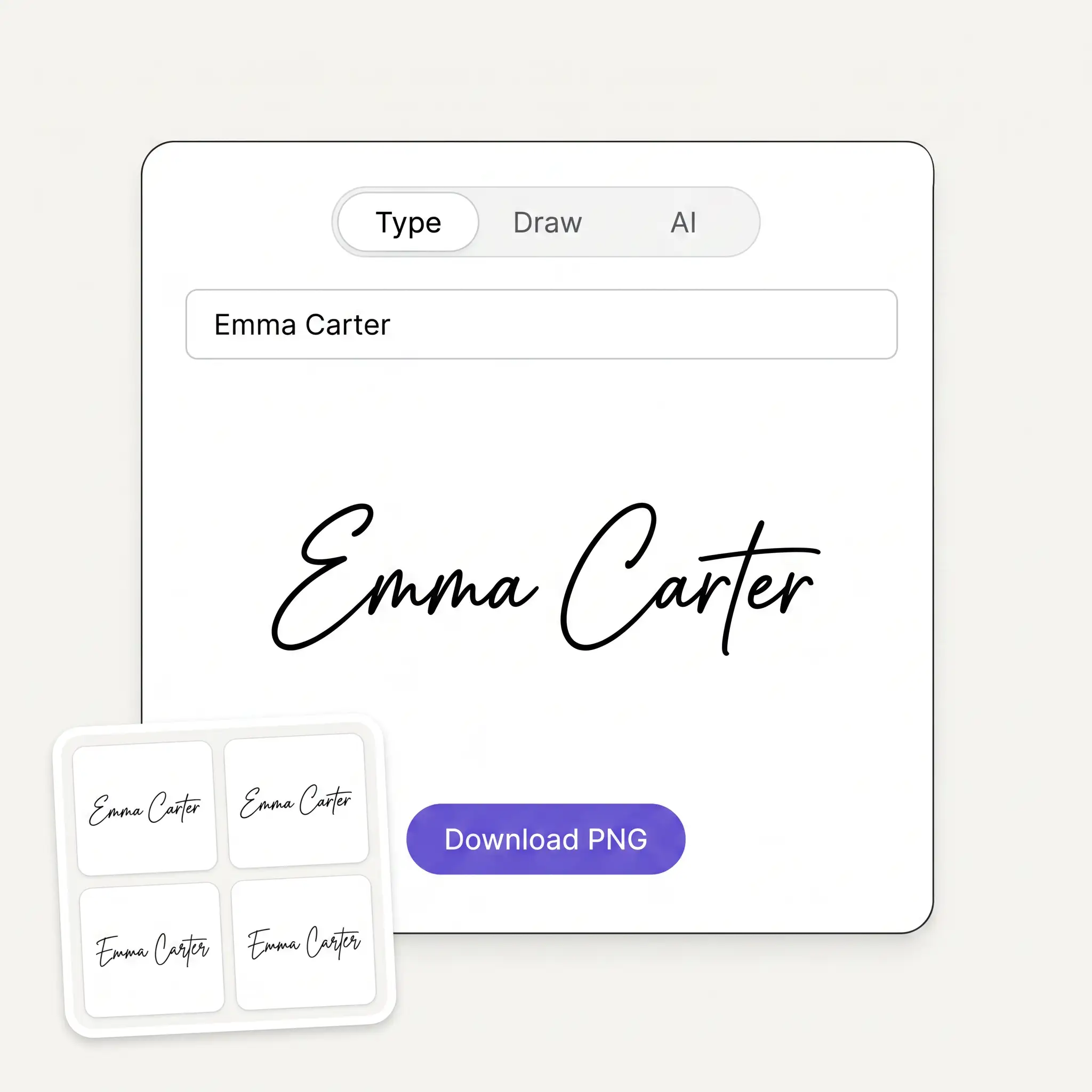
Three tabs, one tool. Twelve handwriting fonts render your name live, the Draw pad smooths mouse and finger strokes the way a real signature pad does, and the AI tab designs a signature from your name.
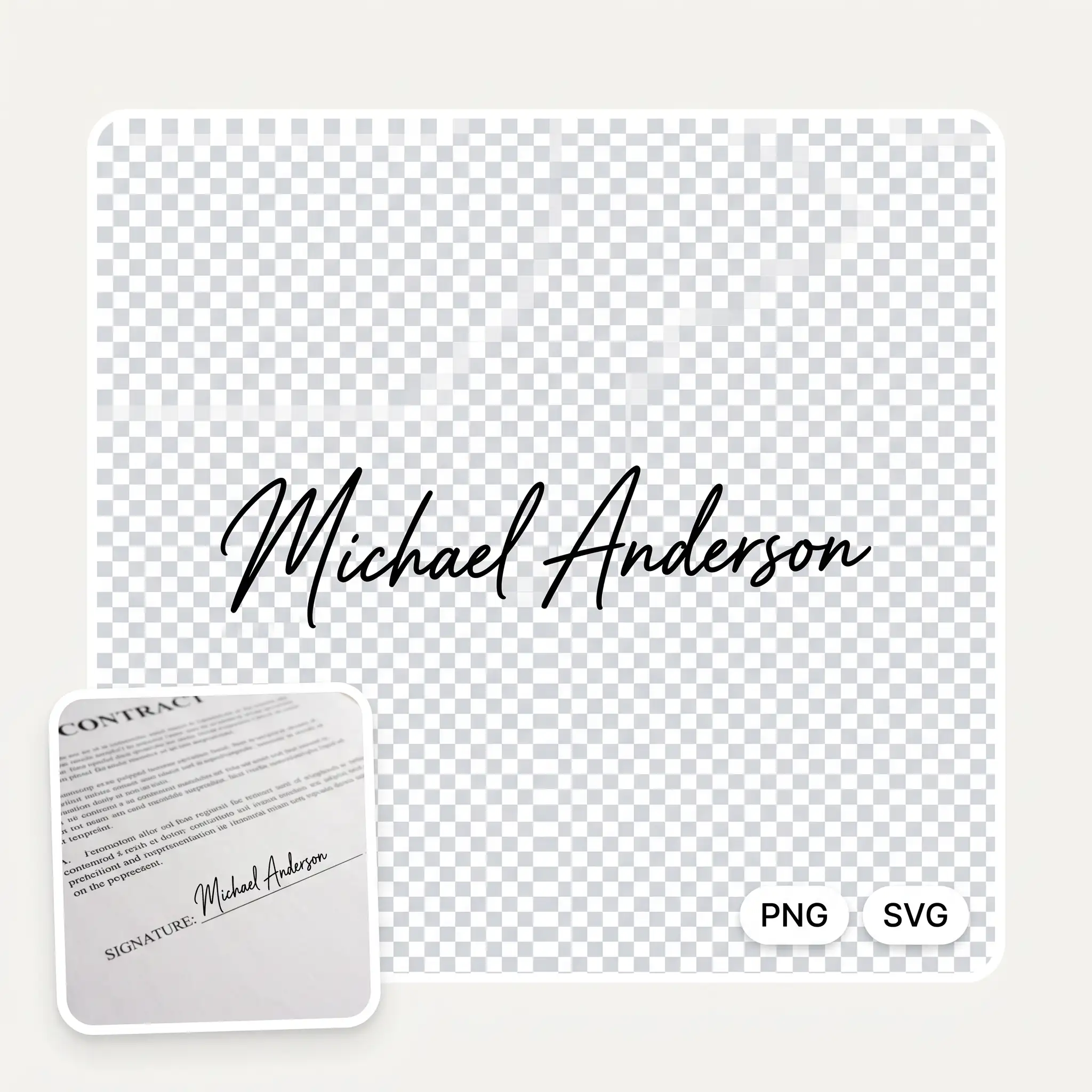
Every download has a genuinely transparent background, so no white box appears around your name on a contract. Drawn signatures also export as SVG and stay sharp at any size.
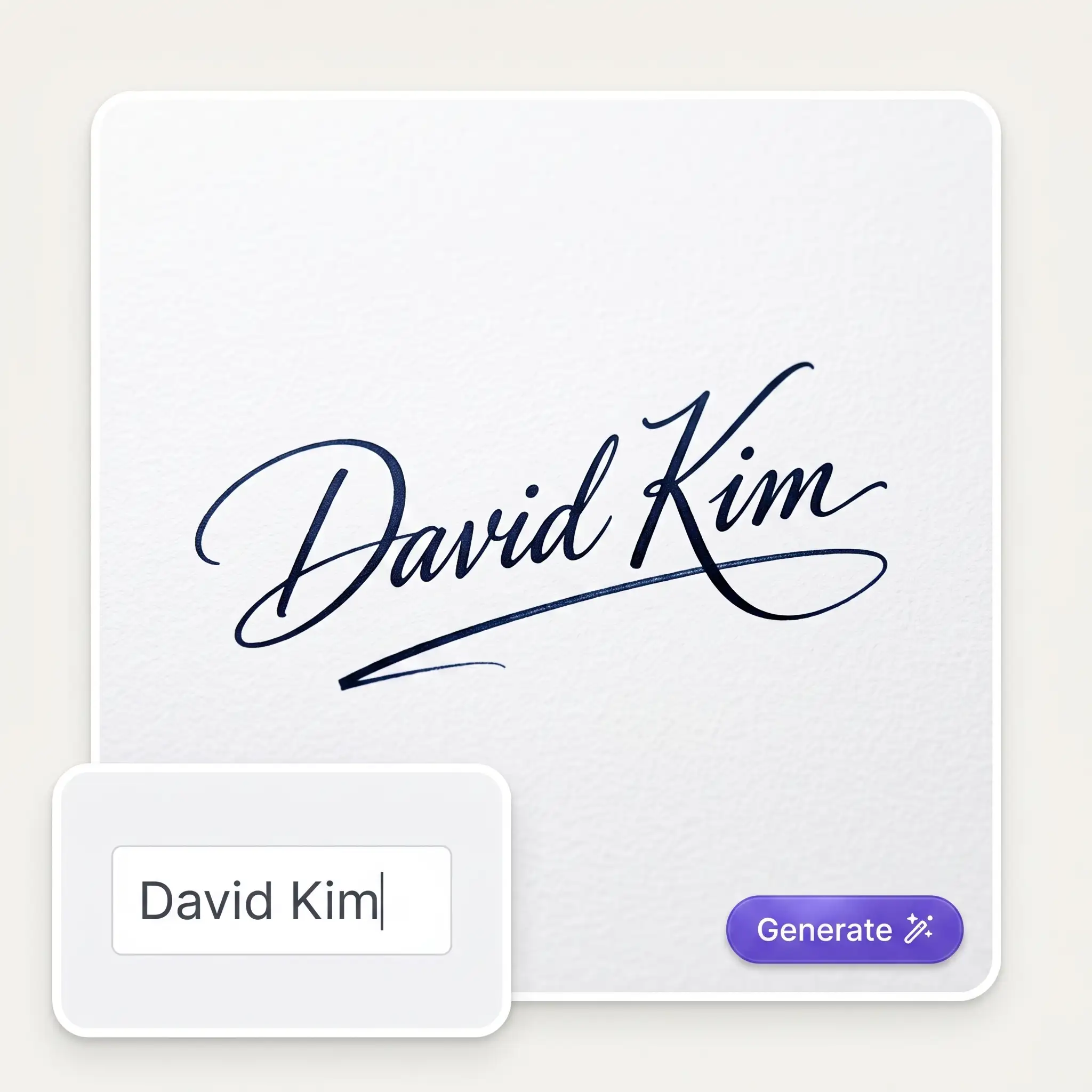
Pick Elegant cursive, Executive scrawl, Artistic flourish or Minimal initials, and GPT Image 2 draws your name as real calligraphy with natural ink weight — the part signature sites usually charge for.
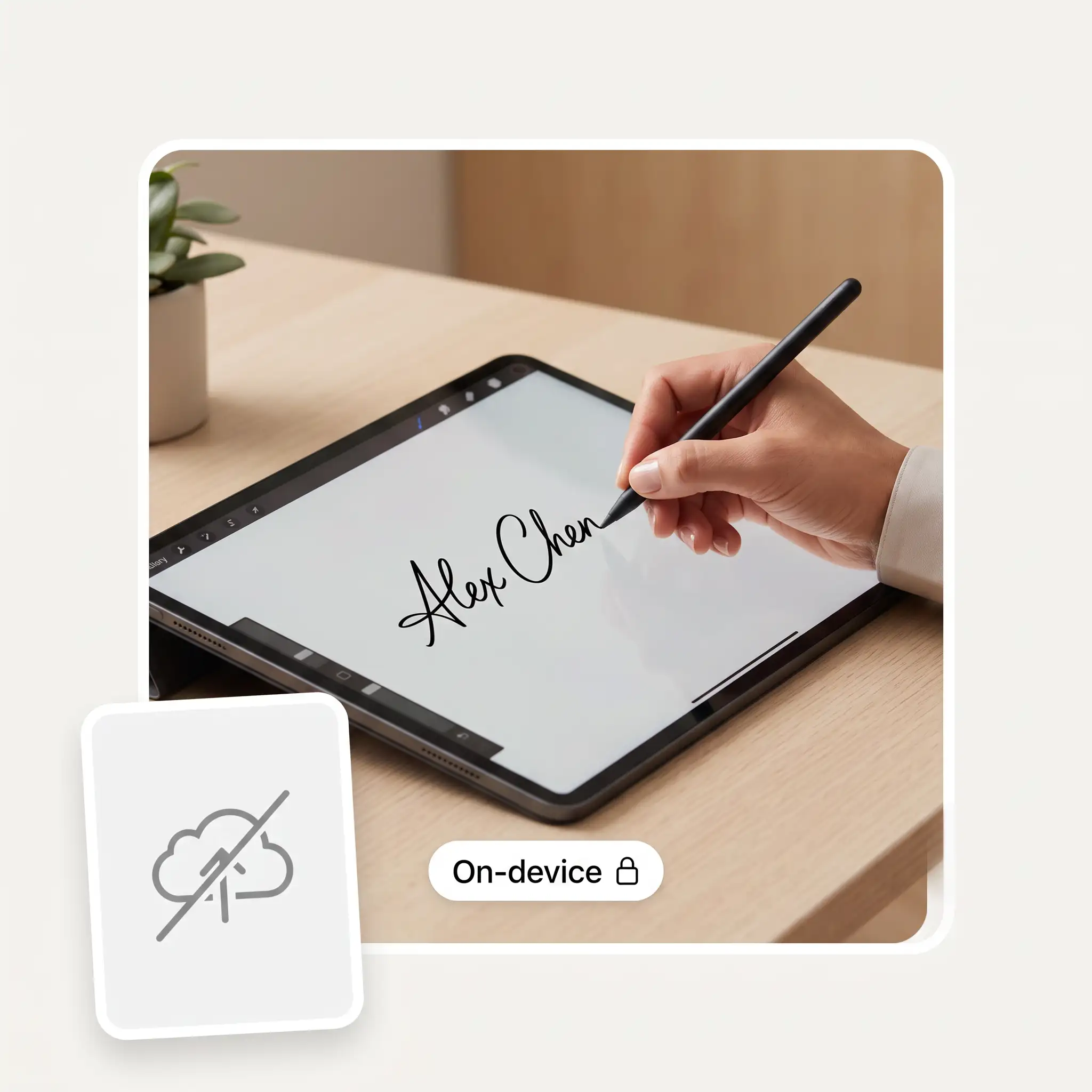
Both modes run on your device: fonts render locally and the canvas exports locally. Only the AI tab sends anything anywhere — the name you typed, nothing else.
Open Type to set your name in a handwriting font, Draw to sign with your mouse or finger, or AI to have a signature designed from your name.
In Type, pick one of 12 fonts and set the ink colour and slant. In Draw, choose the pen thickness and colour, with Undo for the stroke that went wrong. In AI, pick a style and press Generate signature.
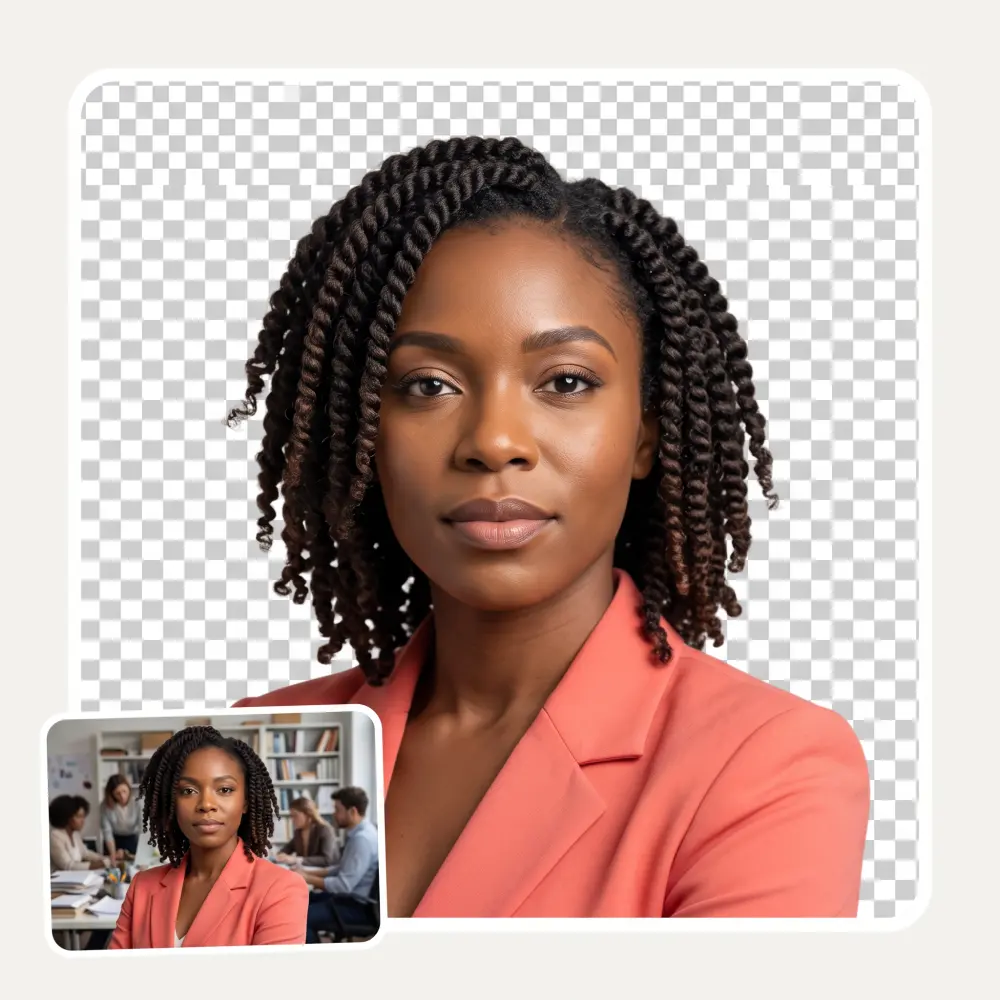
The checkerboard behind the preview is the transparency itself — whatever you see over it is exactly what will land on your document, and nothing else.
Press Download PNG — or Download SVG for a drawn signature — and the file saves instantly. Turn it into a logo with AI continues in Overchat's image generator.
A contract is open and the line is empty. Draw or type your signature, download the transparent PNG, and drop it onto the document without printing a single page.
A script sign-off above your name makes a plain footer look designed. The PNG has no background, so it sits cleanly on white, dark mode or a brand colour.
If your real signature has never felt like yours, generate AI versions of your name until one looks like the person you want to be at the bottom of a letter — then practise it.
A signature with real transparency drops onto the corner of any print, commission or product photo as a maker's mark — and the SVG version scales to poster size.
Insert → Picture is all it takes. Because the file is transparent, it lands on the signing line without the white box that screams pasted screenshot.
Type and Draw run entirely in your browser. The name you type and the strokes you draw never reach a server — there is no server involved at all.
Great experience! It helps me able to do my work and respond to questions quickly trusting that the my responses are grammatically correct.
I've started to use overchat last week and it feels very promising. Lots of AI models in one place saves a lot of money in comparison if you buy subscriptions for each one.
Nice app, everything in one place
Easy and convenient!
im really into ai apps and that one is good, helps me with my arts and homework. i draw ai vids for inst and generate images with my characters, many widgets and models! like it
I like how it keeps everything organized. One subscription is enough for all major AI models, which helps me avoid paying for multiple platforms.
Yes. All three modes, including the AI-designed signatures, are free with no sign-up and no watermark, and downloads come out at full quality.
The file itself is just an image. Electronic signatures are legally recognised in the US, EU, UK and most countries, but the validity comes from the consent and intent around the document, not from the picture. For contracts that need an audit trail, place this signature through a proper e-signature service.
Download the PNG, then Insert → Picture in Word or Google Docs, or use your PDF editor's image stamp. The background is transparent, so it sits on the signing line without a white box around it.
Everything this tool exports is already transparent — the checkerboard behind the preview is the transparency itself. Even the AI mode, which draws on paper, has the background removed before you download.
Type and Draw never upload anything — the fonts render in your browser and the file is generated on your device. The AI tab sends only the name you typed to the image model, nothing else.
PNG is a picture at a fixed size — right for documents and email footers. SVG stores the actual pen strokes as curves, so it stays sharp at any size — right for logos and print. SVG export is available in Draw mode, where the strokes exist to store.
Yes — that is the AI tab. Pick Elegant cursive, Executive scrawl, Artistic flourish or Minimal initials and it draws your name as real calligraphy with natural ink weight. Every run is different, so regenerate until one feels like you.
Distinctive enough that it reads as yours, simple enough that you could repeat it by hand. A consistent slant and one confident flourish go further than decoration — which is why the controls here are a slant slider and an ink colour, not fifty stamps.
Available on Web, iOS, and Android. Access your AI assistant anywhere, anytime.

.webp)