Free Online Photo Collage Maker — No Signup, No Watermark
Create a photo collage online in seconds with our free online photo collage maker.
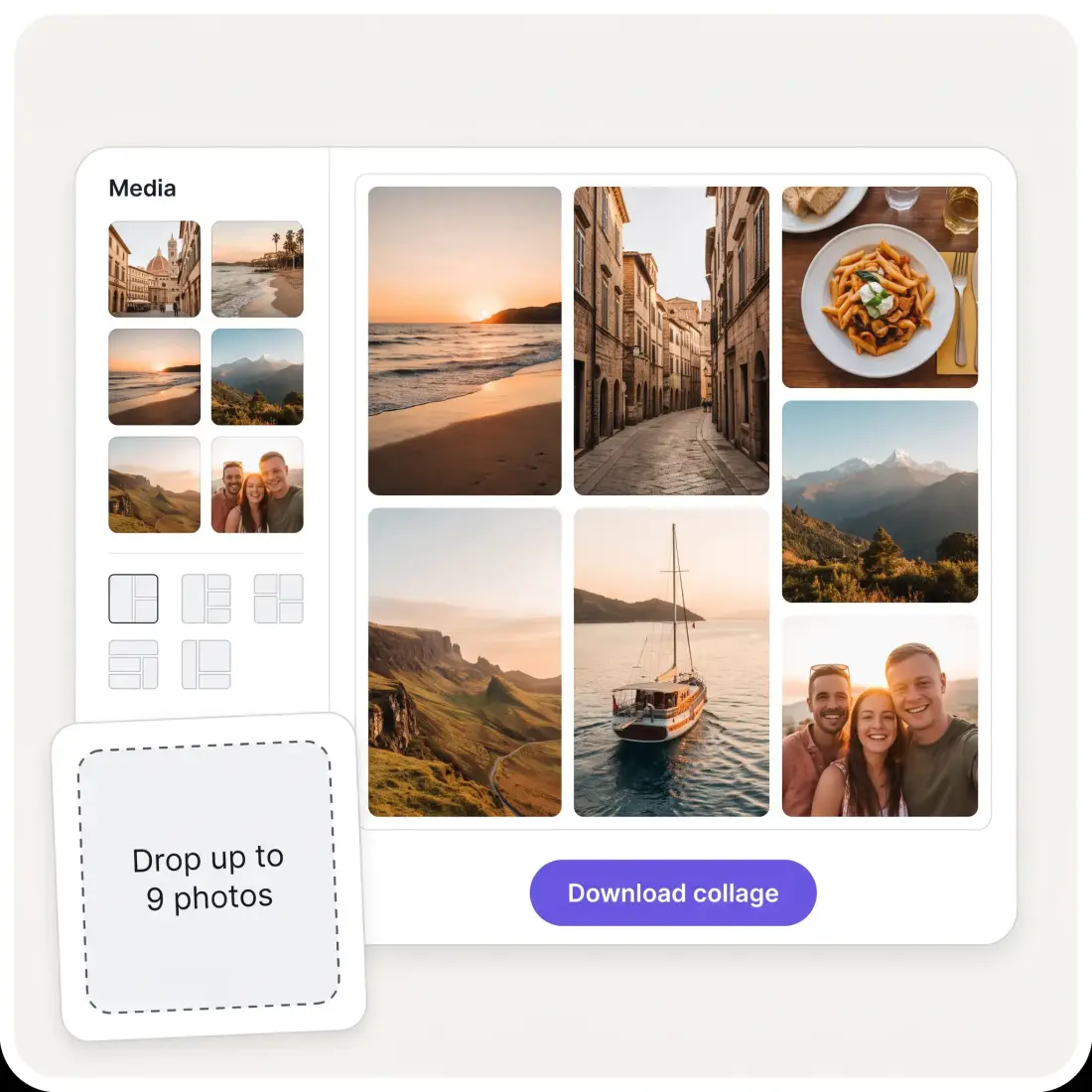
🖼️Drop up to 9 photos hereOr paste from the clipboard. Everything is stitched locally — nothing is uploaded.
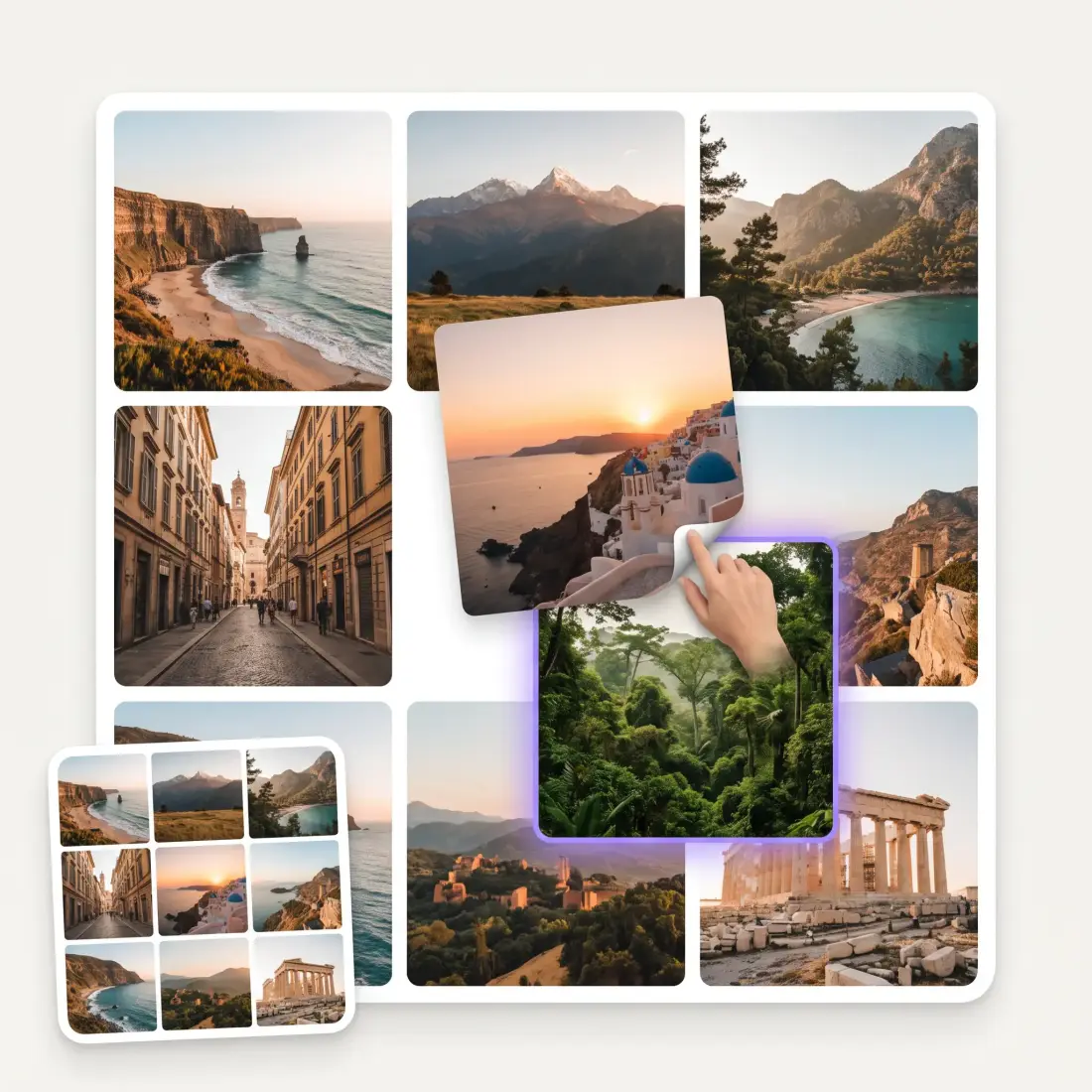
Drag a photo onto another to swap them
🔒 Photos never leave your browser🖼️ High-res export, no watermark🆓 Free, no sign-up
Choose Your Photo Collage Layout
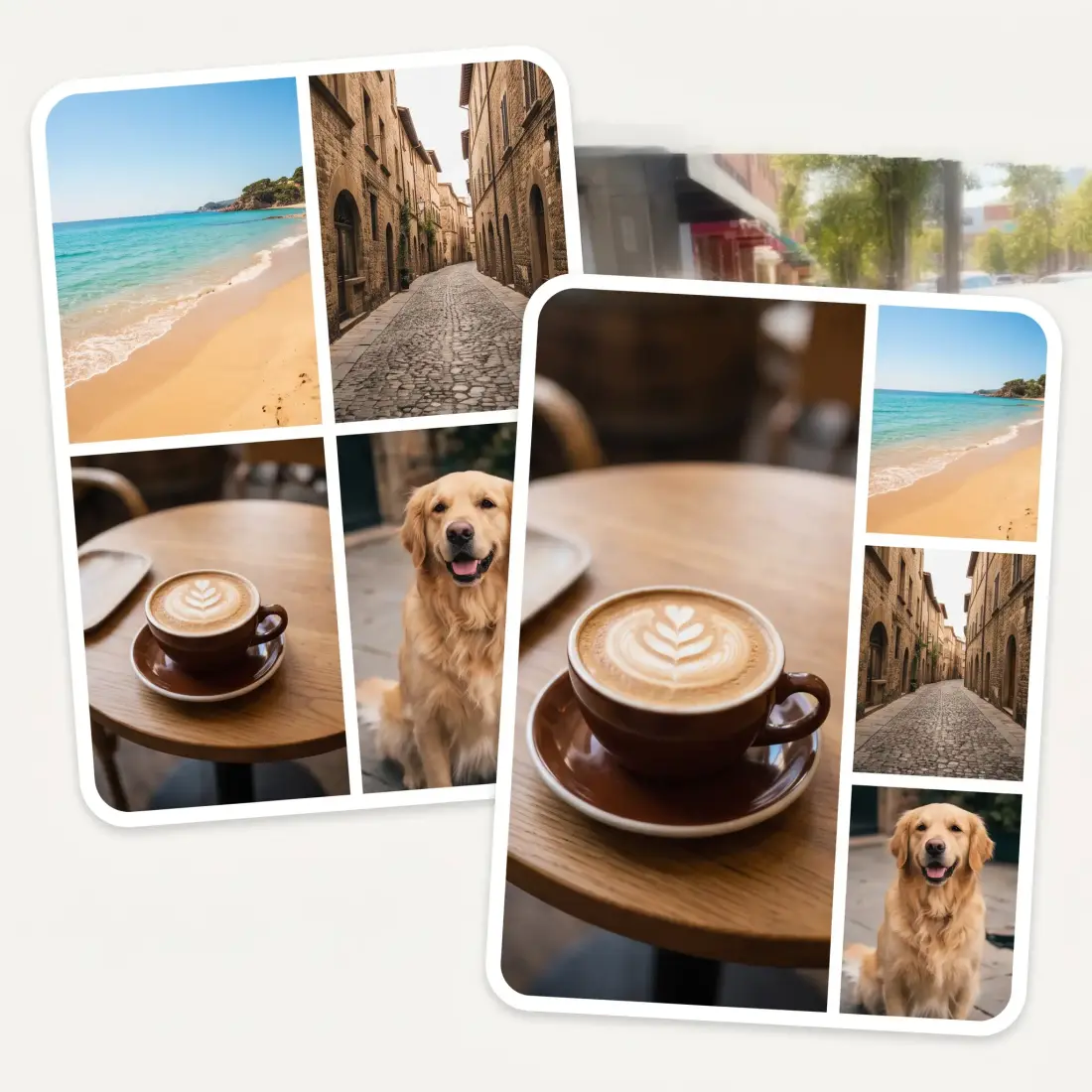
Choose from side-by-side, stacked, mosaic and classic 3×3 photo grid layouts that automatically update for the number of pictures you add (up to 9) — so every collage grid looks professional and clean.
Rearrange Every Photo with Drag and Drop
Want to change the order of the photos? Tap, hold, and drag images directly on the canvas to customize your collage template. Or use Shuffle and try a fresh composition instantly.
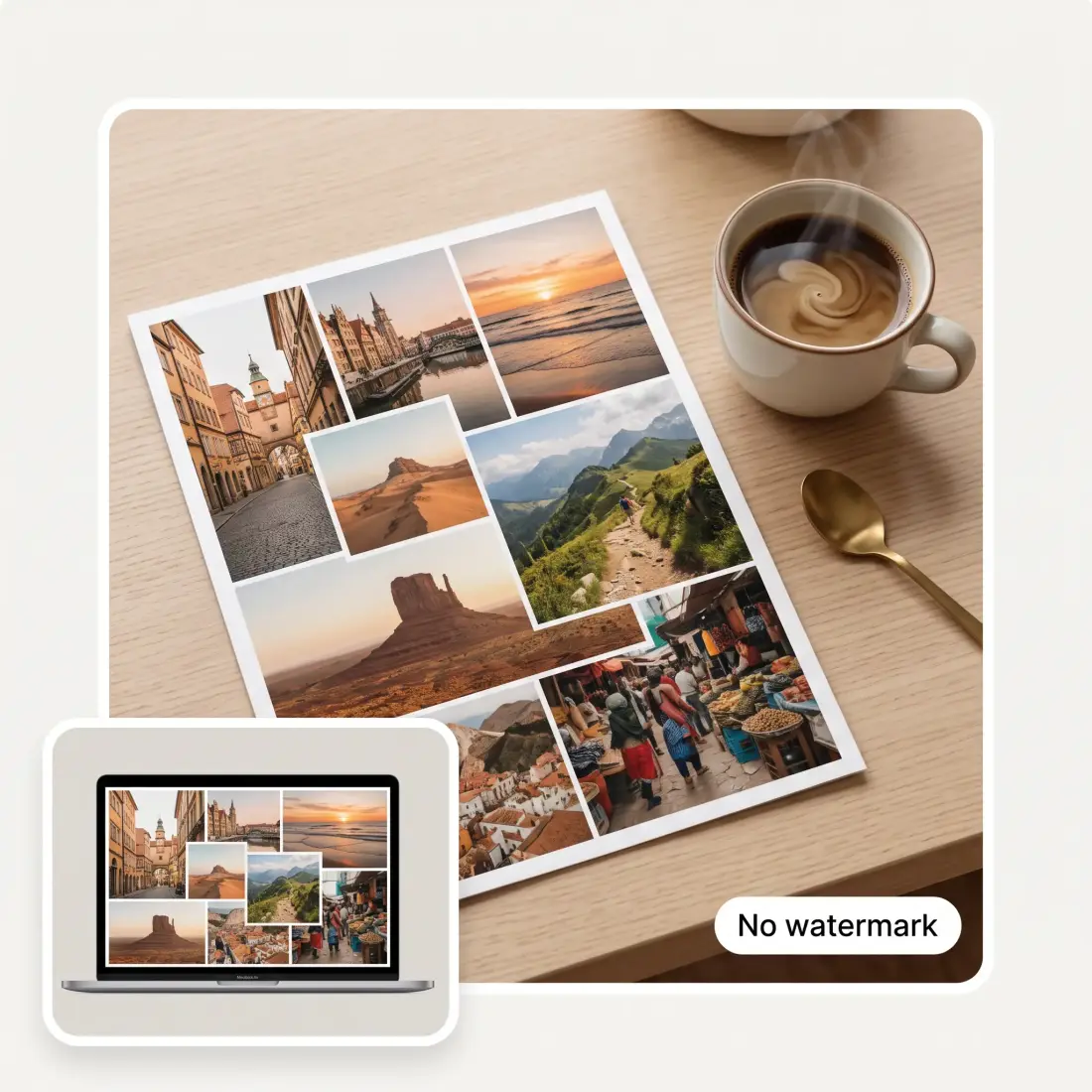
Download a High-Resolution Collage Without Any Watermarks
Export your finished photo collage at 2048 resolution and save it as a JPG or PNG with no watermark. No need to sign up or create an account.
Go Beyond a Photo Grid with AI Blend
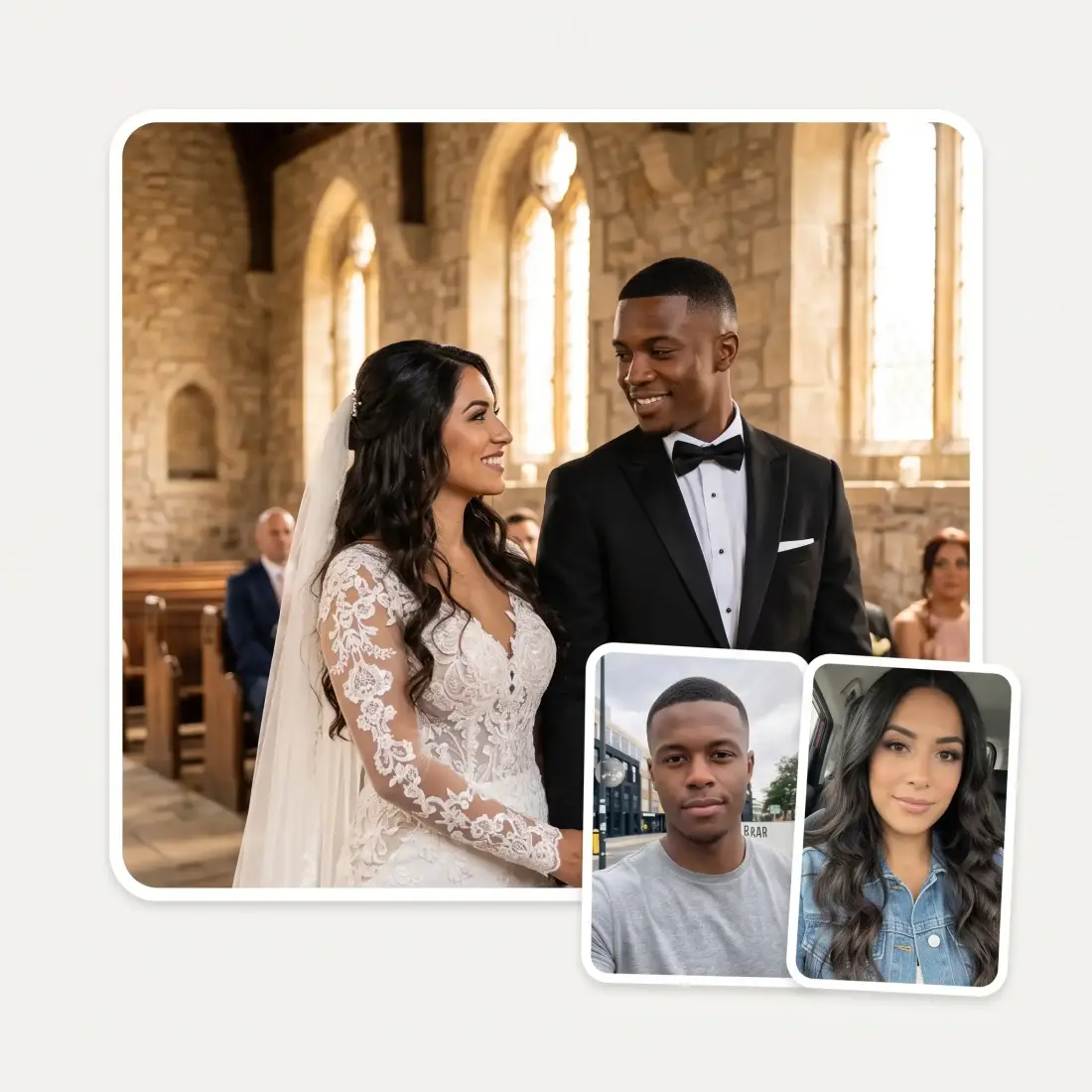
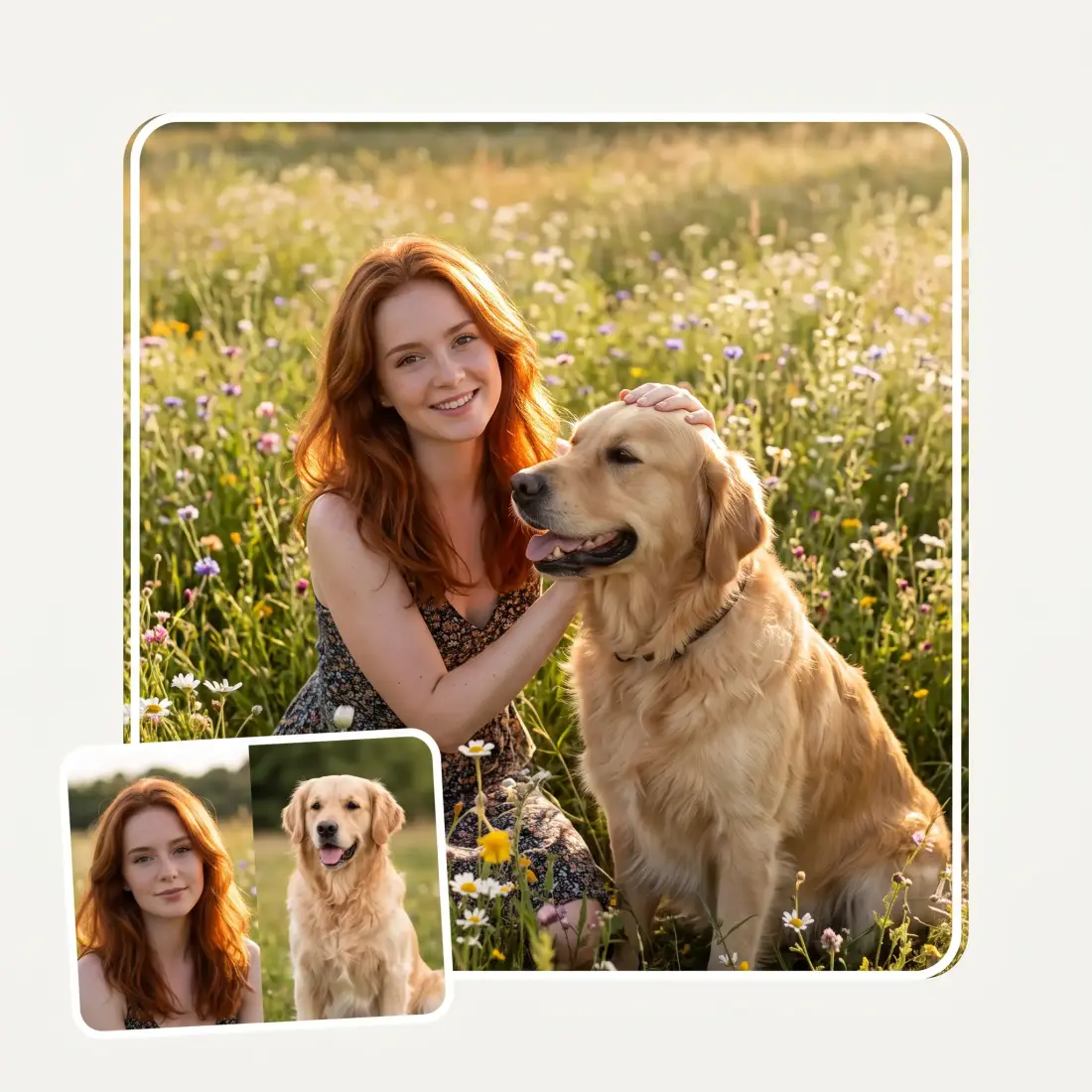
Want to blend two images together, or take elements from one image and render them in another? Try our intelligent Photo Blend feature, powered by the Nano Banana 2 image generation model, to seamlessly combine multiple images into one.
How to Make a Photo Collage in 4 Easy Steps
1
Upload your photos
Drag and drop pictures onto the canvas, paste them from the clipboard, or select Add photos. You can add 2–9 images at a time. Supported formats include JPG, PNG, WebP and HEIC. Want to try the photo collage maker without uploading anything? Choose Use sample photos and try without your own files.
2
Choose a collage layout and size
Pick your favorite collage template and set the aspect ratio: square 1:1, portrait 4:5, landscape 3:2 or 16:9, or vertical 9:16 for stories.
3
Customize your photo grid
Drag photos between cells to perfect the order. Then adjust the gap, rounded corners, outer margin and background color with simple sliders and swatches.
4
Download your collage
Select Download collage for a full-size JPG or PNG.
A Photo Collage for Every Moment
📱
Instagram Posts, Stories and Photo Dumps
Create scroll-stopping Instagram collages in seconds. Choose 4:5 for a feed post, 1:1 for a square tile, or 9:16 for a story and combine your best shots into one shareable image.
🎁
Birthday Gifts
Collect a year of memories into a single collage, add a warm background, and download a high-resolution image ready to print, frame, or turn into a personal birthday card.
🏷️
Product Collages and Marketplace Listings
Combine up to nine product photos into one clean listing image that shows every angle at a glance.
💍
Wedding and Travel Photo Collages
Bring the best moments from a trip, wedding or celebration into a single visual story.
📋
Mood Boards and Creative Briefs
Arrange the pictures in a tidy photo grid, download one file, and send it instead of nine attachments.
🔒
A Private Photo Collage Maker for Personal Photos
Your collage is created locally in your browser, so family photos and personal images stay on your device. They only leave it if you deliberately choose the optional AI Blend feature.
What people say about Overchat AI
★★★★★
Great experience! It helps me able to do my work and respond to questions quickly trusting that the my responses are grammatically correct.
Romanes Yarofaichie
Micronesia · Trustpilot, 30 Jul 2026
★★★★★
I've started to use overchat last week and it feels very promising. Lots of AI models in one place saves a lot of money in comparison if you buy subscriptions for each one.
Georgy P
Armenia · Trustpilot, 14 Jul 2026
★★★★★
Nice app, everything in one place
An Dy
Serbia · Trustpilot, 28 Nov 2025
★★★★★
Easy and convenient!
Jerry Rivers
United States · Trustpilot, 5 Nov 2025
★★★★★
im really into ai apps and that one is good, helps me with my arts and homework. i draw ai vids for inst and generate images with my characters, many widgets and models! like it
Rita Semenova
Germany · Trustpilot, 14 Aug 2026
★★★★★
I like how it keeps everything organized. One subscription is enough for all major AI models, which helps me avoid paying for multiple platforms.
Staria Quinn
United States · Trustpilot, 16 Nov 2025
Frequently Asked Questions
Is the Overchat AI online photo collage maker free?
Yes, Overchat AI collage maker is free. You can create and download a photo collage for free, with no signup and no watermark at 2048 pixels on the long side as JPG or PNG.
How many photos can I combine in one collage on Overchat AI?
Up to nine. The collage maker shows layouts designed for each photo count, from a simple two-picture collage to mosaics and the classic nine-photo 3×3 grid.
Does Overchat AI collage maker keep my photos private?
Yes — your photos are read, arranged and exported on your device and are not uploaded to a server. The only exception is optional AI Blend, which sends up to four selected photos to the image model after you choose it.
What size and format is the downloaded collage?
The download is 2048 pixels on the long side and is available as JPG or PNG. That is large enough for crisp social posts and marketplace listings, and prints at about 17 cm on the long side at 300 DPI.
What is the best collage size for Instagram?
Use 4:5 for an Instagram feed post, 1:1 for a square grid tile, or 9:16 for a story. All three sizes are built into the aspect controls, and the photo grid redraws to fit the shape you choose.
Can I rearrange photos after choosing a layout?
Yes. Drag any photo onto another to swap them directly on the preview. You can also select Shuffle to generate a different arrangement instantly.
Can I make a photo collage on iPhone or Android?
Yes. Open the collage maker in your mobile browser, choose pictures from your camera roll — including HEIC files — rearrange them with touch, and save the finished collage like any other image.
Do I need to create an account or download an app?
No. The Overchat AI collage maker works directly in a modern browser with no account and nothing to install. Open the page, add your photos, make the collage, and download it.
What image formats can I upload to Overchat AI collage generator?
You can add JPG, PNG, WebP and HEIC images. That covers common photos from phones, cameras, downloads and screenshots.
What is the difference between a photo collage and AI Blend?
A photo collage allows you to arrange multiple images side by side on a single canvas in different layouts based on pre-configured templates. AI Blend uses generative AI to create a new image that blends objects, places and characters from up to four images using Nano Banana 2 in Overchat AI. For example, you can send an image of a dog and an image of a person to generate a new photorealistic image in which the person from Image 2 hugs the dog from Image 1.
{"@context":"https://schema.org","@graph":[{"@type":"WebApplication","name":"Collage Maker","url":"https://overchat.ai/ai-tools/collage-maker","applicationCategory":"MultimediaApplication","operatingSystem":"Web","description":"Make a photo collage online free: up to 9 photos, grid layouts, drag to swap, gap and corner controls, and a high-res download with no watermark or sign-up.","offers":{"@type":"Offer","price":"0","priceCurrency":"USD"},"publisher":{"@type":"Organization","name":"Overchat AI","url":"https://overchat.ai"}},{"@type":"BreadcrumbList","itemListElement":[{"@type":"ListItem","position":1,"name":"Home","item":"https://overchat.ai/"},{"@type":"ListItem","position":2,"name":"Image","item":"https://overchat.ai/image"},{"@type":"ListItem","position":3,"name":"Collage Maker","item":"https://overchat.ai/ai-tools/collage-maker"}]},{"@type":"FAQPage","mainEntity":[{"@type":"Question","name":"Is the Overchat AI online photo collage maker free?","acceptedAnswer":{"@type":"Answer","text":"Yes, Overchat AI collage maker is free. You can create and download a photo collage for free, with no signup and no watermark at 2048 pixels on the long side as JPG or PNG."}},{"@type":"Question","name":"How many photos can I combine in one collage on Overchat AI?","acceptedAnswer":{"@type":"Answer","text":"Up to nine. The collage maker shows layouts designed for each photo count, from a simple two-picture collage to mosaics and the classic nine-photo 3×3 grid."}},{"@type":"Question","name":"Does Overchat AI collage maker keep my photos private?","acceptedAnswer":{"@type":"Answer","text":"Yes — your photos are read, arranged and exported on your device and are not uploaded to a server. The only exception is optional AI Blend, which sends up to four selected photos to the image model after you choose it."}},{"@type":"Question","name":"What size and format is the downloaded collage?","acceptedAnswer":{"@type":"Answer","text":"The download is 2048 pixels on the long side and is available as JPG or PNG. That is large enough for crisp social posts and marketplace listings, and prints at about 17 cm on the long side at 300 DPI."}},{"@type":"Question","name":"What is the best collage size for Instagram?","acceptedAnswer":{"@type":"Answer","text":"Use 4:5 for an Instagram feed post, 1:1 for a square grid tile, or 9:16 for a story. All three sizes are built into the aspect controls, and the photo grid redraws to fit the shape you choose."}},{"@type":"Question","name":"Can I rearrange photos after choosing a layout?","acceptedAnswer":{"@type":"Answer","text":"Yes. Drag any photo onto another to swap them directly on the preview. You can also select Shuffle to generate a different arrangement instantly."}},{"@type":"Question","name":"Can I make a photo collage on iPhone or Android?","acceptedAnswer":{"@type":"Answer","text":"Yes. Open the collage maker in your mobile browser, choose pictures from your camera roll — including HEIC files — rearrange them with touch, and save the finished collage like any other image."}},{"@type":"Question","name":"Do I need to create an account or download an app?","acceptedAnswer":{"@type":"Answer","text":"No. The Overchat AI collage maker works directly in a modern browser with no account and nothing to install. Open the page, add your photos, make the collage, and download it."}},{"@type":"Question","name":"What image formats can I upload to Overchat AI collage generator?","acceptedAnswer":{"@type":"Answer","text":"You can add JPG, PNG, WebP and HEIC images. That covers common photos from phones, cameras, downloads and screenshots."}},{"@type":"Question","name":"What is the difference between a photo collage and AI Blend?","acceptedAnswer":{"@type":"Answer","text":"A photo collage allows you to arrange multiple images side by side on a single canvas in different layouts based on pre-configured templates. AI Blend uses generative AI to create a new image that blends objects, places and characters from up to four images using Nano Banana 2 in Overchat AI. For example, you can send an image of a dog and an image of a person to generate a new photorealistic image in which the person from Image 2 hugs the dog from Image 1."}}]}]}

.webp)