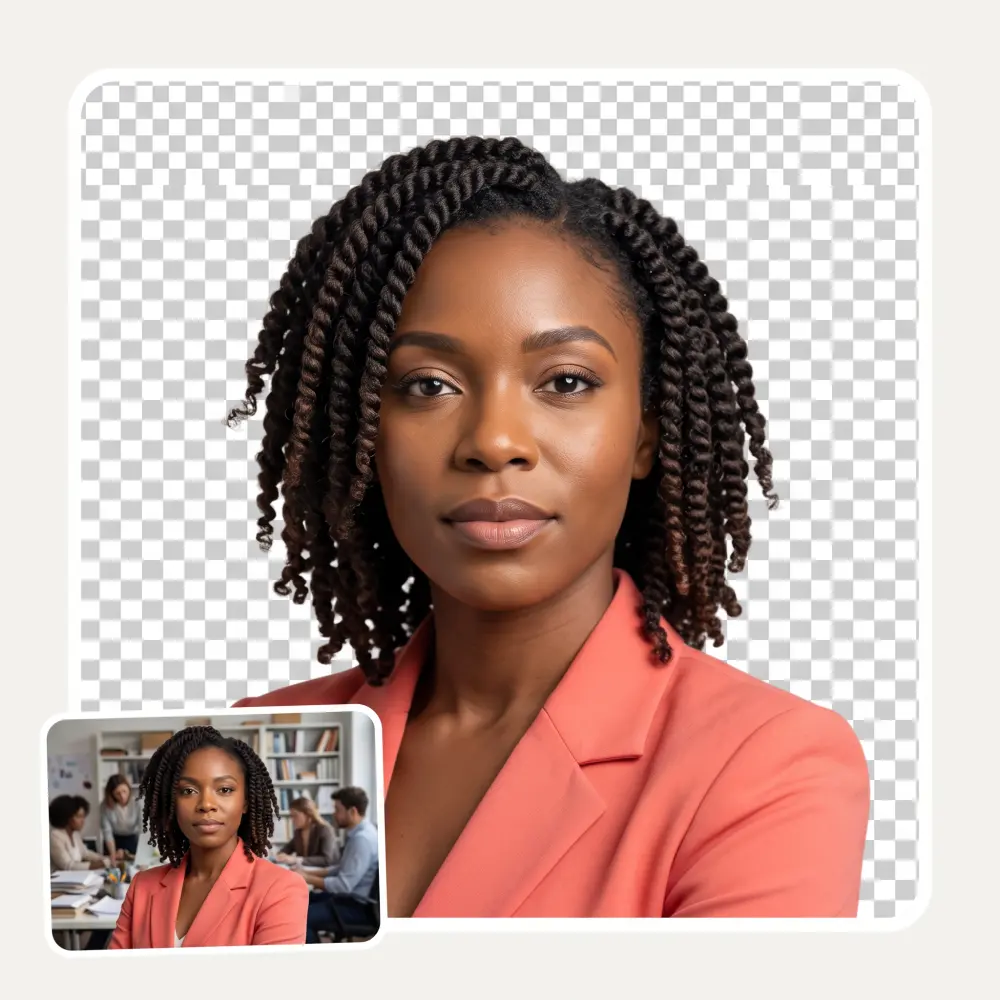
 Before
After
Before
After
Turn a small, soft or over-compressed photo into a sharp 2K one. AI rebuilds real detail — hair, skin, fabric, edges — and changes nothing about what is in the picture.
Before
After
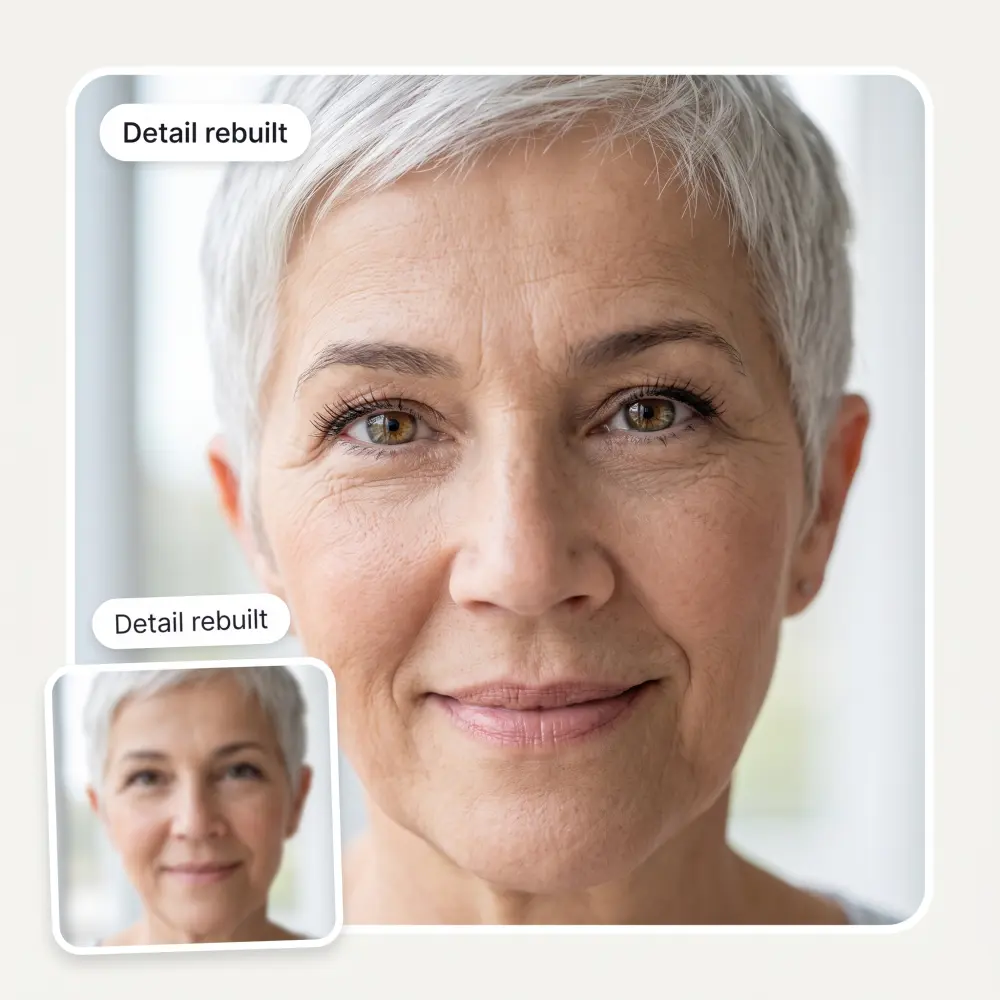
Classic upscalers enlarge what is already there, so a soft photo becomes a bigger soft photo. This one reconstructs the texture that compression and small sensors threw away — individual hairs, fabric weave, the catchlight in an eye.
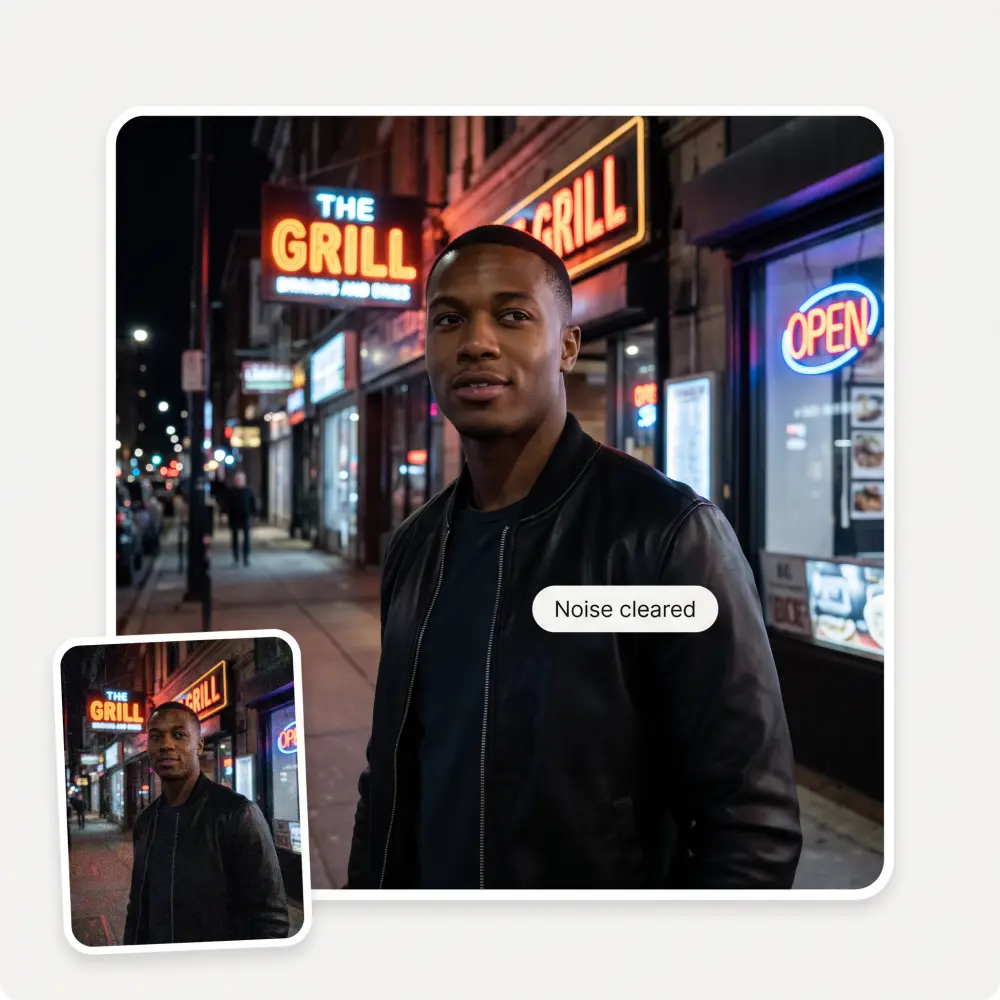
Night shots, screenshots and photos that have been reposted a dozen times carry speckle and blocky edges. Those get cleaned up in the same pass, without flattening the picture into plastic.
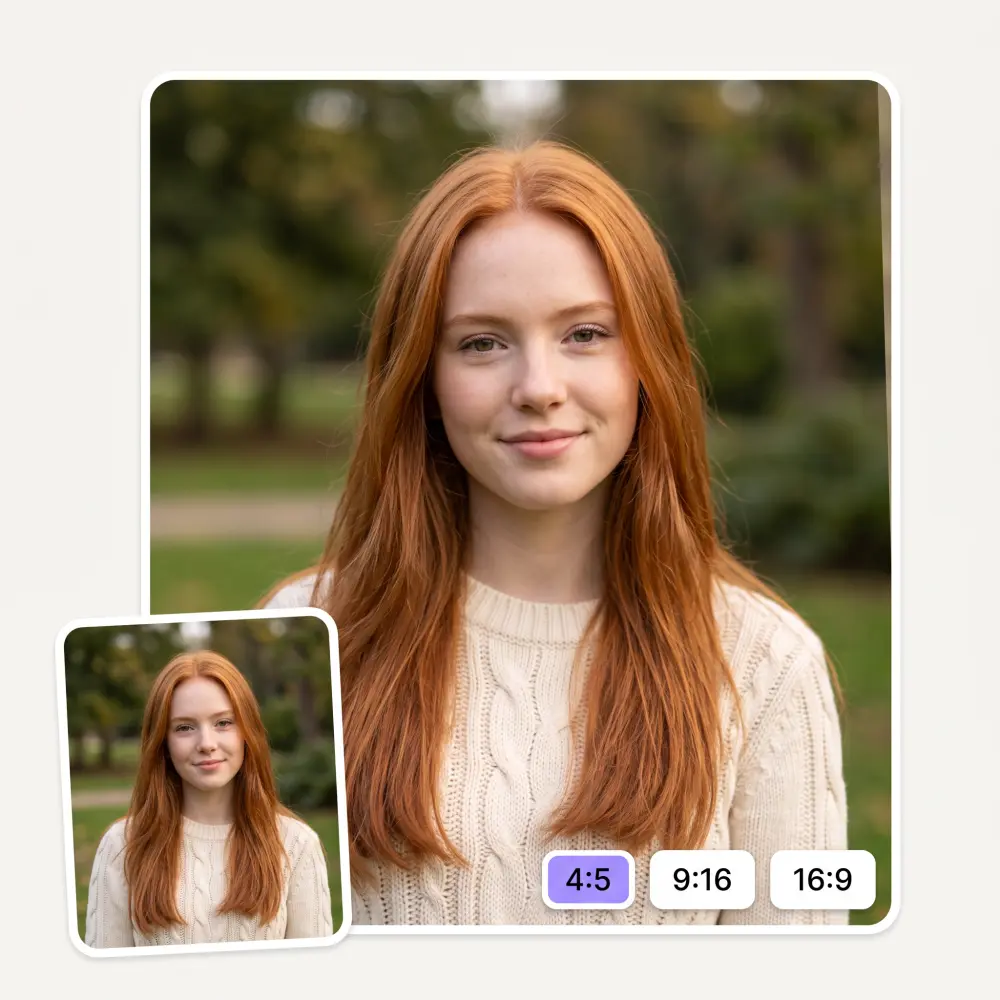
Keep the original proportions, or convert straight into the frame you need it for: 4:5 for a feed post, 9:16 for a story or reel, 16:9 for a thumbnail, 3:2 for print. One step instead of converting and then cropping.
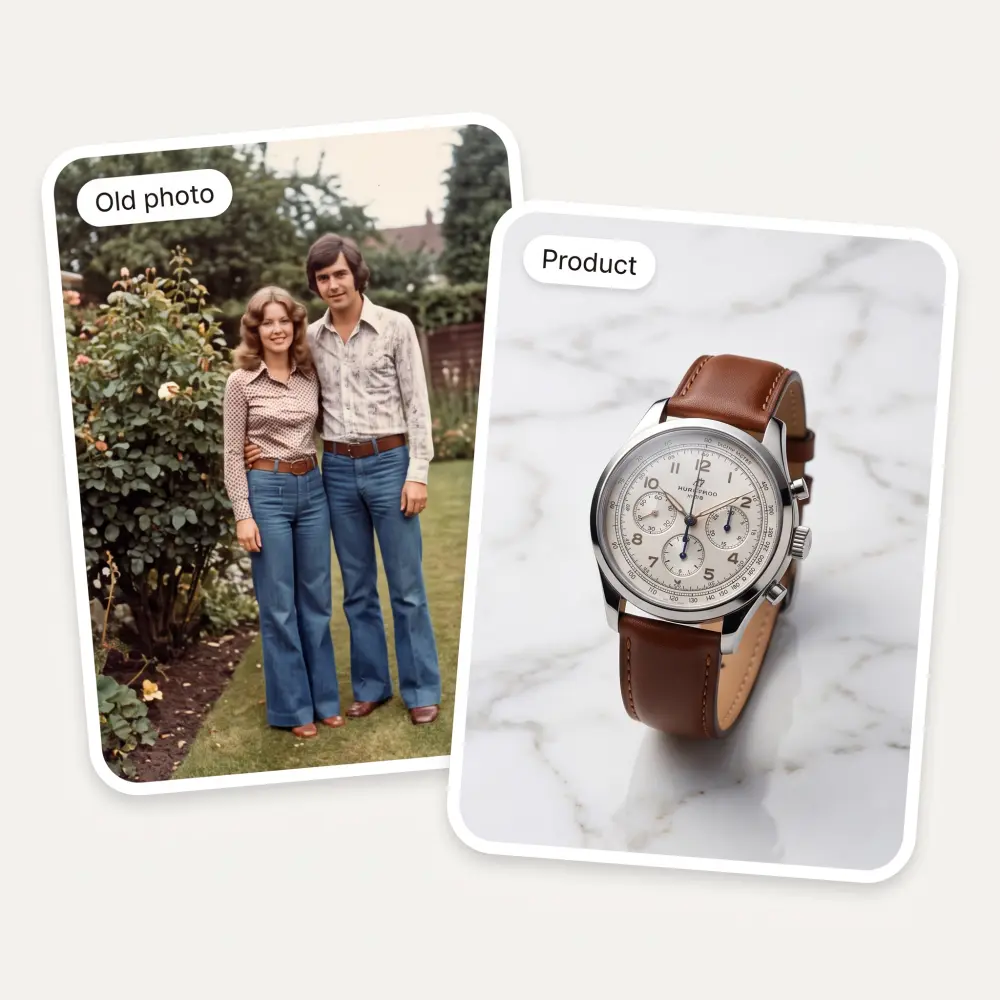
A scanned family photo from decades ago, a screenshot saved too small, a product picture that looked fine on a phone and falls apart on a listing — all of them are the same job for the converter.
Drag it in, paste with Ctrl+V or pick it from your device. JPG, PNG, WebP and iPhone HEIC all work, including screenshots.
Leave it on Same as original to keep the framing, or choose the shape you need — square, 4:5, 9:16, 4:3, 3:2 or 16:9.
The AI rebuilds detail and clears noise. It takes about 30 seconds — longer than a filter because it is redrawing the picture, not sharpening it.
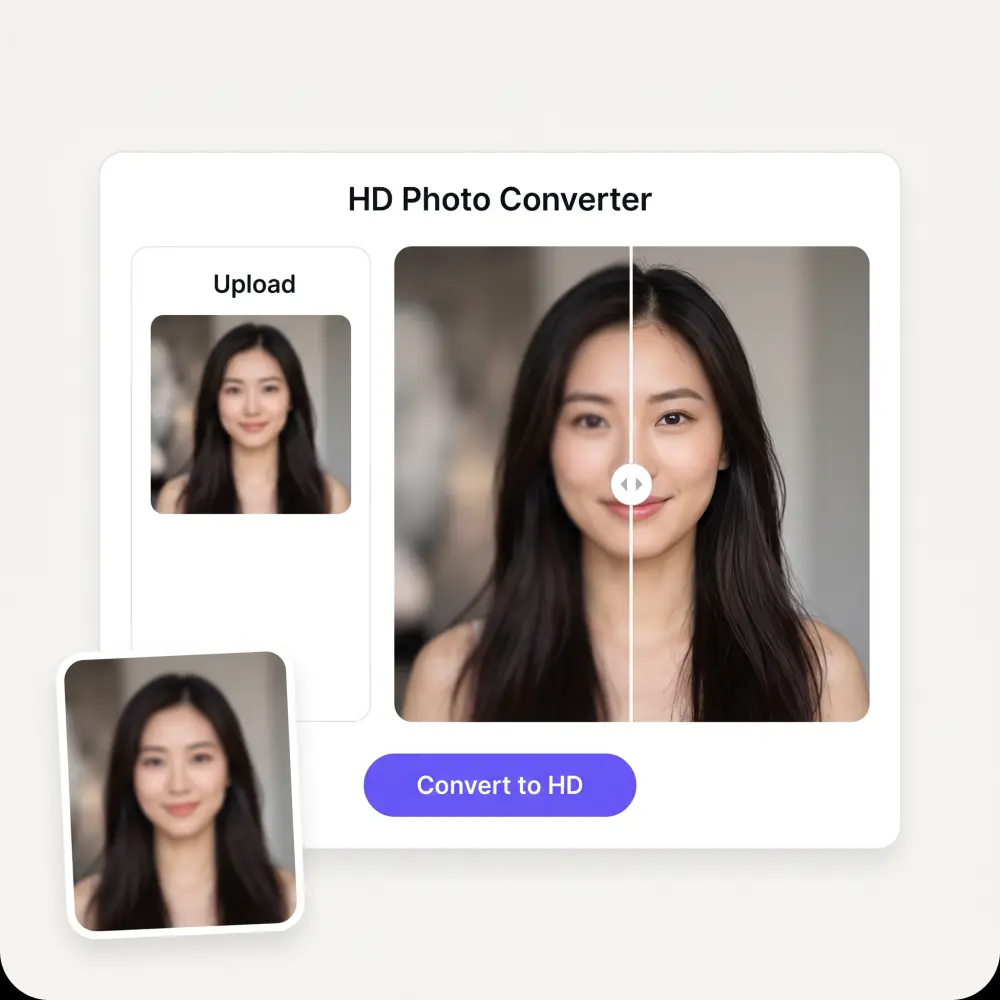
Drag the slider across the before and after to check the result at full size, then save the HD file. No watermark, no sign-up.
Marketplace listings reject soft images and shoppers scroll past them. Convert existing product photos instead of reshooting the whole catalogue.
Rescue a frame that was slightly soft or shot too far away, and get a file that survives being printed instead of only working on screen.
Scans of old prints are usually small and grainy. Convert them before you print, frame or share them with relatives.
Low light, digital zoom and heavy sharing all cost detail. Get the shot back to something worth posting at full size.
Thumbnails and covers get judged at a glance. Convert to HD, pick 16:9 or 9:16, and publish without the softness showing.
Posters, CVs, menus and invitations all need more resolution than a screen does. Convert first and the print stops looking fuzzy.
Great experience! It helps me able to do my work and respond to questions quickly trusting that the my responses are grammatically correct.
I've started to use overchat last week and it feels very promising. Lots of AI models in one place saves a lot of money in comparison if you buy subscriptions for each one.
Nice app, everything in one place
Easy and convenient!
im really into ai apps and that one is good, helps me with my arts and homework. i draw ai vids for inst and generate images with my characters, many widgets and models! like it
I like how it keeps everything organized. One subscription is enough for all major AI models, which helps me avoid paying for multiple platforms.
It improves. Resizing multiplies pixels and keeps the same softness; this model reconstructs detail that is missing — hair, skin texture, fabric, edges — which is why the result looks sharp at full size rather than just large. Drag the before and after slider to see it on your own photo.
They overlap. An upscaler is about resolution; converting to HD here is about how much real detail the picture holds, which usually means both rebuilding texture and clearing noise. A photo can already be large and still not be HD in any useful sense.
Usually, yes — mild focus blur, compression mush, grain and the softness in old scans all respond well. Severe motion blur is different: when the shape of a feature is genuinely gone from the frame, the AI is inventing it rather than recovering it.
That is the failure mode worth watching for in this category — over-processed skin and plastic edges. The model here is tuned to rebuild texture rather than smooth it away, and the comparison slider exists so you can judge before you download.
It aims to keep them. Because the model is generative, small text and fine logo detail can shift slightly — that is the one thing worth checking at full zoom before you use the result somewhere official.
Around 2K on the long side — roughly 2560 pixels. That is a deliberate choice: real reconstructed detail at 2K holds up better under inspection and in print than a photo stretched to a 4K or 8K number that still looks soft at 100%.
About 30 seconds per photo. There is no watermark, no sign-up and no resolution cap on the download.
No. Those are Microsoft's HD Photo format, also called JPEG XR, and they need a file-format converter. This page is about image quality: making a photo sharper and more detailed, whatever its format.
Available on Web, iOS, and Android. Access your AI assistant anywhere, anytime.

.webp)