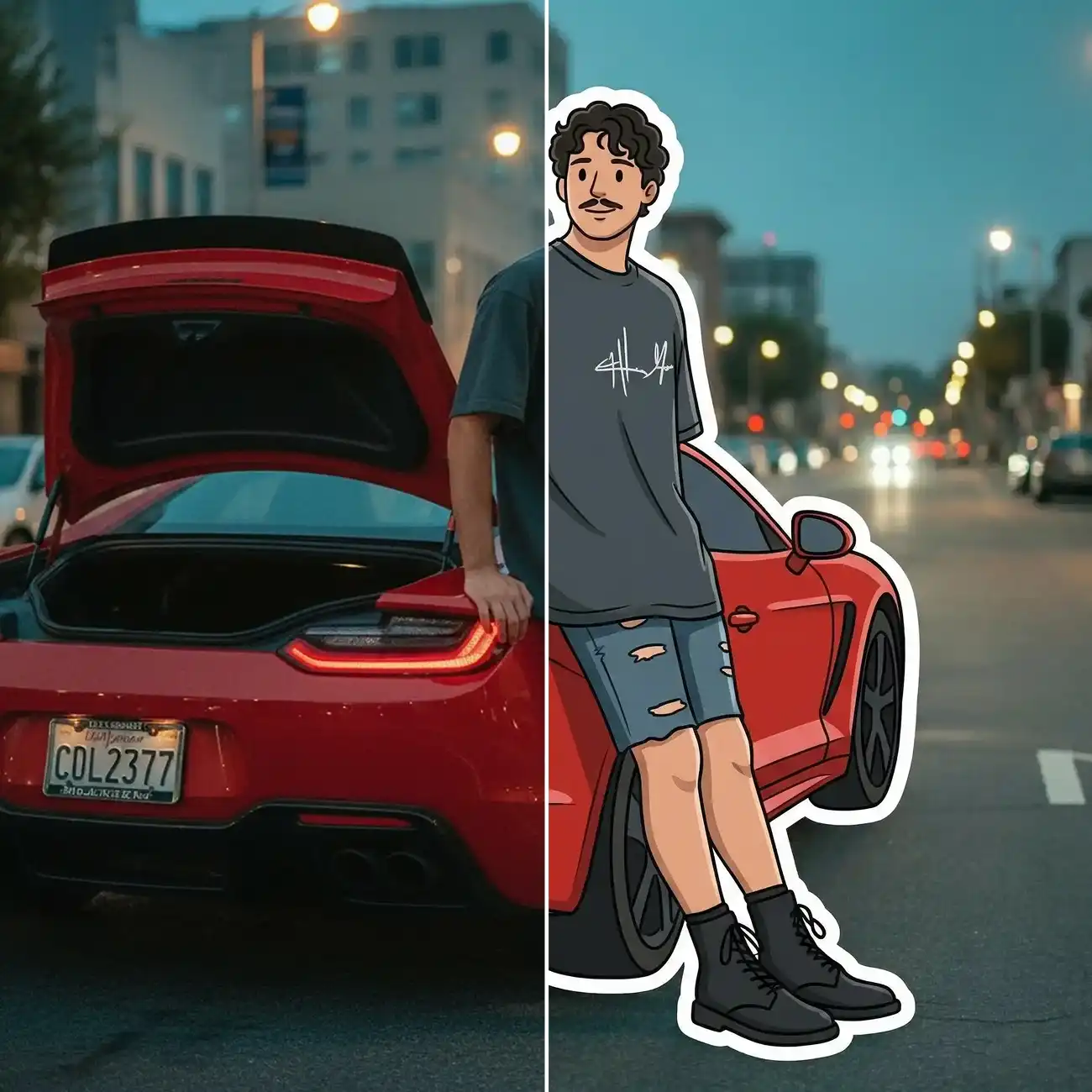
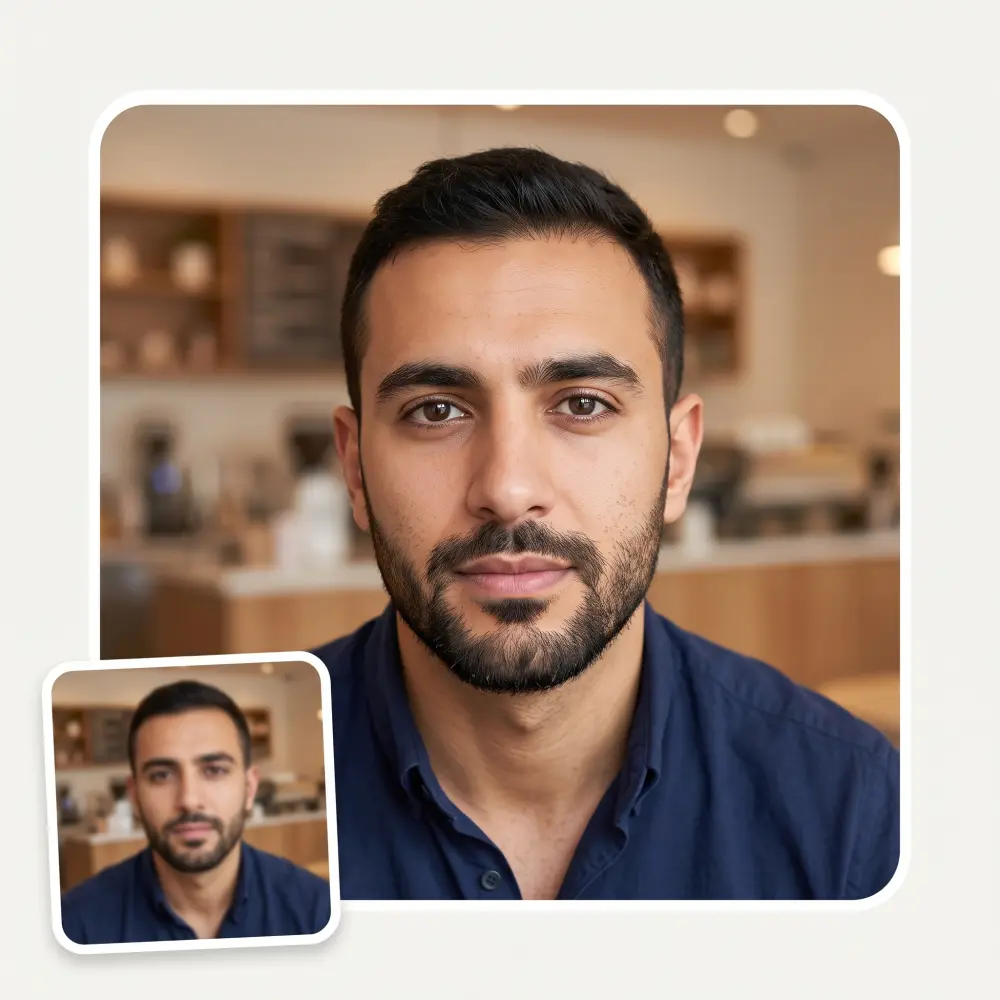
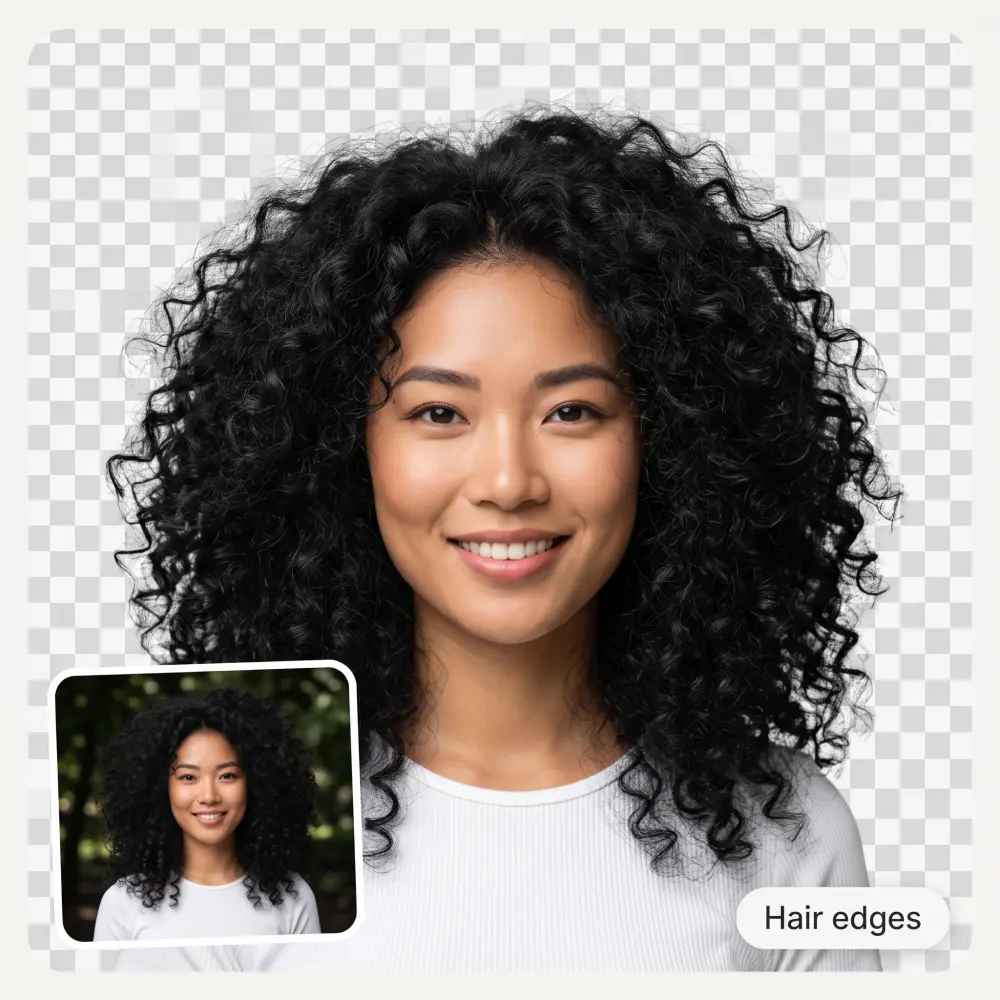
Turn your image into a PNG with a single click. The AI automatically detects the main subject and separates it from the background, including details like hair, fur, and other fine edges, so you don't have to manually trace or select the subject.
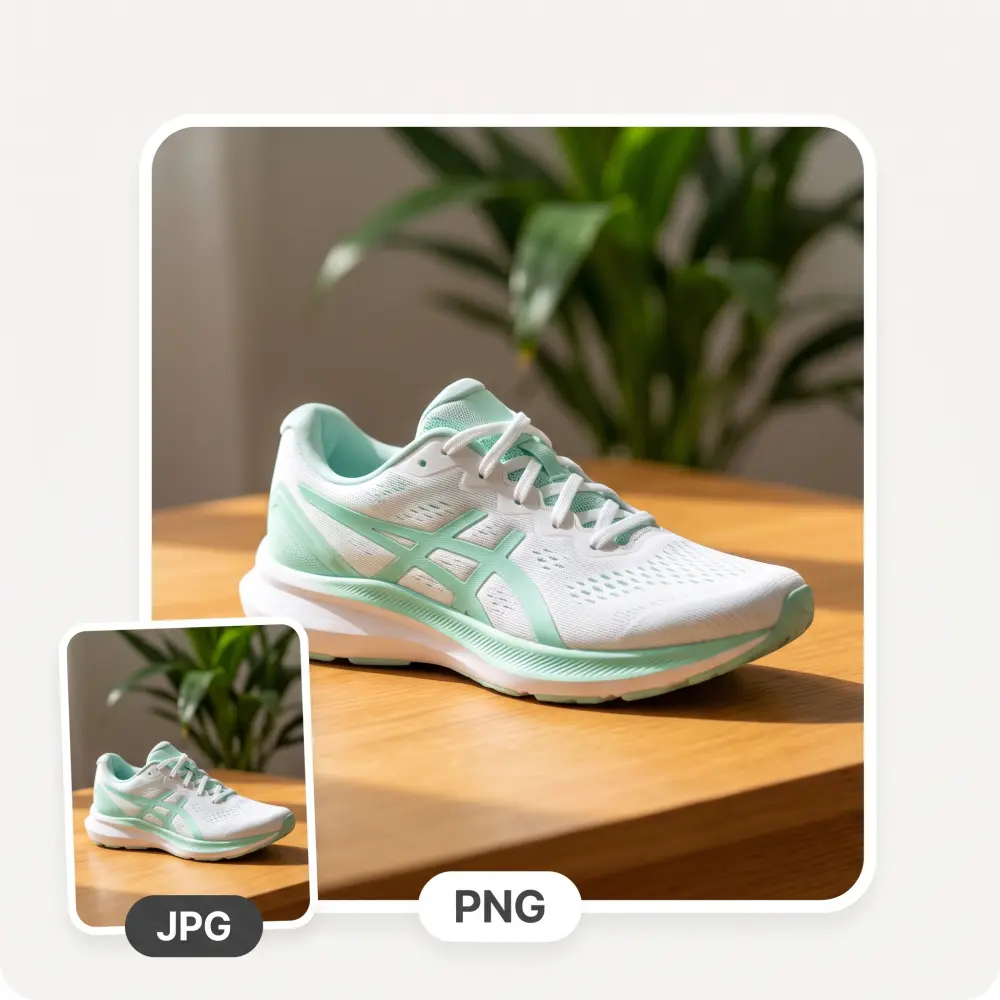
Convert JPG images to PNG without removing or changing the background. This option keeps the original image intact and simply changes the file format, which is useful when you need a PNG file but don't need a transparent background.
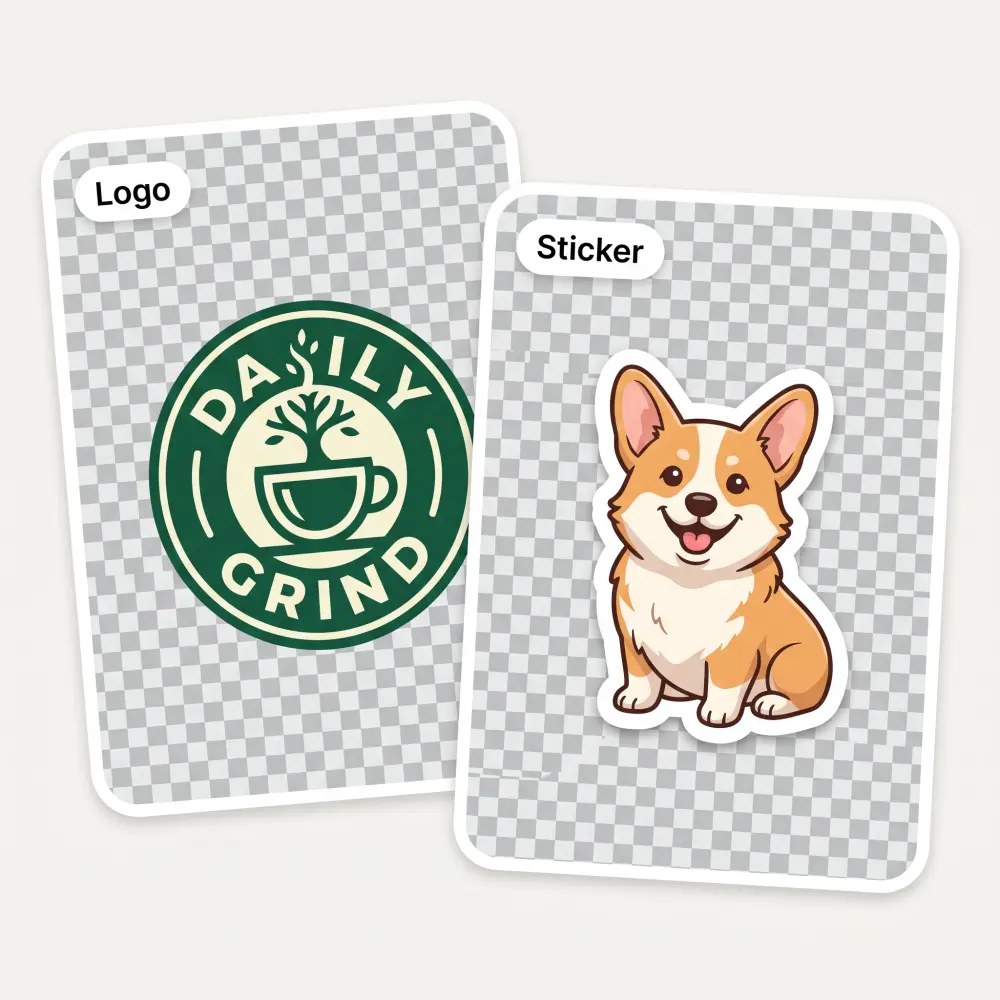
Create transparent PNGs of rasterized versions of logos, stickers, and other graphics, and paste them over any background with clear edges. Our PNG maker preserves crisp linework and contours, and flawlessly handles difficult cases such as bleeding transparencies and soft shadows.
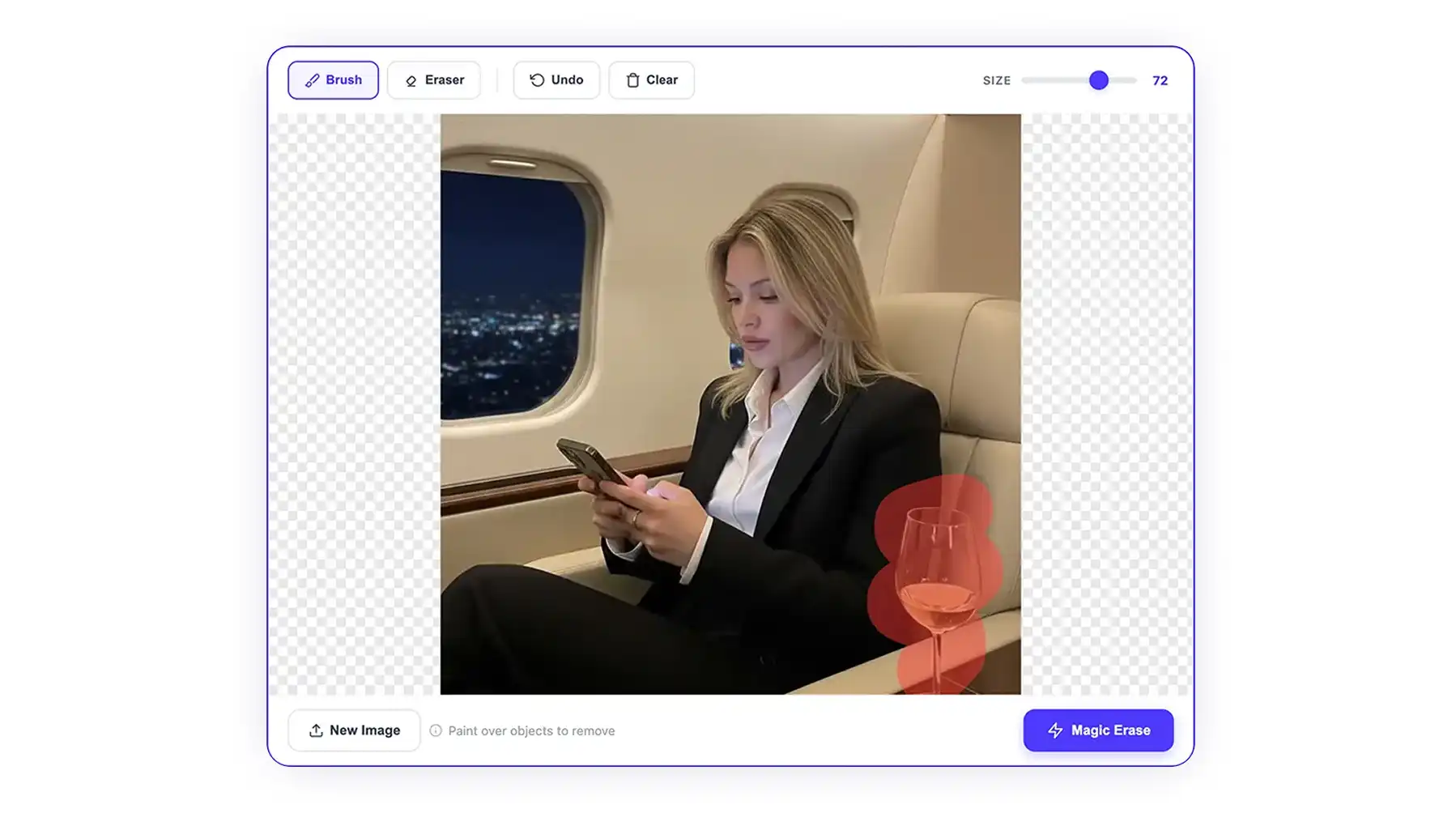
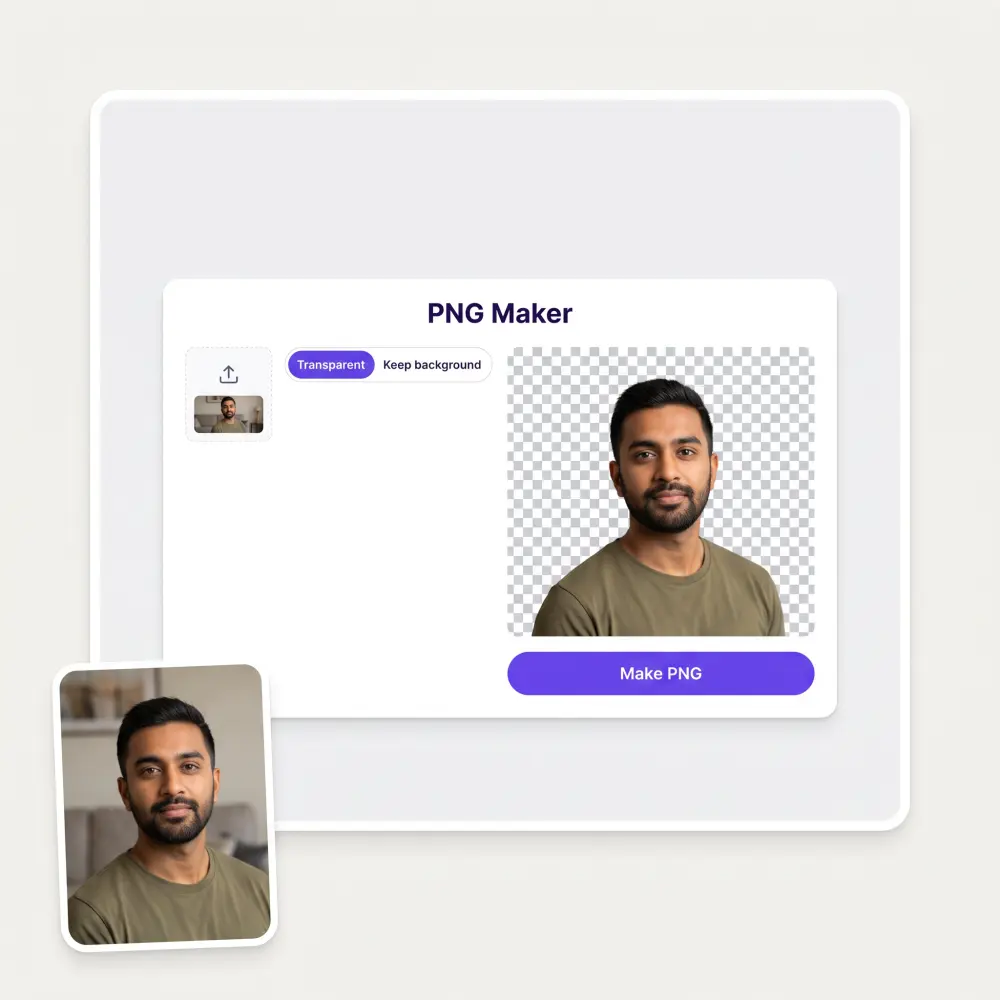
Drag and drop an image, paste it from your clipboard, or select a file from your device. JPG, PNG, WebP, and HEIC files are supported. You can also try one of the sample images.
Select "Transparent" to remove the background and keep only the main subject. If you want to keep the original background and convert an image to PNG, choose "Keep Background." This option changes the file format without removing the background. This is useful if you have a JPEG file and want to compress it more effectively because PNG files can be compressed more efficiently than JPEG or JPG files.
Click Make PNG and wait about 30 seconds while the AI processes your image. When it's ready, you'll see the result with a checkerboard background indicating the transparent areas.
Download the finished PNG with transparency preserved and use in designs, presentations, websites, product listings, and other projects.
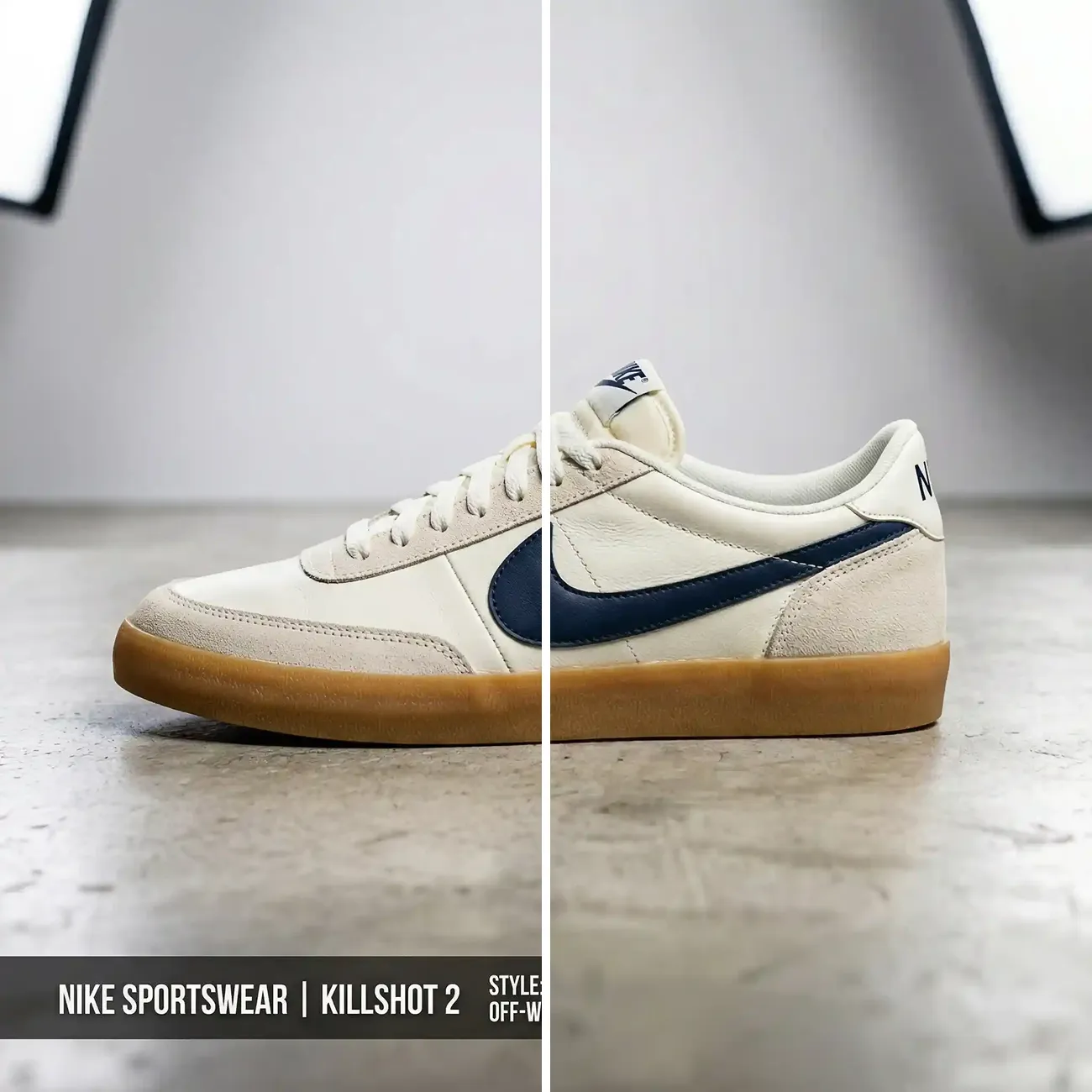
Remove the background from product photos and save them as transparent PNGs. This makes it easy to place products on different backgrounds for store listings, promotional graphics, and other ecommerce content.
Create transparent PNGs from logos, illustrations, product images, and other graphics without opening a full image editor. The finished files can be dropped directly into presentations, websites, mockups, and design projects.
Prepare images for posts, stories, thumbnails, and other social content by removing unwanted backgrounds — you can create a clean cutout in your browser and use it directly in your existing design workflow.
Add transparent images to presentations, worksheets, and other school materials without bringing a rectangular background along with them.
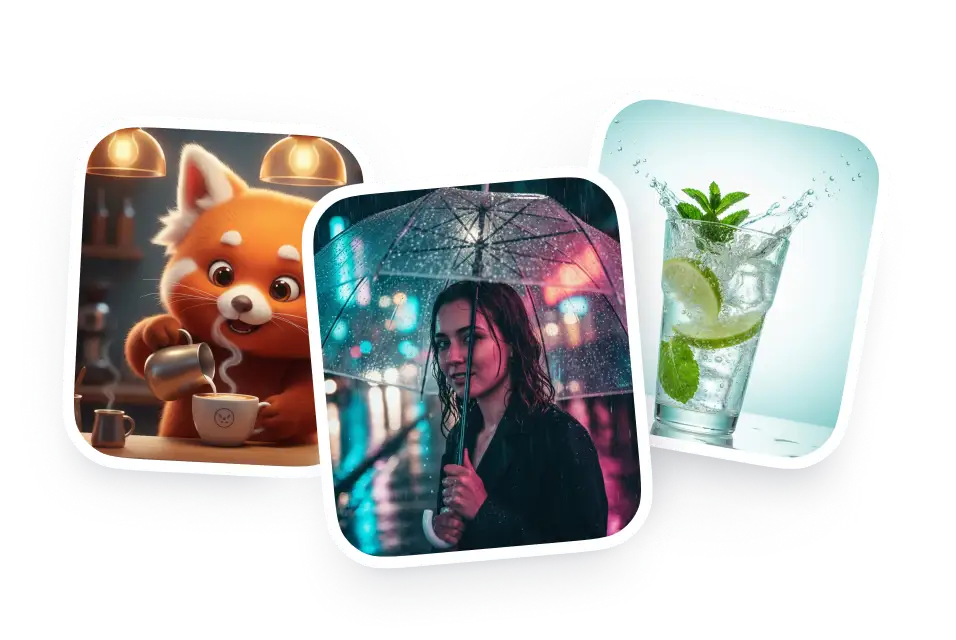
Create transparent cutouts from portraits, products, and other photos for composites, posters, mockups, and client projects without making the selection manually.
Prepare headshots, product photos, logos, signatures, and other images for websites, documents, presentations, and marketing materials and place them over different backgrounds easily.
Good and easy to use
It's a nice place to be. I love it
I ask. CHATGP answers. I check on the answer and it's always been correct.
Affordable and simple to use. I like that I don't have to pay for several different services anymore.
Great experience! It helps me able to do my work and respond to questions quickly trusting that the my responses are grammatically correct.
I've started to use overchat last week and it feels very promising. Lots of AI models in one place saves a lot of money in comparison if you buy subscriptions for each one.
Upload your image and select Transparent. Overchat AI removes the background around the main subject, including solid white backgrounds, and saves the result as a transparent PNG.
A PNG can contain either transparent areas or regular pixels. If the image was saved with a white background, those white areas become part of the image. Simply converting a JPG to PNG doesn't remove them — you need to remove the background first with a specialized tool.
Yes, select "Keep Background" to convert your JPG to a PNG without removing or changing the background. The image will keep its original appearance, and only the file format will change. You might want to do this to prevent quality loss, since JPG files use lossy compression while PNG files use lossless compression. You might also want to do this to meet file size requirements, since PNG files are compressed more effectively when converted to WebP.
Yes. Select Transparent and the AI automatically detects the main subject and removes the background. It works with a range of images, including people, products, objects, and graphics, without requiring you to manually outline the subject.
No — PNG is a lossless format, and saving an image as PNG does not introduce compression. Converting a heavily compressed JPG won't restore detail that was already lost.
Open the PNG over a coloured background or in an editor that displays transparency. You can also check the result here using the checkerboard preview, where the checkerboard represents the transparent areas of the image.
Yes. You can create PNGs for free, without a watermark or sign-up. The available upload and output limits may depend on the current version of the tool.
Yes, after processing, Overchat AI automatically deletes your images after a set time. For more information, check our privacy policy.
Available on Web, iOS, and Android. Access your AI assistant anywhere, anytime.

.webp)