Found an image you love? Get the prompt that makes it. Upload
any picture and AI writes back the prompt — subject, lighting,
colour, camera, style — ready to paste into your generator.
Reads subject, light and style
Tuned per generator
Copy and paste anywhere
Example
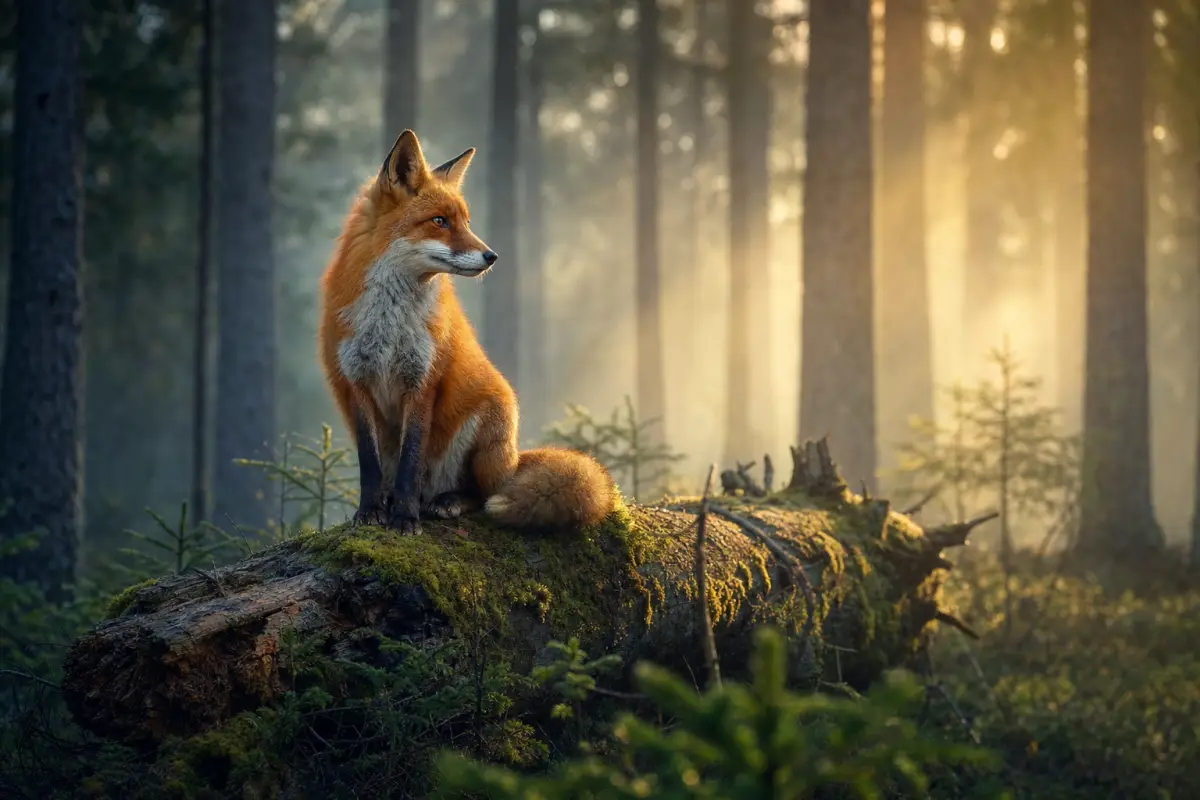
A majestic red fox sits gracefully atop a moss-covered fallen log deep within a dense forest, gazing thoughtfully into the distance with its alert ears perked up, captured in a wide-angle shot that emphasizes the surrounding towering trees and the dappled sunlight filtering through the canopy. The scene is bathed in warm, golden hour light that creates a soft glow and long shadows, enhancing the rich earthy tones of the fox's fur and the lush green moss. The color palette features warm oranges, browns, and vibrant greens, evoking a tranquil, mystical atmosphere. The overall mood is serene and contemplative, with a photographic style reminiscent of fine art nature photography, using a high-resolution digital camera with a wide-angle lens to capture the expansive forest environment and the detailed texture of the fox and its surroundings.
📝
Trusted by 350,000+ people
🖼️
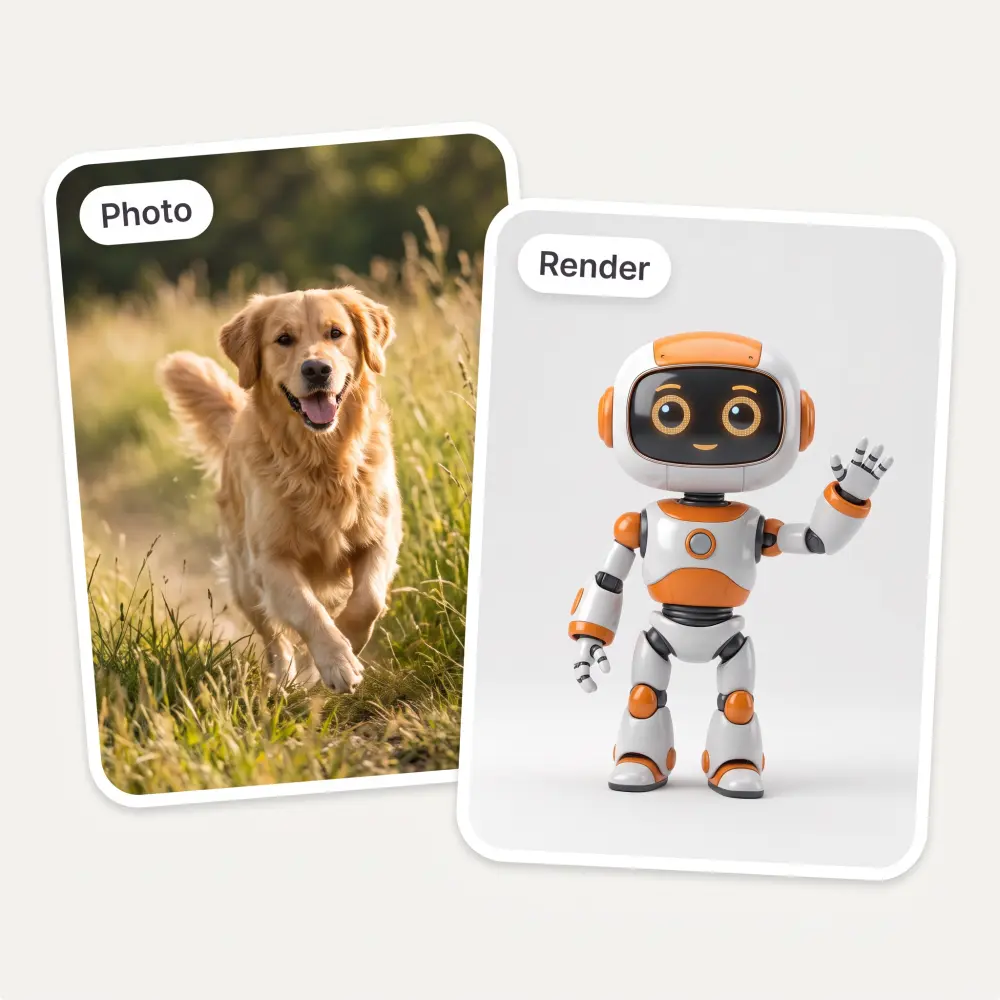
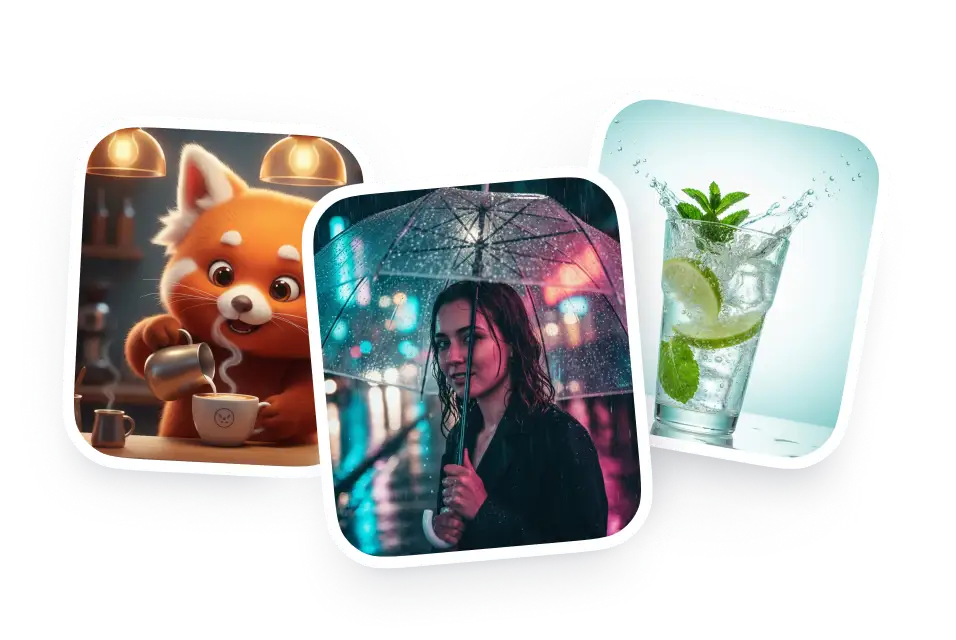
Works on photos, art and renders
🖼️
Free, no sign-up
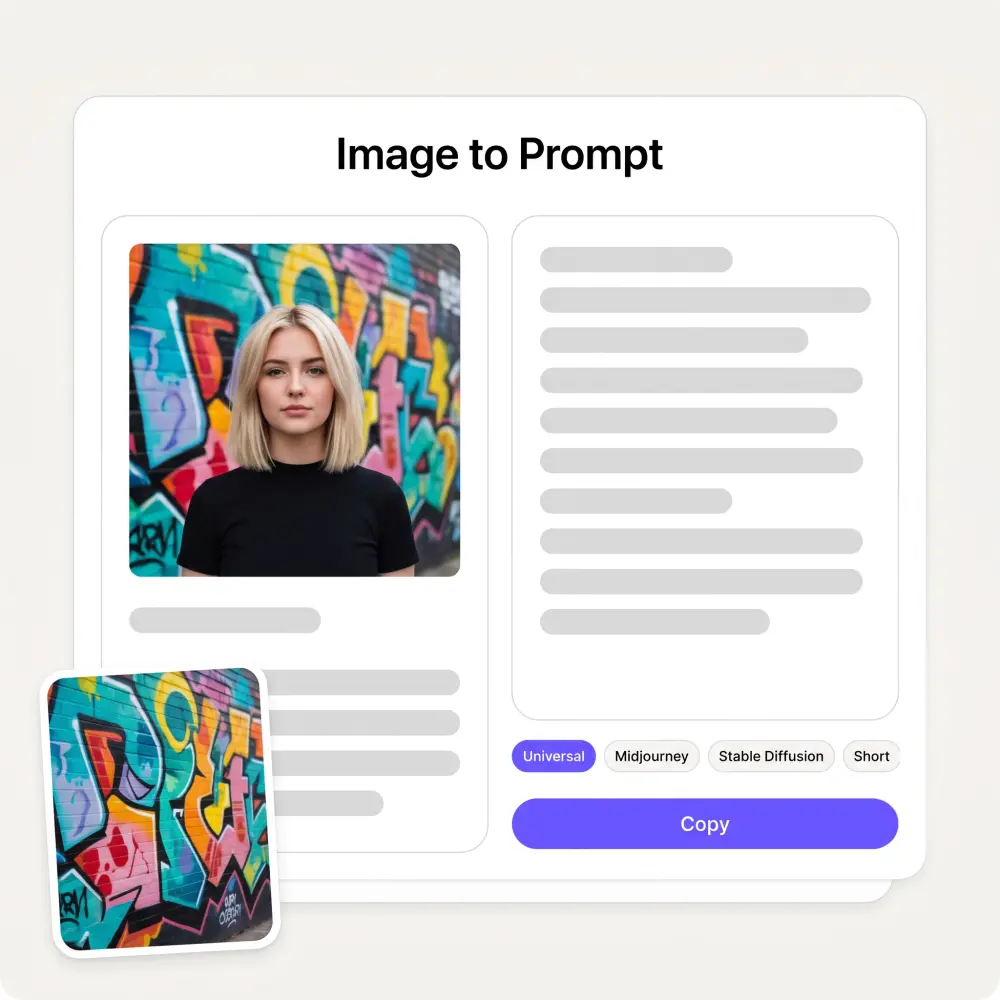
Four prompt formats from one upload
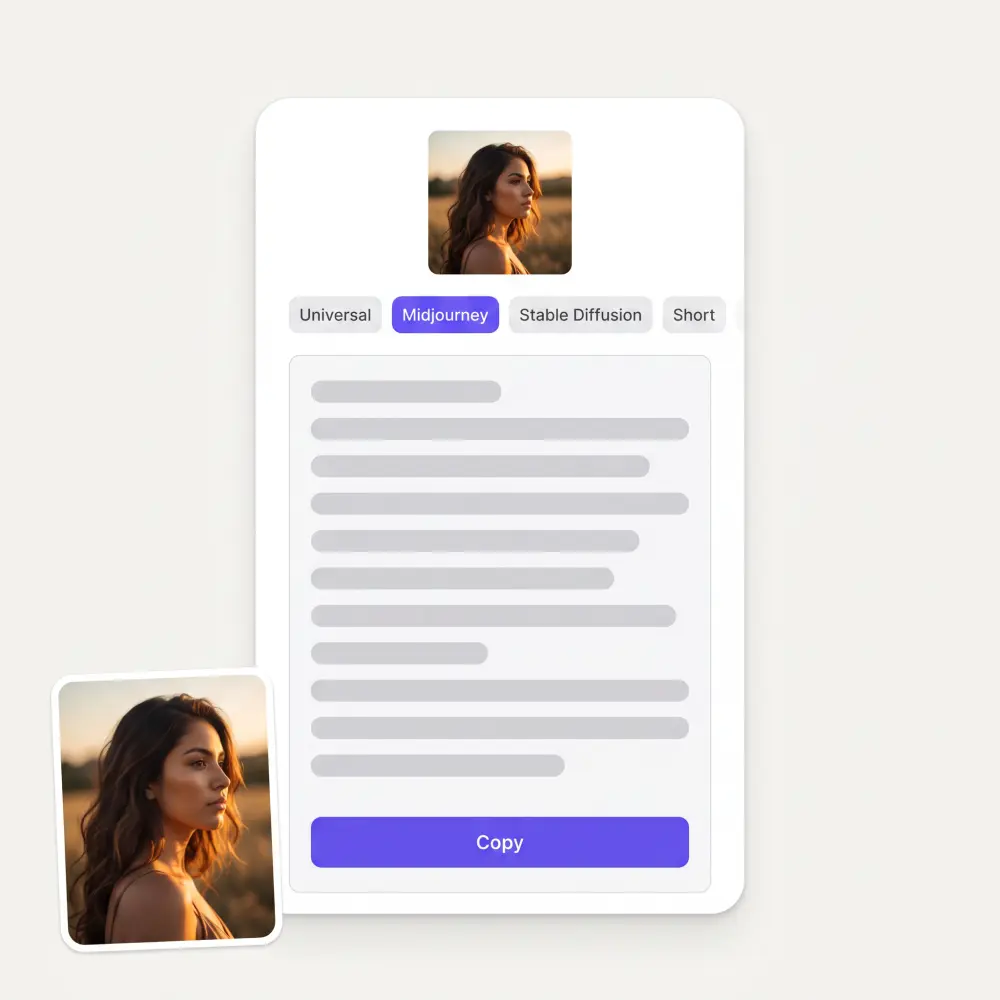
Universal writes a flowing paragraph. Midjourney returns a single comma-separated line ending in the aspect ratio and --style raw. Stable Diffusion returns tags. Short gives you one sentence under 25 words. Switch format and the prompt is rewritten, not truncated.
It reads what actually makes the image
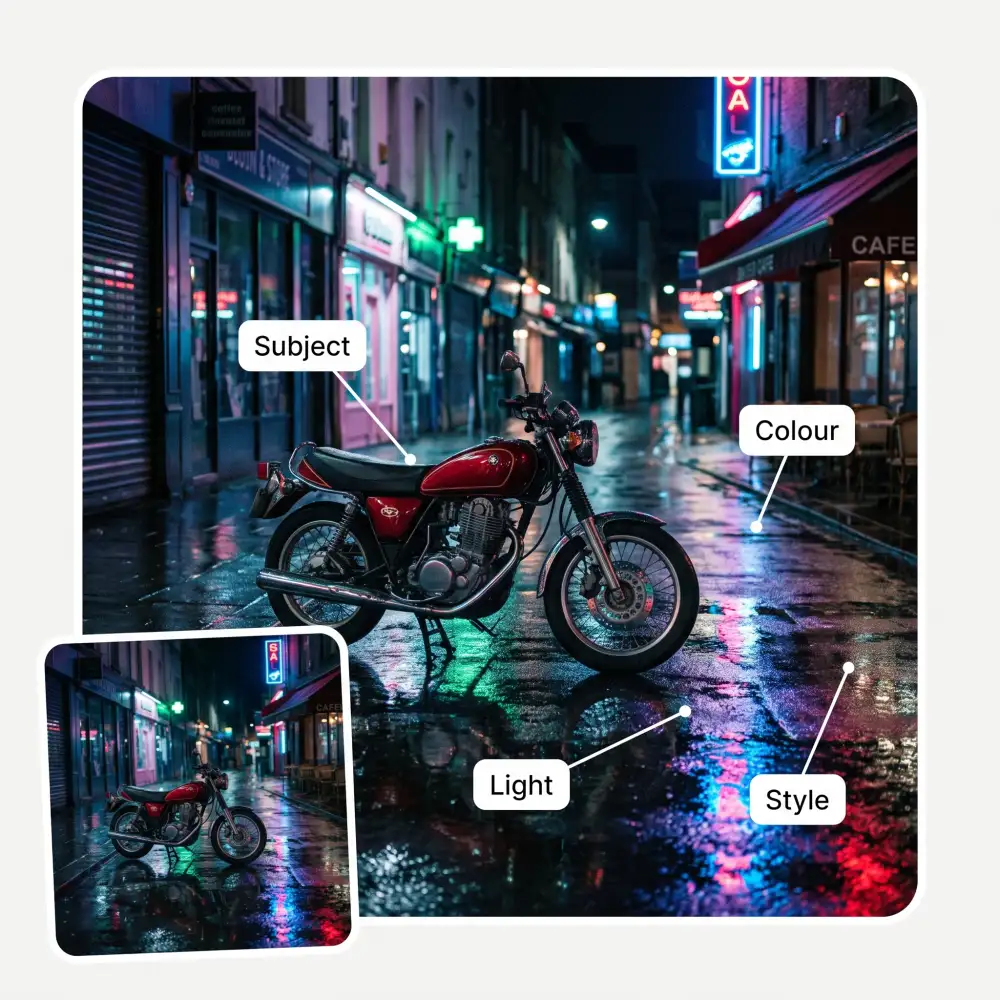
The prompt covers the subject and what it is doing, the composition and framing, the setting, the lighting, the colour palette, the mood, and the photographic or artistic style — including the camera and lens when the image reads as a photograph.
Stable Diffusion mode writes the negative prompt too
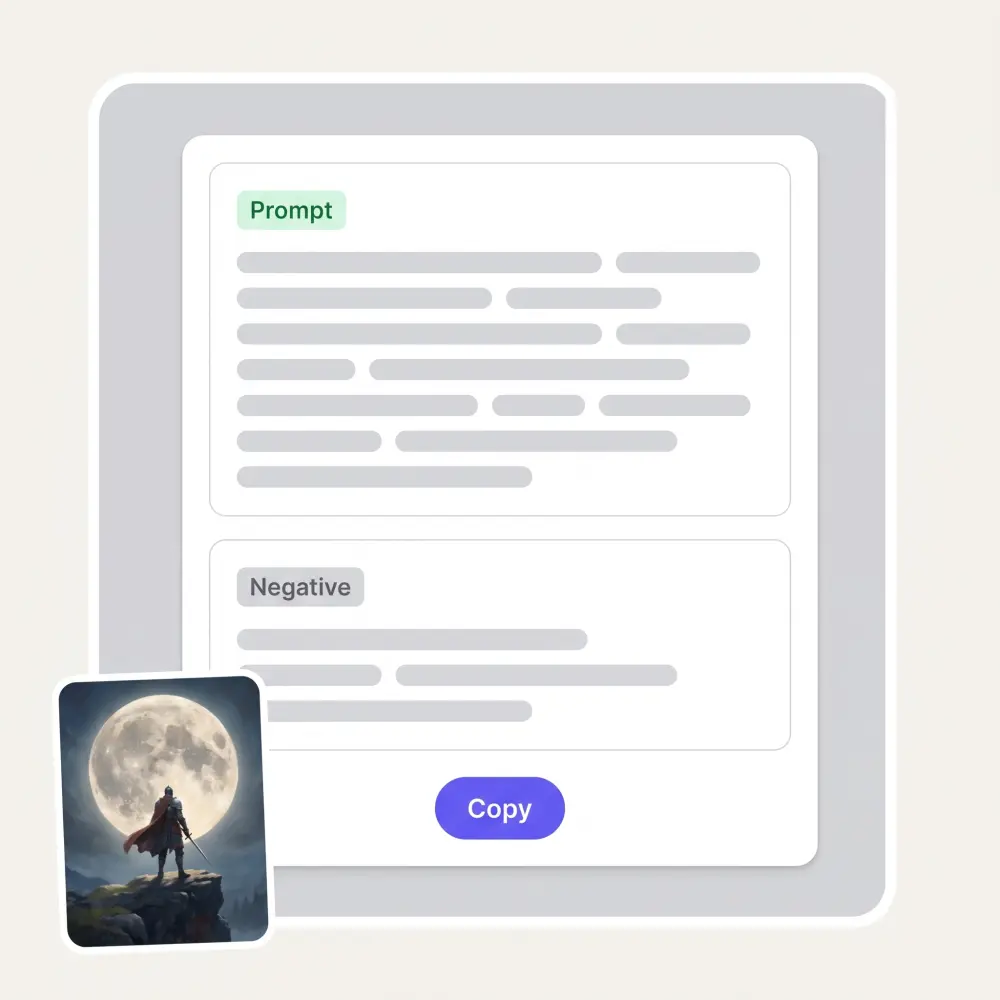
Most image-to-prompt tools stop at the positive prompt and leave you to guess what to exclude. Pick Stable Diffusion and you also get a Negative line listing what is worth keeping out of a render like this one.
Works on any image, with or without metadata
Stable Diffusion sometimes embeds its prompt in the file, but Midjourney and DALL·E do not, and messaging apps strip metadata anyway. This reads the pixels instead, so screenshots, photos, scans, artwork and 3D renders all work the same.
How to turn an image into a prompt
1
Upload an image
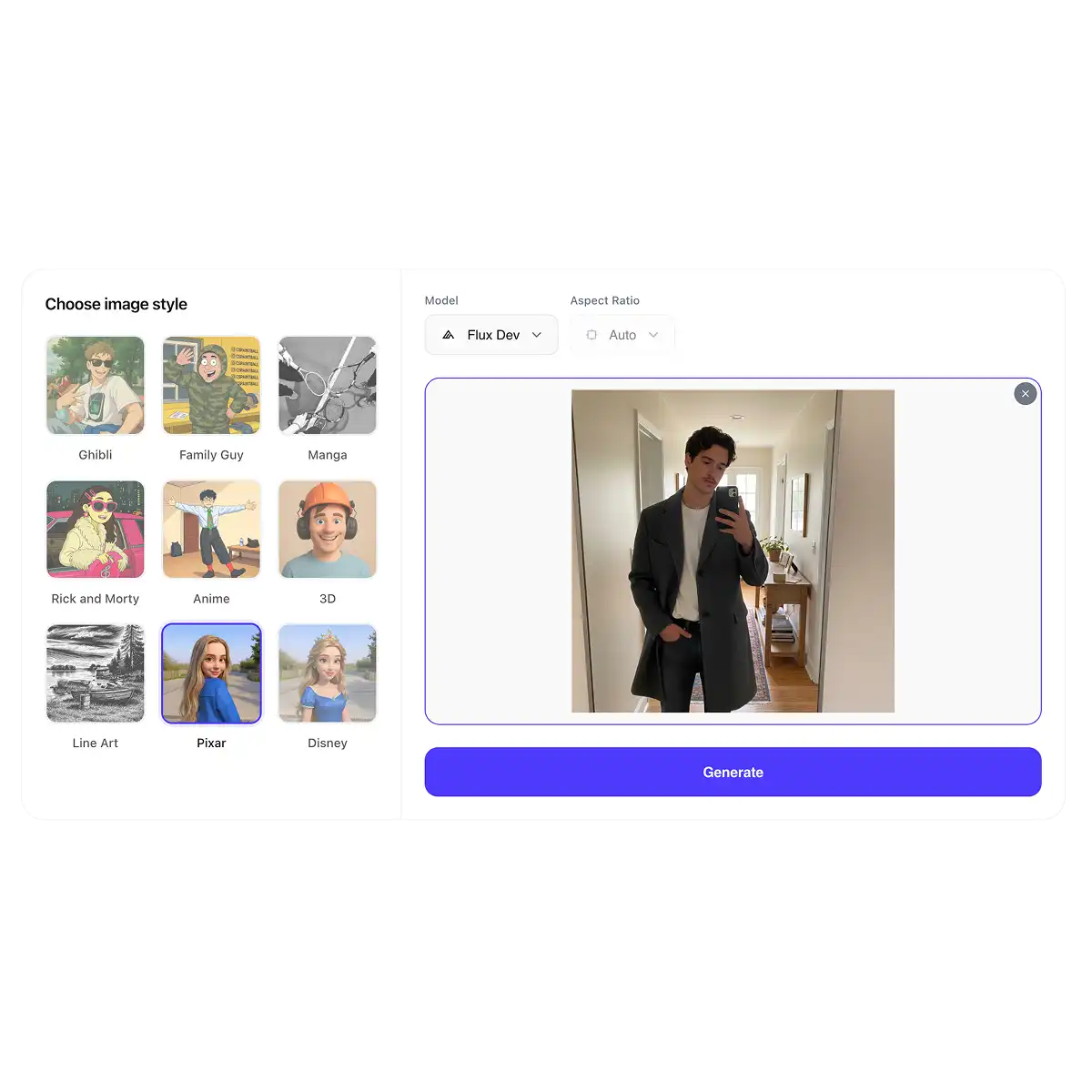
Drag in a photo, screenshot, illustration or 3D render, or paste one with Ctrl+V. It does not need to be AI-generated.
2
Pick a prompt style
Universal for prose, Midjourney for its syntax and parameters, Stable Diffusion for tags plus a negative prompt, or Short for one line.
3
Press Get the prompt
The AI reads the image and writes the description in the format you picked. Reading takes a few seconds.
4
Copy it into your generator
Copy the prompt and paste it into Midjourney, Stable Diffusion, or the image generator on Overchat AI — then start changing it.
Who the image to prompt tool is for
🎨
AI artists
You found a look you want to work in. Get a prompt that captures it, then change the subject and keep the style as your own starting point.
🚀
Marketers and creators
Turn a mood board into prompts your team can actually run, so the visuals you brief for are the visuals you get back.
📸
Photographers
Read a photograph back as lighting, framing, camera and lens choices — useful for planning a shoot, not just for generating one.
🎓
People learning to prompt
The fastest way to learn prompt structure is to see how a finished image is described. Upload work you admire and read how it breaks down.
🧪
Prompt tinkerers
Start from a working description instead of a blank box, then push individual elements — light, palette, lens — and see what moves.
💼
Agencies and studios
Keep a house style reproducible across a team by turning approved reference images into prompts anyone can reuse.
What people say about Overchat AI
★★★★★
I ask. CHATGP answers. I check on the answer and it's always been correct.
Dennis Fitch
United States · Trustpilot, 23 Jul 2026
★★★★★
Affordable and simple to use. I like that I don't have to pay for several different services anymore.
Dylan Thompson
United States · Trustpilot, 28 Oct 2025
★★★★★
Great experience! It helps me able to do my work and respond to questions quickly trusting that the my responses are grammatically correct.
Romanes Yarofaichie
Micronesia · Trustpilot, 30 Jul 2026
★★★★★
I've started to use overchat last week and it feels very promising. Lots of AI models in one place saves a lot of money in comparison if you buy subscriptions for each one.
Georgy P
Armenia · Trustpilot, 14 Jul 2026
★★★★★
Nice app, everything in one place
An Dy
Serbia · Trustpilot, 28 Nov 2025
★★★★★
Easy and convenient!
Jerry Rivers
United States · Trustpilot, 5 Nov 2025
Frequently Asked Questions
How do I convert an image to a prompt?
Upload it here, choose a prompt style and press Get the prompt. A vision model looks at the image and writes the text description that would produce something like it — subject, composition, setting, light, colour, mood and style.
Can AI reverse engineer a prompt from an image?
It can reconstruct a prompt that captures how the image looks, which is what matters in practice. It cannot recover the exact string someone originally typed — that information is not in the pixels, and many different prompts can produce very similar images.
Can it recreate the exact same image?
No, and no tool can. Generators use a random seed, so even the original prompt run twice gives different results. What you get is an image with the same subject, framing, palette, light and style — close enough to work in, which is usually the point.
Does an image contain the prompt in its metadata?
Sometimes. Stable Diffusion often writes the prompt into the file, while Midjourney and DALL·E do not, and social apps strip metadata when you download. Because this tool reads the picture rather than the file's fields, it works either way.
Which generators do the prompts work with?
The Midjourney format is written for Midjourney, including the aspect ratio and --style raw. The Stable Diffusion format suits SD, SDXL, ComfyUI and similar tag-driven models. Universal and Short work anywhere, including Flux, DALL·E and the image generator on this site.
What is a negative prompt?
A list of things you want the model to avoid — extra fingers, watermarks, blur, text. Stable Diffusion-style models take it as a separate input, so the Stable Diffusion mode writes one for you alongside the prompt.
Is the image to prompt generator free?
Yes — free, no sign-up and no per-day counter on this page. Overchat AI also has a full image generator if you want to run the prompt straight away.
Are my uploaded images stored?
Images are sent to the model to be read and are not published, shared or used for training. Nothing you upload appears on the page for anyone else.
{"@context":"https://schema.org","@graph":[{"@type":"WebApplication","@id":"https://overchat.ai/ai-tools/image-to-prompt#app","name":"Image to Prompt","url":"https://overchat.ai/ai-tools/image-to-prompt","description":"Upload any image and AI writes the prompt that recreates it — as prose, in Midjourney syntax, as Stable Diffusion tags with a negative prompt, or as one line. Free, no sign-up.","image":"https://cdn.prod.website-files.com/67b459f31ecf92c899354e98/6a908d5d58683e5b7ae99820_6a908d28f849d885a9f6304c_ip-showcase.webp","applicationCategory":"MultimediaApplication","operatingSystem":"Web","browserRequirements":"Requires JavaScript","offers":{"@type":"Offer","price":"0","priceCurrency":"USD","availability":"https://schema.org/InStock","url":"https://overchat.ai/ai-tools/image-to-prompt"},"publisher":{"@type":"Organization","name":"Overchat AI","url":"https://overchat.ai/"}},{"@type":"BreadcrumbList","itemListElement":[{"@type":"ListItem","position":1,"name":"Home","item":"https://overchat.ai/"},{"@type":"ListItem","position":2,"name":"AI Tools","item":"https://overchat.ai/tools"},{"@type":"ListItem","position":3,"name":"Image to Prompt","item":"https://overchat.ai/ai-tools/image-to-prompt"}]},{"@type":"FAQPage","mainEntity":[{"@type":"Question","name":"How do I convert an image to a prompt?","acceptedAnswer":{"@type":"Answer","text":"Upload it here, choose a prompt style and press Get the prompt. A vision model looks at the image and writes the text description that would produce something like it — subject, composition, setting, light, colour, mood and style."}},{"@type":"Question","name":"Can AI reverse engineer a prompt from an image?","acceptedAnswer":{"@type":"Answer","text":"It can reconstruct a prompt that captures how the image looks, which is what matters in practice. It cannot recover the exact string someone originally typed — that information is not in the pixels, and many different prompts can produce very similar images."}},{"@type":"Question","name":"Can it recreate the exact same image?","acceptedAnswer":{"@type":"Answer","text":"No, and no tool can. Generators use a random seed, so even the original prompt run twice gives different results. What you get is an image with the same subject, framing, palette, light and style — close enough to work in, which is usually the point."}},{"@type":"Question","name":"Does an image contain the prompt in its metadata?","acceptedAnswer":{"@type":"Answer","text":"Sometimes. Stable Diffusion often writes the prompt into the file, while Midjourney and DALL·E do not, and social apps strip metadata when you download. Because this tool reads the picture rather than the file's fields, it works either way."}},{"@type":"Question","name":"Which generators do the prompts work with?","acceptedAnswer":{"@type":"Answer","text":"The Midjourney format is written for Midjourney, including the aspect ratio and --style raw. The Stable Diffusion format suits SD, SDXL, ComfyUI and similar tag-driven models. Universal and Short work anywhere, including Flux, DALL·E and the image generator on this site."}},{"@type":"Question","name":"What is a negative prompt?","acceptedAnswer":{"@type":"Answer","text":"A list of things you want the model to avoid — extra fingers, watermarks, blur, text. Stable Diffusion-style models take it as a separate input, so the Stable Diffusion mode writes one for you alongside the prompt."}},{"@type":"Question","name":"Is the image to prompt generator free?","acceptedAnswer":{"@type":"Answer","text":"Yes — free, no sign-up and no per-day counter on this page. Overchat AI also has a full image generator if you want to run the prompt straight away."}},{"@type":"Question","name":"Are my uploaded images stored?","acceptedAnswer":{"@type":"Answer","text":"Images are sent to the model to be read and are not published, shared or used for training. Nothing you upload appears on the page for anyone else."}}]}]}


.webp)