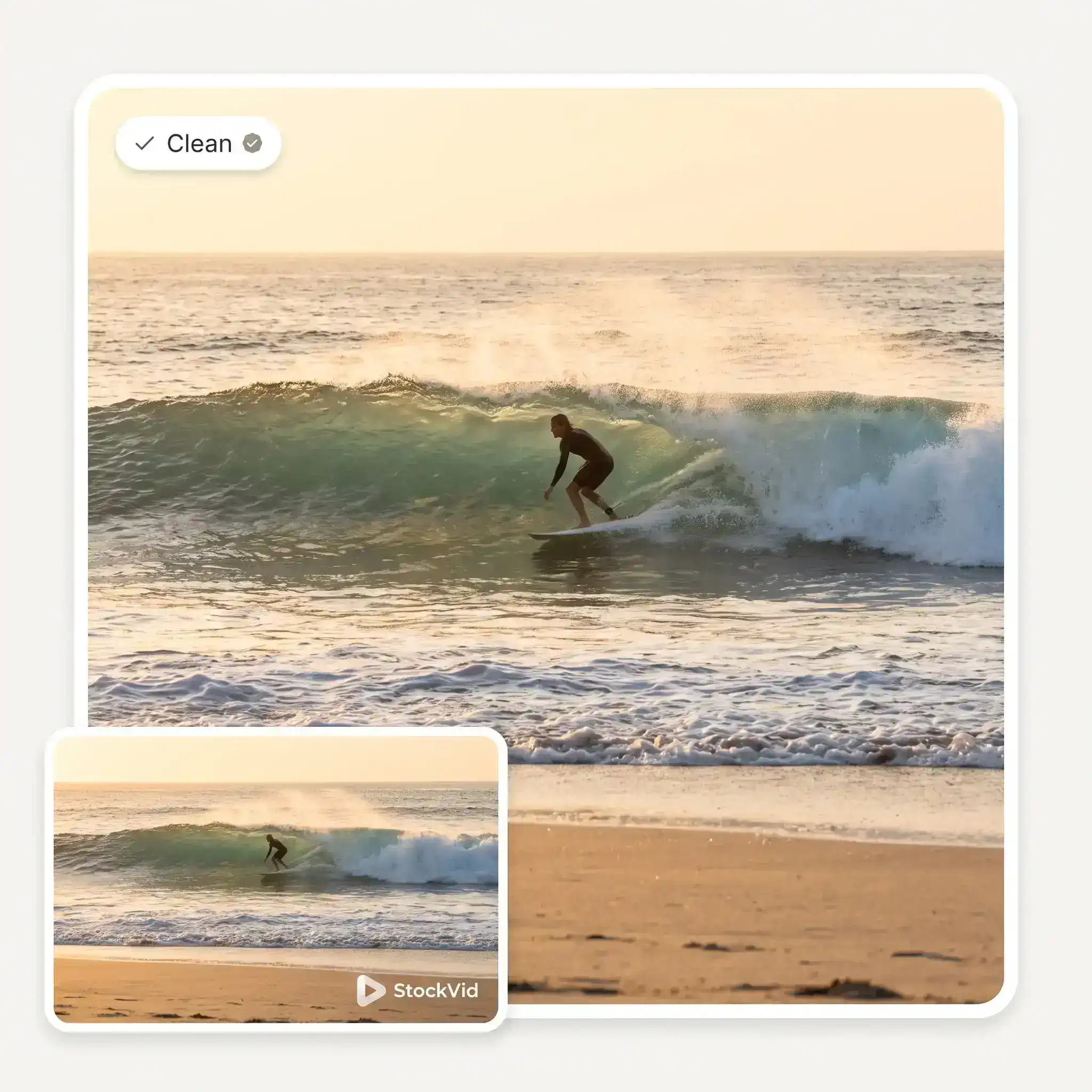
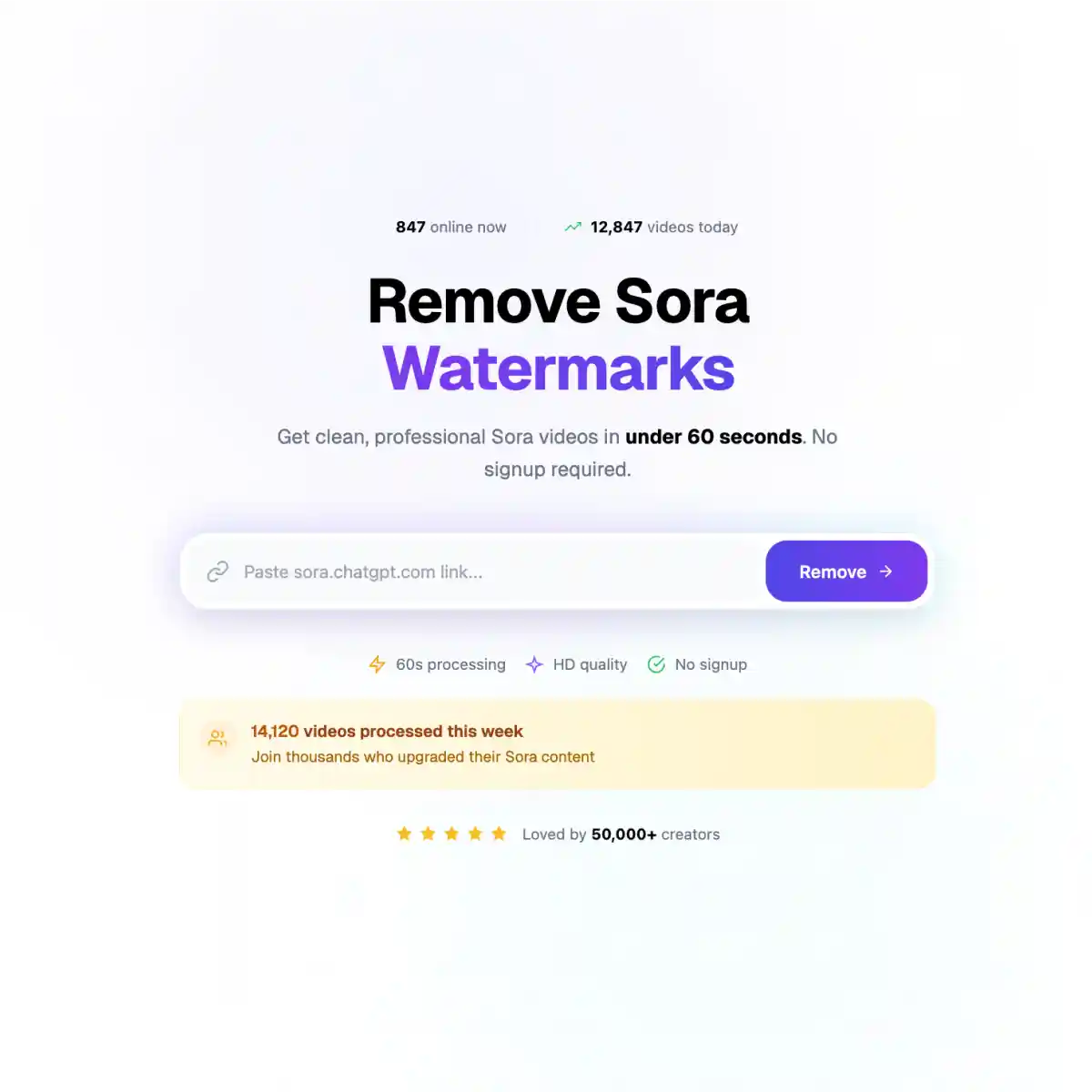
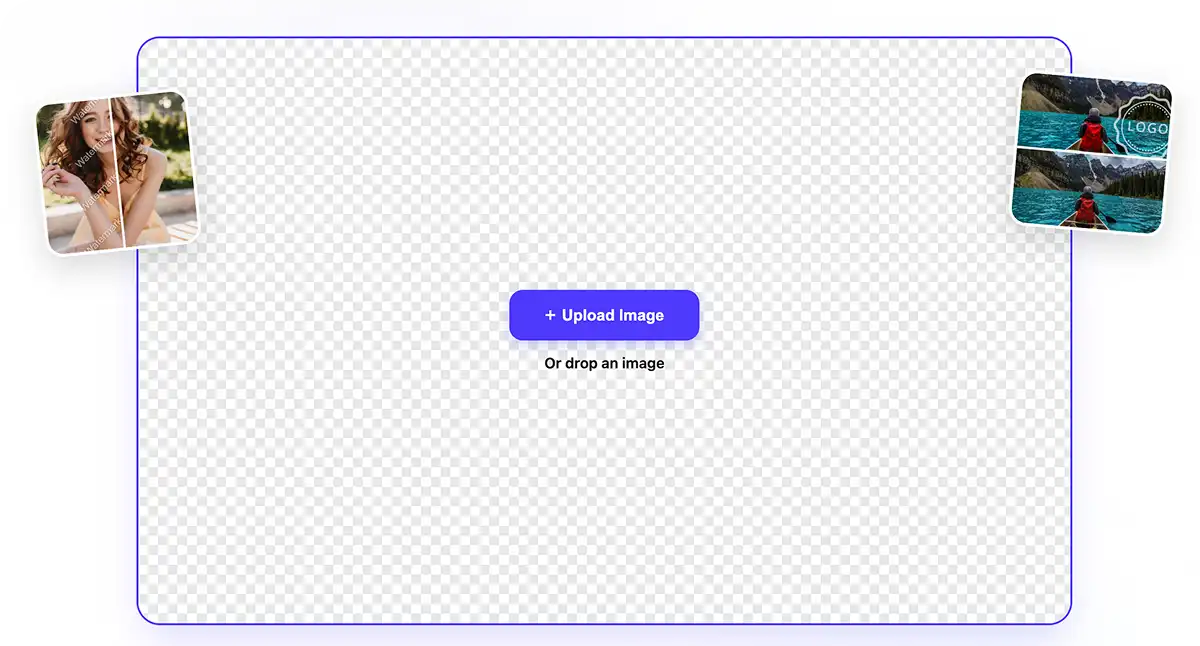
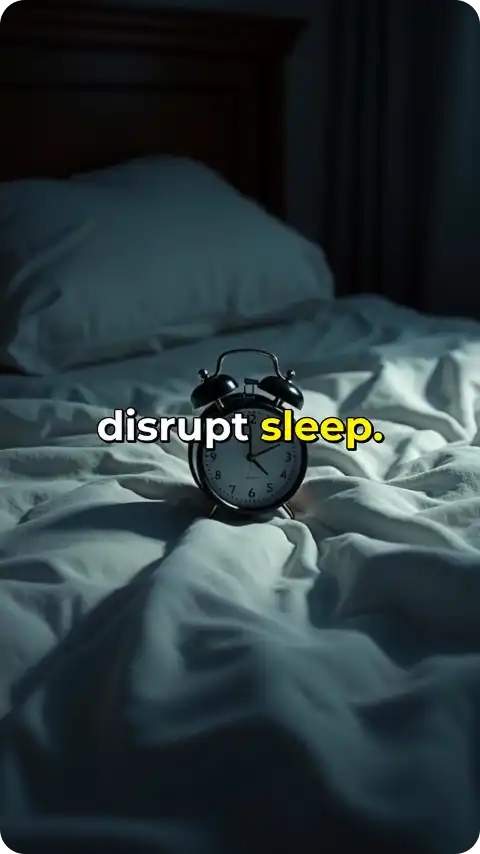
Before
After
Overchat AI is your ultimate solution for watermark-free TikTok videos. Simply upload a TikTok you saved, and erase the logo and username watermarks in a single click.
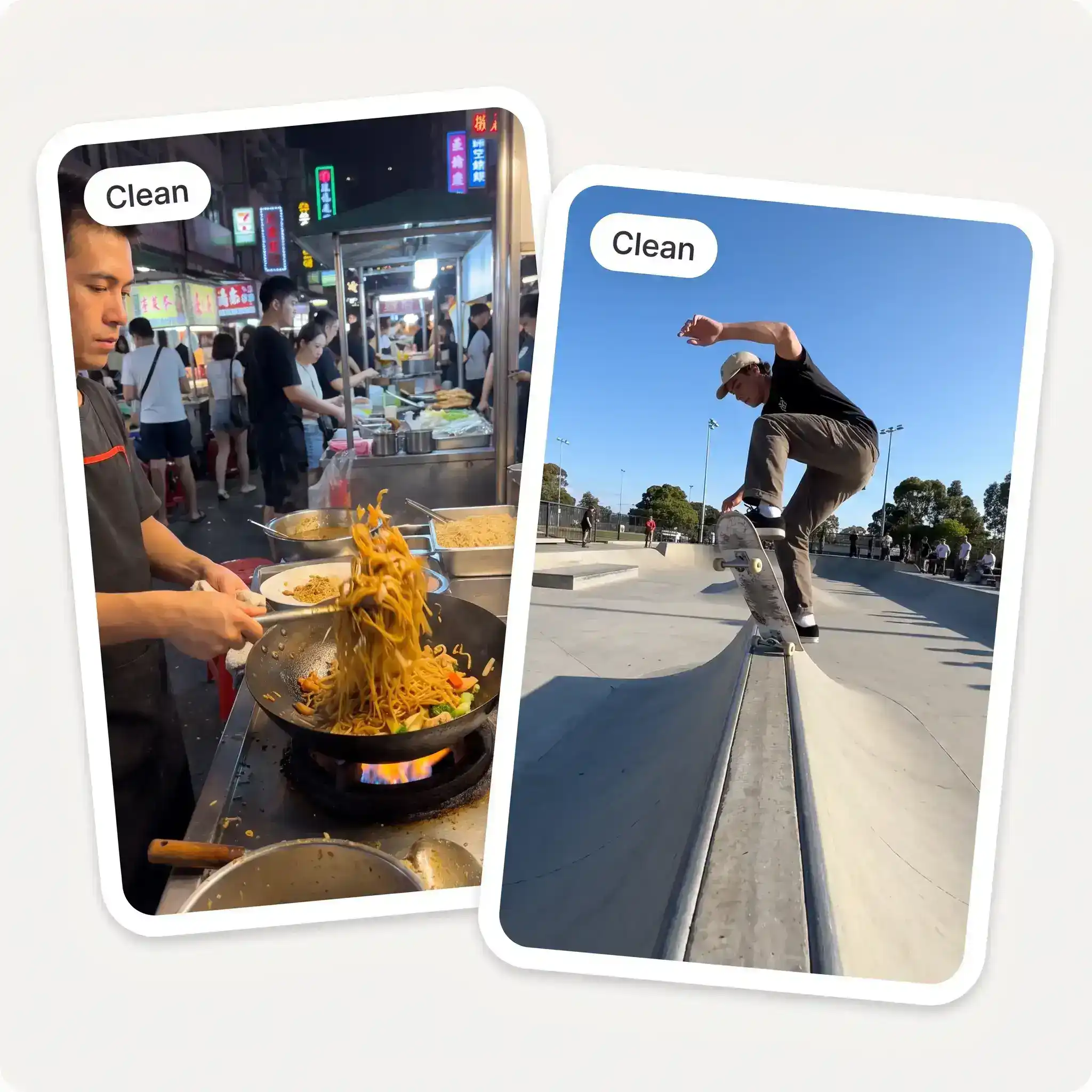
TikTok's watermark moves around the video, switching between corners as the clip plays, so standard watermark removers fail. Overchat AI detects the logo and username as they move and removes them from the video frame by frame, giving you a clean video without any artifacts or smearing.
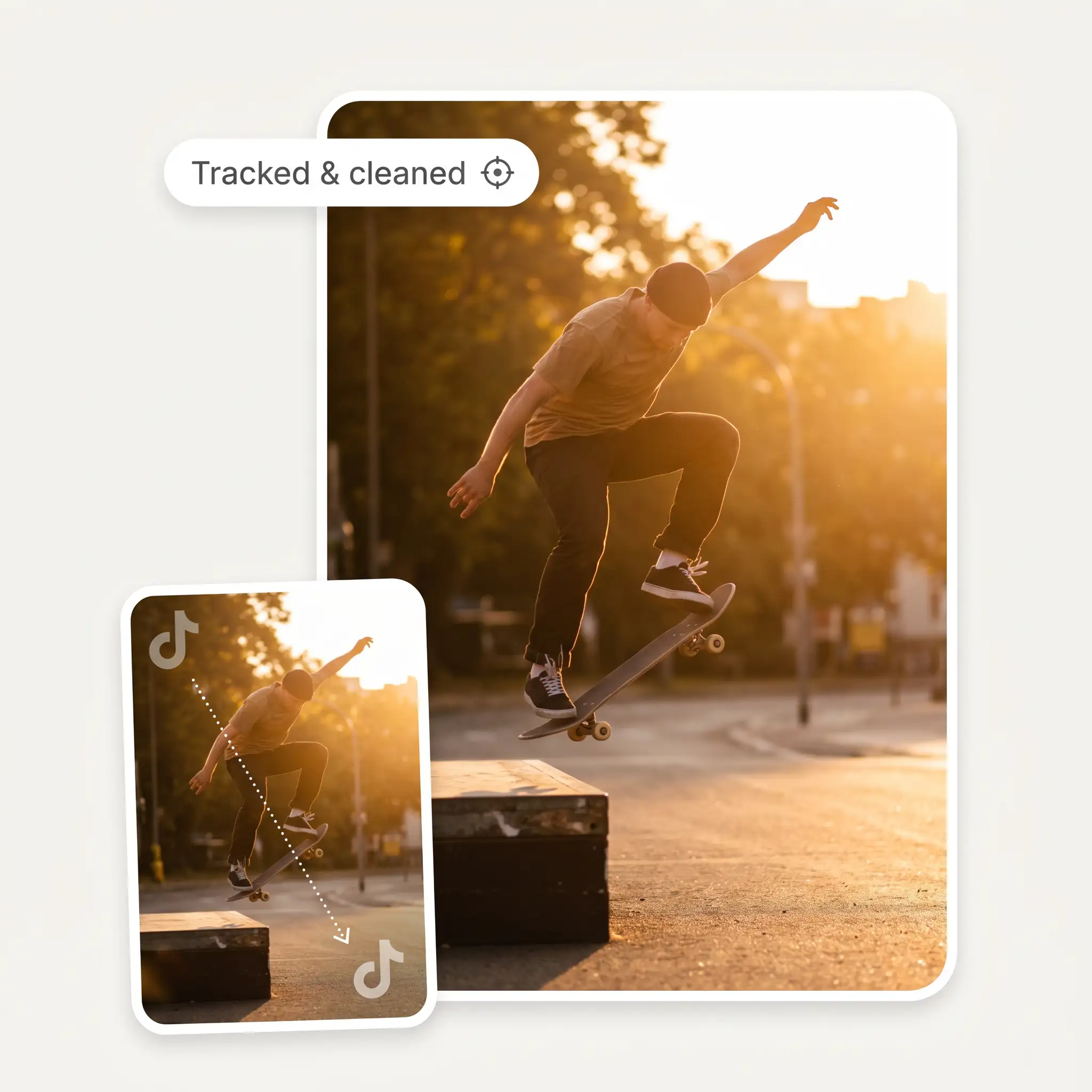
Overchat AI removes the watermark without cropping the video. Instead, our AI-powered tool uses generative technology to reconstruct the surrounding area and fill in where the logo and username were.
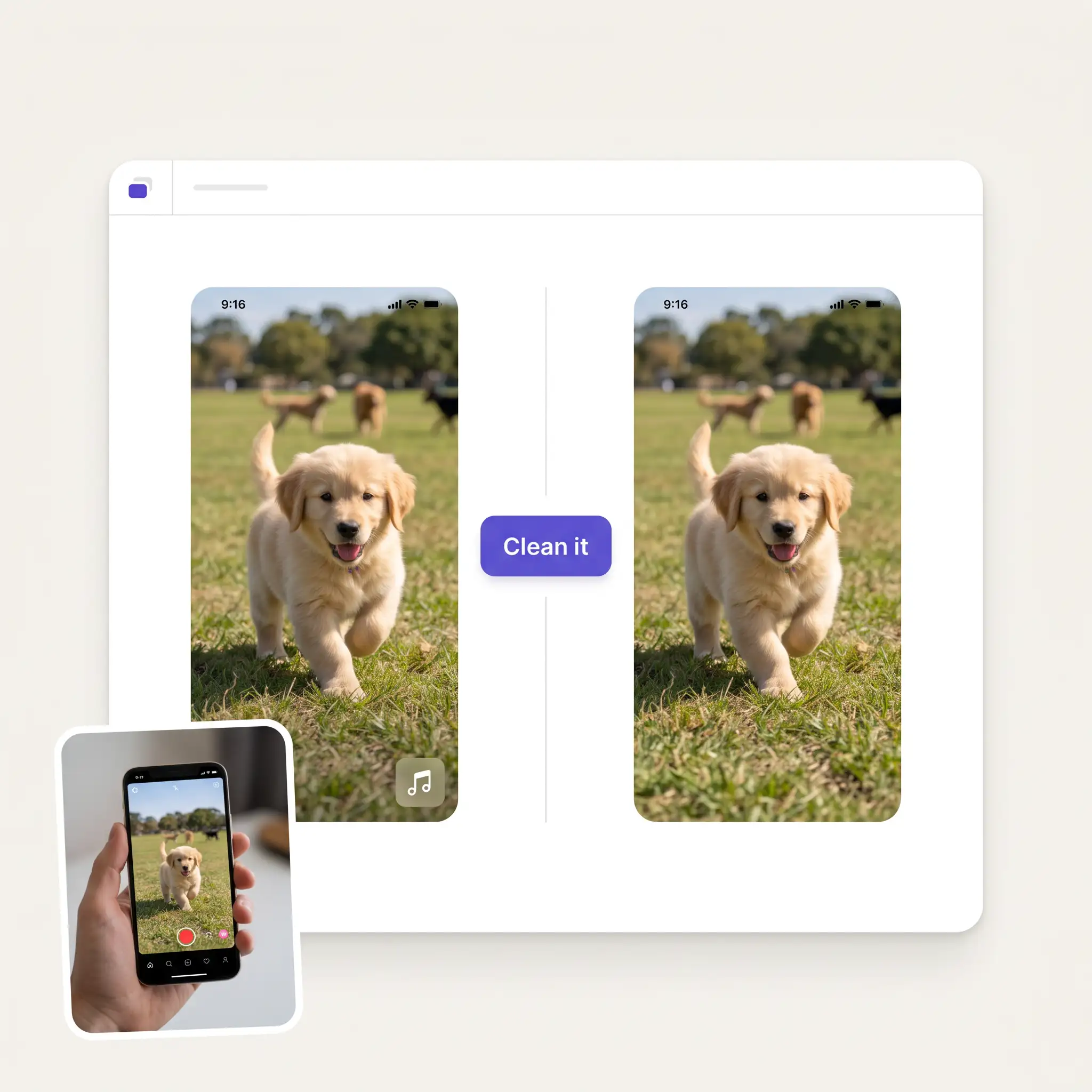
Once the watermark is removed, you can preview the result and download the finished clip as an MP4 with the original audio, so there's no need to add the sound back in or export the clip through another editor.

Save the TikTok video to your device, then upload it to Overchat AI. MP4, MOV, and WebM files up to 60 MB and 16 seconds are supported.
Overchat AI auto-detects the TikTok logo and username and removes them from every frame. You don't need to select watermark positions manually.
Once processing is finished, check the video to make sure the watermark has been removed cleanly and the rest of the frame looks as expected.
Download the finished clip as an MP4 with its original audio intact.
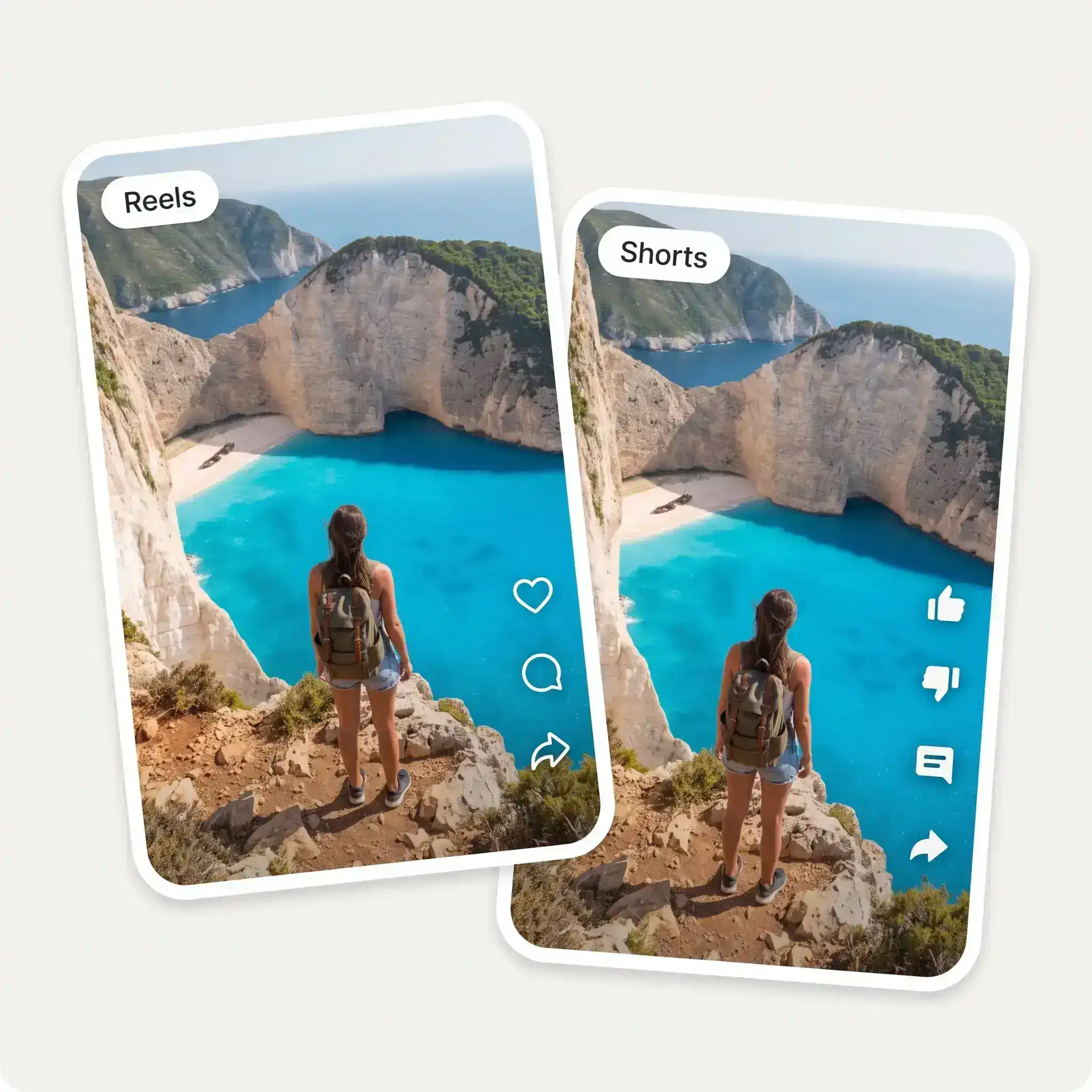
If you post your own videos on TikTok, you can remove the TikTok overlay before uploading the same video to Reels or YouTube Shorts. This keeps the video free of platform-specific branding when you reuse it elsewhere.
Clean up TikTok exports before adding them to a client's social media library or repurposing them for other channels. It's useful when the same short-form video needs to be prepared for several platforms.
Product demos, tutorials, and promotional clips can be reused across your social channels without the TikTok logo and username in the frame. This is especially useful when the original video was created or published on TikTok first.
If a creator has delivered a TikTok export with the watermark, you can remove the overlay before using the video in a campaign or other marketing material — provided you have the rights to use the footage.
Use the cleaned clip as a starting point for another edit. Removing the TikTok overlay can make it easier to add your own captions, branding, cuts, or other elements without having another platform's watermark in the footage.
If you turn long-form recordings into short clips for TikTok first, a clean export can be reused for Reels, Shorts, and other social posts without carrying the TikTok branding into every version.
Great experience! It helps me able to do my work and respond to questions quickly trusting that the my responses are grammatically correct.
Good and easy to use
im really into ai apps and that one is good, helps me with my arts and homework. i draw ai vids for inst and generate images with my characters, many widgets and models! like it
Affordable and simple to use. I like that I don't have to pay for several different services anymore.
I like how it keeps everything organized. One subscription is enough for all major AI models, which helps me avoid paying for multiple platforms.
I've started to use overchat last week and it feels very promising. Lots of AI models in one place saves a lot of money in comparison if you buy subscriptions for each one.
Save the TikTok video to your device, upload it here, and let Overchat AI process it. The tool detects the TikTok logo and username and removes them from the video. You can then download the processed clip as an MP4.
Yes. The TikTok watermark can move between different corners of a video. Overchat AI detects the watermark as it changes position and removes each appearance instead of editing only one fixed area.
No. The tool removes the watermark from the existing frame rather than cropping the video around it. The area where the logo and username appeared is filled in to match the surrounding footage.
The goal is to remove the watermark without affecting the rest of the footage. Results can vary depending on what is behind the watermark, especially when it covers detailed or moving parts of the scene.
Yes. The processed video keeps its original audio track, so you don't need to add the sound back after removing the watermark.
You can upload MP4, MOV, or WebM videos. Files can be up to 60 MB and around 16 seconds long.
Only if you have the right to use and edit the video. Removing a watermark does not give you permission to repost or commercially use someone else's content. For other people's videos, make sure you have permission or an appropriate license before using the cleaned version.
Yes. You can use the TikTok watermark remover for free on this page.
Available on Web, iOS, and Android. Access your AI assistant anywhere, anytime.

.webp)