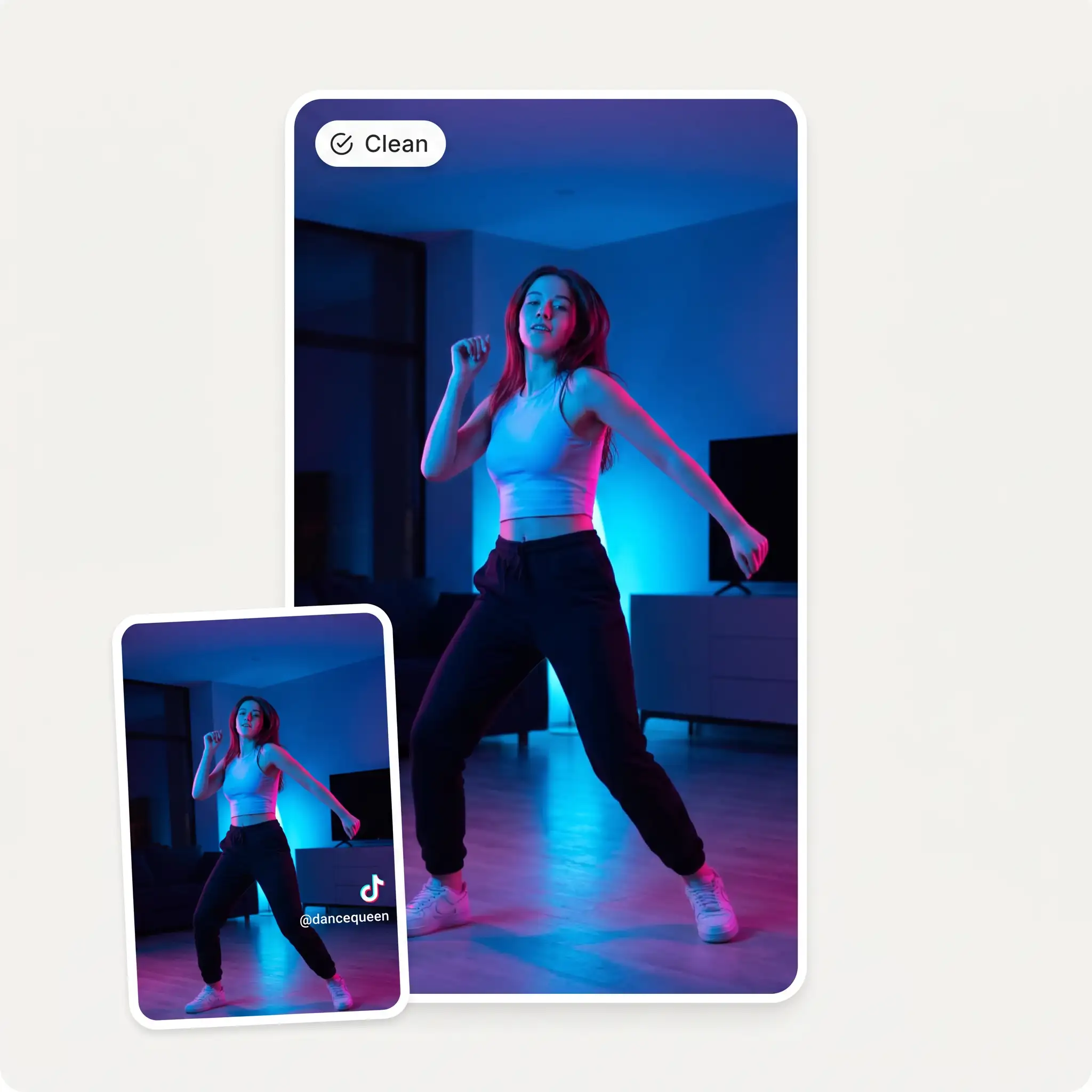
Before
After
The Overchat AI Watermark Remover from videos intelligently detects corner logos, channel names, date stamps, and app overlays and seamlessly removes them from clips of up to 16 seconds and 60MB in size. No visible marks or smears are left behind where the watermark once was.

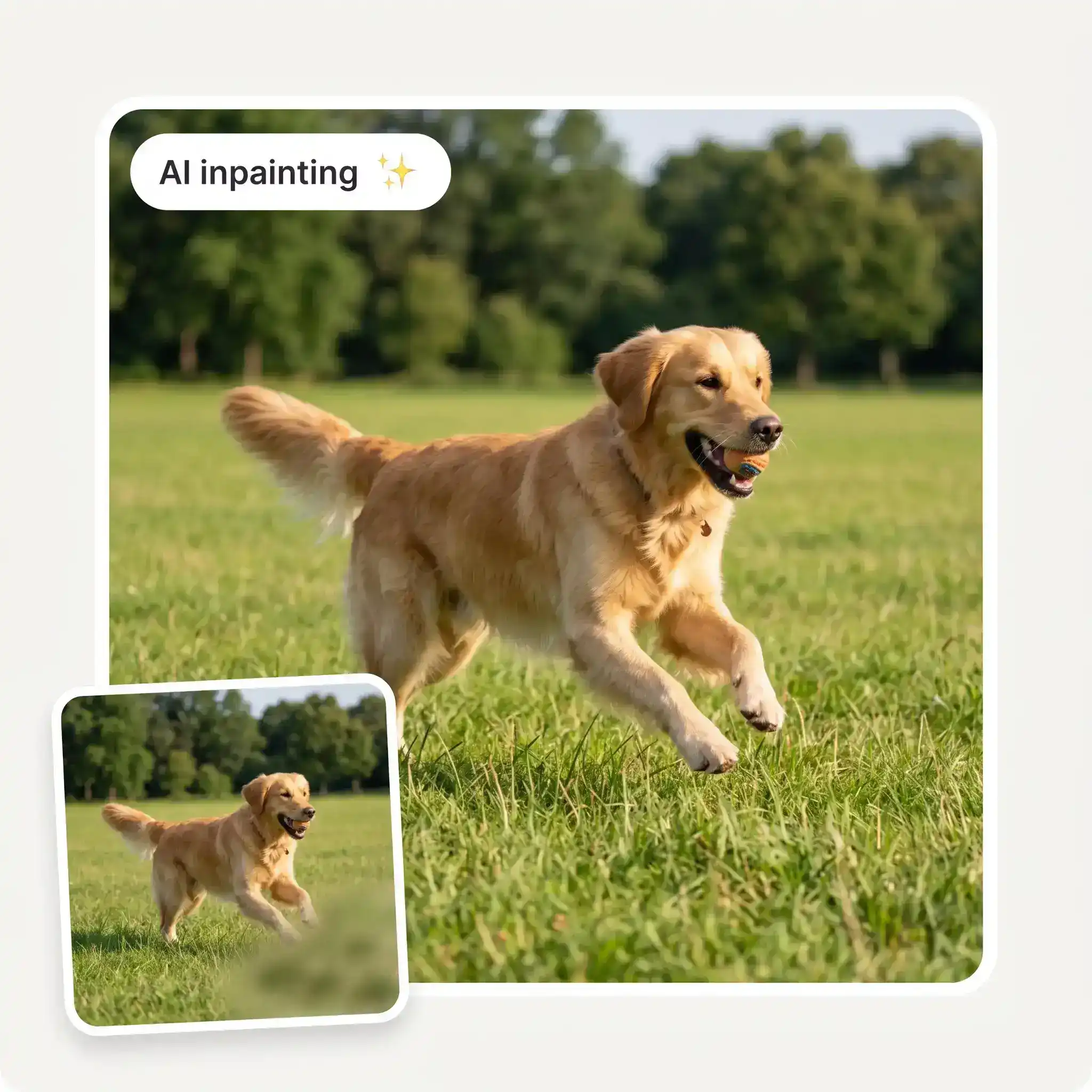
Say goodbye to artefacts in watermark-free videos. Rather than blurring the portion of the video that has a watermark, which creates a visible smudge, our watermark remover uses an AI model to reconstruct the area where the watermark appears and replaces it with a watermark-free version in every single frame using inpainting. This makes the area look as if the watermark was never there.
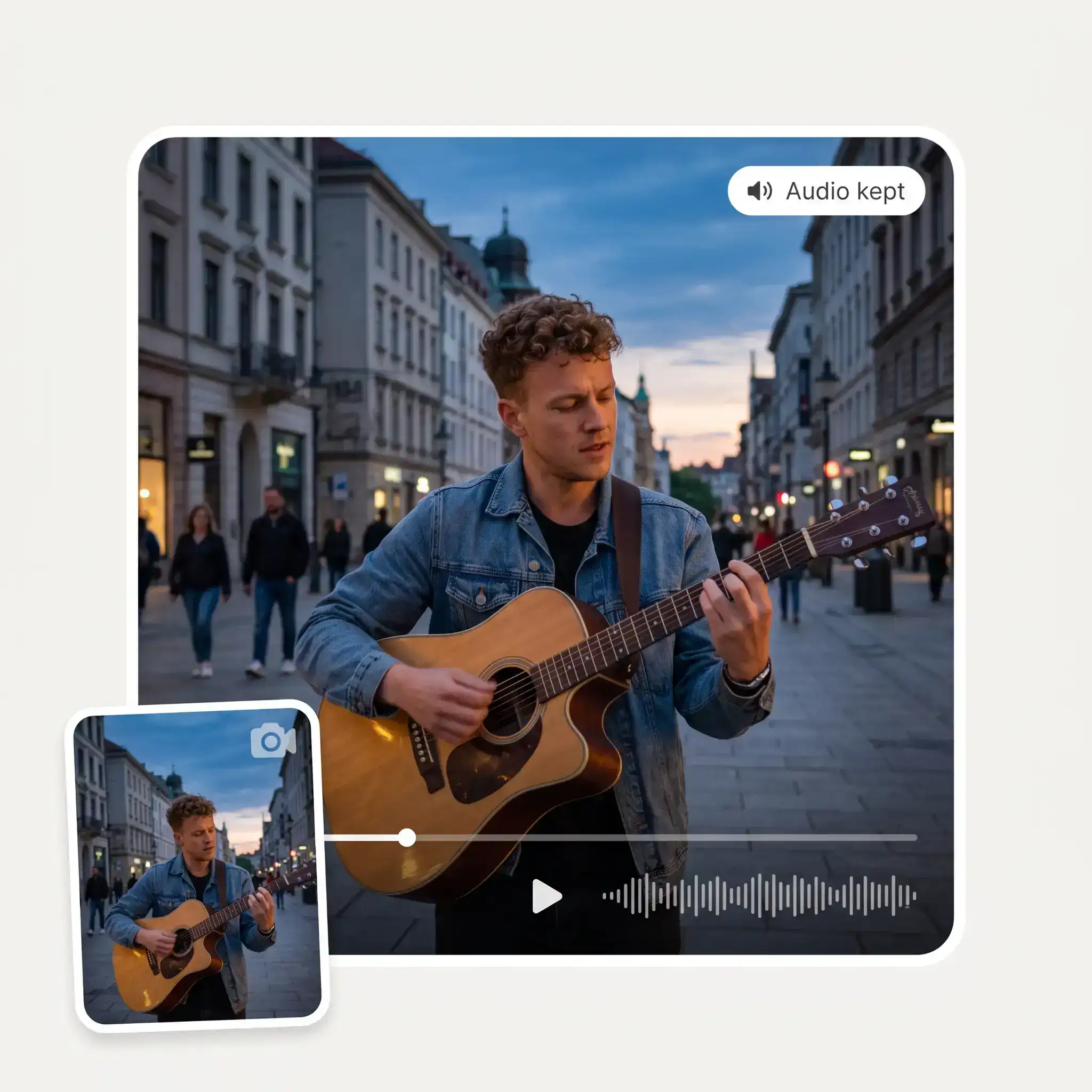
Tired of watermark removers deleting your audio? Our watermark remover automatically separates the audio from the video, processes the video, and then rejoins them — without affecting the quality of the audio or the resolution of the video. You end up with a clean single file in the original resolution, with the sound intact.
The Overchat AI watermark remover is a fully online tool that works in your browser, so you can use it wherever you are — on a tablet, phone or desktop. There's no need to download or install any software, and you can achieve professional results in under a minute with just a single click.
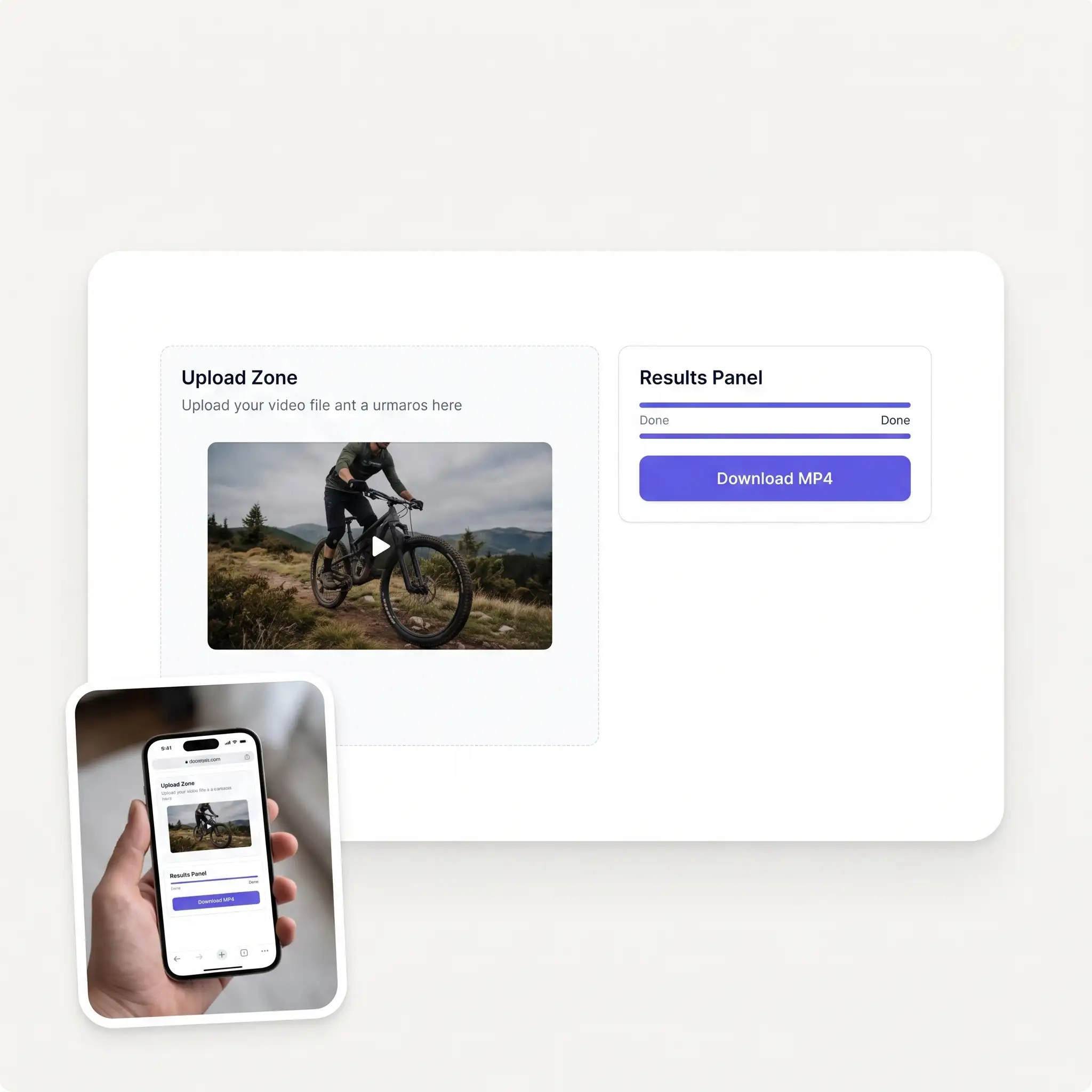
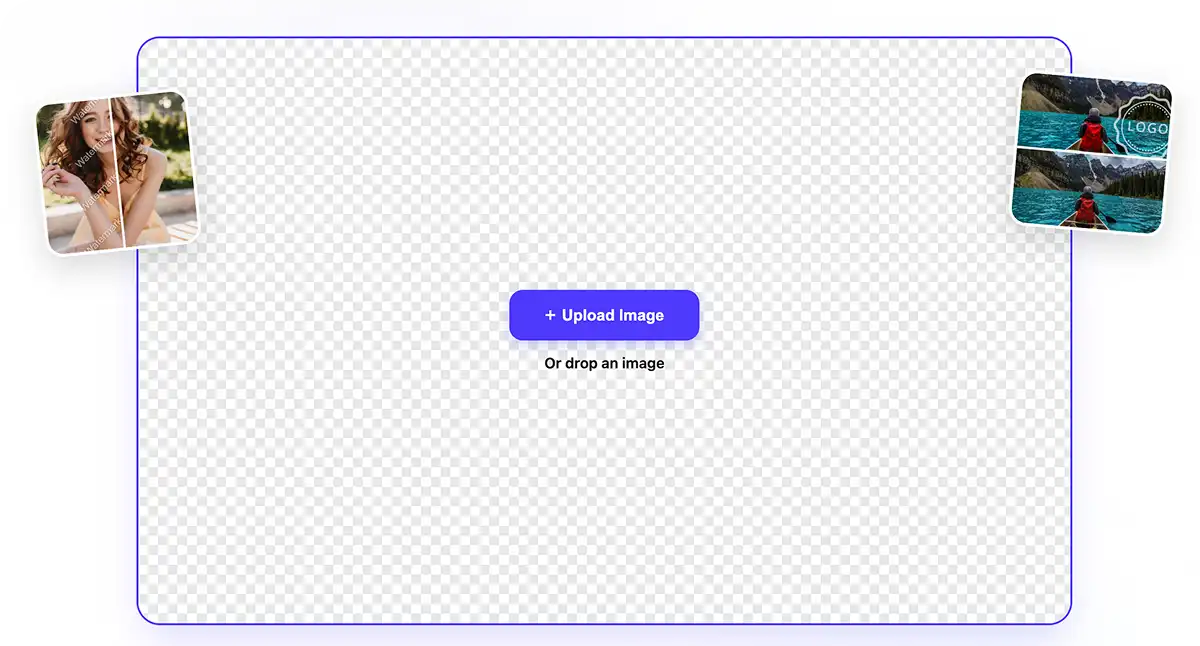
Select an MP4, MOV or WebM file of up to 60 MB in size and approximately 16 seconds long, and upload it to the watermark remover tool by either dragging and dropping it into the upload area, or by browsing your file system to find the file.
Watermark detection is automatic. Overchat's AI watermark remover will process your video, reconstruct the watermarked region and produce a clean file in about one minute.
Once processing is complete, simply download the cleaned video in its original resolution with the original audio track preserved without any loss of quality.
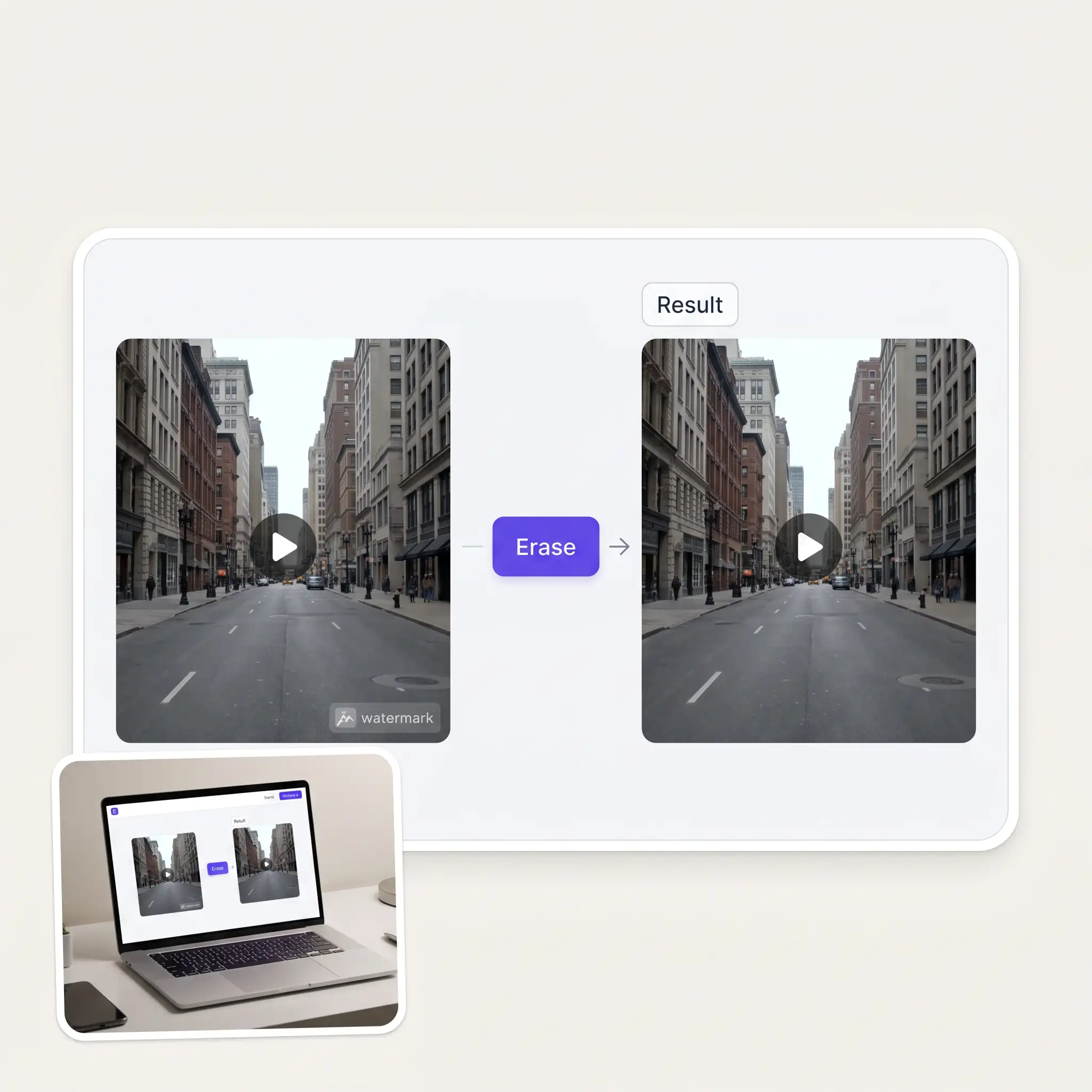
Remove editor logos, app watermarks and other overlays from footage you own before publishing it on TikTok, Instagram, YouTube or anywhere else.
Clean up brand videos that arrive with unwanted logos, timestamps or vendor marks before adding them to your content calendar.
Remove watermarks from product videos, ads and promotional clips when you no longer have access to the original clean export.
Fix preview renders, rough cuts and exported clips with burned-in overlays when reopening the original project isn't practical.
Clean up licensed footage when you have the rights to use the clip but only have a watermarked copy available.
Remove tool logos and other overlays from screen recordings and lesson videos so every module has a clean, consistent look.
im really into ai apps and that one is good, helps me with my arts and homework. i draw ai vids for inst and generate images with my characters, many widgets and models! like it
I've started to use overchat last week and it feels very promising. Lots of AI models in one place saves a lot of money in comparison if you buy subscriptions for each one.
I like how it keeps everything organized. One subscription is enough for all major AI models, which helps me avoid paying for multiple platforms.
I ask. CHATGP answers. I check on the answer and it's always been correct.
Easy and convenient!
Nice app, everything in one place
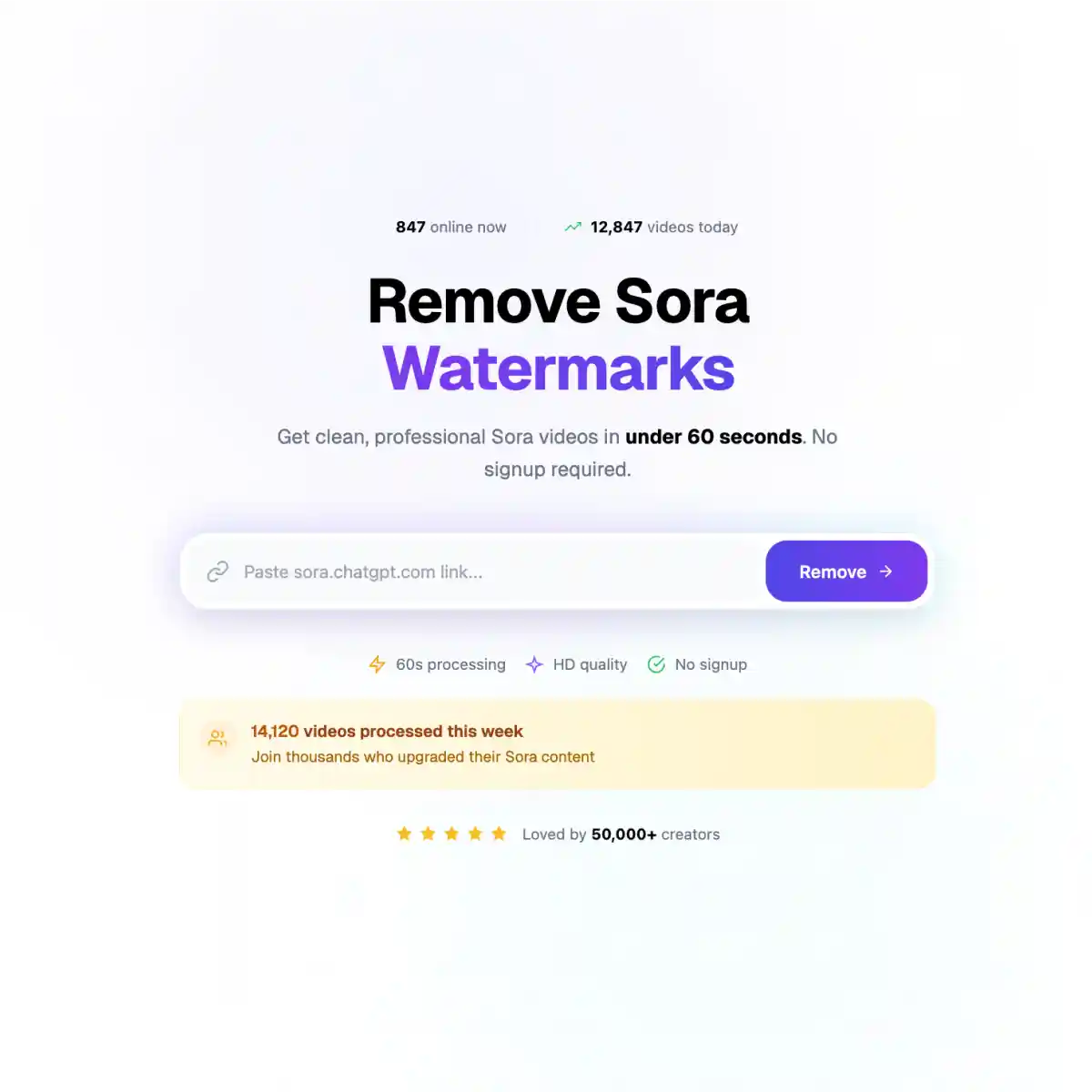
Upload the clip on the Overchat AI Video Watermark Remover page. The watermark is detected automatically, the covered area is rebuilt frame by frame, and you get back a clean MP4 with the original audio. Short clips usually take about a minute to process.
If the video is yours, or you have a license that allows you to edit it, removing the watermark is generally fine. Doing the same to copyrighted content you don't own can violate the law — in the US, Section 1202 provides for statutory damages of $2,500 to $25,000 in some cases, and similar protections exist in the EU. Only use the tool on content you have the right to modify.
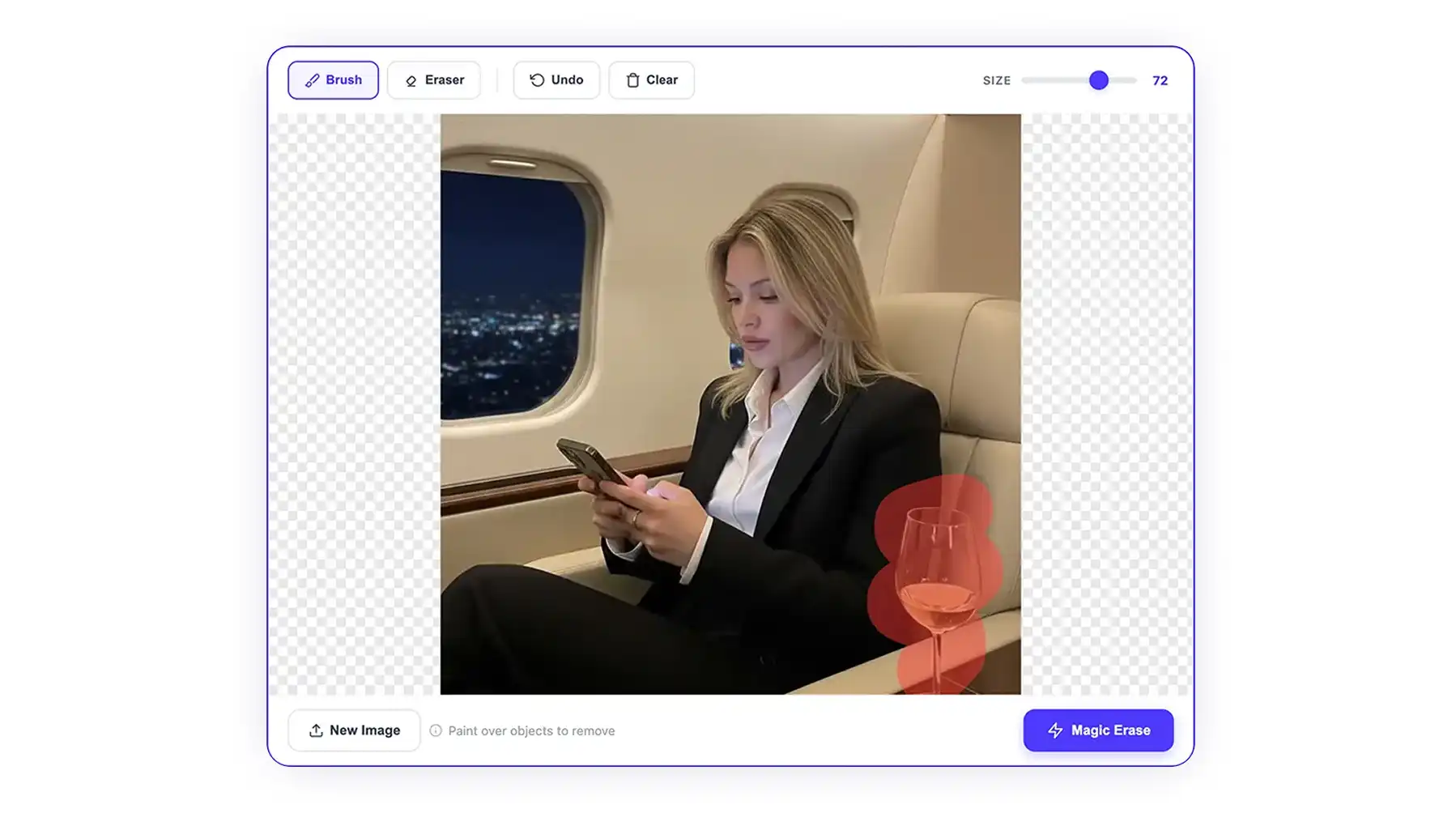
The tool only redraws the part of the frame covered by the watermark. Everything else is left alone. Corner logos and marks over plain or static backgrounds usually come out cleanest; busy textures and fast movement can sometimes leave minor artifacts.
You can upload MP4, MOV and WebM files up to 60 MB and roughly 16 seconds long. That covers most short social clips, ads, product videos and demo footage.
Yes. Moving logos and translucent overlays can be tracked across frames and removed as they change position. Large animated watermarks over detailed or fast-moving footage are harder to reconstruct and may leave faint traces.
Yes. The tool can remove logos, usernames, handles, channel names, date stamps and app branding burned into the video. If there are subtitles or other text you want to keep, check the result before downloading.
Yes. The audio track is separated before processing and added back to the finished video afterwards, so the original sound stays intact.
Yes. Upload a clip on this page and run the watermark remover for free. Overchat AI also has other free image and video tools you can use online.
Available on Web, iOS, and Android. Access your AI assistant anywhere, anytime.

.webp)