Upload a photo of your pet, type what it should say — AI turns it into a talking video with a real voice and sound.
Make Your Pet Talk on Video with Overchat AI
The talking pet AI generator uses the Veo 3.1 image-to-video generation model to animate your pet's image and make it say whatever you write in the prompt box. Prepare for cuteness overload.
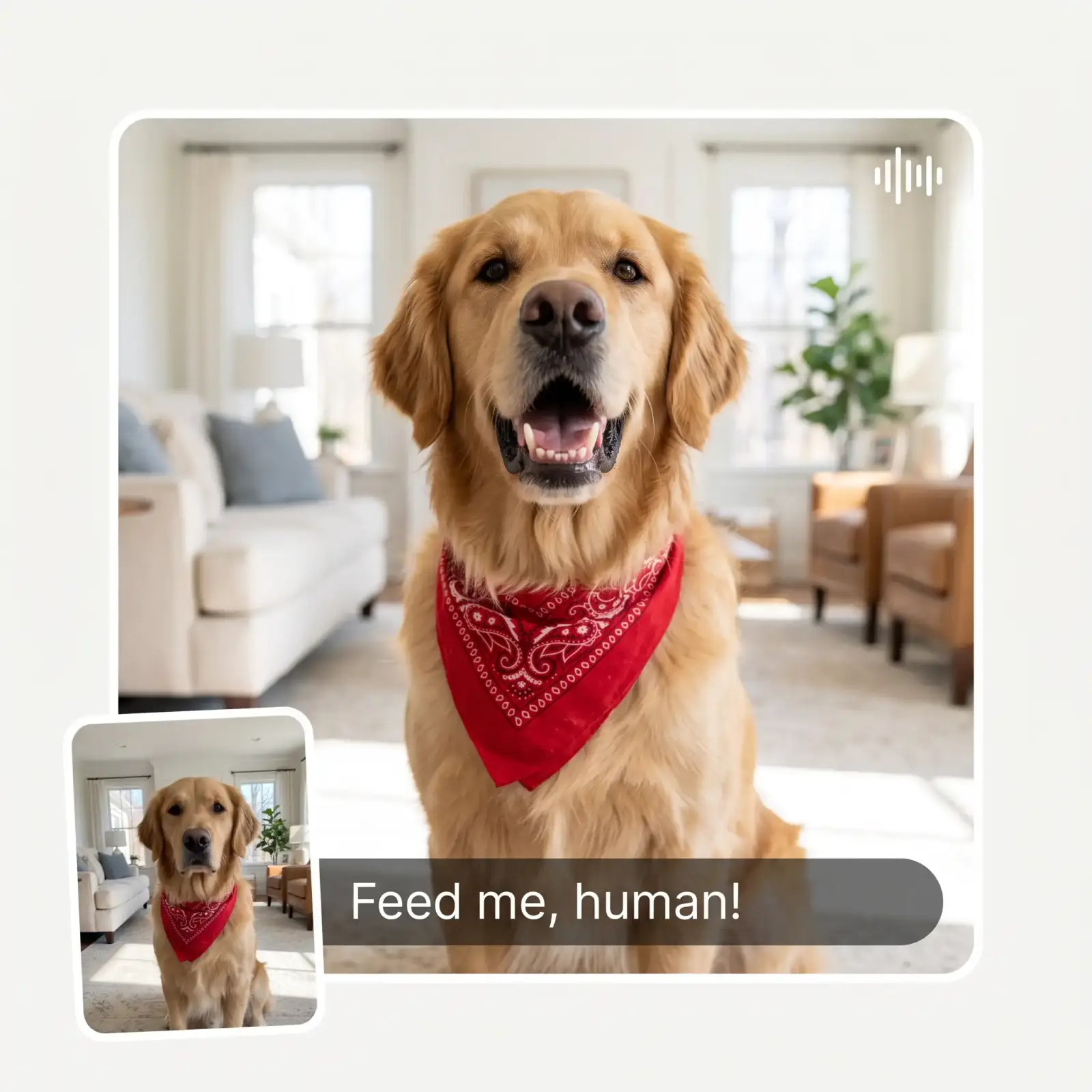
The Overchat AI pet voice generator produces an animated image of your pet with sound already baked in, and you can control what the fluffball says.
You can type up to 200 characters into the prompt box, after which Overchat AI will automatically animate your pet image with gestures that match the tone of what they are saying.
The Overchat AI talking pet app is fully browser-based, so you can use it online from your phone, Mac or PC without installing any software.
Use Cases
The talking pet format is a popular trend on TikTok and Instagram. Create your own video in just a few clicks using Overchat AI.
Wish the birthday boy or girl a happy birthday with a super fun greeting featuring their pet, which will create a memory they'll never forget.
And let them say the things you've always thought they felt in your own language, such as the fact that clearly 3+ meals a day is not enough food, treats should be unlimited, and they don't get nearly enough belly rubs.
Create a realistic talking pet video featuring your furry, feathered or scaled best friend and amaze your friends with your ability to create something like that.
Pets are the best memologists, especially when they can talk and you can make them say whatever you want. The internet isn't ready to hear what your pet has to say!
Try it with a lizard, a fish or even a camel — the only limit is your imagination, and the more exotic the pet, the more entertaining the video will be.
Join thousands of pet parents already using Overchat AI to make talking pet videos.
Overchat AI brings you the power of the world's top AI models: GPT, Claude, Gemini, Mistral, and more.
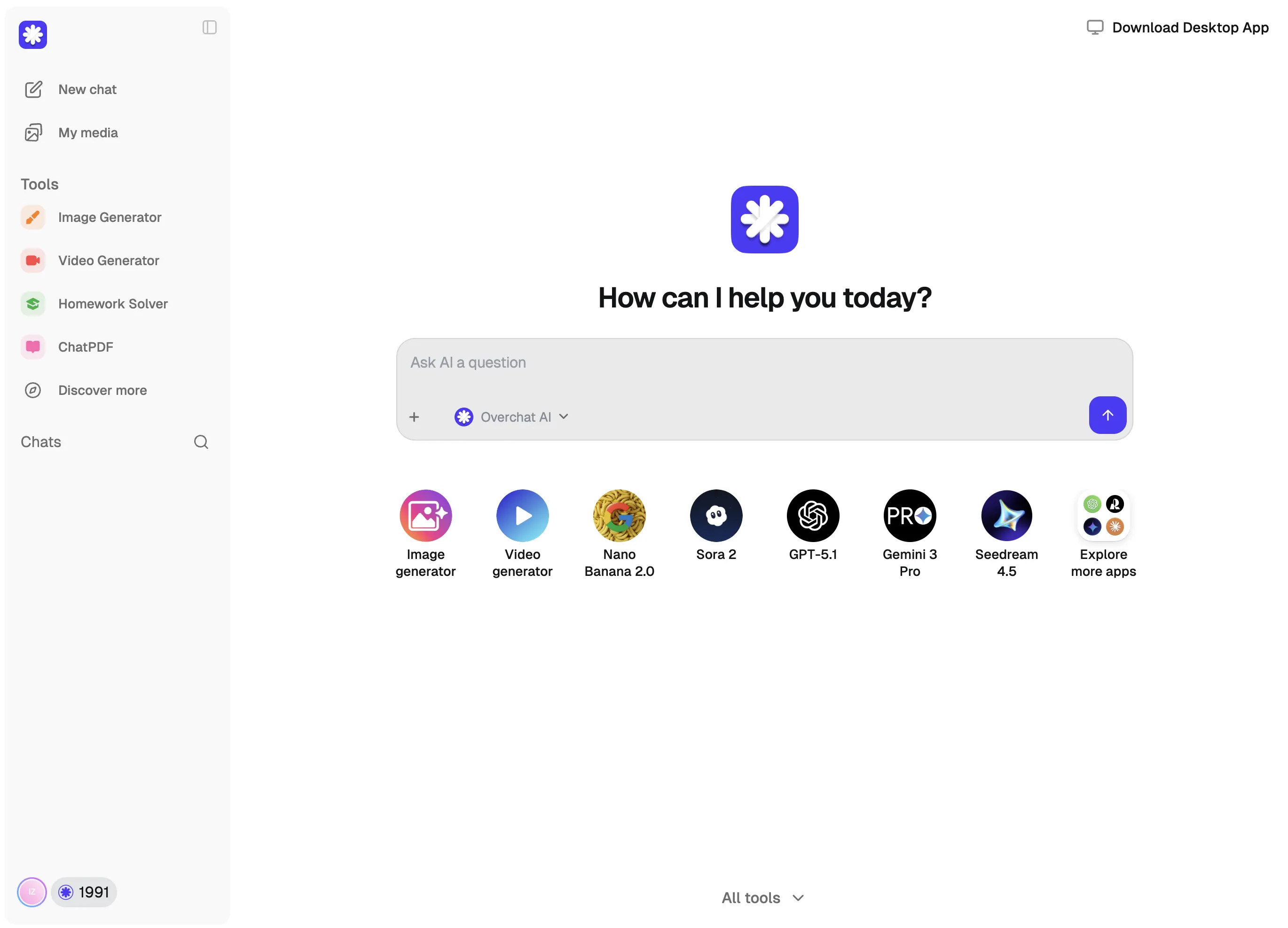
The Overchat AI talking pet generator uses an image-to-video AI model to add motion and sound to a still image. This image becomes the first frame of the video and the AI then generates subsequent frames based on what would logically happen next in the photo, as well as the context of your description and what the pet says. For example, if you upload a photo of a pet that is clearly in motion, such as walking, the video will show the pet continuing that motion, and you'll get a walking, talking pet.
At Overchat AI, we decided to power our talking pet video maker with Google's Veo 3.1 video generation model because it produces highly realistic animations and gives the pet a voice, emotion, colour and annotation. The video and audio are generated together, so the words are perfectly lip-synced and follow the pet's on-screen movements.
The Overchat AI talking pet generator is very easy to use, and all it takes is just three steps:
1. Upload a photo of your pet or take a picture with your phone's camera.
2. Type up to 200 characters — these are the words that your pet will say in the video.
3. Click the 'Generate' button and wait while the AI works its magic, animating your pet's image and adding voice and sound effects.
It's free to start: uploading the photo, writing the line, and trying the demo need no sign-up. The video itself is generated in the Overchat AI video studio — you'll see the generation options there before anything is charged.
Chinese company Baidu has quietly released a model that's just as good as DeepSeek and ChatGPT — ERNIE 4.5 delivers exceptional performance at a fraction of the cost — and most people outside China have never even heard of it.

If you're wondering: what is DeepSeek AI, the answer is quite simple. DeepSeek AI is a Chinese AI research lab that builds large language models. The company released several models in late 2024 and early 2025 that compete directly with OpenAI's GPT-4 and Anthropic's Claude, but at a fraction of the operating cost.
ChatGPT Plus costs $20 per month plus tax, while the Pro plan costs $200 per month plus tax. Understandably, not everyone is willing to pay that much for a chatbot, especially if the premium features aren’t worth it to them. This raises an obvious question: how can I use ChatGPT for free?
Available on Web, iOS, and Android. Access your AI assistant anywhere, anytime.



.svg)
