
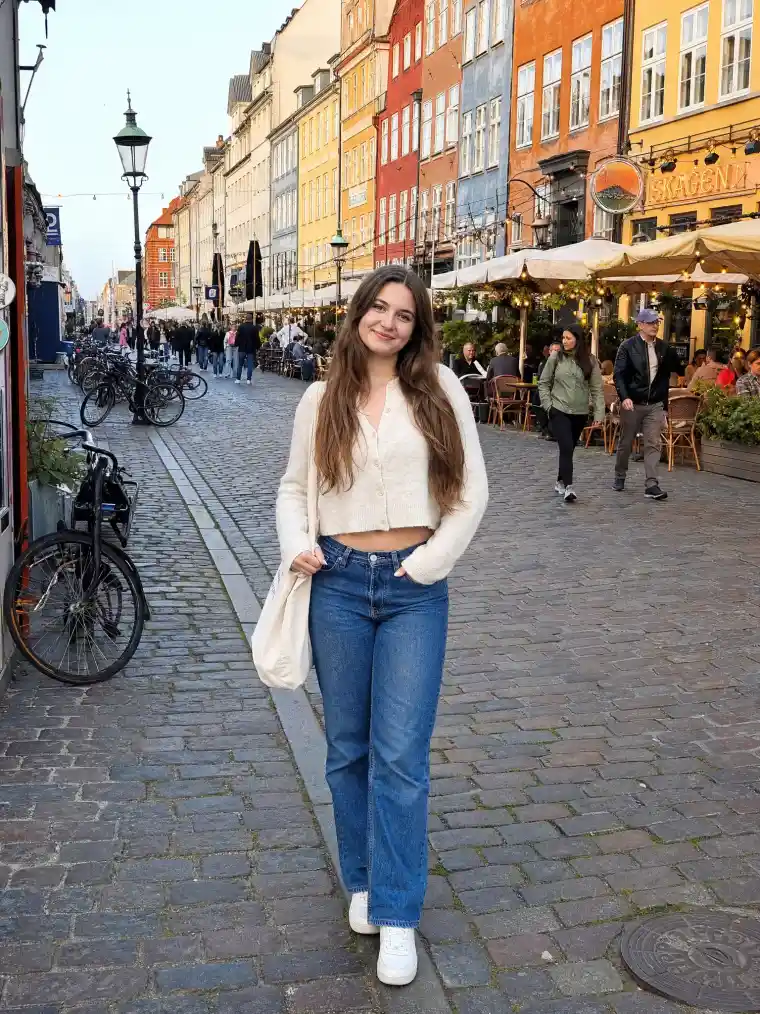
 Before
After
Example
Before
After
Example
Blur the background of any photo with realistic lens bokeh. Let AI find your subject automatically, or set the focus point and F-stop yourself — like a pro camera.
Before
After
Example
Upload a photo and blur the background in seconds with realistic lens bokeh.
The Overchat AI background blur filter uses an advanced artificial intelligence model for image editing that reconstructs your image as if it were taken with a specific f-stop. This ensures that the blur increases with distance from the point of focus, that the edges around hair and shoulders stay clean, and that the highlights in the foreground and background melt into round bokeh, just as a real lens would render them. Meanwhile, your subject remains pixel-sharp and untouched.
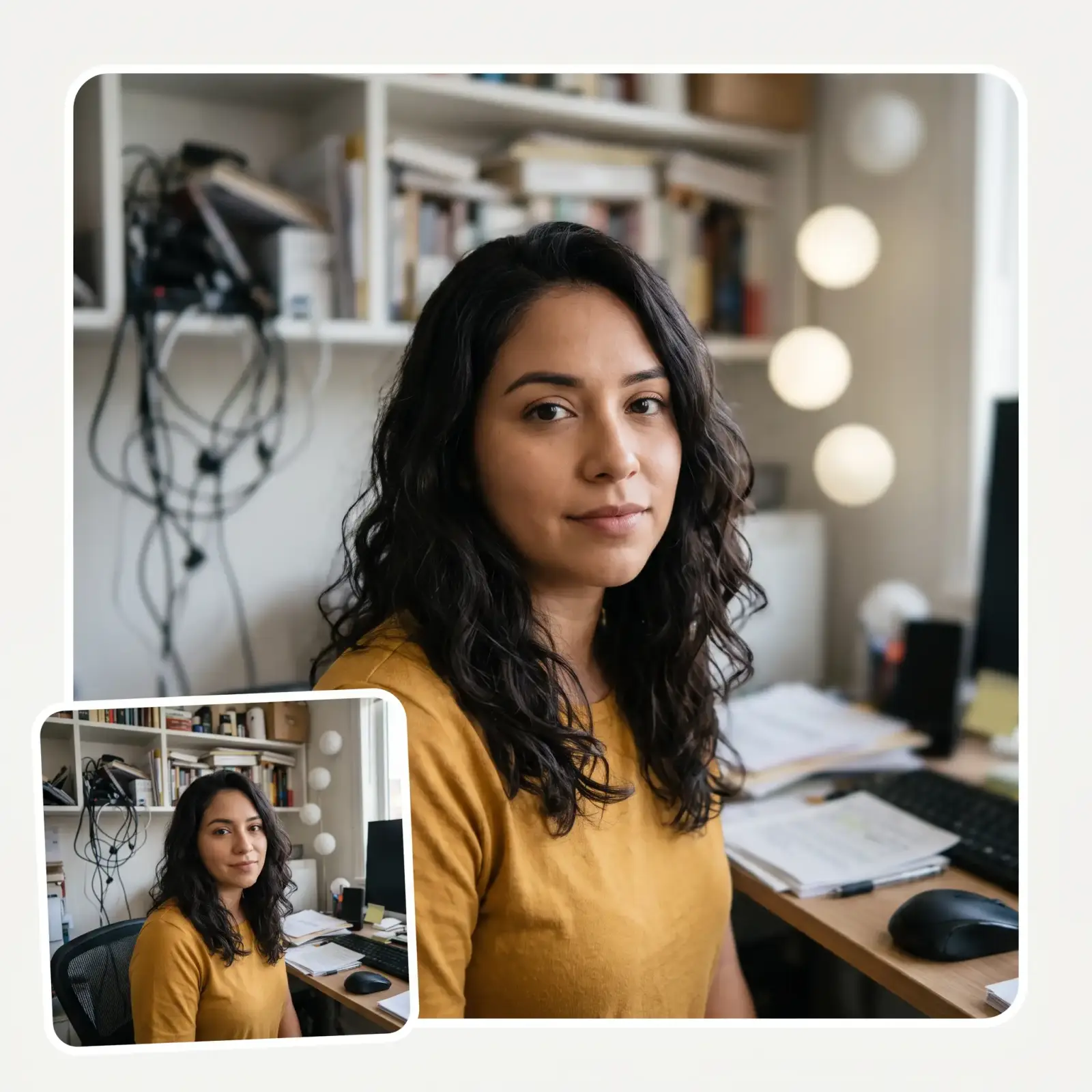
Add beautiful, artistic, highly realistic bokeh to any image online right in your browser without downloading any image editing software.
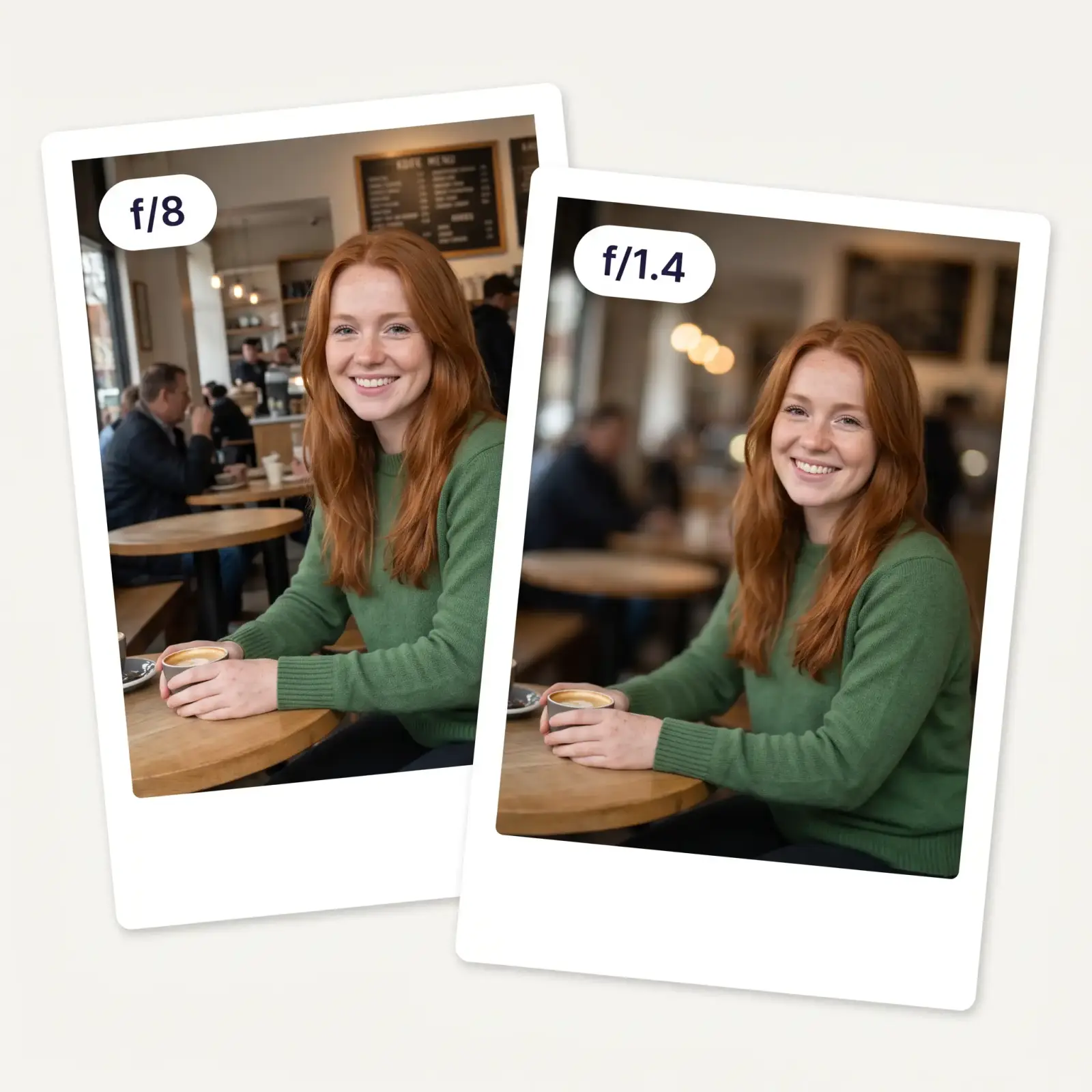
First, tap to select the area that should stay in focus. Then, pick an f-stop on the real lens scale. You can choose anything from a deep depth of field at f/16 to a creamy bokeh effect at f/1.4.
On average, the Overchat AI image blur app takes 15 seconds to process your photo.
The AI separates your subject from the scene, estimates depth, and blurs the background progressively — objects further away get softer, highlights become round bokeh circles, and the edge around your subject stays crisp. That's the look phone "portrait mode" tries to fake, done properly after the shot.
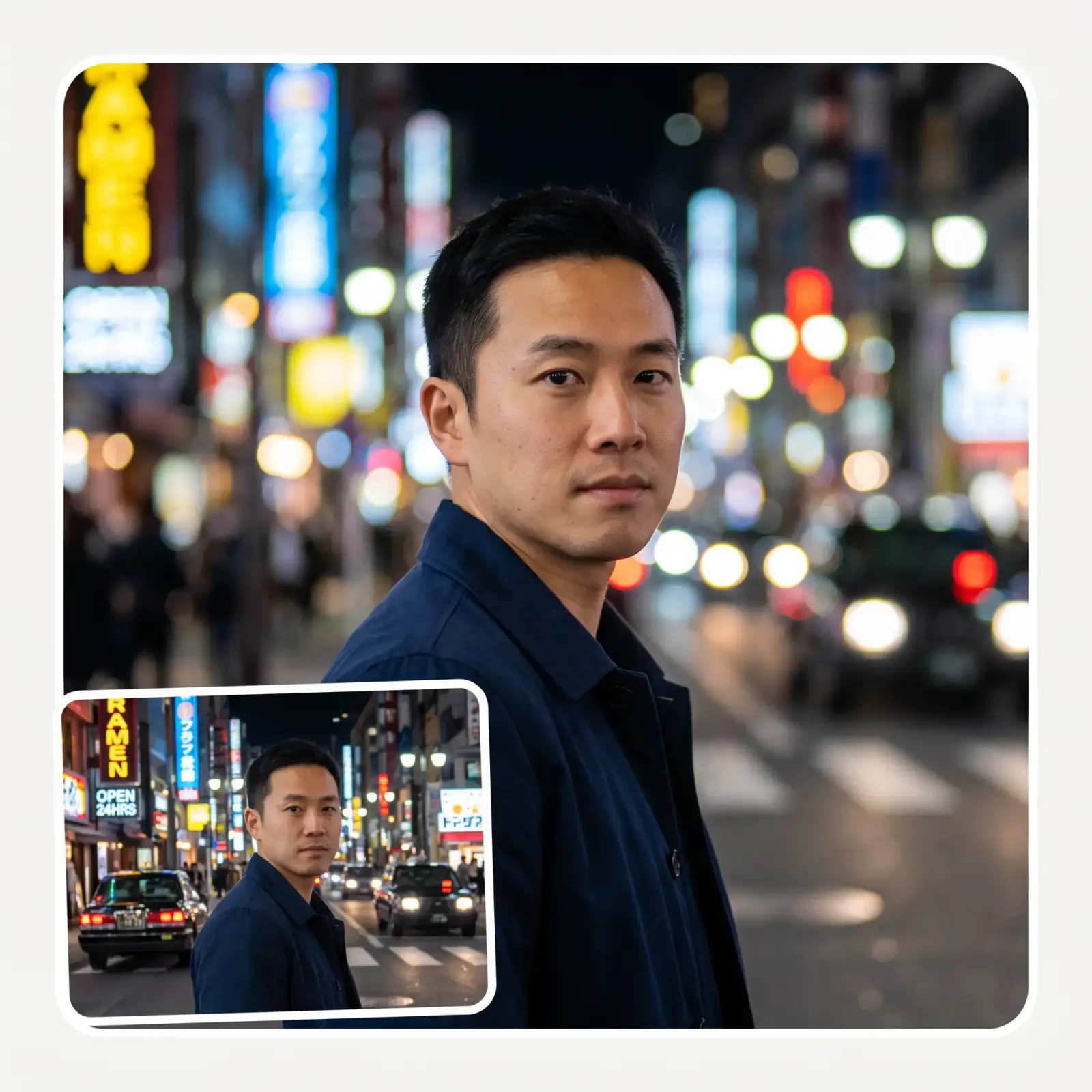
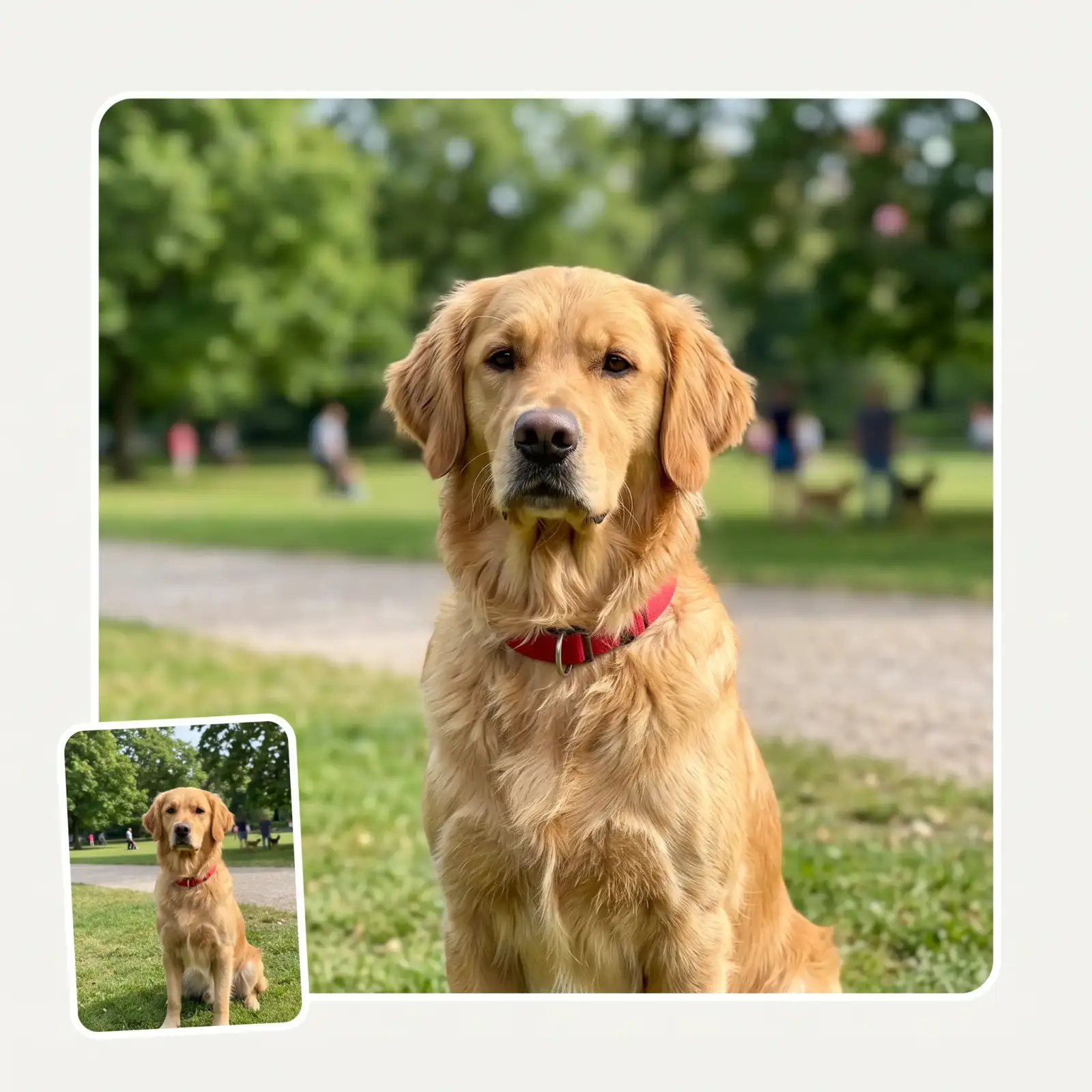
No need to have shot in portrait mode. Take any photo from your camera roll — an old selfie, a product shot, a pet picture — and add the depth-of-field look afterwards. The subject isn't repainted or "beautified"; only the background changes.
In manual mode, choose your aperture to control the depth of field, for example: f/16 to keep the foreground and background sharp, f/5.6 to keep most of the subject sharp and blur the background, f/1.4 for a razor-thin depth of field that throws everything in front of and behind the subject out of focus
USE CASES
Achieve the shallow depth of field look of an expensive prime lens on any portrait after the fact.
Create professional product images that look like they were taken with a multi-thousand-dollar setup.
Adjust the aperture of your images directly in your browser without installing Photoshop or Lightroom.
Hide cluttered backgrounds with a beautiful, creamy background blur that instantly makes the main subject stand out.
Images taken with intermediate-level zoom telephoto lenses look as if they were taken with exotic prime lenses.
See how the same shot can look different with different f-stops. Train your eye to find the best depth of field for that shot.
Join 350,000+ creators who are already using Overchat AI to edit their images online with AI.
Overchat AI brings you the power of the world's top AI models: GPT, Claude, Gemini, Mistral, and more.
An AI background blur tool separates the subject from the rest of the photo and softens the background after the image has been taken. It typically identifies the subject, estimates which parts of the scene are nearer or farther away, and varies the amount of blur across those areas. The goal is to mimic the shallow depth of field produced by a wide-aperture lens while keeping the subject sharp.
The Overchat AI background blur filter uses an artificial intelligence image generation model that automatically masks the subject and reconstructs the out-of-focus areas. Essentially, the AI recreates these areas from scratch by adding new pixels that resemble lens blur, taking into account physics and how light behaves when passing through a lens. Then, it returns a new image that you can download without modifying the original image you uploaded.
Gaussian blur uniformly blurs the entire image, causing the subject and background to soften in the same way. This can result in an obvious halo around edges. Lens blur, or bokeh, is a physical in-camera effect that cannot easily be achieved with a simple filter. The softness varies with depth; areas farther from the focal point become more blurred, and point highlights spread into discs. The in-focus subject can retain a sharp boundary. The AI background blur resembles this kind of depth-dependent lens blur rather than simple Gaussian blur.
Yes, with the Overchat AI Background Blur Filter, you can blur out backgrounds without downloading Photoshop. It works fully online and looks even more realistic than Photoshop.
No, if you use Overchat AI without creating an account, your photographs are automatically deleted after processing. You can find full details in our Privacy Policy.

Chinese company Baidu has quietly released a model that's just as good as DeepSeek and ChatGPT — ERNIE 4.5 delivers exceptional performance at a fraction of the cost — and most people outside China have never even heard of it.

If you're wondering: what is DeepSeek AI, the answer is quite simple. DeepSeek AI is a Chinese AI research lab that builds large language models. The company released several models in late 2024 and early 2025 that compete directly with OpenAI's GPT-4 and Anthropic's Claude, but at a fraction of the operating cost.

ChatGPT Plus costs $20 per month plus tax, while the Pro plan costs $200 per month plus tax. Understandably, not everyone is willing to pay that much for a chatbot, especially if the premium features aren’t worth it to them. This raises an obvious question: how can I use ChatGPT for free?
Available on Web, iOS, and Android. Access your AI assistant anywhere, anytime.


.svg)
