

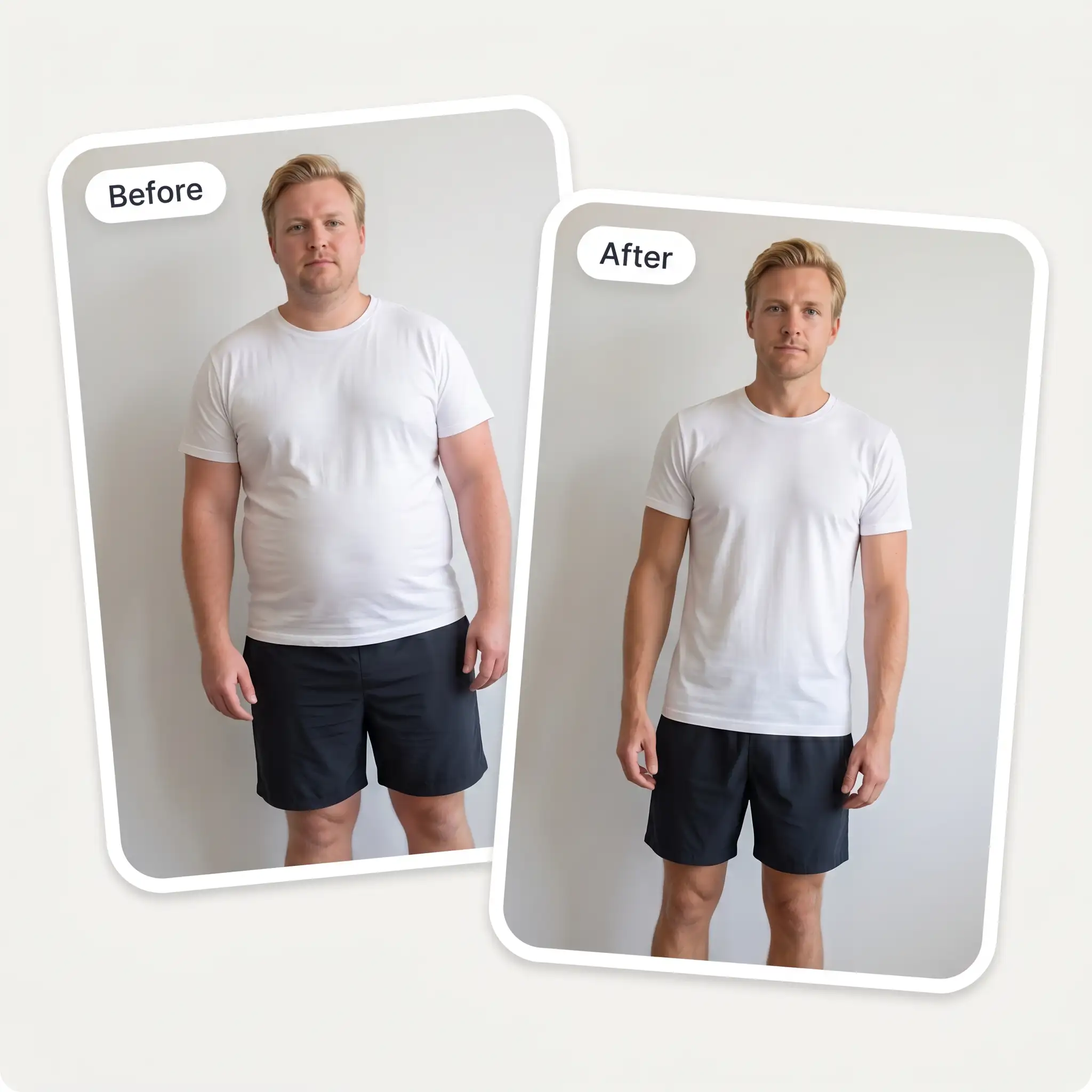
 Before
After
Before
After
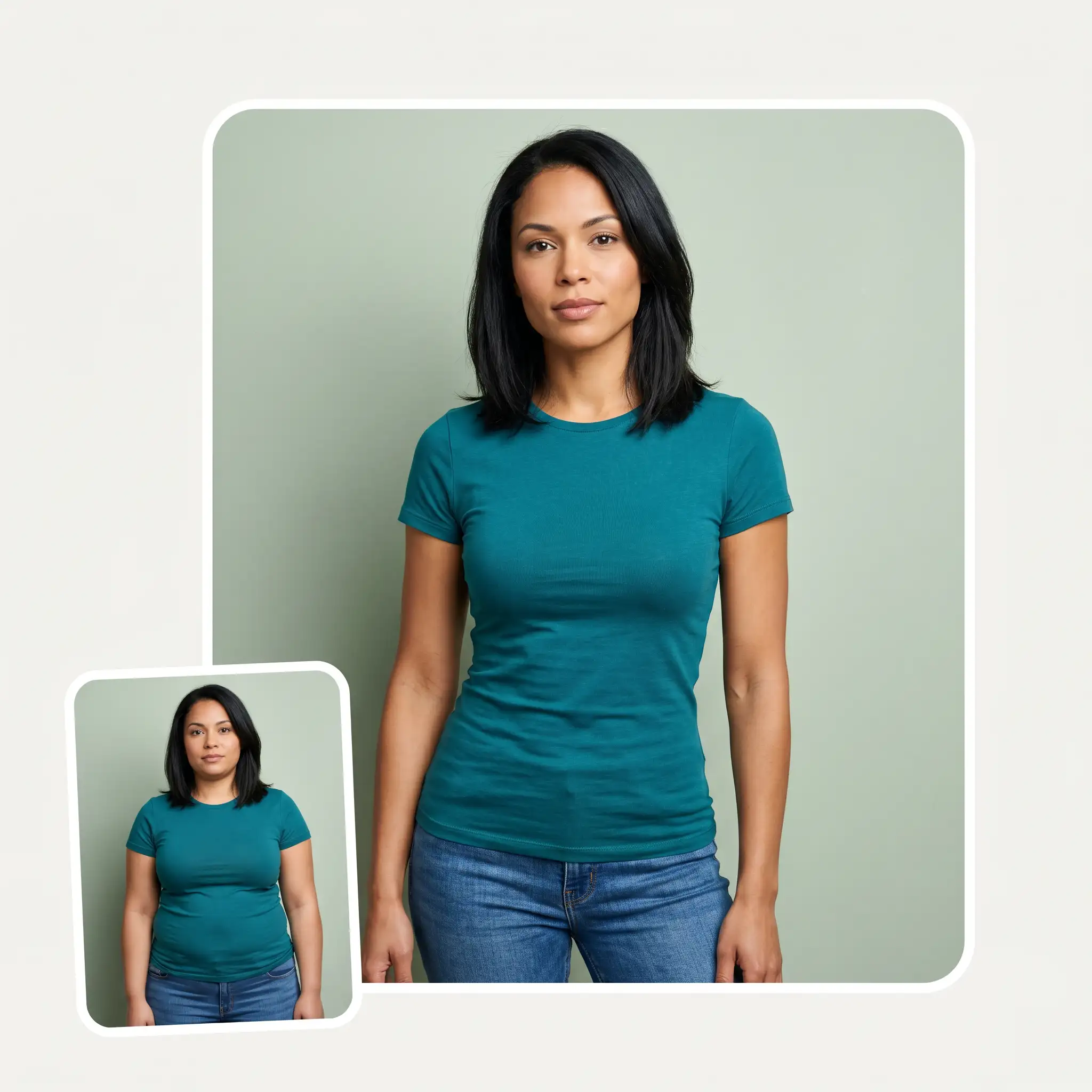
Upload your photo and our AI skinny filter slims you down in 30 seconds. Become skinny with Overchat AI.
Before
After
Our AI-powered skinny filter can make people look slimmer online — preview how a chubby person would look if they were slimmer, or play a weight-loss transformation prank on your friends. Because it's AI-powered, the results look much more realistic than a simple skinny photo filter that just stretches pixels.
The Overchat AI Skinny Filter is powered by Nano Banana 2, one of the most realistic image-to-image generation models that supports inpainting. This technology enables the AI to selectively mask and regenerate parts of an image. Because of this, the results look extremely realistic and the backgrounds don't change. The Overchat AI skinny filter is also easy to use. Here's how:
You can browse your files, drag and drop, take a selfie or select from the camera roll. HEIC images are also supported.
After selecting one of the three slimming strengths, press the 'Get Fit' button. Overchat AI will then process your image using the Nano Banana image generation model and return the result.
Download the slimmed photo in HD or share it in one click straight to TikTok, Instagram, or your other social media.
The free Overchat AI skinny filter uses one of the best AI image generation models to preserve likeness. This online skinny filter lets you select from three effect strengths and works across adults, babies and pets.
Because the Overchat AI skinny filter uses Nano Banana 2, we don't simply stretch the pixels in your uploaded photo — the filter makes you look skinny by generating a new version in which fat is realistically trimmed to reveal your bone structure anatomically correctly. The result is photorealistic, while the background remains unaffected.
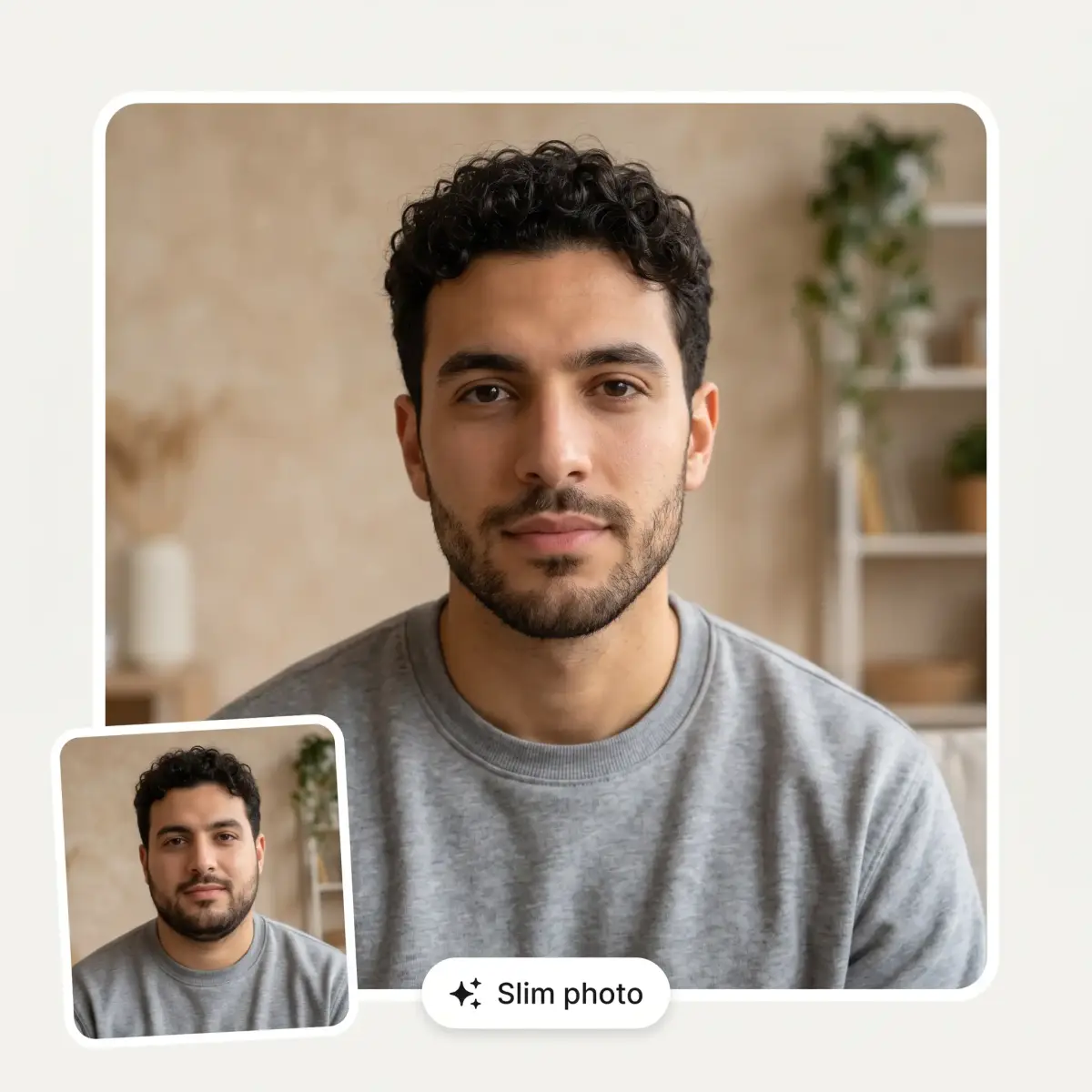
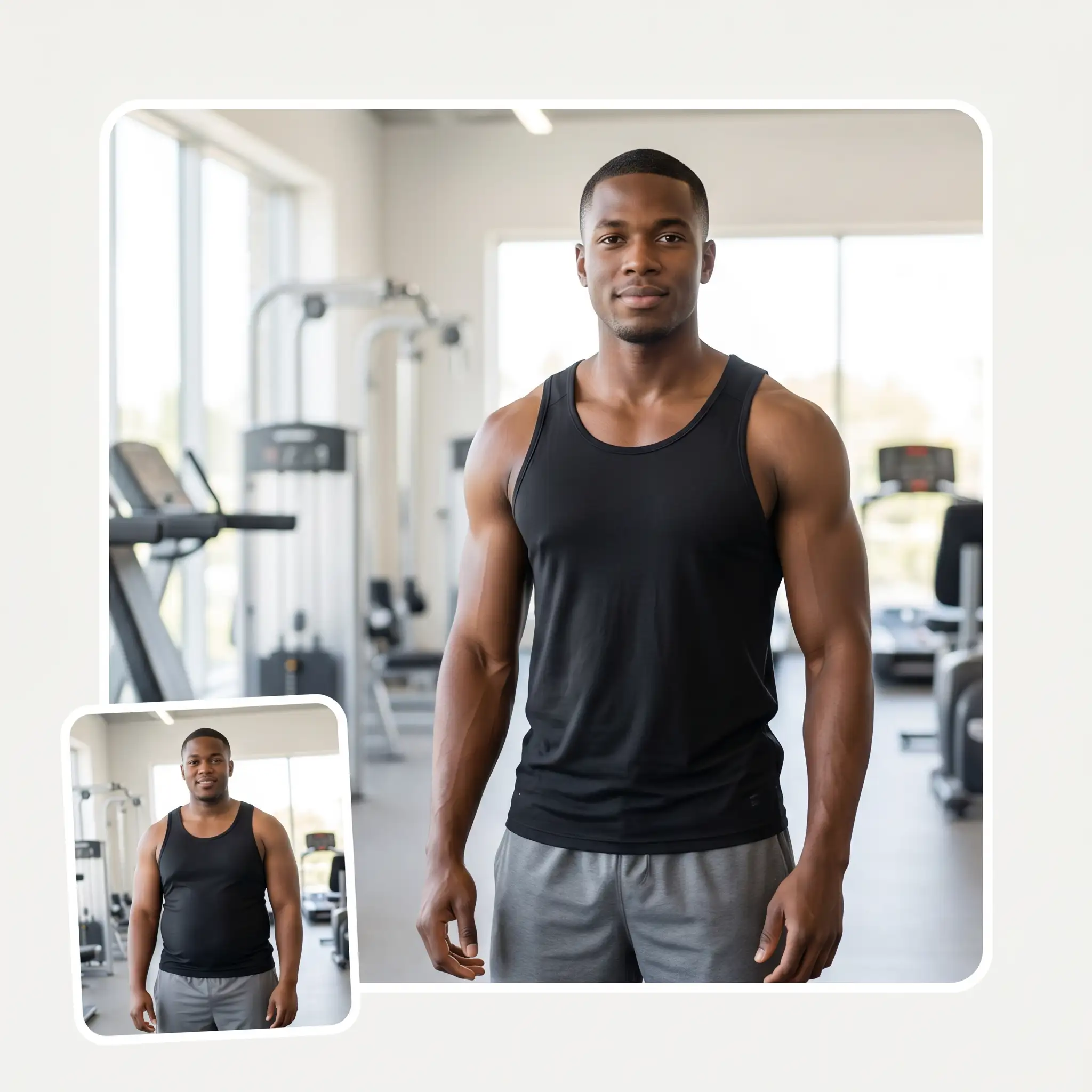
With the Overchat AI Fat to Skinny filter, you can preview a slim version of yourself with visible muscle definition. It works not just on faces, but on full-body shots too, keeping your general proportions and body shape true to life while making you as slim as you want to be, from realistic levels to exaggerated ones.
You can use the Overchat AI skinny face filters on images with busy backgrounds, and no matter how complex the background is, the pixels won't be pulled or stretched — the AI model will even repaint parts of the background that are revealed when the subject is made skinnier and occupies less space.
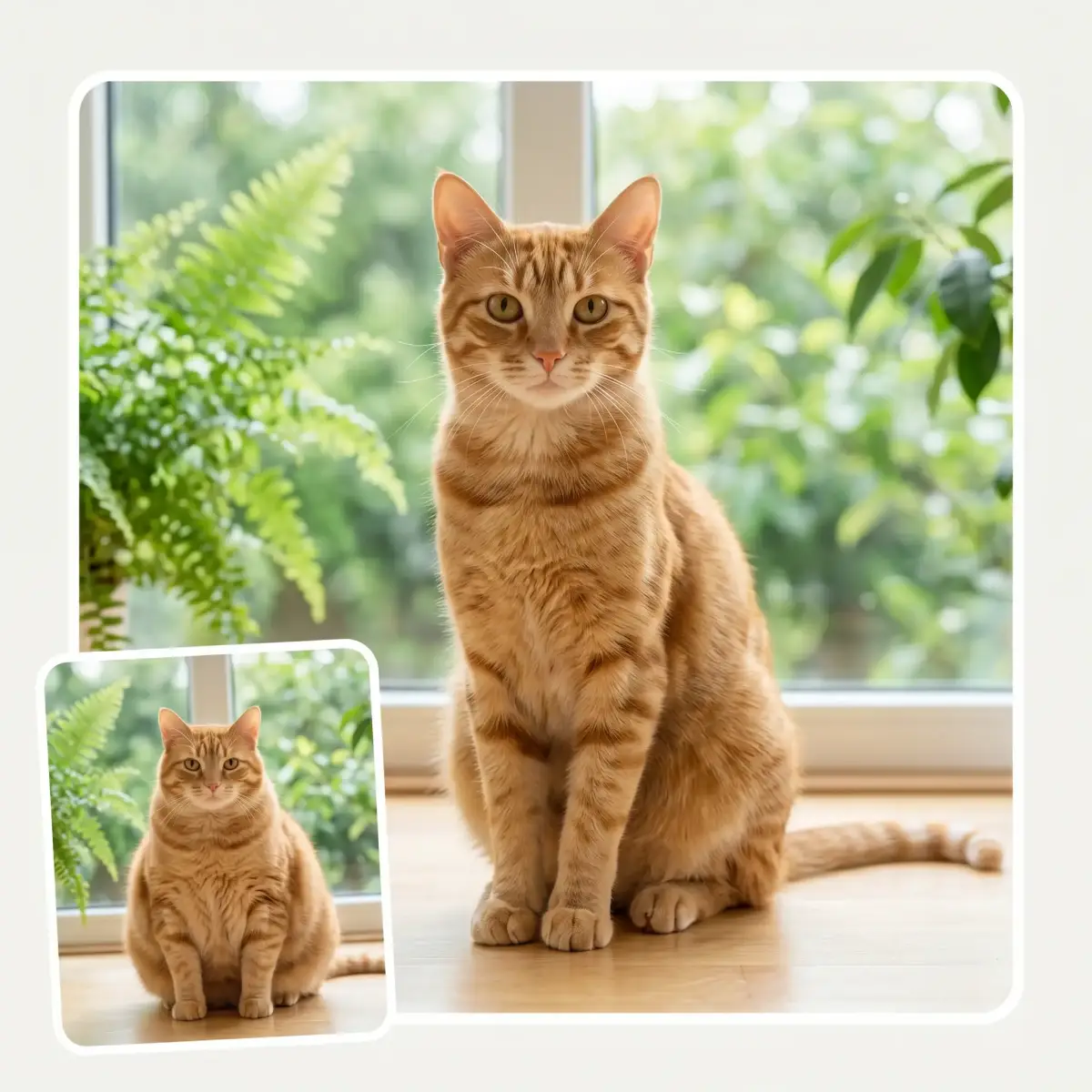
The Overcat AI skinny filter app works on adults, babies and pets. See what your chunky cat or dog would look like if they were skinny. Maybe show them the photo — who knows? They might get motivated to lose some weight and finally get in shape!
USE CASES
Show off your jawline and cheekbones, get a defined chin, and see what you would look like with an impossibly low body fat percentage.
Overchat AI anatomically defines your waist, trims your biceps and gives you toned leg muscles. It does all this while preserving everything else about the photo.
Imagine what it will be like to reach your goal weight, and use this vision to motivate yourself to stay on track.
For fitness pages, transformations and progress posts, use the fat-to-skinny filter to show a leaner, before-and-after version of yourself next to your current photo.
Edit a wedding, party or holiday photo to make yourself look your best before posting or printing it.
Upload a photo of your cat or dog and see what they would look like if they were skinny. The skinny filter works on pets and cartoons too — just for fun!
Join over 350,000 people already using Overchat AI to generate images, videos, and music with AI.
Overchat AI brings you the power of the world's top AI models: GPT, Claude, Gemini, Mistral, and more.
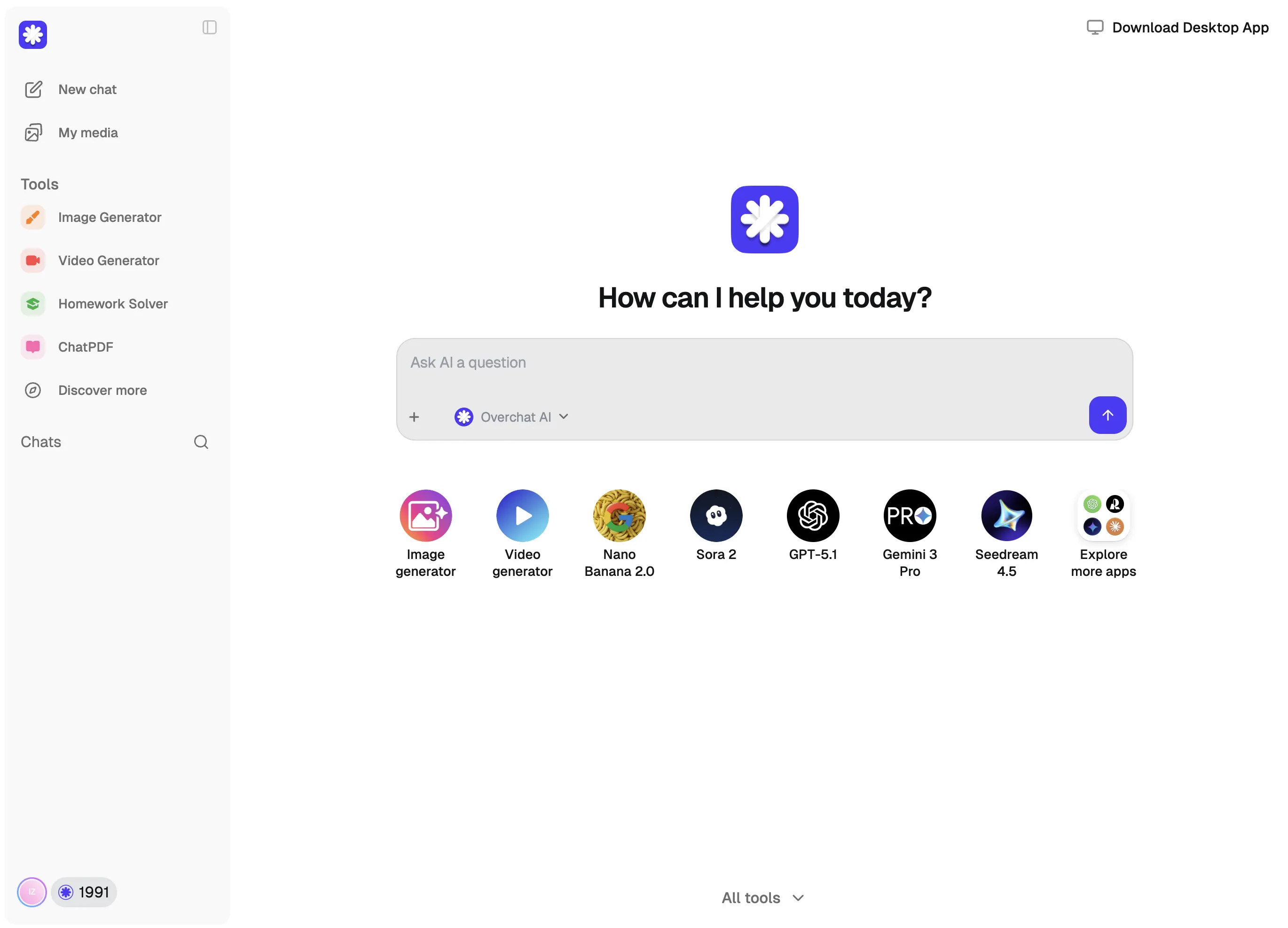
An AI skinny filter is an online tool powered by an artificial intelligence image generation model. In the case of Overchat AI Skinny Filter, for example, it is powered by Nano Banana 2 from Google DeepMind. The AI model reimagines part of the image and applies a targeted transformation — in this case, it makes the subject appear slimmer. The Overchat AI team has already optimised the tool for this effect, so all you need to do is upload a photo and click the 'Generate' button.
In the Overchat AI Skinny filter, first upload your image from your camera roll or files, or take a new photo using your selfie or main camera. Then, choose one of the three levels of the slimming filter effect and generate the image. The effect is applied automatically and you will receive a new image with the transformation. The original image isn't affected. Overchat AI also processes your images securely, ensuring that nobody but you can see them.
The Overchat AI skinny filter makes you look slimmer by regenerating the image. When you upload an image, the AI can predict what changes to your waist, arms and legs should look like, and create a new image that is masked into the original without affecting other parts of the shot. This approach enables the AI to maintain consistency across the entire image while achieving a slimmer appearance. Your original image isn't edited or affected throughout this process, as the AI provides a new copy.
Yes, the Overchat AI Skinny Filter is currently available for free with unlimited access and no account required. This offer is only available for a limited time.
Chinese company Baidu has quietly released a model that's just as good as DeepSeek and ChatGPT — ERNIE 4.5 delivers exceptional performance at a fraction of the cost — and most people outside China have never even heard of it.
If you're wondering: what is DeepSeek AI, the answer is quite simple. DeepSeek AI is a Chinese AI research lab that builds large language models. The company released several models in late 2024 and early 2025 that compete directly with OpenAI's GPT-4 and Anthropic's Claude, but at a fraction of the operating cost.
ChatGPT Plus costs $20 per month plus tax, while the Pro plan costs $200 per month plus tax. Understandably, not everyone is willing to pay that much for a chatbot, especially if the premium features aren’t worth it to them. This raises an obvious question: how can I use ChatGPT for free?
Available on Web, iOS, and Android. Access your AI assistant anywhere, anytime.


.svg)
