

 Before
After
Before
After
Overchat AI Fat photo Filter app. Powered by Nano Banana 2. Become fat within 30 seconds.
Before
After
Overchat AI uses GPT Image 2, one of the best image generation models available, to power its AI fat filter. This filter can transform a photo from skinny to fat in three levels of intensity, ranging from realistic to cartoonishly fat, while preserving perfect likeness and photorealism.
The Overchat AI fat filter is a free online tool that's extremely easy to use — no sign-up needed to try it. All you need to do is complete three easy steps to apply the filter to any photo. Here's how it works:
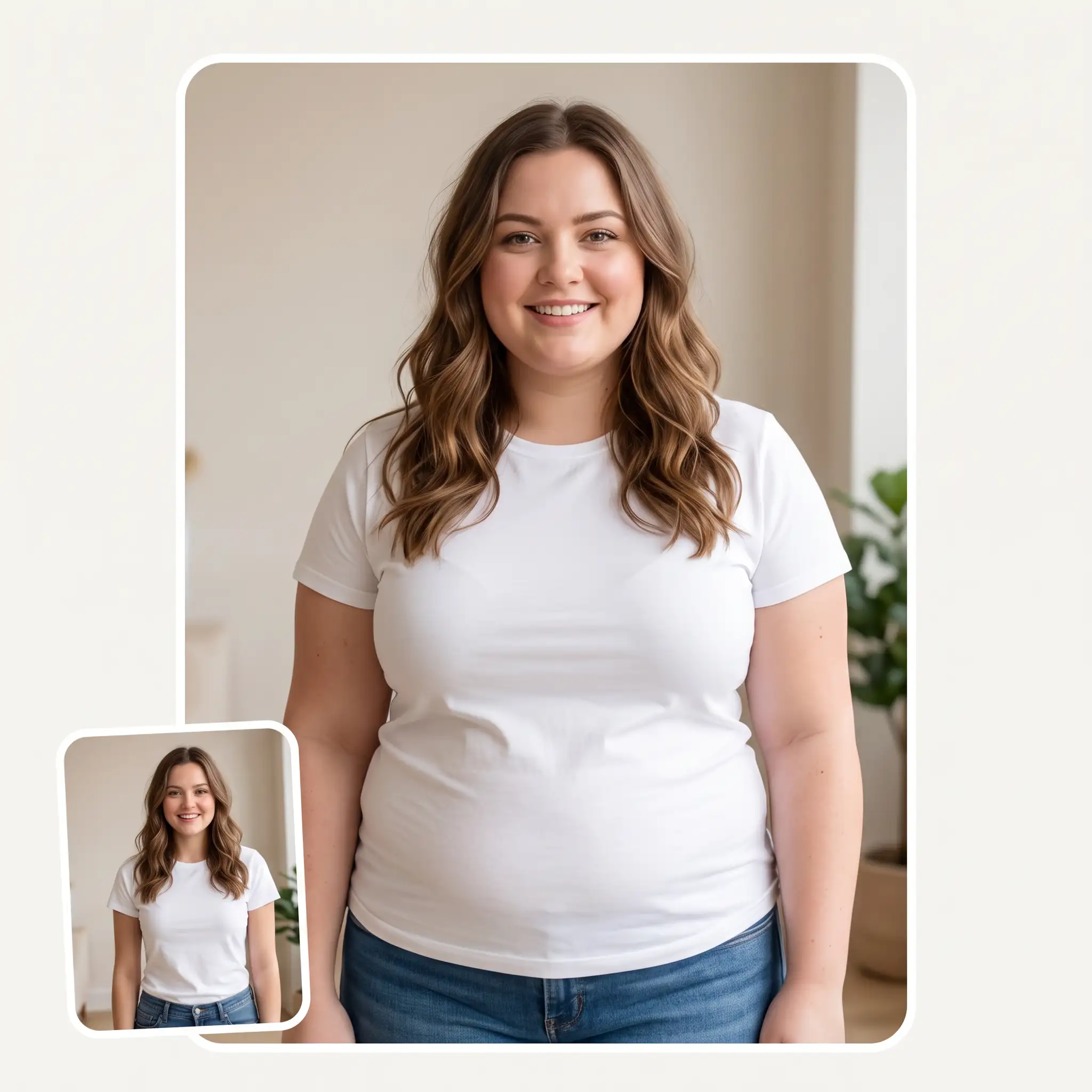
You can select a photo from your camera roll, choose one from your file system, or even take a new photo using your phone's camera.
Choose from three levels of fattening intensity, ranging from realistic to exaggerated, and click the 'Generate' button to begin processing.
Overchat AI takes about 30 seconds to process your photo and produce a new version with the applied effect. You can then download it or share your fat filter photo straight to TikTok, Instagram, or wherever you like.
The Overchat AI fat filter uses GPT Image 2, one of the best image generation models. It delivers photorealistic results, works on images of pets and people, and processes your images securely.
Thanks to being powered by GPT Image 2, Overchat AI produces extremely realistic results — you can't even tell the photo was edited with AI. This makes it perfect for pranks and fun social media posts, and for surprising your friends.
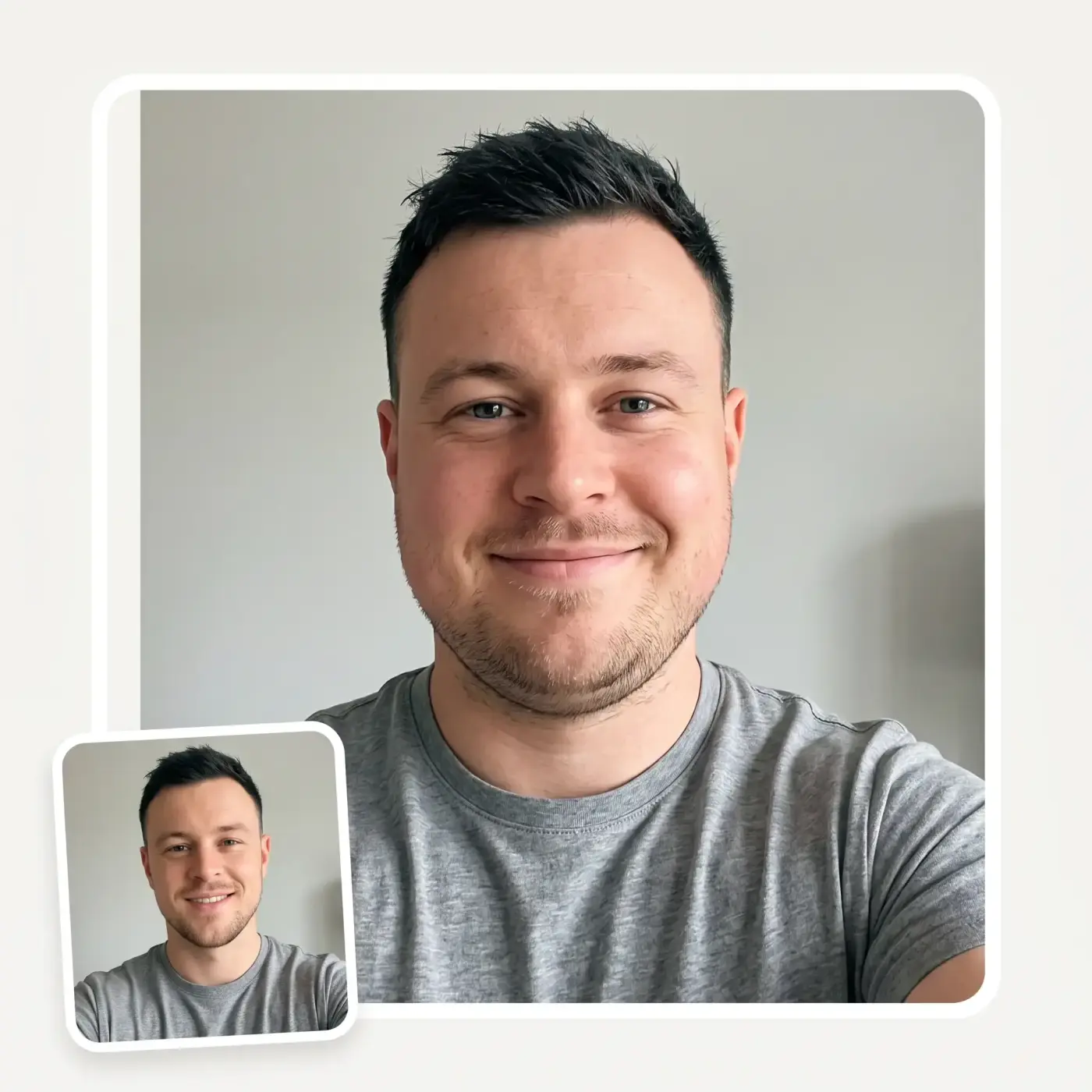
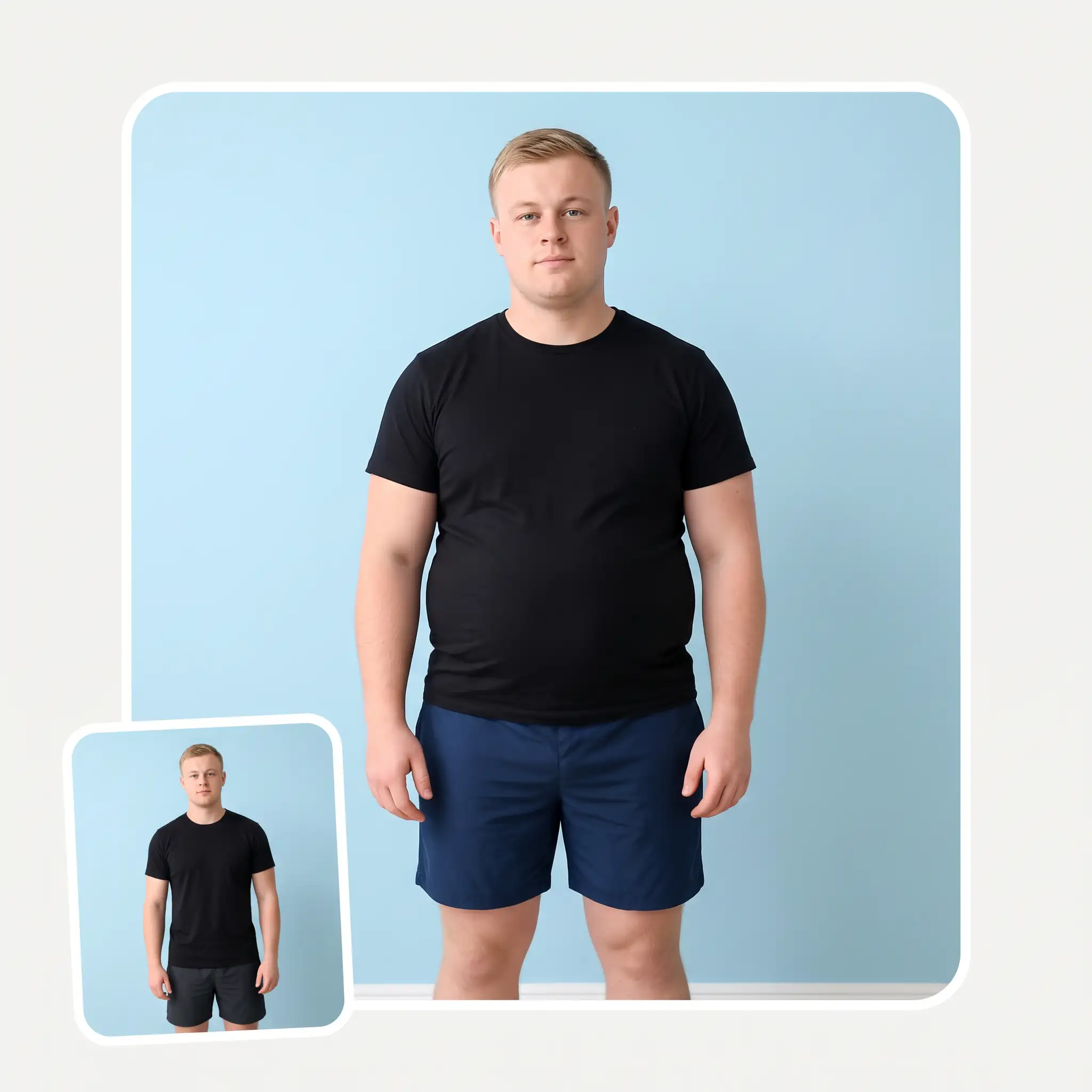
This full-body fat filter can automatically correct your posture and add fat to your entire body, showing you what your figure would look like if you were overweight. Use this fat body filter to play a prank on your friends or family by telling them you've gained weight and showing them the proof.
Your photo will be processed privately using modern encryption. It will never be used to train a model or viewed by anyone except you and the people you choose to share it with.
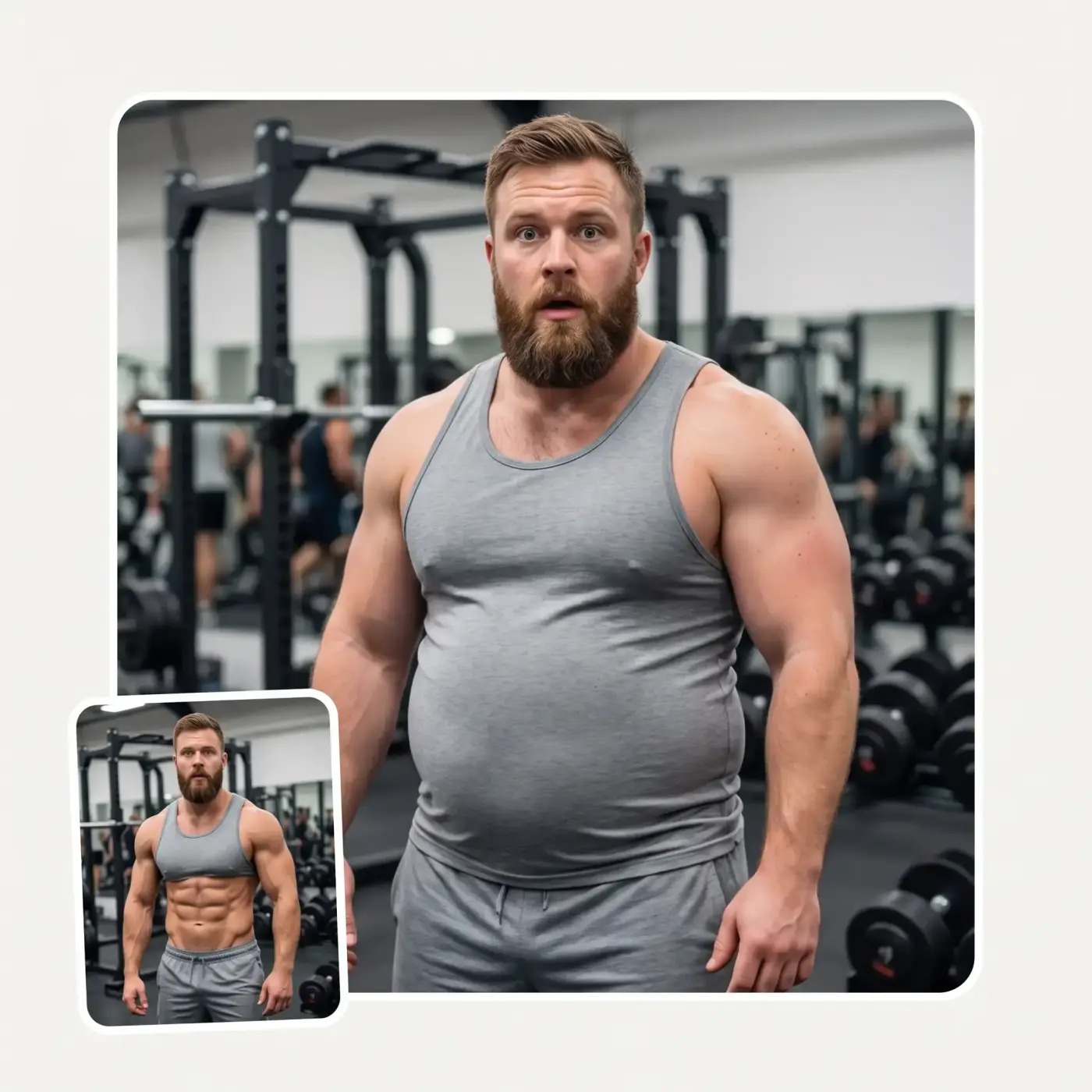
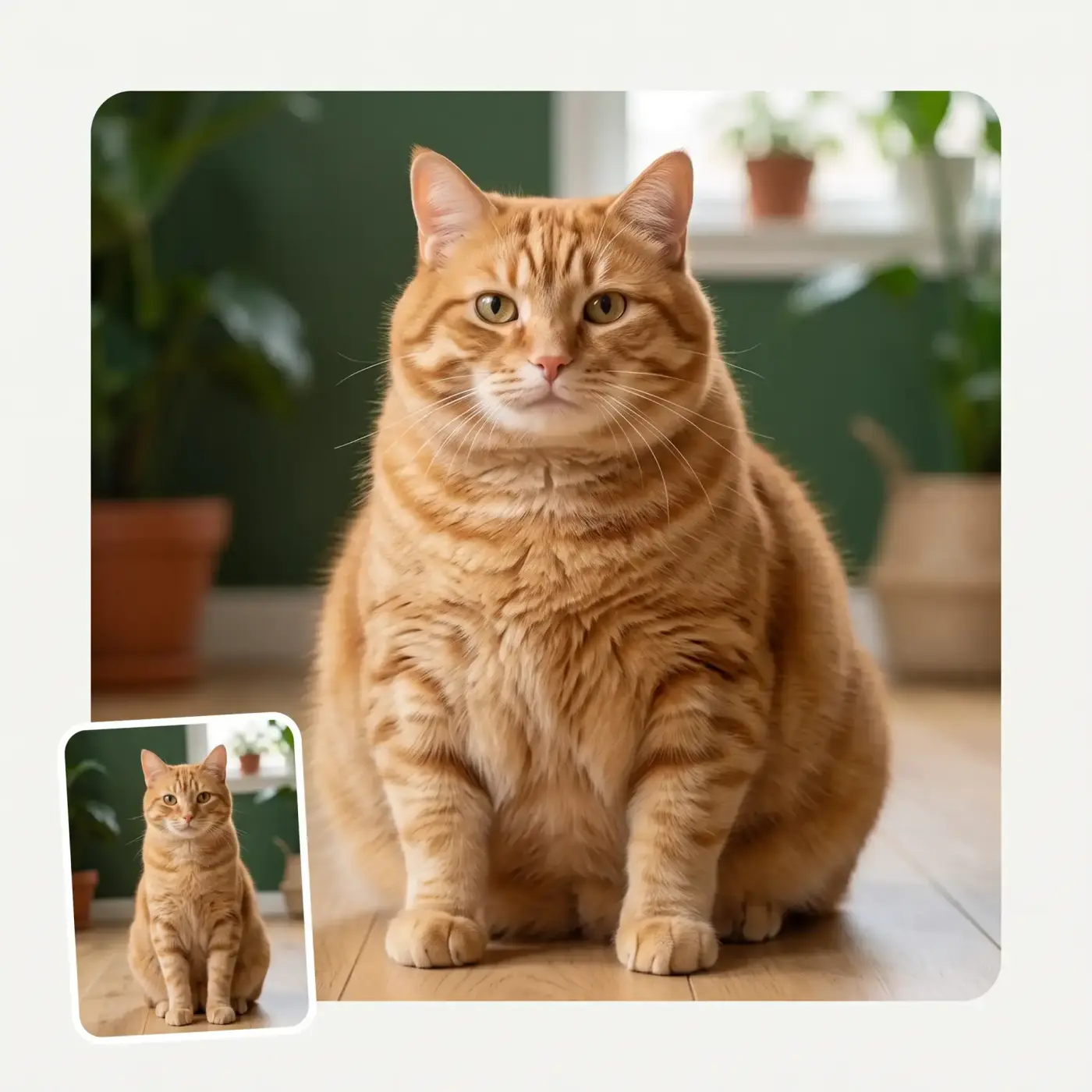
How would your cat or dog look if they were funny? The Overchat AI fat filter app also works on pets! See your pet as a cute chonkster or play a prank on your friends and family by telling them that their favourite pet might have eaten a little too much!
USE CASES
See what your face would look like if you gained 50 pounds.
Give yourself a beer belly, puffy arms, and giant love handles.
Ever wondered what you'd look like after a few too many cheat days?
Send your fat self to your family and see how they react.
Would your boyfriend or fiancé ditch you if you gained weight? Find out!
Upload a photo of your cat or dog to see how cute they would look as a chonkster.
Join over 350,000 people already using Overchat AI to generate images, videos, and music with AI.
Overchat AI brings you the power of the world's top AI models: GPT, Claude, Gemini, Mistral, and more.
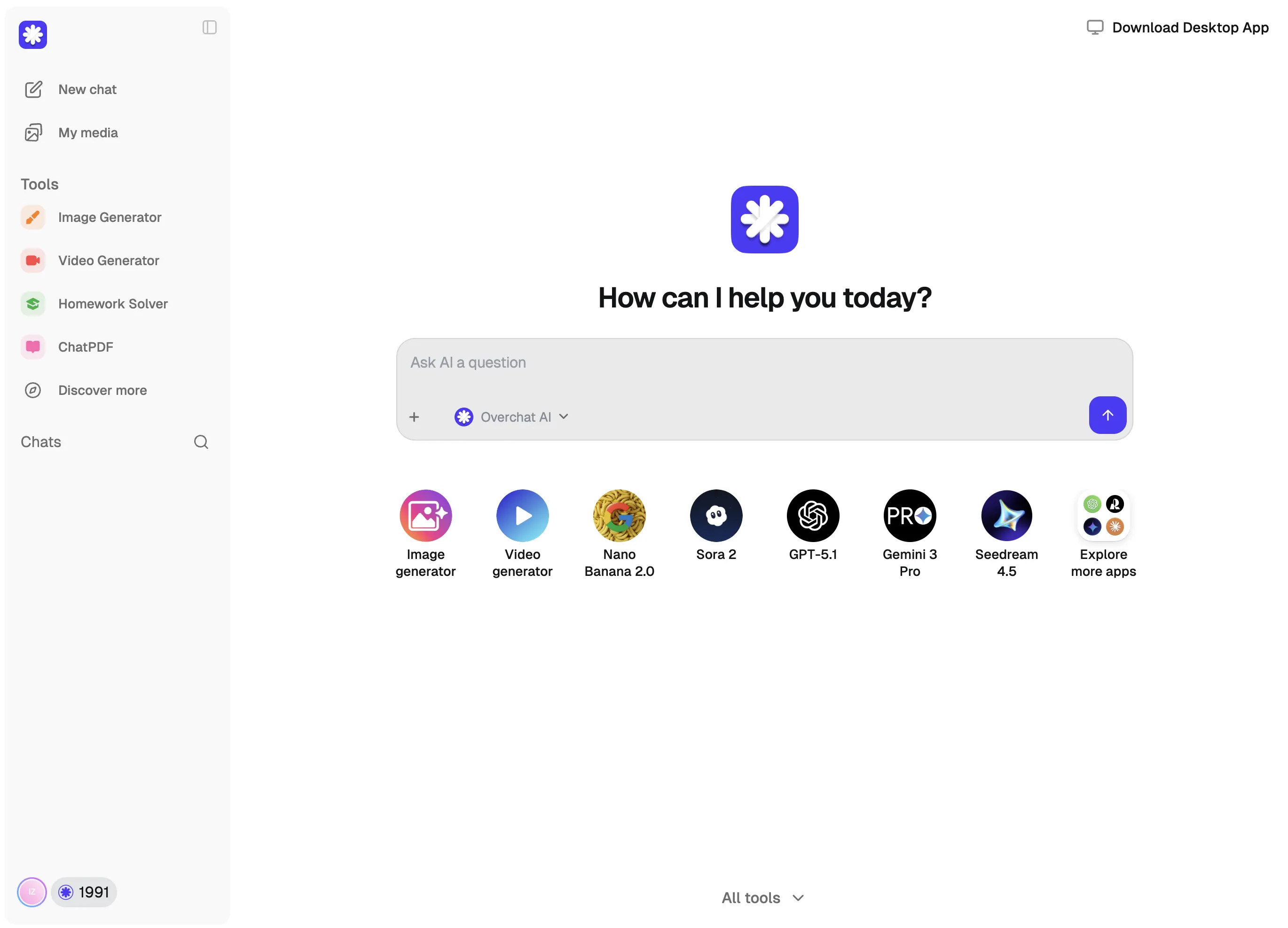
An AI fat filter is an online tool powered by an artificial intelligence image-to-image generation model. You upload a picture of yourself (or another person, or even a pet), and the tool generates a fat version of you from scratch. For example, the Overchat AI fat filter is powered by Nano Banana 2, which is one of the best image-to-image generation models available in 2026.
Yes, the Overchat AI fat filter can make a person look fat in an image, and the result looks incredibly realistic. We've tuned the tool to be slightly caricature-like for a laugh, but you can control how much the person is made to look overweight by choosing from one of three fat levels, ranging from slightly fatter to 500 lbs.
Yes, you can use it on yourself or on someone who has given you permission to use their photo, or on someone who you know won't be offended. Remember that AI fat filters are designed for fun, not to hurt people's feelings, and that many people are insecure about their bodies. Use your best judgement and don't use this tool with any ill intent.
The Overchat AI Fat Filter is a paid-for tool, but there are many others that you can access as part of the free trial on the Overchat AI iPhone or Android apps, or with a free account on the Overchat AI website.
Chinese company Baidu has quietly released a model that's just as good as DeepSeek and ChatGPT — ERNIE 4.5 delivers exceptional performance at a fraction of the cost — and most people outside China have never even heard of it.
If you're wondering: what is DeepSeek AI, the answer is quite simple. DeepSeek AI is a Chinese AI research lab that builds large language models. The company released several models in late 2024 and early 2025 that compete directly with OpenAI's GPT-4 and Anthropic's Claude, but at a fraction of the operating cost.
ChatGPT Plus costs $20 per month plus tax, while the Pro plan costs $200 per month plus tax. Understandably, not everyone is willing to pay that much for a chatbot, especially if the premium features aren’t worth it to them. This raises an obvious question: how can I use ChatGPT for free?
Available on Web, iOS, and Android. Access your AI assistant anywhere, anytime.


.svg)
