Turn Photos Into Realistic AI Hug Videos or Photos

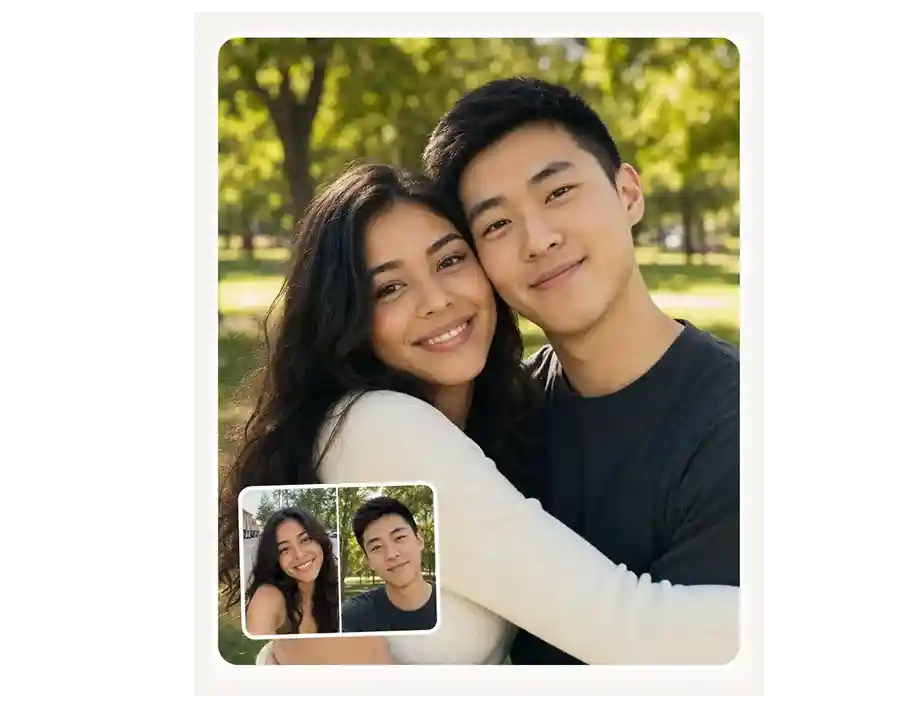
Upload one photo of two people or two separate selfies, pick a hug preset, and the AI Hug Generator creates a realistic embrace as a photo or short video in seconds. Every upload can be marked private — only you see it.
Five Hug Presets, Hand-Tuned
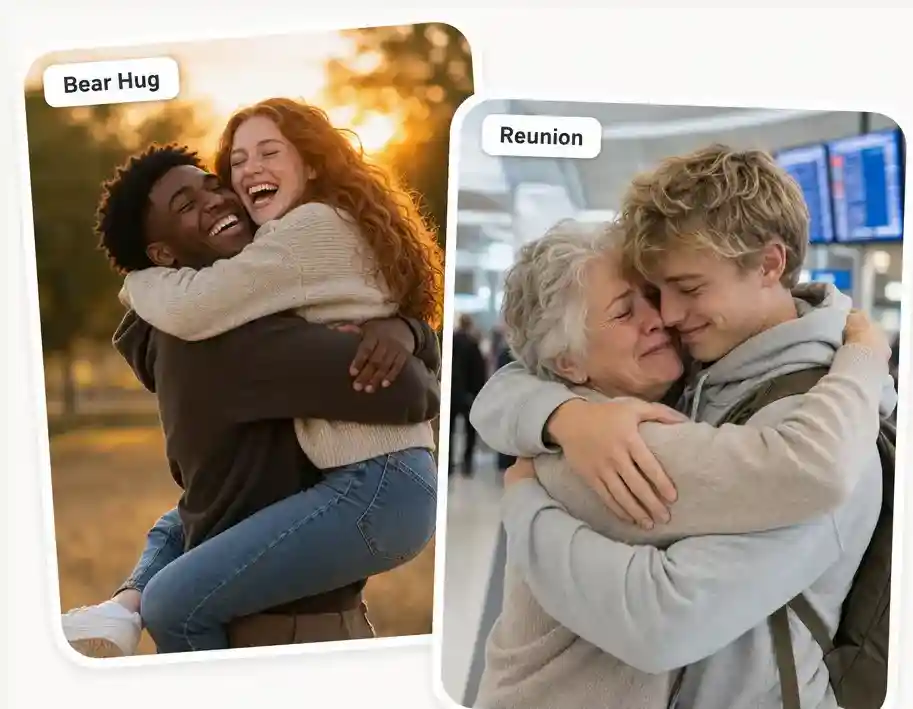
Pick the exact hug: tight reunion hug, warm romantic hug, gentle side hug, big bear hug, or back hug. Each preset is tuned for a different emotion — longing, comfort, joy, protection, or tenderness — so the embrace matches the moment.
Private by Default, Deletable Anytime
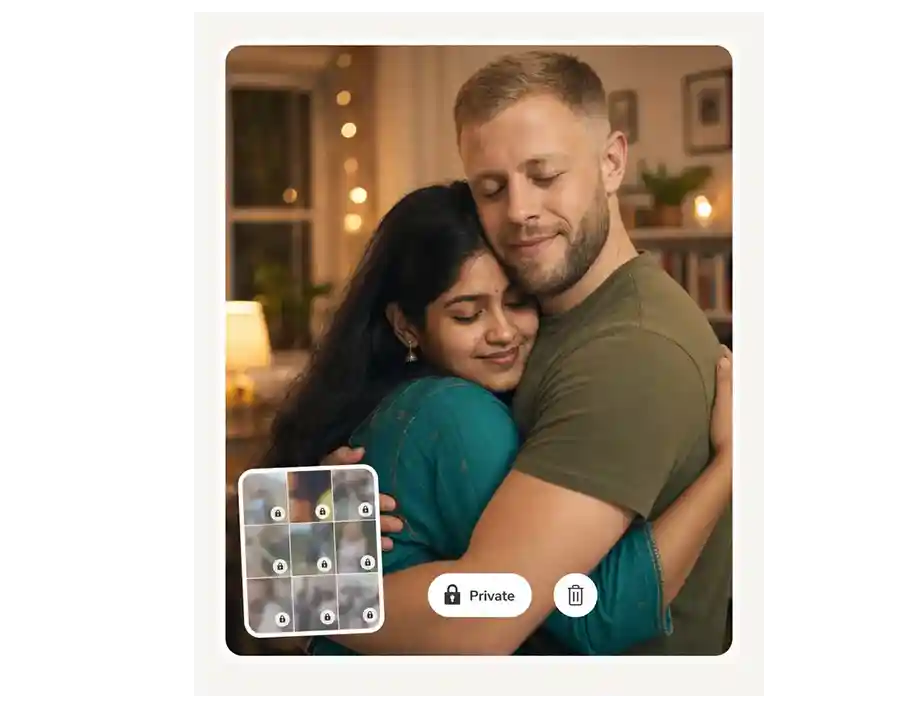
Mark any photo or video as private — only you see it. Private files never appear in public galleries, never train AI models, and can be permanently deleted from your library with one click.
Custom Prompt, Aspect Ratio & Duration
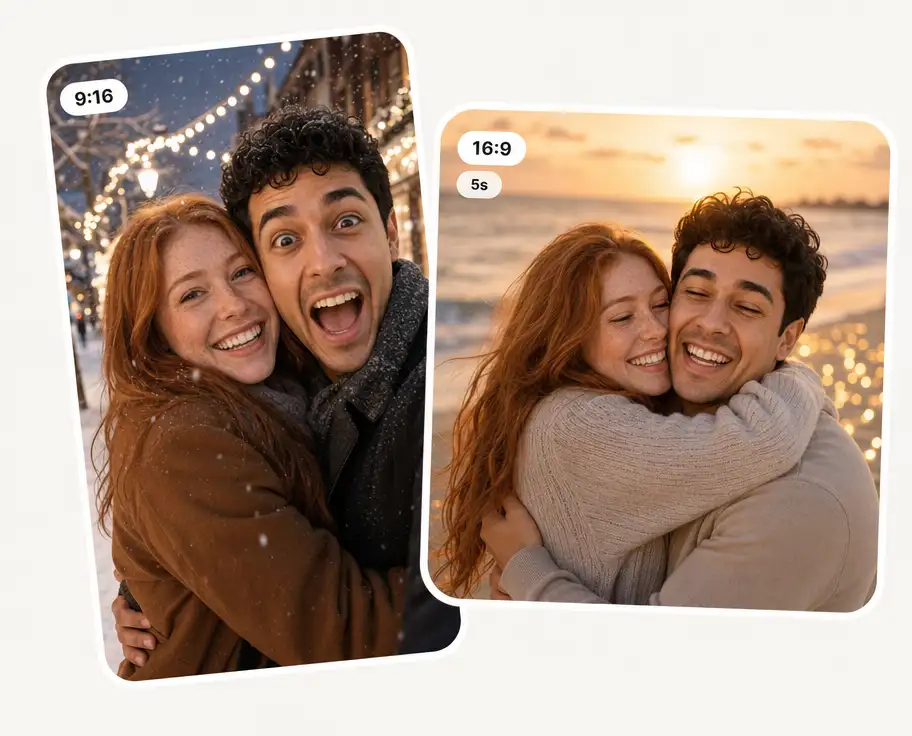
Add your own prompt on top of any preset — airport arrivals hall, sunset beach, mom's kitchen, snowy street. Pick the aspect ratio (9:16, 1:1, 16:9) and video duration so the hug fits exactly where you'll share it.
Discover the most-shared ways people turn photos into AI hugs — from the viral "hug your younger self" trend to long-distance moments and tribute videos.
Hug Your Younger Self
The viral trend. Upload a current photo and a childhood photo — the AI generates a heartwarming image of present-you hugging little-you. Perfect for birthdays, milestones, or self-love posts.
Long Distance
Create the hug you can't give in person — for couples apart by miles or timezones, kids missing a parent on deployment, or friends who haven't met up in years.
Viral TikTok / Reels
9:16 hug videos built for TikTok, Reels and Shorts — the same emotional hook that made #aihug a recurring scroll-stopper across feeds.
Wedding & Family Milestones
Add tight reunion-style hugs to wedding reels, anniversary edits, gender-reveal videos, graduation montages, and engagement save-the-dates.
Tribute & Memorial
Hug a loved one who's no longer here. Merge a current selfie with an old portrait of a grandparent, parent or friend who's passed — a private keepsake many people use for closure and remembrance.
Fan Edits & Creative Projects
Hug your favorite celebrity, K-pop bias or fictional character. Or build narrative hug scenes for short films and storytelling reels with full prompt and preset control.
Create an AI hug photo or video in 3 steps:
Upload
Drop in one couple photo or two separate portraits.
Pick Hug Style
Choose a preset — reunion, romantic, bear, side, back — add a prompt, set aspect ratio and duration.
Generate & Download
Preview, mark as private if you want, then download — or delete forever.
How do I make two people hug using AI?

Upload one photo of two people together, or two separate selfies. Pick a hug preset (reunion, romantic, bear, side, back), optionally add a prompt like "airport arrivals" or "sunset beach", choose aspect ratio, and click Generate. The AI builds a realistic hug while keeping both faces recognizable.
Can I turn one photo of two people into a hug video?
Yes. Upload a single photo where both people are visible — the AI animates them into a natural hug in 5–10 seconds of video. Works for couples, friends, family shots and group reunions.
Can I hug someone who has passed away with AI?
Yes — this is one of the most-used cases. Combine a current selfie with an old photograph of a parent, grandparent or friend who has passed. The AI generates a private keepsake image of you embracing them. Many people use it for anniversaries, grief work, and remembrance. We keep these uploads private by default and never train models on them.
What is the “hug your younger self” trend?
A viral AI-image trend where you upload a current photo and a childhood photo and the AI generates a single warm image of present-you hugging little-you. The Overchat AI Hug Generator runs it as a built-in preset — no prompt engineering needed. Great for birthdays, milestones, mental-health posts and self-love edits.
How long does an AI hug video take to generate?
Hug photos: 10–20 seconds. Hug videos (5–10 seconds long): usually under a minute. No queue at off-peak hours; longer waits during viral spikes around big trends.
Is my photo private — especially for tribute and memorial uploads?
Yes. Every upload can be marked private — only you see it, never appears in public galleries, never trains an AI model, and can be permanently deleted any time. This matters most for tribute uploads of deceased loved ones — those stay strictly between you and your account.
Is it ethical to create AI hug videos?
Yes when used with consent. Upload photos of yourself, your family, your partner, your child, or people who have given you permission. Tribute hugs of deceased loved ones are widely considered a healthy grief-work practice. We block minors as romantic-hug subjects and reject non-consensual or impersonation uploads.
Can I use the generated hug video or photo commercially?
Yes. You own your AI hug outputs and can use them for monetized social posts, ads, wedding-vendor reels, memorial keepsakes, print or e-commerce — as long as everyone shown gave consent. Tribute hugs and content involving deceased people are best kept personal rather than monetized.


