
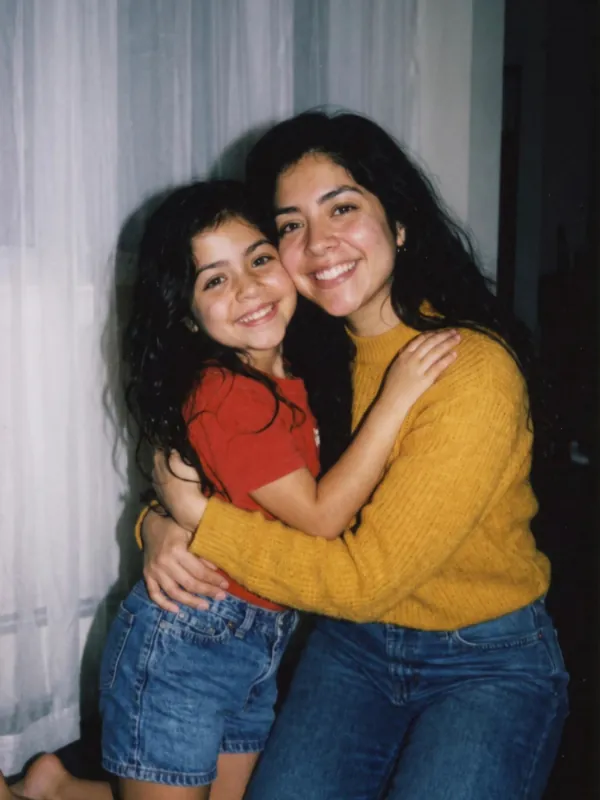




Your hug my younger self video, from two real photos
For Reels and TikTok, for a birthday, or to meet your younger self for a moment.
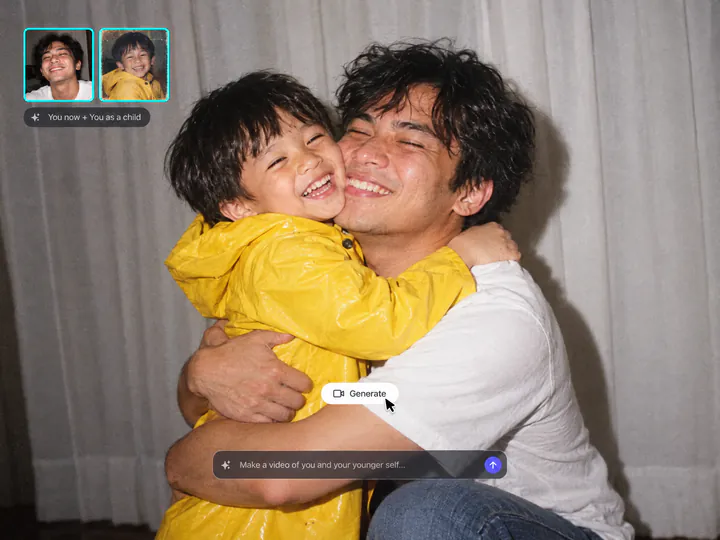
Your real childhood photo, not a guess
Most younger self AI video tools invent a child from your adult face. Add your real childhood photo, and the child comes from it: the same face, haircut and T-shirt, at the size a child really is next to you. No photo at hand? Leave it out, and the AI imagines your younger self.
Try it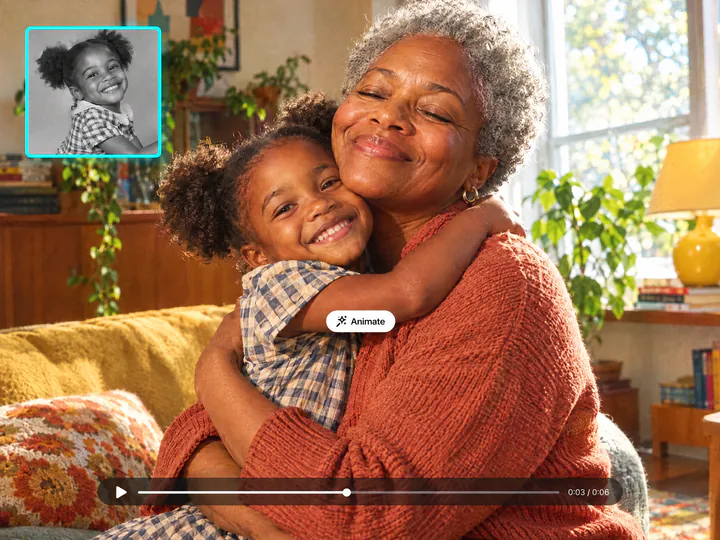
Old, blurry or black-and-white photos work
A faded print, a phone shot of the family album or a black-and-white scan: the child in the video gets the same colour and light as you, and keeps their face.
Try it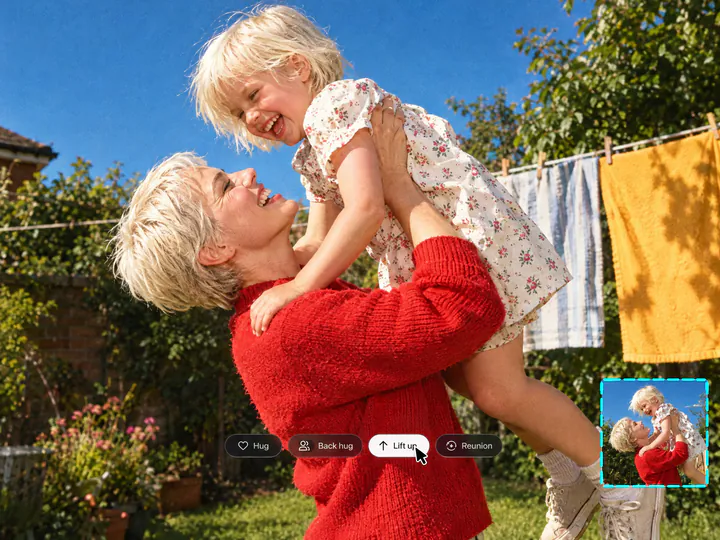
Four poses and the trend's look
Hug, back hug, lift up, or a reunion where the kid runs into your arms. The default look is the trend's: a white curtain and an on-camera flash, like the viral Polaroid photos. Write a place, and the hug happens there.
Try itWhy hug your younger self with Overchat AI
Both faces stay true
You look like you, and the kid looks like the kid in your old photo.
A real child's size
Your younger self stays small next to you: on your hip, in your arms or at chest height.
6 seconds with sound
A short clip with soft laughter, ready to post or send to your family.
Four poses
Hug, back hug, lift up or a reunion, in the trend's white-curtain look or a place you name.
Any childhood photo
Old prints, phone scans and black-and-white photos, or none at all: then the AI imagines the kid.
No app to install
Runs in the browser on a phone or a computer, from two photos to the video.
How to do the hug my younger self trend
Three steps, starting right on this page.
- 1
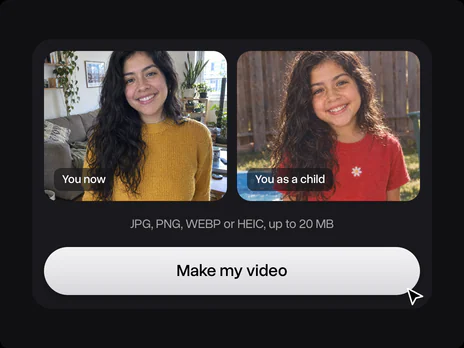
Add your photos
Upload a photo of you now and, if you have one, a photo of you as a child. No childhood photo? The AI imagines your younger self. No photos at hand? Try one of the sample pairs.
- 2
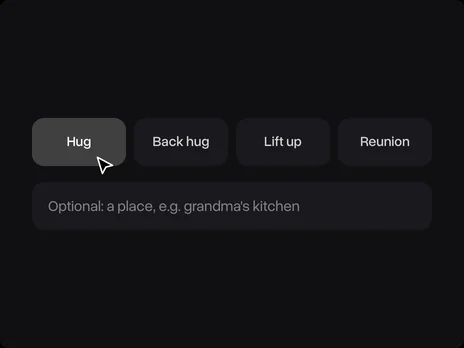
Pick a pose
Choose Hug, Back hug, Lift up or Reunion. To set the place, add a line like "in grandma's kitchen". Your photos open in Overchat AI with the pose ready.
- 3
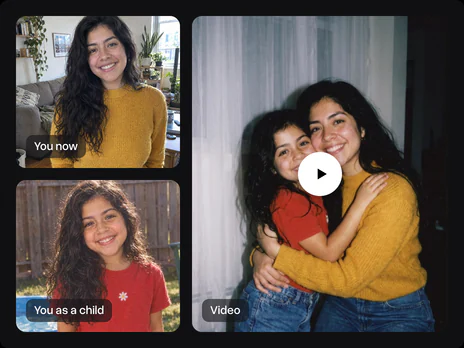
Get the video
Press Make my video, sign in to Overchat AI and get your AI hugging younger self video, 6 seconds long, in two or three minutes. Then download it or share it.
Explore More AI Tools
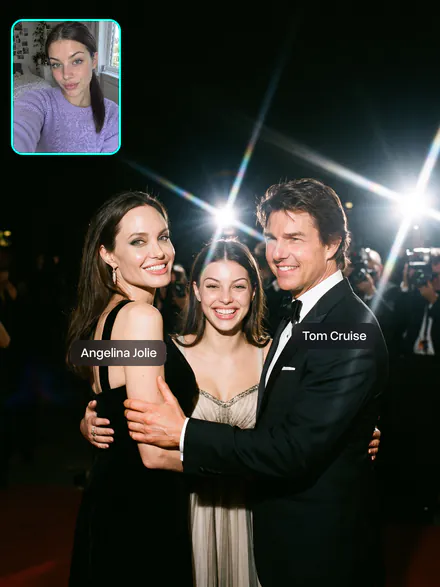
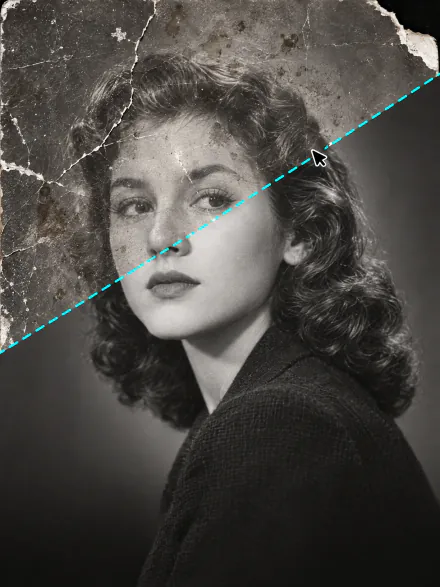
Bring old photos to life, restore them, or meet your celebrity parents. Every tool runs on the same subscription.
FAQ
If you have any questions,
reach out to us at hello@overchat.ai
A viral AI trend, also called hug your younger self AI: your photo now and your childhood photo become one picture of you hugging your younger self, usually as a Polaroid with a white curtain and flash. It started with Gemini in September 2025, and on TikTok people post it as "hugging my younger self video" clips. Here you get the video straight away.
The hug your younger self trend starts from your photo now and, ideally, one of you as a child: upload them on this page, pick a pose, press Make my video, sign in to Overchat AI and get the video in two or three minutes. Then post it to Reels or TikTok or send it to your family.
No. Without one, the AI imagines your younger self from your face, as other AI younger self tools do. With your real childhood photo, the child in the video is really you as a kid, so add one if you have it.
It still works. A phone shot of a print or a black-and-white scan is fine, as long as the face is visible. The child comes out in the same colour and light as you.
Both faces come from your photos, so you look like you and the child looks like the kid in the old photo. Clear, front-facing photos without sunglasses keep the likeness best.
Uploading both photos and opening the filter is free. Making the AI video of you hugging your younger self uses credits, which come with an Overchat AI plan along with every other AI tool.
You don't need a hug my younger self app. This hug my younger self AI generator runs in the browser on a phone or a computer, and the video is made in Overchat AI, which also has iOS and Android apps.
No. The hug my younger self Gemini prompt gives you a still AI photo with your younger self, and you have to copy and paste it. Here the prompt is built in: you add two photos, pick a pose and get a video.
6 seconds, vertical 9:16 for Reels, TikTok and Stories, with soft laughter in the sound.
Yes, with their photos and their permission: a photo of them now and, if you have it, one from their childhood. It makes a warm birthday or Mother's Day surprise.


