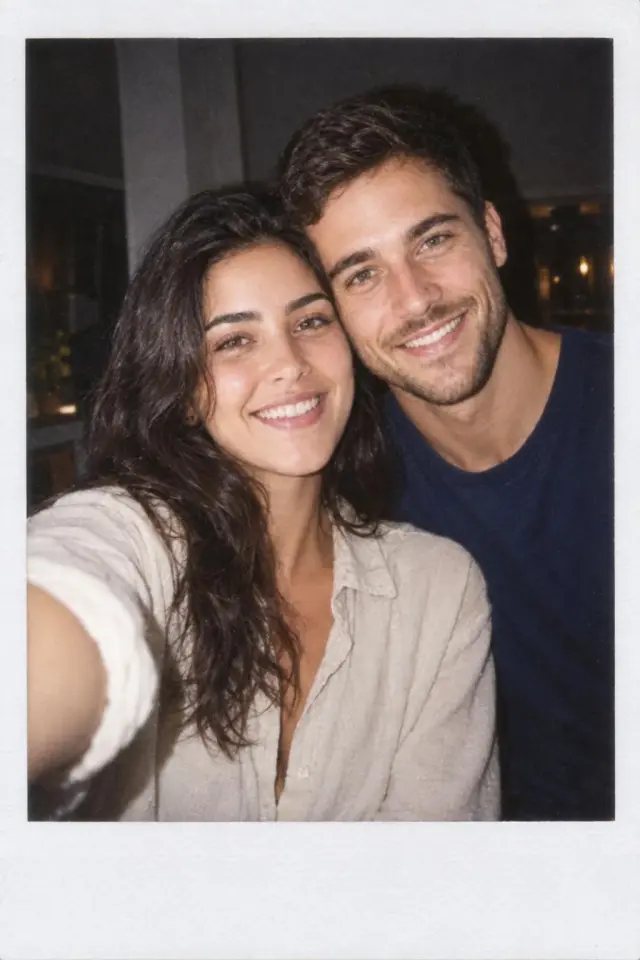
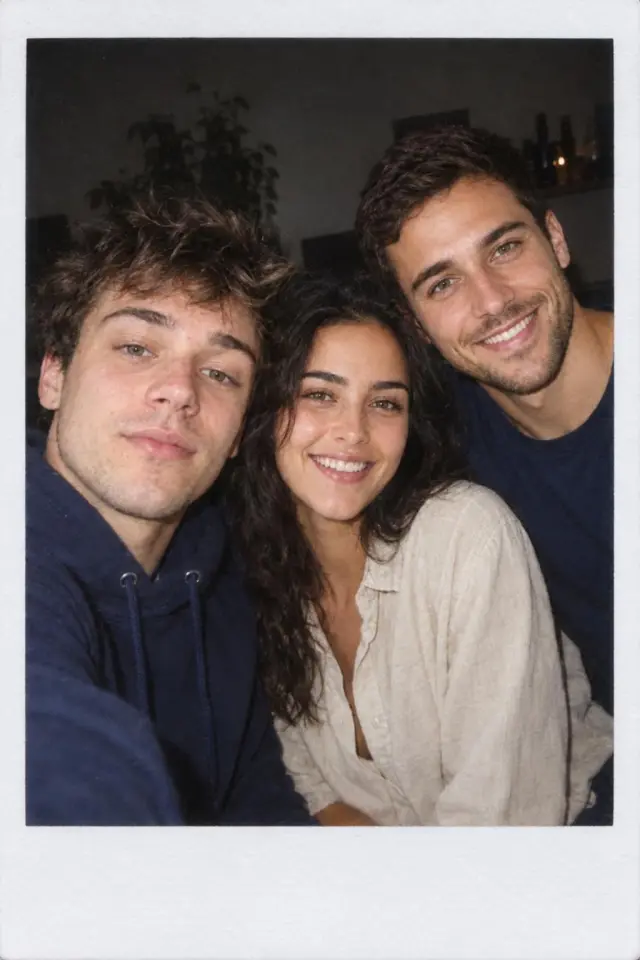
Upload one photo or a few and get a flash-lit instant-film shot of you and your people in a brand-new moment. Everyone from your photos lands in the print, and the AI picks the pose.
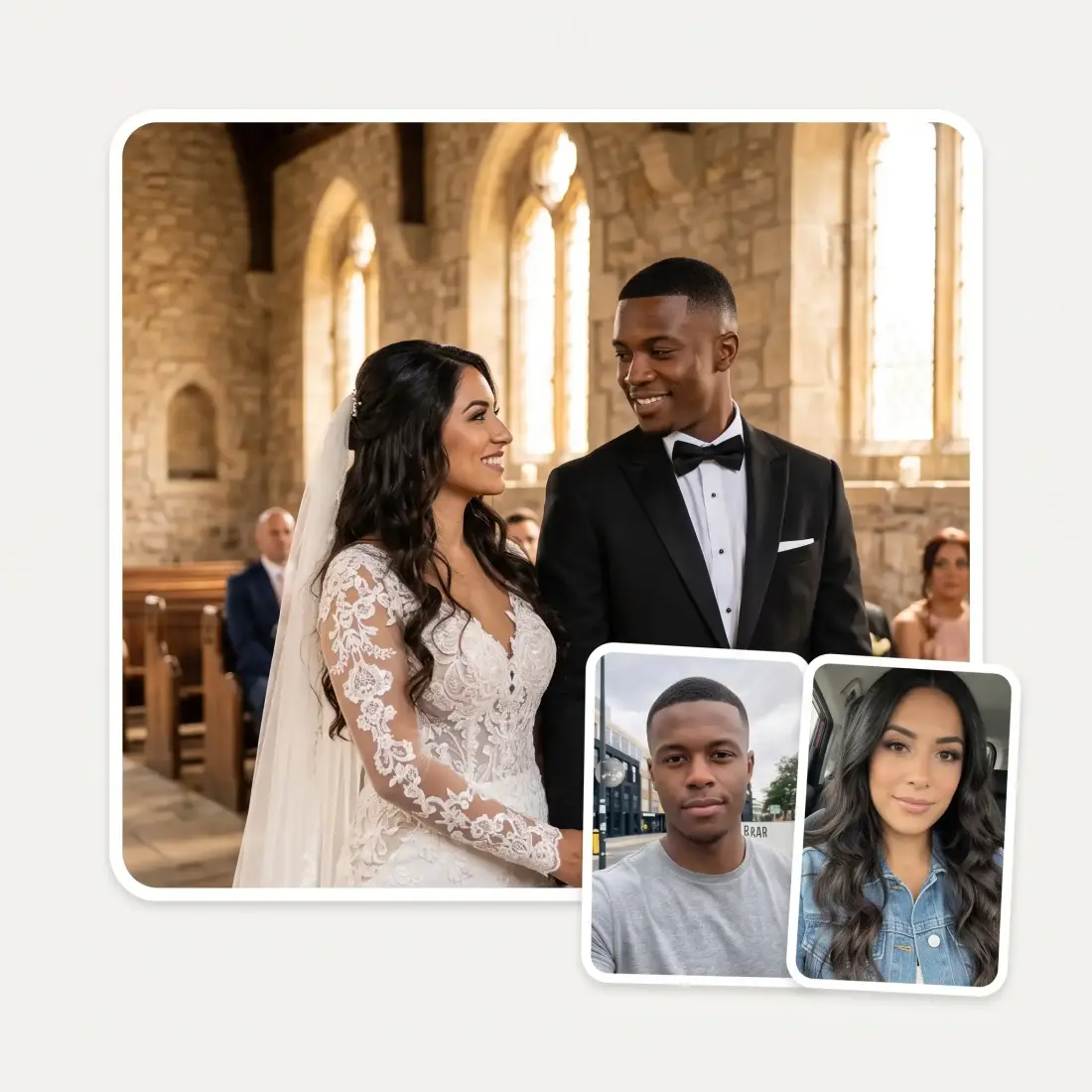
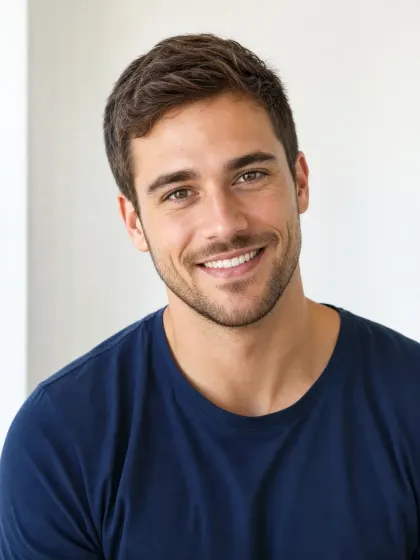
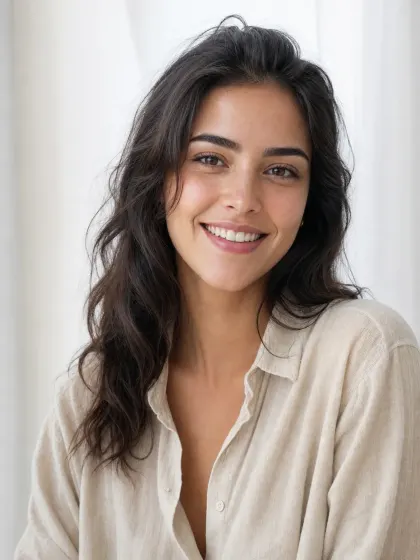
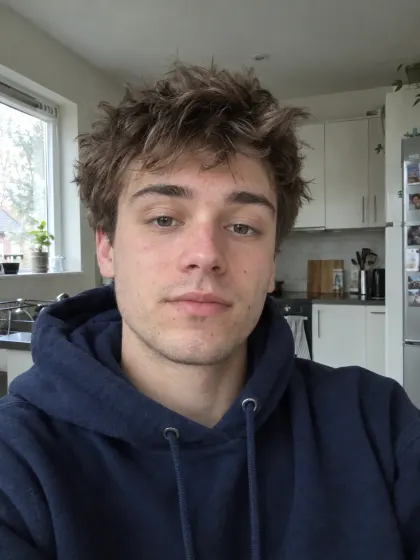
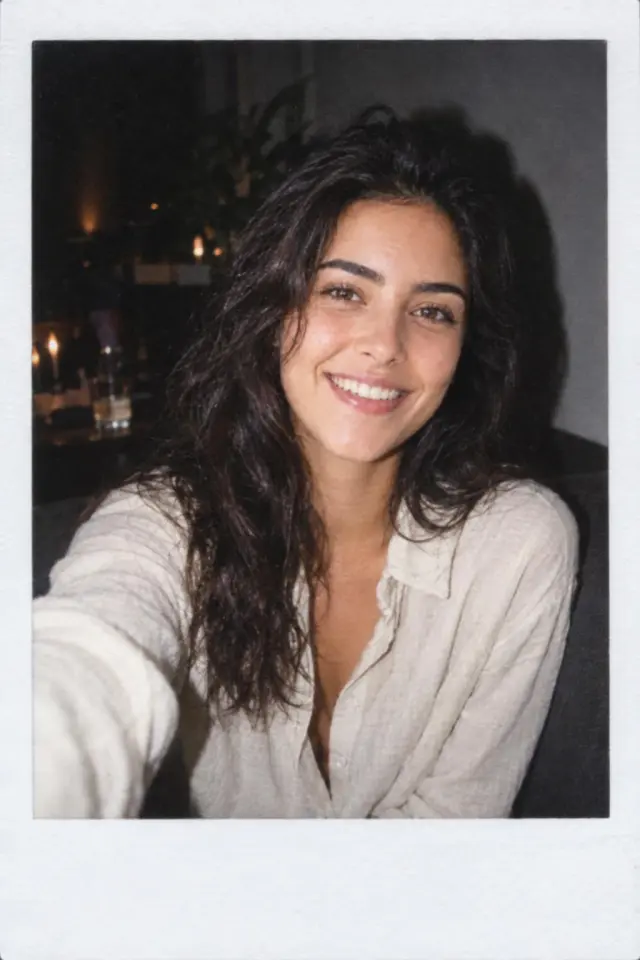
Upload up to three photos taken in different places. Everyone from them ends up together in one print, with their own face, skin tone and hair.

You do not choose a pose: the AI picks one that suits you, such as a couch at a house party, an arm's-length selfie, a road trip or a birthday cake. Run the same photos again for a new moment.

Direct on-camera flash, a dark background, film grain and faded colours, framed in the white border with the wide bottom margin.

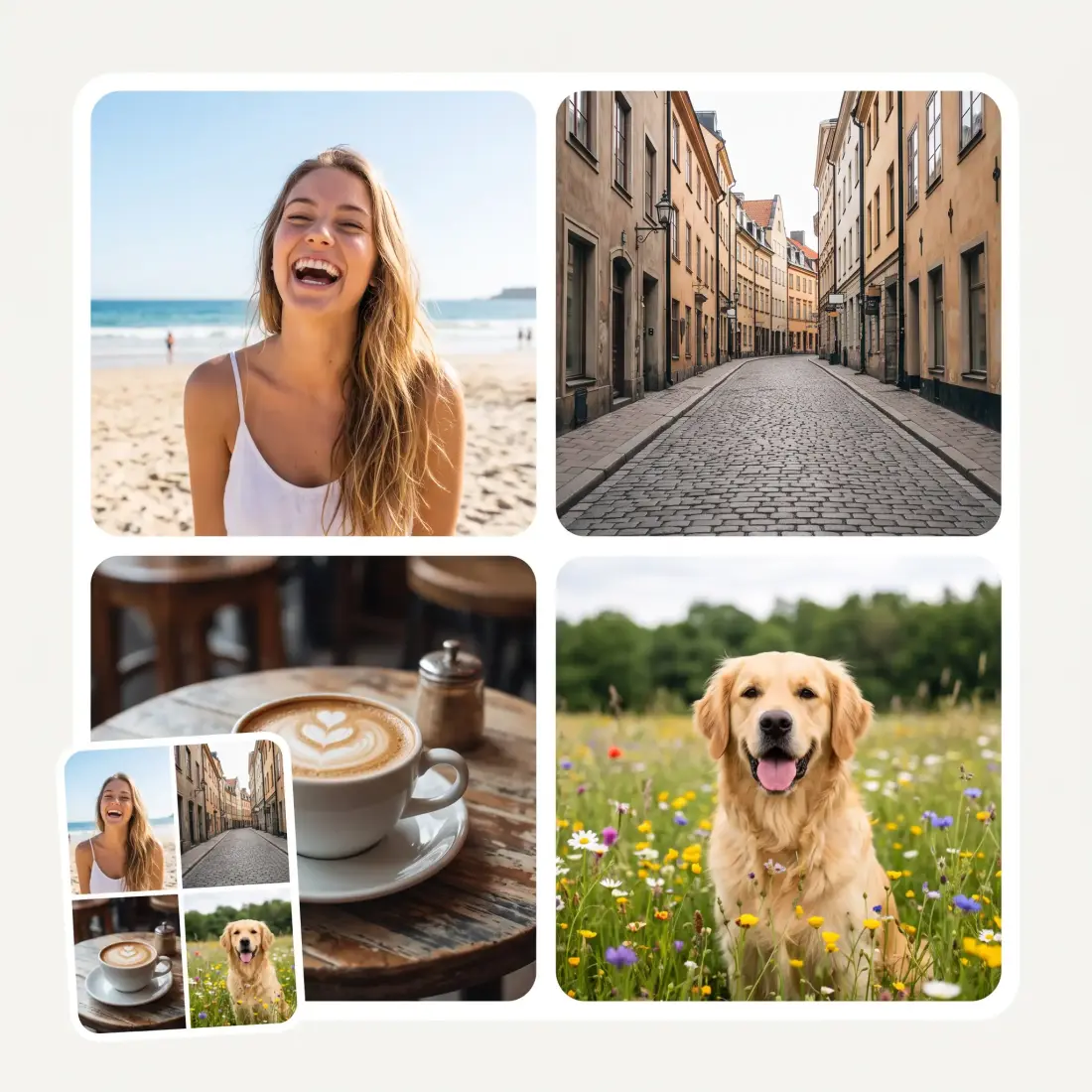
One selfie is enough: you get a print of just you, and the AI does not add people who were not in your photos.

Add one to three photos, one per box: JPG, PNG, WebP or HEIC, up to 20 MB each. A clear, front-facing photo of each person works best.
The Overchat AI image generator opens with your photos loaded into the AI Polaroid Photo filter.
Sign in to Overchat AI. On a paid plan the filter runs on its own and in under a minute returns one flash-lit Polaroid print.
Download the image, or run the same photos again for a new moment.

Get the Polaroids you never got to take together: two photos from two cities become one flash-lit night out.
Put the whole group back on one couch at one party, even when nobody has a photo of all of you together.
Join the AI Polaroid trend with a ready flash-lit print, with no instant camera and no prompt to write.
Make a retro print of you and the person you are celebrating for a card, a story or a printed gift.
Put siblings, parents or grandparents from separate photos into one warm snapshot for the family chat.
Upload one selfie and get a vintage party shot of yourself for your profile or feed.
I've started to use overchat last week and it feels very promising. Lots of AI models in one place saves a lot of money in comparison if you buy subscriptions for each one.
im really into ai apps and that one is good, helps me with my arts and homework. i draw ai vids for inst and generate images with my characters, many widgets and models! like it
I like how it keeps everything organized. One subscription is enough for all major AI models, which helps me avoid paying for multiple platforms.
Affordable and simple to use. I like that I don't have to pay for several different services anymore.
Good and easy to use
It's a nice place to be. I love it
The AI Polaroid trend is a wave of instant-film-style photos made with AI image models and shared on Instagram and TikTok. They look like casual flash snapshots with a white Polaroid border, and they often put together people who were never in one photo: a couple, friends in different cities, or someone with a younger version of themselves.
Upload one to three photos above and click Make my Polaroid. The Overchat AI image generator opens with your photos in the AI Polaroid Photo filter, and after you sign in it returns one flash-lit Polaroid print.
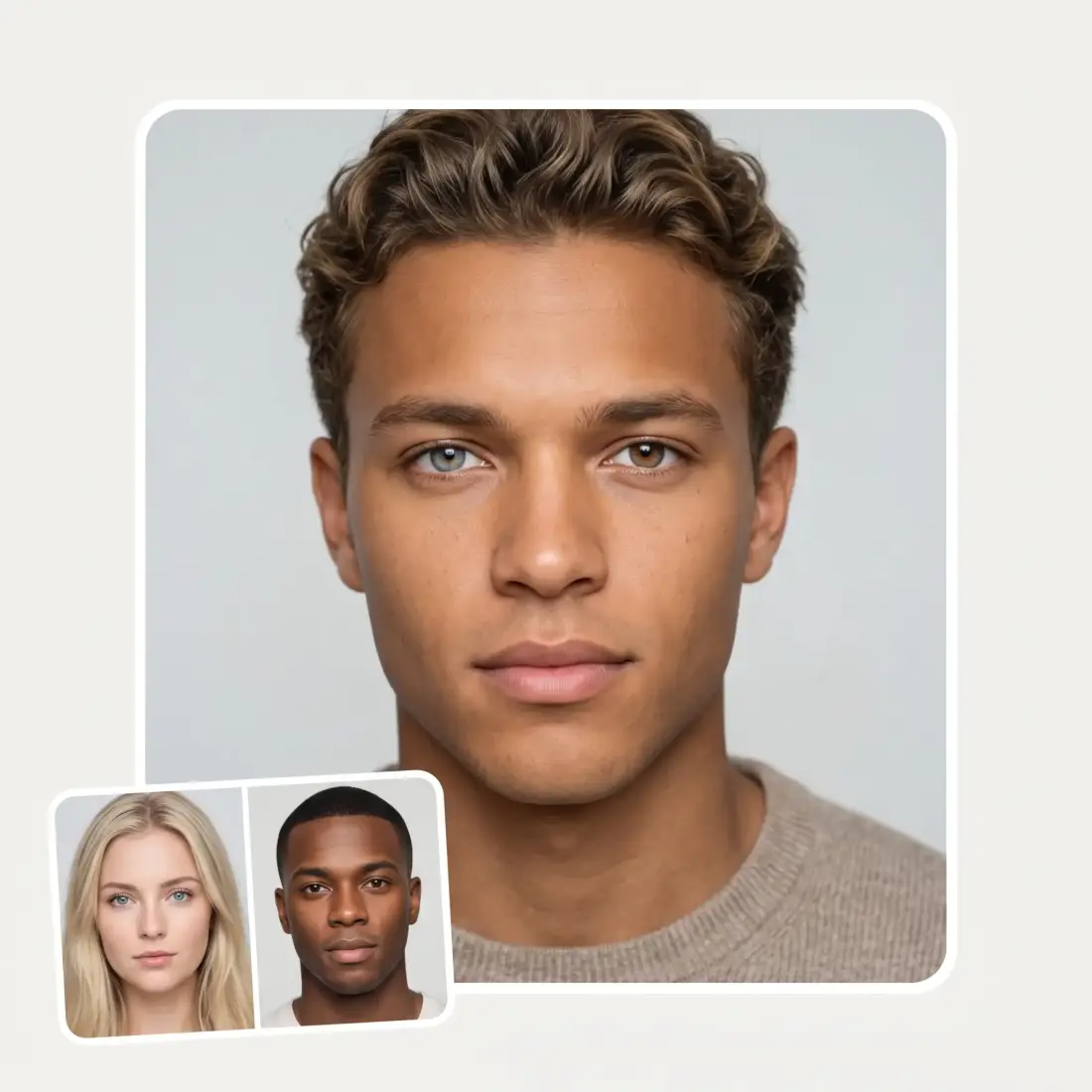
Yes. Put each person's photo in its own box, up to three photos. The AI places everyone from your photos together in one print and keeps each face, skin tone and hairstyle.
Clear, well-lit, front-facing photos with the face fully visible, ideally one person per photo. Sunglasses, heavy shadows and tiny faces in big group shots give a weaker likeness.
Uploading your photos here is free, but the AI Polaroid Photo filter runs on a paid Overchat AI plan: each Polaroid costs 100 credits.
Not on this page: the AI picks the pose and the place by itself, such as a house party, a selfie, a photo booth, a road trip or a birthday. Run the same photos again for a new moment. In the Overchat AI image generator you can describe the pose you want in the prompt box.
The result is one digital image of a single Polaroid print with its white border, not a print file sized for instant film. You can print it like any other photo.
Use photos of yourself and of people who are happy to be in your Polaroids. Do not use someone's photo to make pictures they did not agree to.
Available on Web, iOS, and Android. Access your AI assistant anywhere, anytime.

.webp)