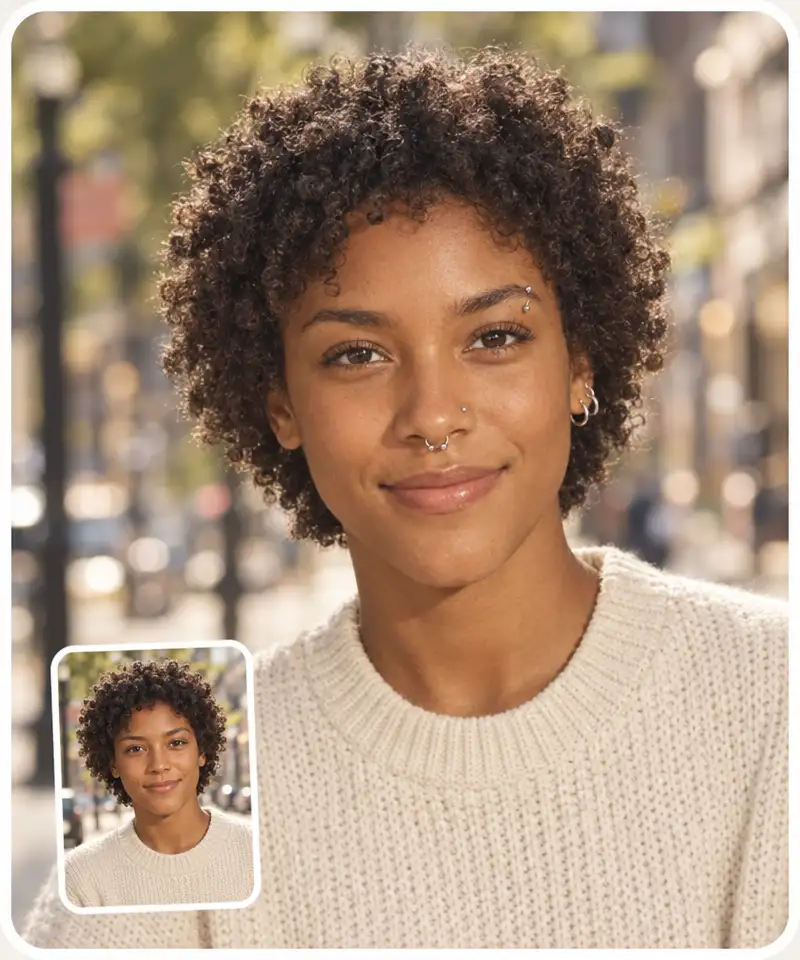
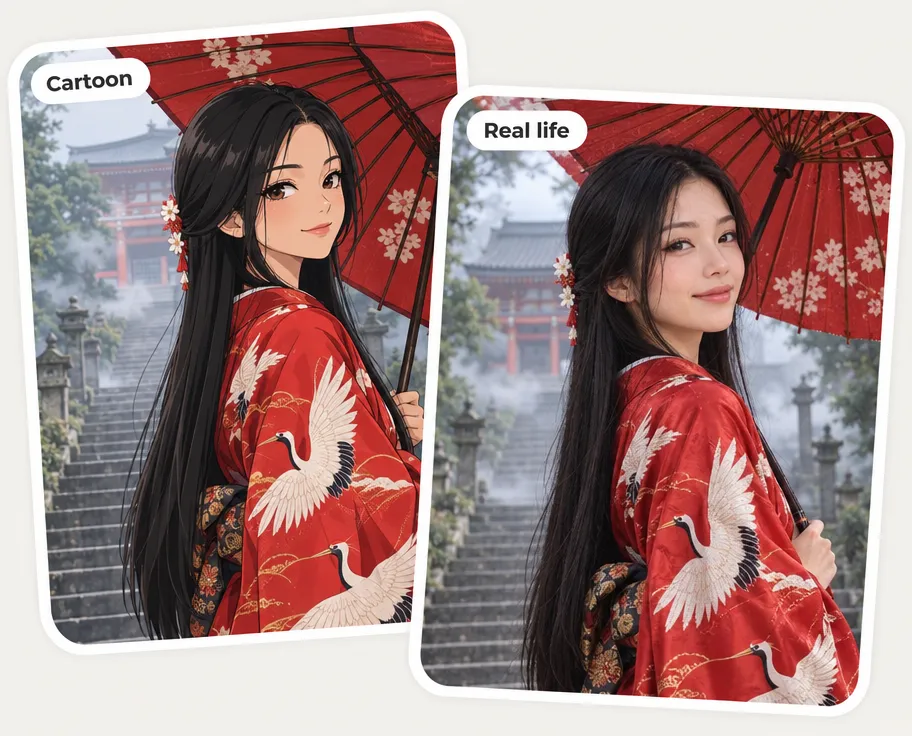
See what a cartoon looks like in real life: upload an anime,
comic or 3D character and the AI turns it into a photorealistic
person — same face, hair and outfit, real skin and light.
Same character, real life
Real photo, Live-action or Portrait
Free to try, no sign-up
BeforeAfter
🤳
Trusted by 350,000+ people
⚡
Powered by GPT Image 2.5
✨
Anime, comics, 3D and cartoon animals
Three ways to make it real
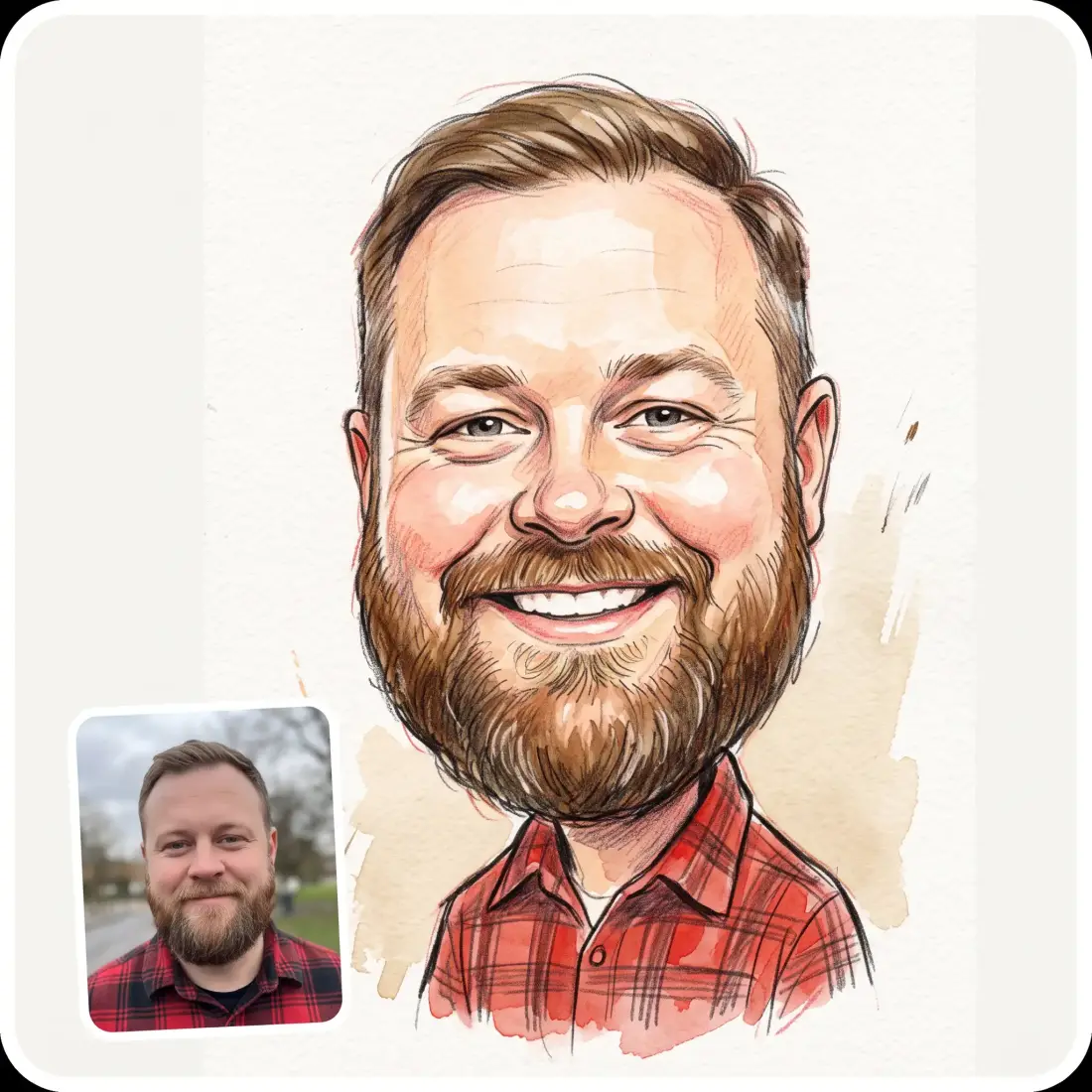
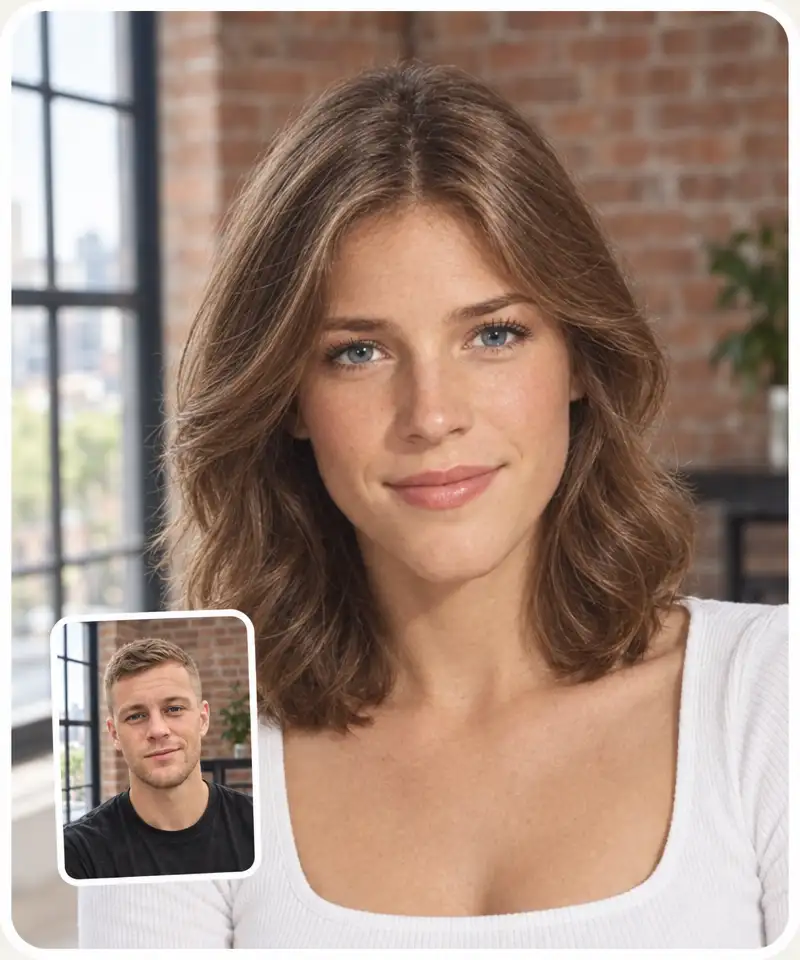
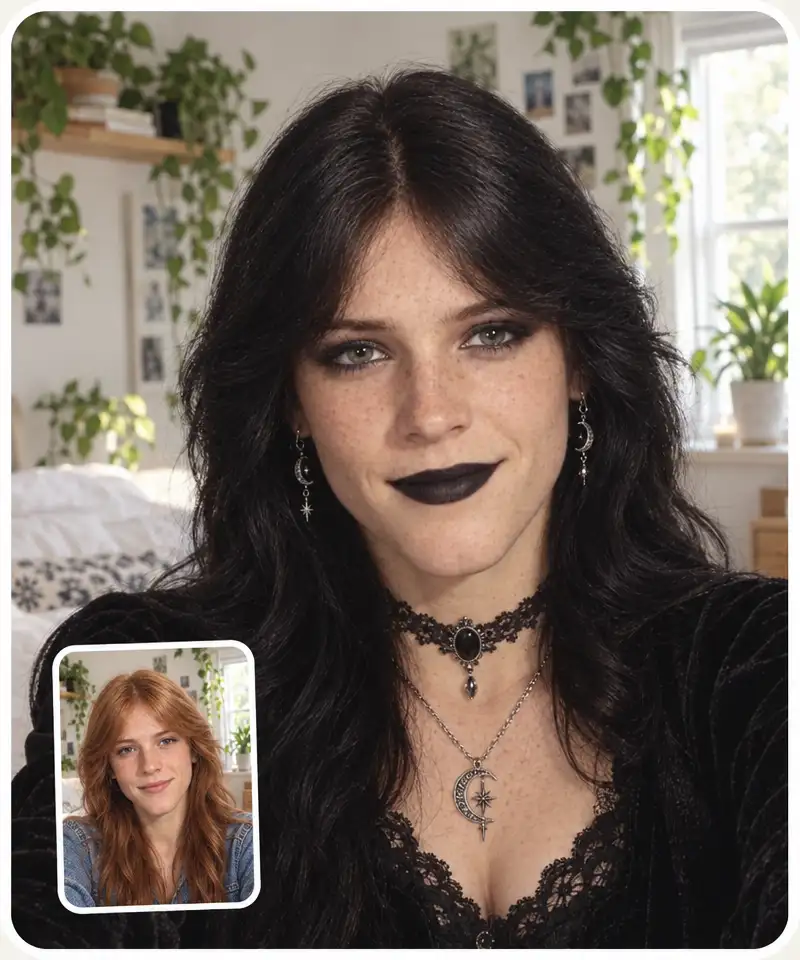
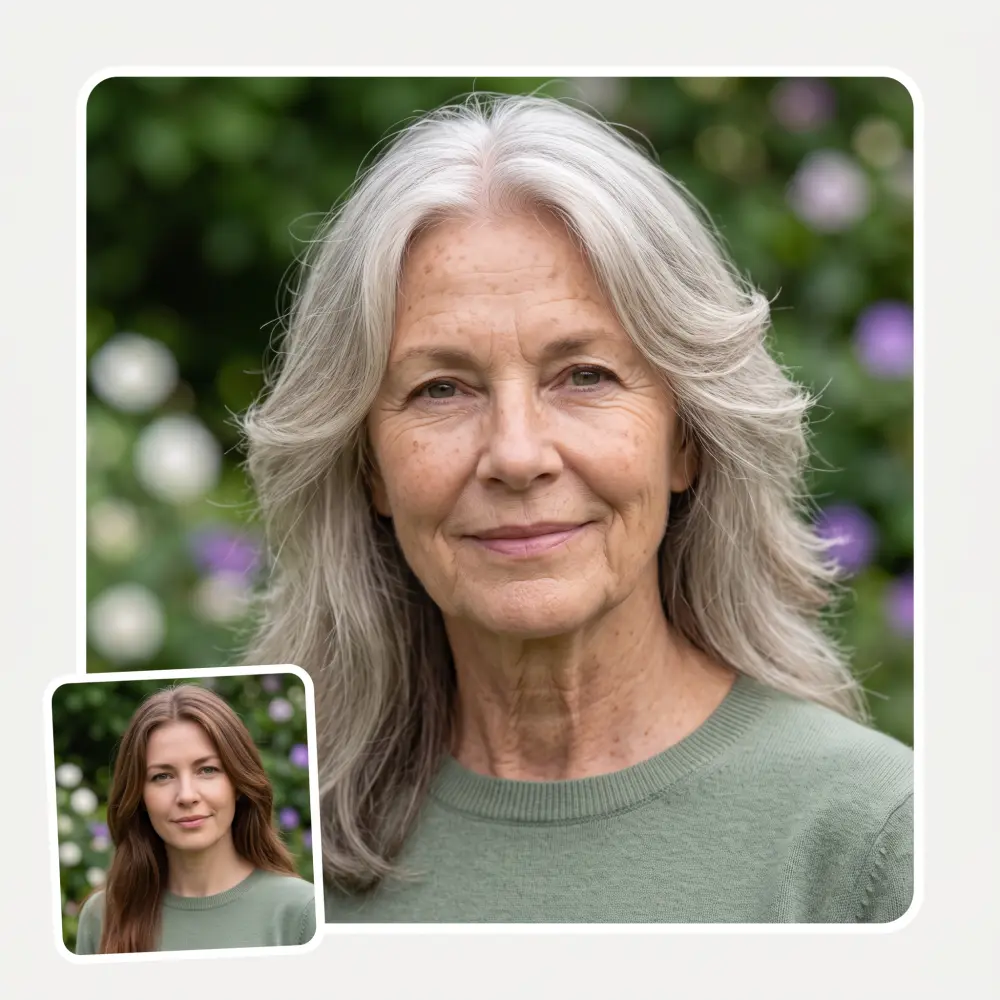
Real photo gives a candid everyday shot, Live-action a cinematic movie still, and Portrait a clean studio portrait on a plain backdrop.
The same character, not a stranger
The AI keeps the face shape, expression, hairstyle, hair colour and outfit of your character and rebuilds them with real skin, hair and fabric.
Works with any cartoon style
Anime and manga, Western cartoons, comic books, 3D animated characters and chibi art all come out as real people.
Cartoon animals become real animals
A cartoon dog or cat comes out as a real dog or cat with real fur and whiskers, not as a person in a costume.
How to turn a cartoon into a realistic photo
1
Upload a cartoon
Add an image of a cartoon, anime or comic character (JPG, PNG or HEIC), or tap one of the sample cartoons.
2
Choose a style
Real photo for an everyday snapshot, Live-action for a movie still, or Portrait for a studio shot.
3
Click Generate
The AI rebuilds the character as a real person in about 30 seconds, keeping the face, hair and outfit.
4
Download and share
Download, copy or share your result. Not quite right? Regenerate it, or switch the style and click Generate again.
Who the cartoon to realistic AI is for
🎬
Anime and cartoon fans
See what your favorite character would look like as a real person in a live-action remake.
✏️
Artists and illustrators
Turn your own drawings and original characters into a realistic reference photo.
🎲
Writers and game masters
Get a lifelike portrait of a character you created for a story, a D&D campaign or a game.
🎭
Cosplayers
Preview how a costume, wig and makeup would look on a real face before you build the cosplay.
🐶
Pet and mascot owners
Turn a cartoon of your pet or a mascot drawing into a photo of a real animal.
📱
Creators and meme makers
Post a "cartoon vs. real life" side-by-side or a live-action fan cast of a show you love.
What people say about Overchat AI
★★★★★
I've started to use overchat last week and it feels very promising. Lots of AI models in one place saves a lot of money in comparison if you buy subscriptions for each one.
Georgy P
Armenia · Trustpilot, 14 Jul 2026
★★★★★
im really into ai apps and that one is good, helps me with my arts and homework. i draw ai vids for inst and generate images with my characters, many widgets and models! like it
Rita Semenova
Germany · Trustpilot, 14 Aug 2026
★★★★★
I like how it keeps everything organized. One subscription is enough for all major AI models, which helps me avoid paying for multiple platforms.
Staria Quinn
United States · Trustpilot, 16 Nov 2025
★★★★★
Affordable and simple to use. I like that I don't have to pay for several different services anymore.
Dylan Thompson
United States · Trustpilot, 28 Oct 2025
★★★★★
Good and easy to use
Kanan Safarli
United Kingdom · Trustpilot, 23 Jul 2026
★★★★★
It's a nice place to be. I love it
Fabiyi Oluwakemi Phillips
Nigeria · Trustpilot, 23 Jul 2026
Frequently Asked Questions
What is cartoon to realistic AI?
Cartoon to realistic AI is an image tool that turns a cartoon, anime or comic character into a photorealistic picture of the same character as a real person. The Overchat AI version keeps the face shape, hair and outfit, adds real skin, hair and fabric, and offers three styles: Real photo, Live-action and Portrait.
How do I turn a cartoon into a realistic photo?
Upload the cartoon image, choose Real photo, Live-action or Portrait, and click Generate. In about 30 seconds the realistic version appears next to the controls, ready to download, copy or share.
What types of cartoon images can I convert?
Anime and manga screenshots, Western cartoons, comic book panels, 3D animated characters, chibi art, game avatars and your own drawings. A clear close-up or waist-up shot of one character works best; tiny faces, crowd scenes and abstract doodles give weaker results.
Can I turn an anime character into a real person?
Yes. Anime characters come out as real people with the same hairstyle, hair colour and outfit — bright anime hair such as blue or pink stays as dyed hair. Live-action gives the look of a live-action anime adaptation.
Does the AI keep the original character recognizable?
It keeps the face shape, expression, hairstyle, hair colour and outfit, so the result reads as the same character. Proportions change, because cartoon eyes and heads are bigger than real ones. If a result drifts too far, regenerate it.
Does it work on cartoon animals?
Yes. A cartoon dog, cat or other animal comes out as a real animal with real fur, not as a person.
Is the cartoon to realistic AI free?
Yes. You can use it for free on this page, with no sign-up and no watermark on the downloaded image. There is a daily limit on free generations per visitor.
Can I share or use the realistic images?
You can download the image and share it anywhere. If the original is a copyrighted character, the realistic version is still that character: fan and personal use is common, but commercial use needs the rights holder's permission.
{"@context":"https://schema.org","@graph":[{"@type":"WebApplication","@id":"https://overchat.ai/ai-tools/cartoon-to-realistic-ai#app","name":"Cartoon to Realistic AI","url":"https://overchat.ai/ai-tools/cartoon-to-realistic-ai","description":"Upload an anime, comic or 3D cartoon and see the character in real life: a real photo, a live-action still or a portrait. Free, no sign-up.","applicationCategory":"MultimediaApplication","operatingSystem":"Web","browserRequirements":"Requires JavaScript","offers":{"@type":"Offer","price":"0","priceCurrency":"USD","availability":"https://schema.org/InStock","url":"https://overchat.ai/ai-tools/cartoon-to-realistic-ai"},"publisher":{"@type":"Organization","name":"Overchat AI","url":"https://overchat.ai/"},"image":"https://cdn.prod.website-files.com/673728fe79d73c09073776cb/6ace1ce54298755abe8a2ec2_cartoon-to-realistic-ai-hero-after.webp"},{"@type":"BreadcrumbList","itemListElement":[{"@type":"ListItem","position":1,"name":"Home","item":"https://overchat.ai/"},{"@type":"ListItem","position":2,"name":"AI Tools","item":"https://overchat.ai/tools"},{"@type":"ListItem","position":3,"name":"Cartoon to Realistic AI","item":"https://overchat.ai/ai-tools/cartoon-to-realistic-ai"}]},{"@type":"FAQPage","mainEntity":[{"@type":"Question","name":"What is cartoon to realistic AI?","acceptedAnswer":{"@type":"Answer","text":"Cartoon to realistic AI is an image tool that turns a cartoon, anime or comic character into a photorealistic picture of the same character as a real person. The Overchat AI version keeps the face shape, hair and outfit, adds real skin, hair and fabric, and offers three styles: Real photo, Live-action and Portrait."}},{"@type":"Question","name":"How do I turn a cartoon into a realistic photo?","acceptedAnswer":{"@type":"Answer","text":"Upload the cartoon image, choose Real photo, Live-action or Portrait, and click Generate. In about 30 seconds the realistic version appears next to the controls, ready to download, copy or share."}},{"@type":"Question","name":"What types of cartoon images can I convert?","acceptedAnswer":{"@type":"Answer","text":"Anime and manga screenshots, Western cartoons, comic book panels, 3D animated characters, chibi art, game avatars and your own drawings. A clear close-up or waist-up shot of one character works best; tiny faces, crowd scenes and abstract doodles give weaker results."}},{"@type":"Question","name":"Can I turn an anime character into a real person?","acceptedAnswer":{"@type":"Answer","text":"Yes. Anime characters come out as real people with the same hairstyle, hair colour and outfit — bright anime hair such as blue or pink stays as dyed hair. Live-action gives the look of a live-action anime adaptation."}},{"@type":"Question","name":"Does the AI keep the original character recognizable?","acceptedAnswer":{"@type":"Answer","text":"It keeps the face shape, expression, hairstyle, hair colour and outfit, so the result reads as the same character. Proportions change, because cartoon eyes and heads are bigger than real ones. If a result drifts too far, regenerate it."}},{"@type":"Question","name":"Does it work on cartoon animals?","acceptedAnswer":{"@type":"Answer","text":"Yes. A cartoon dog, cat or other animal comes out as a real animal with real fur, not as a person."}},{"@type":"Question","name":"Is the cartoon to realistic AI free?","acceptedAnswer":{"@type":"Answer","text":"Yes. You can use it for free on this page, with no sign-up and no watermark on the downloaded image. There is a daily limit on free generations per visitor."}},{"@type":"Question","name":"Can I share or use the realistic images?","acceptedAnswer":{"@type":"Answer","text":"You can download the image and share it anywhere. If the original is a copyrighted character, the realistic version is still that character: fan and personal use is common, but commercial use needs the rights holder's permission."}}]}]}

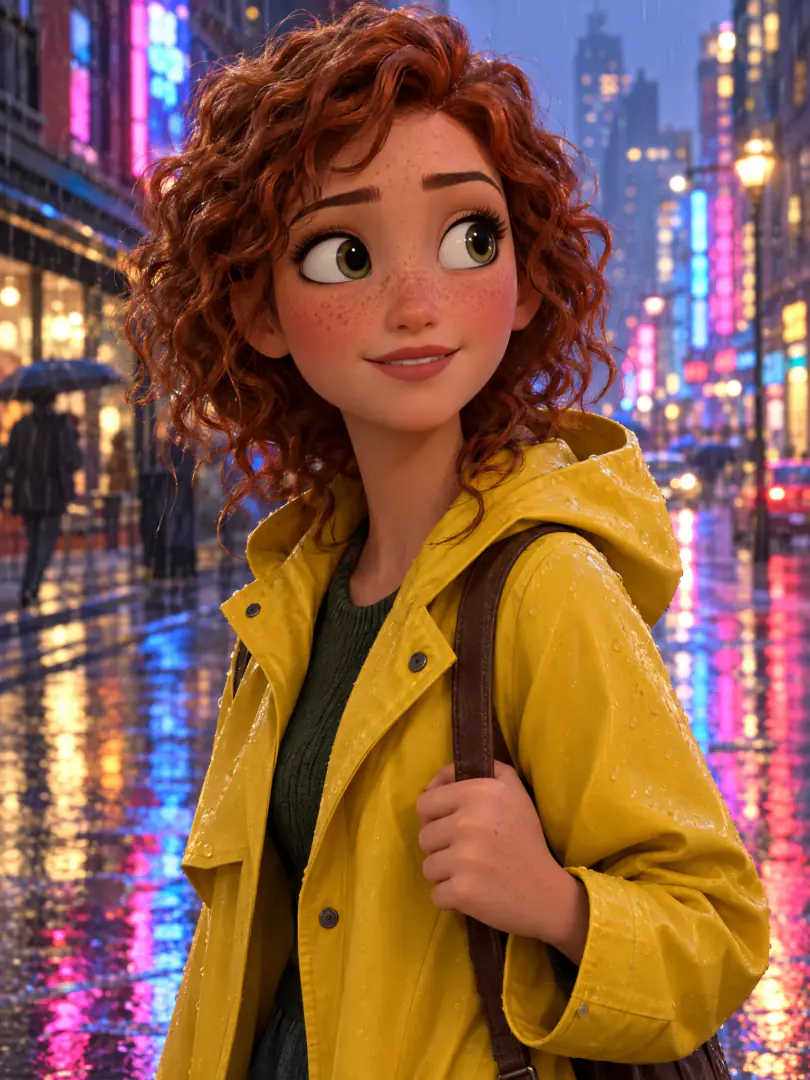
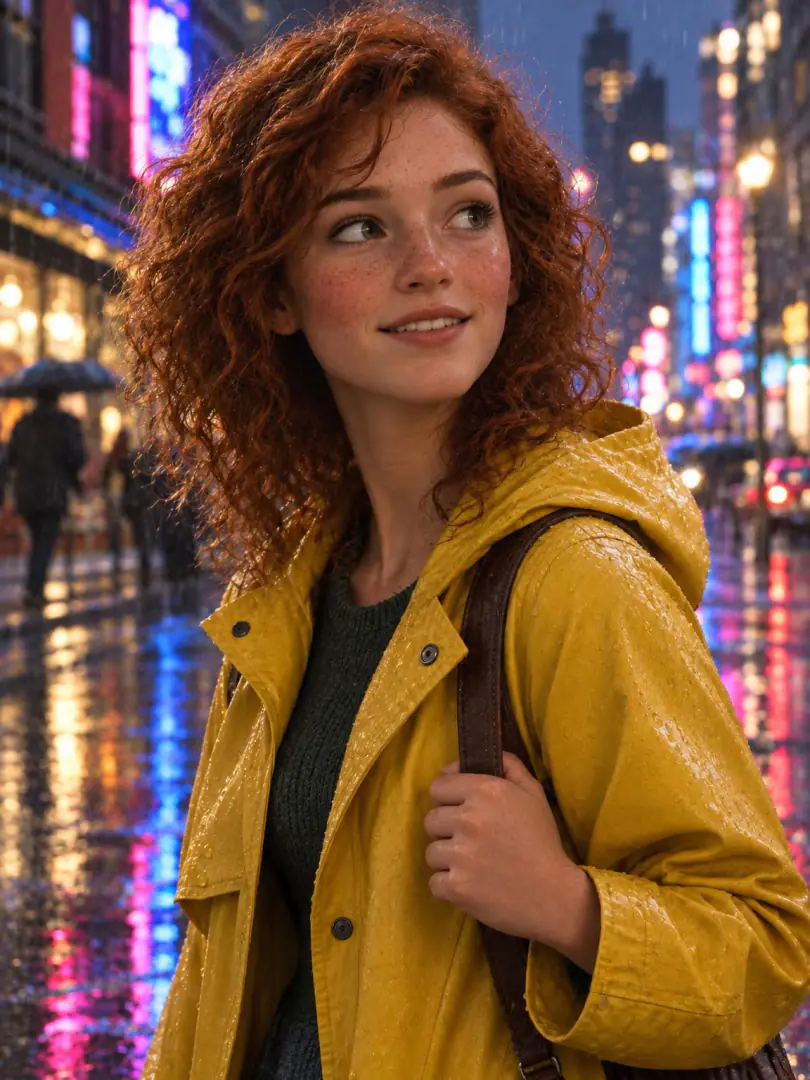 Before
After
Before
After




.webp)