
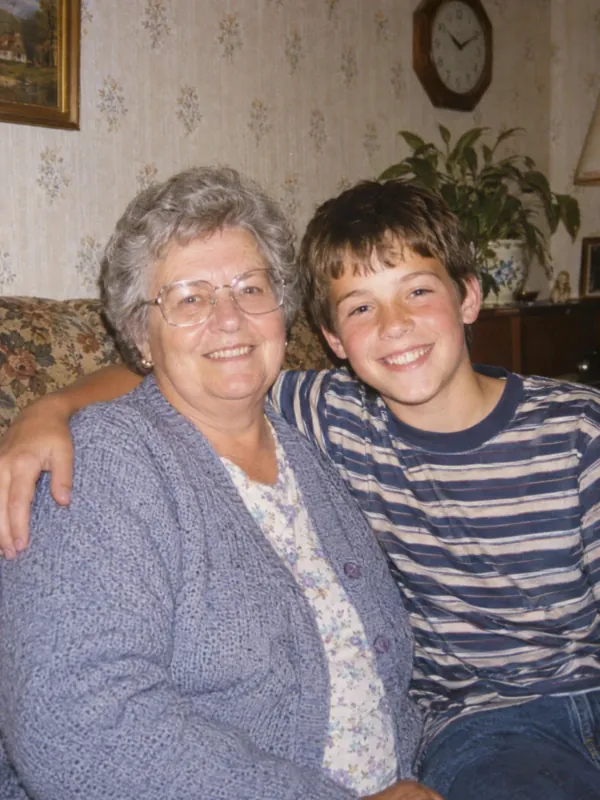


Bring your family photos to life
Grandparents' prints, film from the 80s and 90s, the first digital camera pictures.
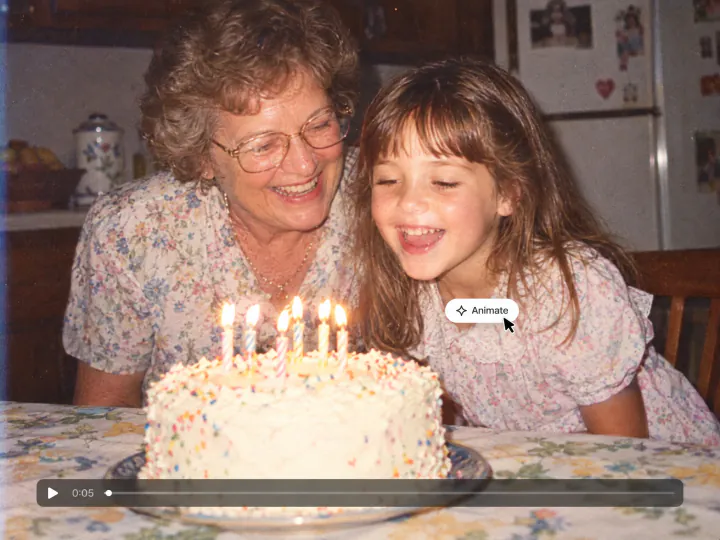
See a loved one smile again
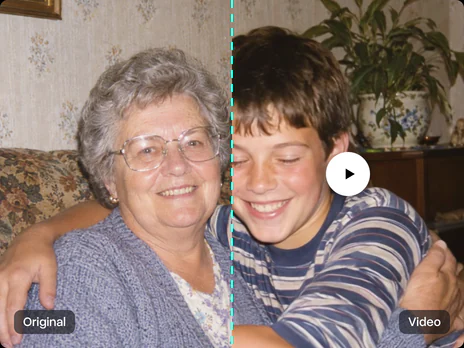
A birthday at grandma's, a wedding portrait, a day at the beach: the people in the photo blink, breathe and smile in a short video, and the photo keeps its colors, grain and era.
Try it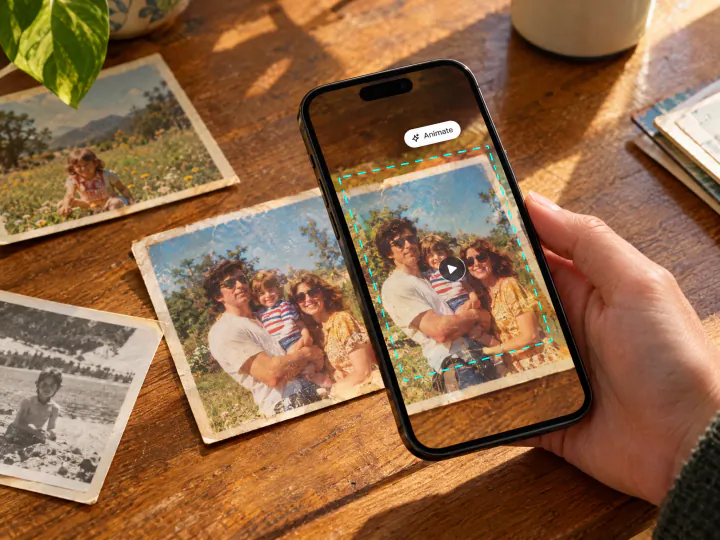
Film prints, old digital photos and scans
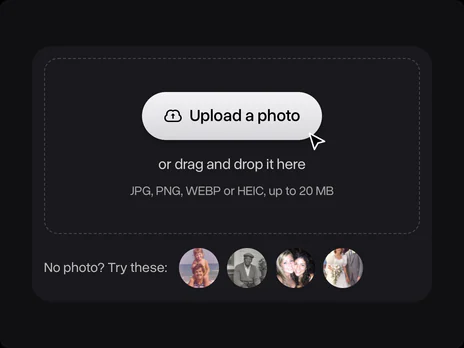
Take a phone shot of a print, or upload a scan, an old digital camera picture or a photo from the family chat. Faded colors, flash and grain stay as they are; nothing gets colorized or retouched.
Try it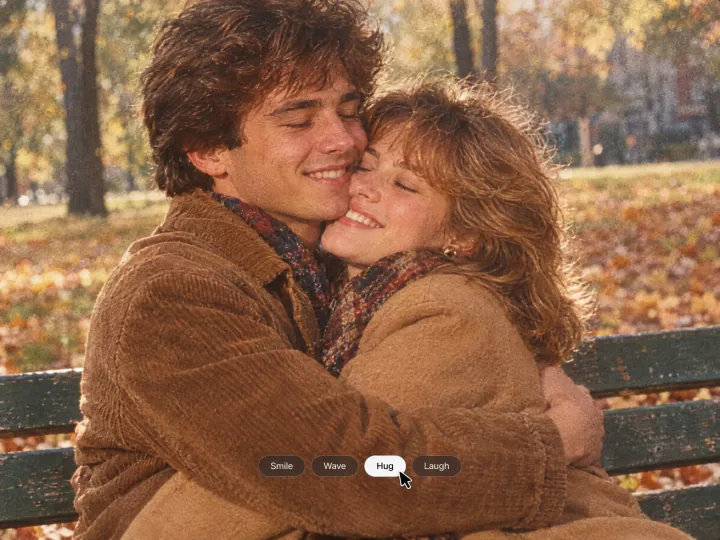
Choose what happens
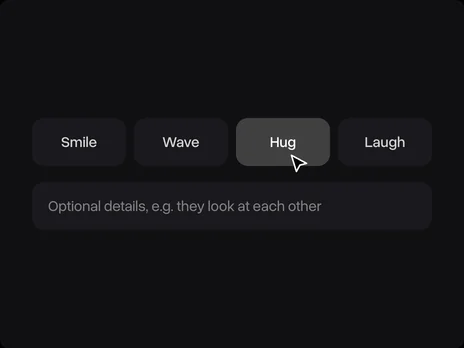
Smile, Wave, Hug or Laugh sets the motion, and a line in the details field adds your own, like "they look at each other". The camera stays still with a slow push-in, like a real moment.
Try itWhy animate old photos with Overchat AI
Real faces, real motion
People blink, breathe and move naturally, and their faces stay true to the photo.
The photo keeps its era
Black and white stays black and white; film colors, grain and the flash look stay too.
Four motions
Smile, Wave, Hug and Laugh, plus your own details.
A 5-second video
A short clip you can download and send to the family chat.
Any old photo
Film prints, scans, old digital pictures and phone shots in JPG, PNG, WEBP or HEIC up to 20 MB.
Online, on any device
Runs in the browser on a phone or a computer, with nothing to install.
How to animate an old photo
Three steps, starting right on this page.
- 1
Choose a motion
Pick Smile, Wave, Hug or Laugh. Add details in the optional field, for example "they look at each other".
- 2
Upload the photo
Upload a scan, a phone shot of a print or an old digital photo. No photo at hand? Use one of the samples. The photo opens in Overchat AI with your motion ready.
- 3
Get the video
Sign in to Overchat AI and get a 5-second video in a minute or two, then download it.
Explore More AI Tools
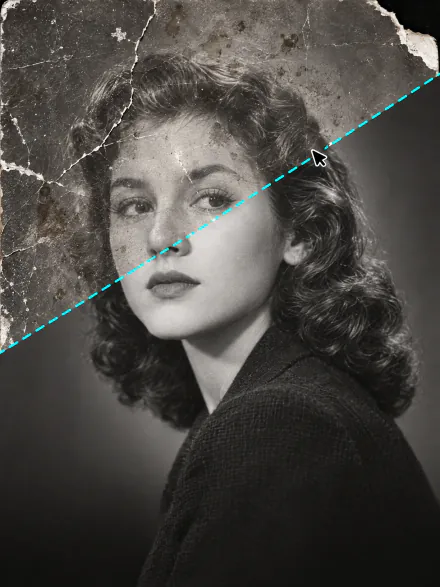
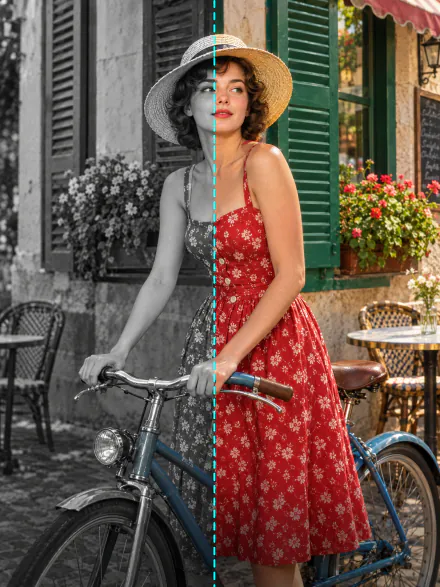
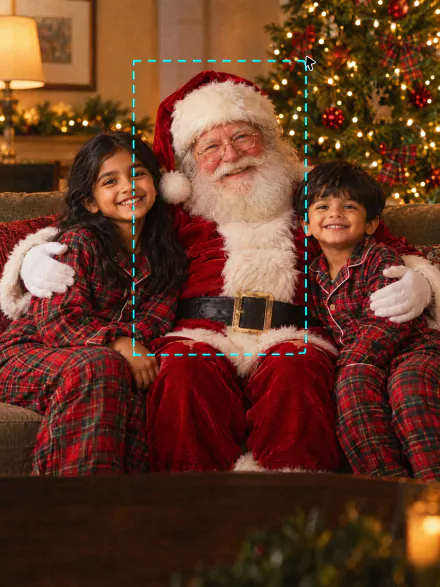
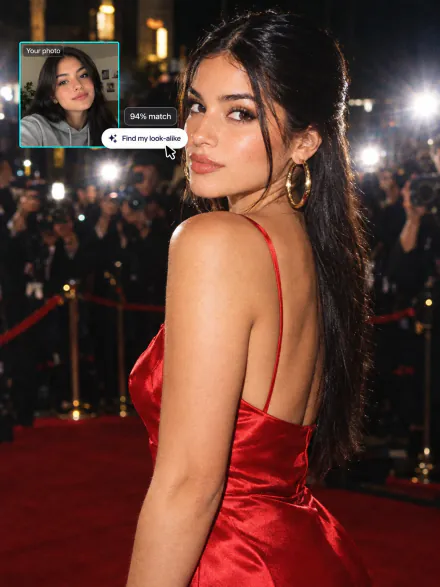
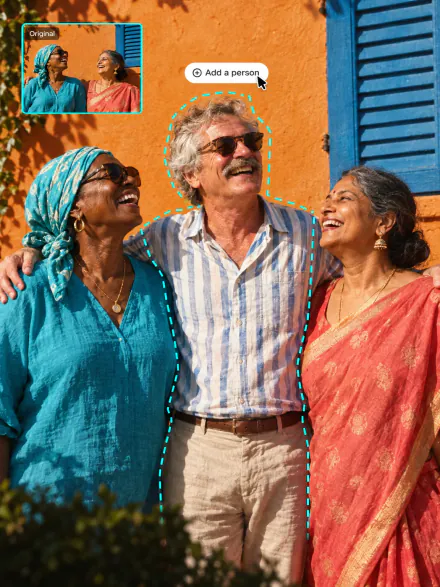
Repair a damaged photo, add color to a black-and-white one, or put Santa in your holiday pictures. Every tool runs on the same subscription.
FAQ
If you have any questions,
reach out to us at hello@overchat.ai
Uploading a photo and opening the filter is free. Making the video uses credits, which come with an Overchat AI plan along with every other AI tool.
Five seconds. You get it in Overchat AI in a minute or two and can download it.
Yes. Everyone in the photo moves: they blink, smile and glance at each other, or hug, wave and laugh together when you pick that motion.
Yes. The video keeps the photo's look: black and white stays black and white, and sepia, faded film colors, grain and scratches stay as they are.
No. The photo is animated as it is. To repair damage or add color first, use AI Photo Restoration or Colorize Photo, then animate the result.
A photo where faces are clear and turned toward the camera: a portrait, a couple or a small group. A sharp scan or a straight phone shot of the print, without glare, works better than a blurry or tilted one.
Small, low-resolution or blurry faces give the model little to keep. A larger scan of the print helps, and so does a calmer motion: Smile changes a face less than Laugh.
Yes, you need an Overchat AI account to make the video. Sign in with Google or Apple after you upload; your photo and motion carry over, so you don't upload anything twice.


