xAI's new image model — precise Magic Wand edits, small text that stays sharp, and the #2 arena ranking in the world. Join the list and we'll let you know the moment it's ready.
We'll email you when Grok Imagine Image 2 goes live. No spam.
Create Stunning AI Images with Grok Imagine 2
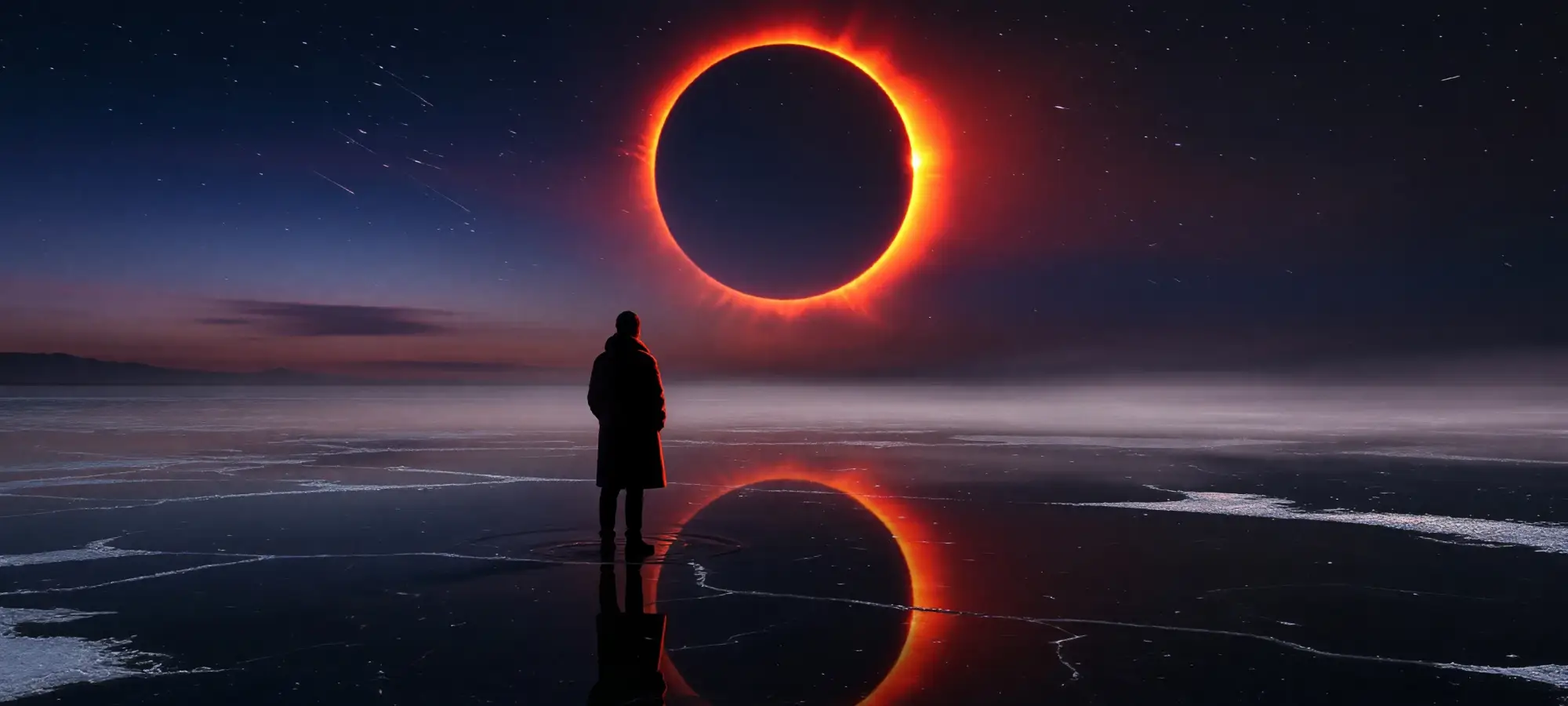
Grok Imagine 2 by xAI is one of the world's most advanced image generation models. It is ranked #2 in both the text-to-image and image-to-image categories in the AI Arena leaderboards, and is capable of producing rich, photorealistic images and making precise edits.
Edit Images With Precision with Magic Wand and Segmentation
Grok Imagine 2 is designed for precise and repeatable image editing — make changes to only one region of the photo at a time while leaving the rest of the frame untouched, with high accuracy and reliability. Simply describe the change you want to make to perform tasks such as colour correction, object removal, or adding new elements to existing shots. Grok Imagine 2 is as reliable and accurate as Photoshop, but you can use it by describing commands in natural language.
Create Images with Accurate Text
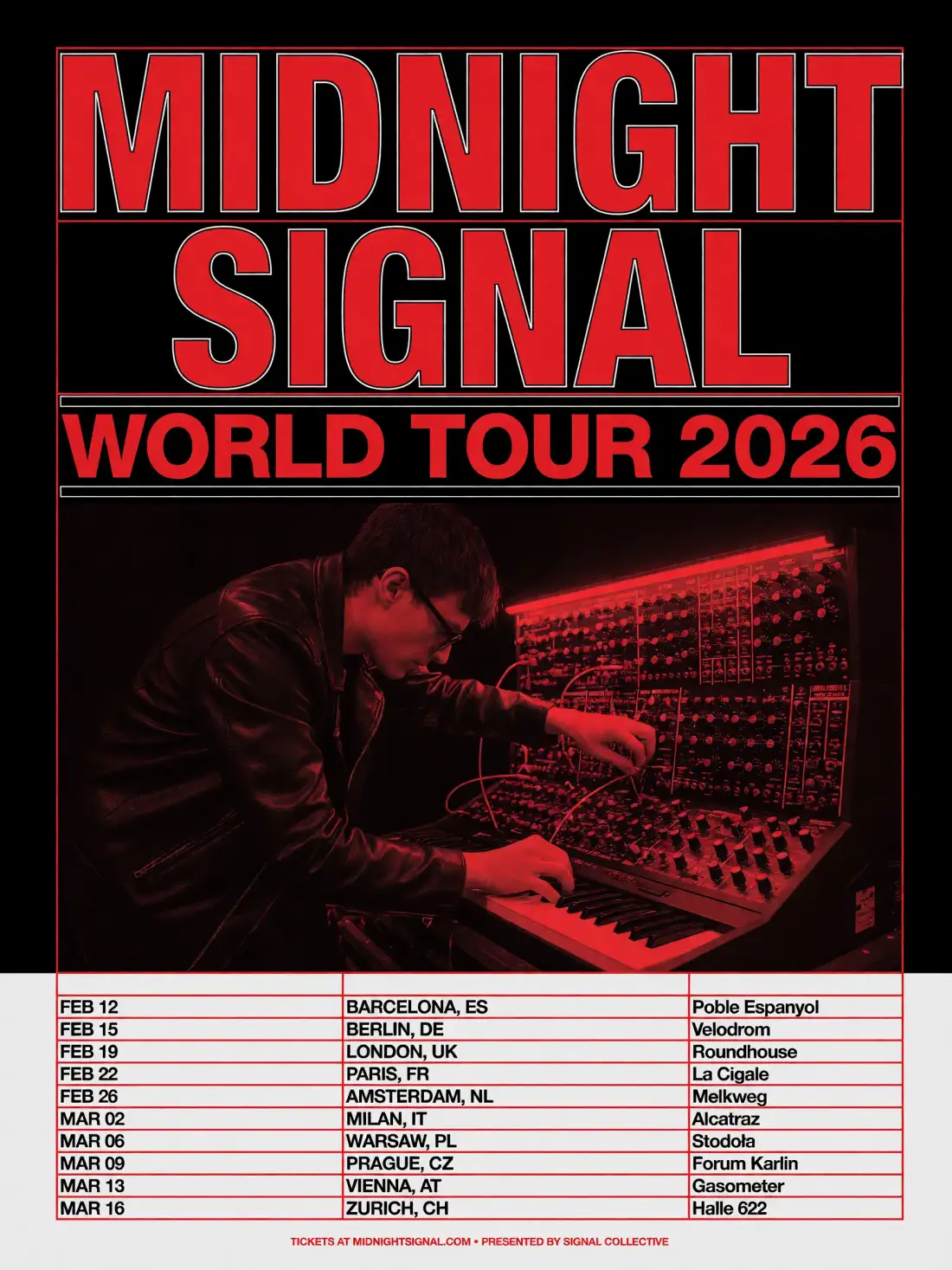
Grok Imagine 2 features enhanced text rendering, enabling you to create rich infographics and detailed, accurate page layouts with interesting typography and composition. You can also render believable elements featuring text in your images, such as newspapers, open books and booklets, or advertising billboards.
Create Images From References and Output Transparent PNGs
Grok Imagine 2 introduces built-in features that would previously require the use of multiple models or external tools. These features are all combined into one powerful model, allowing for seamless AI image editing and generation workflows. You can combine up to five reference images in one generation to maintain consistency in terms of characters, products or styles. You can also resize images to any aspect ratio with Smart Resize, which supports dimensions ranging from vertical 9:16 to 2:1 banner format. Thanks to built-in support for transparency and PNG outputs, you can also remove backgrounds from objects.
What can you create with Grok Imagine Image 2? Get inspired with these ideas:
Photorealistic portraits
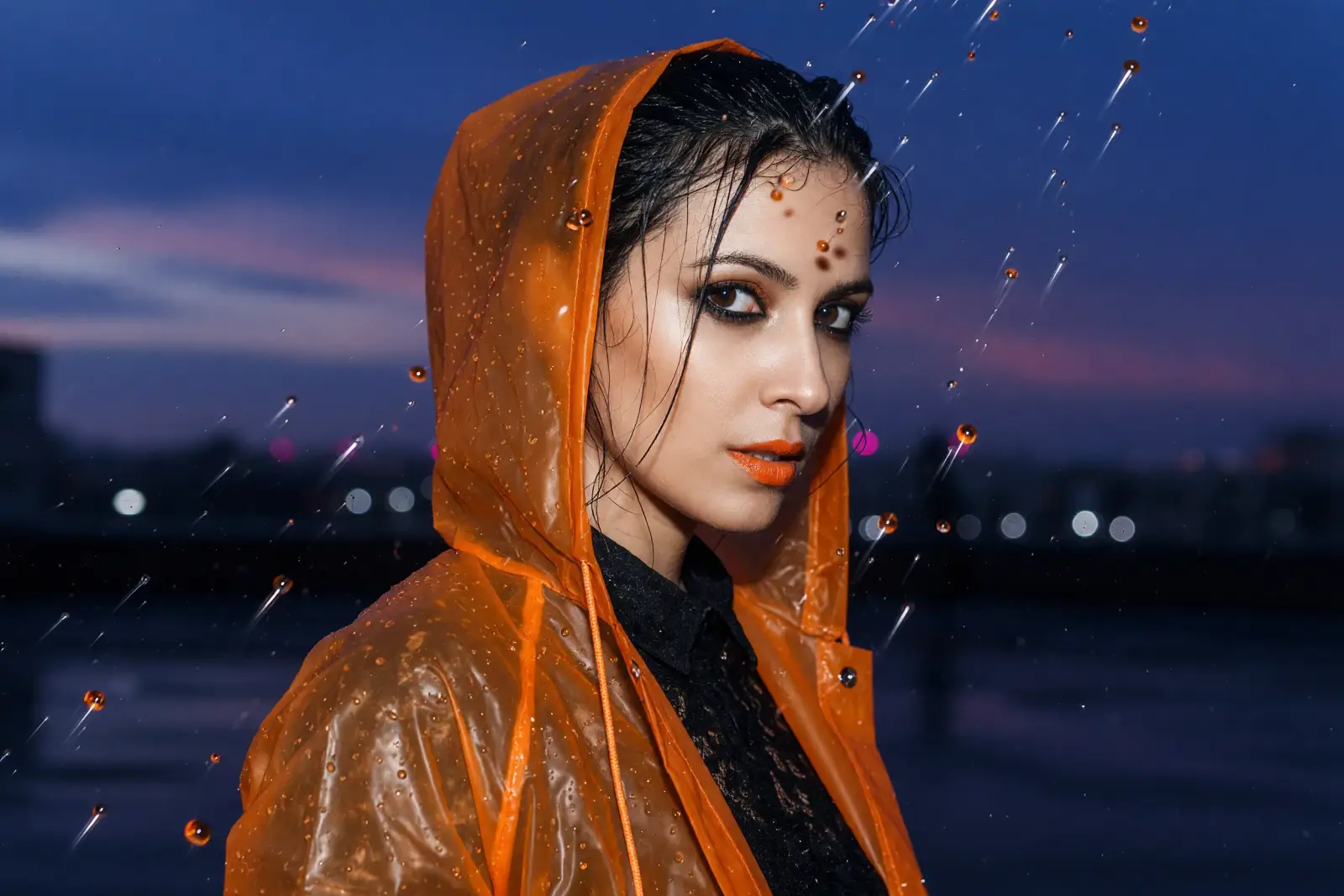
Create portraits that look both photo-real and artistic with rich detail, realistic micro-textures and a warm analogue feel. Avoid the uncanny valley effect with ease.
Posters and banners
Grok Imagine 2 can effortlessly render walls of text or create unusual typographic layouts without making typos or mistakes or generating AI scribbles.
Photo Editing
Make targeted edits to your images with the Grok Image 2 image-to-image workflow. You can affect only specific areas, change colours, modify elements and poses, and adjust brightness — just as you would in Photoshop, but by describing the changes in English.
Icons, Graphics, Logos
Thanks to support for transparent backgrounds and PNG output, you can use Grok Image 2 for graphic design, creating elements such as icons, stickers and logos.
Product Shots
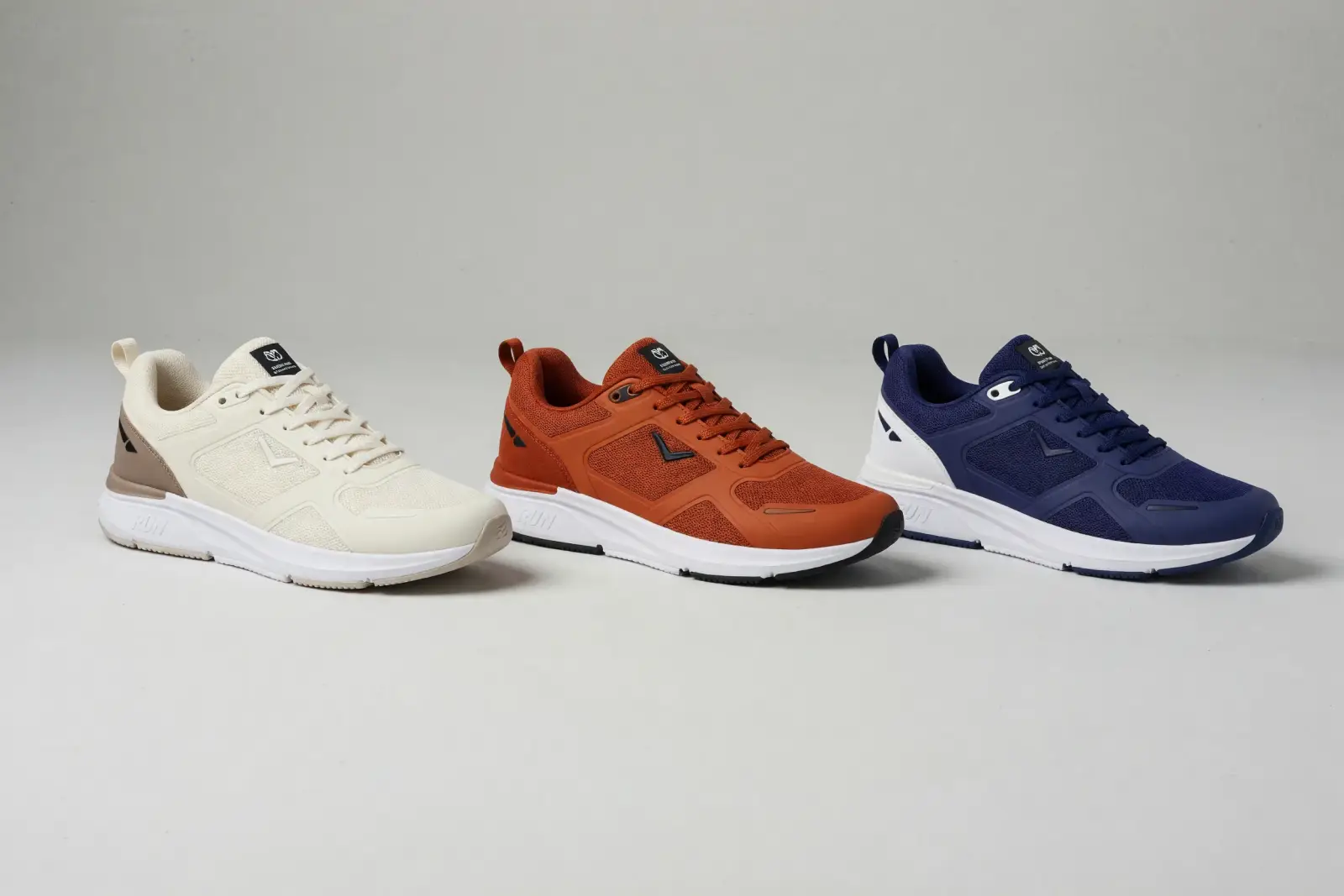
Send Grok references of your product, location and lighting, and use them to create a digital photoshoot featuring your product. The shoot will consist of a series of cinematic, professionally lit and directed images, all produced to an ultra-high standard.
Remove Backgrounds
One of the most useful features of image editing has just become simpler. Grok Imagine 2 can remove the background from any image and return the subject as a PNG with a transparent background, eliminating the need for specialised tools.
Create with Grok Imagine Image on Overchat AI in 3 simple steps
Describe Your Image
Write your prompt — or add up to five reference images to keep a face, product, or style consistent.
Grok Imagine 2 Generates
Grok Imagine 2 renders your image. This process usually takes 30 seconds.
Download and use
Get your result ready to share, post, or integrate into your projects.
What is Grok Imagine Image 2?

Grok Imagine Image 2 (also written Imagine Image 2.0) is xAI's next-generation image model, released in August 2026. It can generate and edit images with precise regional control and sharp text rendering. It also delivers consistent results across multi-image workflows.
How good is Grok Imagine Image 2?
When it was released in August 2026, Grok Imagine 2 was ranked second in the world on both the Text-to-Image and Image Edit Arena leaderboards. These leaderboards are based on users' votes for their favourite images in a series of blind tests. The only model whose images were preferred to those of Grok was OpenAI's GPT-Image-2.
Can Grok Imagine Image 2 edit images?
Yes, Grok Imagine 2 can edit images — it's a model that can convert both text to image and image to image. It features multiple functions specifically designed for controlled image editing. The Magic Wand tool allows you to edit one region while preserving the rest of the frame. The Segmentation tool enables you to select precise areas to change, while the Smart Resize tool extends an image to a chosen aspect ratio — from vertical 9:16 to 2:1 banners.
Can Grok Imagine Image 2 render text inside images?
Yes, accurate text rendering is one of the areas in which the Grok Imaging Image 2 has seen the biggest improvement compared to the previous generation. It is now one of the best image generation models for text rendering, and you can use it with confidence to create images with varied typography, such as infographics, posters and business cards.
What are reference images in Grok Imagine Image 2?
With Grok Imagine Image 2, you can attach up to five reference images per prompt. These references can be integrated into the image as objects or used to inform stylistic or artistic decisions. For instance, you can attach an image of a preferred style and instruct the model to recreate a scene from another image in that style. This process is known as AI style transfer or AI reskin.
When can I use Grok Imagine Image 2 on Overchat AI?
We're bringing Grok Imagine Image 2 to Overchat AI. Leave your email in the form above and we'll notify you the moment it goes live — no spam, just the launch announcement.