
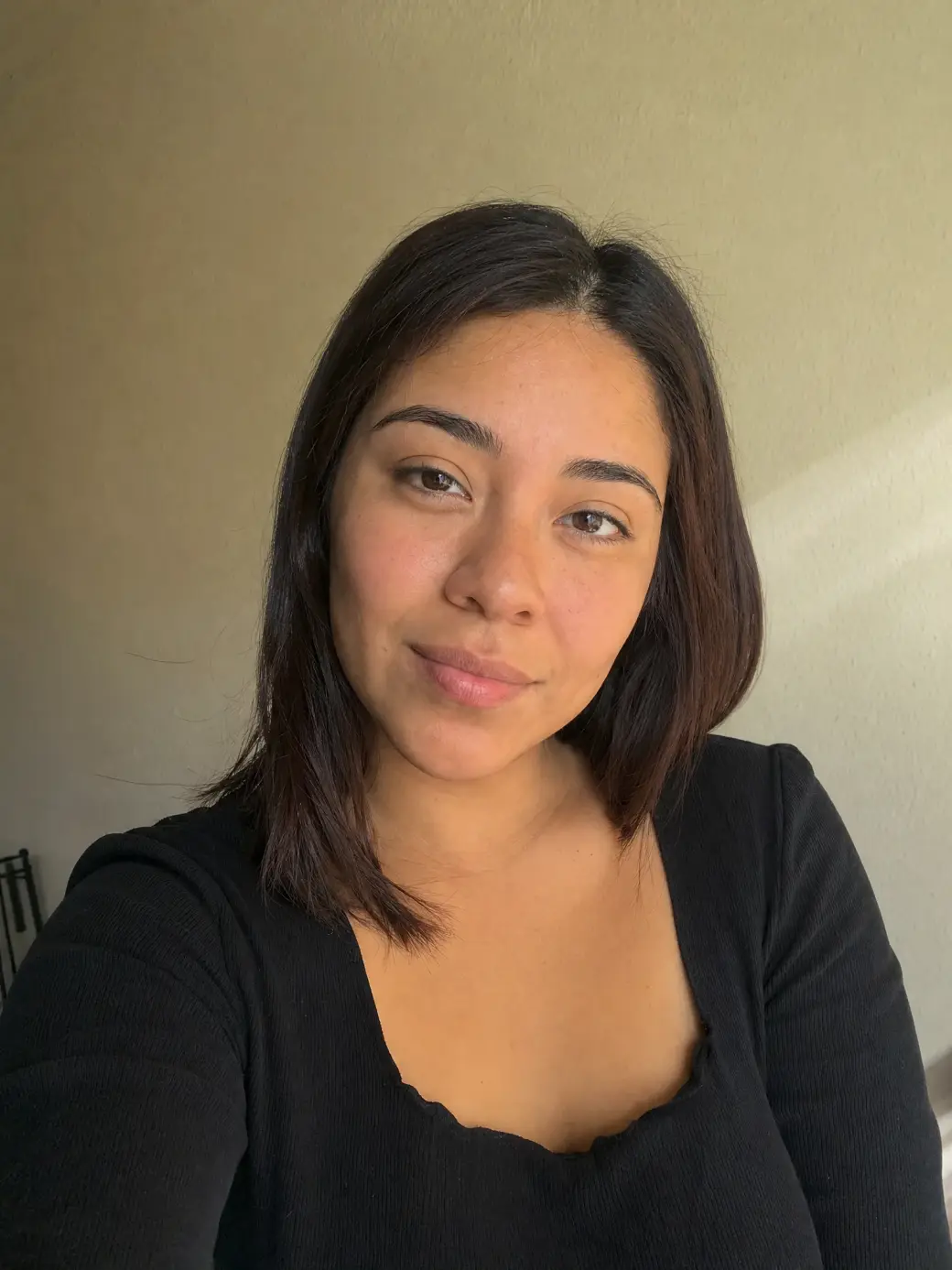
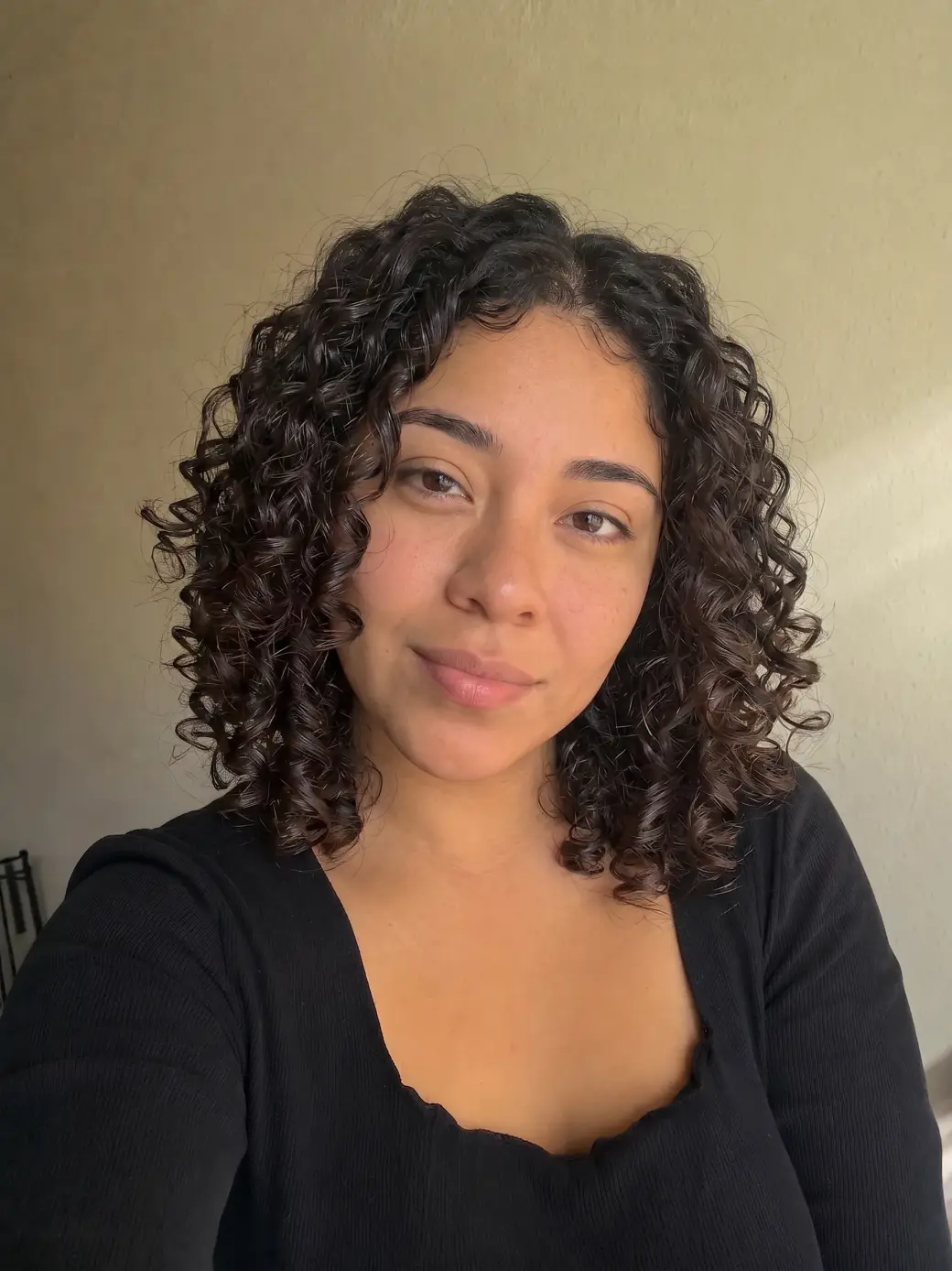
 Before
After
Before
After
See yourself with curls before you touch a curling iron. Upload a photo, press one button — AI curls your hair and keeps your face, outfit and photo exactly the same.
Before
After
Upload a photo and the AI curly hair filter turns your hair into natural curls right on the page — no perm, no curling iron, no damage.
A perm is a chemical process you live with for months, and a curling iron takes an hour for a look that drops by lunch. Powered by Nano Banana 2, one of the most realistic image-to-image models, the filter turns your hair into natural-looking curls while keeping your face, hair color, and background exactly as they are.
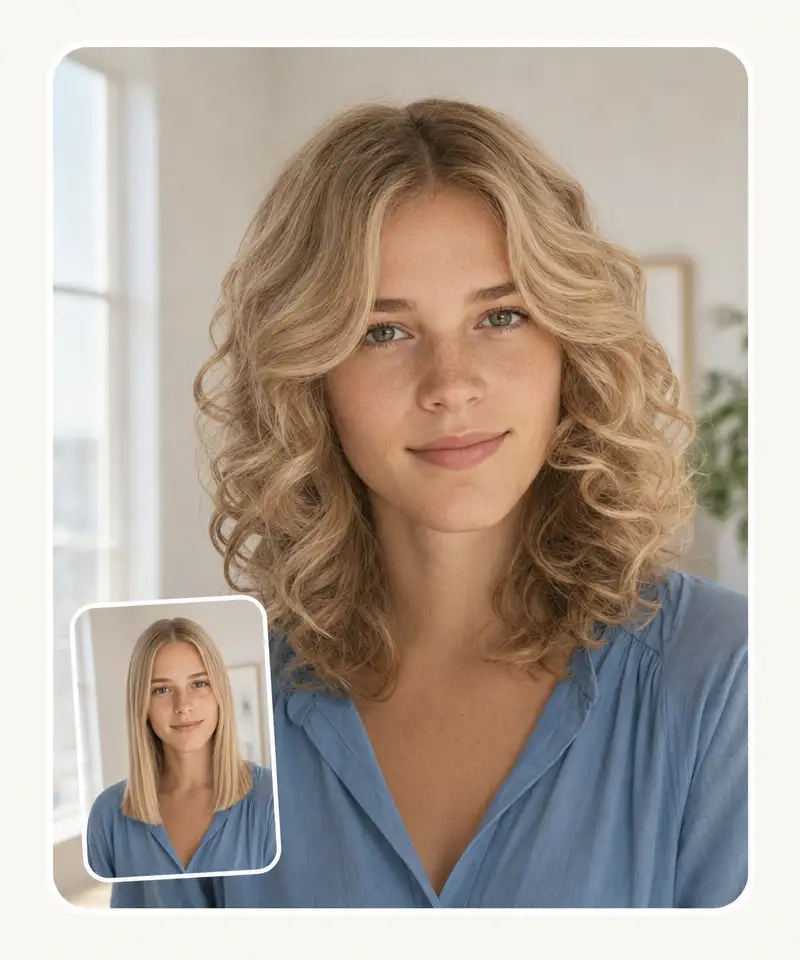
You can browse your files, drag and drop them, or take a selfie on the spot. HEIC photos from an iPhone work too.
Click Try curls and the AI reshapes your hair into defined curls — matched to your length, color, and the light in your photo.
Compare the before and after, then download the HD result without a watermark — or copy and share it in one click.
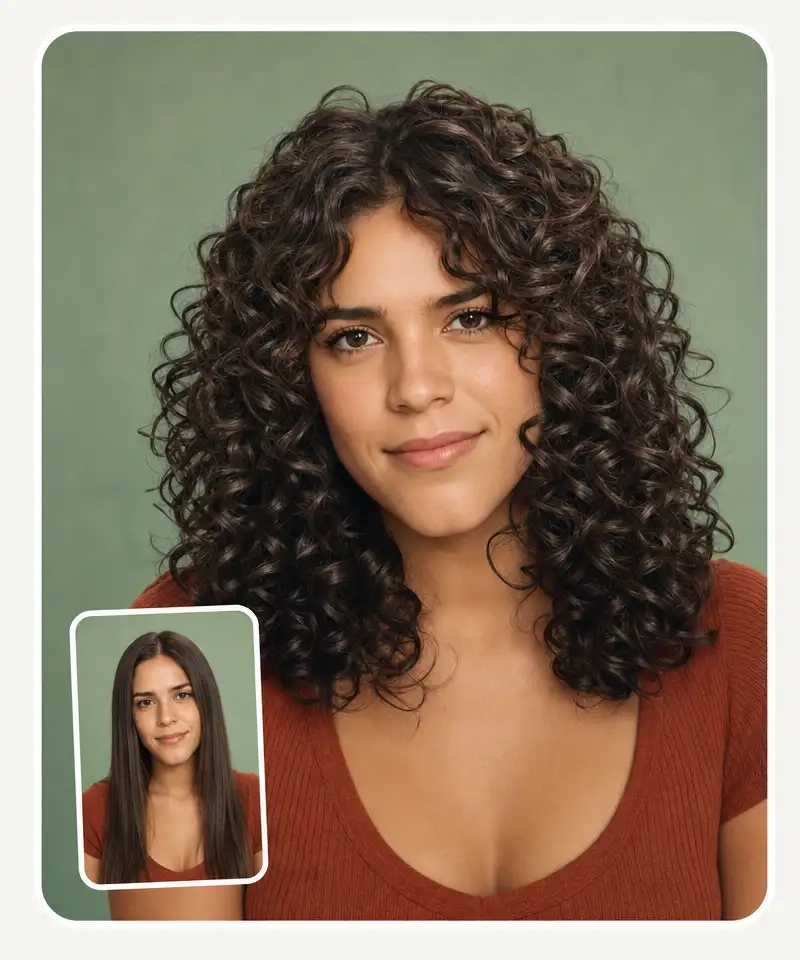
Real curls have separated spirals, volume at the roots, and shine that follows the curve. The AI renders all of it in your own hair color instead of blurring your hair into a texture.
The filter regenerates the image rather than warping it, so your features, makeup, glasses, and earrings stay exactly as they are — only the texture of your hair changes.
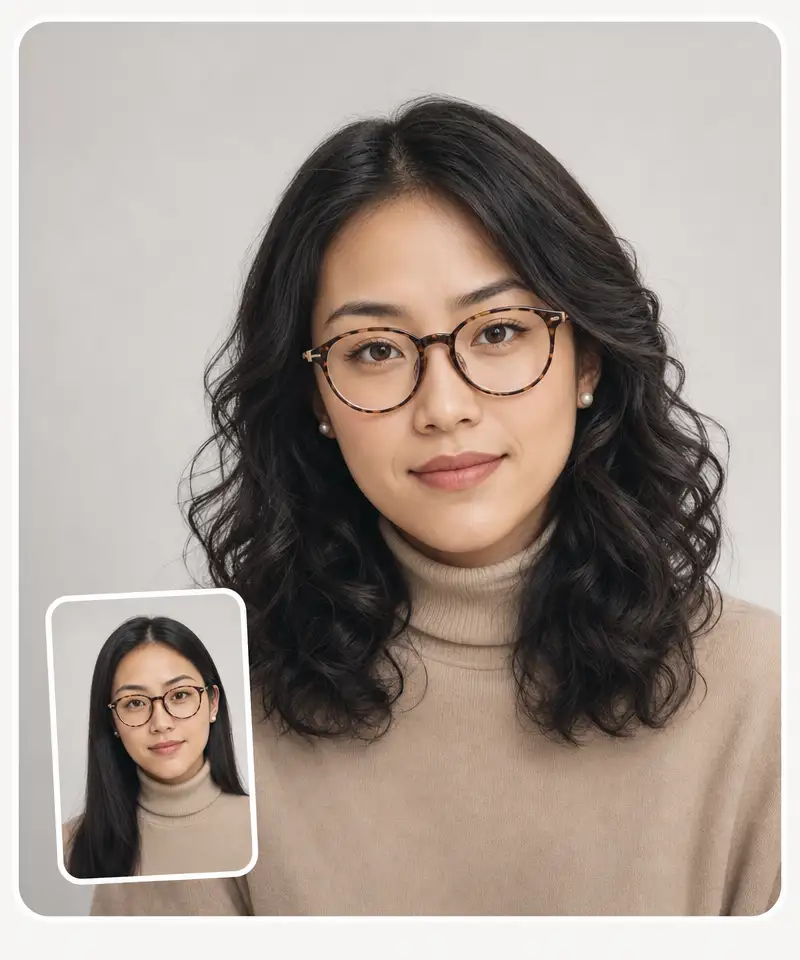
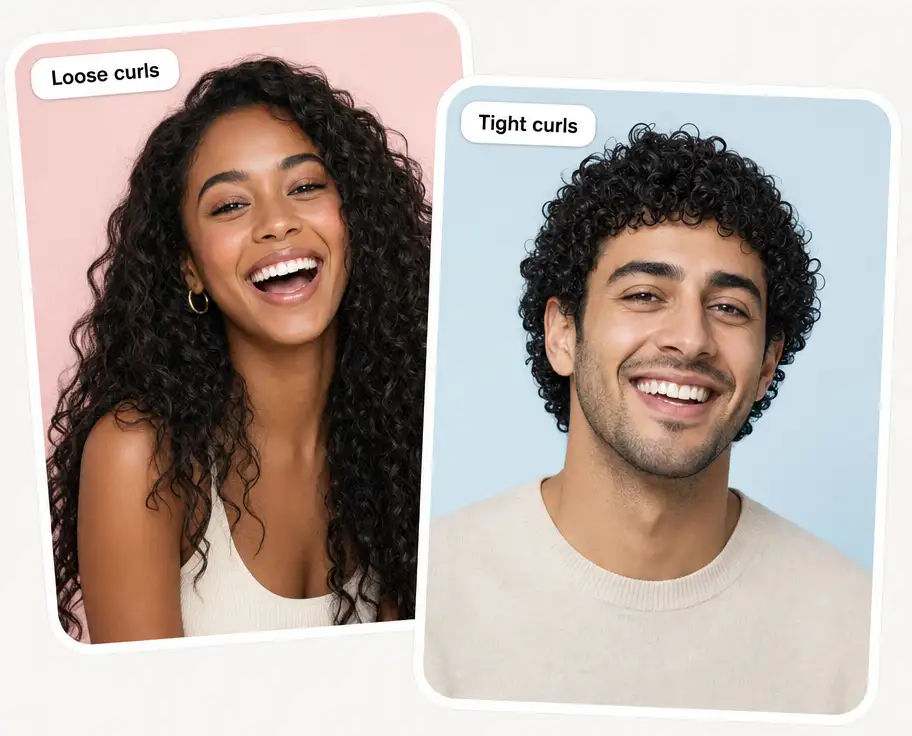
Poker-straight, slightly wavy, long or short, on women and men alike — and the background of your photo stays untouched, so the result reads as a real photo of you.
USE CASES
See your face with volume and curl around it before you sit down for a perm.
A perm lasts months and can't be undone. Walk in with a photo of the result you actually want.
See the curly version of yourself without an hour with a curling iron and the damage that follows.
Chemically curled hair grows out for a year. Try it in 30 seconds before committing.
Add curls online to your existing photos to see how they fit your usual looks and outfits.
Post a picture of yourself with curly hair without touching a single chemical.
Join over 350,000 people already using Overchat AI to generate images, videos, and music with AI.
Overchat AI brings you the power of the world's top AI models: GPT, Claude, Gemini, Mistral, and more.
A curly hair filter is an online tool that uses an AI image model to show what you would look like with curls. You upload a photo, and the model regenerates it with your hair reshaped into natural curls — keeping your face, hair color, and background unchanged. The result appears right on the page, ready to compare and download.
Upload a photo from your files or camera roll, or take a selfie. The AI — Nano Banana 2 — regenerates the image with defined curls matched to your hair color, length, and lighting. Flip between before and after, then download the result in HD or share it.
Yes — the Overchat AI curly hair filter is currently free to use, with no account required to try it. Upload a photo, get your curly hair preview, and download it in HD without a watermark.
Chinese company Baidu has quietly released a model that's just as good as DeepSeek and ChatGPT — ERNIE 4.5 delivers exceptional performance at a fraction of the cost — and most people outside China have never even heard of it.
If you're wondering: what is DeepSeek AI, the answer is quite simple. DeepSeek AI is a Chinese AI research lab that builds large language models. The company released several models in late 2024 and early 2025 that compete directly with OpenAI's GPT-4 and Anthropic's Claude, but at a fraction of the operating cost.
ChatGPT Plus costs $20 per month plus tax, while the Pro plan costs $200 per month plus tax. Understandably, not everyone is willing to pay that much for a chatbot, especially if the premium features aren’t worth it to them. This raises an obvious question: how can I use ChatGPT for free?
Available on Web, iOS, and Android. Access your AI assistant anywhere, anytime.



.svg)
