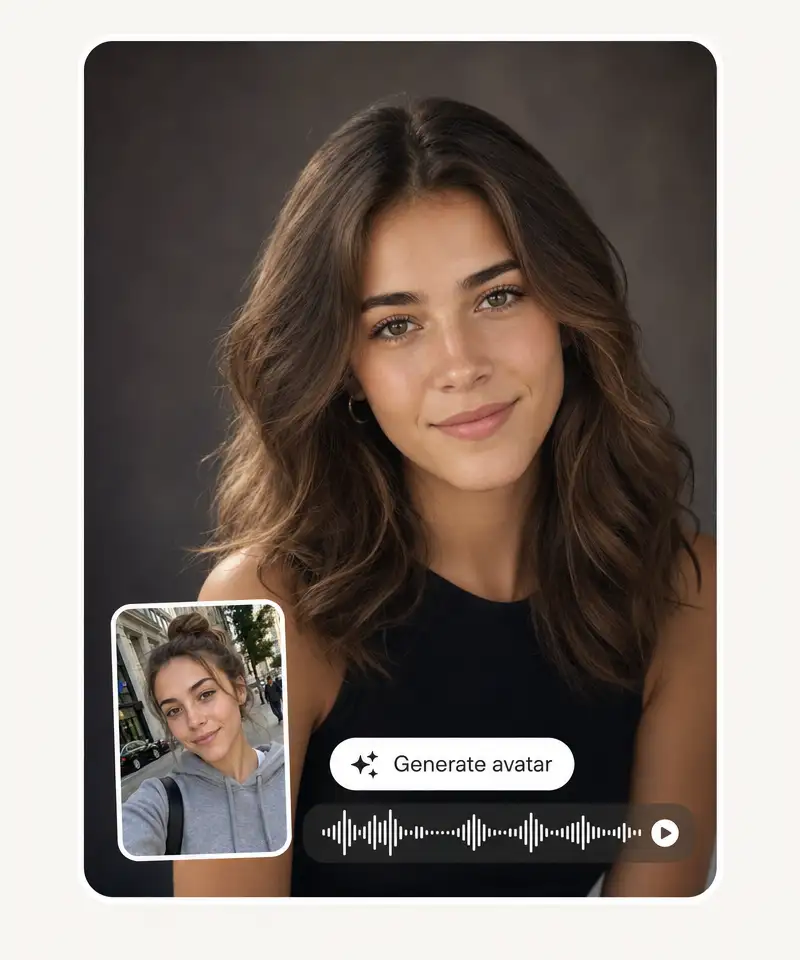
Our AI avatar generator turns a single photo into a talking avatar video. Upload a selfie and paste your script to get a realistic video of your avatar speaking, with lip-sync that matches every word.
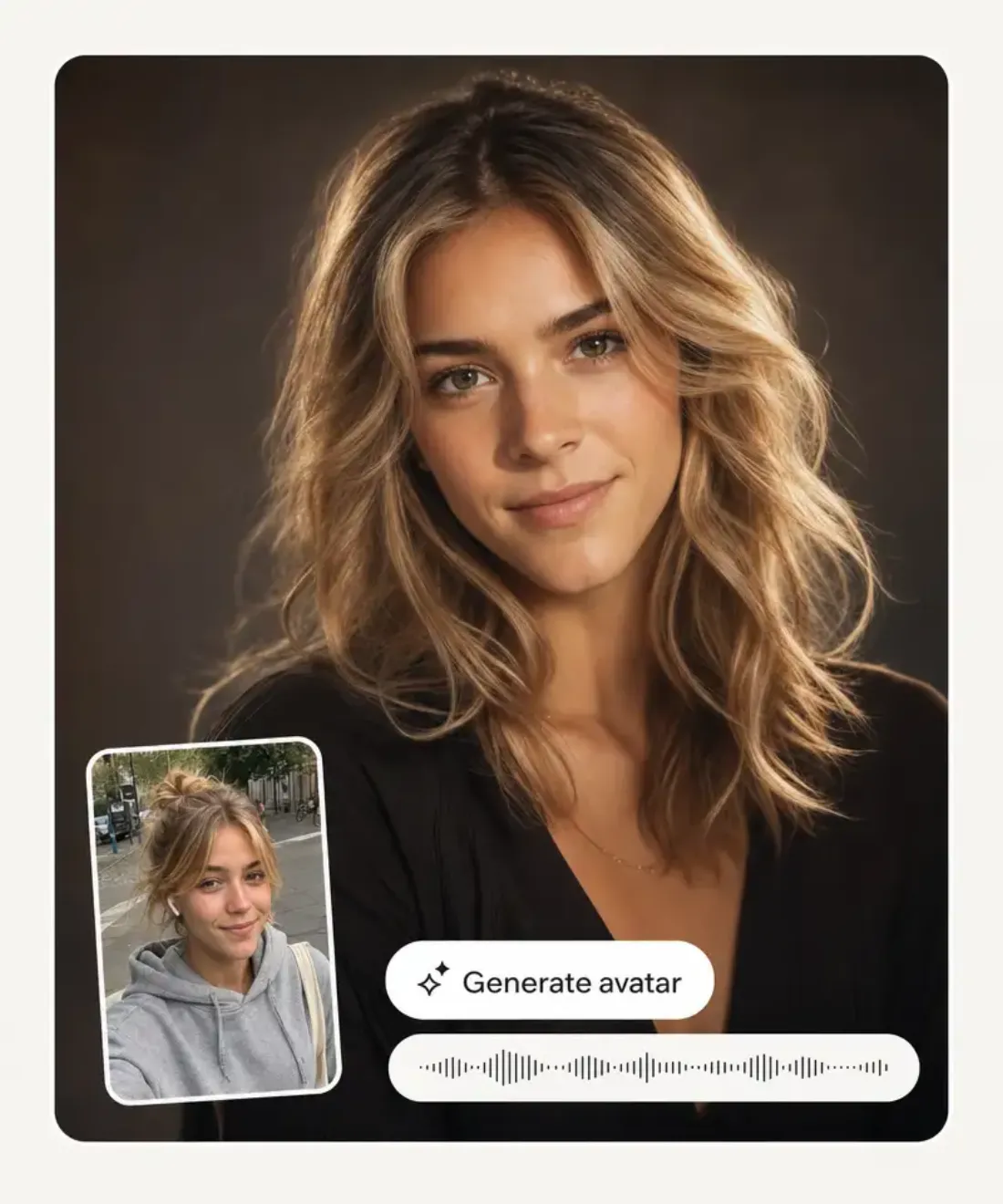
Upload a portrait photo, paste a script (or upload audio), and the AI Avatar Generator returns a lifelike talking video with natural lip sync — ready for YouTube, TikTok, Instagram Reels and presentations. No camera, no studio, no actor required.
Our tool can seamlessly remove people from pictures, even in cases when manual editing would fail. This includes entire crowds, busy interiors, and architectural backgrounds that are impossible to recreate by hand. No matter what photo you upload, Overchat AI will cleanly remove all people from it. This ensures that every image you take is a keeper. Here's how it works in 3 easy steps.
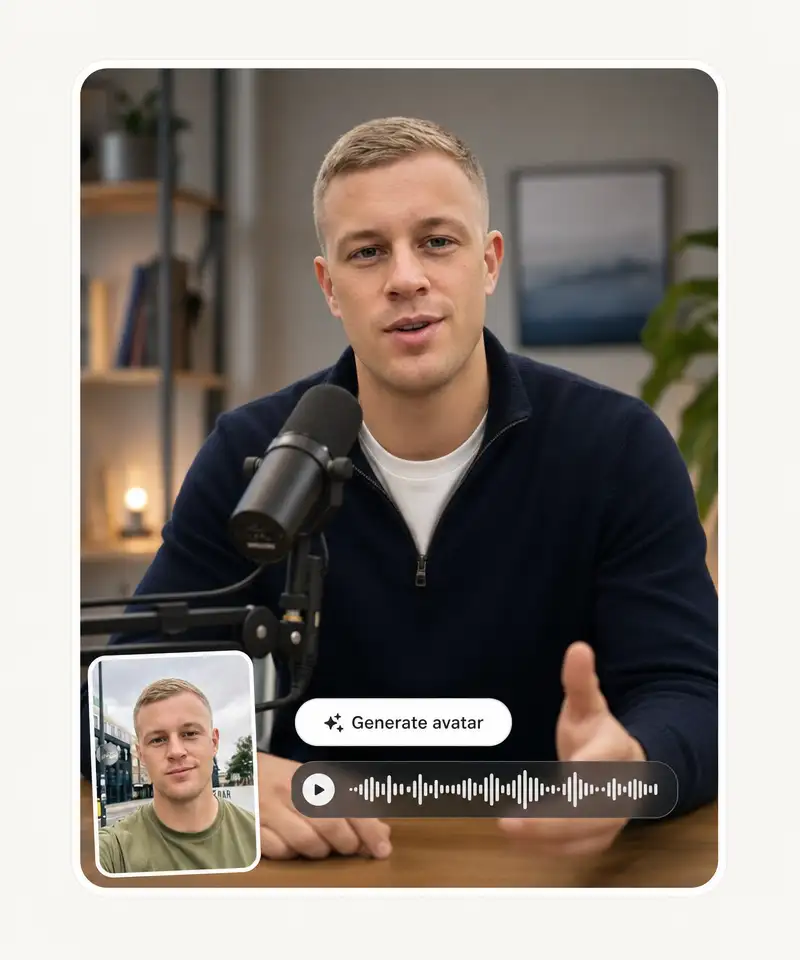
Drop in any clear, front-facing portrait — a selfie, a headshot, a stock photo, or even an AI-generated face. The AI Avatar Generator works on JPG, PNG and HEIC, and supports realistic photos, illustrations, and cartoon-style images alike.
Type the script you want your avatar to say and pick a voice from 100+ realistic AI voices, or upload your own MP3 or WAV audio. The AI Avatar Generator handles up to 5 minutes per scene and supports 30+ languages and accents.
The AI syncs lips, eyes and head movement to your script, renders a lifelike talking video in HD, and gives you an MP4 download in minutes — ready to post to YouTube, TikTok, Instagram Reels or drop into a slide deck.
Upload a portrait, paste a script, and export an HD talking video. Built into Overchat AI for creators, marketers, and L&D teams.
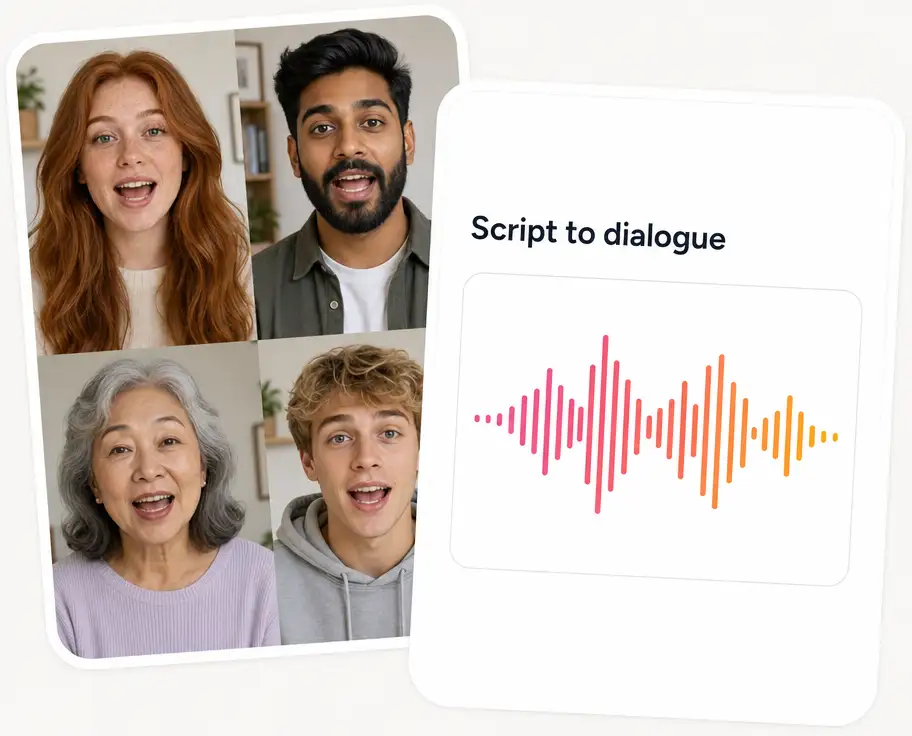
Paste a script or any block of text. Pick a voice, accent and background. Click generate and download an MP4 with the avatar speaking your script and lips synced frame-by-frame.
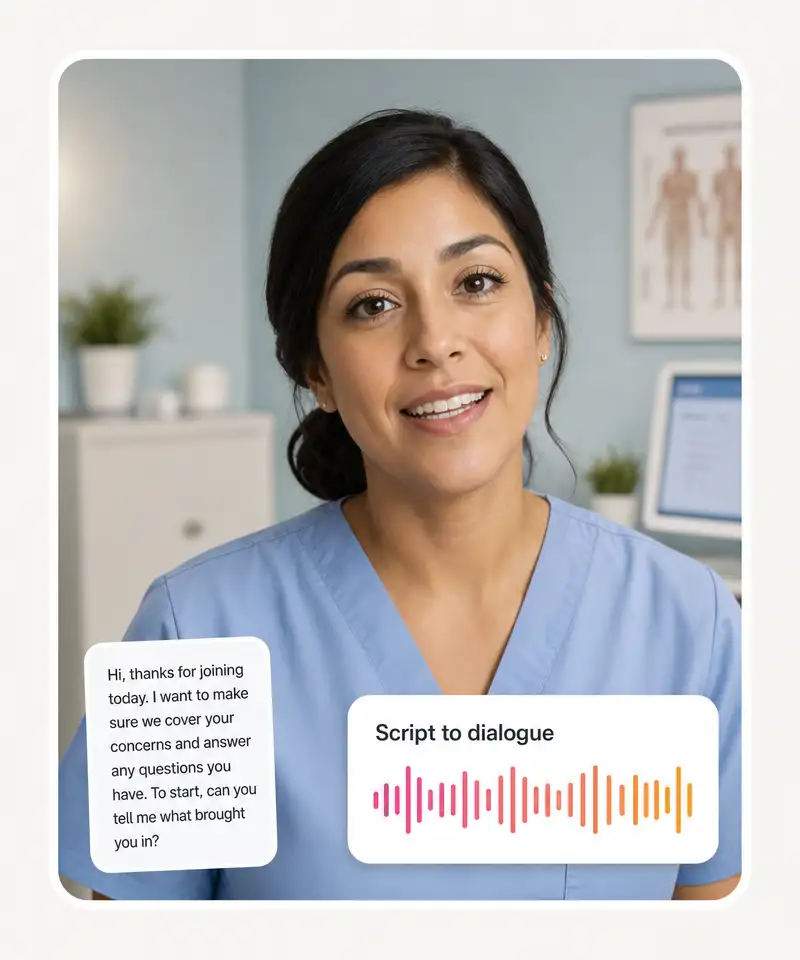
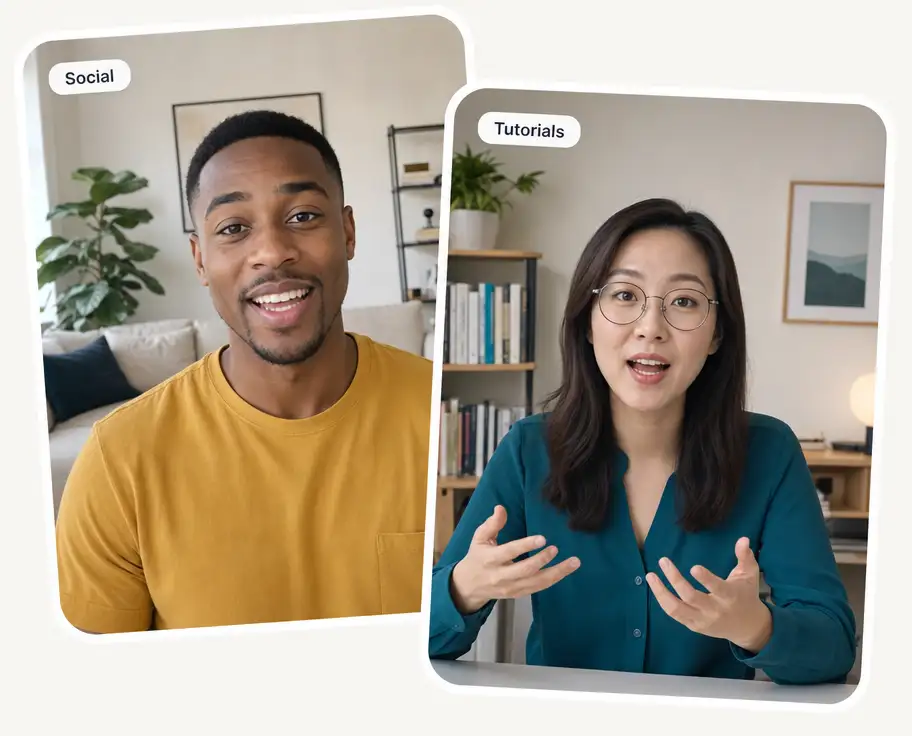
Export the same avatar video as 9:16 for TikTok and Reels, 1:1 for Instagram feed, and 16:9 for YouTube and webinars. No re-record, no re-render queue per platform — pick the ratios you need before export.
Browse a library of pre-made avatars across ages, ethnicities, wardrobes and accents. Or upload a portrait photo of yourself, clone your voice from a 30-second sample, and the avatar speaks any script in your face and voice.
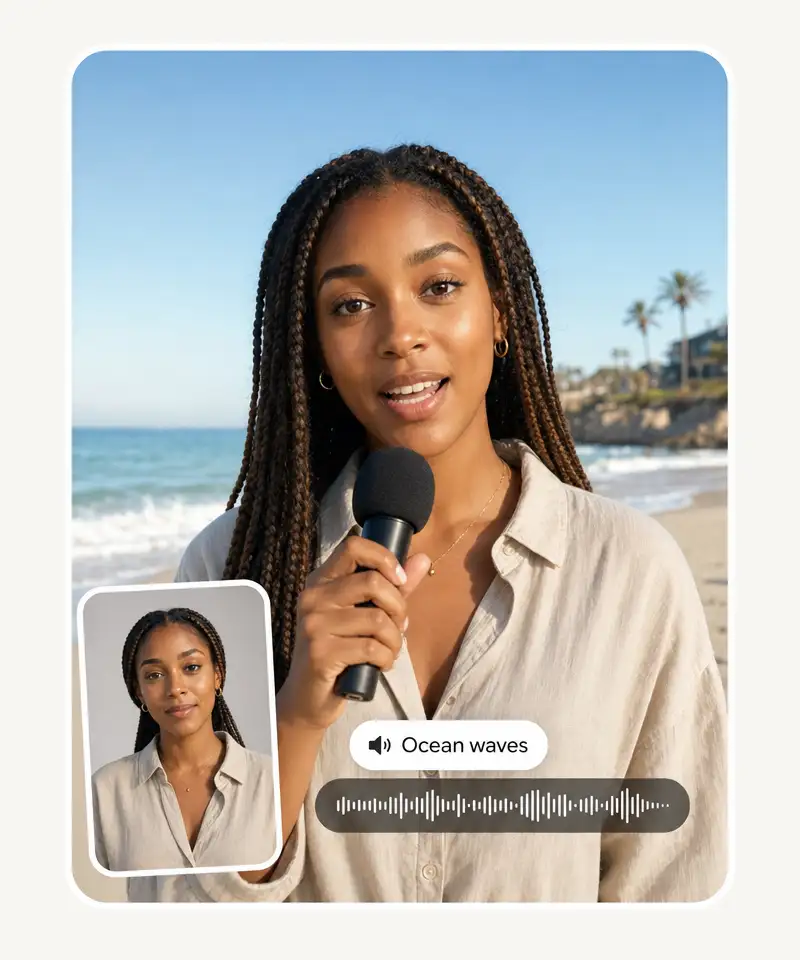
Layer background music, ambient audio or prompted sound effects (“ocean waves”, “café chatter”, “UI ping”) under the avatar voice. Mix levels in the editor before export, no separate audio tool required.
Go to the Overchat AI web app or open the mobile app, then select AI Avatar Generator from the available tools.
Choose a clear portrait or selfie. This will be the base for your avatar, so use a well-lit image for better results.
Type what you want the avatar to say in the video or upload the script as a file.
Click Generate to create your avatar. Wait a few seconds while the system processes your image, then preview the result. If needed, make adjustments and regenerate until you're satisfied.
USE CASES
Faceless channels, explainer videos, news recaps, finance breakdowns — use the AI Avatar Generator to turn a photo and a script into a clean talking-head presenter for every episode. No webcam, no lighting setup, no makeup, and you can update the script and re-render in minutes when news breaks.
Ship 9:16 vertical talking-avatar shorts in the time it takes to write the script. The AI Avatar Generator outputs portrait video at the aspect ratio TikTok, Reels and Shorts expect, with crisp lip sync and natural head motion that reads as a real person on camera, not a slideshow with voiceover.
Compliance training, new-hire onboarding, internal SOPs — the AI Avatar Generator lets L&D teams stand up 30 modules in the time it used to take to schedule a single studio shoot. Update the script, regenerate, and the avatar narrator is fresh. Multilingual versions of the same video ship in 30+ languages.
Spin up product explainers, ad creative variants, and personalized sales outreach videos with a consistent avatar presenter. The AI Avatar Generator makes it cheap to A/B-test five video hooks for the same campaign — no reshoots, no studio days, no waiting on the talent’s calendar.
Birthday greetings, customer thank-yous, prospect outreach, fan messages — generate a custom talking-avatar video per recipient with their name and details in the script. The AI Avatar Generator scales personalized video that used to be impossible past five recipients into something you can ship at hundreds per day.
Translate the script, pick the language, and the AI Avatar Generator ships the same talking-avatar video in Spanish, French, German, Portuguese, Japanese and 25+ more — with lip sync that matches the new language, not the source one. The cheapest way to localize video for an international audience.
Upload a photo, paste your script, and get a lifelike talking-avatar video back in minutes — free to try, no signup, no watermark on the standard tier.
Overchat AI brings you the power of the world's top AI models: ChatGPT, Claude, Gemini, Mistral, and more.

An AI Avatar Generator is an online tool that turns a portrait photo plus a script (or audio file) into a lifelike talking-head video, with the avatar's lips, eyes and head movement synced to the words being spoken. The Overchat AI Avatar Generator works on selfies, headshots, stock photos and AI-generated faces, supports 100+ voices in 30+ languages, and outputs HD video ready for YouTube, TikTok, Instagram Reels and presentations — no camera, no studio, no actor.
Three stages. First, a vision model reads your portrait photo and builds an internal 3D representation of the face — landmark positions, head pose, jaw geometry. Second, the script is converted to audio with a text-to-speech voice (or your uploaded audio is analyzed directly). Third, a diffusion or GAN model animates the face frame by frame, matching mouth shapes to phonemes, adding micro-expressions and natural head motion, then renders the final video at HD. The AI Avatar Generator runs all three stages in roughly a couple of minutes per minute of video.
Upload a clear front-facing portrait, paste the script you want the avatar to say (or upload an MP3 or WAV of your voice), pick a voice and language if you went the text-to-speech route, and click generate. The Overchat AI Avatar Generator returns a downloadable MP4 talking-head video with HD lip sync, natural head motion and matching facial expressions — ready to post to YouTube, TikTok or Reels in minutes.
Leading AI avatar generators in 2026 include Overchat AI Avatar Generator, Synthesia, HeyGen, D-ID, Hedra, Vidnoz, Adobe Firefly Avatars, and Pippit. The enterprise stack (Synthesia, HeyGen, D-ID) targets corporate training and marketing teams; Hedra and Vidnoz focus on photo-to-talking-video with large voice libraries. Overchat AI Avatar Generator stands out for creators and small teams — photo-to-video in minutes, 100+ voices, 30+ languages, no watermark on the standard tier, and no separate seat license required.
Yes. The Overchat AI Avatar Generator is free to try and does not stamp a watermark on the standard tier output. Generate a talking-avatar video from a photo or script, download it in HD, and post it straight to YouTube, TikTok, Instagram or LinkedIn without any branding overlay. Longer videos and additional voices are available on paid tiers, but the no-watermark default is what most platforms try to monetize.
Yes — both. Upload an MP3 or WAV of your own voice and the AI Avatar Generator will sync the avatar's lips and head motion to your existing audio track, no text-to-speech involved. Alternatively, paste the script and pick from 100+ realistic AI voices across 30+ languages, or use voice cloning to generate a synthetic voice trained on 30 seconds of your own speech — the avatar then speaks any script in your voice.
Yes. The Overchat AI Avatar Generator does not train on user uploads, does not share your photo or voice with third parties, and removes the files from disk after the video is generated. For brand work, agency outputs and personal use, this means your face and audio stay private. For commercial talking-avatar videos featuring real people other than yourself, make sure you have written consent — same rule that applies to any video featuring an identifiable person.

Chinese company Baidu has quietly released a model that's just as good as DeepSeek and ChatGPT — ERNIE 4.5 delivers exceptional performance at a fraction of the cost — and most people outside China have never even heard of it.

If you're wondering: what is DeepSeek AI, the answer is quite simple. DeepSeek AI is a Chinese AI research lab that builds large language models. The company released several models in late 2024 and early 2025 that compete directly with OpenAI's GPT-4 and Anthropic's Claude, but at a fraction of the operating cost.

ChatGPT Plus costs $20 per month plus tax, while the Pro plan costs $200 per month plus tax. Understandably, not everyone is willing to pay that much for a chatbot, especially if the premium features aren’t worth it to them. This raises an obvious question: how can I use ChatGPT for free?
Available on Web, iOS, and Android. Access your AI assistant anywhere, anytime.



.svg)
