With some Fortune 500 companies already generating most of their code using AI agents — and over 80% of developers relying on AI in some form — it’s clear that AI-generated code is becoming the norm. Whether you’re working, studying, or reviewing freelance submissions, you’re likely to come across it.
The challenge is that AI-generated code can often look indistinguishable from something written by a human. So how can you tell the difference?
One option is to use an AI code detector — a specialized tool designed to flag code that may have been generated by AI.
In this article, we’ll break down five of the best tools available and take a closer look at their strengths and weaknesses.
AI code detectors analyze patterns like perplexity and burstiness to estimate whether a piece of code was written by a human or generated by tools like ChatGPT, Copilot, Claude, or Gemini on a scale of 0–100.
These tools are generally less accurate than AI text detectors. Code is more structured and predictable by nature, with less variation for models to analyze — which makes reliable detection harder.
Code checkers are most useful in contexts like hiring reviews, freelance QA, teaching, or checking student submissions.
False positives do happen, so it’s best to treat the score as a signal rather than a final verdict.
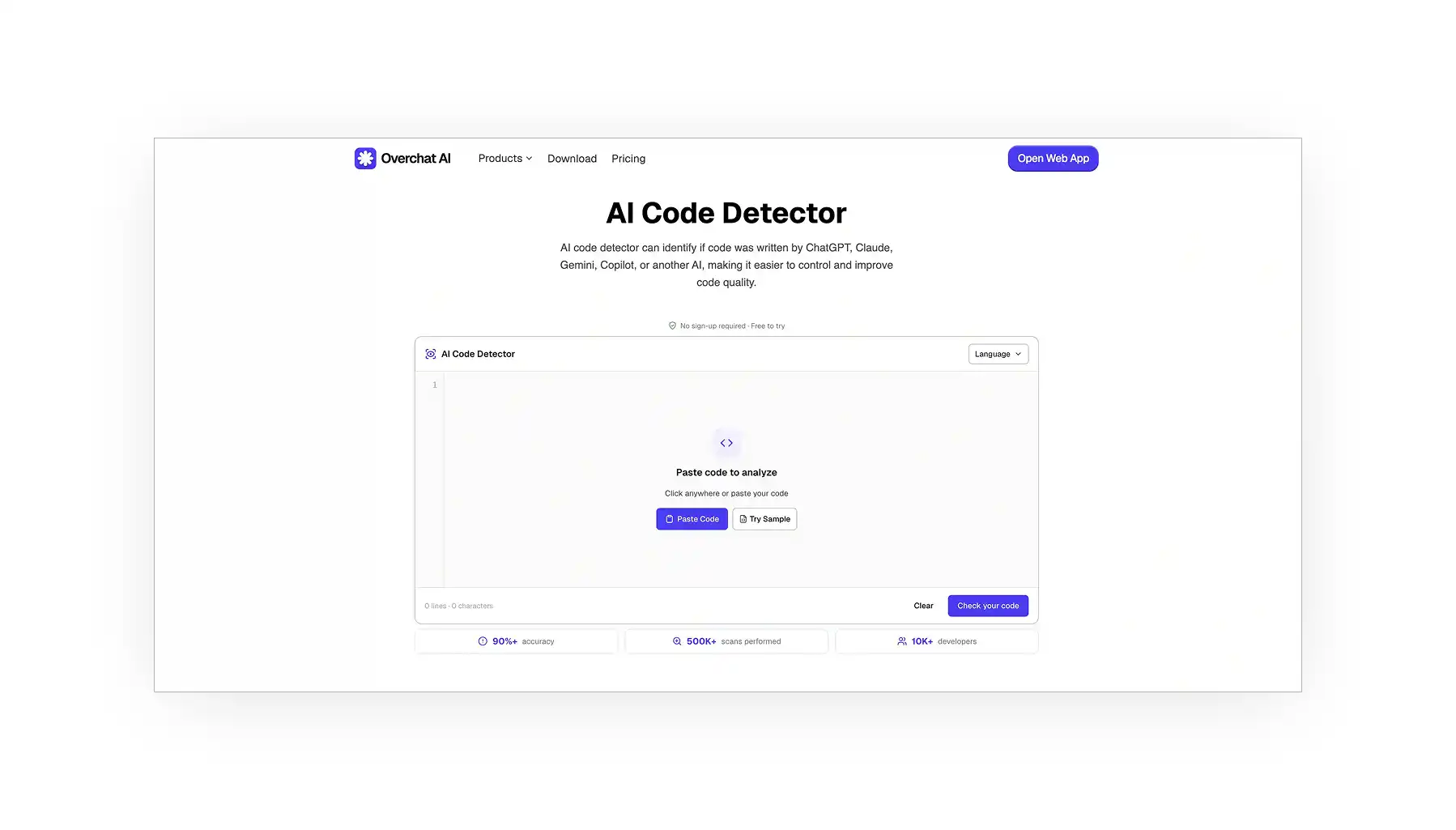
Overchat AI the best AI code detector. It’s powered by a fine-tuned language model, delivers over 90% accuracy, and supports more than 20 popular programming languages.
Before we jump into the comparison, though, let's quickly discuss what AI detectors are and what separates them from a similar category of AI tools — text detectors.
An AI code detector is a tool that analyzes a block of source code and estimates the likelihood that it was generated by an AI coding assistant rather than written by a human. That's different from a linter or a static analyzer in the sense that it looks for stylistic fingerprints of AI code rather than bugs and style deviations.
Under the hood, these tools generally rely on a mix of signals:
Perplexity and burstiness — how predictable and machine-like the code is, and how uniform that predictability is across a longer volume of code
Naming patterns — AI tends to favour verbose names and can be inconsistent between files
The number and style of comments — AI likes to over-comment code.
Formatting consistency and how uniform it is across the entire document
AI detectors are not perfectly accurate because programming languages are highly structured, which limits the variation that detectors can observe. In Python, for example, incorrect indentation will lead to a runtime error, meaning there are only a few valid ways to format any piece of logic. This is in contrast to text, where there is an infinite number of ways to write any given sentence in prose.
For this reason, AI code detectors are best used as a guide, not as the final authority. Nevertheless, they’re incredibly useful in situations like:
Screening take-home coding assignments during hiring
Reviewing freelance deliverables before you pay for them
Grading student programming work
Auditing pull requests on open-source projects
Measuring how much of your team's output is AI-assisted
5 of the Best AI Code Detectors Compared
With that out of the way, let's move on to a closer look at 5 of the best AI code detectors. We've tested over 15 different tools, but this article only covers the 5 we found most useful. The table below shows how they stack up at a glance:
Tool
Best For
Free Plan
Signup Required?
Overchat AI
Fast, accurate detection of AI-generated code
✅
❌
MyDetector
Detection plus visual analysis reports
✅
❌
Decopy AI
Detection bundled with code optimization
✅
❌
AICodeDetector.org
Repo scans
✅
❌
Span
Enterprises wanting to measure the impact of and reliance on AI
❌
✅
Now let's break down each tool in more detail.
Overchat AI Code Detector
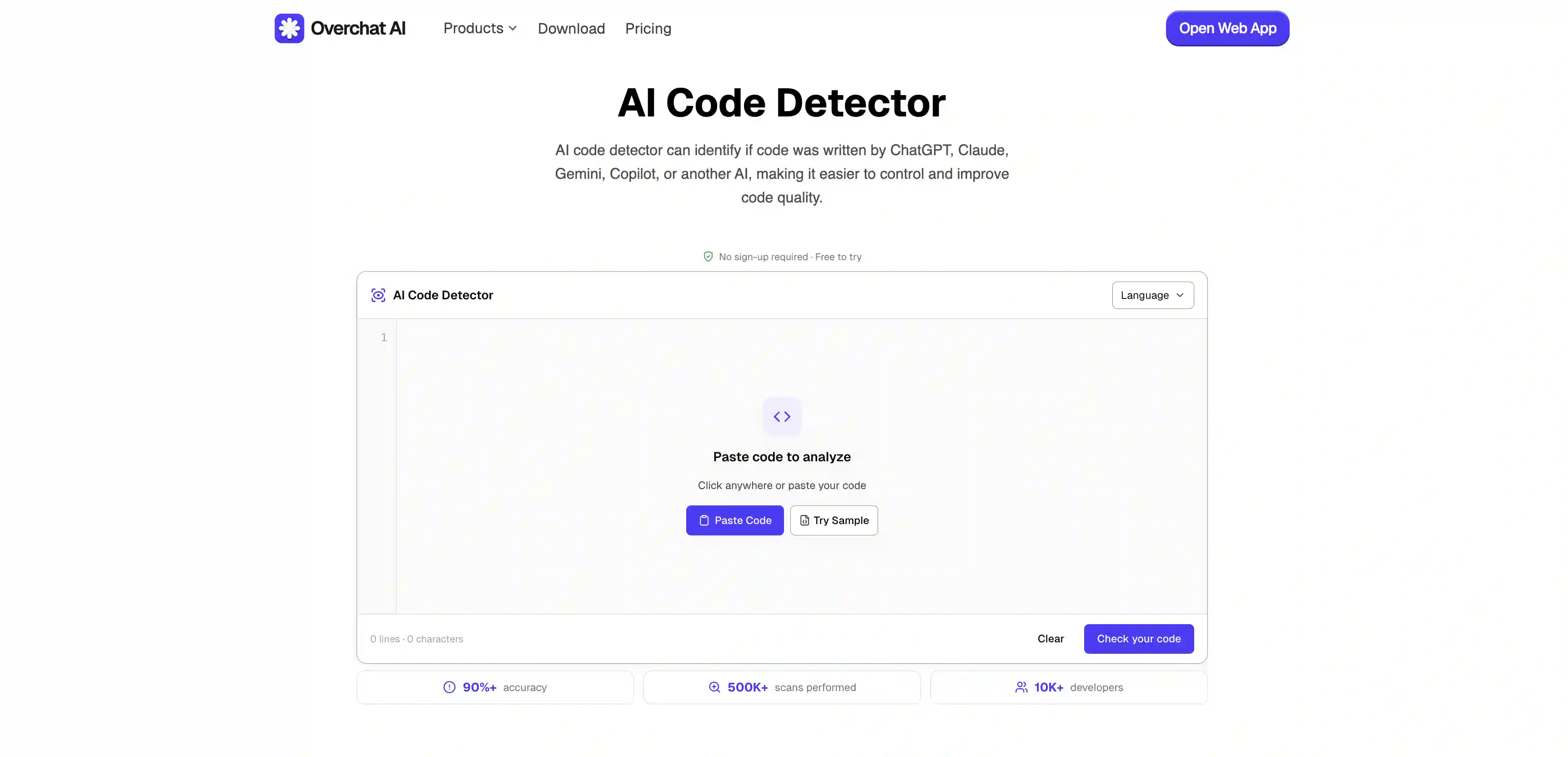
Overchat AI code detector is a free online tool powered by a fine-tuned language model, which offers over 90% detection accuracy across more than 15 programming languages.
It’s incredibly easy to use. To detect AI code:
Paste your code into the input field
Pick the language
Press analyze.
The AI will run a scan, which takes about 10–15 seconds on average, and give you a 0–100 likelihood score of how confident the tool is that the code you’ve fed it is AI-generated, where 0% means it’s 100%, definitely human and 100% is definitely AI generated.
In our testing we usually saw scores in ranges from 20–80, and out of the 56 code snippets we’ve thrown at it the tool has outperformed the claimed 90%+ accuracy rate, confidently and accurately flagging AI vs Human code.
Thanks to its ease of use, we feel that it offers a great way to quickly check code authorship, especially if you need to do so on the spot, such as during an interview, when checking multiple student submissions or your own work.
Supported languages cover everything you're likely to throw at it: Python, JavaScript, TypeScript, Java, C++, C#, Go, Rust, Ruby, PHP, Swift, SQL, HTML, CSS, and Shell/Bash. There's no account required to get started.
Pros:
✅ 90%+ detection accuracy
✅ All popular languages supported
✅ No signup
✅ Works out of the box across web, iOS, and Android
✅ Free
MyDetector AI Code Detector
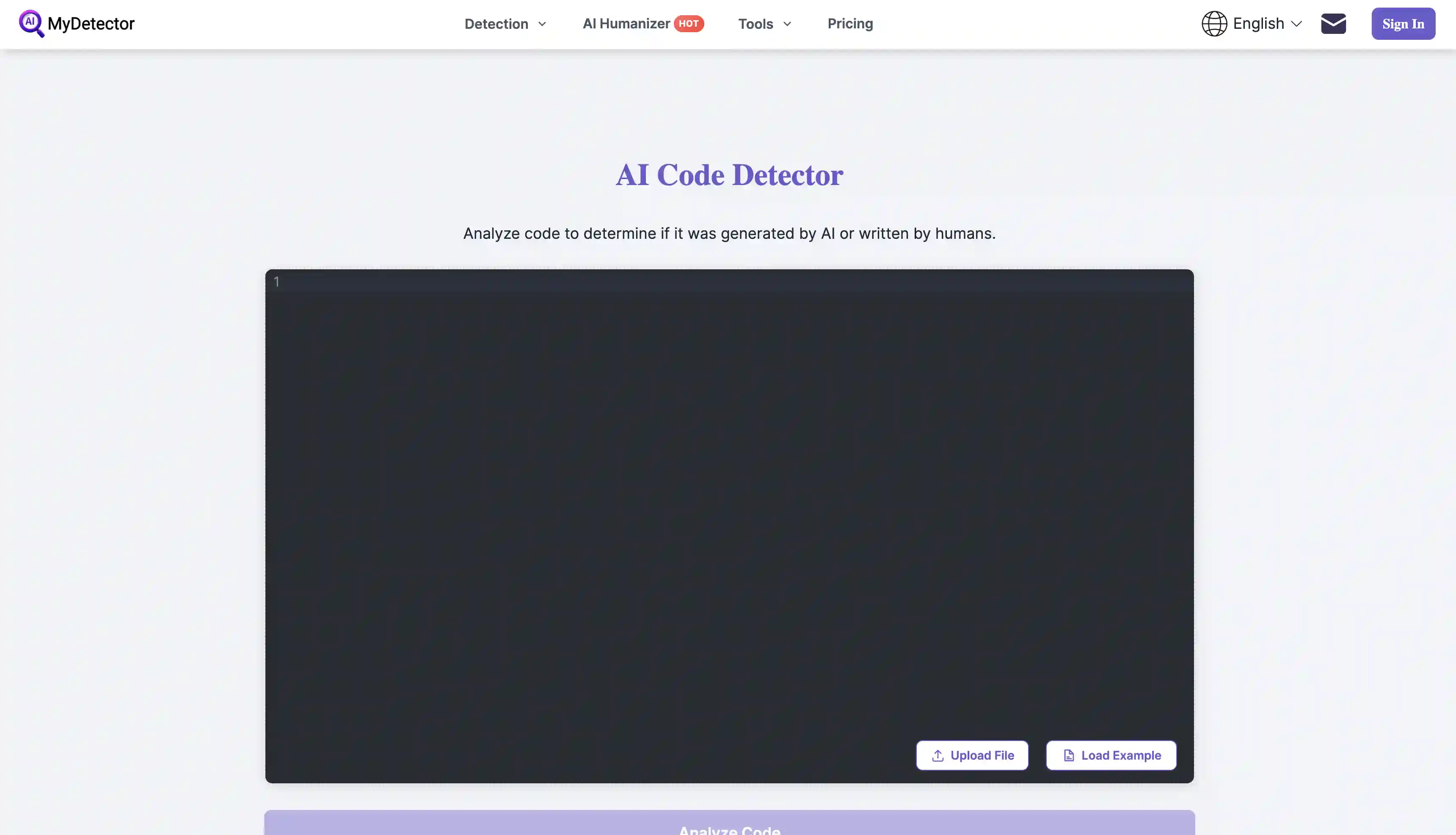
MyDetector has built its platform around detection tools of all kinds — text, image, and code — and the AI code detector fits into that broader toolkit.
The tool runs on a cloud-based pipeline that combines AI probability scoring with more traditional static analysis, so alongside the AI-or-human verdict you get a visual dashboard that breaks the code down across multiple dimensions and flags issues worth looking at. Claimed accuracy is around 95%.
The free tier covers essential features for individual developers, and the platform advertises CI/CD integration for teams that want to build detection into their review process.
Pros:
✅ Visual dashboard with multi-dimensional breakdowns
✅ Detects code from ChatGPT, Claude, Copilot, and other major LLMs
✅ CI/CD integration
Cons:
❌ Some useful features sit behind paid credits
❌ Reports are slightly verbose, giving more output than you usually need
Decopy AI Code Detector
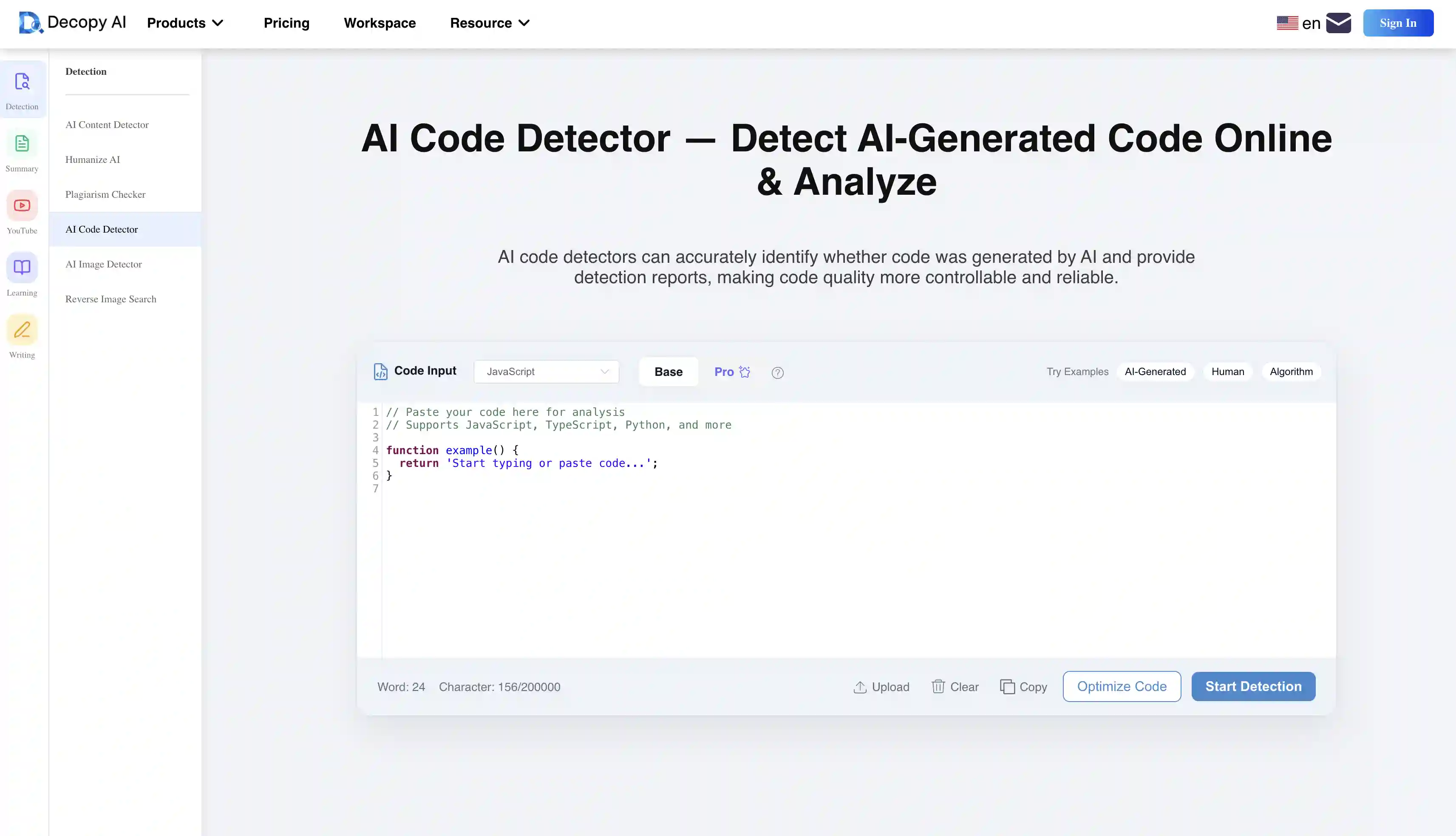
Decopy AI pairs its AI code detector with a set of code optimization and formatting features, so the same workflow that tells you whether code is AI-generated can also clean it up.
To use the tool:
Paste your code
pick the language from JavaScript, TypeScript, Python, Java, C++, Go, Rust, PHP, Ruby, or Swift
Hit Start Detection.
After processing the tool gives you a probability score, a breakdown of structural patterns, and highlighted segments the detector thinks are most suspicious. Alongside detection, there’s one-click code formatting, comment generation, and optimization suggestions, which is useful if you want to clean up the code.
Pros:
✅ Combines detection with formatting
✅ Highlights suspicious segments
Cons:
❌ The Pro detection tier is locked behind a paywall
❌ Accuracy is more variable than some other tools on this list
AICodeDetector
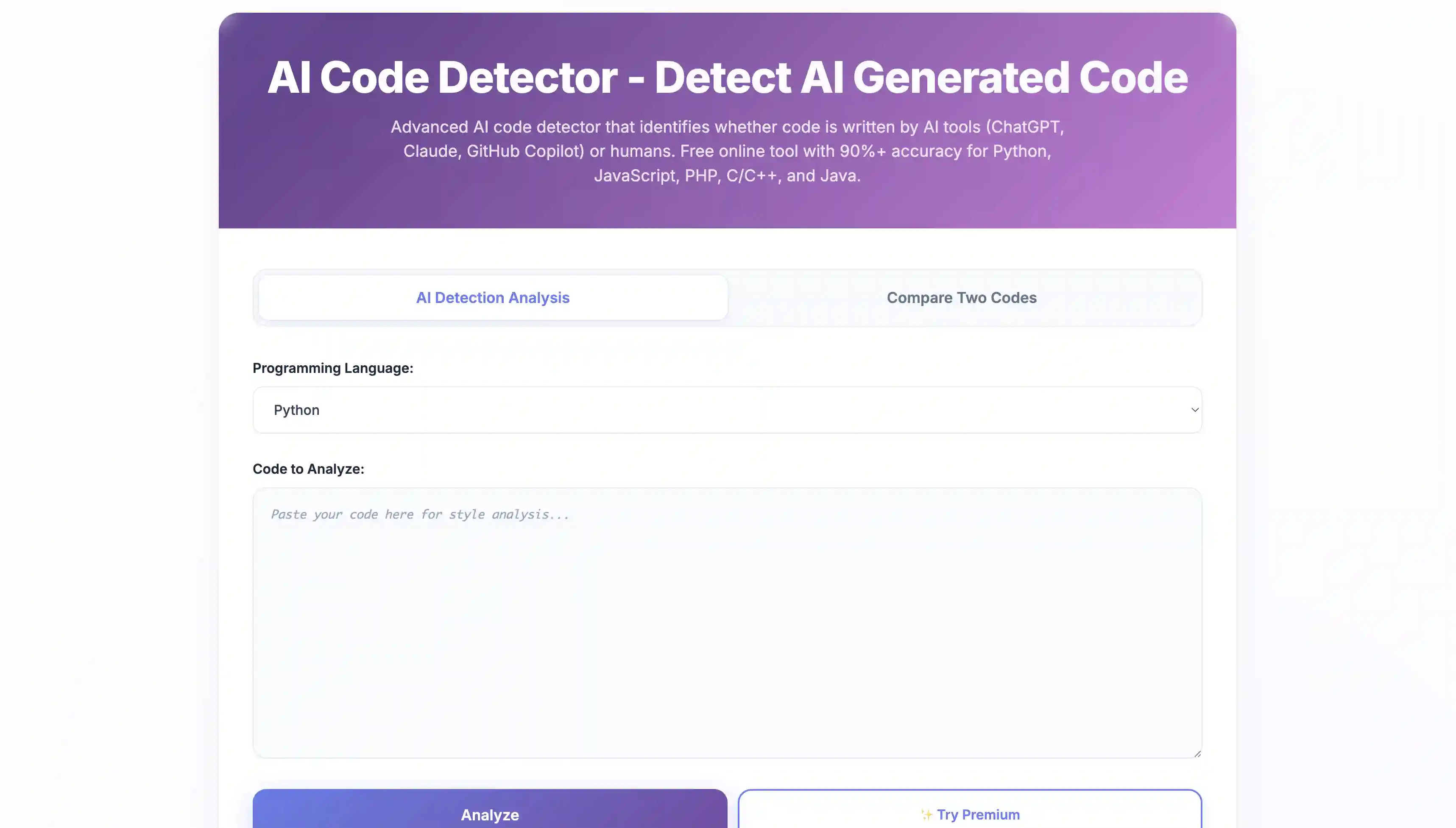
AICodeDetector a simple web tool with just one function: tell if a piece of code is AI-generated or human-written. It claims accuracy of over 90% across Python, JavaScript, PHP, Java, C, and C++.
The standout feature is what they call Compare Two Codes — this lets you paste a known human-written snippet alongside a suspicious one and run a side-by-side analysis.
There's a free tier and a Premium tier that adds file and repo uploads, SBOM exports (CycloneDX and SPDX), PDF and JSON reports, and CVE vulnerability flagging — a meaningful step up for anyone auditing codebases at scale.
Pros:
✅ Free for basic use
✅ You can compare two codes side by side
✅ Repo uploads, SBOM export, and CVE flagging
Cons:
❌ Fewer languages supported than Overchat or Decopy
❌ The interface looks dated compared
Span
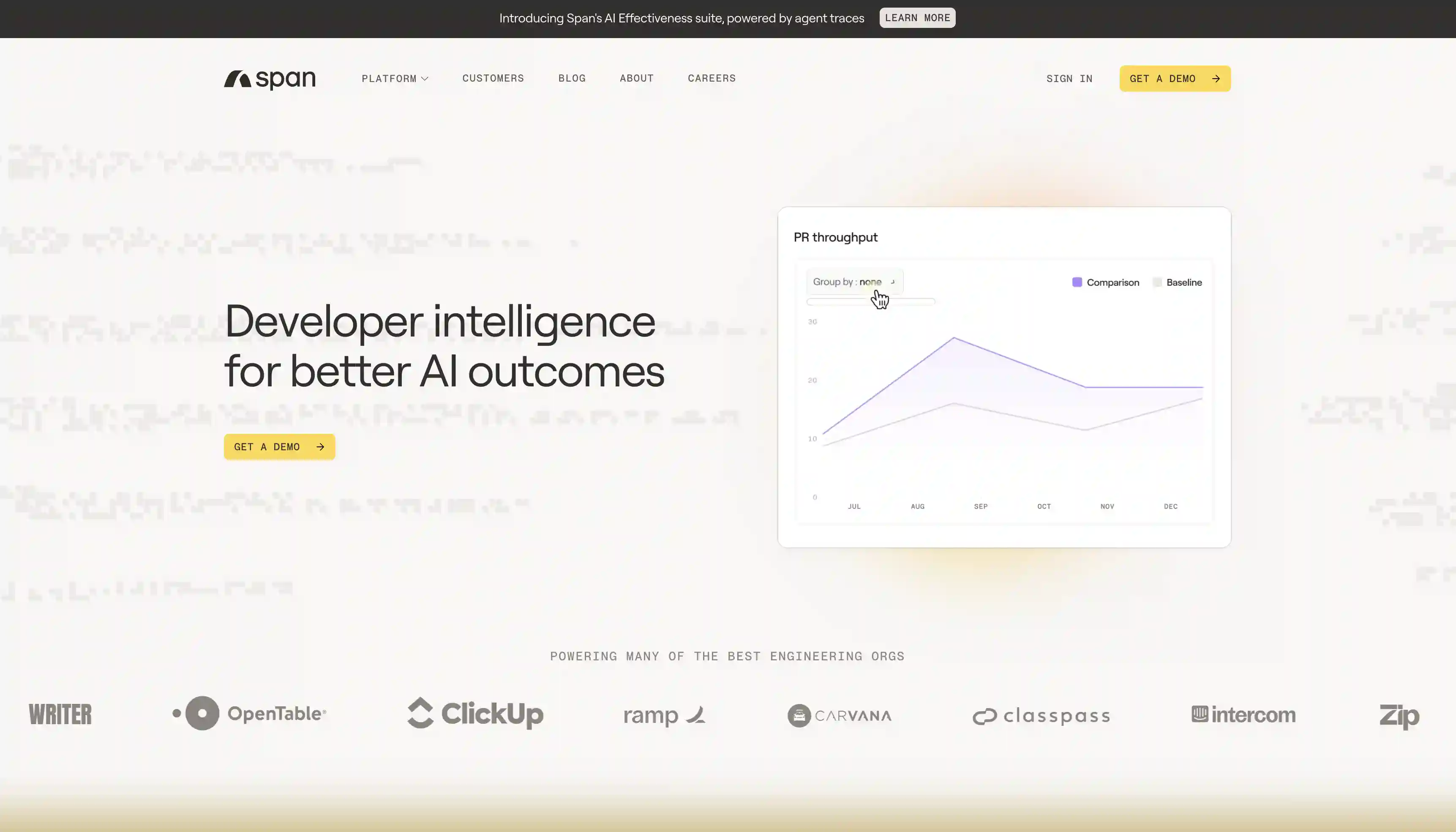
Span is the most serious tool on this list. It is an enterprise engineering intelligence platform designed for large companies that want to see how many of their employees use AI, how they use it and what impact it has on business outcomes.
Nevertheless, we felt it was worth adding Span to this list because it works completely differently from the other tools we’ve covered so far. It analyses all agent traces, including pull requests and commit-level data, across an entire engineering organisation. This allows it to provide a verifiable measure of the percentage of code that was generated by AI versus written by humans. This type of detection is based on artefact analysis rather than statistical analysis powered by LLMs, making it more accurate but requiring deep integration into your workflows.
Alongside the AI attribution layer, Span covers developer productivity metrics (DORA, cycle time, velocity), time categorization, developer experience surveys, and automated R&D cost capitalization. It's SOC 2 compliant, GDPR compliant, and supports SSO/SCIM and fine-grained RBAC.
Pros:
✅ Attribution works across an entire org
✅ The analysis results are tied to the analysis of logs, not snippet level analysis.
✅ Ties data to business outcomes
✅ Enterprise-grade security and deployment controls
Cons:
❌ Not a free tool
❌ Overkill for individual developers
❌ Needs integration with your repos and toolchain before it does anything
❌ Won’t work for “on the fly” analysis of isolated code snippets
AI detectors can achieve an accuracy rate of 90–99% or higher, but this depends heavily on the length of the code snippet and the type of code. For instance, it is very challenging to accurately attribute boilerplate and scaffolding code because, regardless of how it is generated, it is usually identical. Accuracy can also drop to 50% for snippets consisting of fewer than five lines of code. To maximise accuracy, it is best to paste at least 500 lines of code.
Are AI code detectors free?
Yes, 4 out of 5 AI detectors we’ve covered on this list offer a free tier, including Overchat AI. Span is the exception, as it’s enterprise-only.
Is it safe to paste proprietary code into an AI code detector?
Yes, generally, with reputable providers. However, if you're dealing with sensitive or proprietary code, check the privacy policy first to ensure that the tool performs client-side analysis and does not store submissions.
Bottom Line
AI code detectors have gone from a novelty to a genuinely useful category in under two years, as AI-generated code has moved from a curiosity to a majority share of new commits at many companies.
Key takeaways:
AI code detectors analyse factors such as perplexity, burstiness, style, naming, comments and structure in order to estimate whether a snippet was written by a human or an AI assistant.
These tools typically provide a score between 0 and 100.
However, they can produce false positives, so it is always advisable to review the score manually before making important decisions.
AI code detectors are most useful for hiring, freelance reviews and checking student or freelance submissions.
Overchat AI is the best AI code detector for students, individual developers, and small teams because it is fast, free, and accurate, and no sign-up is required.