I like to think I have pretty good taste in music — my playlist is mostly ‘60s and ‘70s classic rock: Led Zeppelin, The Beatles, early Journey — that kind of thing. For some reason, anything that came after the ’90s usually doesn’t do much for me, unless it’s the occasional punk rock track. So you can imagine my surprise when I caught myself bobbing my head to a rock anthem made by… the Overchat AI song generator.
The harmonies were there, the channel separation, there was a rhythm guitar in the right channel, a solo lead in the left, screaming vocals — it was all there. And I genuinely couldn’t believe it had been generated by an AI in 30 seconds.
That experience sent me on a mission: to find the best AI sound generators currently on the internet. The result of that research is what this article is all about, so let’s get started.
AI song generators are online tools that turn lyrics — or even plain text — into fully produced songs with vocals.
Some generators create complete tracks with vocals and backing instrumentals, like Suno, Udio, ElevenLabs Music, and Overchat AI, while others only generate instrumental scores. For this article, we’re focusing on the former.
A few things to look out for in a good song generator are whether it gives you royalty-free tracks, outputs audio in high enough fidelity (44.1 kHz WAV is usually preferred), and supports controls beyond just lyric input. These usually include section tags that let you guide the composition (more on that later), custom BPM settings, and stem exports.
Overchat AI is the best song generator on the market. It gives you easy access to some of the best AI music models through a simple web UI, with support for tags, BPM settings, and an easy-to-use genre selector.
How do AI Song Generators Work
But before we look at specific tools in more detail, it’s worth quickly going over the mechanics behind AI song generators. So how do these tools work? Modern AI music tools typically rely on a combination of:
Large language models (LLMs) for understanding prompts and lyrics
Audio diffusion models for generating sound
Neural audio codecs for improving fidelity and compression
Most high-end AI song generators today work in one of two ways:
1. Prompt-to-Song Generation
In this method, you describe the type of song you want in plain text and the AI creates a complete track automatically. Sample descriptions might sound like:
1980s synth-pop with female vocals
Heavy blues rock inspired by Led Zeppelin
Stadium anthem with high male vocals
Note that in a prompt-to-song scenario you don’t provide the lyrics — the AI writes them during the generation. Naturally, the more descriptive you are the better the result. The examples we gave above are just for illustrative purposes: be more descriptive in your real prompts.
2. Lyrics-to-Song Generation
Instead of only describing the song, you provide full lyrics, and the AI turns them into a sung performance with instrumentation. In Overchat AI, for example, you can not only add lyrics but also control how they’re sung with support section tags, which give you more control over the composition. For example:
[Intro]
[Verse]
[Pre-Chorus]
[Chorus]
[Guitar Solo]
[Bridge]
[Outro]
Using tags like these lets you shape how the AI structures the song. At that point, you’re basically directing the entire composition yourself — creating an original track, just with a different kind of tool than a traditional DAW.
Why Use an AI Song Generator
AI song generators offer several advantages over traditional methods of music creation, whether that's through digital software or by recording a band performing and playing instruments in person.
Speed. AI song generators compress the entire workflow into writing a prompt and a 30-second render, saving you many hours.
Easy of use. You can create professional sounding music even if you don’t know how to play an instrument or perform.
Versatility. You can generate entire songs as a one man band even if you know just one instrument.
Low cost. These tools are either free or come with a relatively inexpensive subscription ($10–$30/month), and give you royalty-free tracks.
The Best AI Song Generators Compared
After testing over 15 tools, I’ve compiled a shortlist of the ones that impressed me the most, and I’m breaking them down below.
Platform
I liked it for
Free Plan?
Overchat AI
Free, no signup, full song with vocals + BPM + section tags, bundled with 100+ AI tools
✅
Suno
Best vocal quality, mature ecosystem
✅
Udio
Strong instrumental fidelity, segment-based control
✅
ElevenLabs Music
44.1 kHz studio output, fully licensed training data, integrates with ElevenLabs voice tools
✅
Let’s break each one in more detail.
Overchat AI
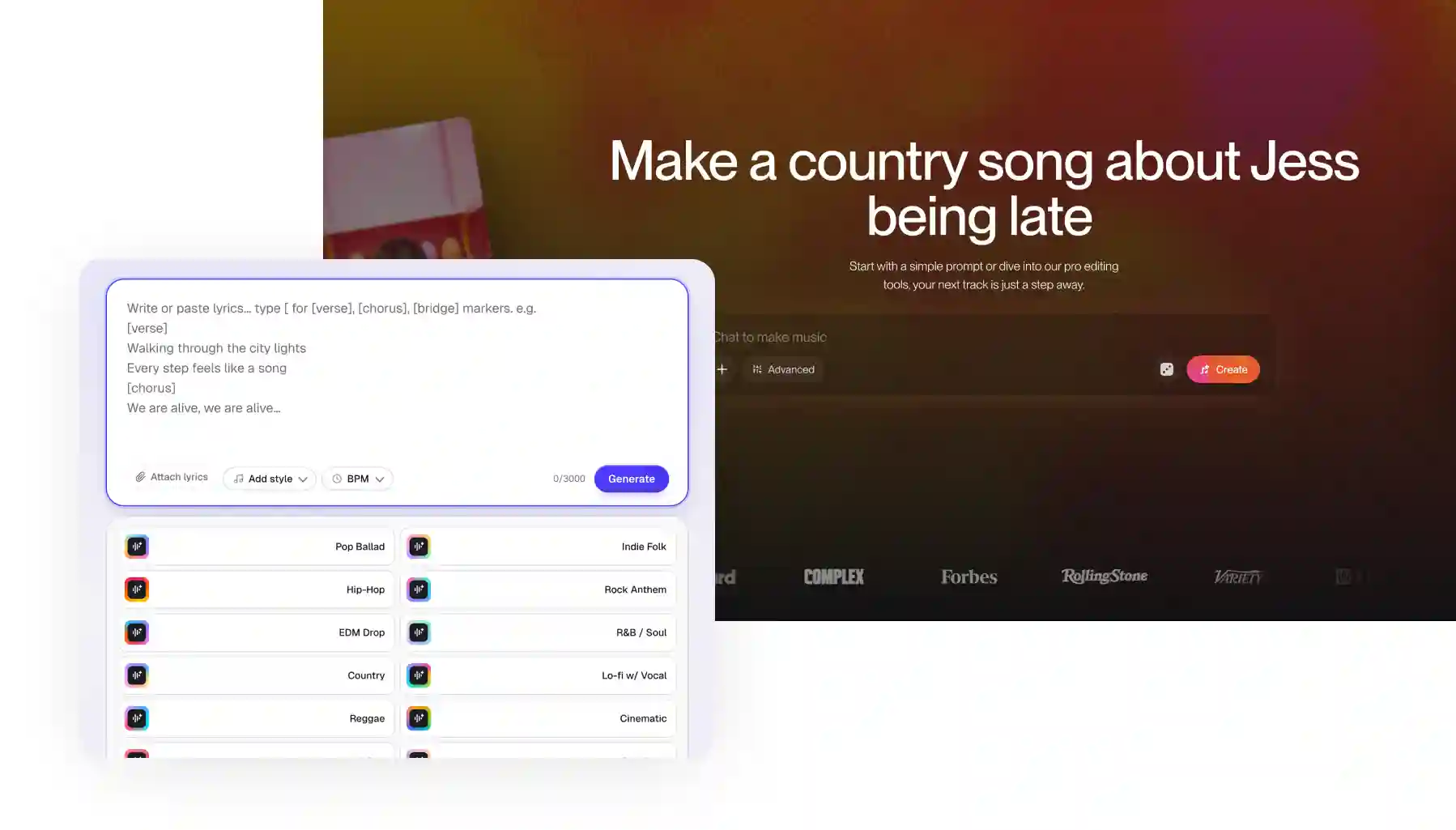
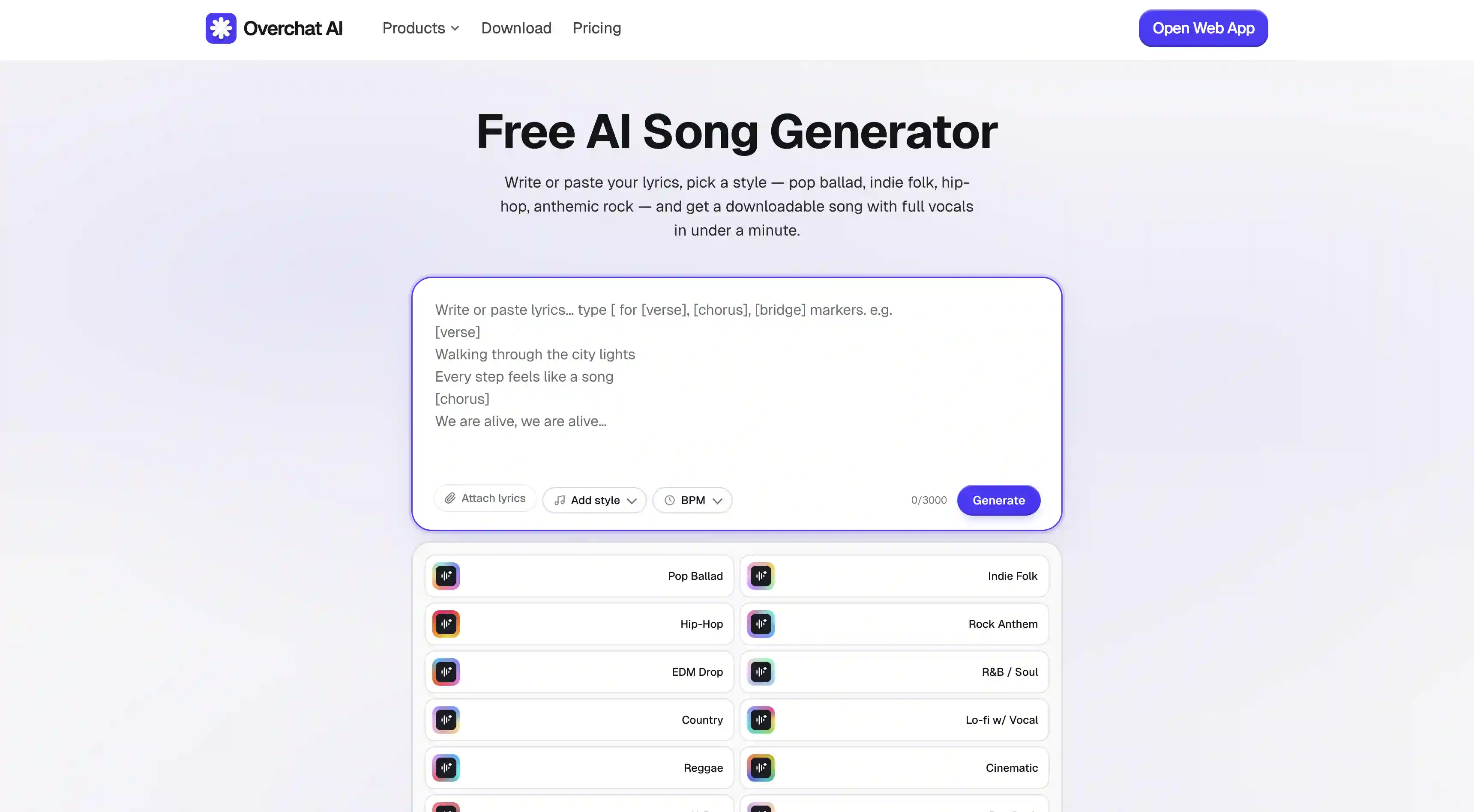
Overchat AI's Song Generator allows you to create a full track with sung vocals from your own lyrics. It can create pop ballads, indie folk, hip-hop, EDM, R&B, country, K-pop, lo-fi, reggae, cinematic, pop-punk — and more.
To use it is very simple:
Paste or write your lyrics
Add a style description (genre, mood, era)
Set a BPM if you want one
Use section tags ([Verse], [Chorus], [Bridge], [Hook]) to control structure
Hit generate
That’s it!
Overchat AI song generator is part of a broader all-in-one AI platform, which gives you access to the world’s leading AI models across sound, video, and image-generation. Overchat AI works with the leading AI providers like Claude, OpenAI, Google Gemini, and Grok.
Pros:
✅ Supports BPM control and section tags like [Verse], [Chorus], [Bridge], [Hook], [Pre-Chorus]
✅ Bundled with 100+ other AI tools in one subscription
✅ Works on web and mobile on both iOS and Android
Suno
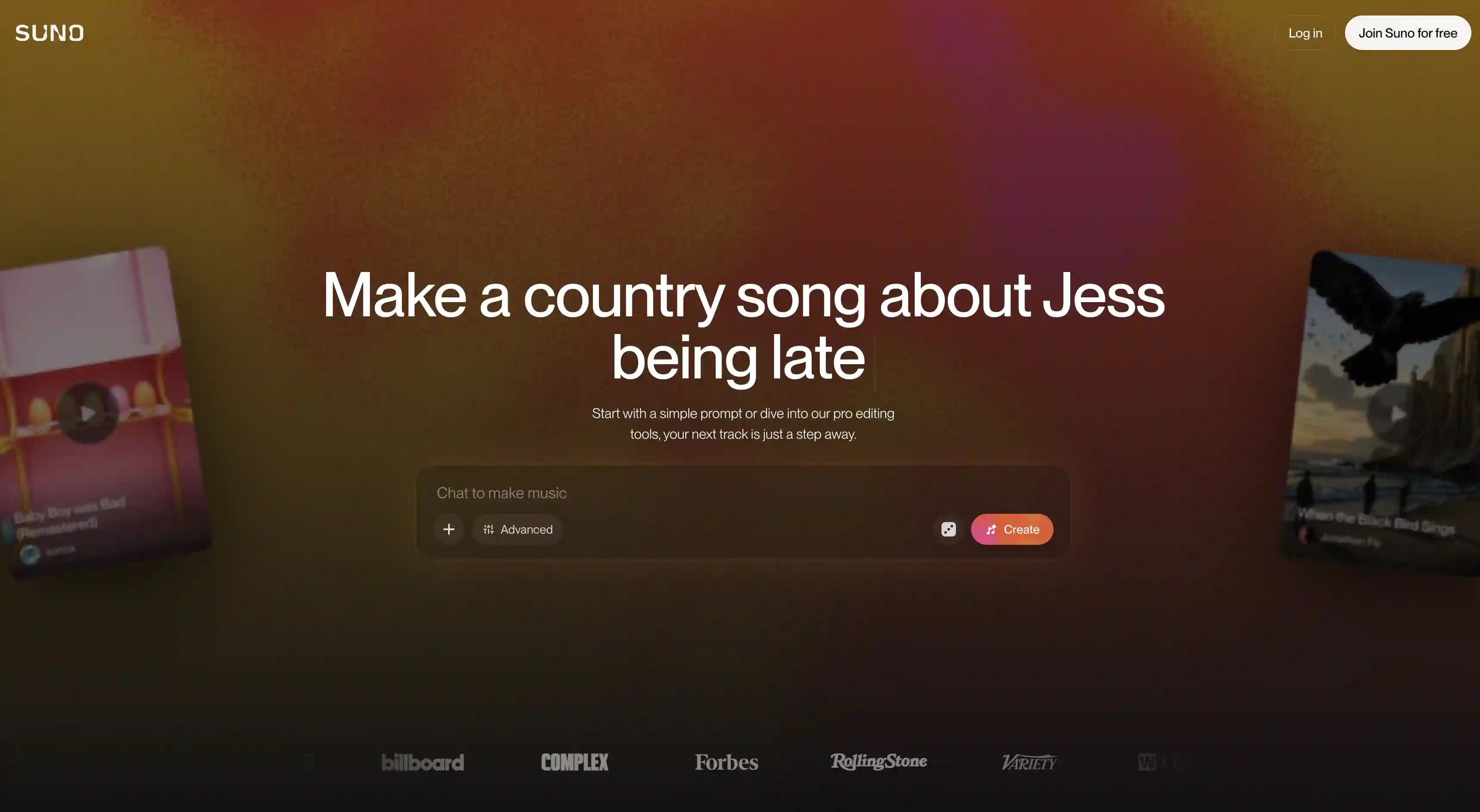
Suno is arguably the world's most well-known AI song generator. It’s a behemoth of a company, with a valuation of $2.45 billion and around $300 million in annualised revenue. It is used by roughly two million people and features a proprietary V5 model that is widely considered to be the strongest vocal generator in the field.
With Suno, you can either write your own lyrics or have the model generate them for you, and you will receive a 44.1 kHz lossless track.
The free plan gives you 50 credits per day, covering around 10 songs, but uses an older V4.5 engine without commercial rights. The Pro plan costs $10 (£8) per month or $8 (£6) per year and includes 2,500 credits, V5 access and commercial rights. The Premier plan costs $30 per month ($24 per year) and includes 10,000 credits, Suno Studio (a built-in DAW) and stem separation for up to 12 tracks.
Pros:
✅ Very good vocal quality
✅ Mature ecosystem — mobile apps, Suno Studio DAW, stems, extend, remix
✅ V5 model outputs at 44.1 kHz studio quality
Cons:
❌ Free plan locked to V4.5 (no V5 access)
❌ No retroactive commercial rights
❌ Credits don't roll over
Udio
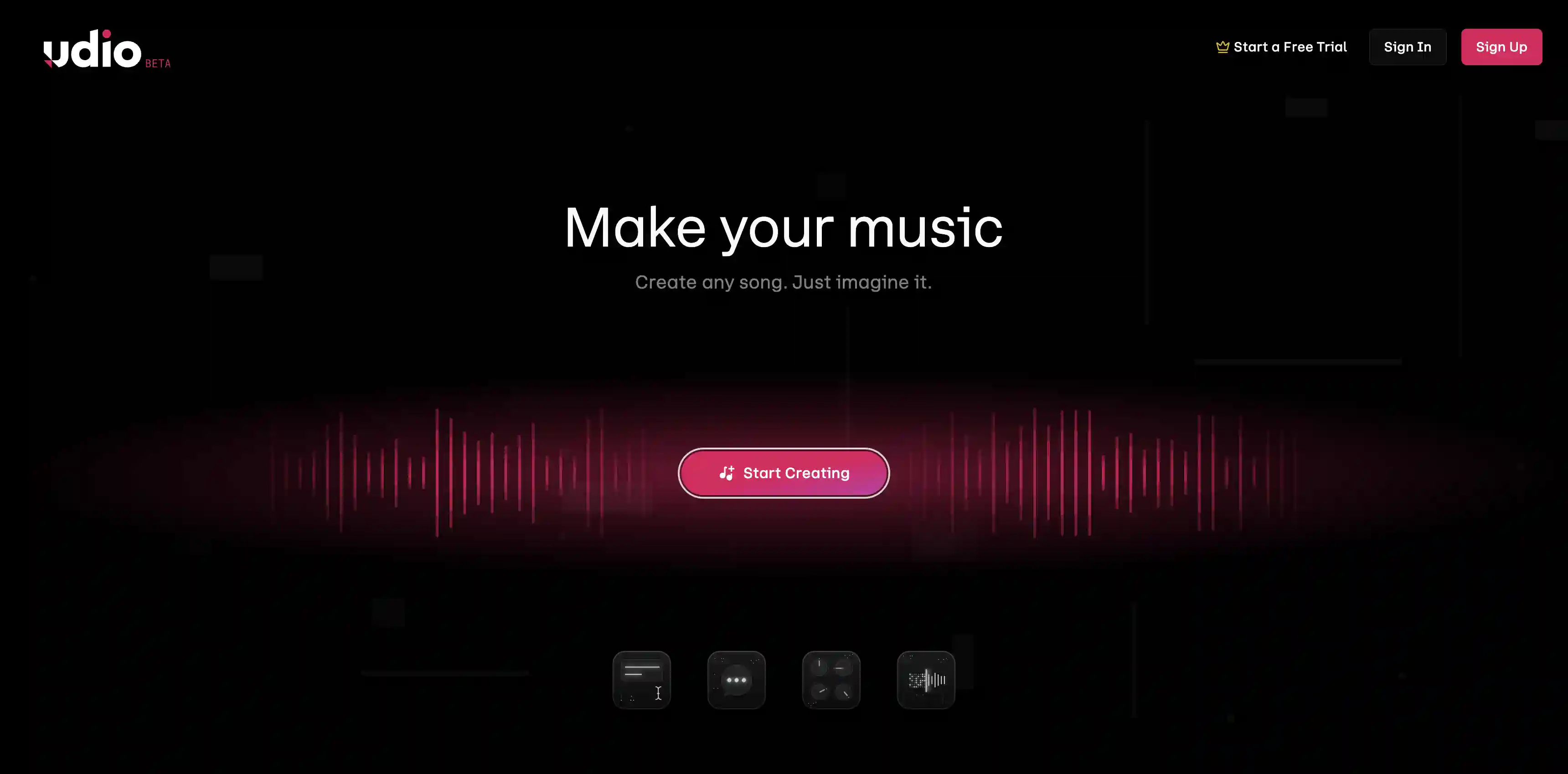
Udio is often cited as Suno's closest direct competitor. The platform has a curated Style Library, supports style blending (combining multiple genre references), and uses a segment-based generation workflow — you can build a song piece by piece rather than re-rolling the whole thing.
The Free plan gives you 10 credits per day plus 100 monthly credits, which is enough to experiment but caps you on full-length songs and high-quality downloads. Standard is $10/month for 1,200 credits — at 2 credits per song, that's roughly 600 songs, around $0.017 per song. Pro is $30/month for 4,800 credits (about 2,400 songs, $0.0125 per song) and includes bulk downloads.
Quality-wise, Udio is genuinely competitive with Suno and Overchat AI, but vocals are slightly behind on expressiveness.
Pros:
✅ Strong instrumental quality, especially for rock and electronic
✅ More songs per dollar than Suno at the entry tier
✅ Style Library and style blending give real creative depth
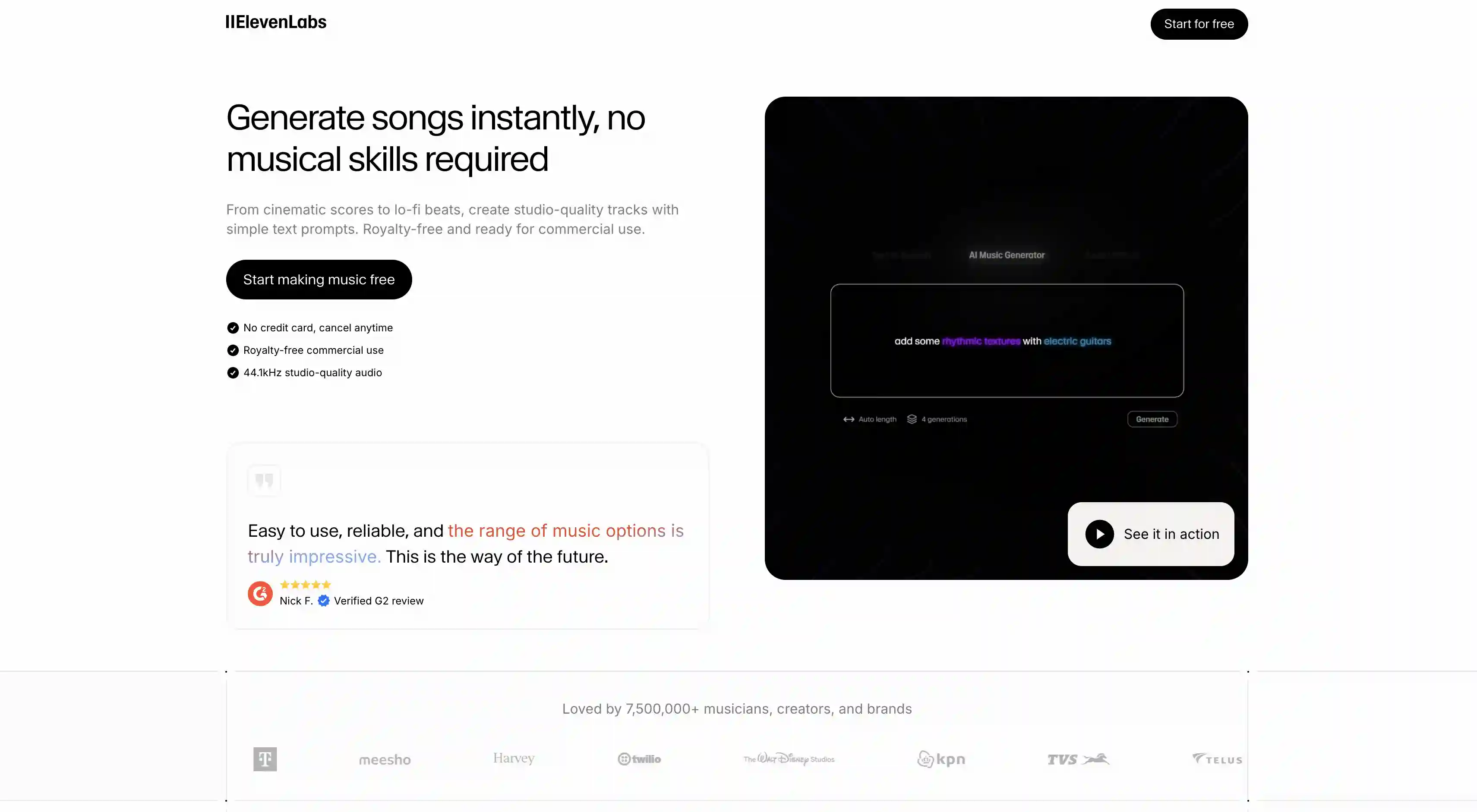
ElevenLabs Music launched in 2025 and built on top of ElevenLabs' existing voice AI infrastructure. It’s a best fit for content creators who already use ElevenLabs for voiceover and want music in the same workflow, and it leans hard on a fully licensed training dataset.
The technical specs are strong. ElevenLabs Music outputs at 44.1 kHz MP3 (128–192 kbps), supports structure editing, multilingual vocals, and lyric editing, and is trained exclusively on licensed data. ElevenLabs has paid out $11M+ to voice creators to date through their opt-in marketplace, and the music product follows the same licensing model.
The Free plan gives you 10,000 credits per month (covering Text-to-Speech, Music, SFX, Studio, and dubbing) but no commercial license and watermarked output. Starter is $5/month with 30,000 credits and full commercial rights including for music. Creator is $22/month with professional voice cloning and significantly higher credit allowances. Pro is $99/month with 44.1 kHz PCM via API and 500,000 credits — the studio-grade tier.
Where ElevenLabs Music makes the most sense is if you're already a voice or content creator on the platform. The integration with their TTS, voice cloning, and dubbing tools means you can produce a complete podcast or video — voiceover, music, sound effects — in one place under one subscription.
Pros:
✅ Studio-grade 44.1 kHz output
✅ Trained on fully licensed data
✅ Integrates with ElevenLabs voice cloning, TTS, and dubbing
✅ Supports structure and lyric editing, multilingual vocals
Cons:
❌ Music feature is one piece of a broader (and pricier) suite
❌ Fewer producer-oriented features than Udio
❌ Premium pricing on higher tiers ($99/month for Pro)
How to Use AI Song Generators?
The tools I covered above are some of the best available online, but even the strongest AI music generators can produce bad results if you use them the wrong way.
A few simple workflow mistakes can ruin a track, while following the right approach can make the output surprisingly good. So before diving in, I wanted to go over a few basics on how to use these tools effectively.
Give AI some context. Music is built around emotion and meaning. Technical details like genre, instruments, tempo, era, and production style help guide the AI, but they’re only part of the picture. The most important thing is giving the model emotional context: what the song is about, who’s singing it, what they’re feeling, and the atmosphere you want to create.
You can be very freeform with prompts, and the more personal context and storytelling you include, the less generic the result feels. That’s what turns an AI-generated track into something that actually feels like your own creative expression.
❌ "Pop song about love"
✅ "A driving synth-pop track at 120 BPM with a warm analog bassline and punchy drums, about a long-distance relationship slowly drifting apart. Male vocals, pensive and slightly hopeful, 80s new wave production style."
Use section tags to control structure. All four tools support tags like [Verse], [Pre-Chorus], [Chorus], [Bridge], [Hook], [Outro], and [Instrumental]. You place them directly into the lyrics, and the model uses them to shape the song’s structure, pacing, and energy.
Set a BPM. Most genres have a sweet spot — house at 120-128 BPM, hip-hop at 80-100, ballads at 60-80, drum and bass at 170-180. Specifying tempo gives you more.
Frequently Asked Questions (FAQ)
What is the best AI song generator?
Overchat AI is one of the best free AI song generators available right now. It gives you access to leading music-generation models through a simple web interface, includes full commercial rights even on the free tier — which most competitors don’t offer — and comes with advanced controls like structure tags, BPM settings, and multiple generation models so you can compare different sounds and styles.
Are AI-generated songs copyrighted?
This is a contested area. The US Copyright Office has stated that purely AI-generated works cannot be copyrighted. However, if you write the lyrics yourself and significantly modify the audio (e.g., by remixing stems), you may be able to claim copyright on the human-created elements. Commercial-use rights granted by the platform (Overchat AI always gives them, Suno only on Pro, Udio Standard, ElevenLabs Starter and above) let you monetize the output, but they're not the same as copyright ownership.
Can AI song generators clone my voice?
Mostly not. AI voice cloning does exist and it works reliably for spoken content, but not yet for sung performances. That being said, this area is actively developing. Suno, for example, launched a "Voices" feature in March 2026 that does voice-influenced generation. It requires up to 4 minutes of audio, but the reviews are mixed on how convincing the result sounds.
How long can AI-generated songs be?
Most platforms cap individual generations at 2 to 4 minutes. Suno V5 generates up to about 4 minutes per pass, and you can use the Extend function to add more, for example.
Are AI songs detectable?
Increasingly, yes. AI music detectors exist (including Overchat AI's own AI Music Detector), and platforms like Spotify, Deezer, and SoundCloud are rolling out their own detection. If you're planning to distribute AI-generated music to streaming platforms, check each platform's policy on AI music — most allow it but require disclosure.
Bottom Line
By now, you’ve probably seen hundreds of AI-generated videos and images, and there’s usually something about them that immediately gives them away as AI-made. Even the best video generators still have that effect, though image models are getting better at hiding it.
Music is different. AI is genuinely good at generating music, especially on the four platforms we covered here. The results can sound surprisingly polished, emotional, and production-ready when used correctly. With that in mind, here are the most important takeaways:
AI generated music genuinely sounds awesome.
AI song generators run two models in sequence: a language model that handles lyrics and structure, and a diffusion model that generates the audio waveform.
You receive the song as one mixed file. You can't edit individual instruments after the fact.
As with all AI tools, the quality of the prompt is very important. A good prompt provides technical data as well as emotional context, such as what the song is about, who's singing and the atmosphere.
44.1 kHz output, royalty-free licensing, BPM control, section tags, and stem exports are the features that separate a serious tool from a toy. Check for them before committing to a paid plan.
Among the four tools we covered, Overchat AI is the only one that gives you commercial rights on the free tier, with no signup required. That alone makes it the easiest place to start.