
AI Santa Video
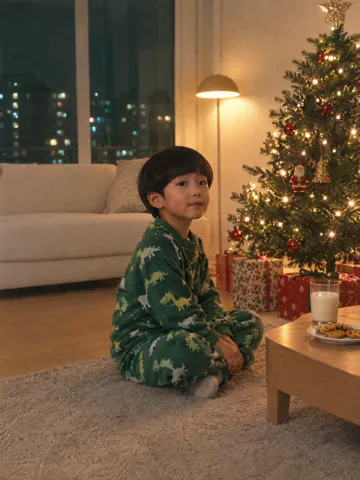
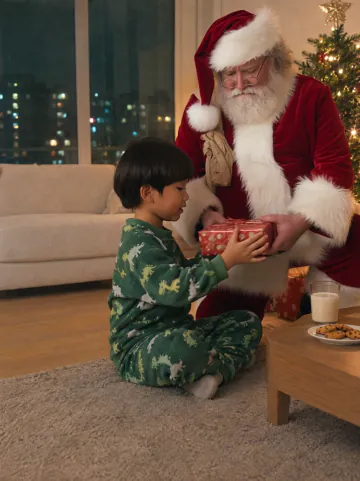
Take a photo of your living room or the kids by the tree, pick what Santa does and watch him walk into that room in a 6-second video


 Veo
 Seedance
 Grok Imagine
 Kling
 Flux
 Wan
 Hailuo
 PixVerse
Ways to use your AI Santa video
A home camera clip for the kids, a Christmas morning surprise or a visit to grandpa
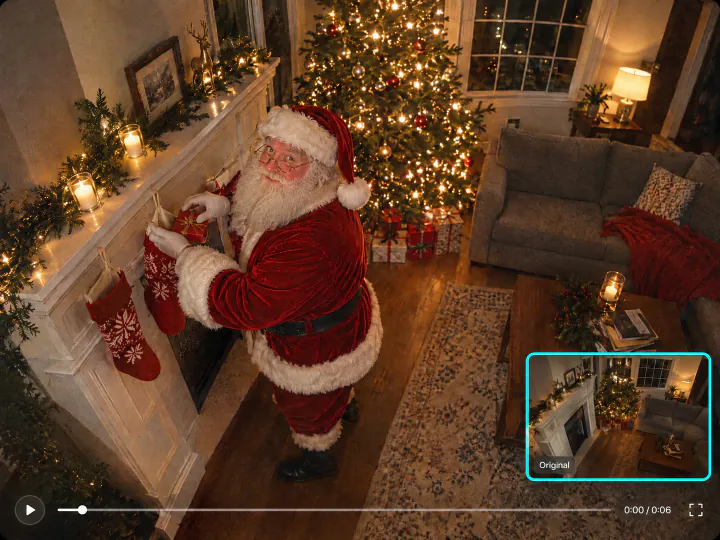
Catch Santa on your home camera
Upload a still from your indoor camera or a photo of the room on Christmas Eve. Santa walks in and leaves presents under the tree or in the stockings, and the camera stays as still as a real home camera, so the clip looks like real footage
Try it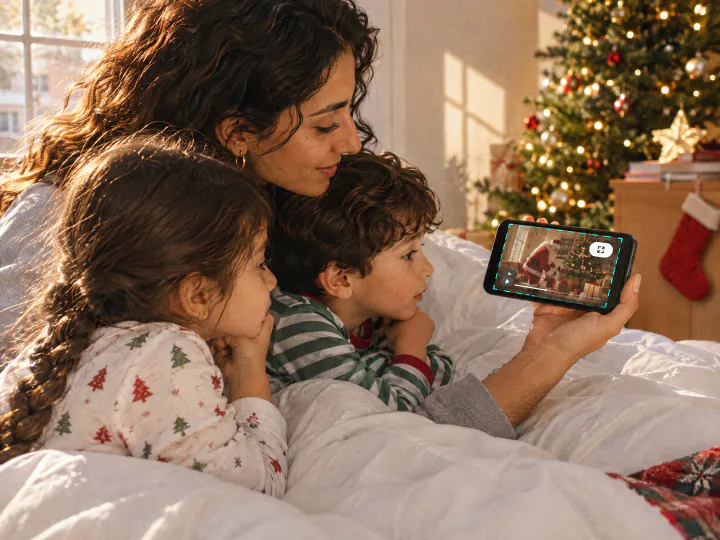
Show the kids on Christmas morning
Play the video when they wake up, and they see Santa in their own living room, by their own tree, next to the cookies they left out. Download it and send it to the grandparents too
Try it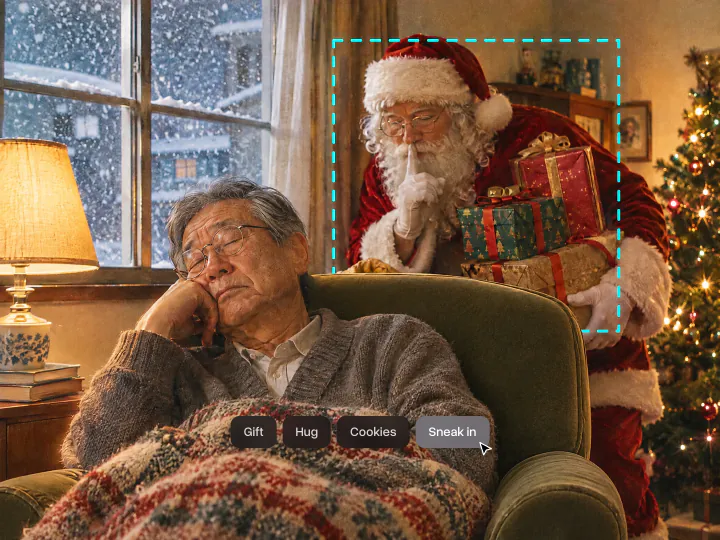
Choose what Santa does
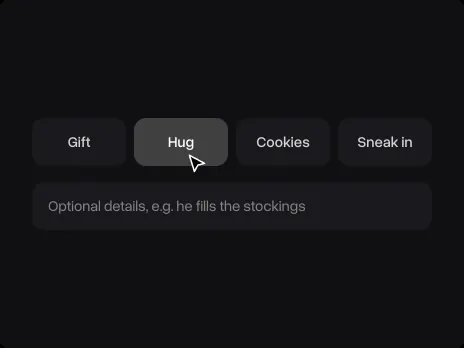
Gift, Hug, Cookies or Sneak in sets the scene. A line in the details field adds your own touch, like he fills the stockings or he waves at the dog
Try itWhy make your AI Santa video with Overchat AI
Your room, your people
Faces, clothes, the tree and the furniture stay as they are in the photo. Only Santa is new
A Santa who looks real
Red velvet suit, white beard and round glasses, lit by the lights of your room and at the right size for it
Four scenes
Gift, Hug, Cookies and Sneak in, plus your own details
A 6-second video
Ready in a couple of minutes, to download and send to the family chat
Any home photo
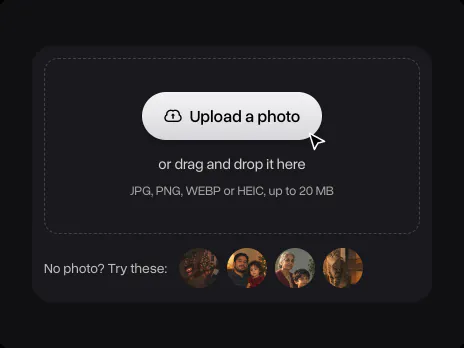
Phone photos, home camera stills, family pictures and pets in JPG, PNG, WEBP or HEIC up to 20 MB
Online, on any device
Runs in the browser on a phone or a computer, with nothing to install
How to make an AI Santa video
Pick a scene, add a photo and get the video
- 01
Pick a scene
Choose Gift, Hug, Cookies or Sneak in. For something else, add a line in the details field, like he fills the stockings
- 02
Upload a photo
A photo of your living room, your kids, the whole family or a pet. No photo at hand? Try one of the samples. It opens in Overchat AI with the scene you picked
- 03
Get the video
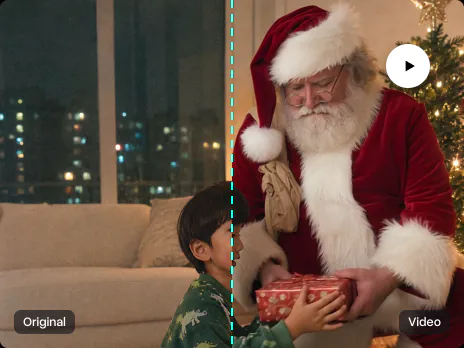
Sign in to Overchat AI and get a 6-second video in a couple of minutes, then download it
Explore More AI Tools
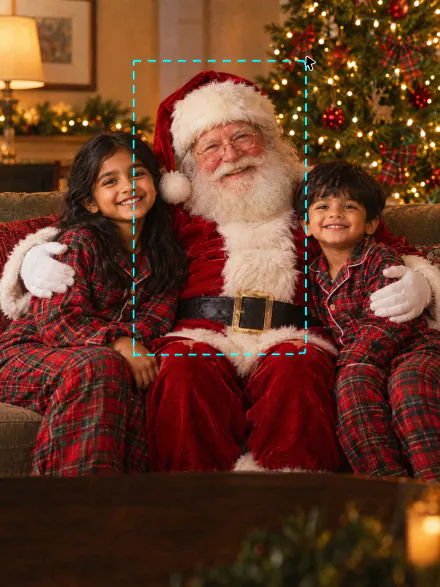
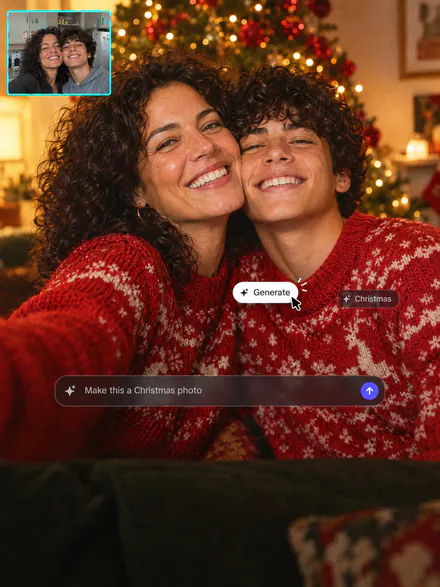
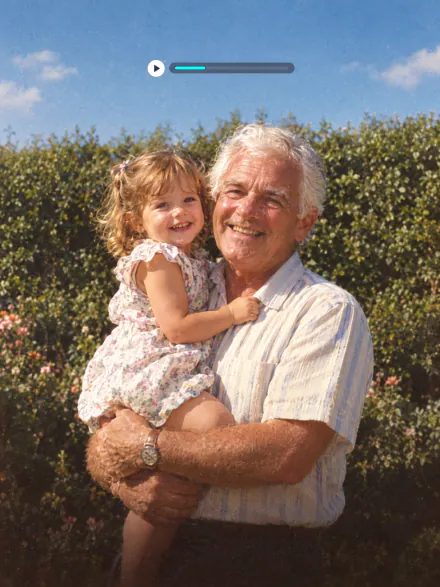
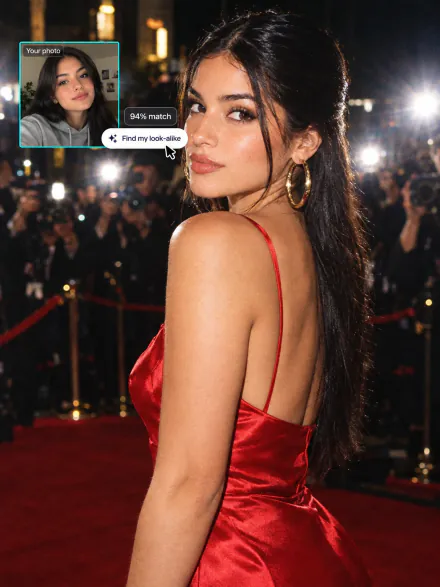
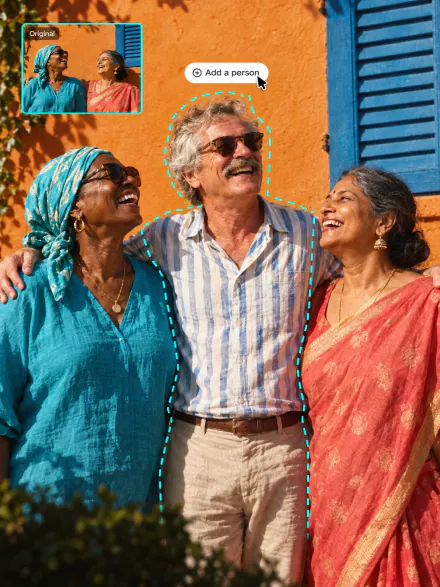
Put Santa in a still photo, make a Christmas photo of the family or bring an old photo to life. Every tool runs on the same subscription
AI Santa Video FAQ
If you have any questions,
reach out to us at hello@overchat.ai
Uploading a photo and picking a scene is free. Making the video uses credits, which come with an Overchat AI plan along with every other AI tool
Take a photo of the room with the tree, upload it on this page and pick a scene. Santa walks into that exact room in the video, at the right size and in the room's own light
Yes. Take a screenshot of the camera view in its app and upload it. The camera stays fixed in the video, so Santa looks like he was caught on real footage
Yes. With people in the photo, pick Gift or Hug, and Santa walks over to them and hands them a present or hugs them. Their faces, hair and clothes stay as they are
No. Santa doesn't speak or say names. He hands over a present, gives a hug, eats the cookies or leaves presents under the tree
Six seconds. It's ready in a couple of minutes and you can download it
A sharp photo of the room taken from standing height, with the tree in view and some open floor where Santa can walk in. With people in it, their faces should be clear and not too small
No. The page and Overchat AI run in the browser on a phone or a computer, with nothing to install
Yes, you need an Overchat AI account to make the video. Sign in with Google or Apple after you upload. Your photo and scene carry over, so you don't upload anything twice


