
AI Christmas Dance Video Maker
Upload one photo of yourself or your pet, pick a dance and get a 6-second video: an elf in Santa's workshop, Santa in the snow, the pajama dance or a party by the tree
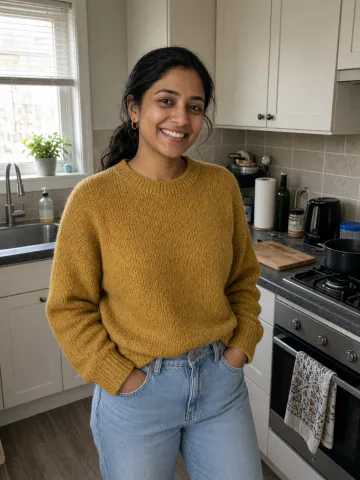


 Veo
 Seedance
 Grok Imagine
 Kling
 Flux
 Wan
 Hailuo
 PixVerse
Make an AI Christmas dance video with your face
For Reels and TikTok, a Christmas card that moves or the family chat
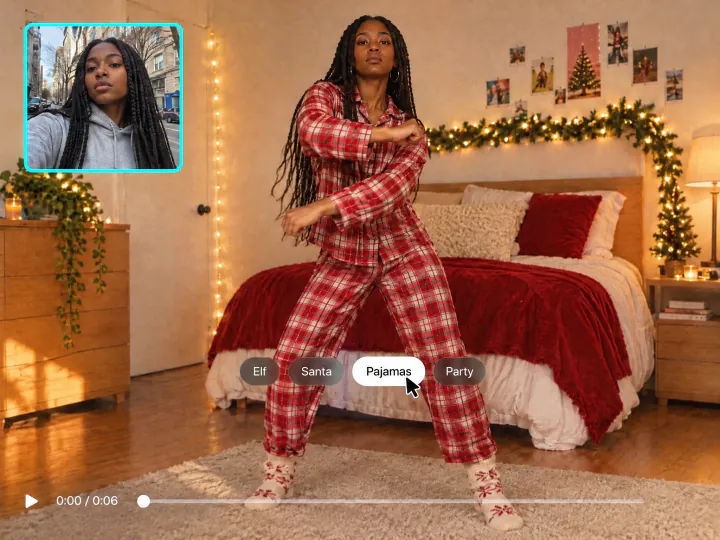
Elf, Santa, pajama or party dance
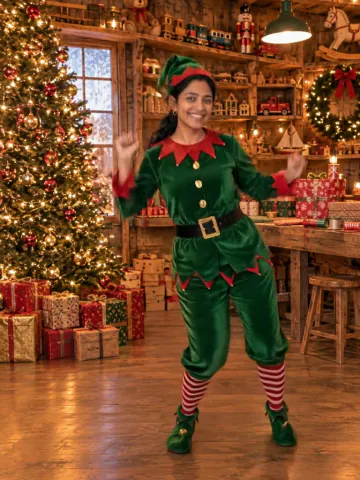
Pick a dance and the outfit and the place come with it: an elf costume in Santa's workshop, a Santa suit in a snowy yard, plaid pajamas for the TikTok pajama dance or your own clothes with a Santa hat by the tree. Your face stays the same in every move
Try it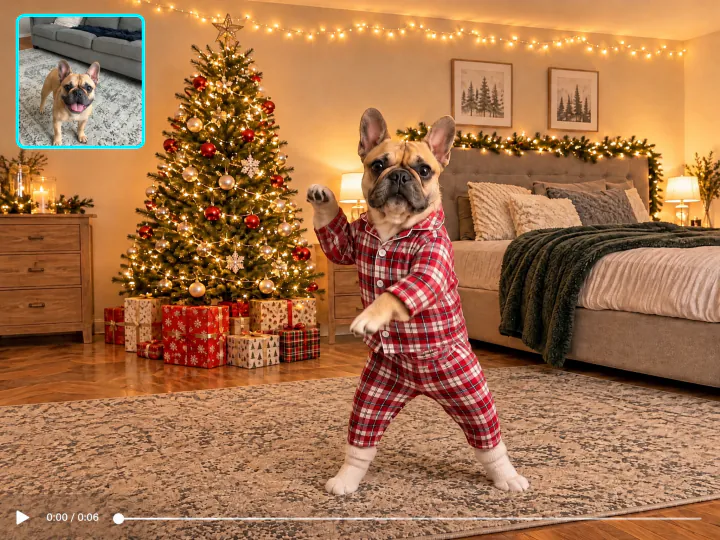
Make your dog or cat dance for Christmas
Upload a photo of your pet and it gets up on its hind legs and dances in Christmas pajamas, an elf costume or a Santa suit. A photo with the whole pet in the frame works best
Try it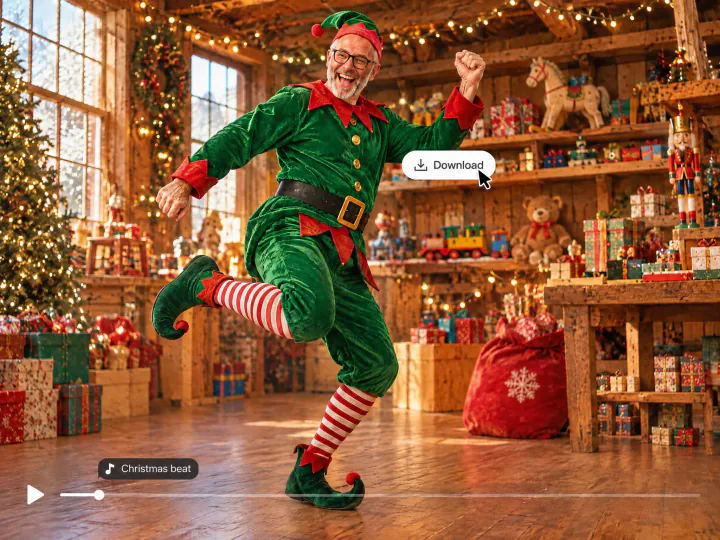
A Christmas beat in every video
Every video comes with an upbeat Christmas tune, so you can post it as it is. To dance to a song you like, add it in TikTok, Instagram or CapCut. The video is vertical and 6 seconds long
Try itWhy make your AI Christmas dance with Overchat AI
Your face in every move
The video keeps your face, hair and smile from the photo
Four dances
Elf, Santa, Pajamas and Party, each with its own outfit and place
Pets dance too
Dogs and cats dance on their hind legs in Christmas outfits
Christmas beat
An upbeat Christmas tune plays in every video
6 seconds, vertical
A 9:16 video for TikTok, Reels and Stories
Any photo
A selfie, a full-length photo or a photo of your pet in JPG, PNG, WEBP or HEIC up to 20 MB
How to make an AI Christmas dance video
Three steps, starting right on this page
- 01
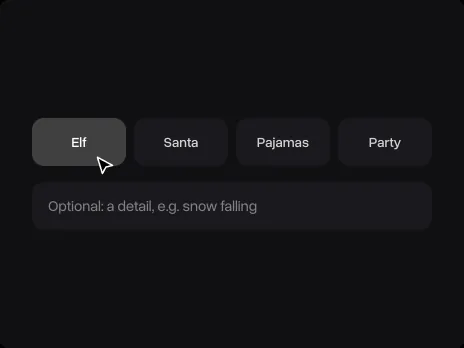
Pick a dance
Choose Elf, Santa, Pajamas or Party. Add a detail if you like, for example snow falling
- 02
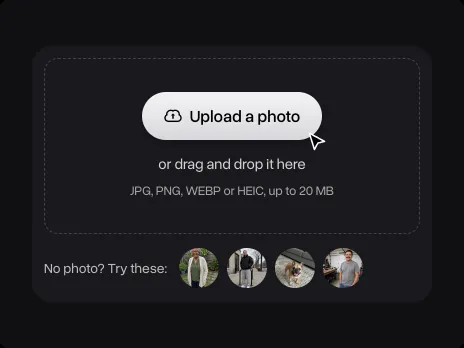
Upload a photo
Upload a photo of yourself, a friend or your pet, or try a sample. The photo opens in Overchat AI with your dance ready
- 03
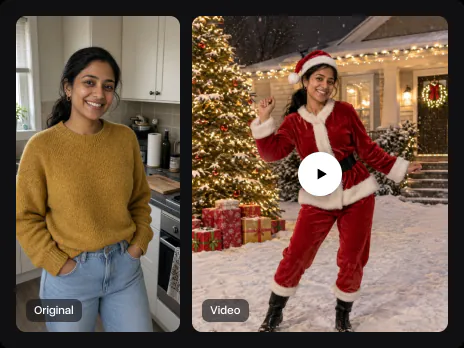
Get your video
Sign in to Overchat AI and get a 6-second dance video in two or three minutes. Then download it or post it
Explore More AI Tools
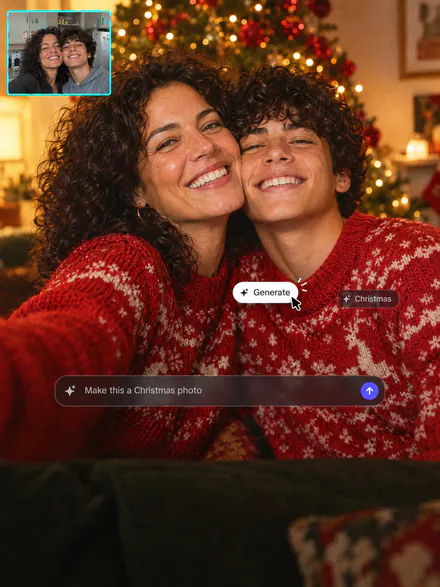
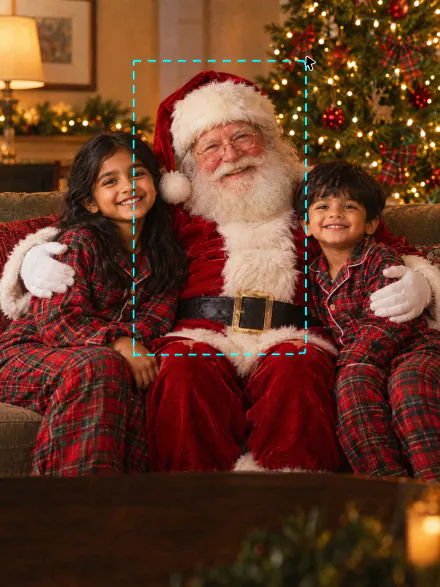
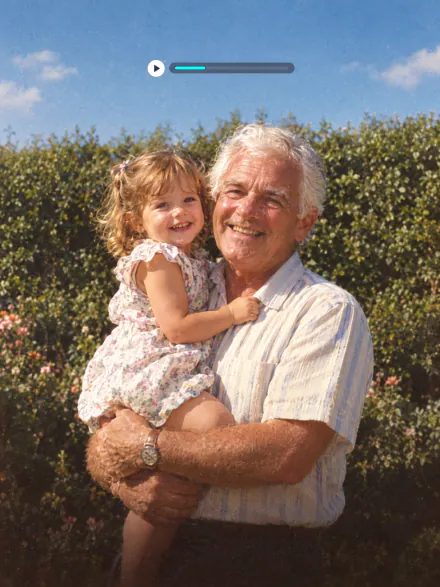
Put Santa in your photos, make a Christmas photo or bring an old family photo to life
AI Christmas Dance FAQ
If you have any questions,
reach out to us at hello@overchat.ai
Every December people post short videos where they, their family or their dog do a Christmas dance as an elf, as Santa or in matching pajamas. With AI you don't need to film anything or learn the moves: one photo becomes the video
Pick Elf, Santa, Pajamas or Party, upload a photo and sign in to Overchat AI. The video is ready in two or three minutes, and you can download it or post it to TikTok and Reels
Yes. Upload a photo of your pet and pick a dance: it stands up on its hind legs and dances in that dance's outfit. Use a photo with the whole pet in the frame
Elf Yourself puts your face on a cartoon elf. Here AI makes a real-looking video of you in an elf costume in Santa's workshop, with your own face, hair and body. The Santa, pajama and party dances are on the same page
Yes, every video comes with an upbeat Christmas tune with sleigh bells. To dance to a particular song, add it in TikTok, Instagram or CapCut before you post
The video starts from your photo, so your face, hair and skin tone stay yours. A clear photo where you face the camera, without sunglasses, keeps the likeness best
One person or one pet, facing the camera, in good light. A full-length photo gives the most natural moves; from a selfie AI adds the rest of the body and the outfit
One video has one dancer. For a couple or the whole family, make a video for each person and post them together
Uploading a photo and picking a dance is free. Making the video uses credits, which come with an Overchat AI plan along with every other AI tool
6 seconds, vertical 9:16, with sound. It fits TikTok, Reels and Stories as it is


