
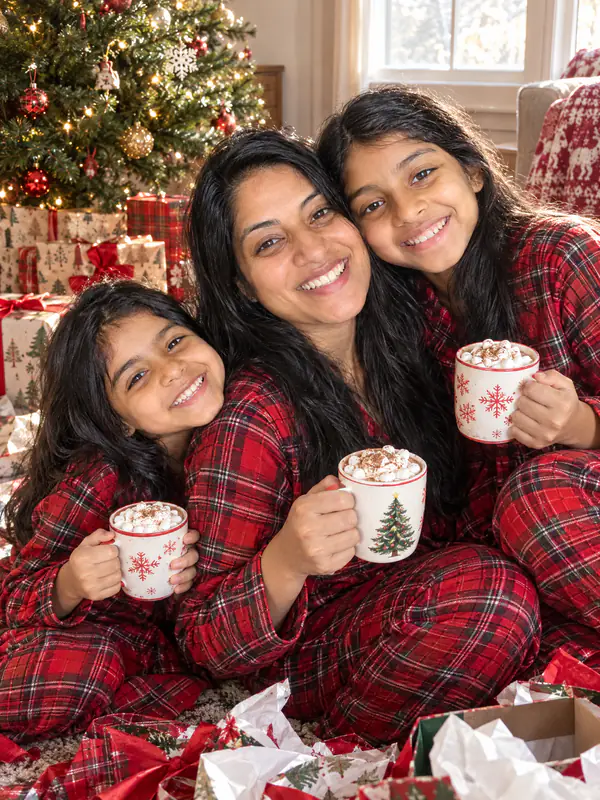
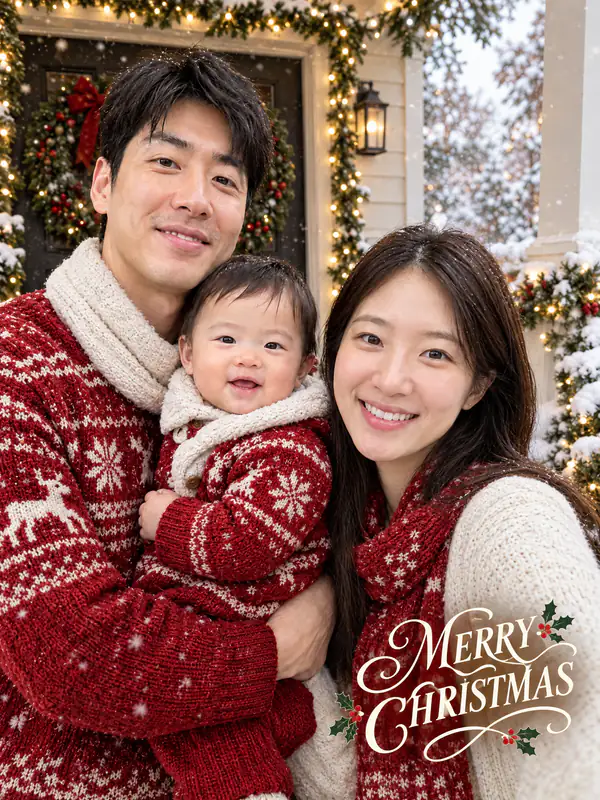


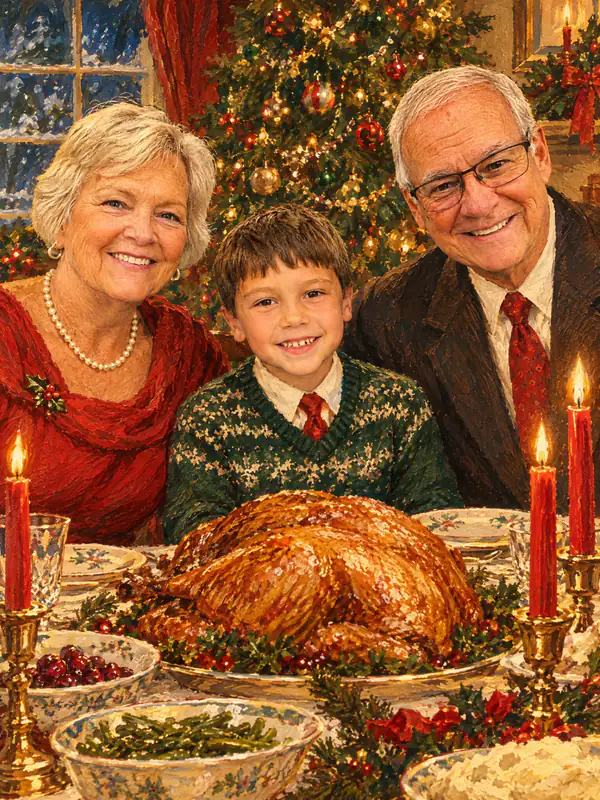


A Christmas photoshoot from one photo
Family Christmas pictures, a card for the relatives or a Christmas profile picture, without booking a photographer.
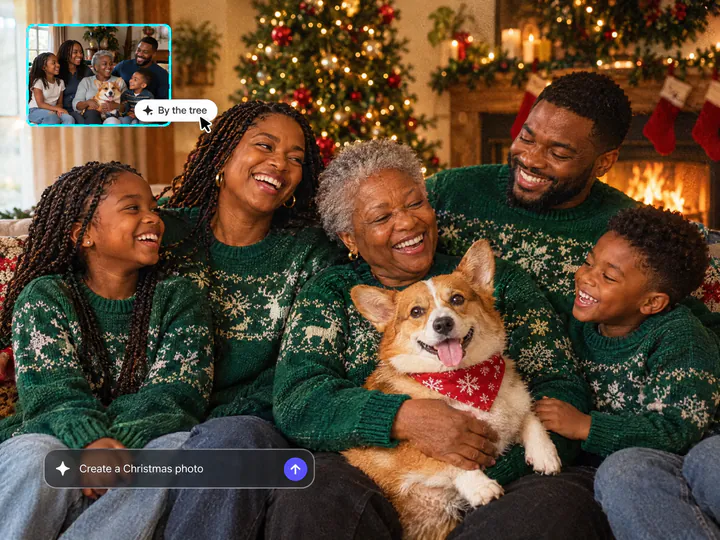
The whole family, the dog too
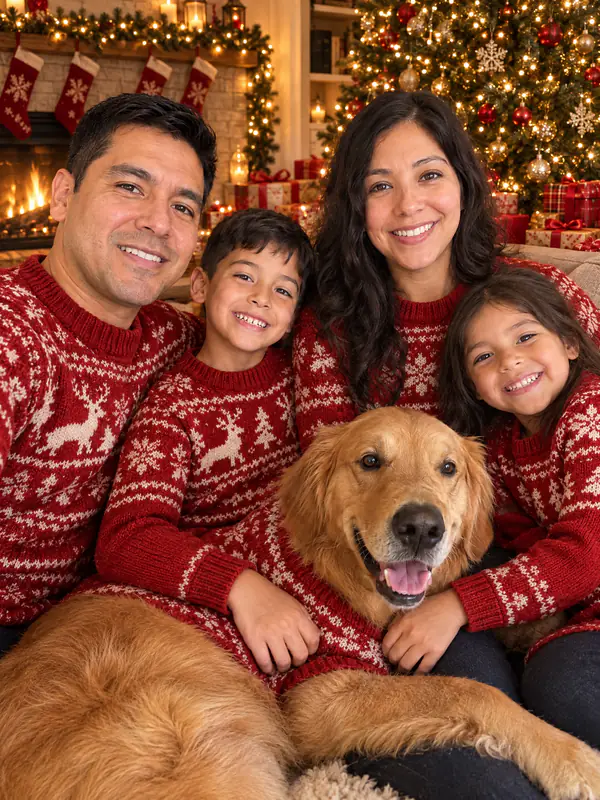
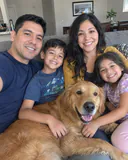
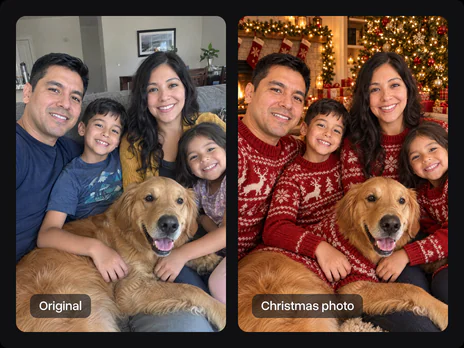
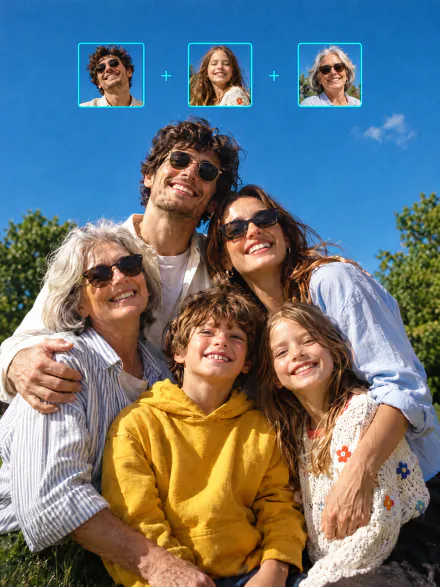
Upload one photo with everyone in it: the kids, the grandparents, your partner, the dog or the cat. You get an AI Christmas family photo where each of them keeps their own face; nobody gets swapped or left out.
Try it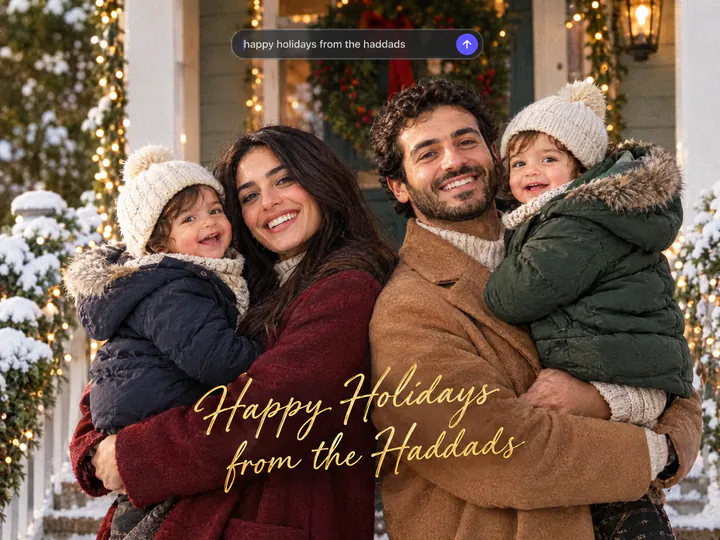
A Christmas photo card with your words
An AI Christmas card generator that writes your greeting: pick Christmas card and type it in the field, for example "Merry Christmas from the Parks". It goes on the card as you wrote it. Leave the field empty, and the card says Merry Christmas.
Try it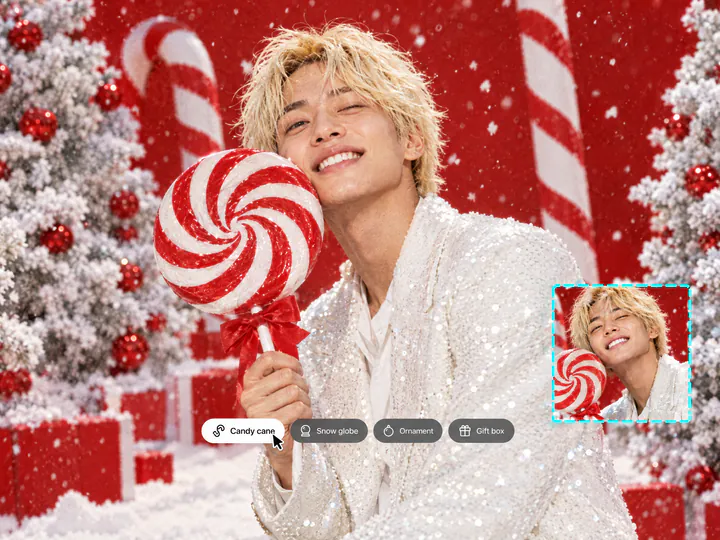
The AI Christmas photo trend, no prompt needed
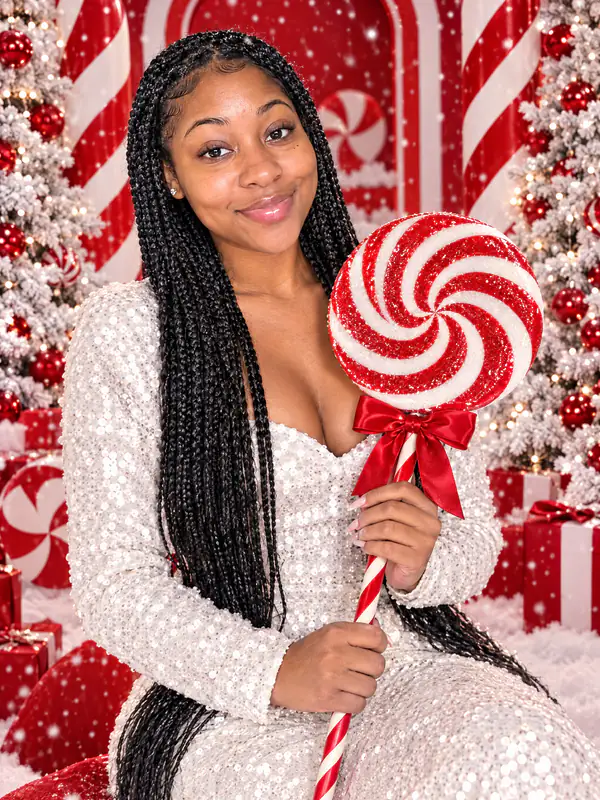
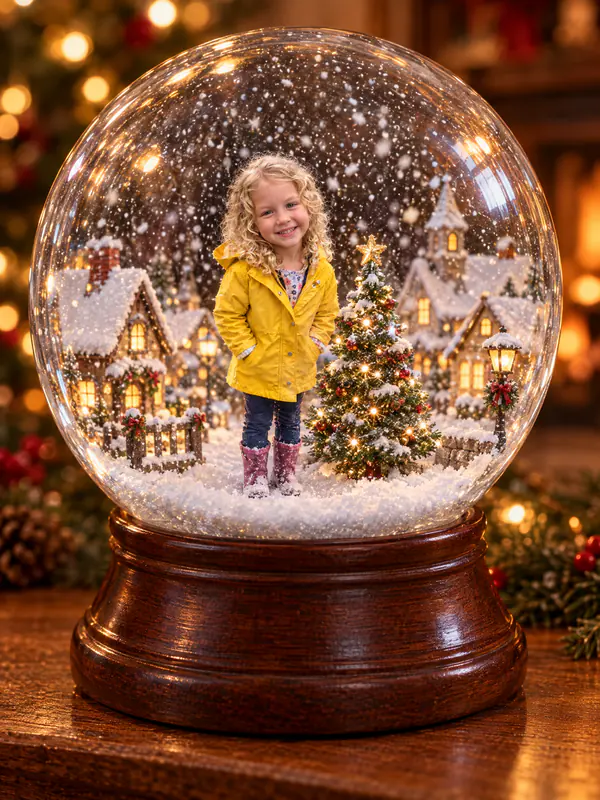
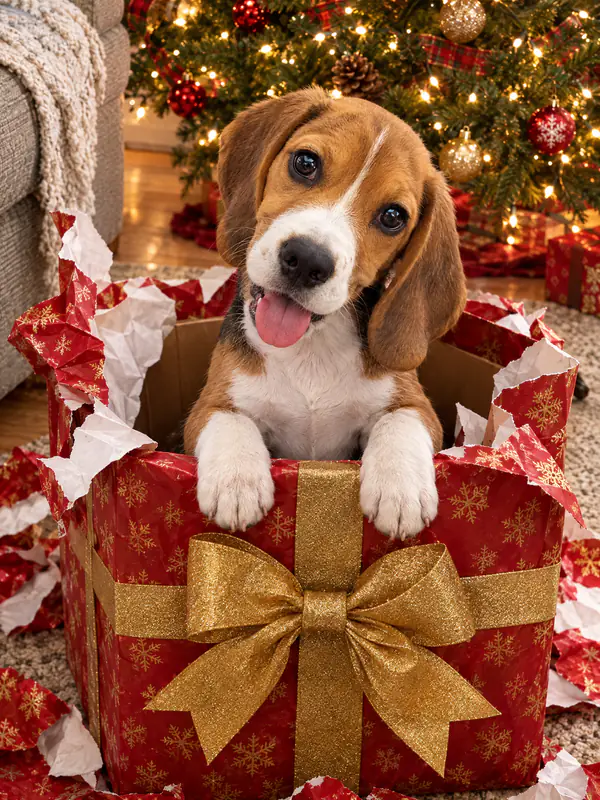
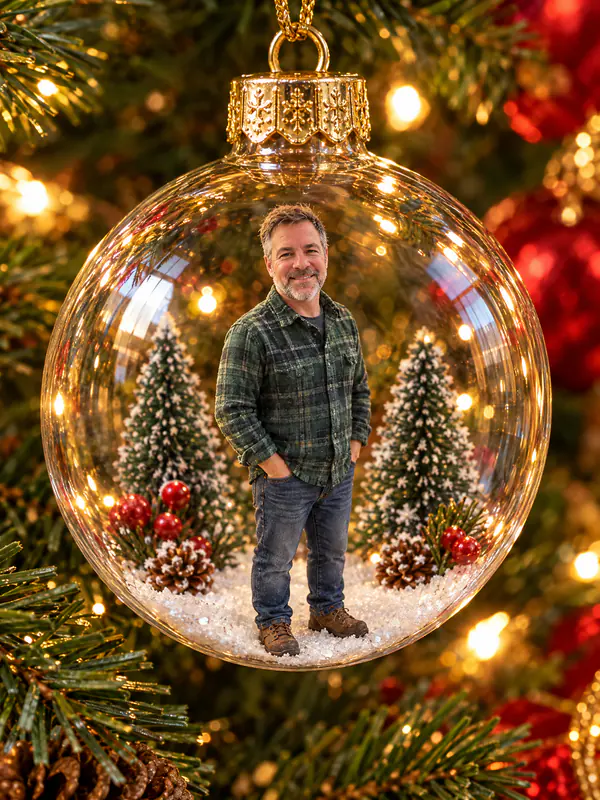
The candy cane studio shot, the snow globe, the glass ornament, the gift box and a vintage Christmas photo painted in the 1950s style are ready-made looks. Pick one and upload a photo: the AI Christmas photo prompt is already written.
Try itWhy make AI Christmas pictures with Overchat AI
Looks like you
Christmas AI photos made from your own photo: everyone keeps their face, skin tone, hair and age.
Family, couples, pets
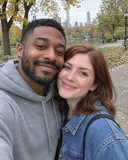
Everyone in the photo stays in the picture: kids, grandparents, friends. Couple Christmas pictures and a dog's Christmas photo too.
10 Christmas photoshoot ideas
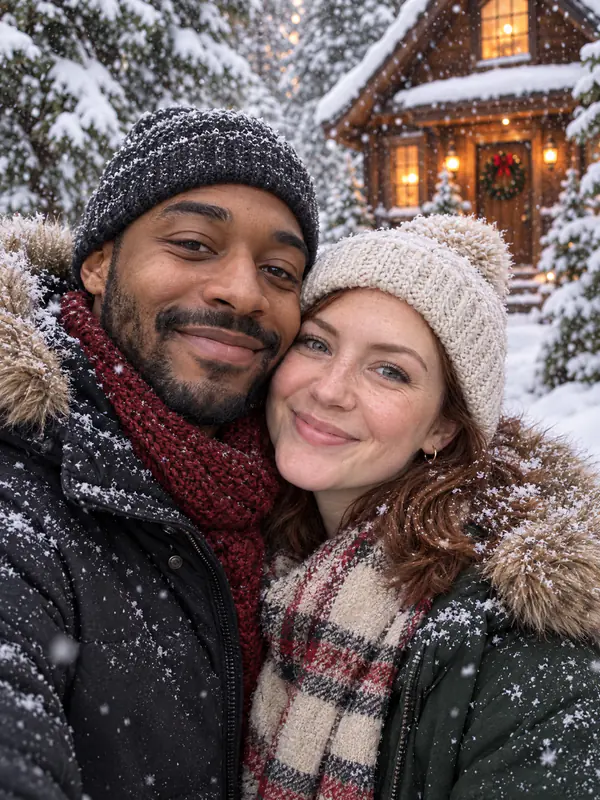
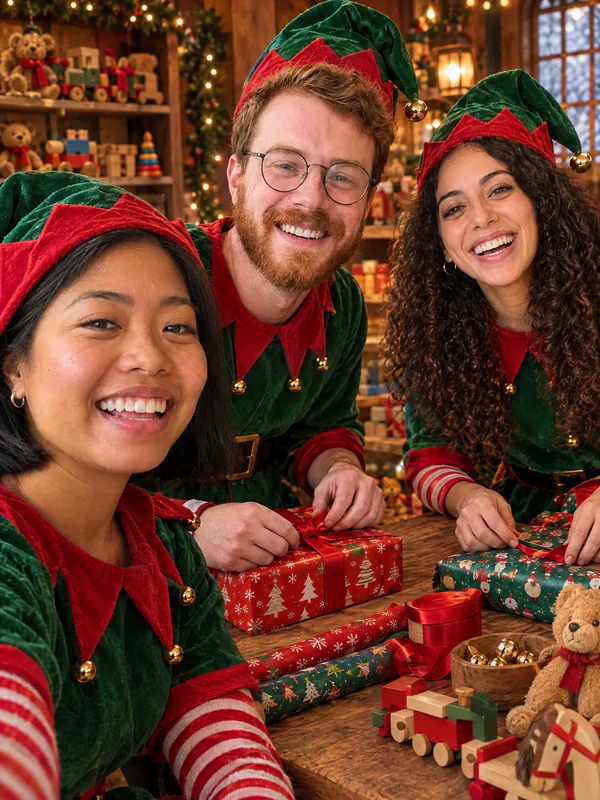
By the tree, snowy day, Christmas morning, card, elves, candy cane, snow globe, gift box, ornament, 1950s painting.
Your greeting on the card
AI Christmas cards with your own words, spelled the way you typed them.
Ready in about a minute
Get the picture fast and download it for a card, your feed, Stories or a Christmas profile picture.
Any phone photo
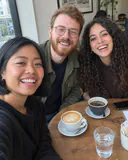
Works like an AI Christmas filter on any photo from your camera roll: JPG, PNG, WEBP or HEIC up to 20 MB.
How to make AI Christmas photos
Three steps to an AI Christmas photoshoot, starting right on this page.
- 1
Choose a look
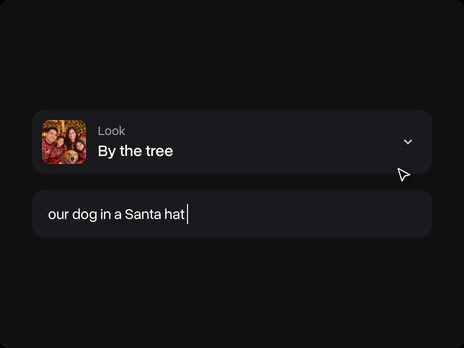
Pick By the tree, Snowy day, Christmas card or another look. Add a detail in the optional field, like "our dog in a Santa hat".
- 2
Upload a photo
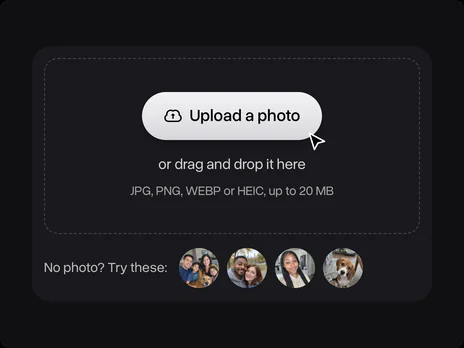
Upload a photo of your family, your partner, yourself or your pet. No photo at hand? Use one of the samples. The photo opens in Overchat AI with the look's prompt ready.
- 3
Get your Christmas photo
Sign in to Overchat AI and get the picture in about a minute, then download it for a card, your feed or a profile picture.
Explore More AI Tools
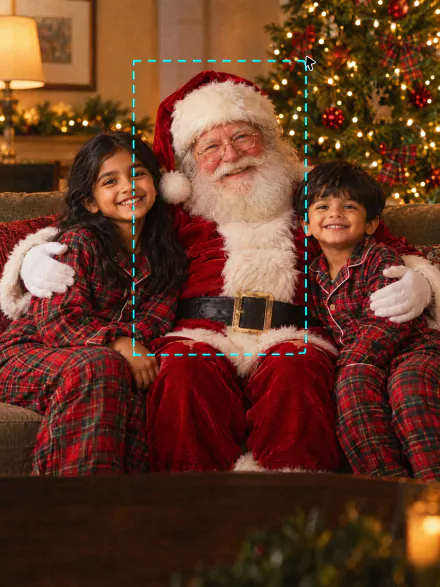
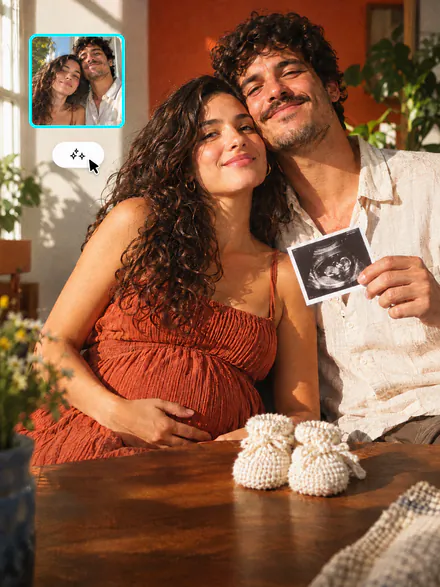
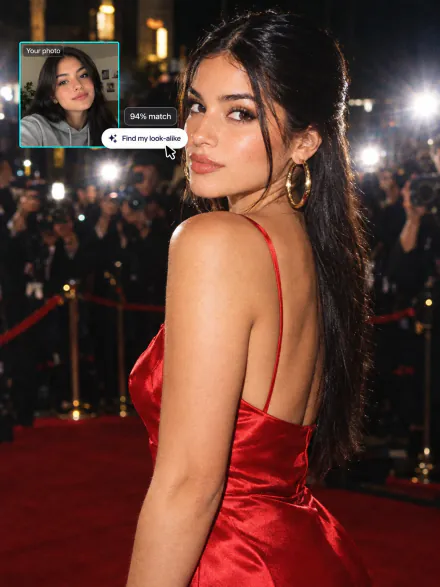
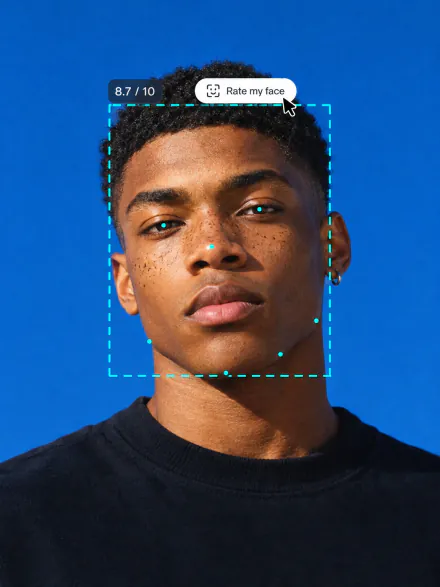
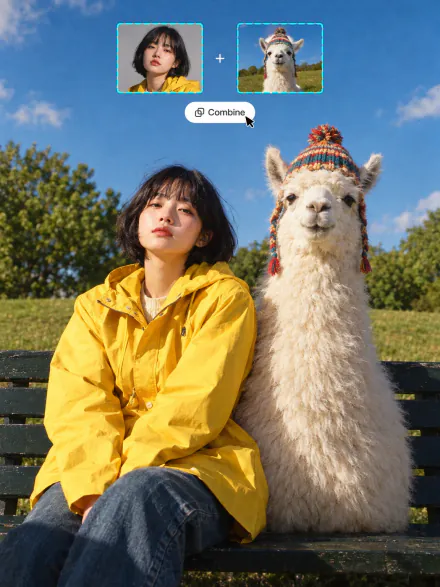
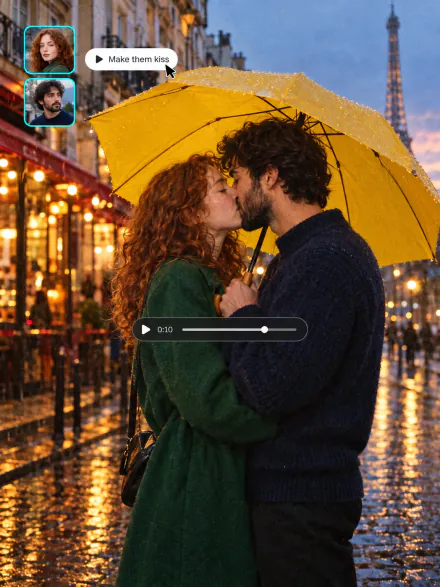
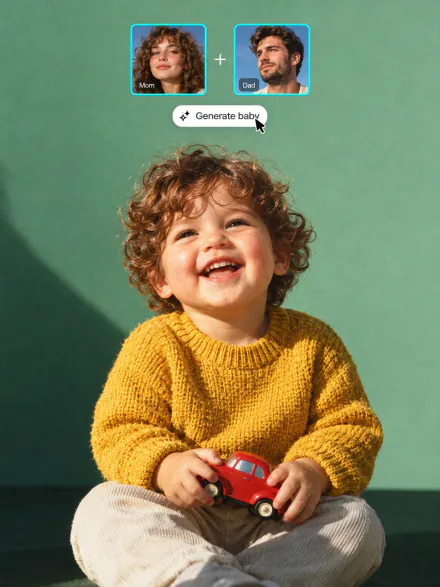
Catch Santa in your living room, announce a baby at Christmas, or put the whole family in one photo. Every tool runs on the same subscription.
FAQ
If you have any questions,
reach out to us at hello@overchat.ai
Pick a look on this page and upload a photo. It opens in Overchat AI with the look's prompt ready; sign in, and you get the Christmas photo in about a minute and can download it.
A viral AI Christmas photo is a Christmas portrait made from your own photo by an image model and shared on Facebook, Instagram and TikTok: the candy cane studio shot, the snow globe, the glass ornament, the family by the tree. It started with long prompts for Gemini and ChatGPT.
They upload a photo to an image model and paste a long prompt. To do the AI Christmas photo trend here, pick Candy cane, Snow globe, Ornament, Gift box or 1950s painting and upload your photo: the prompt comes with the look.
One that describes a single scene and says what to keep: faces, skin tone, hair and age. Every look here comes with such a prompt, and you can read and edit it in Overchat AI. The By the tree one starts: "Make this a Christmas photo: everyone from the photo together by a tall glowing Christmas tree in a cozy living room…"
No. You don't need to copy a Gemini AI Christmas photo prompt or ask ChatGPT for a Christmas photoshoot: the photo opens in Overchat AI with the look's prompt ready. Add one detail in the optional field, or edit the prompt there before you generate.
Yes. These AI generated Christmas pictures take the faces from your photo, and the prompt asks to keep everyone's features, skin tone, hair and age. A sharp photo where the faces are big enough to see gives the closest likeness.
Yes. Upload one photo with the whole family or a group of friends, and everyone in it is in the Christmas photo. For a big group or a baby Christmas photoshoot, use a photo where each face is clearly visible.
Yes. Upload a photo of your dog or cat on its own or with you, and it keeps its own coat and markings. The Gift box look works well for a puppy or a kitten.
Yes. Pick Christmas card and type the greeting in the optional field, for example "Happy Holidays from the Garcias". It goes on the card in script lettering over your photo. Check the spelling in the result before you print or send it.
A clear, well-lit photo where the faces are big enough to see, in JPG, PNG, WEBP or HEIC up to 20 MB. A vertical photo gives a vertical picture for a card or Stories, a square one gives a square post.
This one: you can make an AI Christmas photo free on the Overchat AI plan that comes with daily credits. Paid plans add more credits for more photos and for the other AI tools.
You need a free Overchat AI account to generate. After you upload the photo, sign in with Google or Apple; your photo and the look carry over, so you don't upload anything twice.


