




Announce the baby with your own photo
For Instagram, the family chat or a printed card, with your faces and your words.
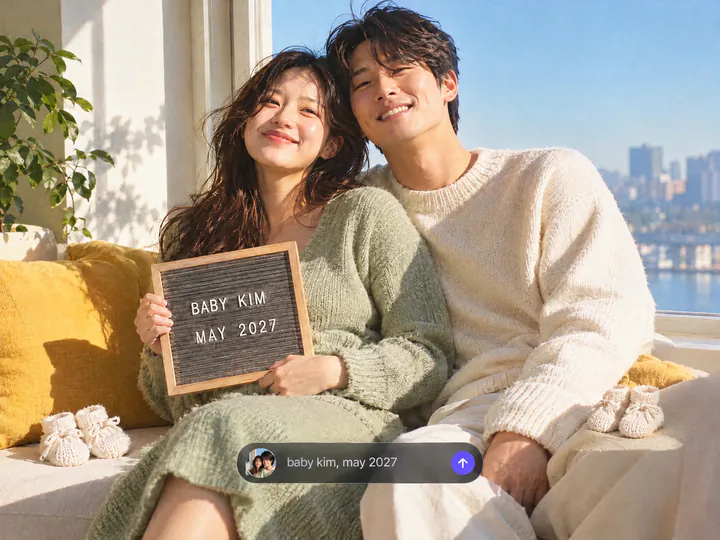
Your words on the sign
Write the line for the letter board: the baby's surname, the due month, "Baby #2". It goes on the board as you typed it. Leave the field empty, and the board reads "We're having a baby!"
Try it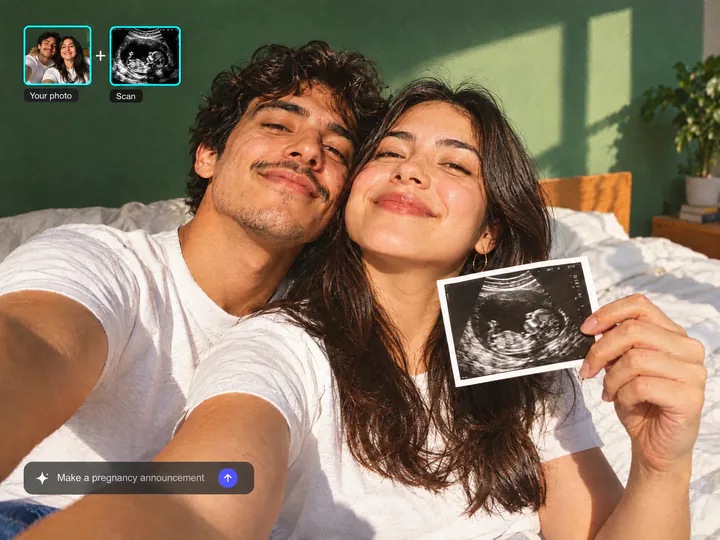
Add your ultrasound
Upload the scan as a second photo in Overchat AI, and the print in your hands shows your own ultrasound. Cover your name, the date and the clinic's details on the scan before you upload it.
Try it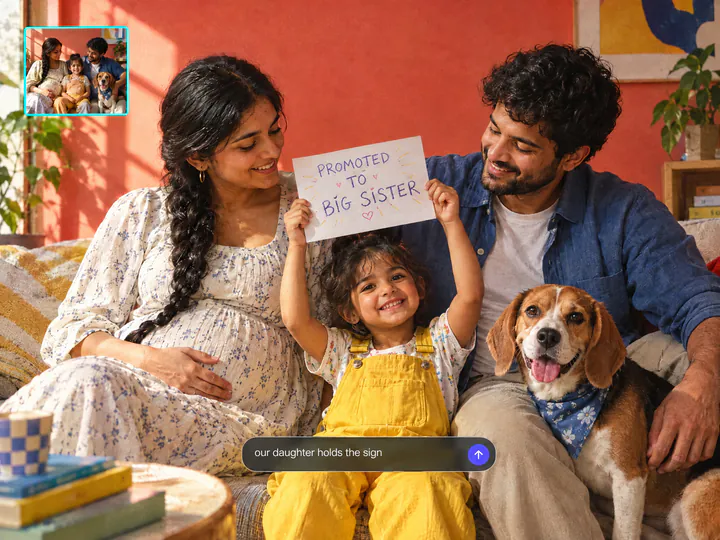
Big brother, big sister or the dog
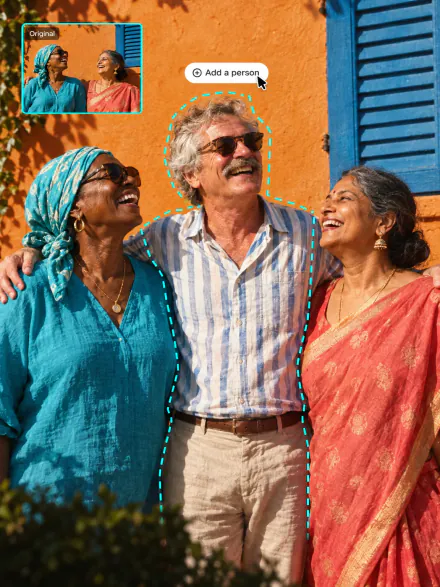
Upload a photo with your older child or your pet in it and say who holds the sign: "our daughter holds a sign Promoted to big sister". Everyone in the photo stays in the announcement.
Try itWhy make a pregnancy announcement with Overchat AI
Your faces stay the same
The announcement is made from your photo, and everyone in it looks like themselves.
Six styles
Letter board, ultrasound, Christmas, movie poster, twins and a 6-second video.
Your ultrasound
Add the scan as a second photo, and it shows up on the print in your hands.
Ready in a minute
Get the picture in about a minute and download it for your feed, stories or a card.
Any photo of you
A couple photo, a family photo or a selfie in JPG, PNG, WEBP or HEIC up to 20 MB.
Online, on any device
Runs in the browser on a phone or a computer, with nothing to install.
How to make a pregnancy announcement with AI
Three steps, starting right on this page.
- 1
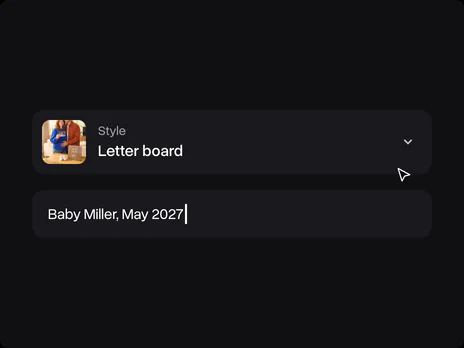
Choose a style
Pick Letter board, Ultrasound, Christmas, Movie poster, Twins or Video. Add your own words in the optional field, for example "Baby Miller, May 2027".
- 2
Upload a photo of you
Upload a photo of the two of you or the whole family. No photo at hand? Use one of the samples. The photo opens in Overchat AI with your style ready, and you can add the ultrasound there.
- 3
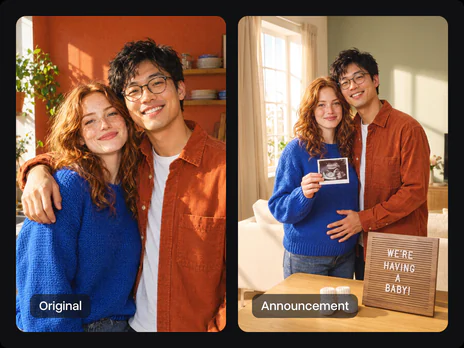
Get the announcement
Sign in to Overchat AI and get the picture in about a minute, then download it and share the news.
Explore More AI Tools
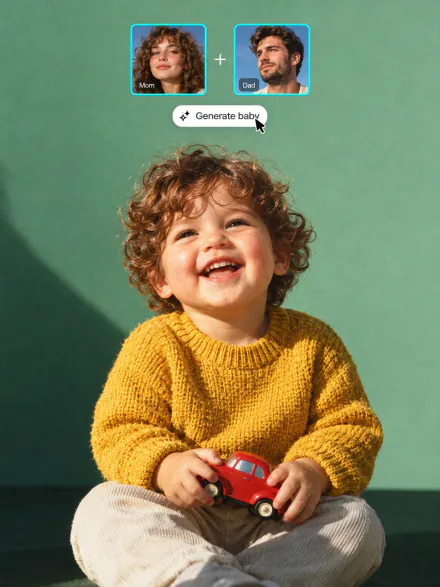
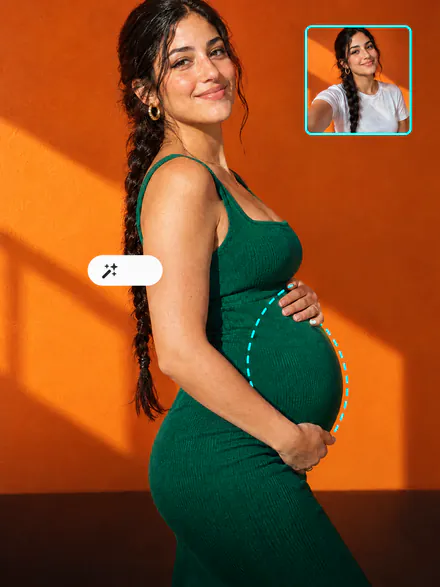
Reveal pink or blue in a video, see what your baby might look like, or picture yourself with a bump. Every tool runs on the same subscription.

FAQ
If you have any questions,
reach out to us at hello@overchat.ai
A pregnancy announcement picture made from your own photo: the two of you with a letter board, the ultrasound, a Christmas scene, a movie poster or a twins reveal. Your faces come from the photo, so it looks like you.
Yes. Upload the couple photo here, then add the scan as a second photo in Overchat AI, and the print in your hands shows it. Cover your name, the date and the clinic's details on the scan first.
Yes. Type the words in the optional field, like "Baby Miller, May 2027", and they go on the sign as you wrote them. Check the spelling in the result before you post it.
Uploading a photo and opening the filter is free. Making the picture uses credits, which come with an Overchat AI plan along with every other AI tool.
Pick the Twins style: two ultrasound prints, two pairs of booties and a letter board that reads "We're having twins!"
Yes. Pick Video: the announcement is made from your photo first, then it comes to life in a 6-second video where you lift the ultrasound print, hug and laugh, with sound. It takes two or three minutes and uses more credits than a picture.
Yes, the faces in the announcement come from your photo. A couple photo, a family photo or a selfie of the mom-to-be all work. No photo at hand? Try one of the samples first.
Yes. Upload a photo where they are in the shot, and write who holds the sign, like "our son holds a sign Promoted to big brother". Everyone in the photo stays in the picture.
It takes the shape of your photo: a vertical photo gives a vertical picture for Stories and the feed, a square one gives a square post. For a printed 5×7 card, use a vertical photo.
Yes, you need an Overchat AI account to make the picture. Sign in with Google or Apple after you upload; your photo and your style carry over, so you don't upload anything twice.


