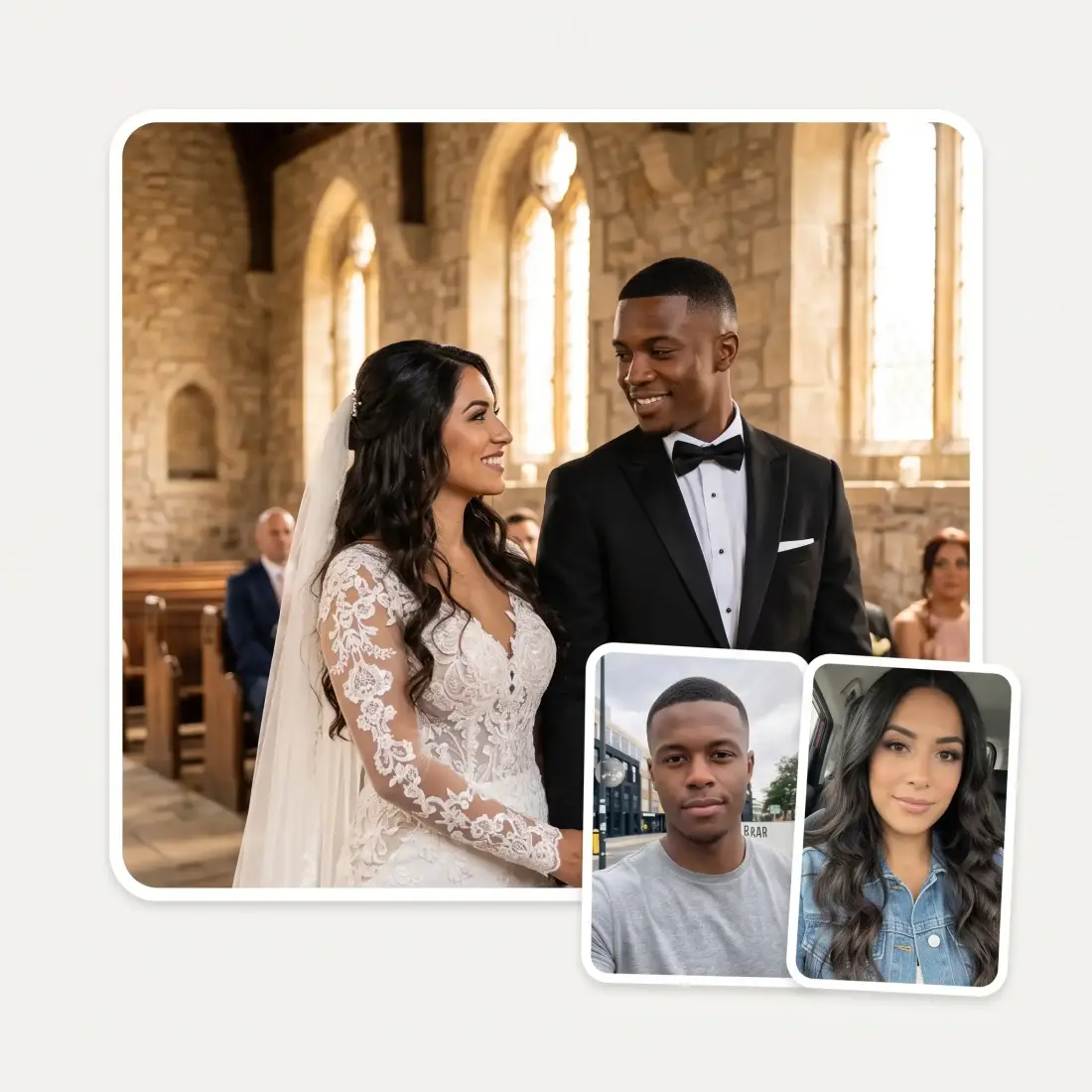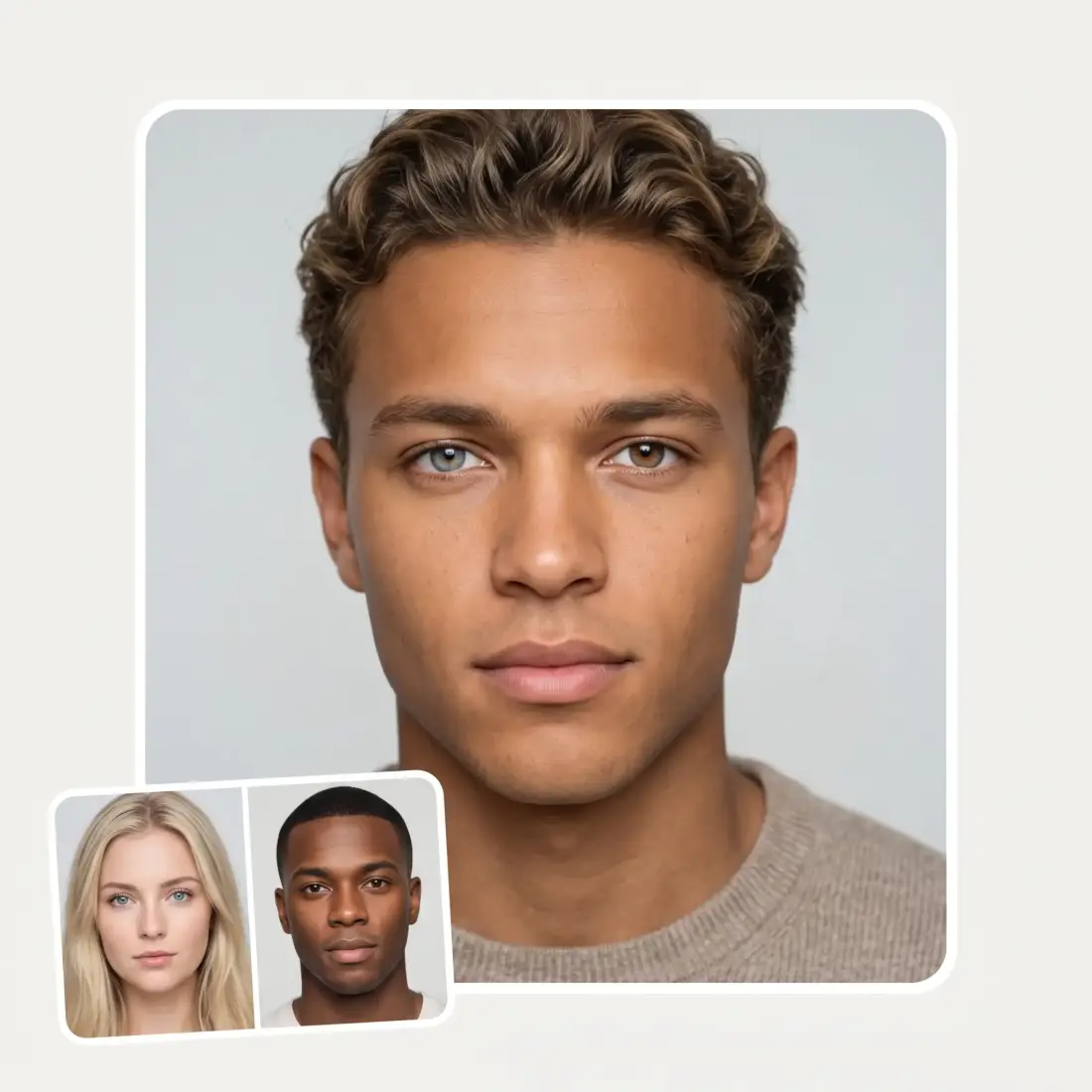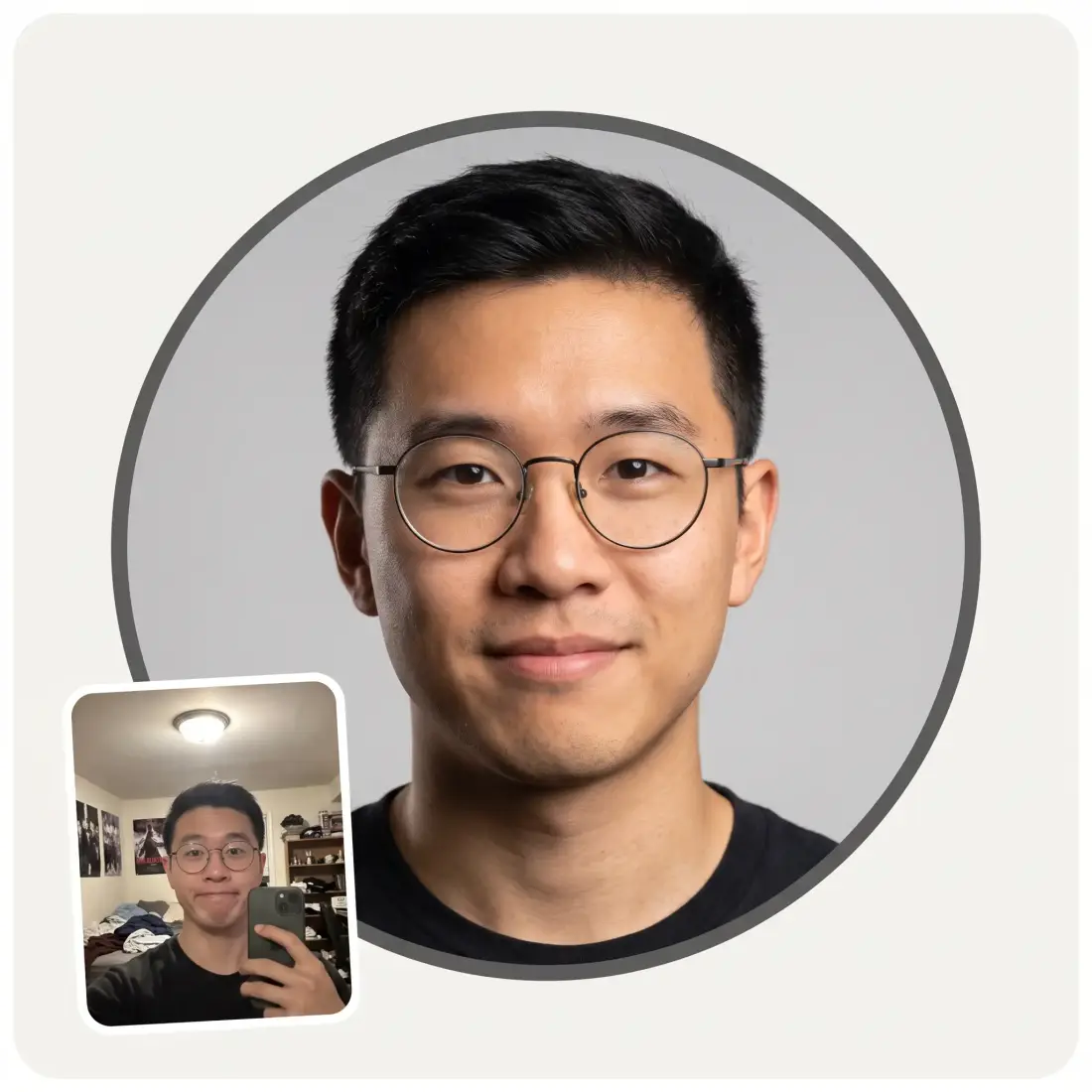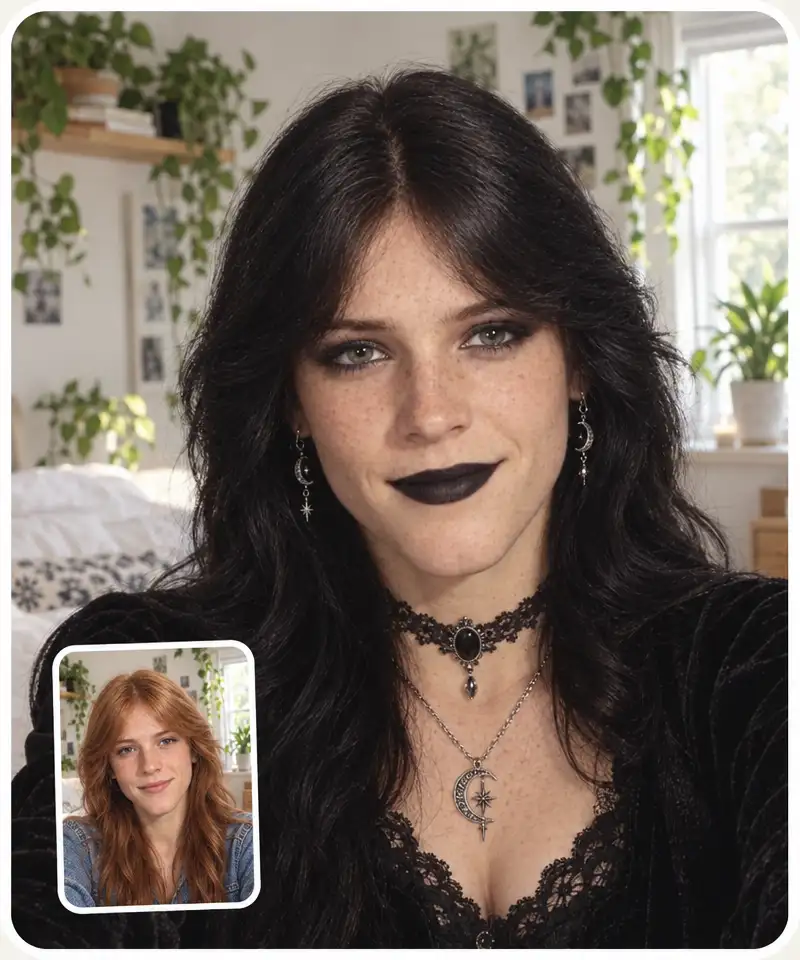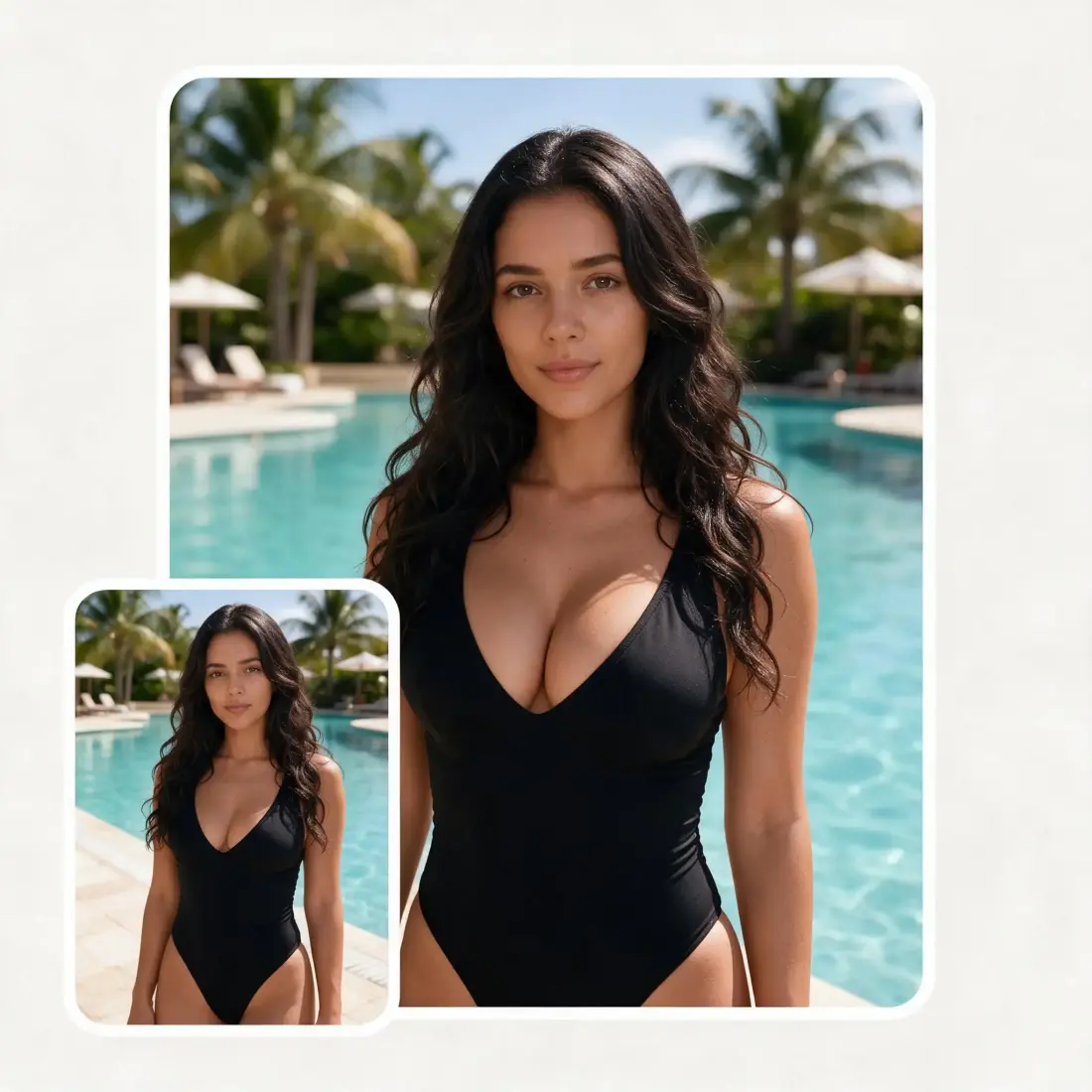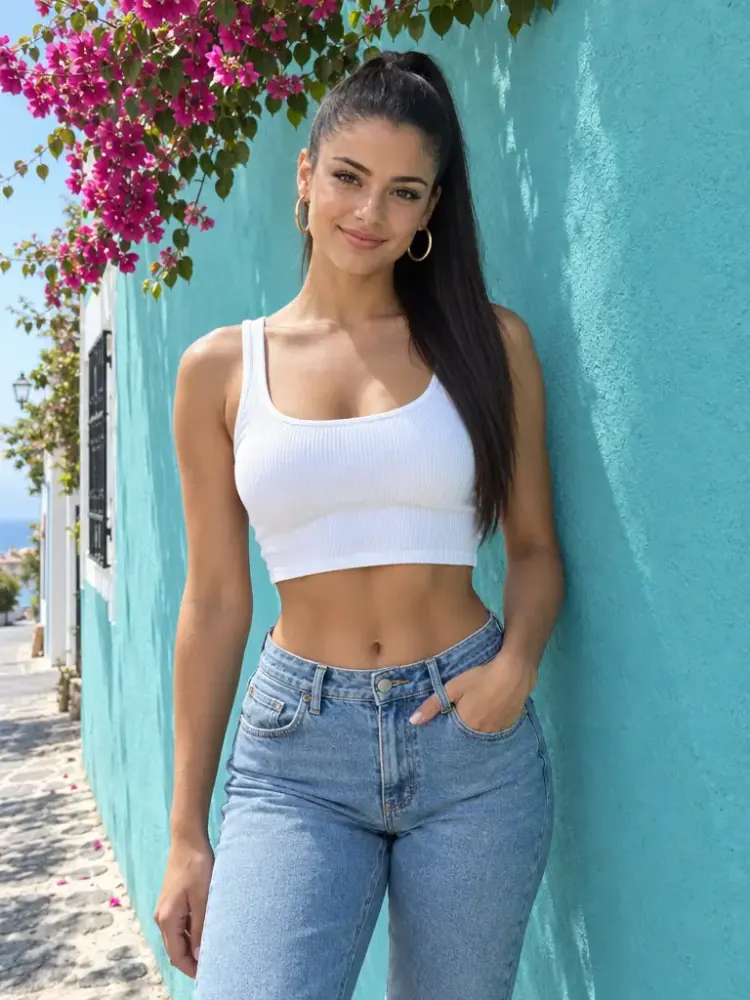
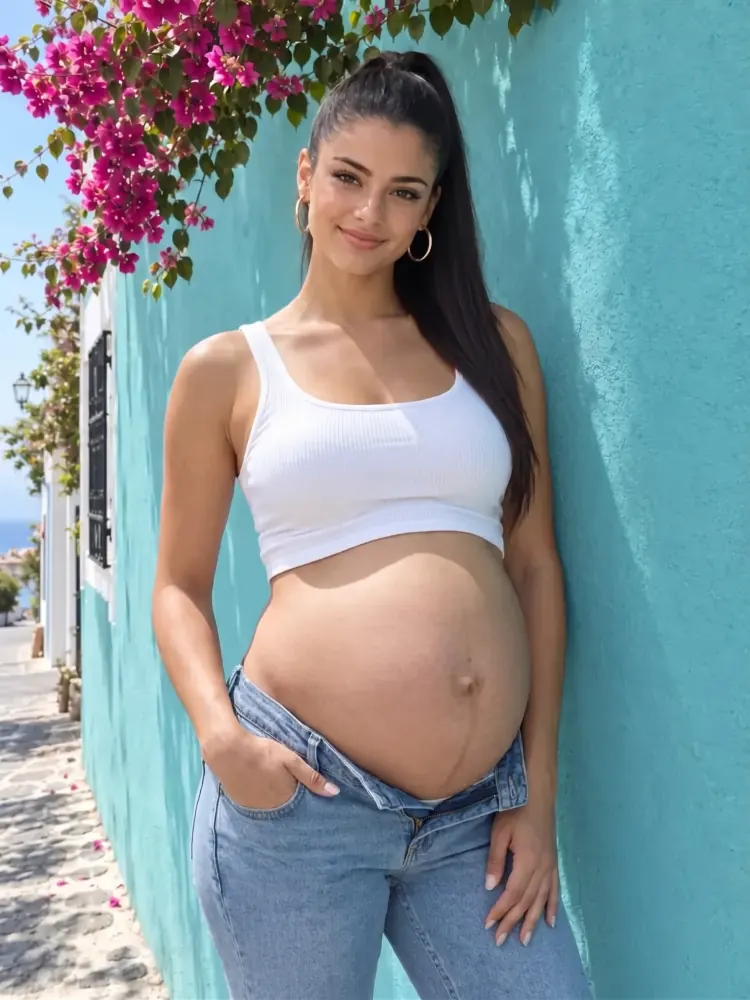
 Before
After
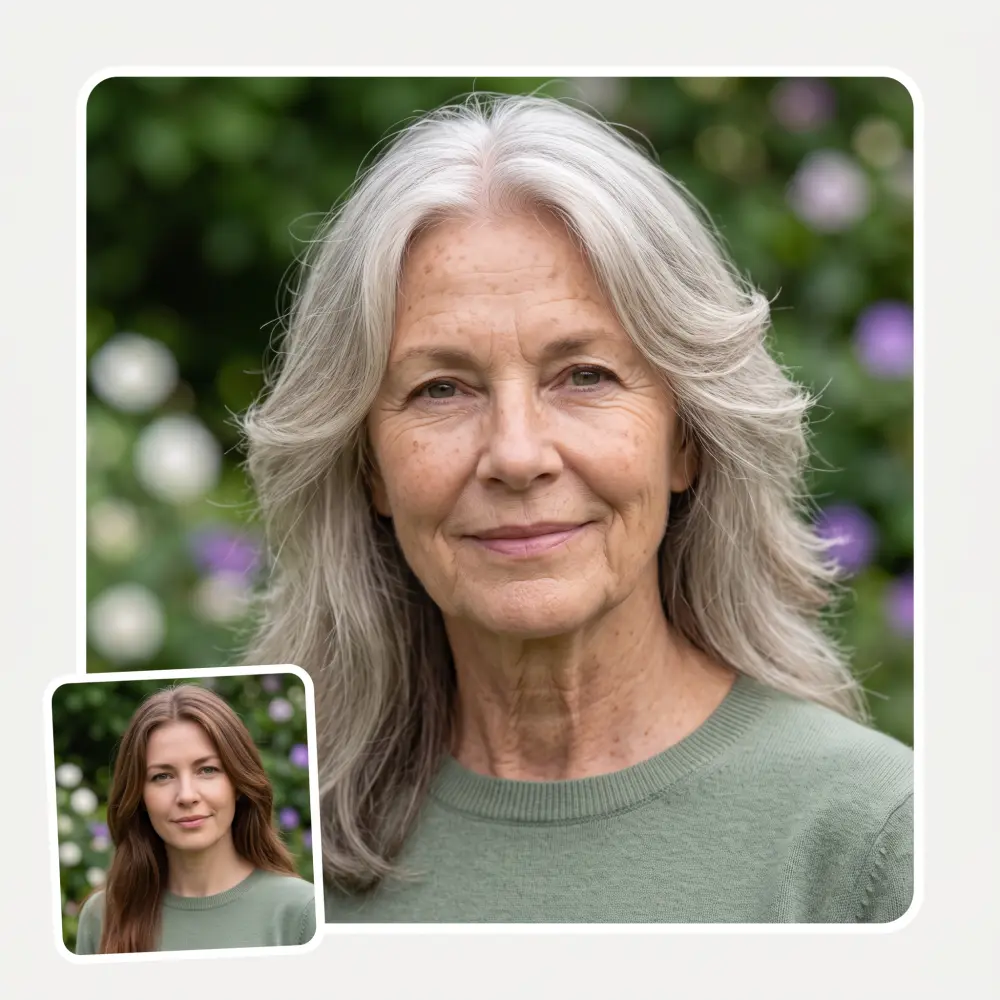
Before
After
Generate AI pregnant images online. Simply upload a photo, choose a pregnancy month, and get a realistic AI image in seconds.
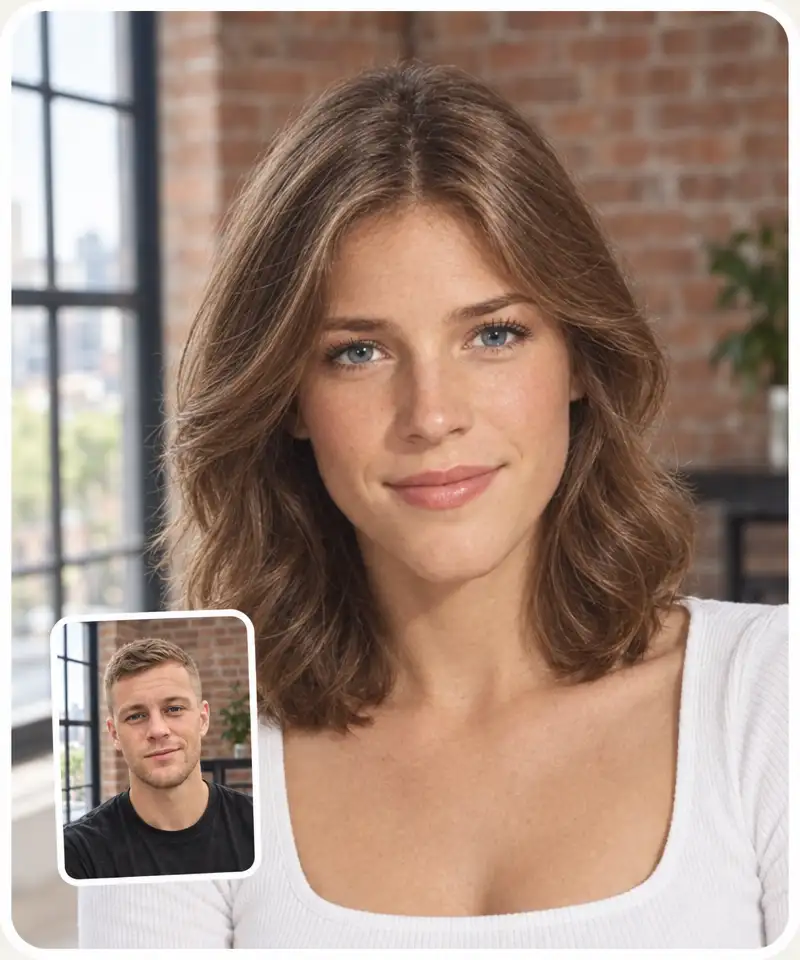
Before
After
Off — you keep your own outfit.
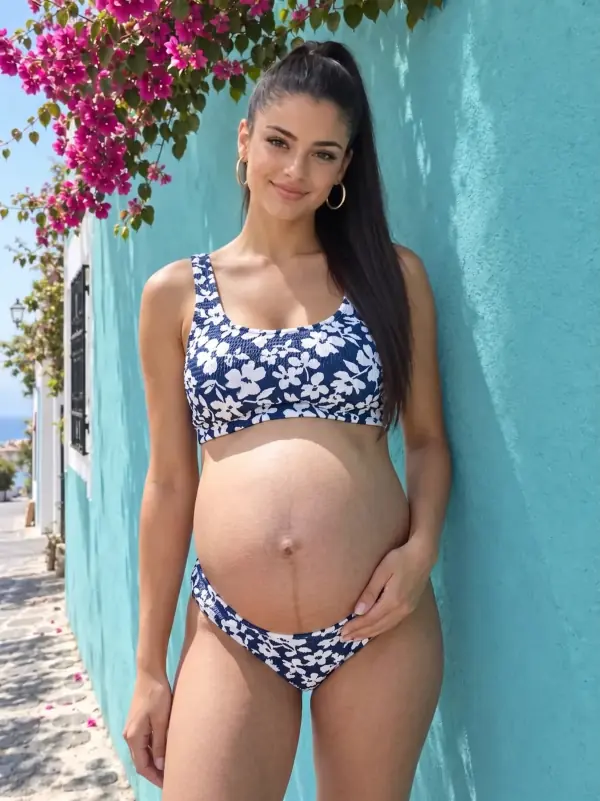
On — the AI dresses you in a stylish two-piece.
Off — you get one photo.
On — a whole series of photos of you in the same place and outfit: different poses, different angles.
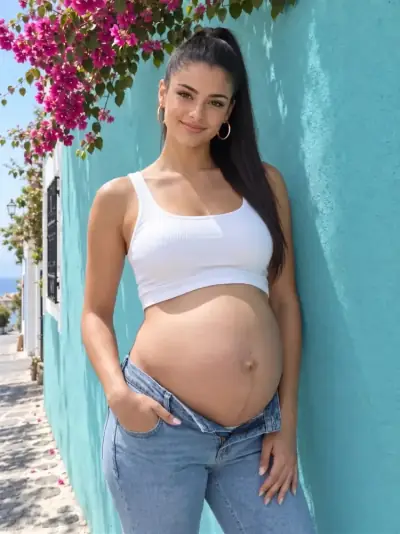
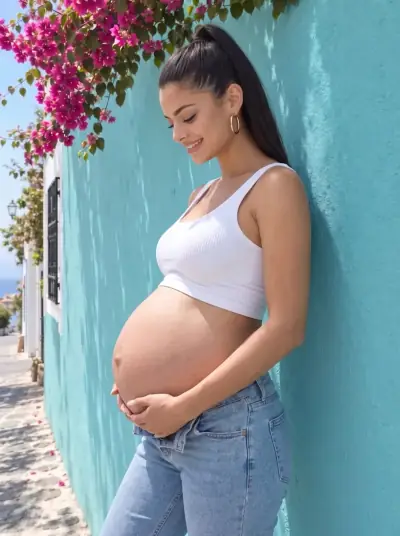
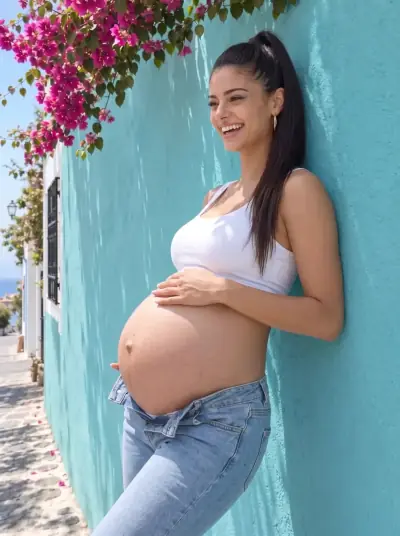
The first frame is yours right away — the rest of the shoot unlocks in the app.
Overchat AI pregnancy generator allows you to set the pregnancy month from 1 to 9, so you can customize the AI pregnancy images.
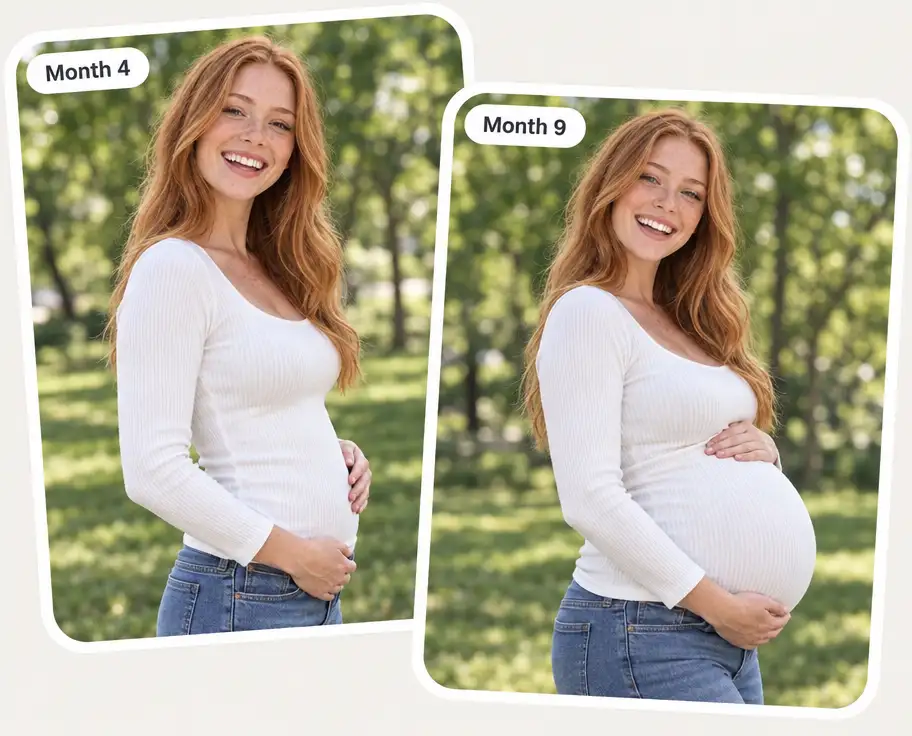
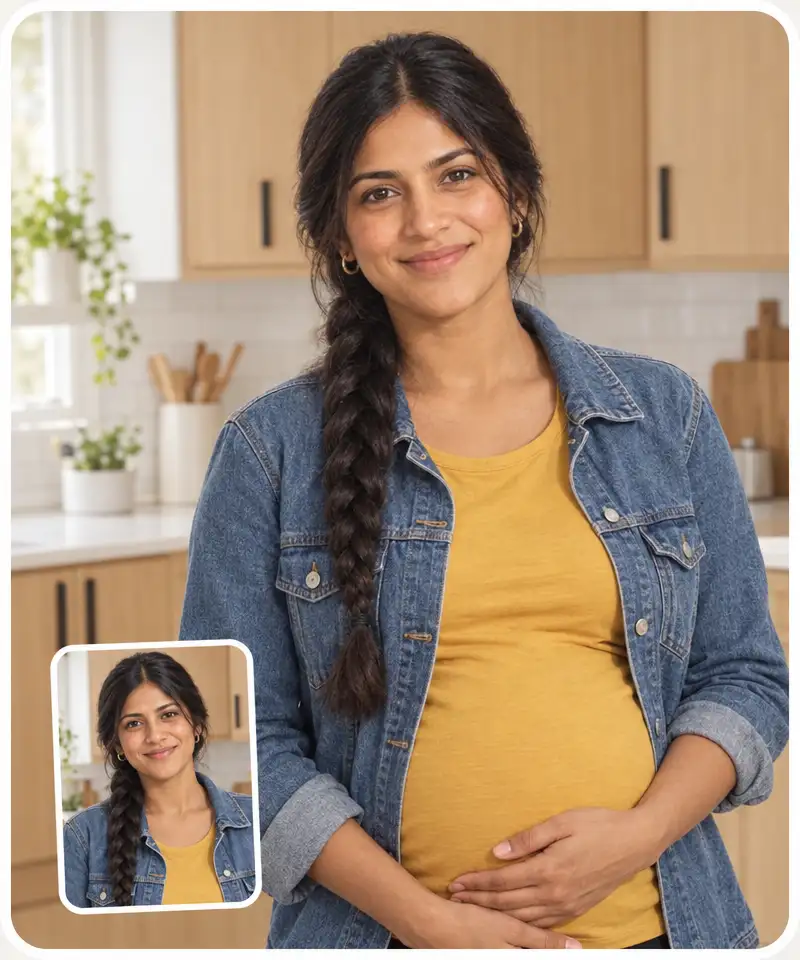
Our AI pregnant images generator takes a photo and makes that person pregnant in a realistic way, while keeping everything else unchanged. Optionally, you can also change clothes.
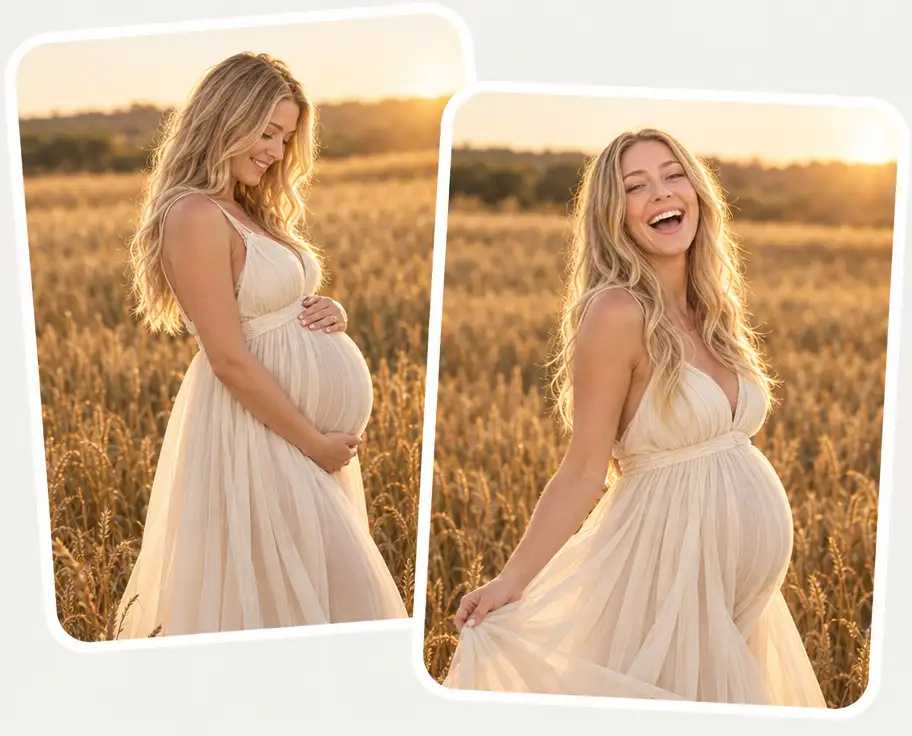
Switch on Photo shoot and generate a set of pregnancy images. Create the first image here, then unlock the full set in the Overchat AI app.
Your first AI pregnancy photo is on us. For more, create a free Overchat AI account and keep generating pregnant images in the app.
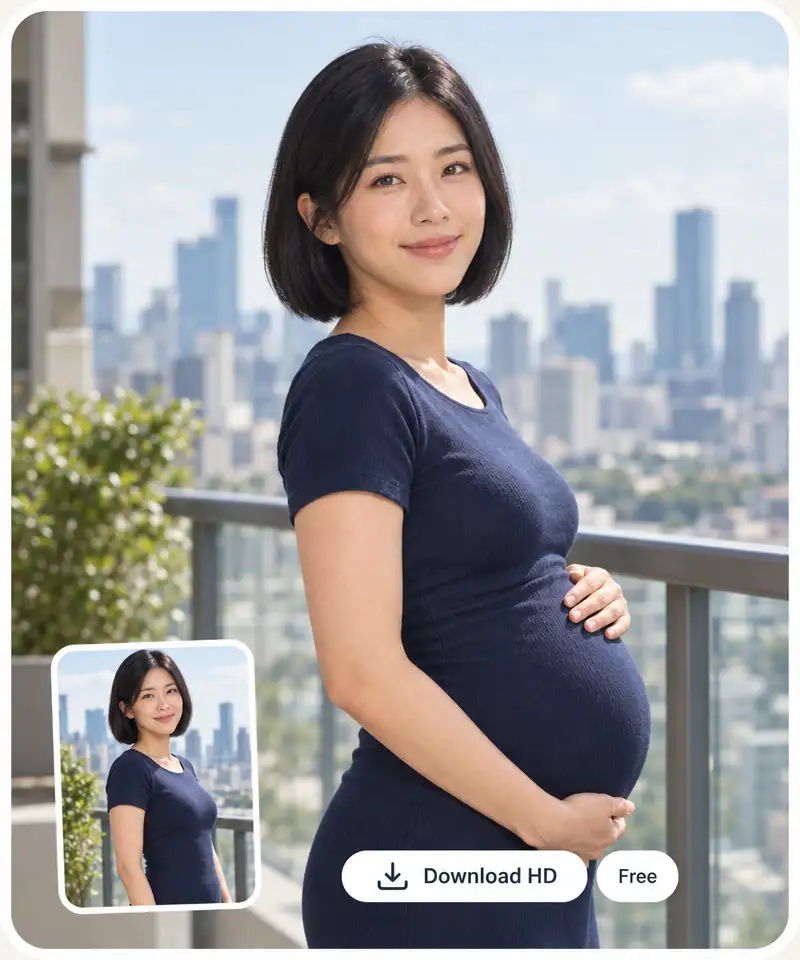
For best results, use a front-facing photo with the entire torso in view, or a full-length image. You can also try a sample.
Move the slider from month 1 to 9 to customize the image. Optionally, switch on Photo shoot to get multiple images, choose an aspect ratio, and add any other details in the prompt box.
Click Generate and wait about 30 seconds for Overchat AI to process your image.
Save the HD image, copy it, or share to social media directly from the page. Didn’t like the result? You can regenerate it to try again.
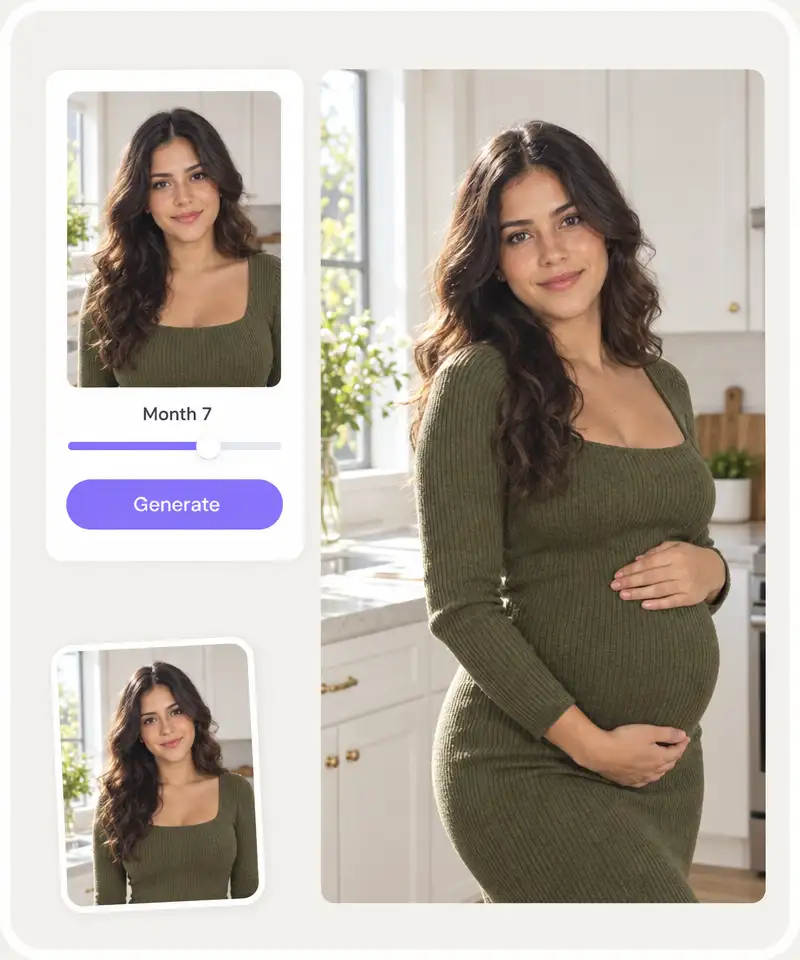
Turn a photo you already like into a pregnancy preview that looks photorealistic and perfectly retains your likeness.
You can see pregnancy stages from month 1 all the way to the full-term month 9 look.
Want to announce the pregnancy? Create an announcement image with AI in seconds.
Make everyone think you’re pregnant with a convincing AI image.
Share pregnancy photos to your social media and generate engagement on TikTok or Instagram.
See what you’d look like in different pregnancy months and different outfits across an entire coordinated photo shoot.
I've started to use overchat last week and it feels very promising. Lots of AI models in one place saves a lot of money in comparison if you buy subscriptions for each one.
im really into ai apps and that one is good, helps me with my arts and homework. i draw ai vids for inst and generate images with my characters, many widgets and models! like it
I like how it keeps everything organized. One subscription is enough for all major AI models, which helps me avoid paying for multiple platforms.
Affordable and simple to use. I like that I don't have to pay for several different services anymore.
Good and easy to use
It's a nice place to be. I love it
An AI pregnant photo generator is an AI photo editor that adds a baby bump to an existing image. With Overchat AI, you can choose the exact month, generate the edit, and download the result online.
Yes. Your first generation on this page is free, with no signup required. You can download the HD image without a watermark. If you want to create a set of pregnancy images, create an account in Overchat AI.
The Overchat AI pregnancy generator uses an image-to-image AI model which analyzes an uploaded picture and generates a new image that looks exactly like the original, but modifies the figure and, optionally, the clothes to display the pregnant look.
For the best results, upload an image in high resolution showing a full-body shot, or where the torso is clearly visible. Choose an image that is at least 500px on the long side. Group images can occasionally introduce generation artifacts, so, if possible, send an image with one person in the frame; otherwise, you might need to generate a couple of times until the result is right.
Photo shoot mode creates a coordinated maternity-style series from one upload, keeping the same person, outfit, and setting across the set.
Yes, you can change the outfit with a toggle or use the prompt box to describe an outfit. By default, Overchat AI keeps the original clothes from the image unchanged.
Yes! The pregnant AI filter also works on men.
Available on Web, iOS, and Android. Access your AI assistant anywhere, anytime.

.webp)