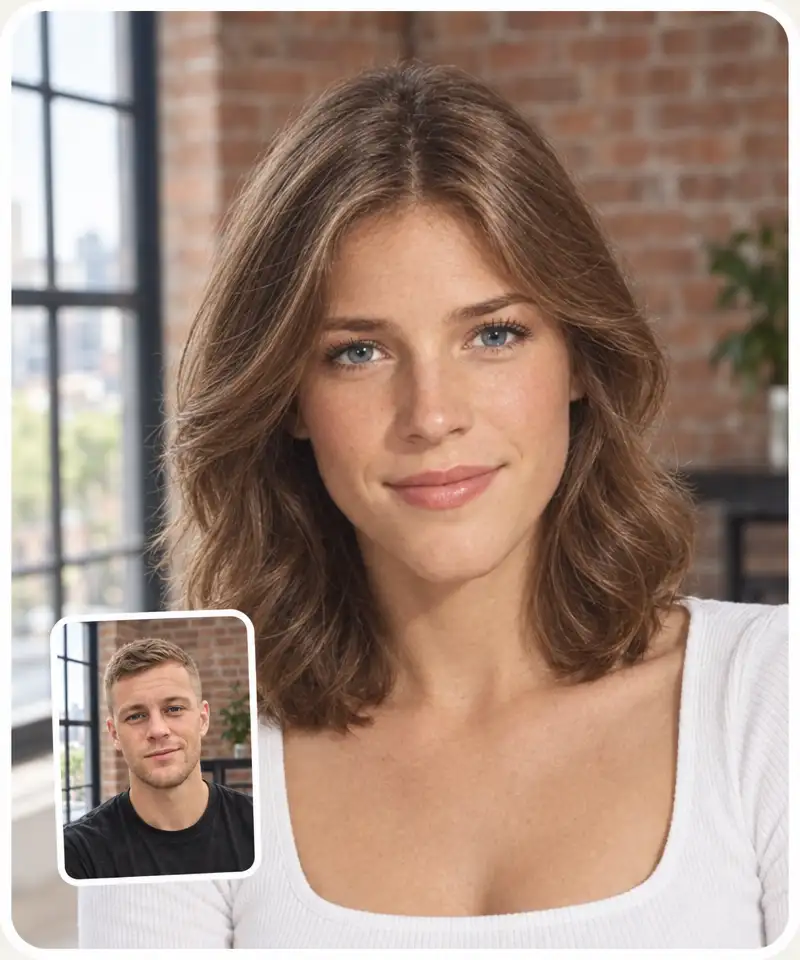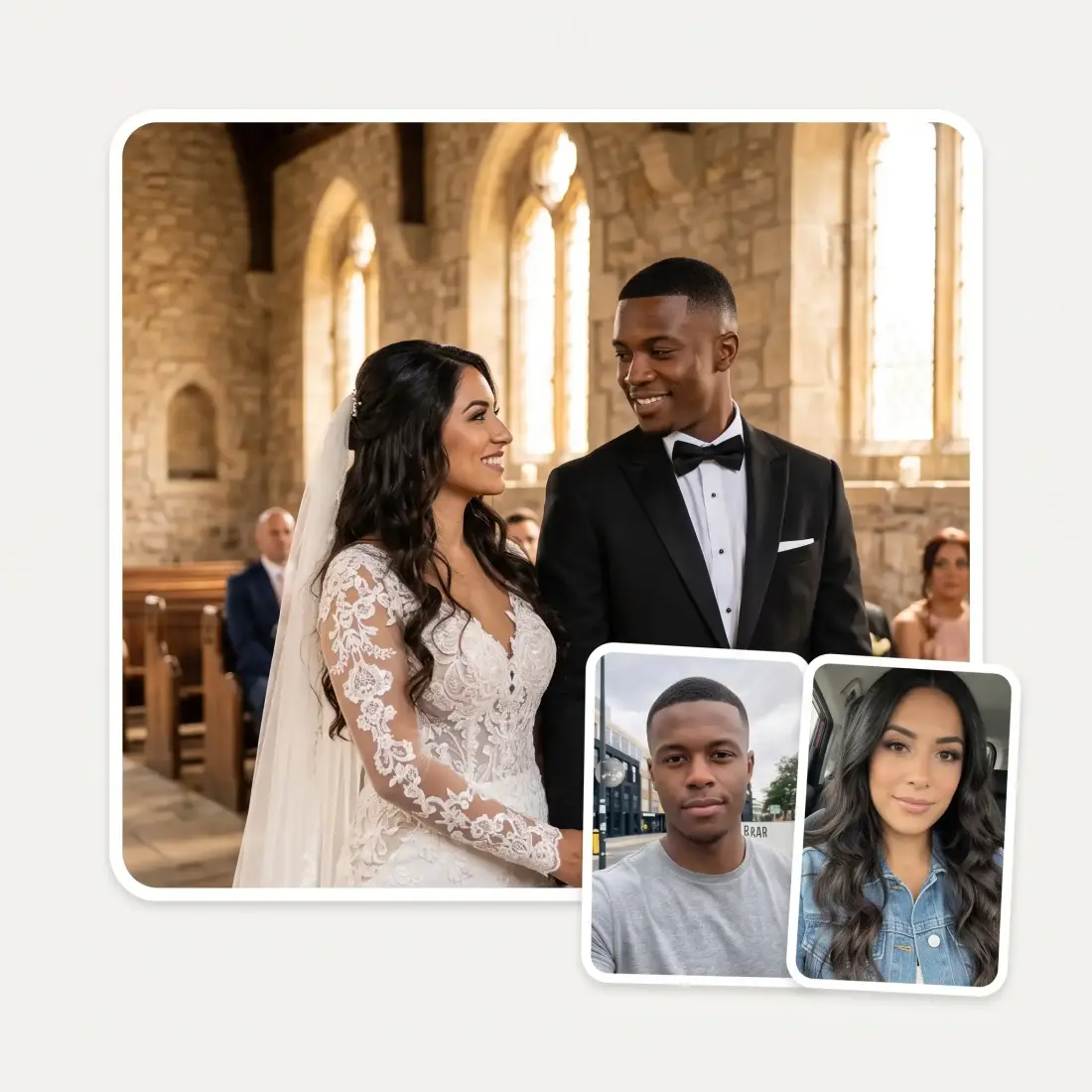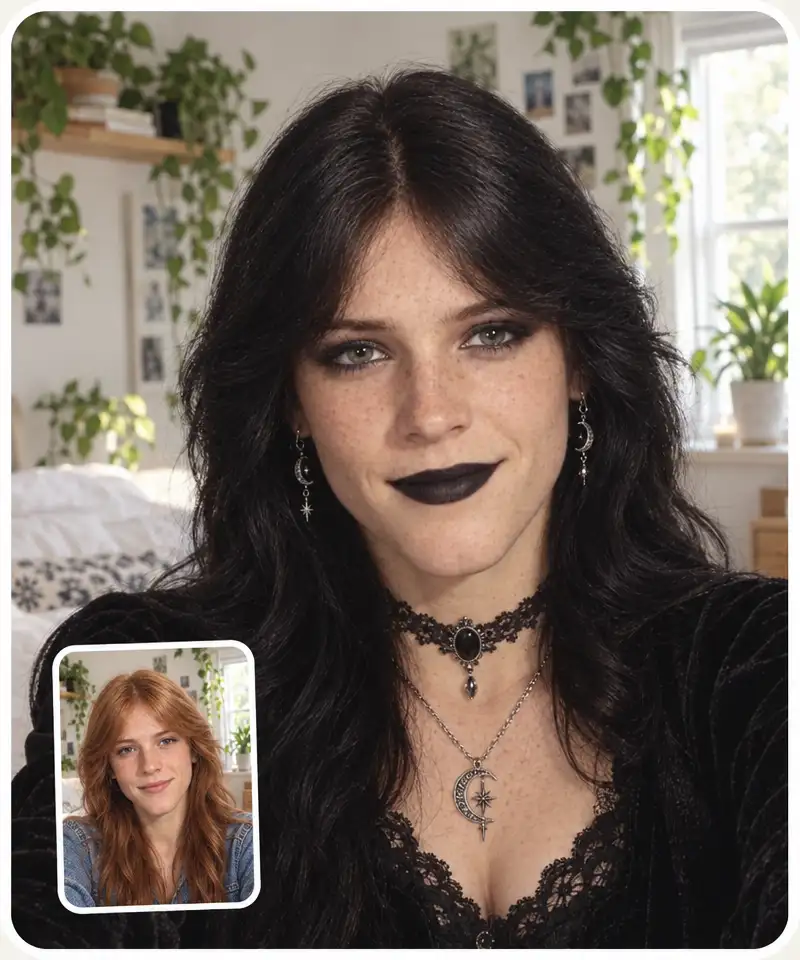
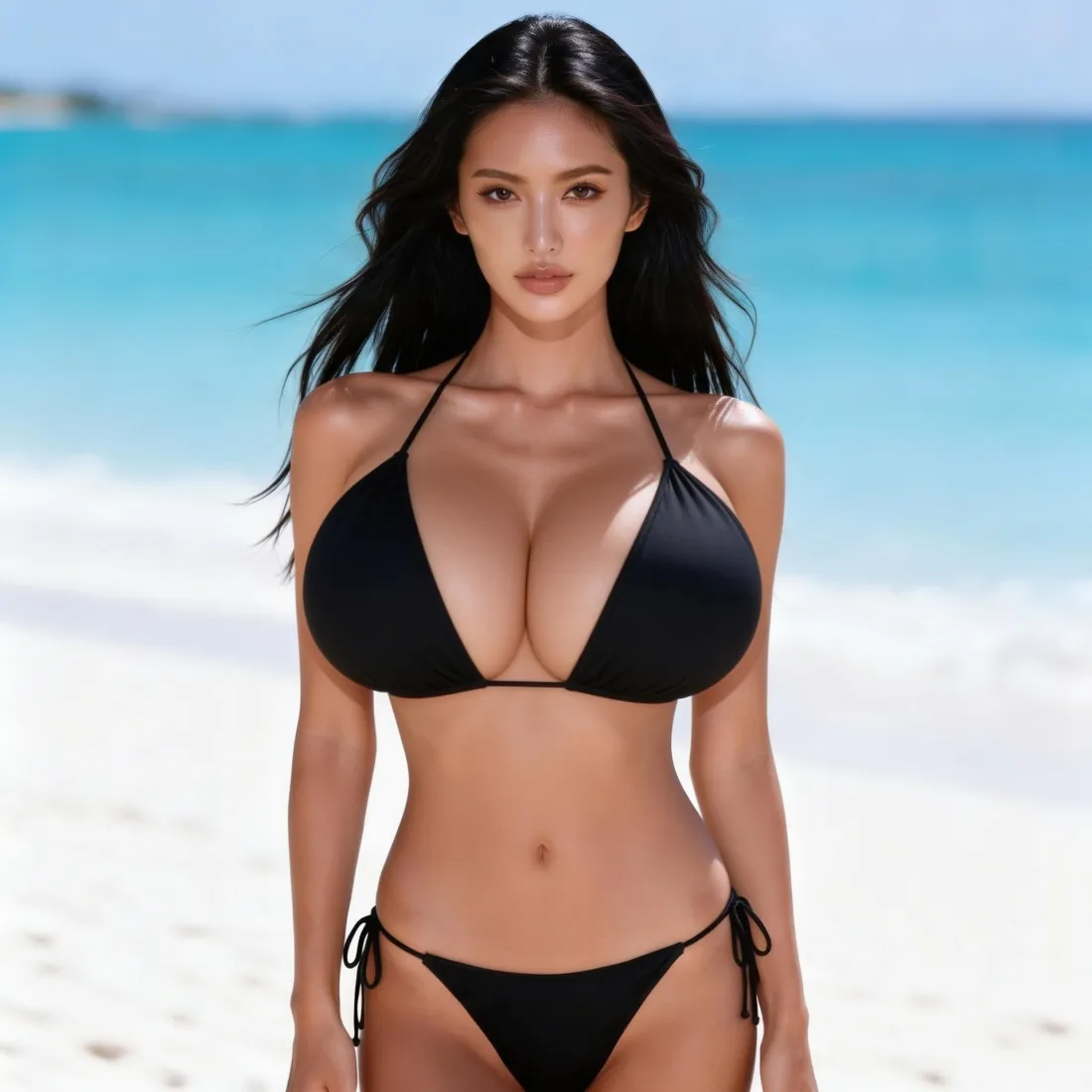
 Before
After
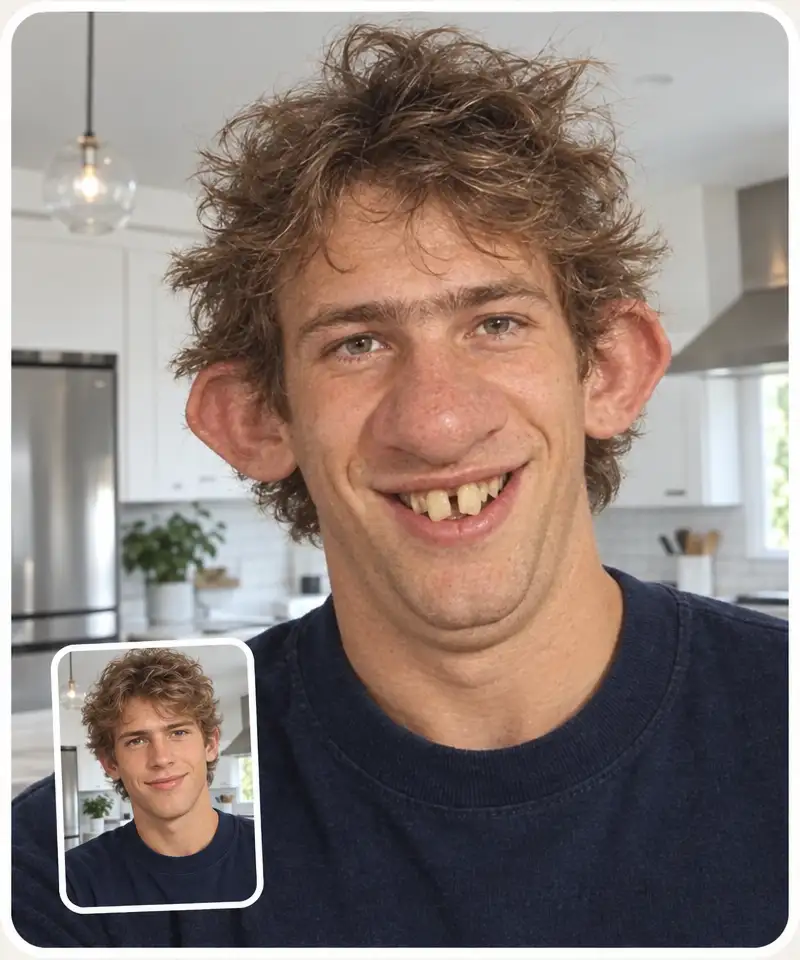
Before
After
The free AI breast enlarger: upload a photo, drag the size slider and see realistic AI breast expansion in seconds.
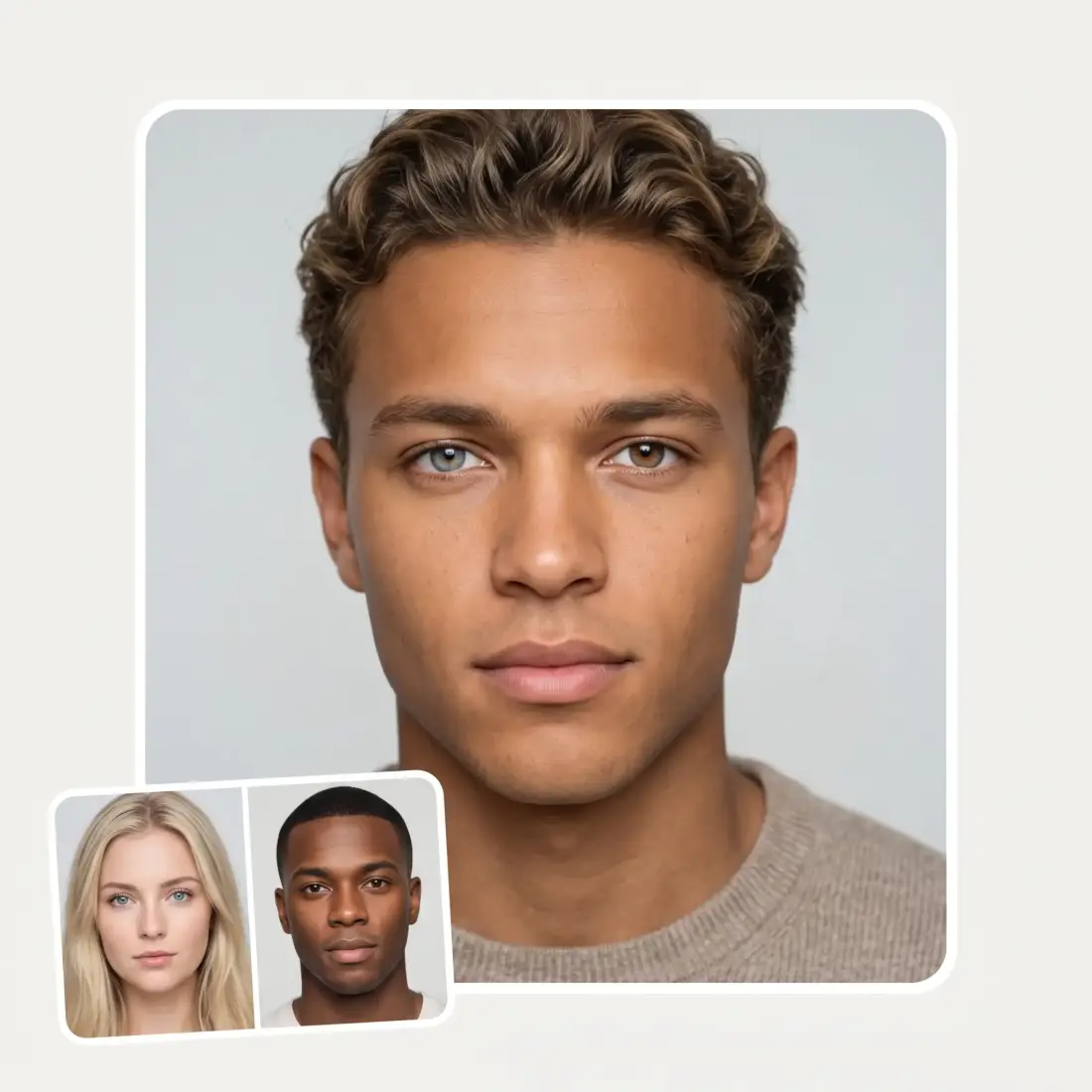
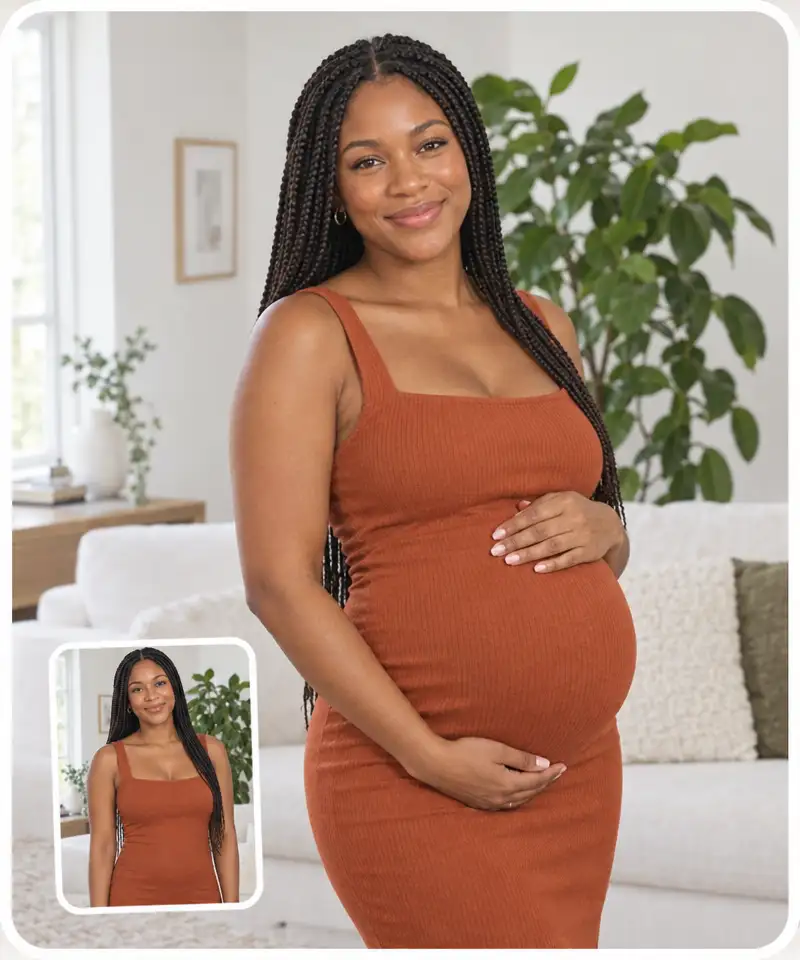
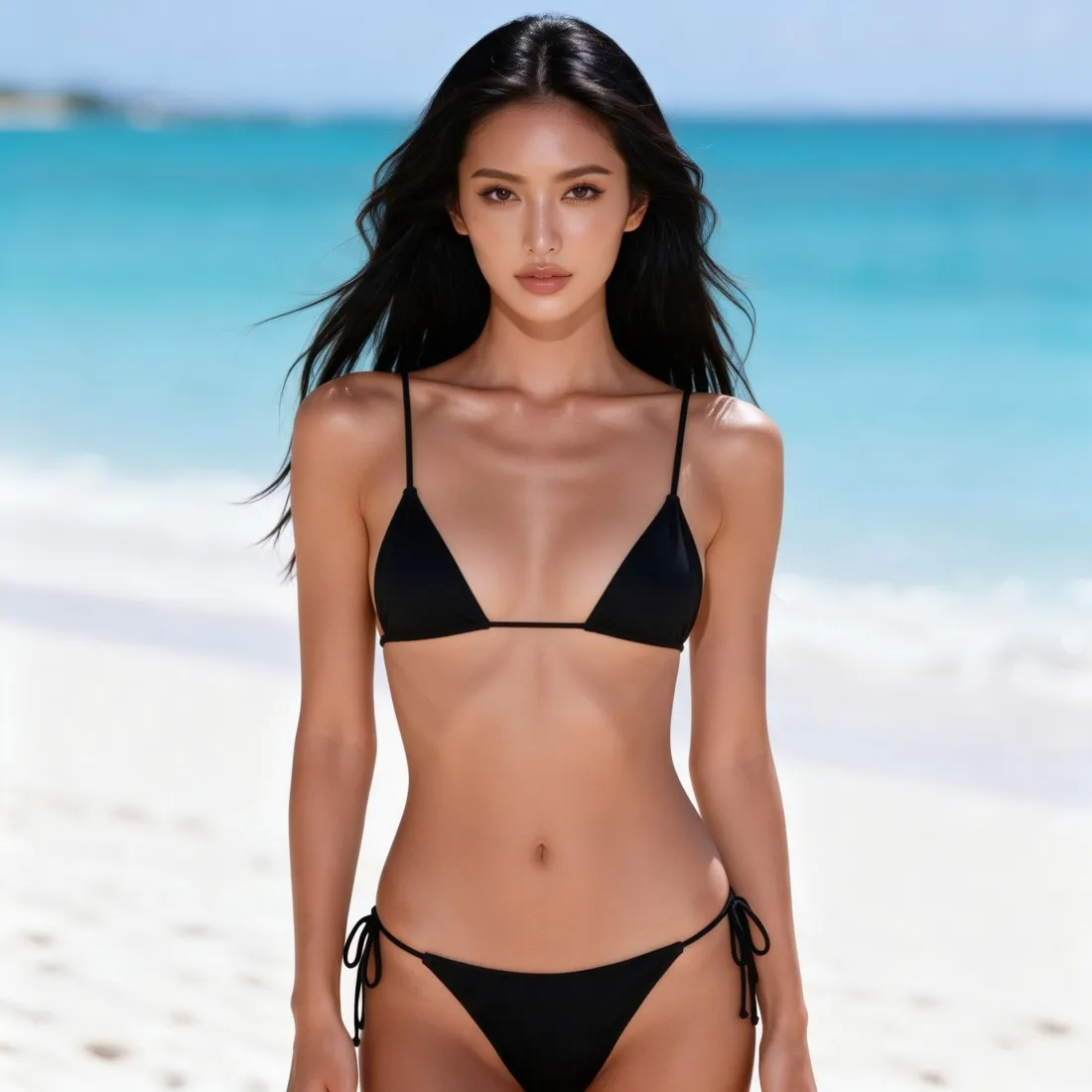
Before
After
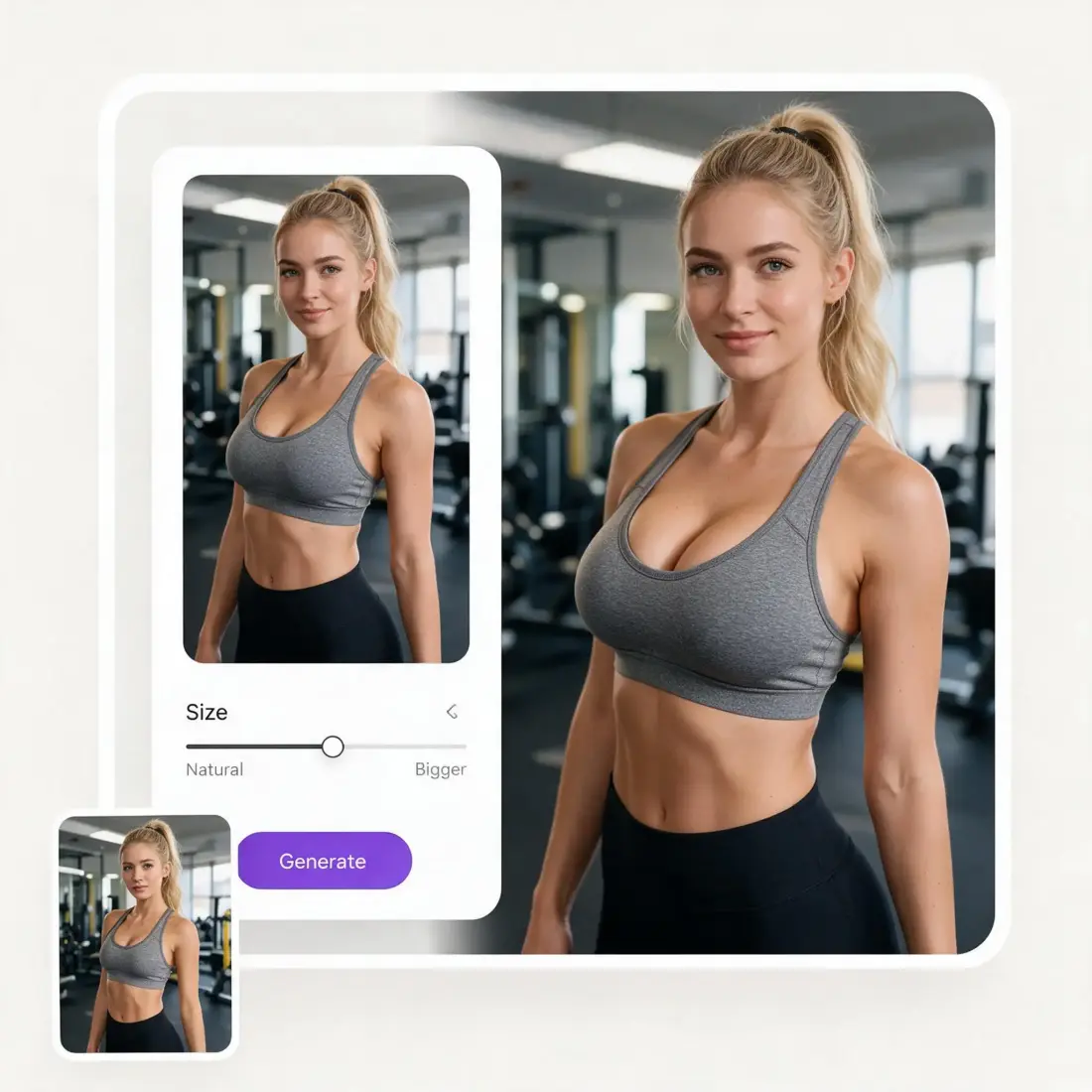
Select from presets ranging from Natural to Bigger to select the strength of the AI breast enlargement effect.
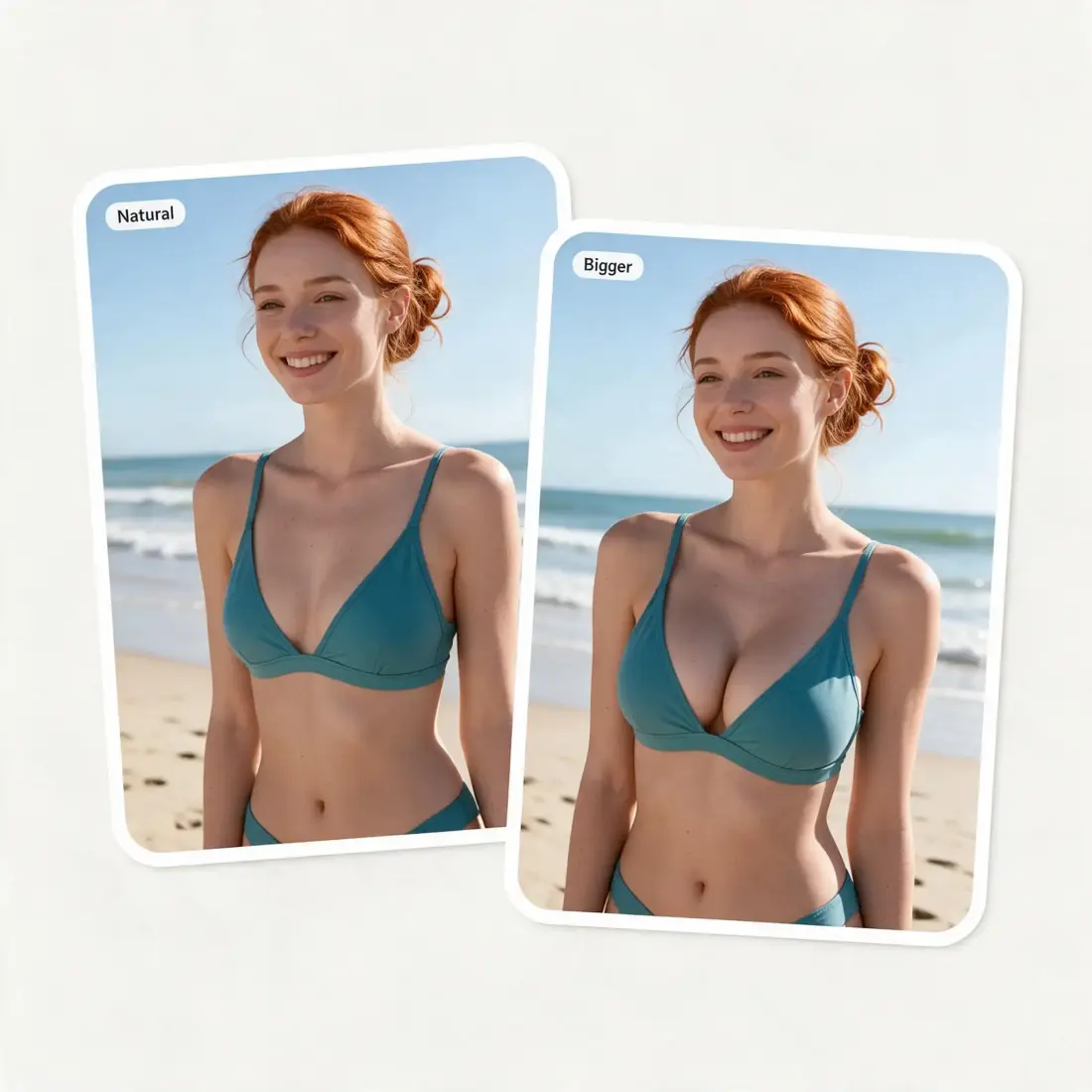
Our AI breast enlargement app accurately preserves everything about the uploaded image, only modifying the chest — clothes and likeness remain recognizable.
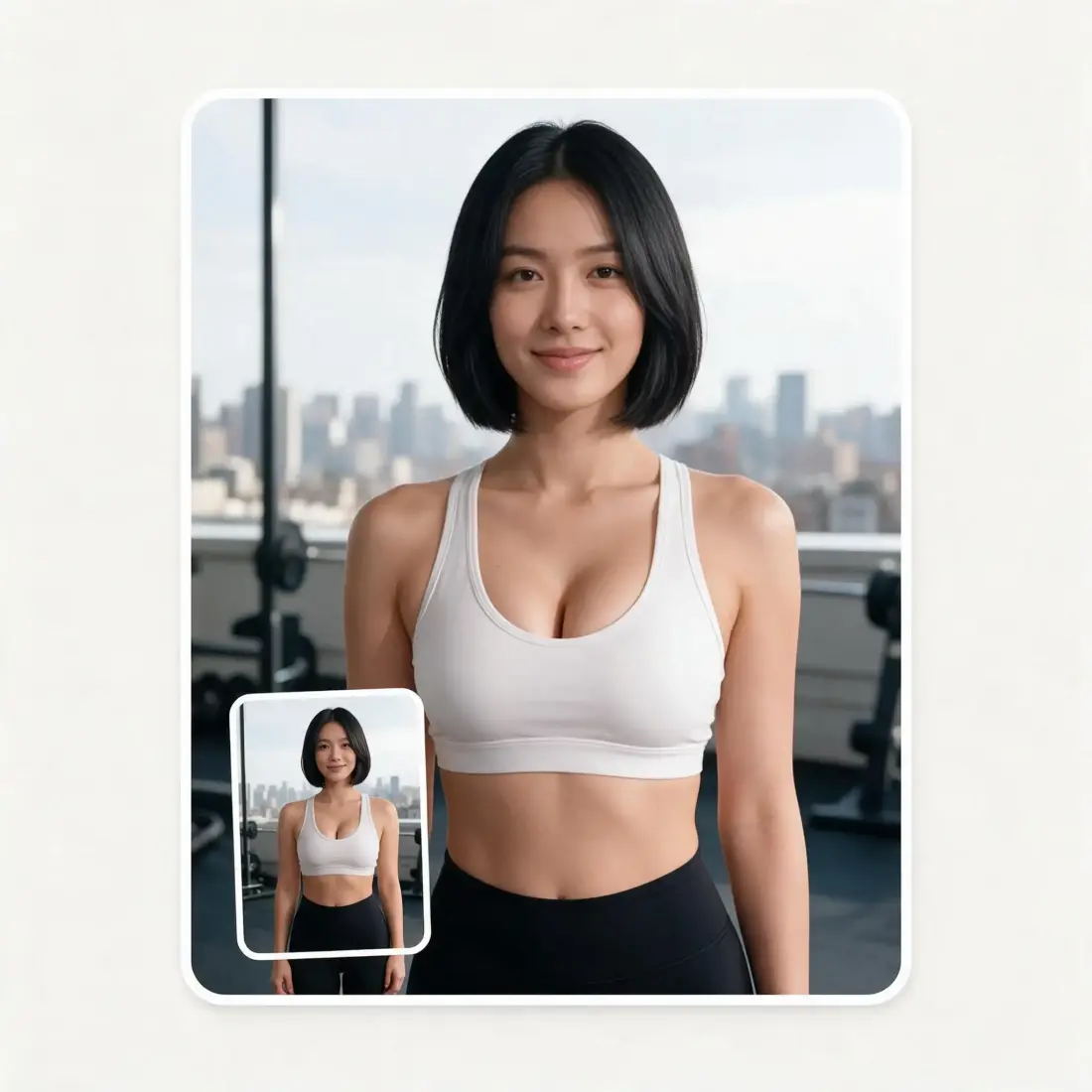
You can generate a set of up to 4 photos at the same time. The first breast expansion image displays here. To unlock the rest, create an Overchat AI account.
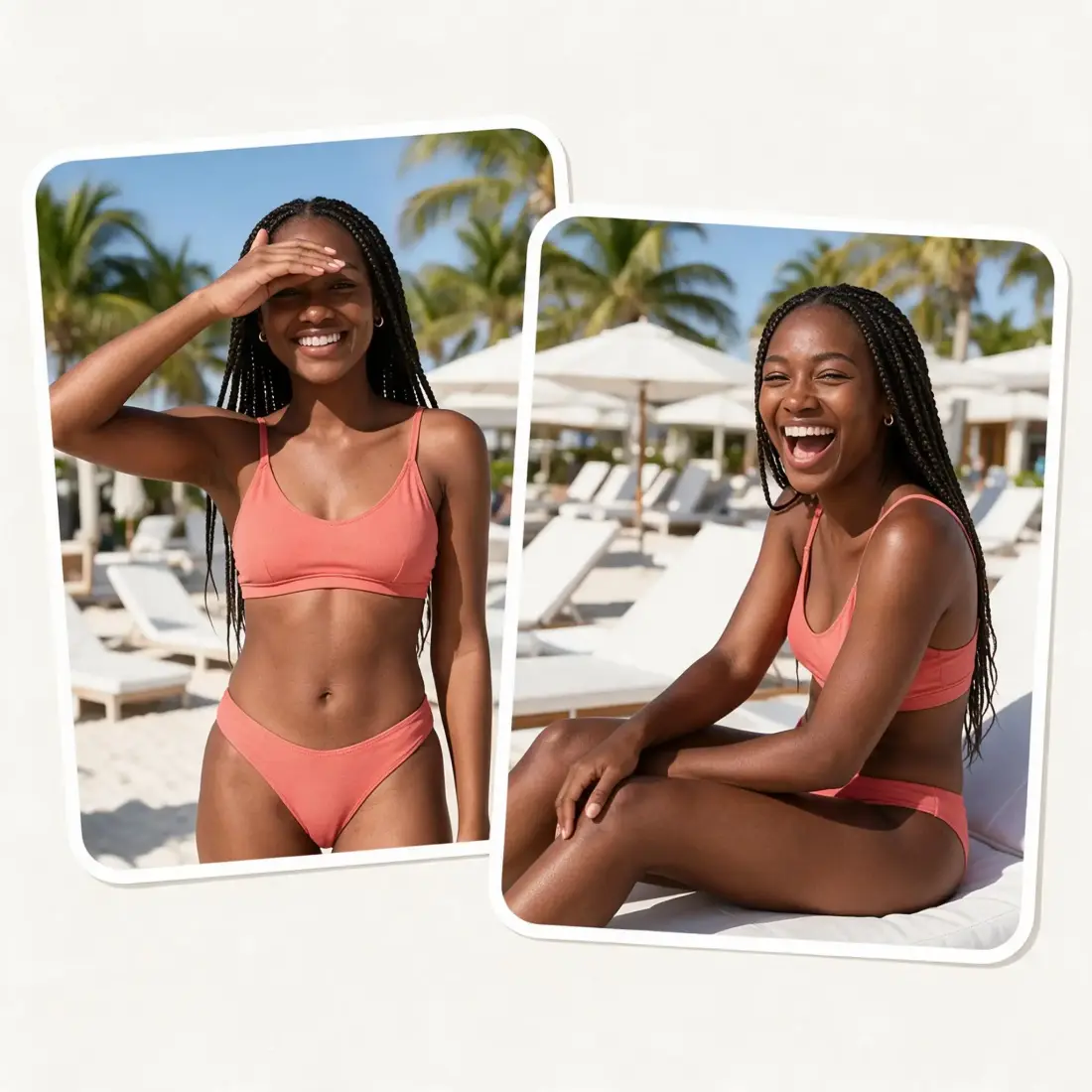
Upload a photo without signing up, choose an aspect ratio, and download your first result in HD without a watermark.
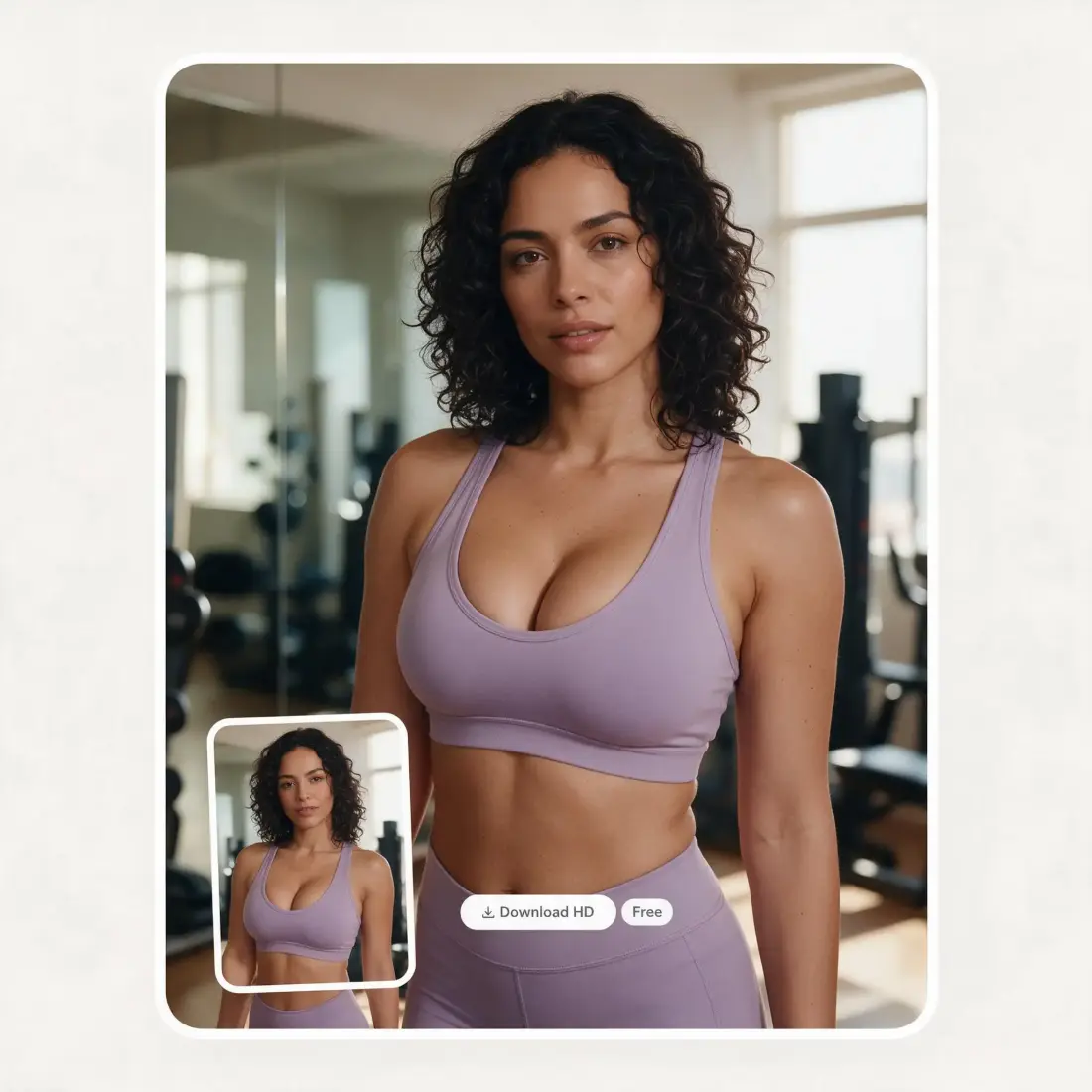
Choose a front-facing or three-quarter photo with the upper body clearly visible. Upload from your device or start with a sample — no account required.
Drag the slider through five levels from Natural to Bigger. Then choose 1 to 4 photos, set the aspect ratio, and add an optional note to modify clothes, pose, or setting.
Press Generate. The Overchat AI breast expansion filter will process your image in about 30 seconds and display the result on the page.
Preview the result online and download it in HD, copy it, or share it. And if you didn’t like it, simply regenerate it.
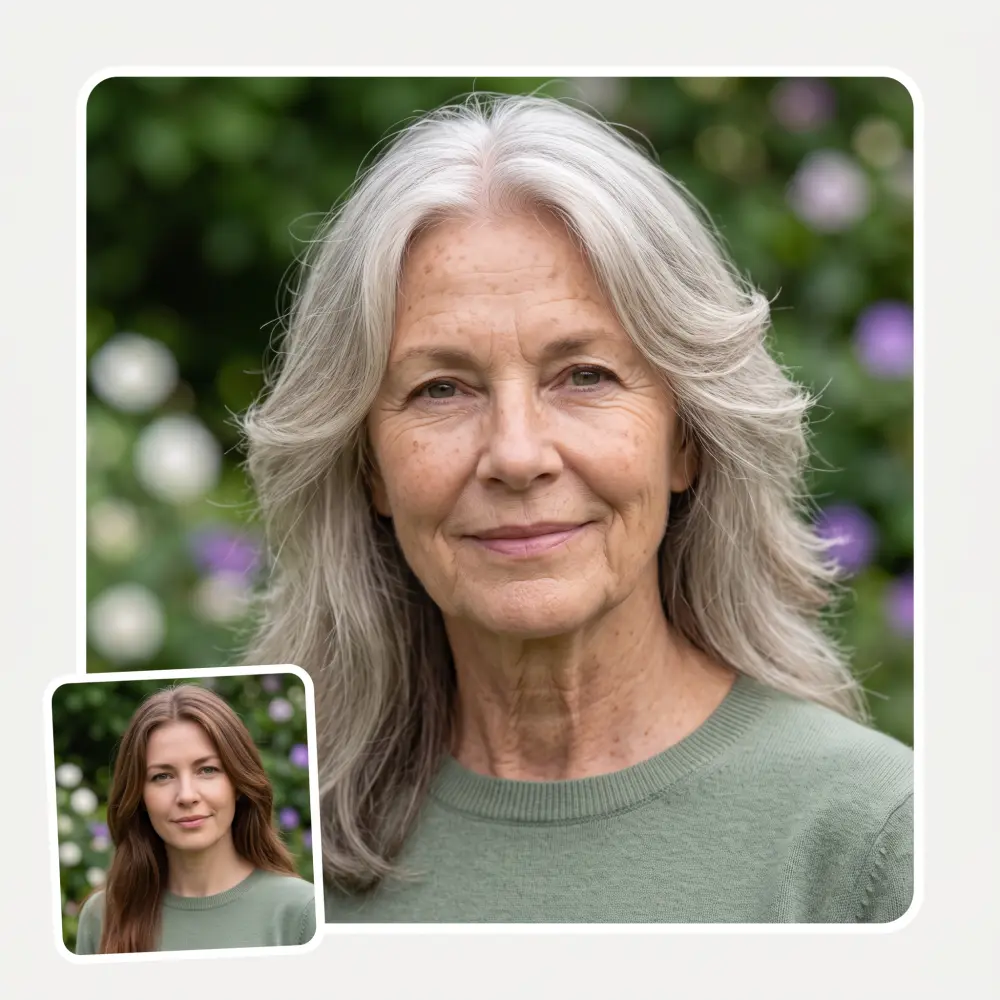
Give a fuller bust to any photo. It works on photographs, anime, drawings and 3D renders.
Bring a personalized image to a cosmetic consultation and point to the look you have in mind.
See what the same person will look like with different chest sizes, from flat to ultra-large.
See the original with an AI breast enlargement side by side.
See how a fitted top, dress, or swimsuit looks with a fuller bust.
Create a version of a person with a full bust. Never upload a photo of someone who has not agreed to be edited.
I've started to use overchat last week and it feels very promising. Lots of AI models in one place saves a lot of money in comparison if you buy subscriptions for each one.
im really into ai apps and that one is good, helps me with my arts and homework. i draw ai vids for inst and generate images with my characters, many widgets and models! like it
I like how it keeps everything organized. One subscription is enough for all major AI models, which helps me avoid paying for multiple platforms.
Affordable and simple to use. I like that I don't have to pay for several different services anymore.
Good and easy to use
It's a nice place to be. I love it
The Overchat AI boobs tool allows you to upload an image and edit it online, specifically by enlarging the bust. Never upload images of people without consent.
Yes. You can try the AI breast enlarger on this page without signing up and download your first result in HD without a watermark. Sets with multiple photos unlock in the Overchat AI app.
Yes. Use the five-step slider to move from Natural to Bigger and preview each level before you generate.
The Overchat AI boobs filter uses an artificial intelligence image generation model to create a new version of an uploaded photo where only part of it was modified.
Yes — Overchat AI breast expansion accurately modifies only the chest area of an uploaded image without changing anything else, while the size slider and prompt box allow you to control other aspects of a new image, such as clothes or location. However, they’re not changed by default.
You can choose from 1 to 4 photos. Generate a single image online without signing up, or create an Overchat AI account to generate multiple images at once.
No — Overchat AI processes your upload to create the edit and does not post it publicly. Uploaded images are automatically deleted after a set time once processing completes.
Available on Web, iOS, and Android. Access your AI assistant anywhere, anytime.

.webp)