




A reveal video of the two of you
For the party screen, the family chat, and the friends and grandparents who couldn't be there.

Your own reveal moment
Most gender reveal video makers build a slideshow or a cartoon. Here the video starts from your photo: you look at each other, the smoke and confetti burst behind you two seconds in, and you jump and hug. The sound has the pop, the cheers and the laughter.
Try it
Balloon, cake or confetti cannon
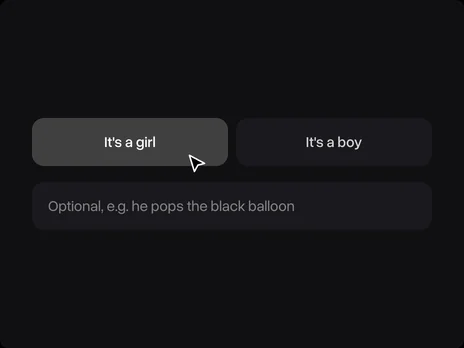
Took the photo holding a black balloon or a cake? Write what happens, like "he pops the black balloon" or "they cut into the cake", and the video does it. Leave the field empty for the classic smoke and confetti burst. The colour always follows your pick.
Try it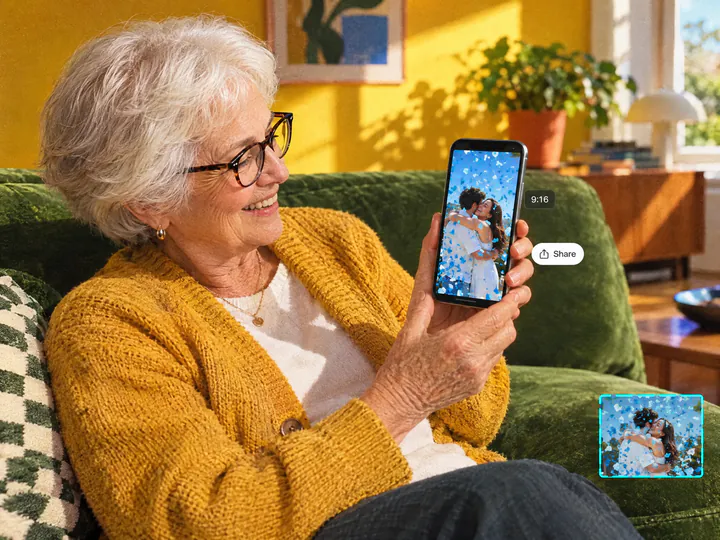
Send it to family far away
A vertical photo gives a vertical video for Reels, TikTok and the family chat; a wide photo gives a wide one for the TV at the party. Grandparents who live far away see the same moment as the guests.
Try itWhy make a gender reveal video with Overchat AI
Your faces, your moment
The video starts from your photo, and the faces in it stay true to it.
Pink or blue
Pick boy or girl, and the smoke and confetti come in that colour only.
6 seconds with sound
A pop, cheers and laughter come with the video, ready to post or send.
Your reveal idea
A balloon pop, a cake or a confetti cannon: write one line, or leave it empty.
Any photo of you
A couple photo, a family photo or a bump selfie in JPG, PNG, WEBP or HEIC up to 20 MB.
Online, on any device
Runs in the browser on a phone or a computer, with nothing to install.
How to make a gender reveal video
Three steps, starting right on this page.
- 1
Pick boy or girl
Choose "It's a girl" or "It's a boy". To stage your own reveal, add a line in the optional field, for example "he pops the black balloon".
- 2
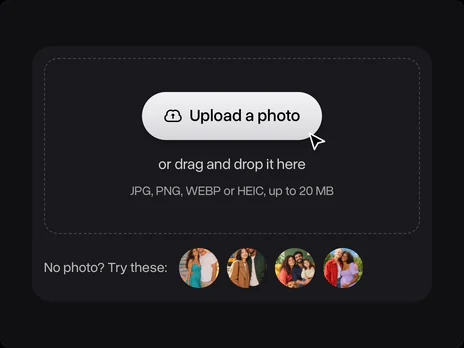
Upload a photo of you
Upload a photo of the two of you, the whole family or just the bump. No photo at hand? Use one of the samples. The photo opens in Overchat AI with your pick ready.
- 3

Get the video
Sign in to Overchat AI and get a 6-second video in two or three minutes, then download it or share it.
Explore More AI Tools
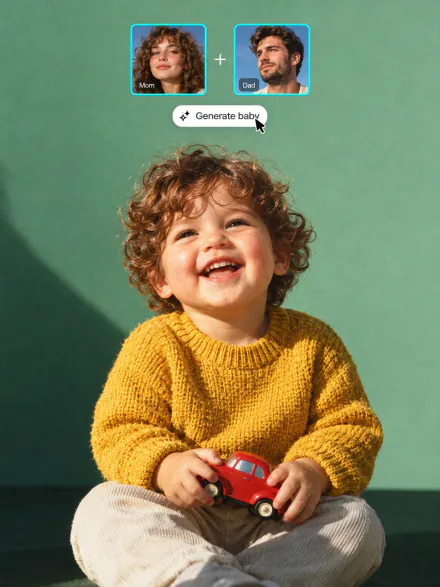
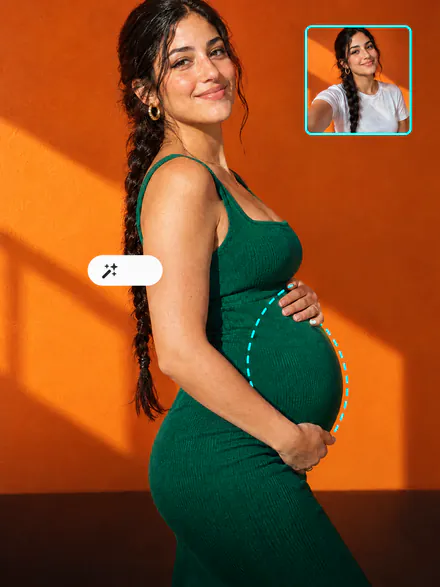
Announce the pregnancy, see what your baby might look like, or picture yourself with a bump. Every tool runs on the same subscription.



FAQ
If you have any questions,
reach out to us at hello@overchat.ai
It turns a photo into a short gender reveal video. Here it is a photo of you: in the video you look at each other, pink or blue smoke and confetti burst behind you, and you hug, with the pop and the cheers in the sound.
Pick boy or girl on this page, upload a photo of the two of you, sign in to Overchat AI and get the 6-second video in two or three minutes. Download it, post it or play it at the party.
Uploading a photo and opening the filter is free. Making the video uses credits, which come with an Overchat AI plan along with every other AI tool.
The default is a burst of smoke and confetti behind you. Write a line to stage another one: popping the black balloon you hold in the photo, cutting into a cake, a confetti cannon or fireworks. A balloon or a cake works best when it is already in the photo.
Whoever makes the video picks pink or blue, so they know first. If you want to be surprised too, ask the friend or relative who has the envelope from the doctor to make the video from your photo and send it to you.
Yes. The video takes the shape of your photo, so a vertical photo gives a vertical video for Reels, TikTok and Stories, and a wide photo gives a wide video for a TV or YouTube.
It has sound: the pop, cheers and laughter. There is no text on it, because video models often misspell words. Add a caption like "It's a girl!" in the editor of your phone or app before you post.
A sharp photo where your faces are clear and turned toward the camera, with some room above and behind you for the smoke. A full couple photo works better than a tight selfie.
Yes, you need an Overchat AI account to make the video. Sign in with Google or Apple after you upload; your photo and your pick carry over, so you don't upload anything twice.


