
New Year AI Video Generator
Upload a photo of you, your partner or your friends, pick a scene and get a 6-second video of you at midnight on New Year's Eve 2027


 Veo
 Seedance
 Grok Imagine
 Kling
 Flux
 Wan
 Hailuo
 PixVerse
Make a happy new year AI video from one photo
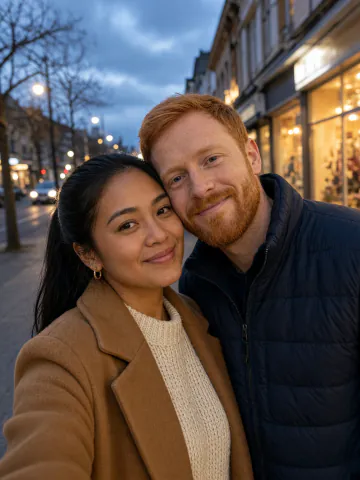
A selfie, a couple photo or the best picture from the family chat
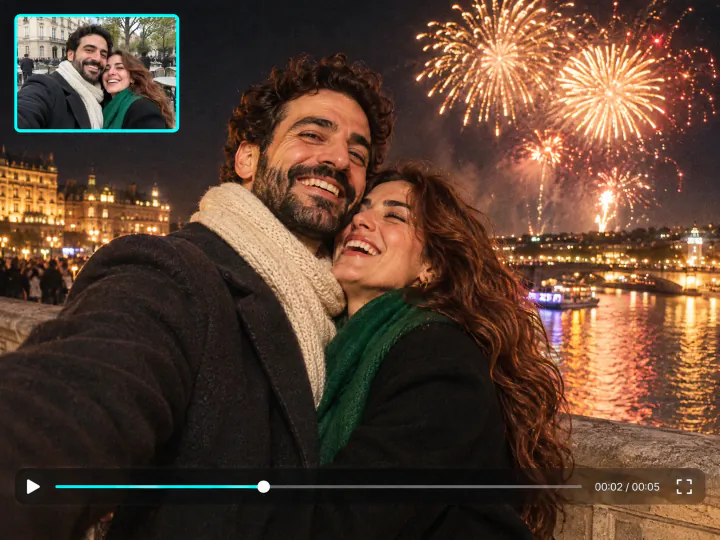
From any photo to midnight
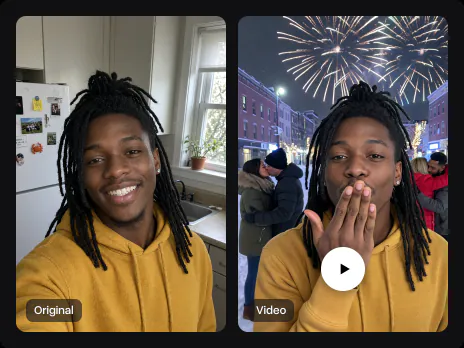
Use a photo from a sunny afternoon, your kitchen or a café. The video opens on your photo, then cuts to the same people at midnight on New Year's Eve, with the same faces, hair and clothes
Try it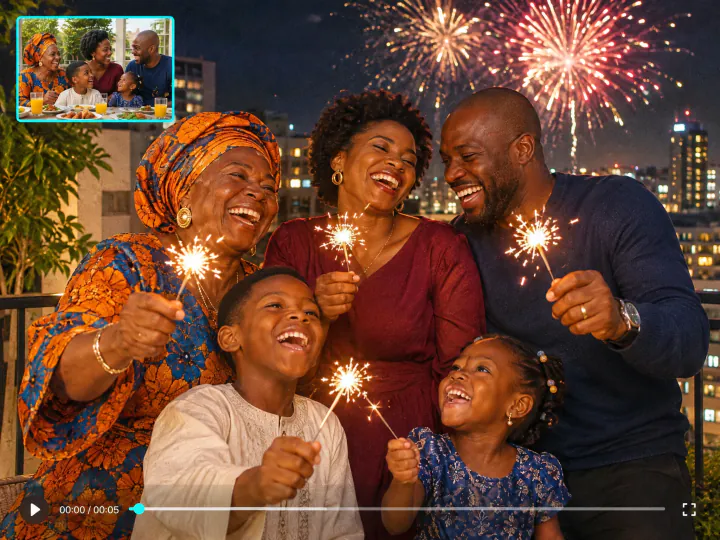
Couples, friends and the whole family
Everyone in the photo goes into the video, from the two of you to a group of friends. Nobody new steps in front of you, the crowd stays in the background
Try it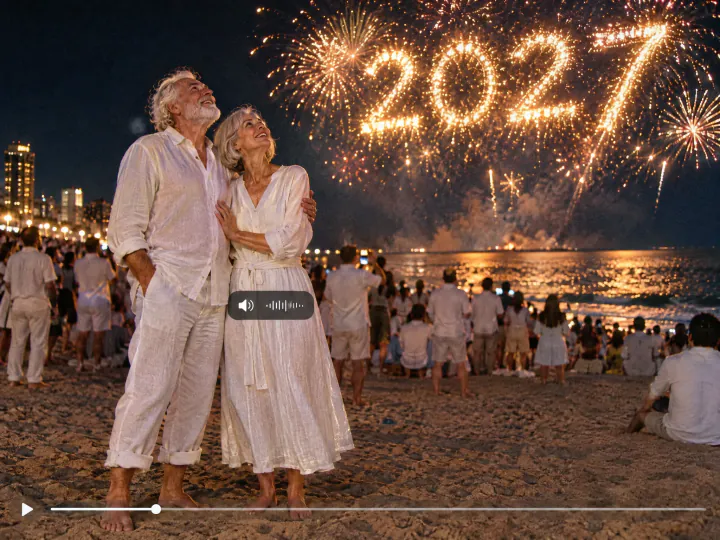
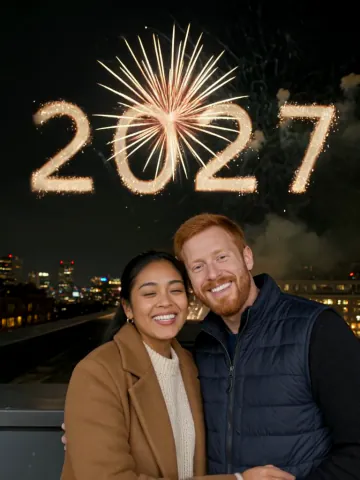
2027 in the sky, with sound
Fireworks spell 2027 over the city, or a glowing 2027 sign lights up the countdown. The video comes with the cheers of the crowd and the bangs of the fireworks
Try itWhy use Overchat AI as your New Year AI video maker
Your faces stay yours
Faces, hair and clothes come from your photo, so everyone looks like themselves
Everyone in the photo
Couples, friends and families go into the video together
2027 in fireworks
Gold fireworks spell 2027, or a glowing 2027 sign stands behind you
Sound included
The crowd cheers and the fireworks go off, no music to add
6 seconds
A short clip for Stories, Reels and the family chat
No app to install
Runs in the browser on a phone or a computer, from the photo to the video
How to make a New Year AI video
Three steps, starting right on this page
- 01
Pick a scene
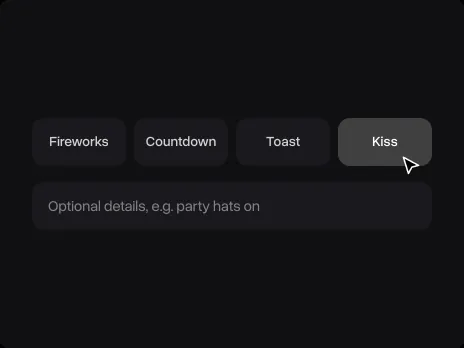
Choose Fireworks, Countdown, Toast or Kiss. Add your own details in the optional field if you like
- 02
Upload a photo
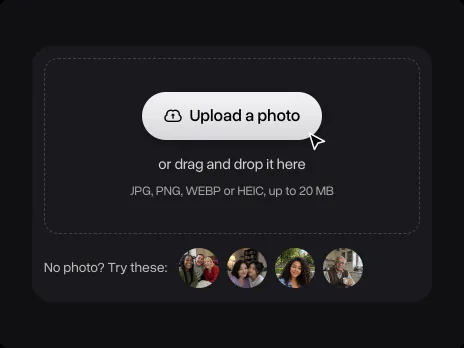
Add a selfie, a couple photo or a group shot, taken anywhere and at any time of day. No photo at hand? Use one of the samples. The photo opens in Overchat AI with the scene ready
- 03
Get the video
Sign in to Overchat AI and get your 6-second New Year video with sound in a couple of minutes. Download it and send it to your friends at midnight
Explore More AI Tools
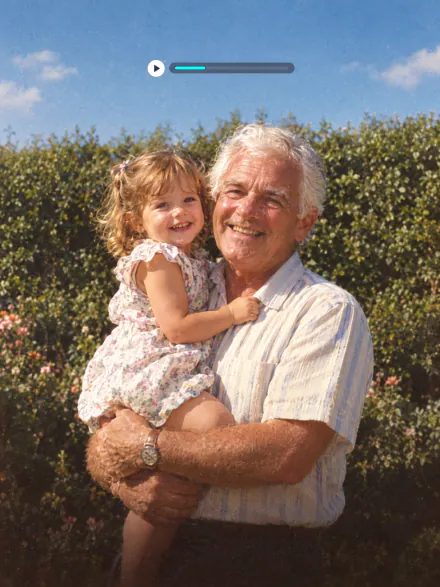
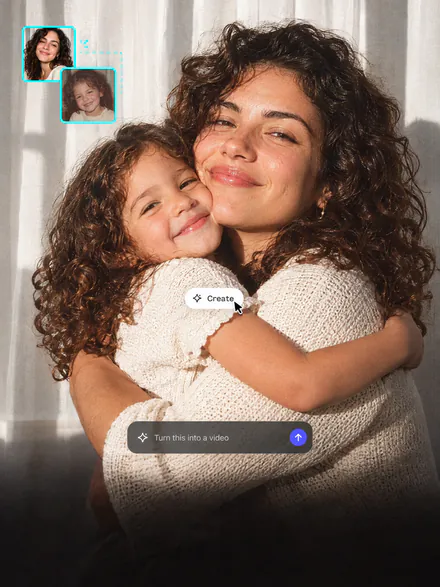
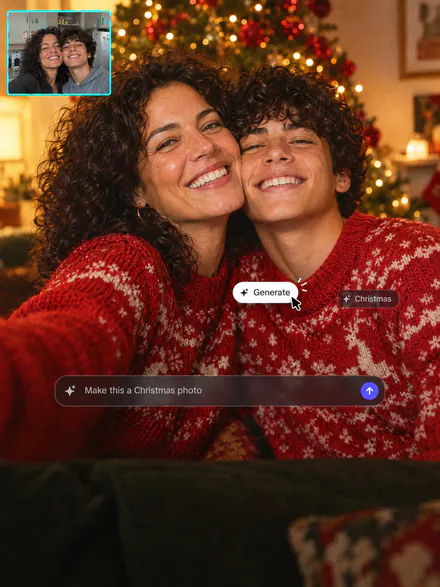
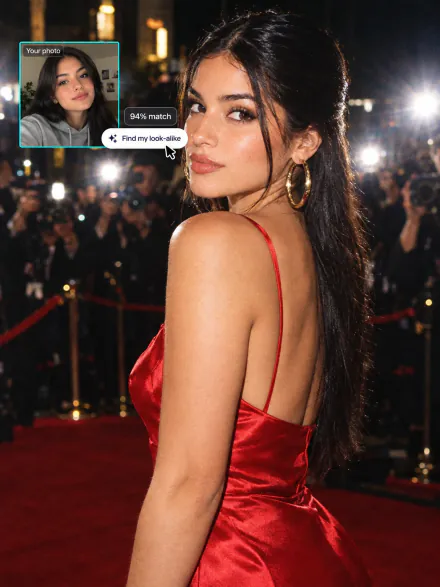
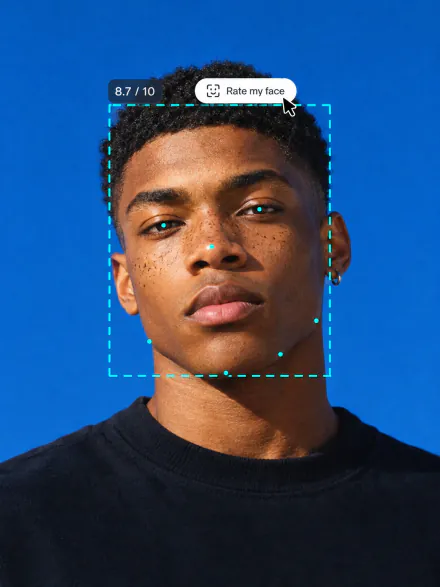
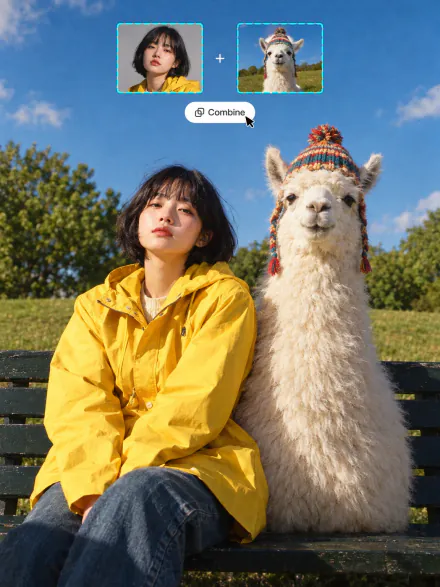
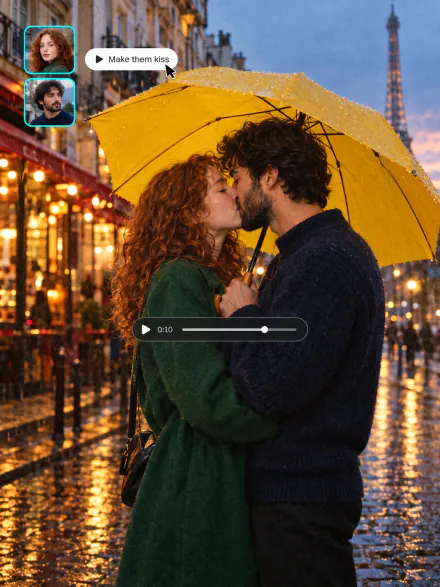
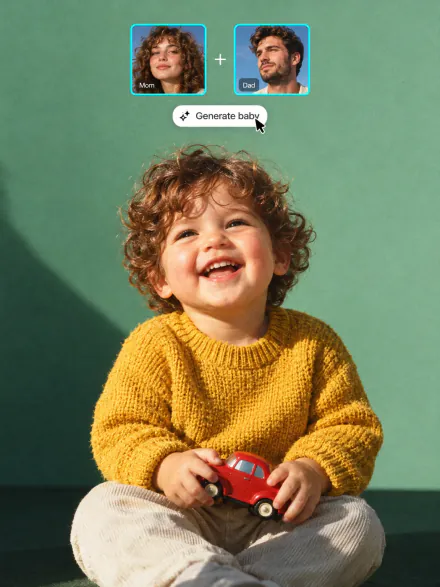
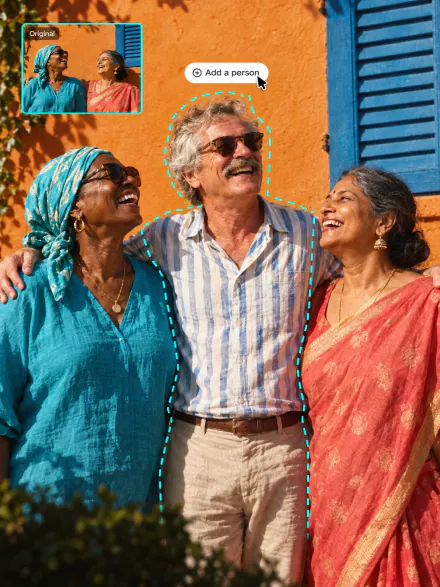
Bring an old photo to life, hug your younger self or make a Christmas photo
New Year AI Video FAQ
If you have any questions,
reach out to us at hello@overchat.ai
Pick a scene on this page, upload a photo, sign in to Overchat AI and get the video in a couple of minutes. It opens on your photo and cuts to you at midnight with fireworks, a countdown, a toast or a kiss
Uploading a photo and picking a scene is free. Making the video uses credits, which come with an Overchat AI plan along with every other AI tool
Yes. Use one photo with everyone in it, like a couple selfie or a group shot. Everyone from the photo goes into the video. If you are alone in the photo, the Kiss scene becomes a blown kiss to the camera
Yes. The video starts on your photo as it is and then cuts to midnight, so a photo from a sunny park, a kitchen or a café works. Pick one where every face is clearly visible
Faces, hair and clothes come from your photo, so everyone keeps their look after the cut to midnight. Front-facing photos without sunglasses keep the likeness best
6 seconds in the shape of your photo, with a cheering crowd and fireworks on the soundtrack. Download it and post it to Reels, TikTok or Stories, or send it on WhatsApp
2027. In the Fireworks scene the fireworks spell 2027 in the sky, and in the Countdown scene a giant glowing 2027 sign stands behind you
No. The prompts for all four scenes are built in, and everything runs in the browser on a phone or a computer
Your photo is used only to make your video. Overchat AI keeps the data in the EEA for as long as that purpose needs it


