
Ugly Sweater AI
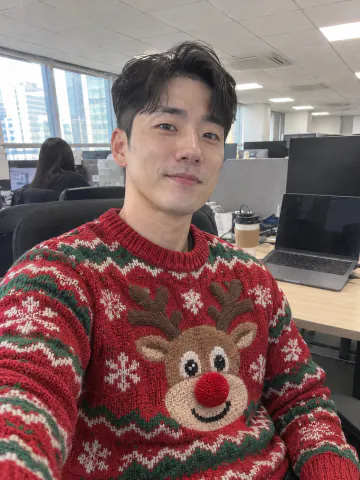
Upload a selfie, a couple photo or a group shot, and AI puts everyone in an ugly Christmas sweater. Faces, hair, the pose and the background stay as they were



 GPT Image
 Nano Banana
 Seedream
 Grok Imagine
 Flux
Ugly Christmas sweater filter for your own photo
Put an ugly Christmas sweater on a selfie, a family photo or your dog and keep everything else in the shot
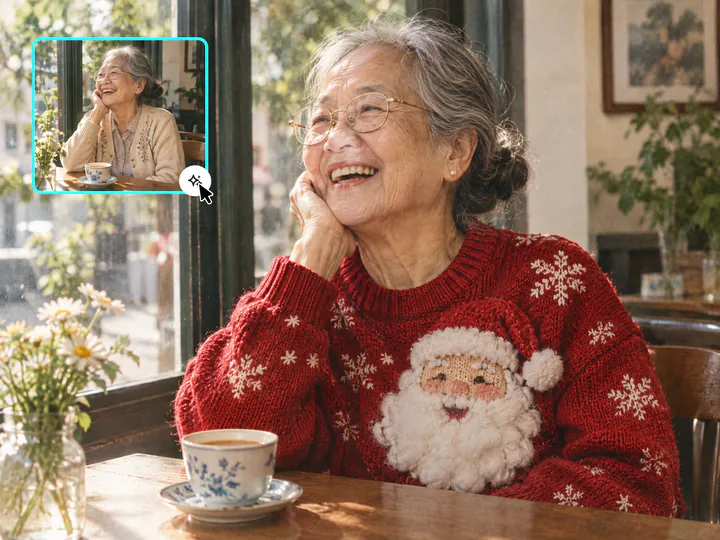
Only the sweater changes
The AI swaps the top you have on for an ugly Christmas sweater and leaves your face, hair, pose and background as they were. The sweater sits like a real knit, with folds and shadows in the light of your photo
Try it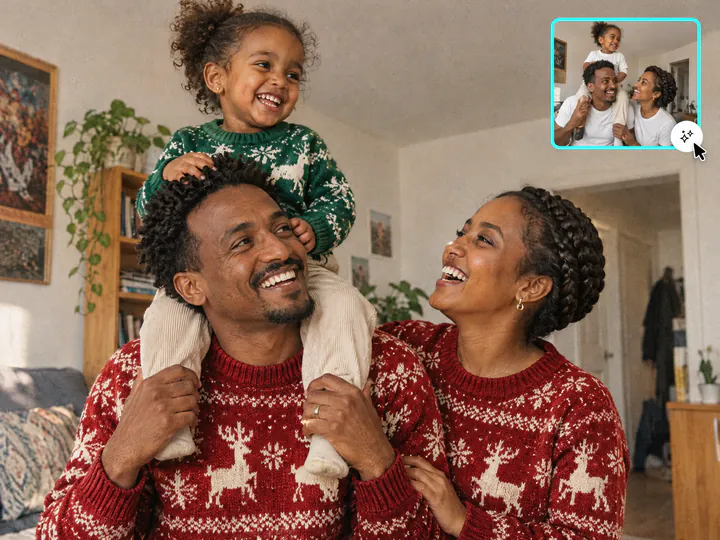
Matching ugly Christmas sweaters for couples and families
Upload one photo with everyone in it, and each person gets a sweater. Matching puts the whole group in one design in different colors, from a couple selfie to the office party photo
Try it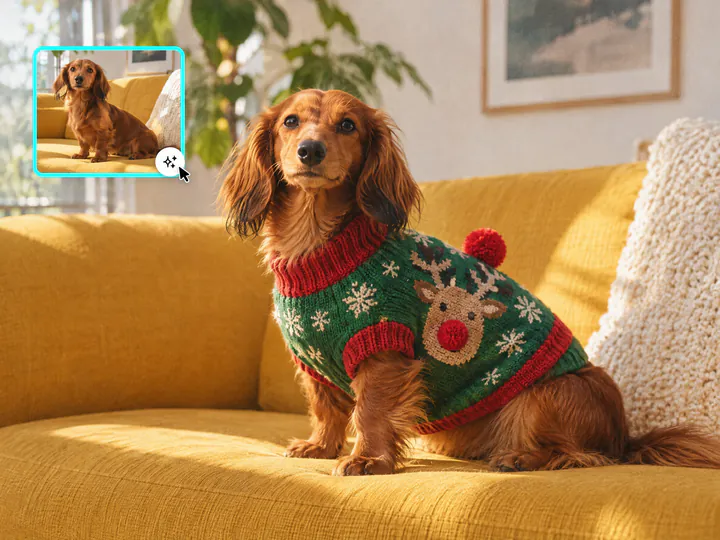
An ugly sweater for your dog or cat
Pick Pet sweater, and your dog or cat gets a little ugly Christmas sweater that fits its body. You get the same one in your size, so the two of you match in the photo
Try itWhy use this ugly sweater AI generator
Still you
Your face, hair, skin tone, pose and background stay as they are in your photo
8 sweater designs
Reindeer, Light-up, Cats, Tinsel, Snowman, Gingerbread, Matching and Pet sweater
Couples and groups
Everyone in the photo gets a sweater, from a couple selfie to the whole office
Your words on it
Type a pun or a name in the field, and the AI knits it into the sweater
Ready in about a minute
Download the picture for your feed, Stories, a Christmas card or the group chat
Any phone photo
Selfies, mirror selfies and group photos in JPG, PNG, WEBP or HEIC up to 20 MB
How to use the AI Christmas sweater generator
Three steps from your photo to an ugly sweater photo, starting right on this page
- 01
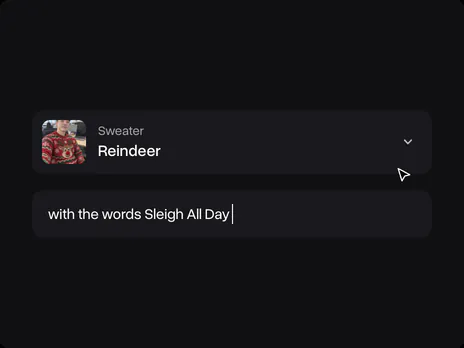
Choose a sweater
Open the sweater tile and pick Reindeer, Light-up, Cats or another design. Add your own words in the optional field
- 02
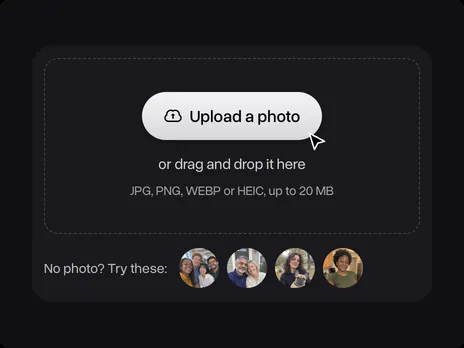
Upload a photo
Upload a selfie, a couple or family photo, or a photo with your pet. No photo at hand? Use one of the samples. The photo opens in Overchat AI with the sweater's prompt ready
- 03
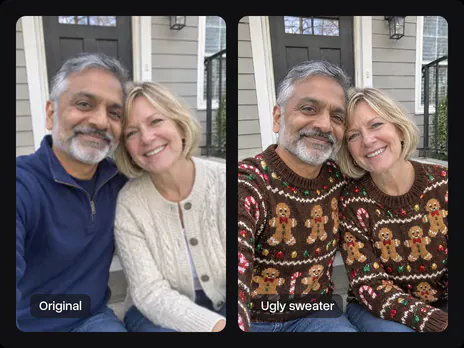
Get your sweater photo
Sign in to Overchat AI and get the picture in about a minute, then download it for your feed, a card or the office party chat
Explore More AI Tools
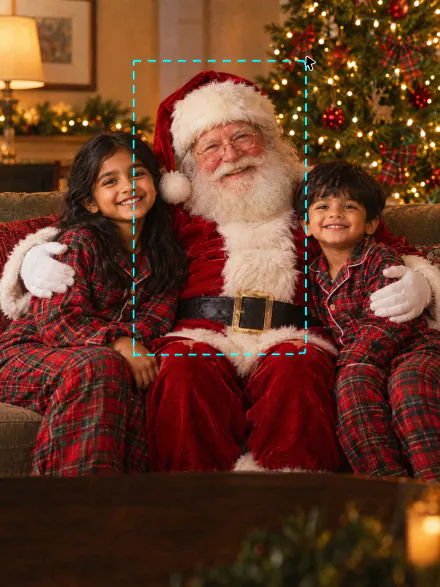
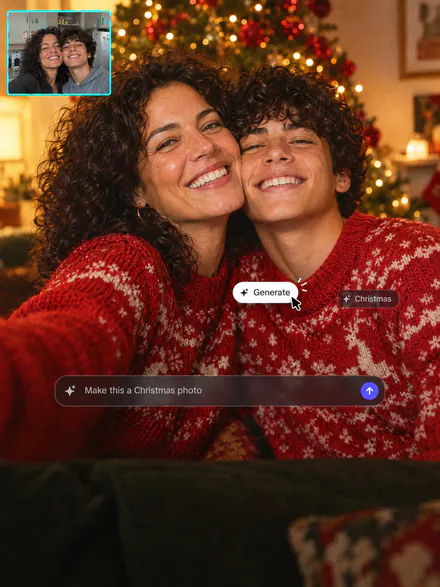
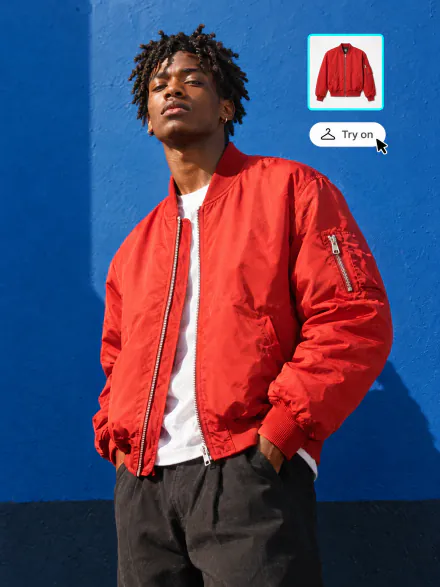
Add Santa to a photo, make a whole Christmas photoshoot or try on any outfit. Every tool runs on the same subscription
FAQ
If you have any questions,
reach out to us at hello@overchat.ai
Pick a sweater on this page and upload your photo. It opens in Overchat AI with the sweater's prompt ready; sign in, and you get the picture in about a minute
No. The AI changes only the top you are wearing and keeps your face, hair, skin tone, body shape, pose and background. A sharp photo with your face clearly visible gives the closest result
Yes. Type what you want in the optional field, like penguins on skis or pizza slices on a blue knit, and it goes into the design you picked. You can also edit the full prompt in Overchat AI before you generate
Yes. Write them in the optional field, for example "with the words Sleigh All Day", and the AI knits exactly those words into the sweater. Short phrases of two to four words come out cleanest
Yes. Upload one photo with everyone in it and pick Matching: each person gets the same design in a different color. With any other design, everyone in the photo wears that one
Yes. Pick Pet sweater and upload a photo of your pet on its own or with you. The pet gets a little sweater fitted to its body and keeps its own face and coat, and you get the same sweater in your size
This page dresses the people in your photo, so it needs one. To design a sweater on its own, for a print or a party invite, describe it in the AI Image Generator
A clear, well-lit photo where you are visible at least from the chest up, in JPG, PNG, WEBP or HEIC up to 20 MB. Selfies, mirror selfies and group photos all work
Uploading a photo and picking a sweater on this page is free. Making the picture uses credits, which come with an Overchat AI plan along with the other AI tools
No. Each sweater comes with its prompt written, so you don't need to copy a Gemini ugly sweater prompt. You can read and edit it in Overchat AI before you generate
It is the third Friday of December. In 2026 it falls on December 18
Yes, you need an Overchat AI account to make the picture. Sign in with Google or Apple after you upload; your photo and the sweater carry over, so you don't upload twice


