
About Grok 4.8
Grok 4.8 is xAI's Grok model with 2.5 trillion parameters. It writes and fixes code, works through long tasks and answers everyday questions
Grok 4.8 is a clear step up from Grok 4.7 in code, reasoning and long tasks. It reads photos, PDFs and spreadsheets along with your question
Grok 4.8 comes in two versions. The full model takes on hard problems, and Grok 4.8 Fast answers everyday questions quicker
- Developer
- xAI
- Parameters
- 2.5 trillion
- Previous model
- Grok 4.7
- Versions
- Grok 4.8, Grok 4.8 Fast
- Strengths
- Code, agents, long tasks
- Family
- Grok
Grok 4.8 main features
Grok 4.8 writes code for hours, answers fast when you need it and reads your photos and documents
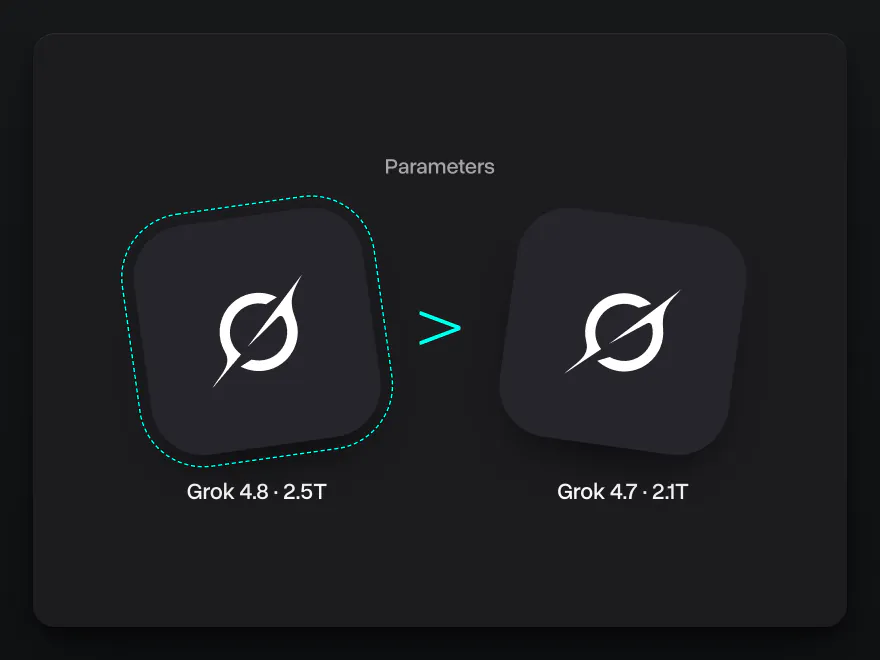
2.5 trillion parameters
Grok 4.8 has 2.5 trillion parameters, up from 2.1 trillion in Grok 4.7. It is xAI's largest Grok 4 model and gives stronger answers in code, reasoning and long tasks
Try it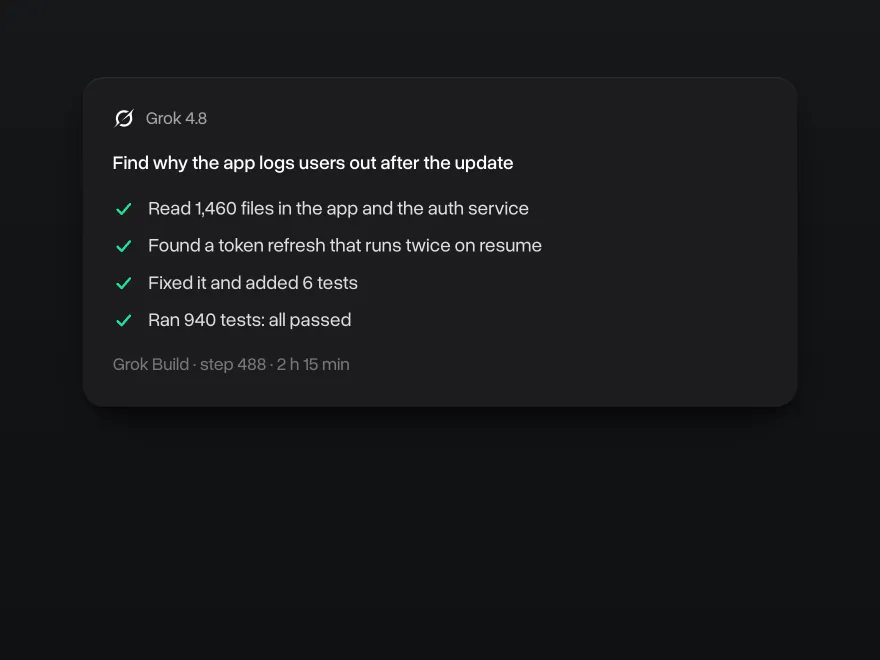
Long coding tasks in Grok Build
Give Grok 4.8 a bug or a new feature, and it works through your codebase for hours until the tests pass. Grok 4.8 runs in Grok Build, xAI's coding agent, and in Cursor
Try it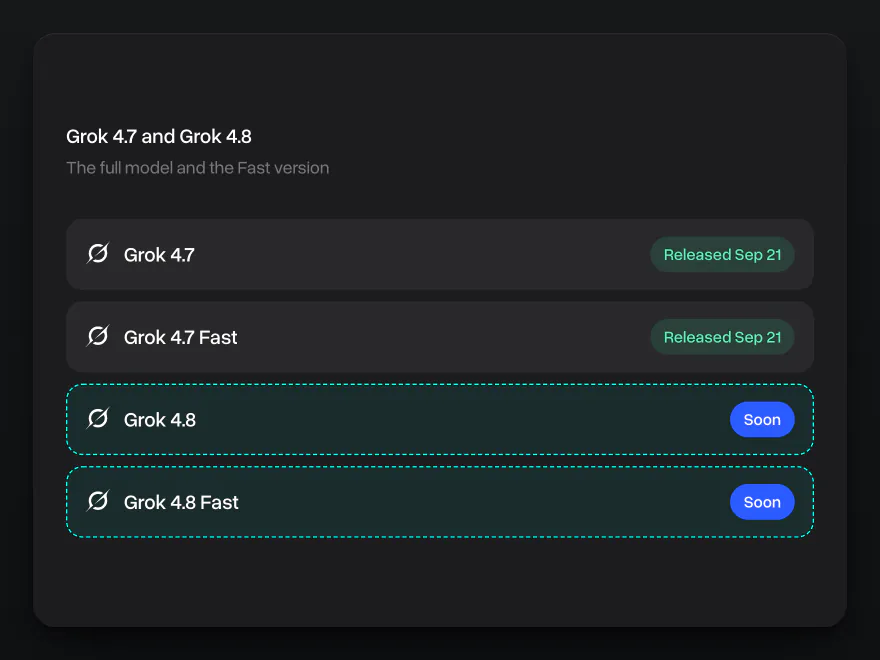
A Fast version for quick answers
Pick Grok 4.8 Fast for everyday questions and get answers in seconds. Switch to the full Grok 4.8 for hard problems and set how long it thinks before it answers
Try it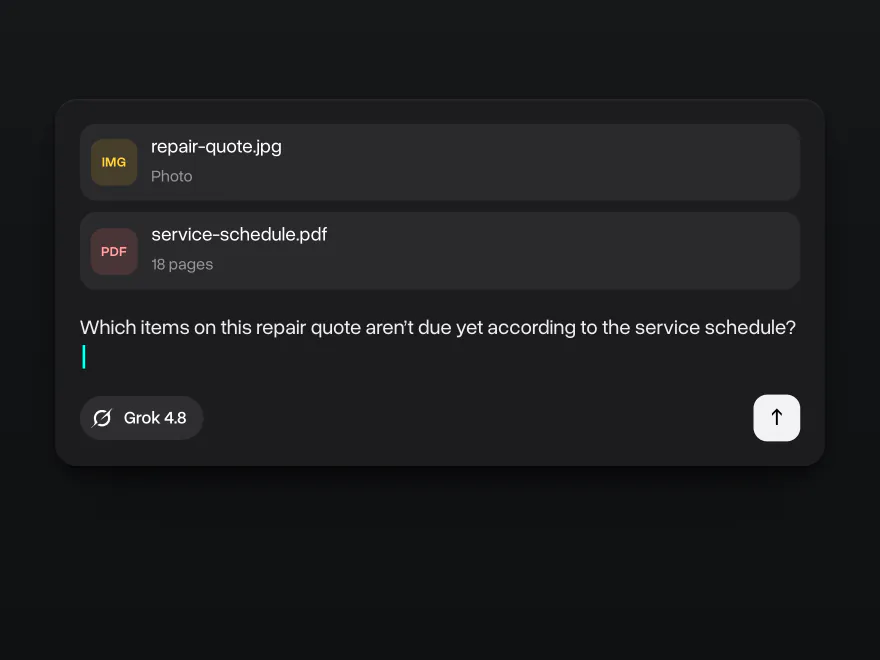
Photos, PDFs and spreadsheets
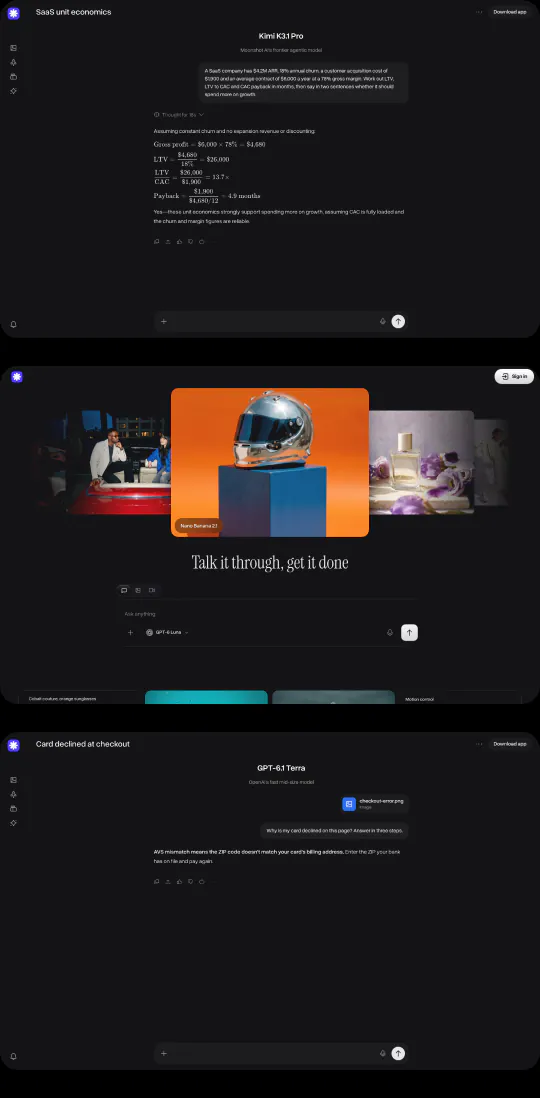
Send Grok 4.8 a photo of a repair quote and your car's service schedule, and it tells you which items aren't due yet. Grok 4.8 reads images, PDFs and spreadsheets along with your question
Try itWhy use Grok 4.8 on Overchat AI
One account for chat, images and video, on every device
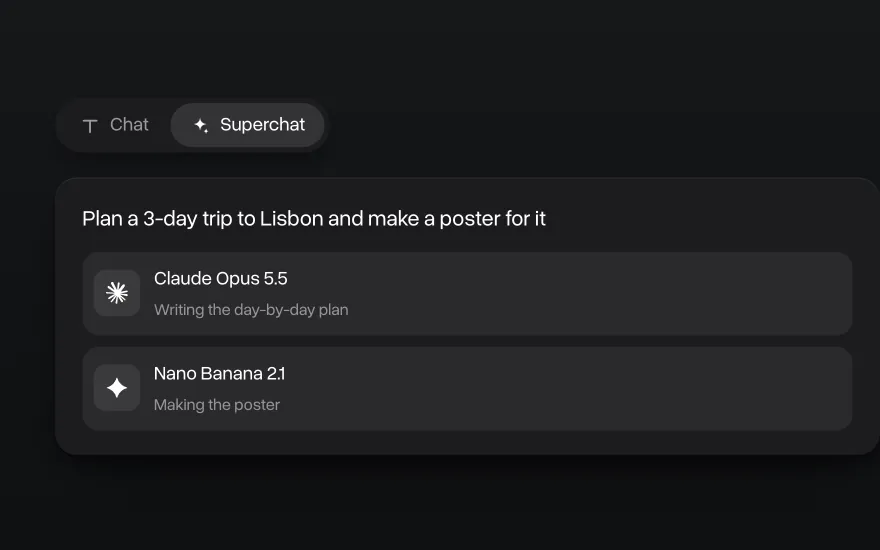
Superchat AI agent
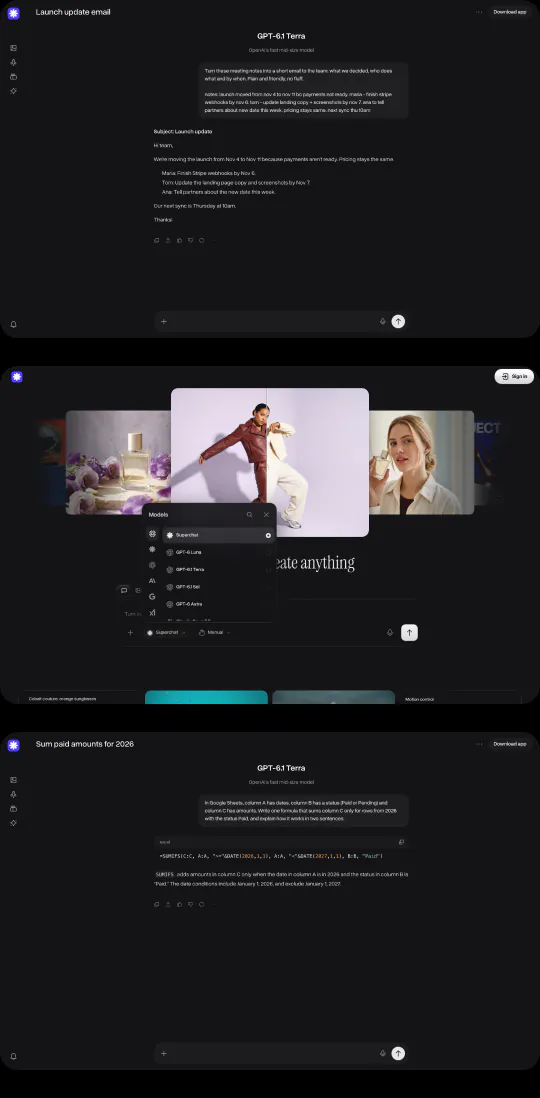
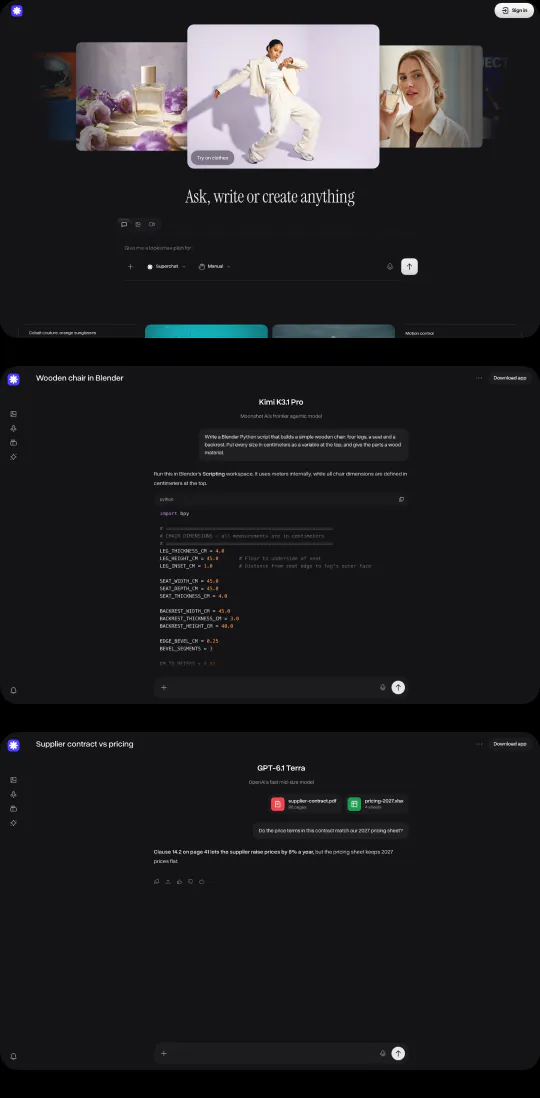
Superchat Agent automatically routes your message to the model best suited for the task. It can generate images and videos, use the AI tools built into Overchat AI, and learn from your interactions to get better over time
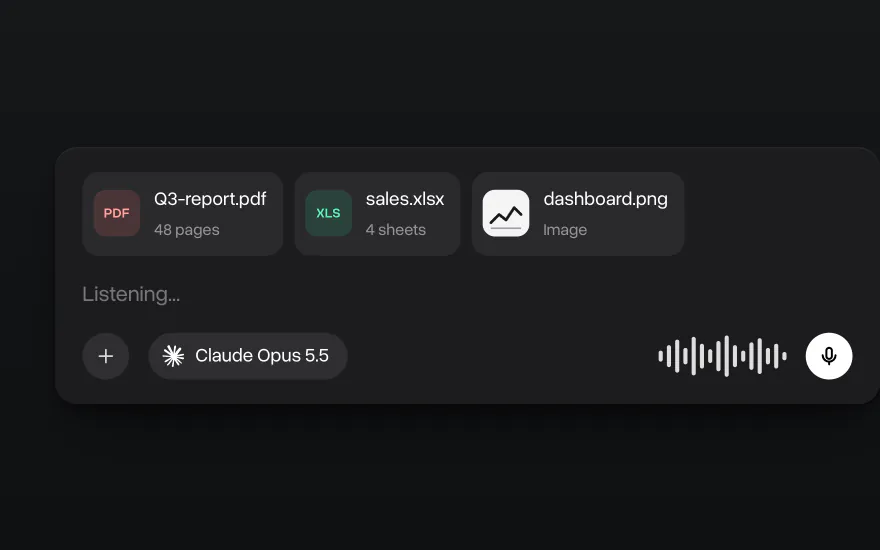
Chat with images and files
Upload PDFs, spreadsheets, code and images and ask about them in the chat. You can also dictate a message instead of typing it
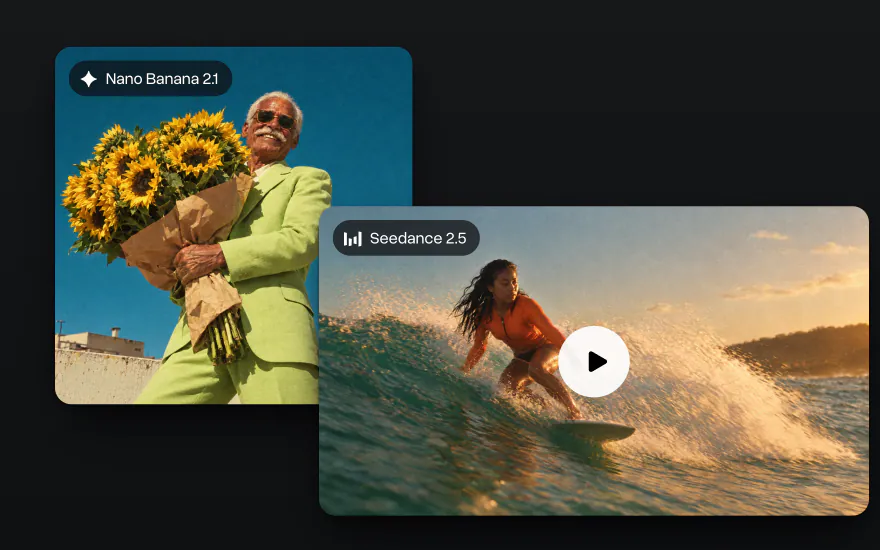
Go beyond text
Generate images with Nano Banana and GPT Image and videos with Seedance and Kling in the same account, with the same credits as chat
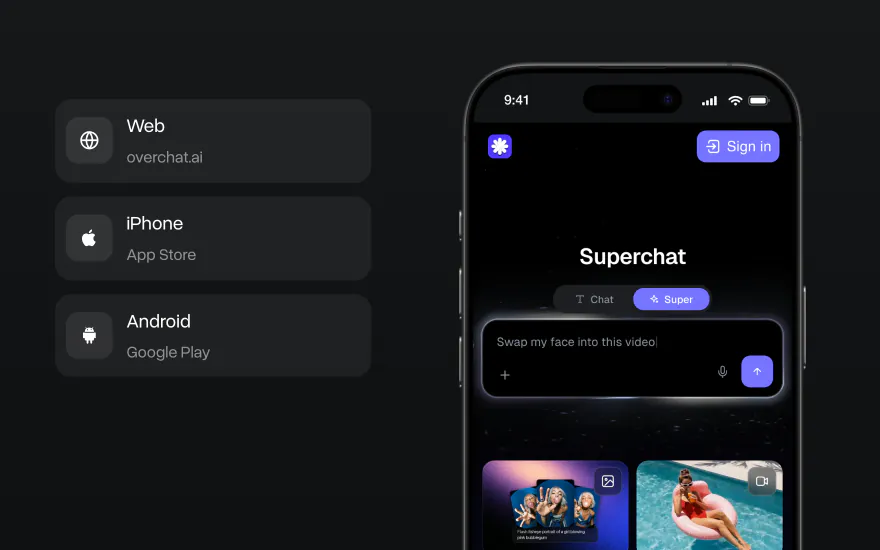
On the web, iPhone and Android
Start a chat on your laptop and finish it on your phone. The Overchat AI app has the same models, and your chats stay in one account on every device

How to use Grok 4.8 on Overchat AI
On the web, iOS or Android
- 01
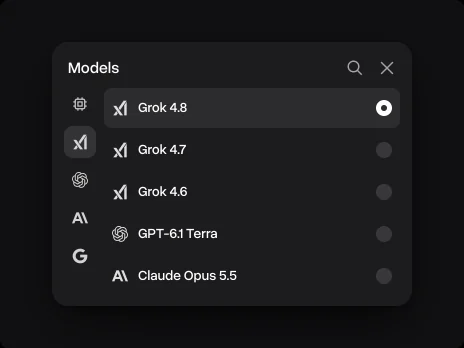
Pick Grok 4.8
Open the model list next to the message field and choose Grok 4.8
- 02
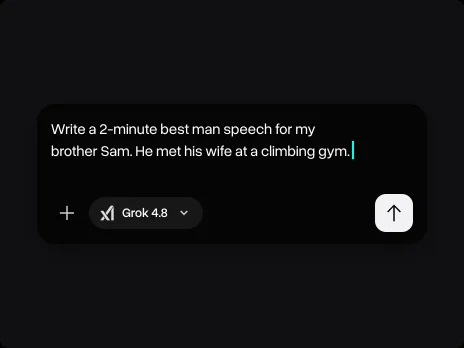
Write your prompt
Describe the task: what you need, the format and the length. Attach files or images if the task needs them
- 03
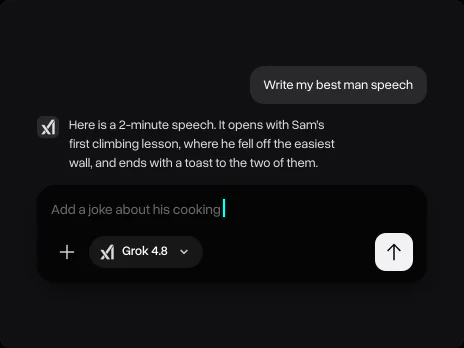
Get the answer and keep going
Ask a follow-up, ask for a shorter version or switch to another model without starting over
Explore other models
Models marked Soon are coming to Overchat AI; the rest are available now


Learn more about AI models

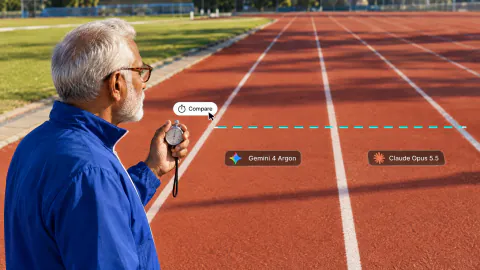
We tested Gemini 4 Argon against Claude Opus 5.5, GPT-6 Astra and Muse Wonder
We tested Gemini 4 Argon against Claude Opus 5.5, GPT-6 Astra and Muse Wonder on three coding tasks. See benchmarks, speed and how to use it
Muse Wonder vs Muse Spark: Meta's New Model Tested
We tested Muse Wonder against Muse Spark 1.3 on logic, writing and coding tasks. See benchmarks and which Meta model is better
10 Best All-in-One AI Platforms in 2026: Why One AI Subscription Beats Many
Compare the 10 best all-in-one AI platforms in 2026, from Overchat AI to Poe and Magai, with prices, free plans and the newest GPT and Claude models

Grok 4.8 FAQ
If you have any questions,
reach out to us at hello@overchat.ai
Grok 4.8 is xAI's Grok model with 2.5 trillion parameters. It writes and fixes code, works through long tasks and reads images and files
Grok 4.8 writes and debugs code, works on coding tasks for hours in Grok Build and Cursor, and answers questions about your photos, PDFs and spreadsheets
Grok 4.8 Fast is the quicker version of Grok 4.8. It suits everyday questions, and the full model handles hard problems
Grok 4.8 is a bigger model, with 2.5 trillion parameters against 2.1 trillion in Grok 4.7. It gives stronger answers in code, reasoning and long tasks
Yes. Grok 4.8 reads a whole codebase, finds the cause of a bug, fixes it and runs the tests
Yes. Grok 4.8 reads photos, screenshots, PDFs and spreadsheets along with your question
Open the model list next to the message field, pick Grok 4.8 and write your prompt. It works on the web, iOS and Android


