
Paris · Spring 2027
Tennis club show
Paris · Spring 2027
Eiffel Tower show
Paris · Spring 2027
Garden tent show
Paris · Spring 2027
Château show
Milan · Spring 2027
Theatre show
Milan · Spring 2027
Steel walkway show
London · Spring 2027
Art school show
London · Spring 2027
Courtroom show
New York · Spring 2027
Sculpture garden show
Paris · Spring 2027
Gilded salon show
Paris · Spring 2027
Fog show
Paris · Spring 2027
Sand wave show
Milan · Spring 2027
Blue floor show
Milan · Spring 2027
Sicilian piazza show
Background
Variants
Quality
Aspect ratio
Try on fashion week outfits
Try on looks from the Paris, Milan, London and New York shows




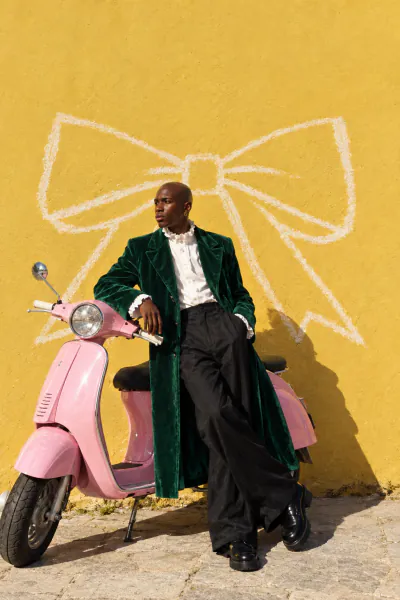

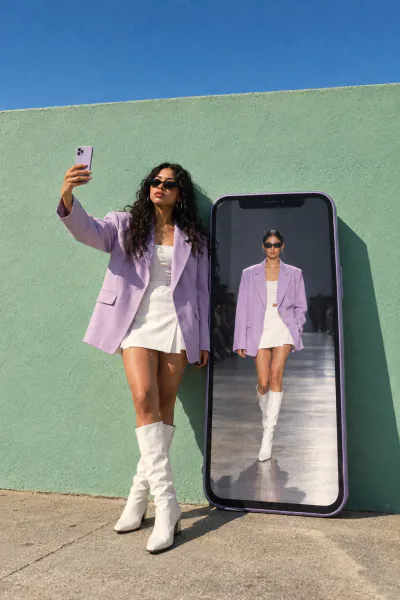

What can you do with AI runway looks?
Try on runway looks in your photo or on a runway, or upload your own outfit
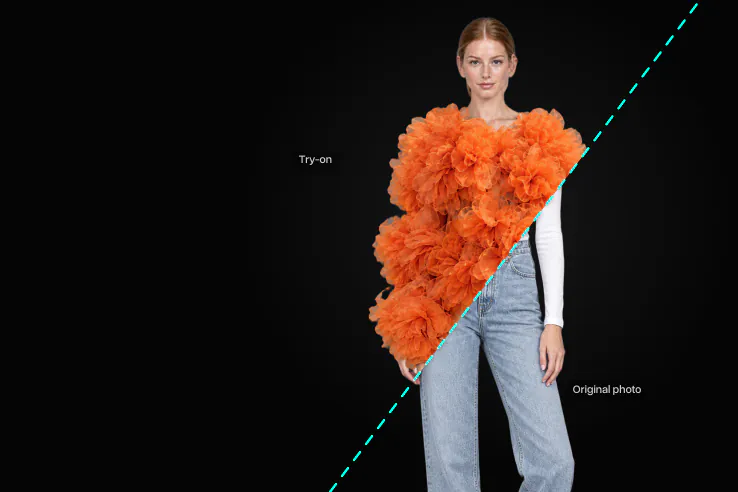
Try on runway looks in your photo
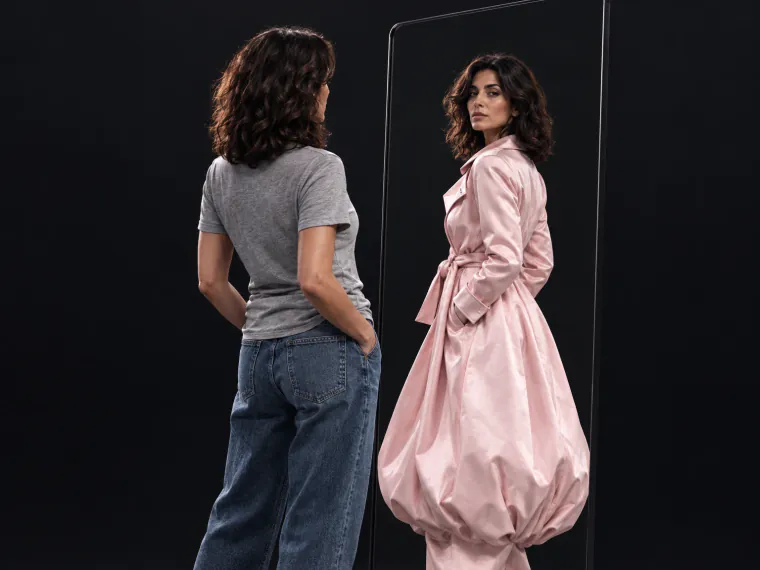
Upload a full-length photo and pick a look. The AI changes only your clothes and keeps your face, hair, pose and background
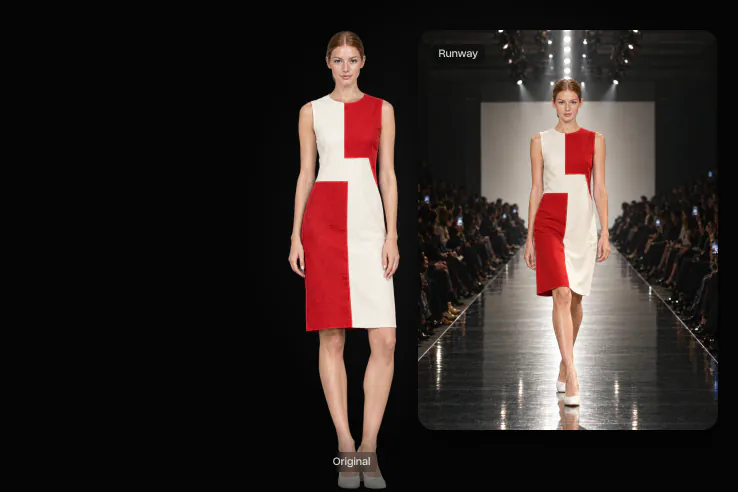
Two try-on styles
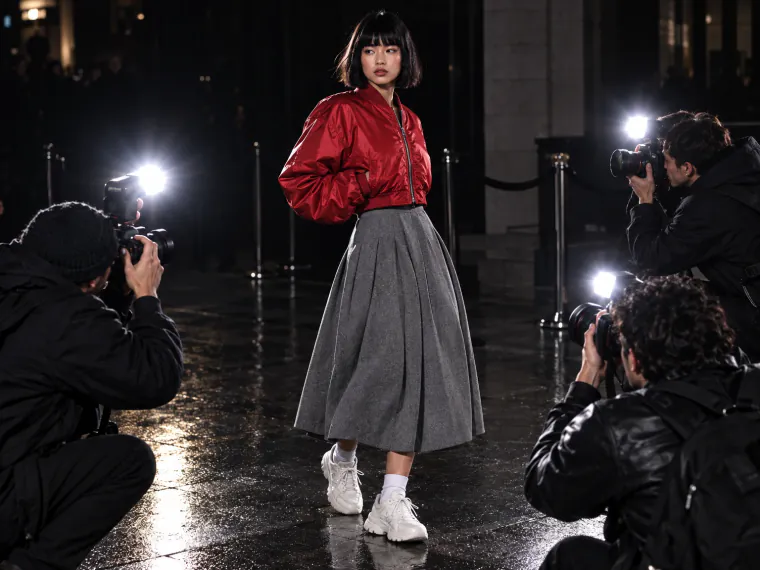
Get the look in your original photo or on a fashion week runway. Choose one under Background in Settings
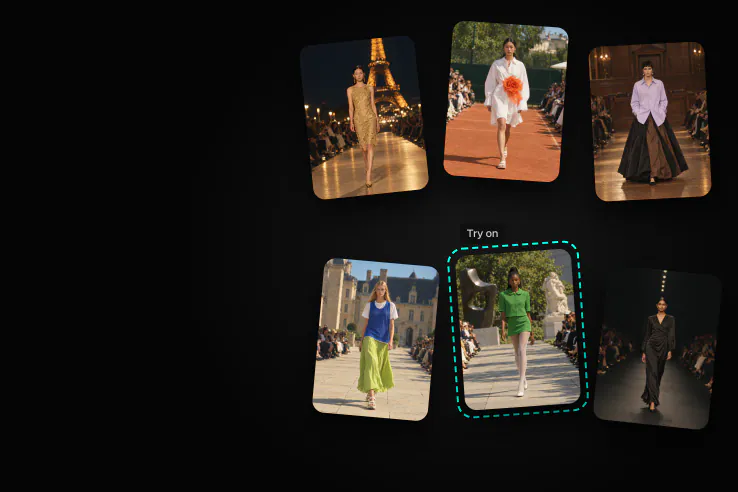
Looks from the latest shows
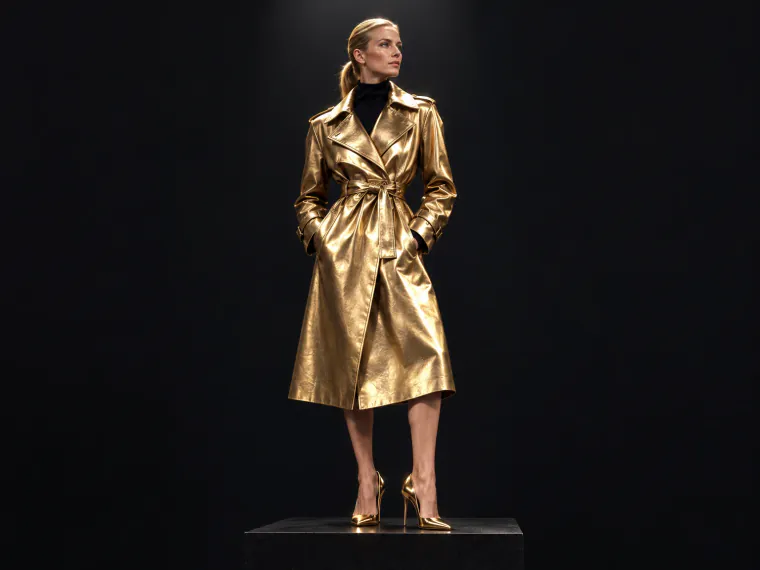
Women’s and men’s looks from the Spring 2027 shows in Paris, Milan, London and New York
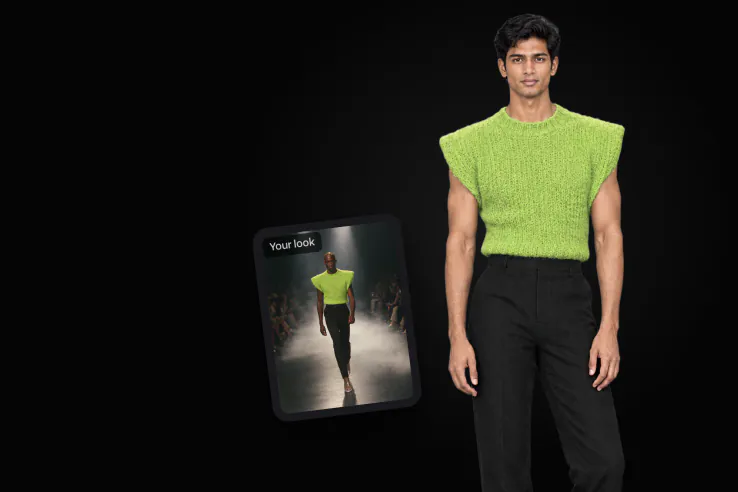
Upload your own outfit
Found an outfit online? Upload its photo, and the AI puts those clothes on you
How to try on runway looks
Try on a runway look in 3 steps
- 01
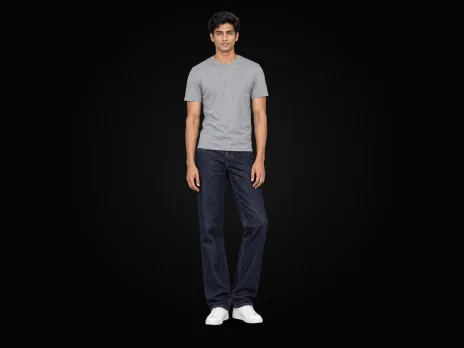
Upload your photo
Upload a full-length photo of yourself or pick a model
- 02
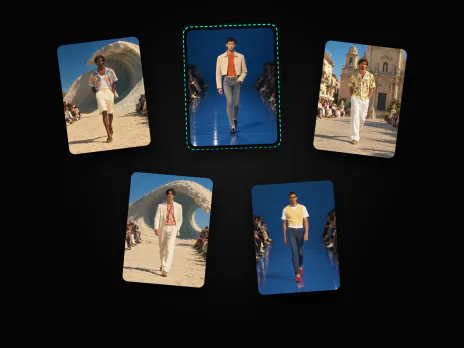
Pick a look
Choose a look from the shows or upload a photo of an outfit
- 03
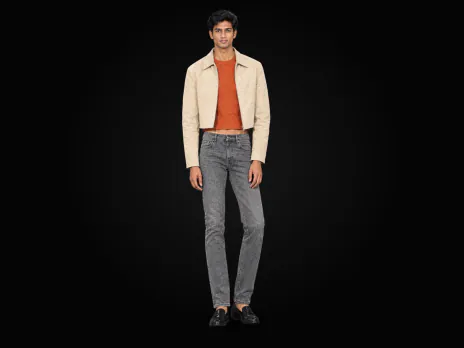
Click Try on
Get a photo of yourself in the look
AI runway looks use cases
Here’s what you can use AI runway looks for
Try on this season’s runway looks months before they go on sale
Try on a few looks before a show and wear the one that suits you best
Try on gowns and suits before a wedding, a gala or a party
Try on looks from different shows to see which cuts and colors work for you
Create a photo of yourself on a fashion week runway and post it
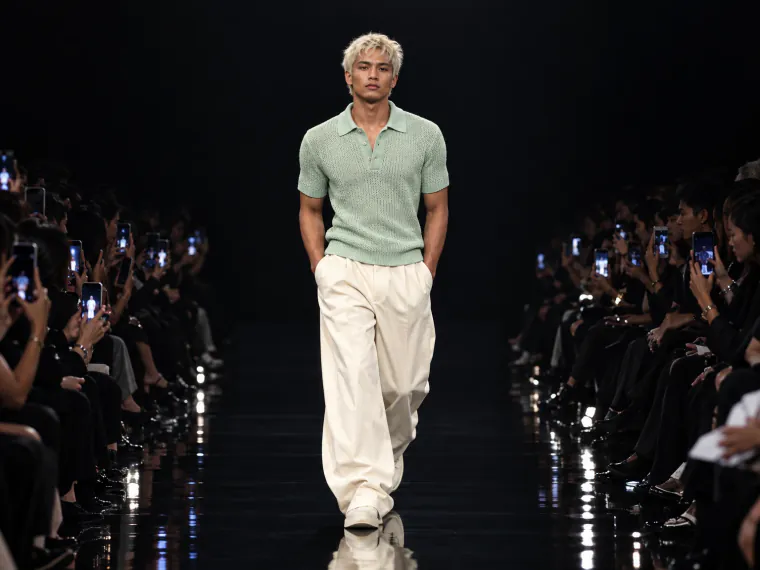
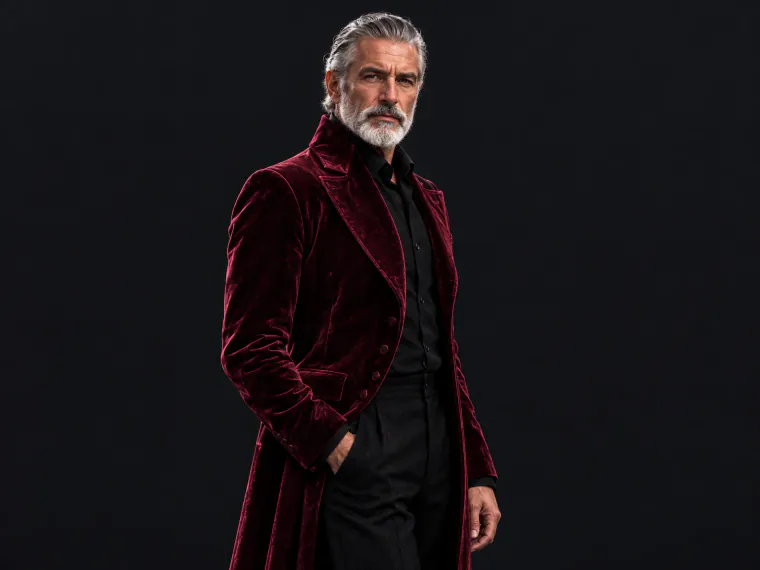
Pick For him and try on looks from the men’s shows

More styling guides

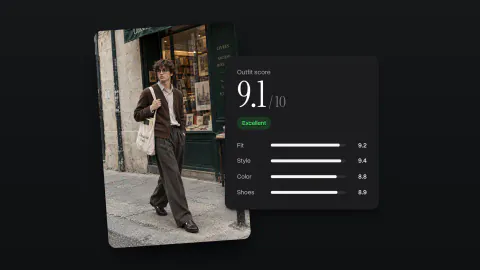
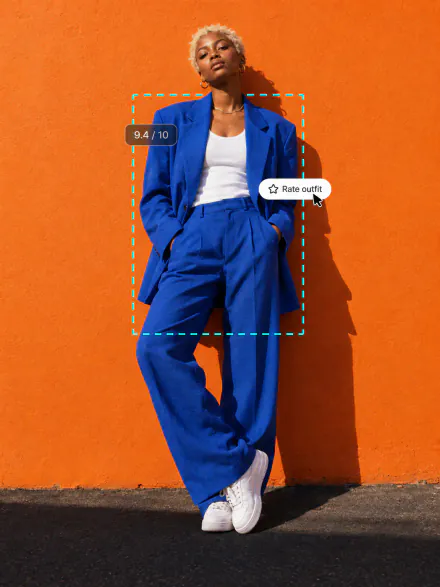
Top 5 AI Outfit Raters in 2026: Free Outfit Scores and Style Advice
We compare the 5 best AI outfit raters in 2026: Overchat AI, Slay or Nay, GRWM StyleUp AI, Proper Fit and VibePalette, with scores and pricing
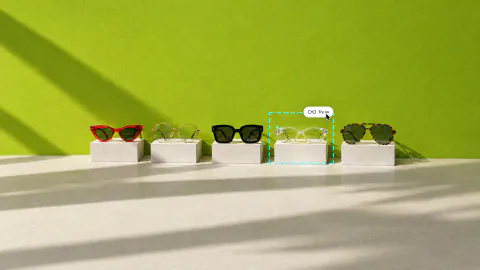
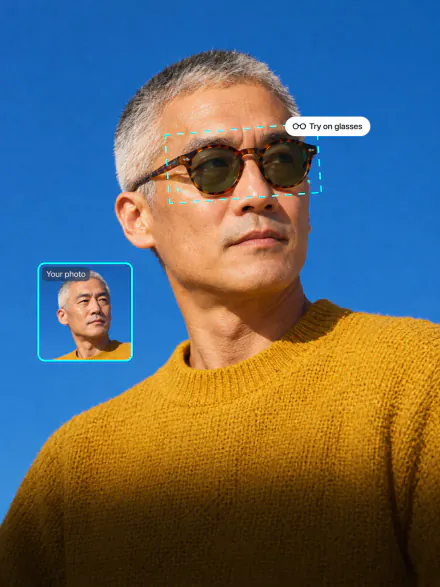
5 Best Virtual Try-On Tools For Glasses (2026)
We’ve reviewed 5 best virtual try-on software for glasses, so you don’t have to test them all yourself

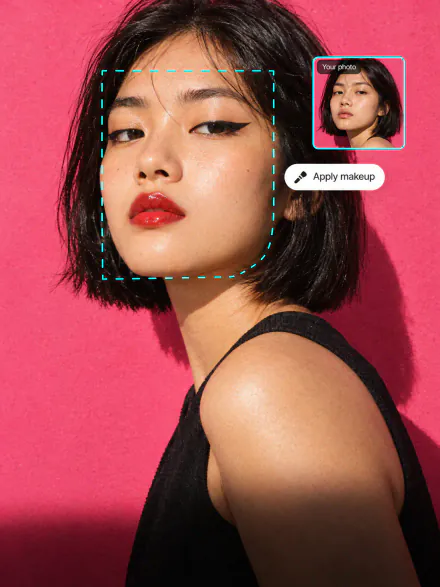
Top 5 Best AI Hairstyle Changers in 2026
AI hairstyle changers let you preview a new haircut online from a single photo. We tested the tools and picked the 5 best hairstyle changers in 2026
More AI fashion tools
Try on clothes, glasses and hairstyles, or rate your outfit




AI runway looks FAQ
If you have any questions,
reach out to us at hello@overchat.ai
Upload a full-length photo of yourself or pick a model, choose a look and click Try on. The AI changes your clothes and keeps your face, hair and pose
Yes. In Settings, set Background to Runway, and the AI puts you on a fashion week runway
Yes. Click Upload your look and add a photo of any outfit. The AI takes only the clothes from it
The looks are inspired by the Spring/Summer 2027 shows in Paris, Milan, London and New York
You can create an Overchat AI account for free using Google or Apple. Try-ons use credits, and you’ll see the cost before generating


