
AI Clothes Changer
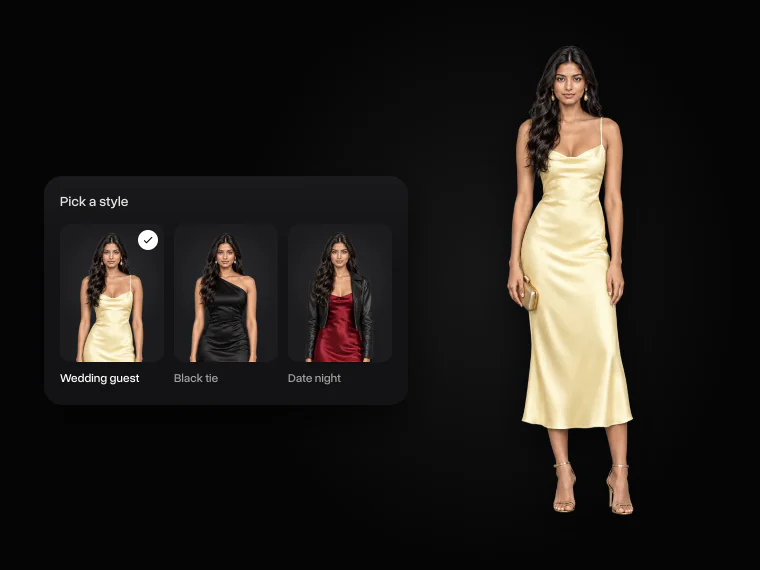
Change the outfit in any photo. Pick a style, copy a look from another photo, or describe what you want to wear
Change outfit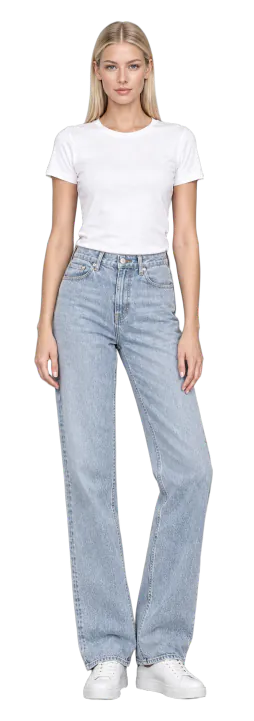
Try trending outfits with the AI outfit changer
Put this season’s most-wanted looks on any photo





What can you do with the AI clothes changer?
Change your outfit in any photo, copy a look you saw online, or dress for an event before it happens
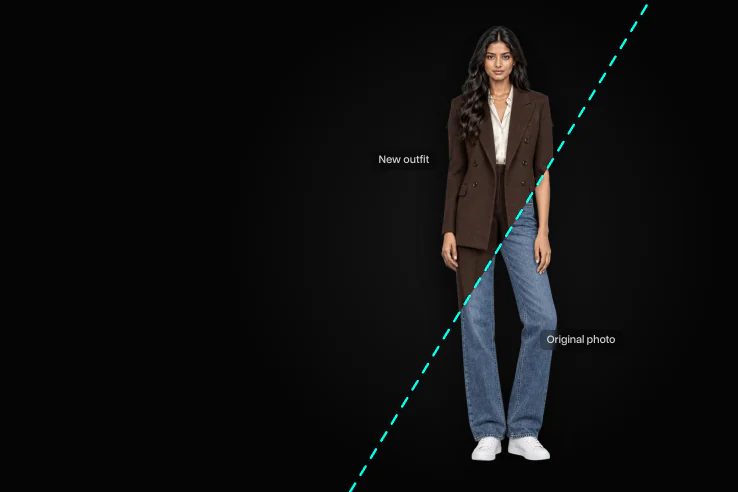
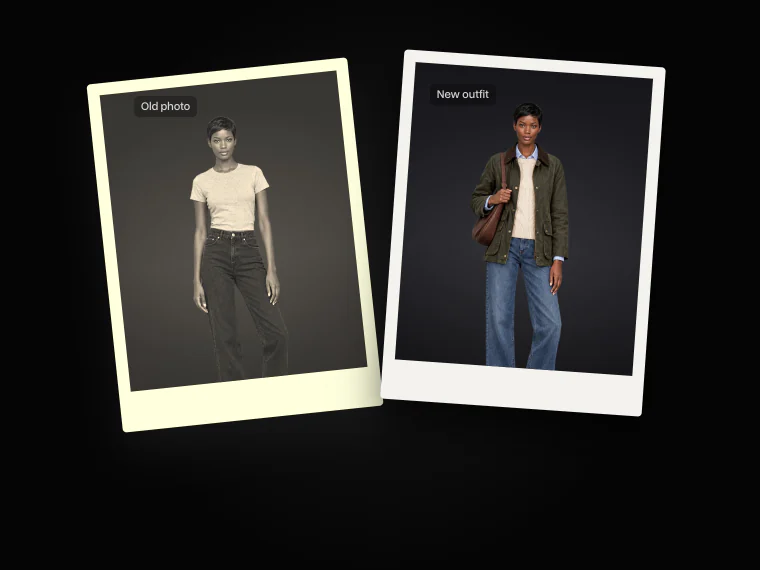
Change clothes in any photo
Upload a photo and pick a new style, and the AI changes the clothes in your photo without touching your face, hair, pose or background
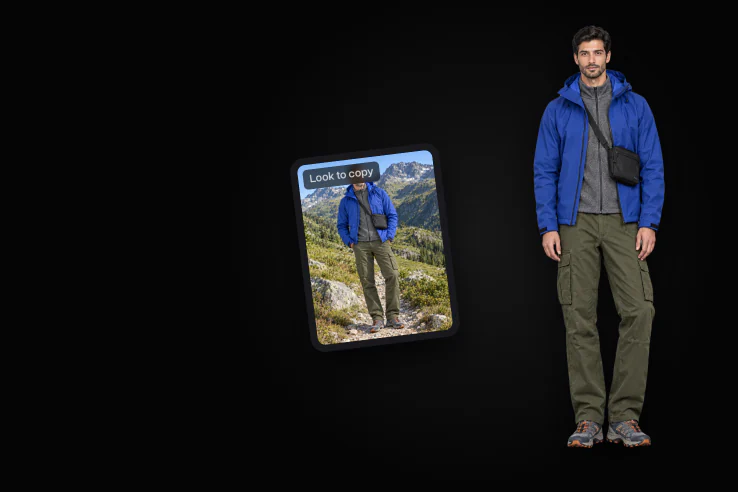
Copy an outfit from another photo
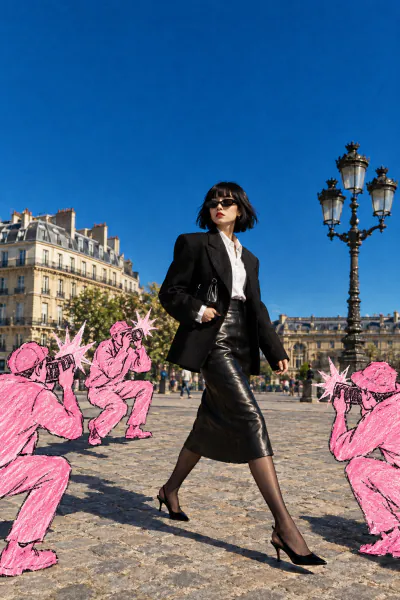
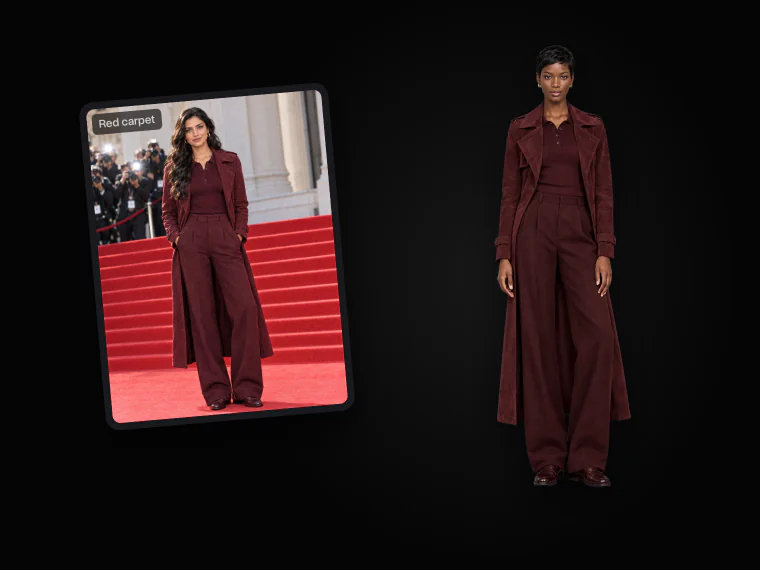
Upload a photo of a celebrity, a runway look or a street-style post. The AI outfit swap puts the same clothes on your photo and leaves everything else as it is
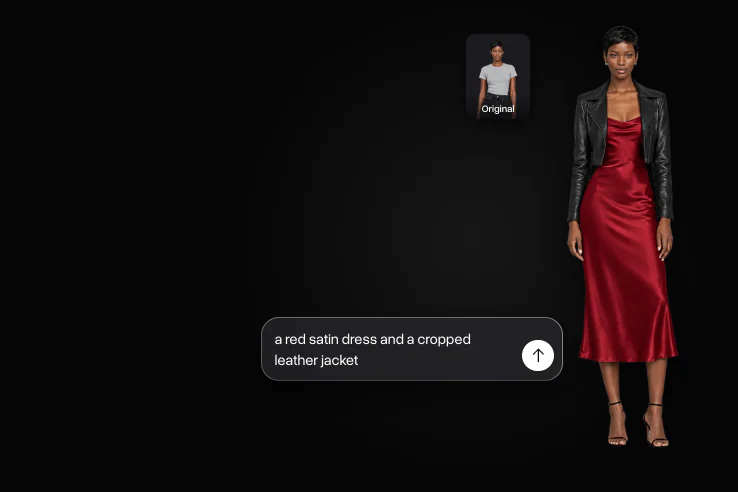
Describe the outfit you want
Write the outfit in a few words, like “a red satin dress and a cropped leather jacket”, and the AI dresses you in exactly that
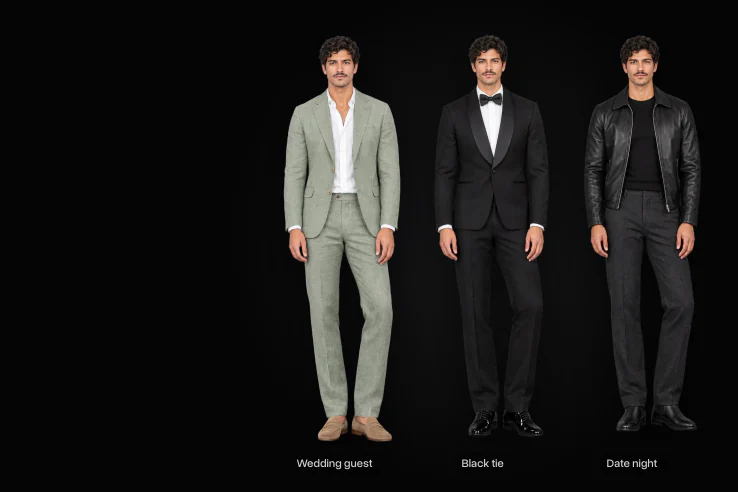
Dress for any occasion
See yourself as a wedding guest, at a black-tie gala or on a date night before the day comes, and pick what to wear
How to change clothes in a photo with AI
Change your outfit online in 3 easy steps
- 01
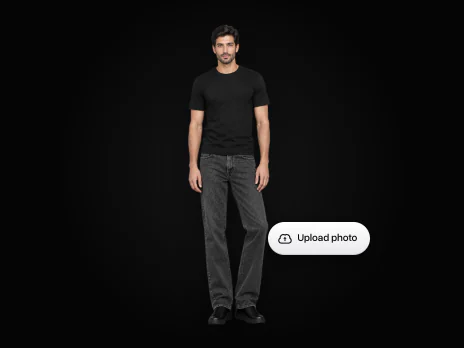
Upload your photo
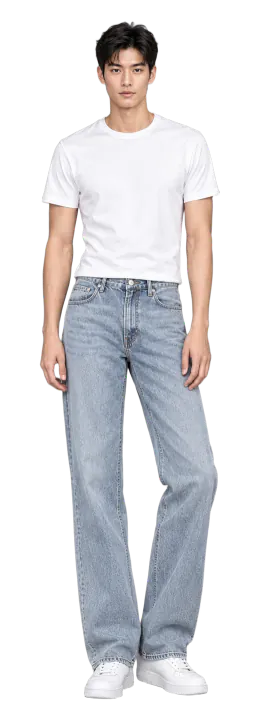
Choose a clear full-body photo, or start with one of our models
- 02
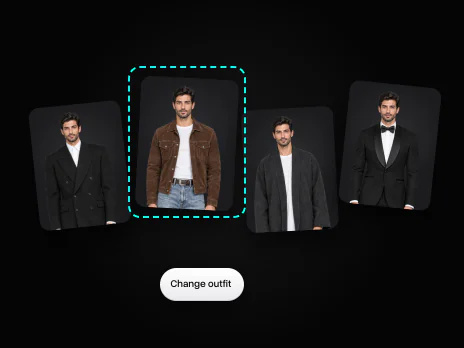
Pick the new outfit
Choose a style, copy a look from another photo, describe it, or add photos of your clothes
- 03
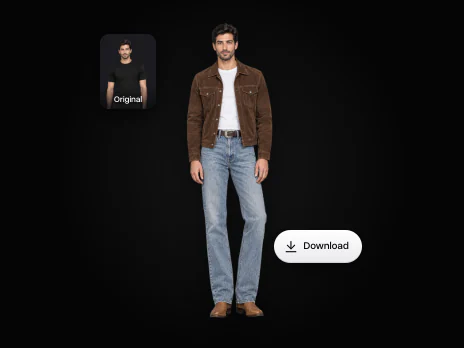
Get your new look
The AI changes only the outfit. Download the photo or try another style
AI clothes changer use cases
Here’s what people use the AI clothes changer for
See yourself in a few outfits for a wedding, a party or a gala, and pick the one you like
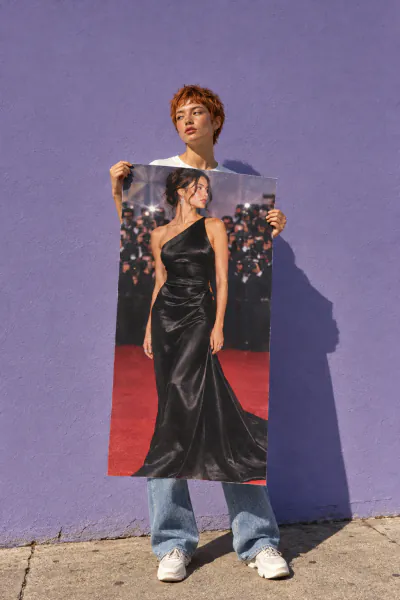
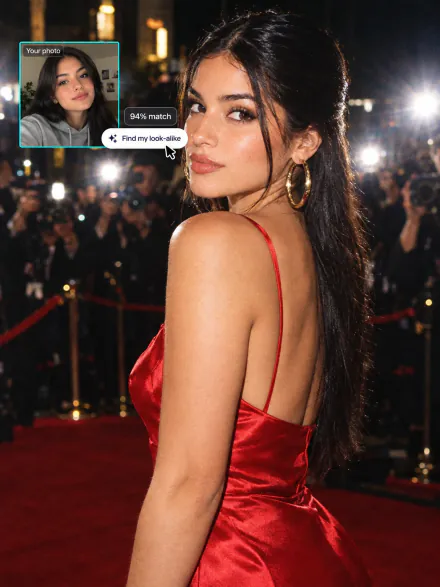
Upload a red-carpet photo and see the same outfit on you
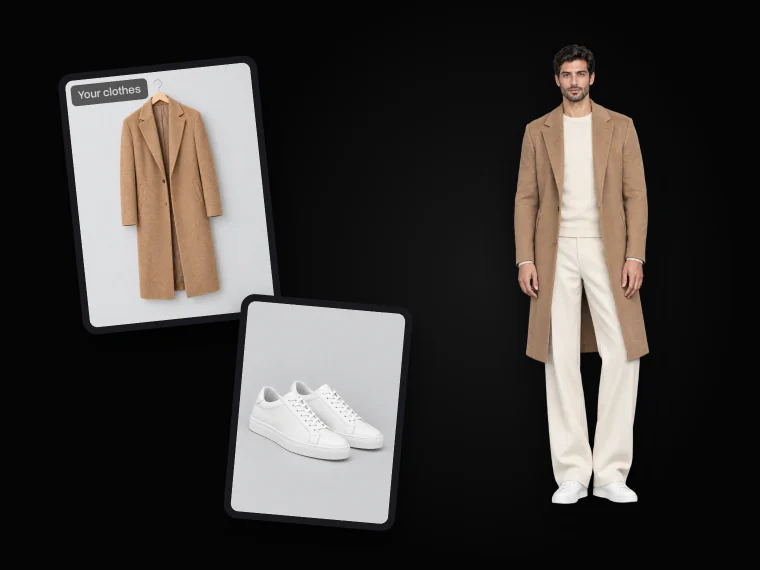
Upload photos of clothes from a store and see how they look on you
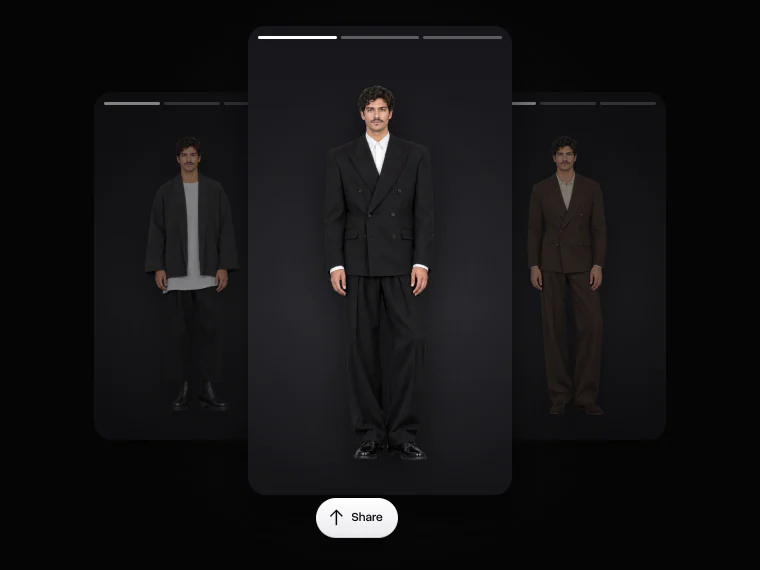
Post fashion week looks and new outfits without a photoshoot
Change what you wore in a profile picture or a vacation shot
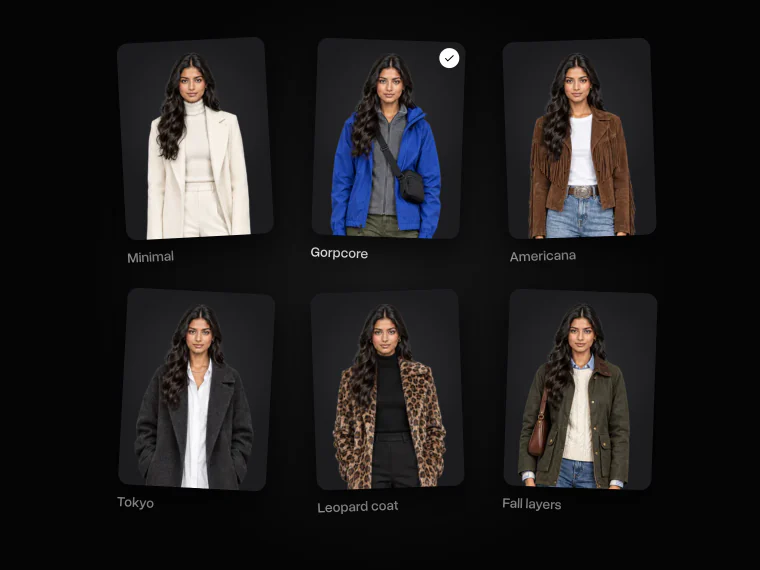
Try gorpcore, minimalism, americana and other aesthetics to see which one suits you
More AI styling guides

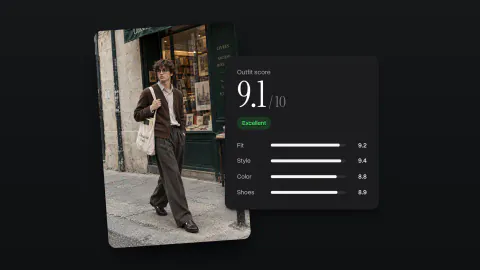
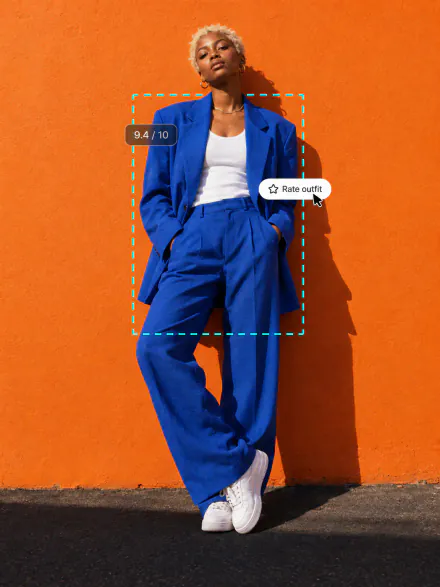
Top 5 AI Outfit Raters in 2026: Free Outfit Scores and Style Advice
We compare the 5 best AI outfit raters in 2026: Overchat AI, Slay or Nay, GRWM StyleUp AI, Proper Fit and VibePalette, with scores and pricing
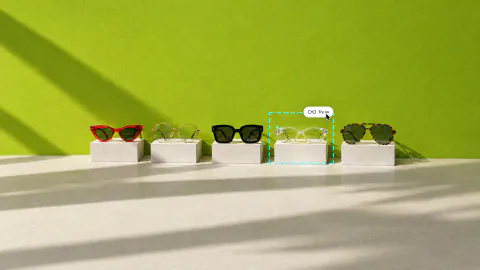
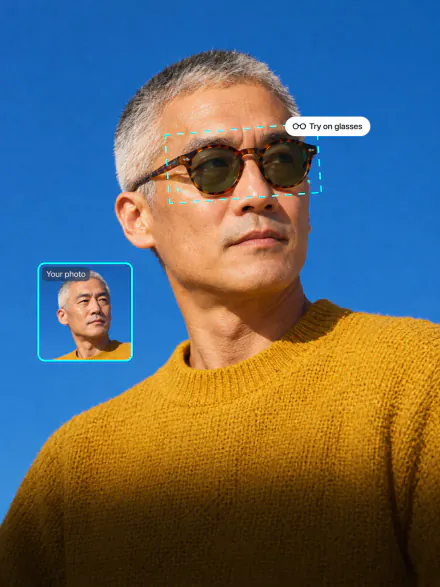
5 Best Virtual Try-On Tools For Glasses (2026)
We’ve reviewed 5 best virtual try-on software for glasses, so you don’t have to test them all yourself
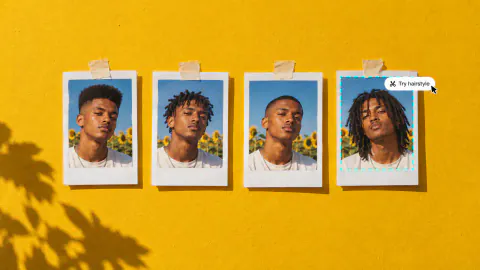
Top 5 Best AI Hairstyle Changers in 2026
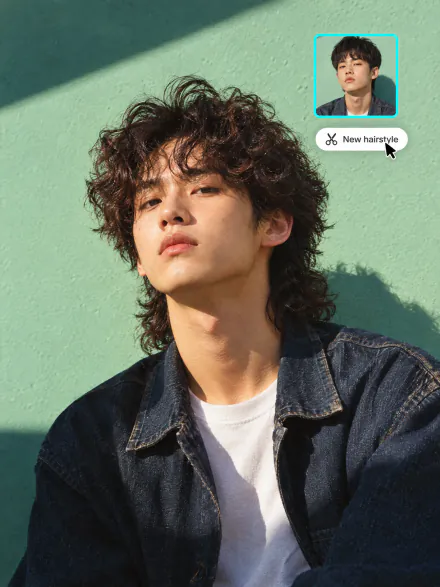
AI hairstyle changers let you preview a new haircut online from a single photo. We tested the tools and picked the 5 best hairstyle changers in 2026
Explore more AI styling tools
Try on clothes and glasses, change your hair, or get a score for your outfit. All in Overchat AI
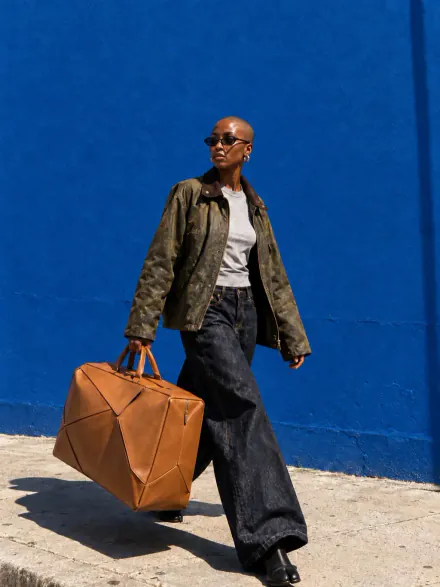

AI clothes changer FAQ
If you have any questions,
reach out to us at hello@overchat.ai
An AI clothes changer is a tool that changes the outfit in a photo and keeps the rest of it as it is. Upload a photo, pick a new outfit, and the AI dresses you in it with natural folds, fit and light
Yes. Open Copy a look and upload any photo with an outfit you like, such as a celebrity on the red carpet, a Pinterest look or a street-style shot. The AI takes only the clothes from it and puts them on your photo
Yes. The AI changes only the clothes. Your face, hair, body shape, pose and background stay as they are in the original photo
Yes. Upload a photo of the piece in Your clothes, or describe it, for example “a red leather jacket”. The AI replaces that piece and keeps the rest of your outfit
Yes. Open Describe and write the outfit in a few words, like “a white linen suit and loafers”. The AI dresses you in what you wrote
A clear full-body photo where you face the camera works best. Good light and a simple pose give the most natural result. A half-body photo works too if you only change the top
Yes. Upload the group photo, open Describe and say who gets the new outfit, for example “the man on the left in a black tuxedo”. For the best result, change one person at a time
Sign up for Overchat AI for free with Google or Apple. Each outfit change uses credits, and the studio shows the cost before you start
Yes. Upload photos of the clothes from the store in Your clothes. For product links and ready-made outfits, use the AI Virtual Try-On


