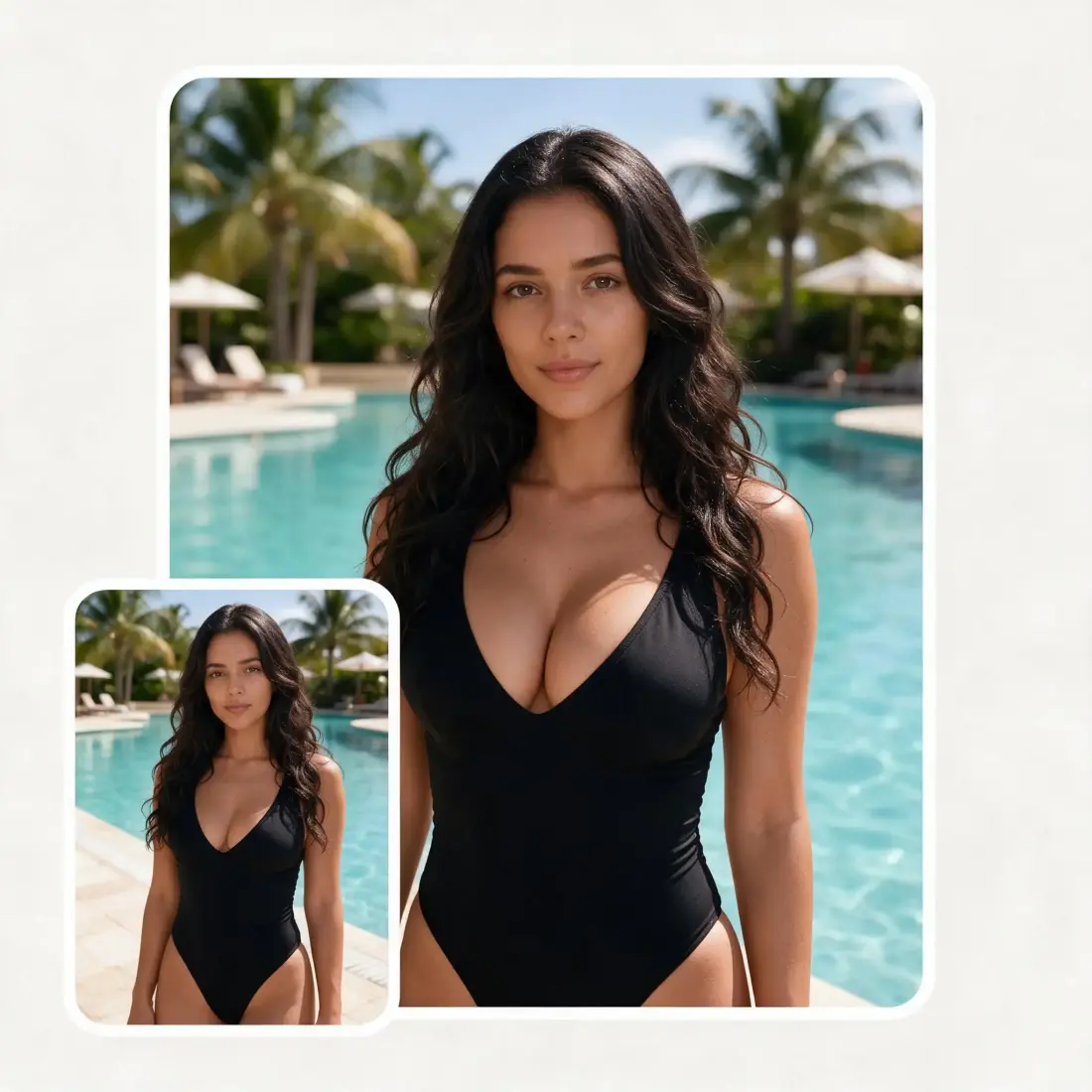
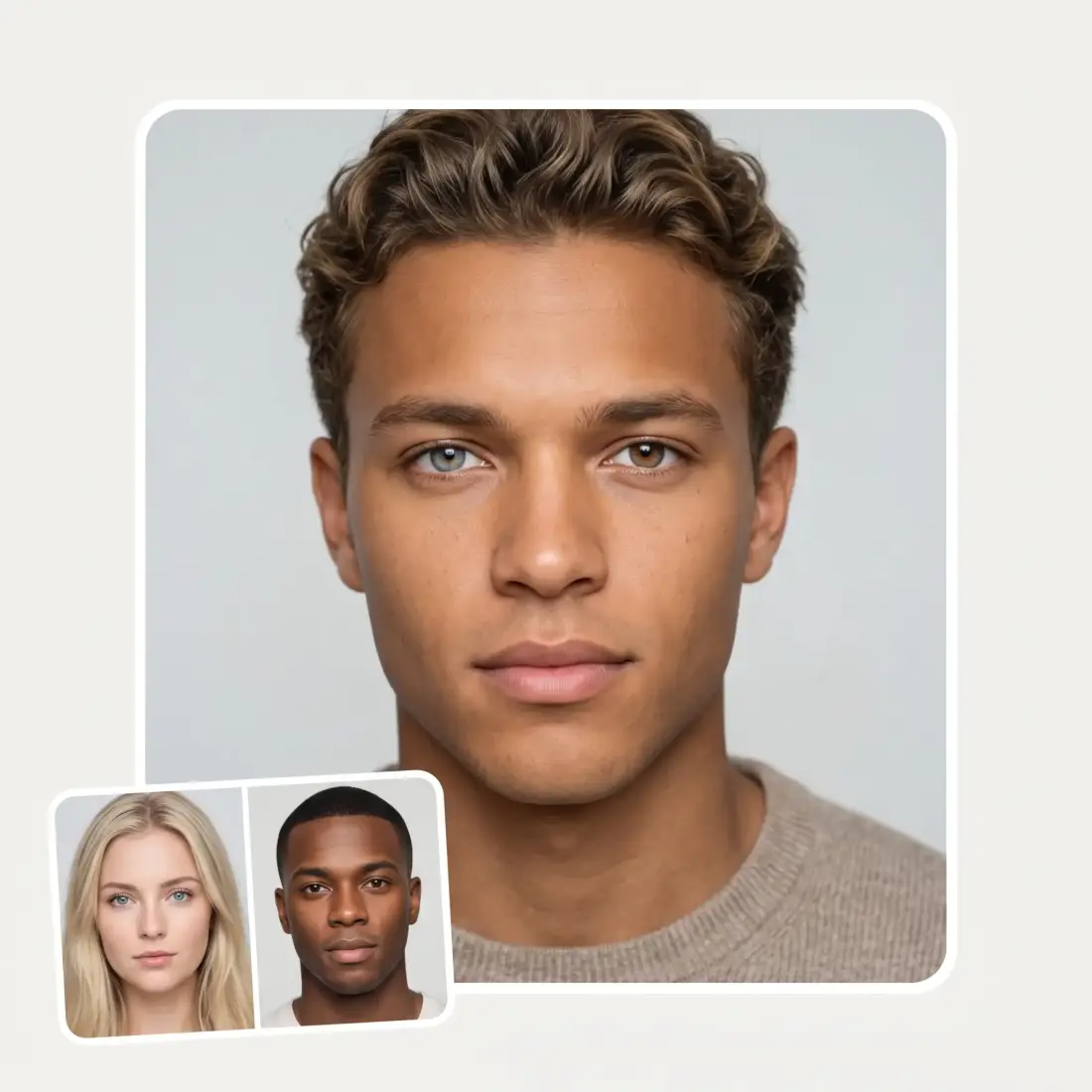
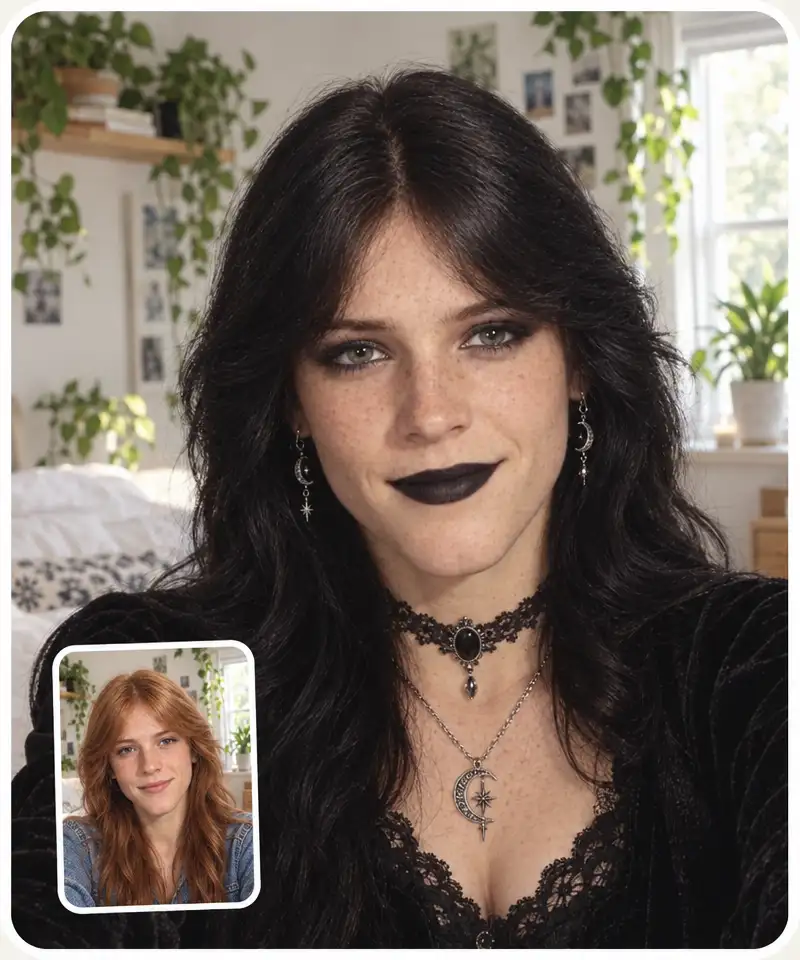
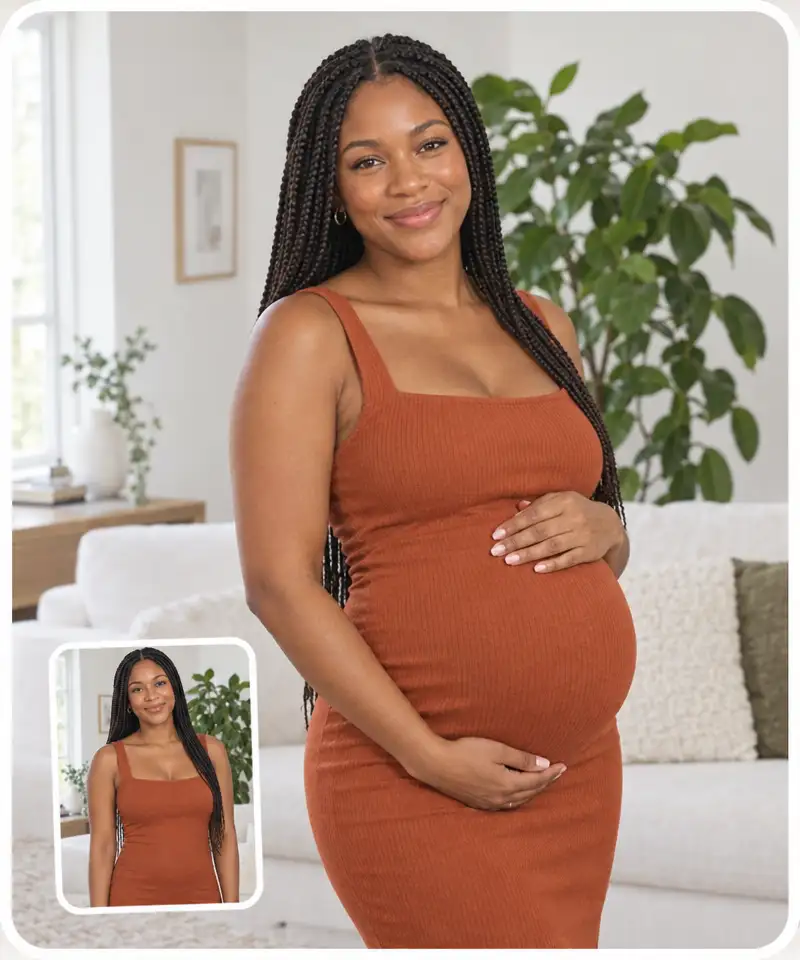
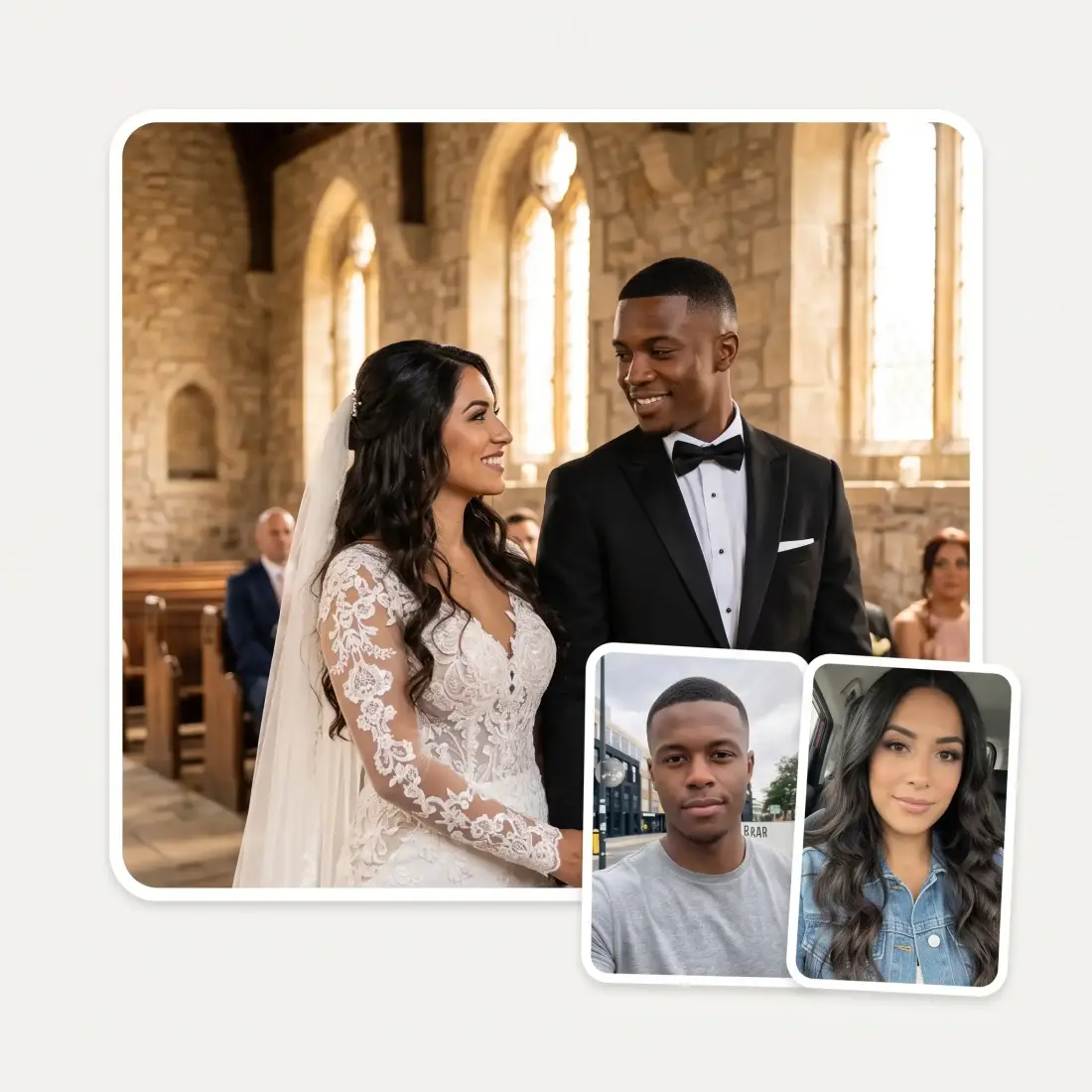
With the Overchat AI feet generator, you can describe your idea or upload an image and generate realistic or anime feet photos in seconds.
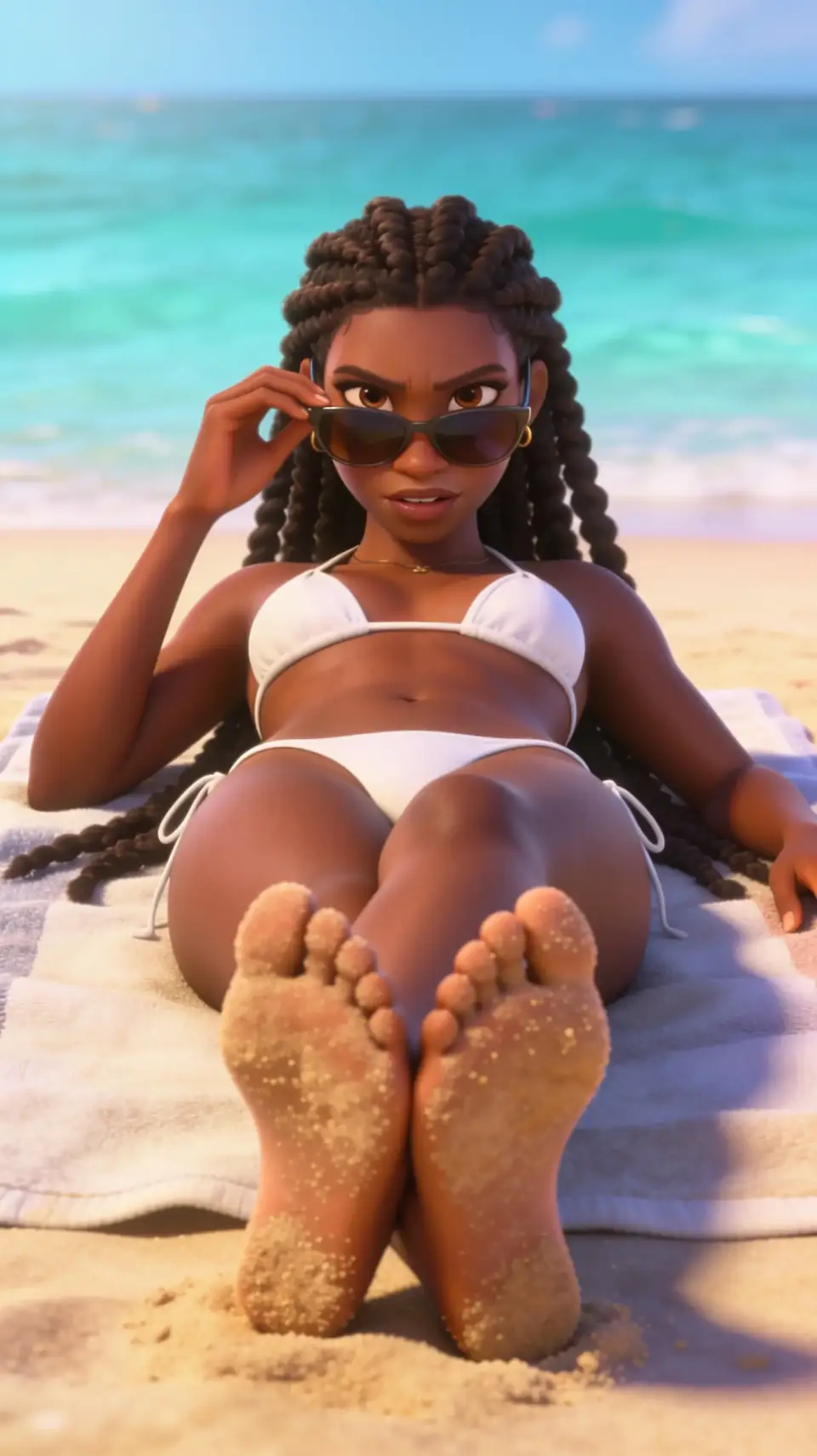
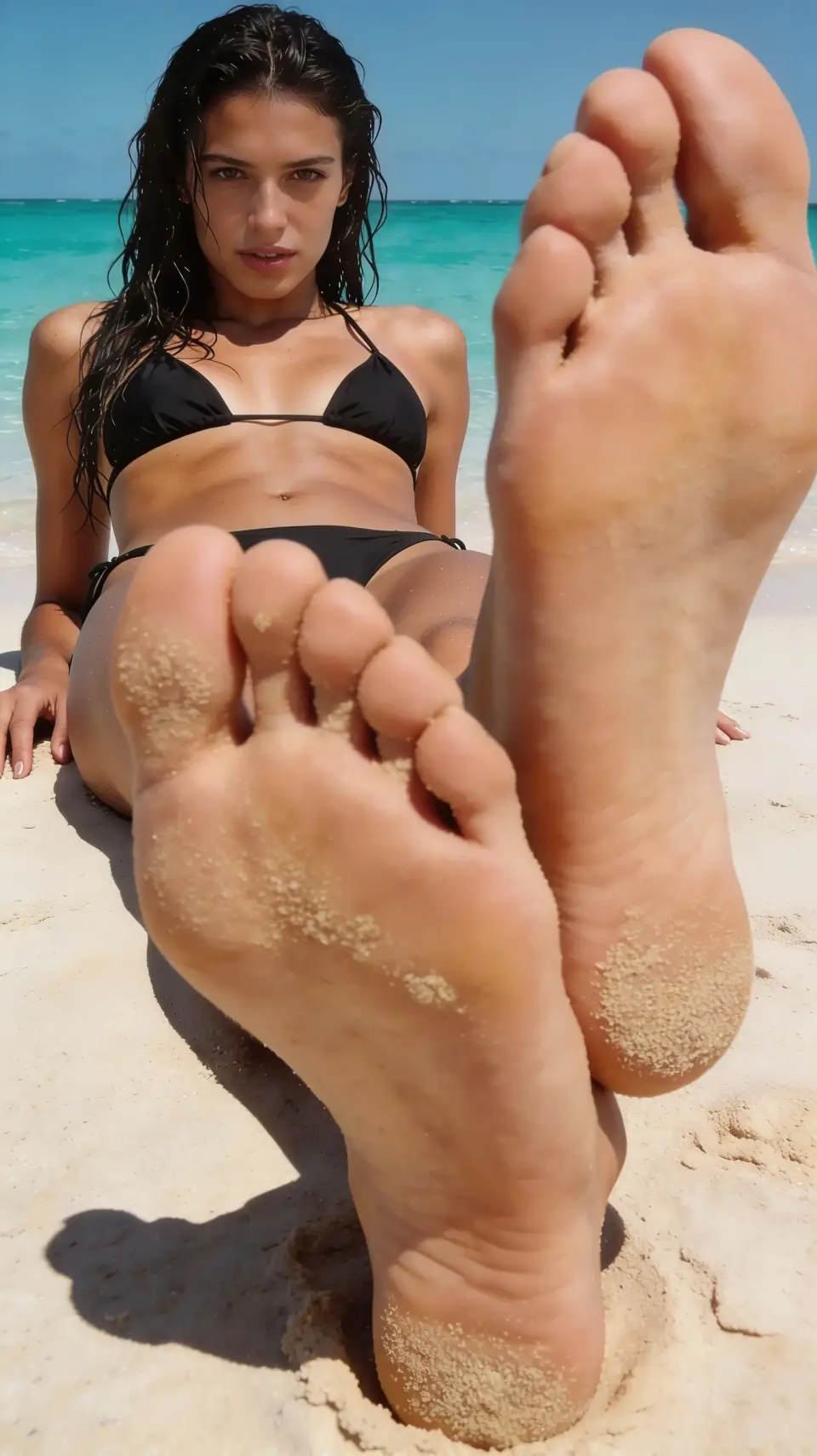
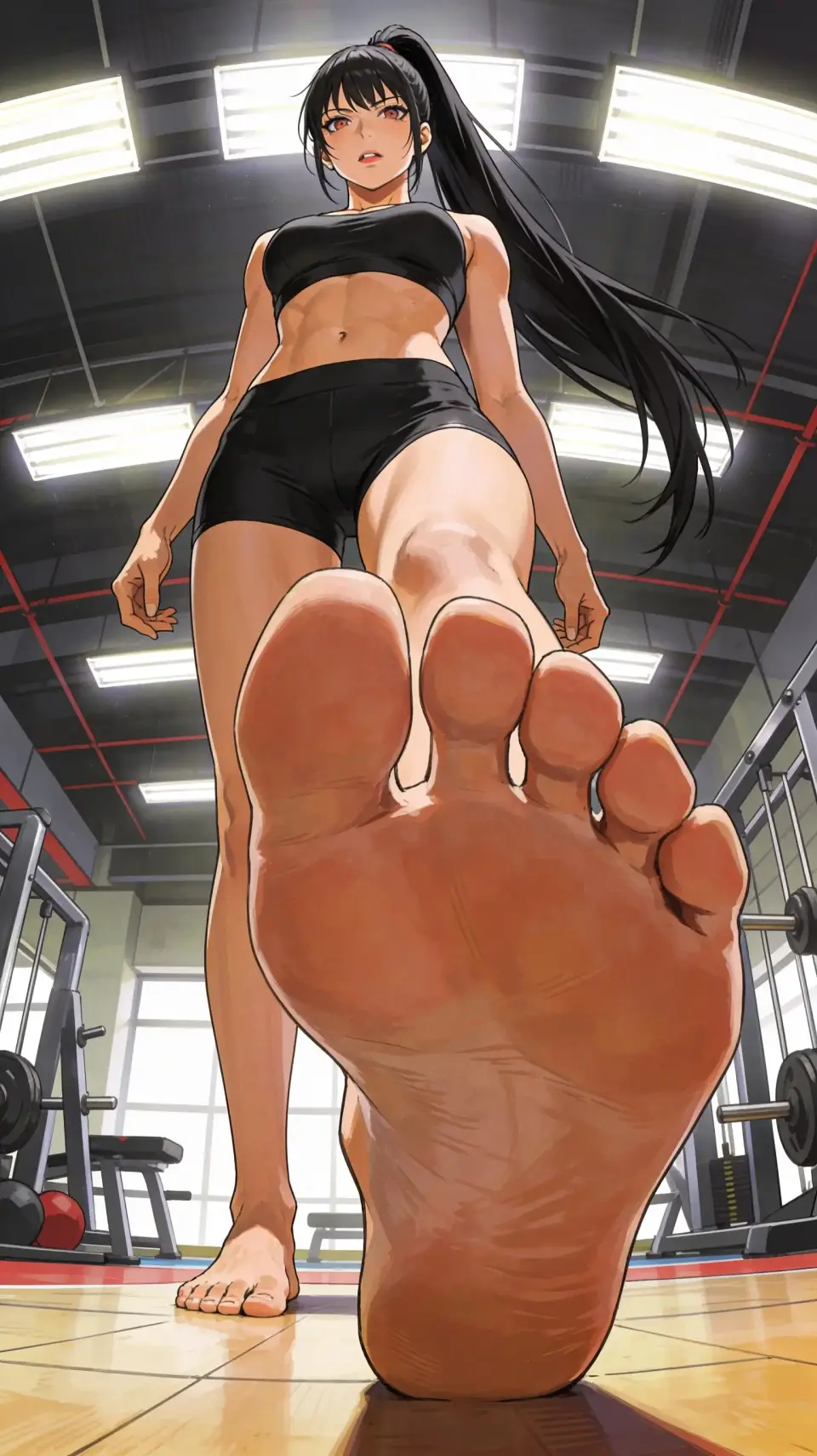
Choose soles-to-camera, feet up, crossed ankles, heels on marble, poolside, stepping POV, and more. Start with a feet-only close-up or keep the full person in frame, then refine only the details you care about.
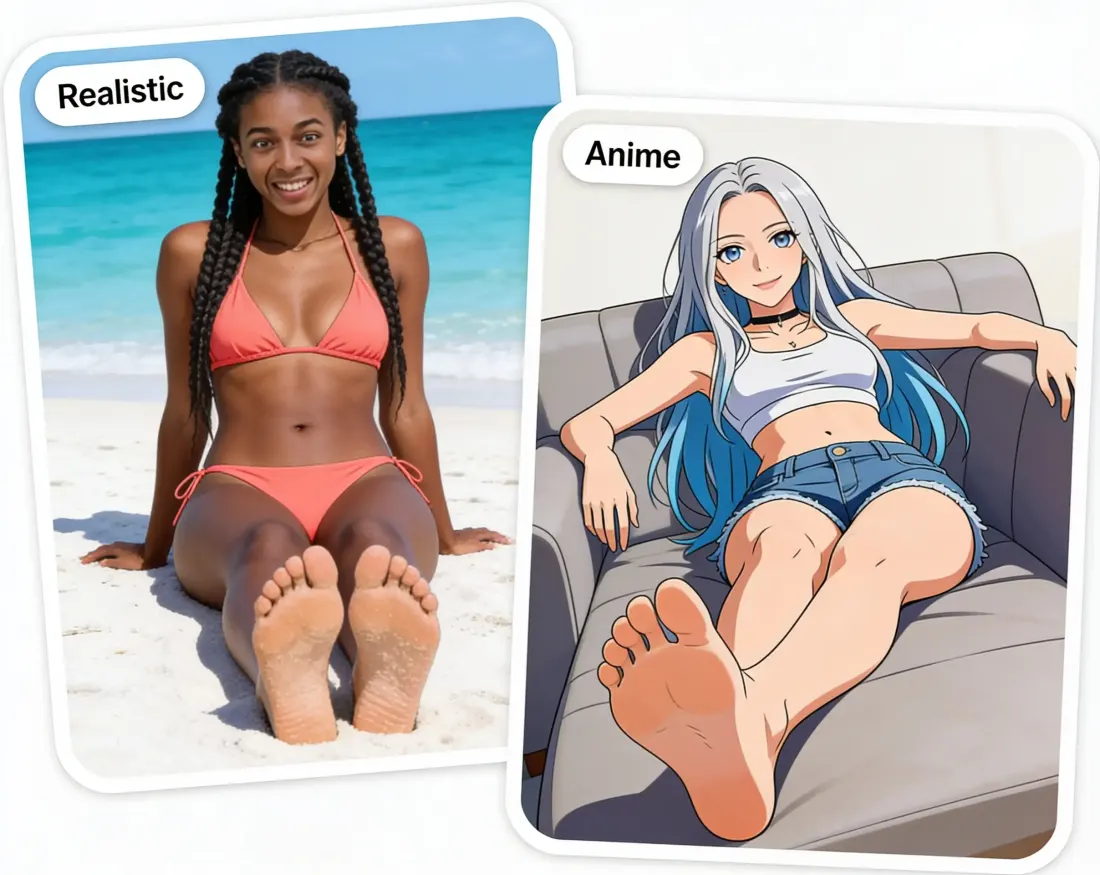
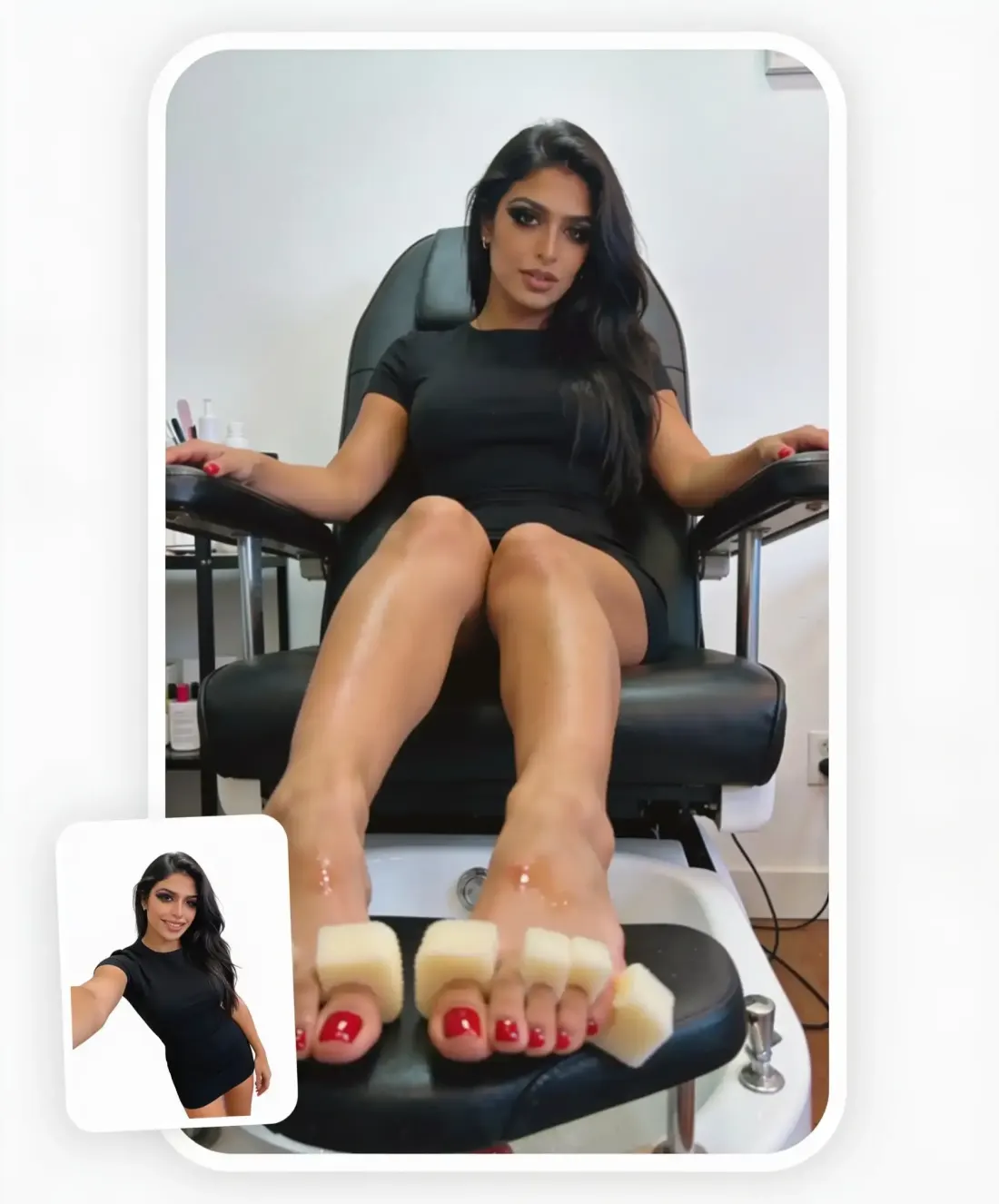
Upload a clear portrait of an adult or fictional adult character, then choose a preset for the pose, outfit, and setting. Your image supplies the face reference, so the result feels personal instead of looking like a random model.
Use the same pose for photo-realistic feet, anime art, a polished 3D render, or a bold cartoon. Compare styles without rebuilding the scene or rewriting the prompt from scratch.
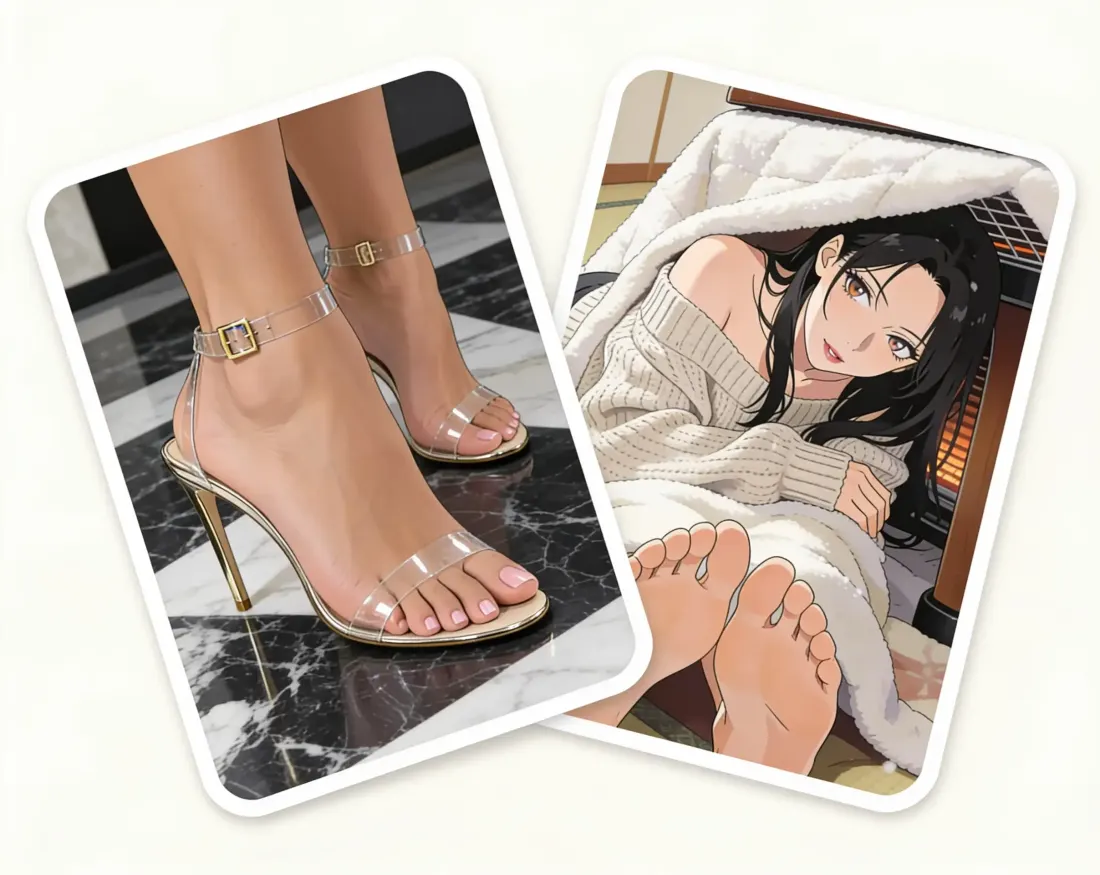
Fine-tune skin texture, nails, accessories, clothing, lighting, and background. Add a prompt when you have an exact idea, or use Randomize when you want the AI feet generator to surprise you.
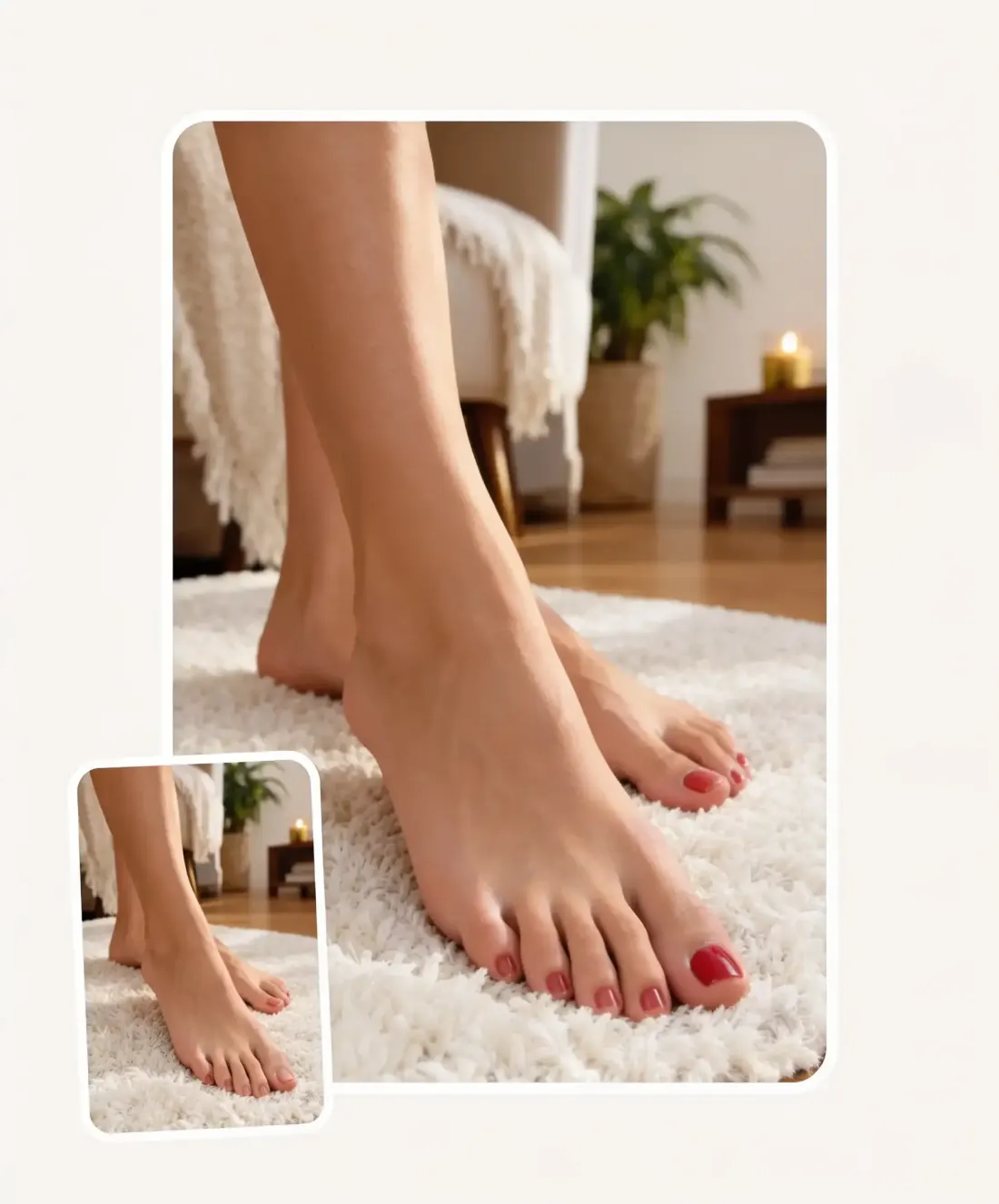
Pick one of 50+ pose presets, or write a prompt with the angle, scene, and framing you want—for example, “bare feet from a low angle while sitting on a sofa.”
Upload a clear portrait of an adult or fictional adult character to carry the face into the selected pose. Skip this step if you want the generator to create a new subject from your prompt and settings.
Choose Realistic, Anime, 3D Render, or Cartoon. Then adjust skin texture, nail color, accessories, lighting, clothing, and the scene—or keep the defaults for a faster start.
Continue to the Overchat AI image studio with your pose, prompt, upload, and settings already loaded. Generate a result, compare variations, and download the image you like.
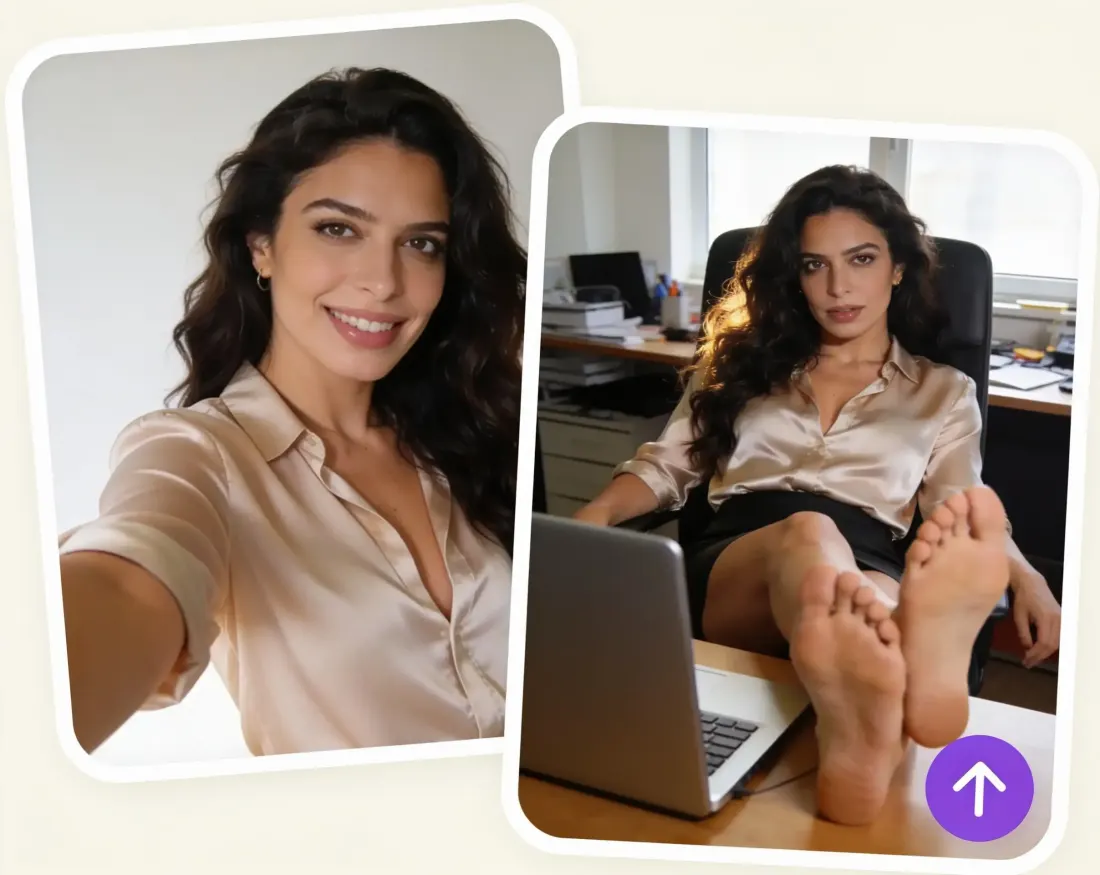
Build a finished scene from a prompt or portrait instead of arranging a location, model, lighting, and camera. Change the pose or styling without reshooting everything.
Generate soles, arches, tiptoe poses, crossed ankles, and low-angle views that are hard to find in stock libraries, then use the result as a visual reference.
Place an original adult character in a beach, bedroom, gym, or fantasy scene and keep the visual direction consistent across realistic, anime, 3D, and cartoon styles.
Try a French pedicure, dark polish, nail art, anklets, or toe rings on realistic AI feet before committing to the look—or turn the same idea into stylized concept art.
Place sandals, heels, flip-flops, anklets, and other details into a studio or lifestyle scene to explore a fashion concept before producing a full campaign.
Keep the core idea and swap the camera angle, framing, pose, lighting, or style. It is a faster way to compare directions before choosing the strongest image.
I've started to use overchat last week and it feels very promising. Lots of AI models in one place saves a lot of money in comparison if you buy subscriptions for each one.
im really into ai apps and that one is good, helps me with my arts and homework. i draw ai vids for inst and generate images with my characters, many widgets and models! like it
I like how it keeps everything organized. One subscription is enough for all major AI models, which helps me avoid paying for multiple platforms.
Affordable and simple to use. I like that I don't have to pay for several different services anymore.
Good and easy to use
It's a nice place to be. I love it
An AI feet generator creates feet-focused images from a text prompt, preset, or reference photo. With Overchat AI, you can choose the pose, camera angle, visual style, and small details without drawing or retouching the image by hand.
You can set up your image on this page and start generating in the Overchat AI image studio. Some models, larger batches, and additional generations use Overchat AI credits.
Yes. Upload a clear portrait of an adult or fictional adult character, then select a pose preset. The preset controls the body pose, outfit, and scene, while your upload acts as the face reference. Only use photos you have permission to upload.
Yes. Choose Realistic for photographic skin and lighting, Anime for clean illustrated results, or switch to 3D Render or Cartoon. You can reuse the same pose and prompt to compare each style.
There are 50+ presets for close-ups and full scenes, including soles to camera, feet up, crossed ankles, heels, poolside poses, and stepping POV. You can also describe a custom pose, framing, or angle in the prompt.
This AI feet generator creates still images. To add motion, generate the image you want first, then open the Overchat AI video generator and use that image as the starting frame.
Available on Web, iOS, and Android. Access your AI assistant anywhere, anytime.

.webp)