
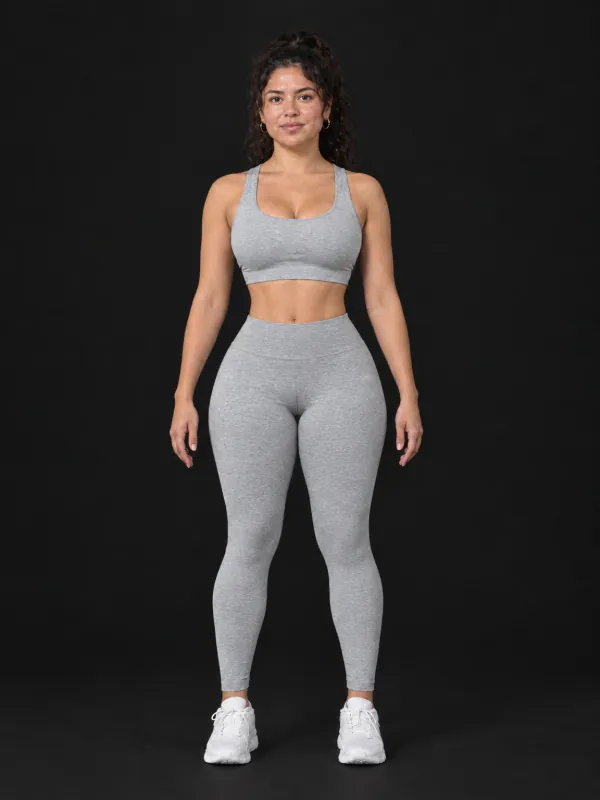


What you can change with the AI body editor
A whole new body type in one pick, or one body part at a time: a slimmer waist, bigger arms, a six-pack, rounder glutes.
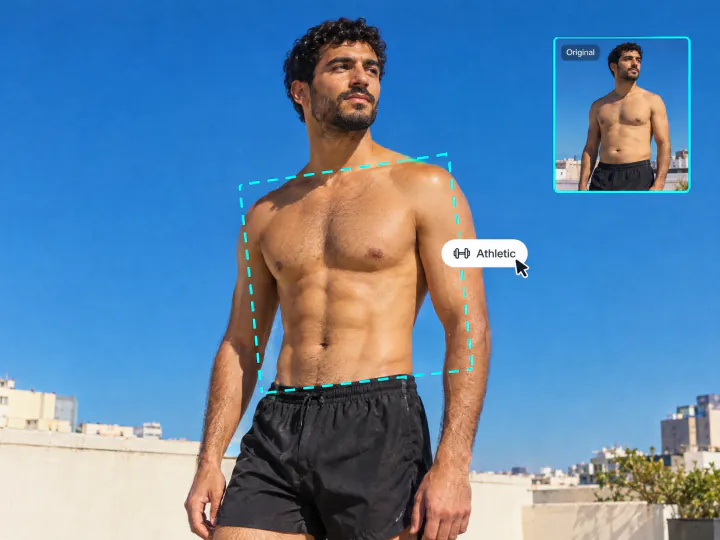
See your fitness goal on your own photo
Pick a body type, from slim and toned to athletic, V-taper or bodybuilder, and see it on your own full-body photo. A clear picture of the goal makes a training plan or a diet easier to stick to, and a fat-to-fit preview is more motivating than a stranger’s before and after.
Try it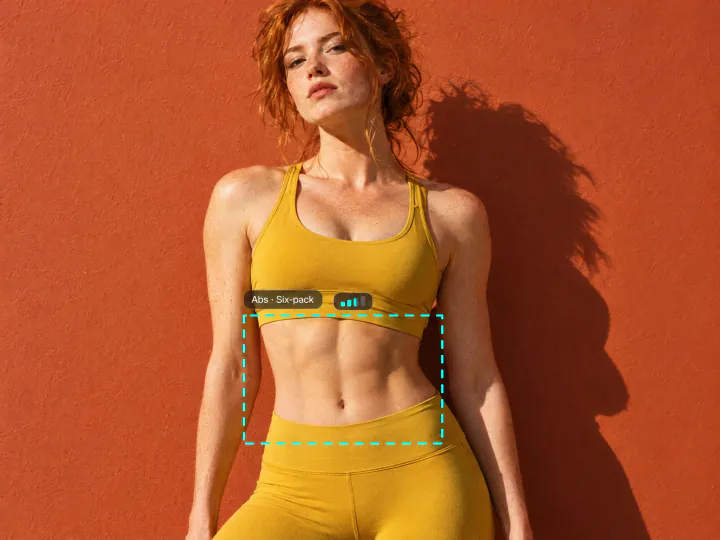
Change one body part: waist, arms, abs or glutes
Open Advanced settings and set how your shoulders, chest, arms, abs, back, glutes and legs should look, from toned to bodybuilder. Only the parts you set change, so you can add a six-pack and leave your legs as they are.
Try it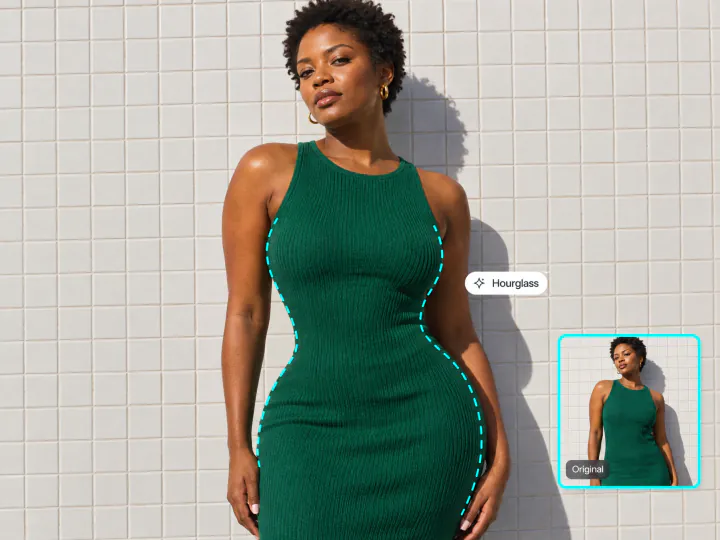
A body shape editor without warped backgrounds
A slimmer waist, fuller hips or lifted glutes take one pick instead of a liquify brush. The AI redraws the body with real anatomy, so clothes fit the new shape and straight lines behind you, like wall tiles or a door frame, stay straight.
Try itWhy use the Overchat AI body editor
Presets and fine control
Twelve body types for women and twelve for men, plus a muscle level for eight body parts.
Still looks like you
Face, hair, skin tone, clothes, pose and background stay as they were; only the body changes.
Realistic results
Muscles, curves and proportions follow real anatomy instead of a stretched photo.
Any full-body photo
Works on standing full-body and half-body photos in JPG, PNG, WEBP or HEIC up to 20 MB.
Private
Your photo is used only to make your edit.
Online, on any device
Runs in the browser on a phone or a computer, with nothing to install.
How to edit your body in a photo
Three steps, starting right on this page.
- 1
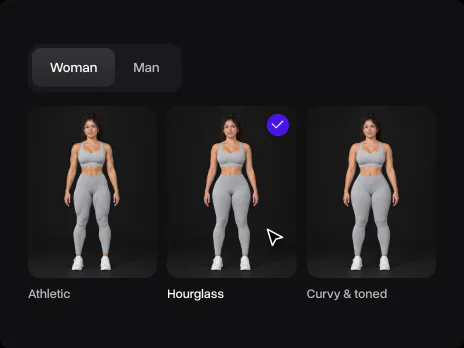
Choose a body shape
Pick Woman or Man and a body shape from the list, like Hourglass, Athletic or Bodybuilder.
- 2
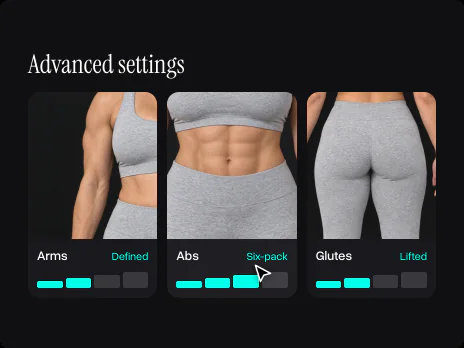
Set the muscles you want
Open Advanced settings and set the level for arms, abs, glutes or any other part. Skip it to use the shape as it is.
- 3
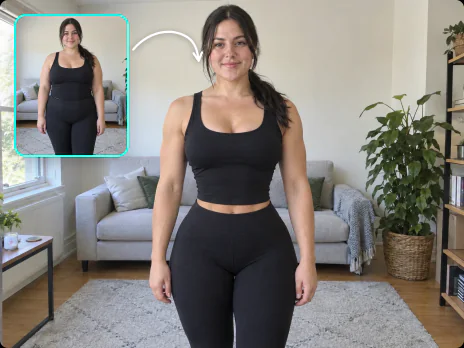
Upload your photo
Add a full-body photo. Overchat AI edits the body and keeps your face, clothes and background.
Explore More AI Tools
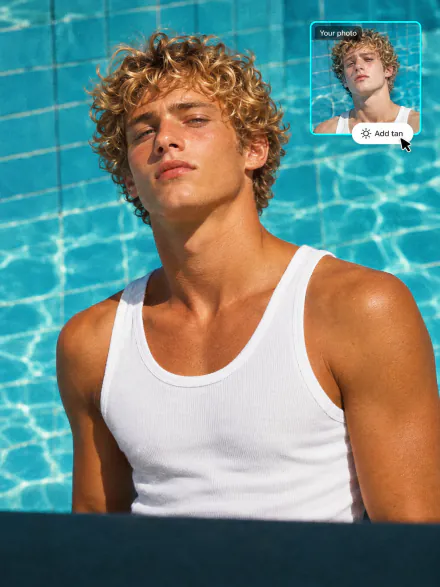
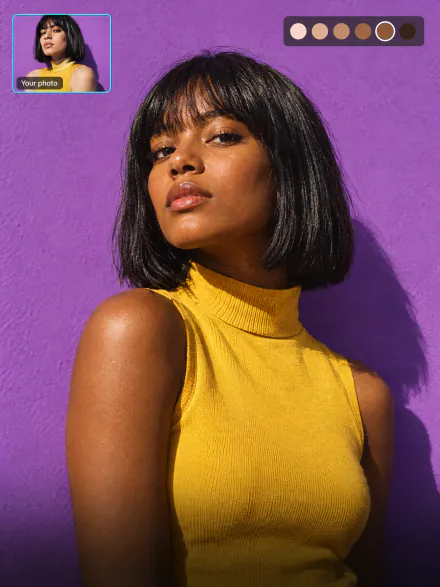
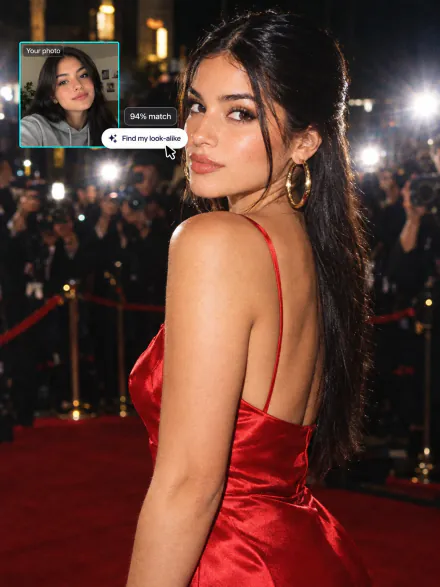
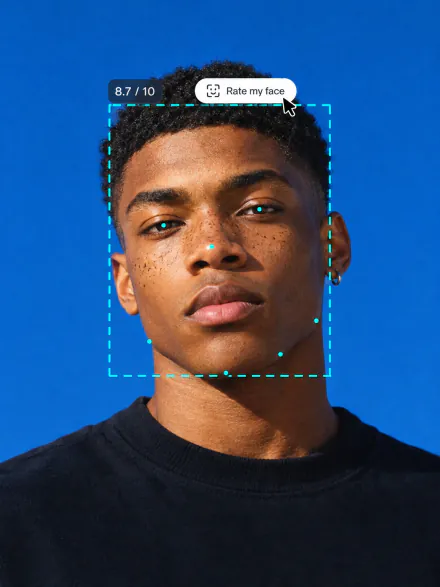
Add a tan, change your skin tone, find your celebrity look-alike or rate your face. Every tool runs on the same subscription.

FAQ
If you have any questions,
reach out to us at hello@overchat.ai
You upload a full-body photo and say what to change: a body type like hourglass or V-taper, or the muscle level of single body parts. The AI redraws the body in the photo with real anatomy and keeps the face, clothes and background.
Twelve body types for women and twelve for men, from slim and toned to curvy, athletic, bodybuilder and plus size. In Advanced settings you set shoulders, chest, arms, abs, waist, hips, back, glutes and legs, each on five levels.
Yes. Leave the body type as it is, open Advanced settings and set only the waist, or only the abs or the arms. Everything you don’t set stays as it is in the photo.
Yes. The body is redrawn instead of stretched, so muscles, curves and clothes follow the new shape. Lower levels give a subtle change; the top level is a dramatic one.
Yes. Only the body changes. Your face, hair, skin tone, clothes, pose and background are kept, and lines behind you don’t bend the way they do with a liquify tool.
Yes. Pick Slim & lean or Toned & fit, or set Waist to Trimmer or Trim. For a stronger change use Snatched or Tiny.
Yes. Pick Athletic, Muscular or Bodybuilder, or raise the muscle level for single parts: a six-pack, bigger arms, broader shoulders or rounder glutes.
A clear full-body photo of one person standing and facing the camera, in fitted clothes and good light. Loose clothes and cropped legs give the AI less to work with.
Yes. Switch between Woman and Man: each has its own body types and body parts.
Your photo is used only to make your edit and is not shown to anyone else.


