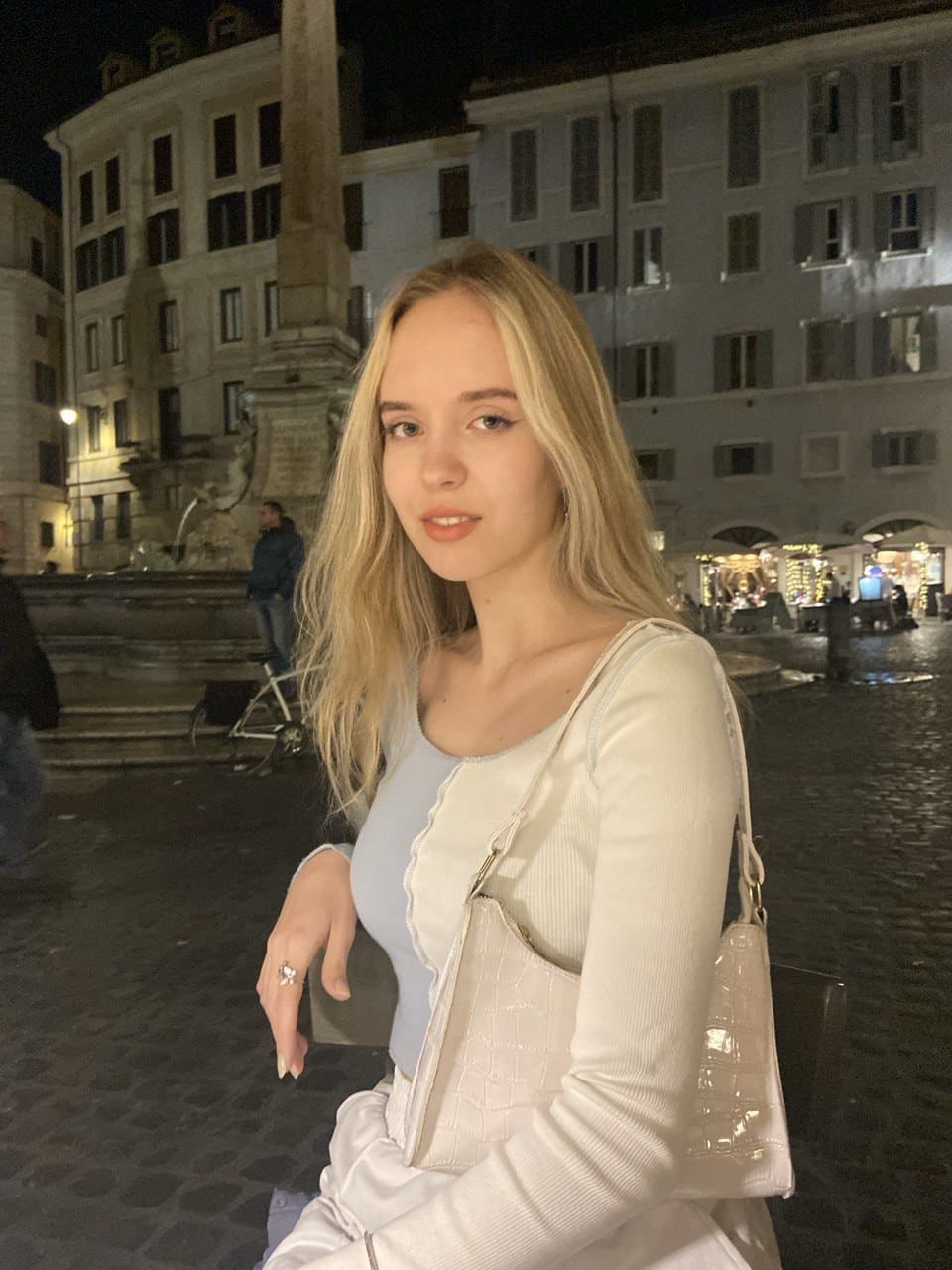
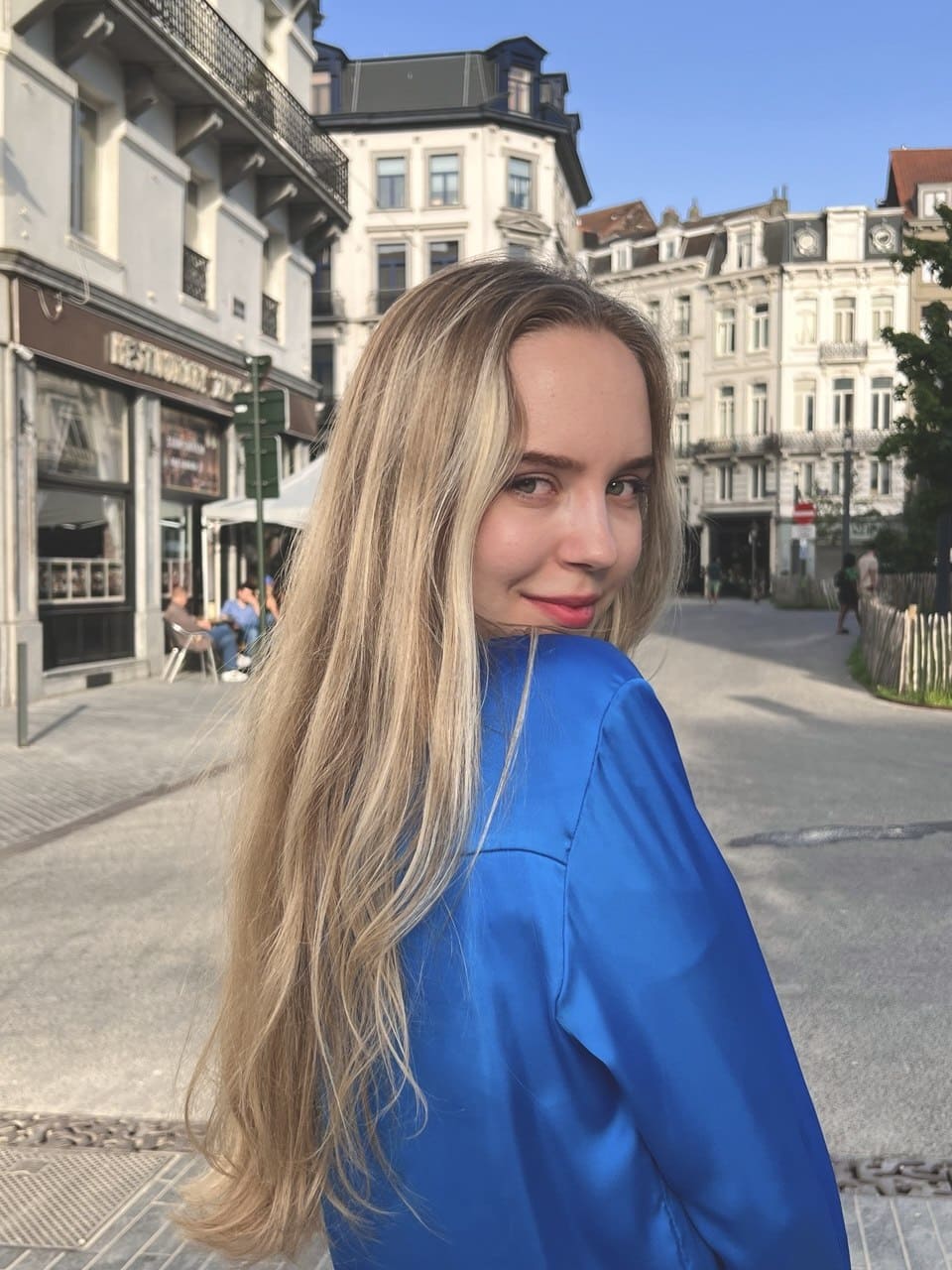
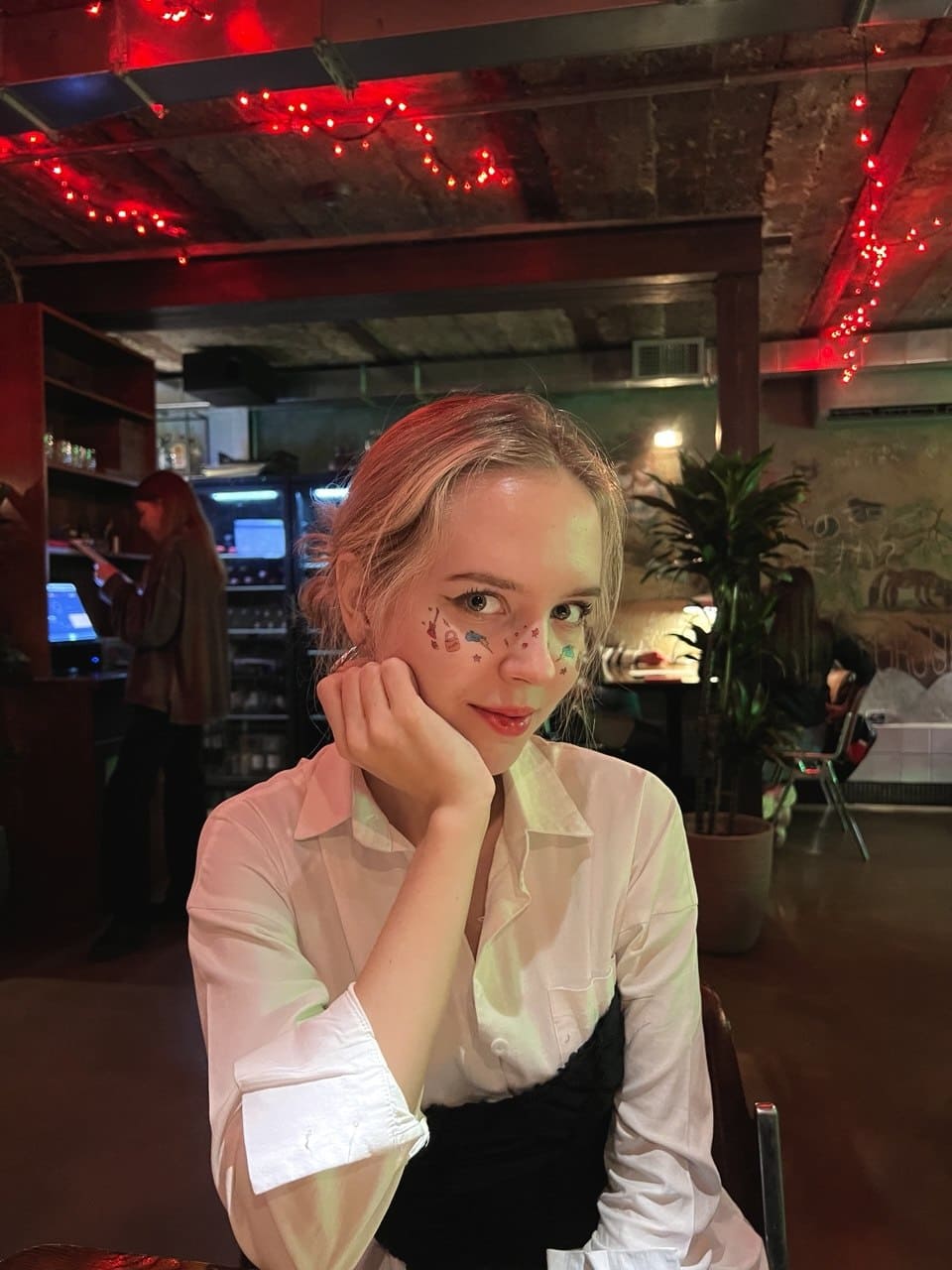
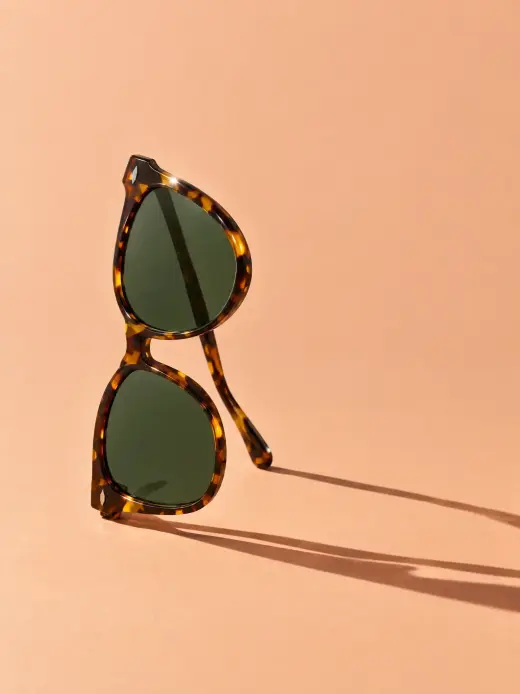
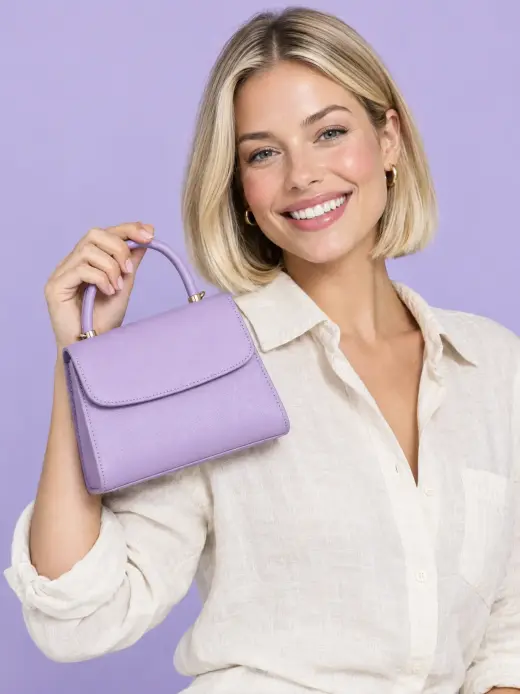
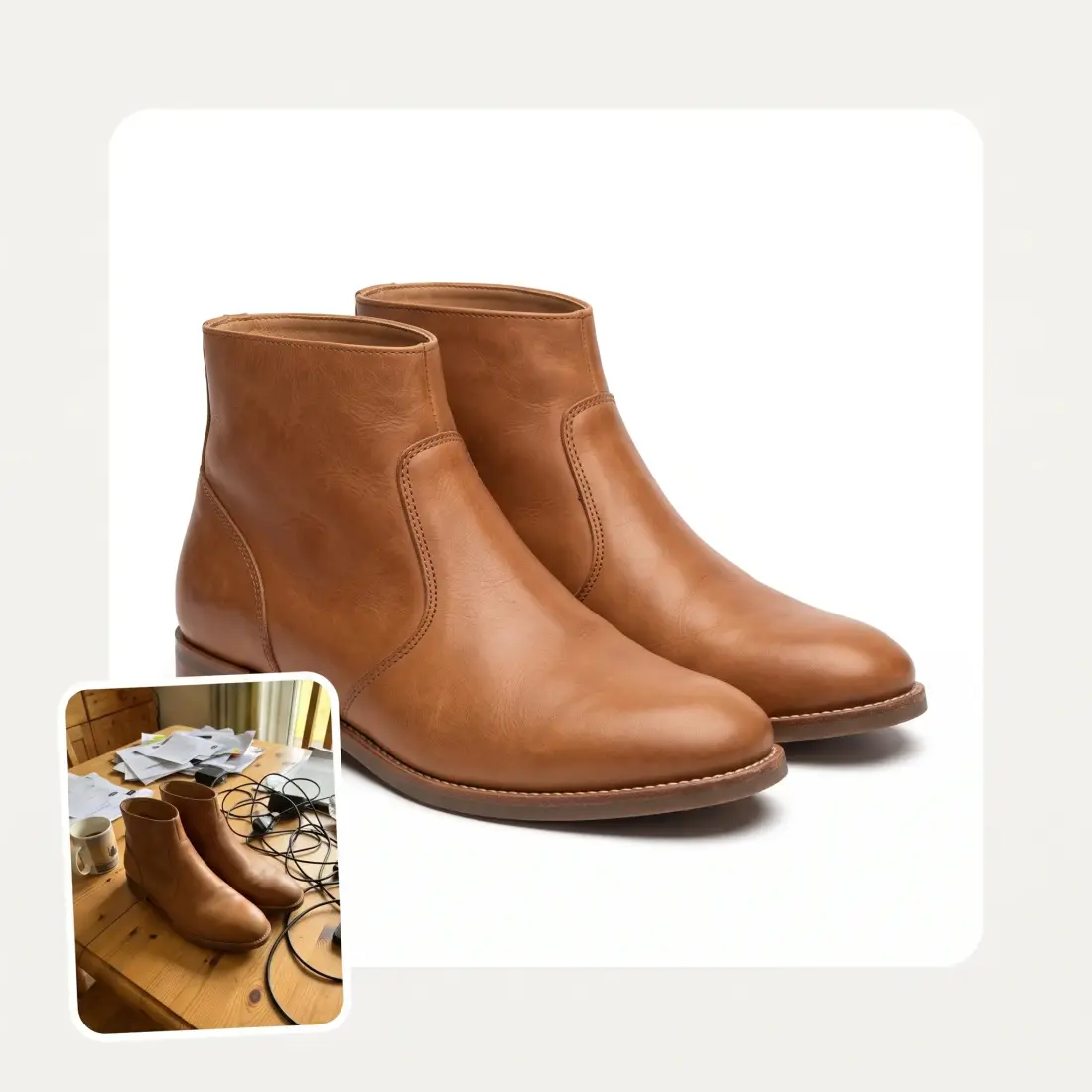
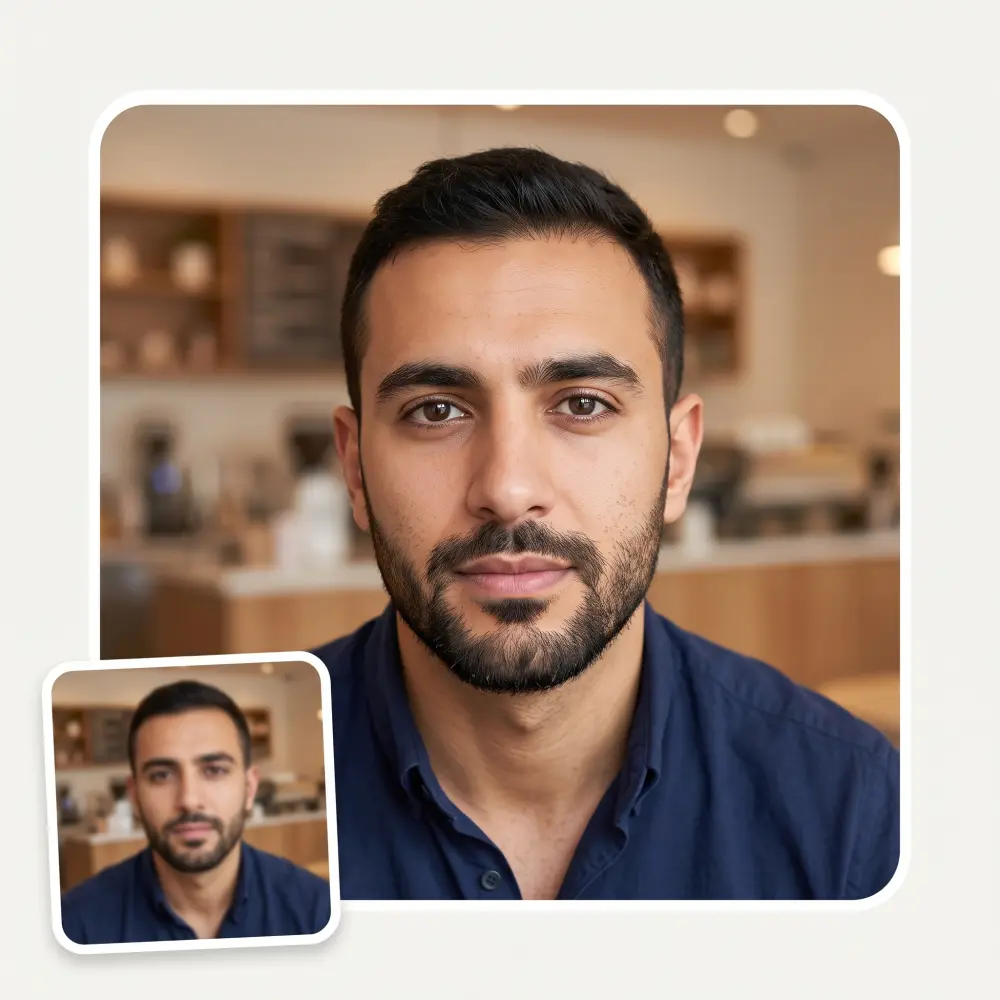
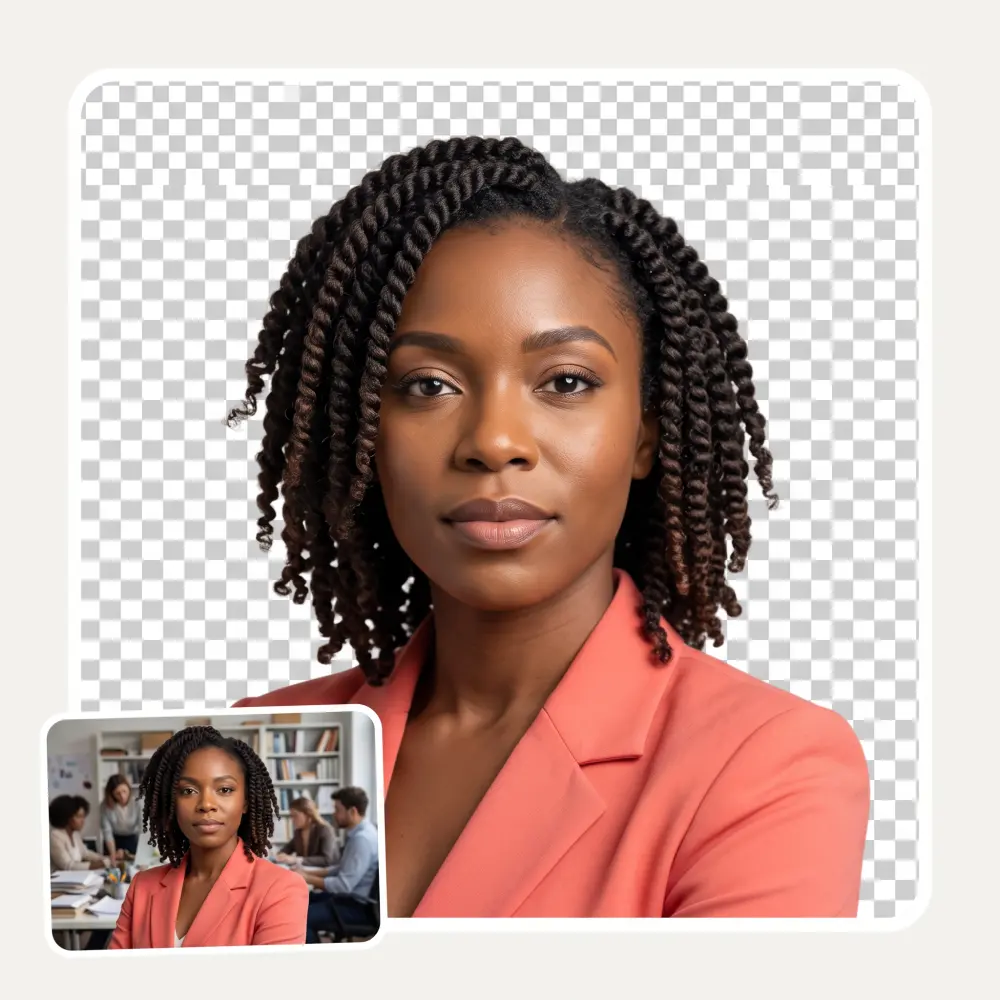
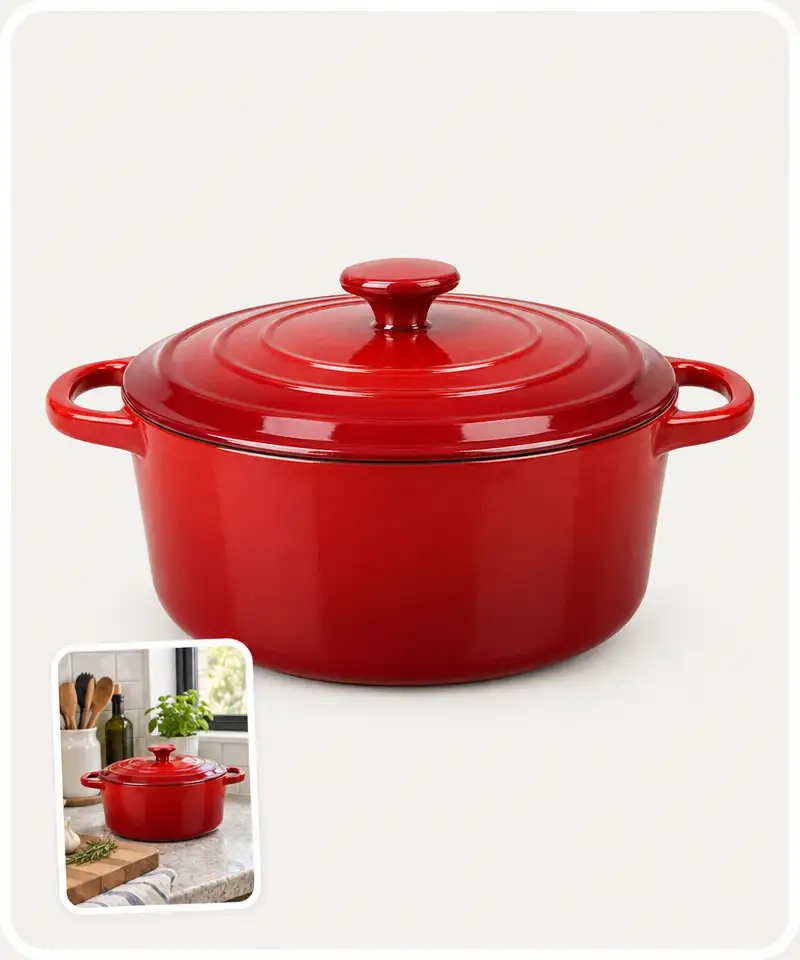
One click cuts your product out and puts it on pure white or a transparent background, with edges that hold up on glass, fur and fine handles.
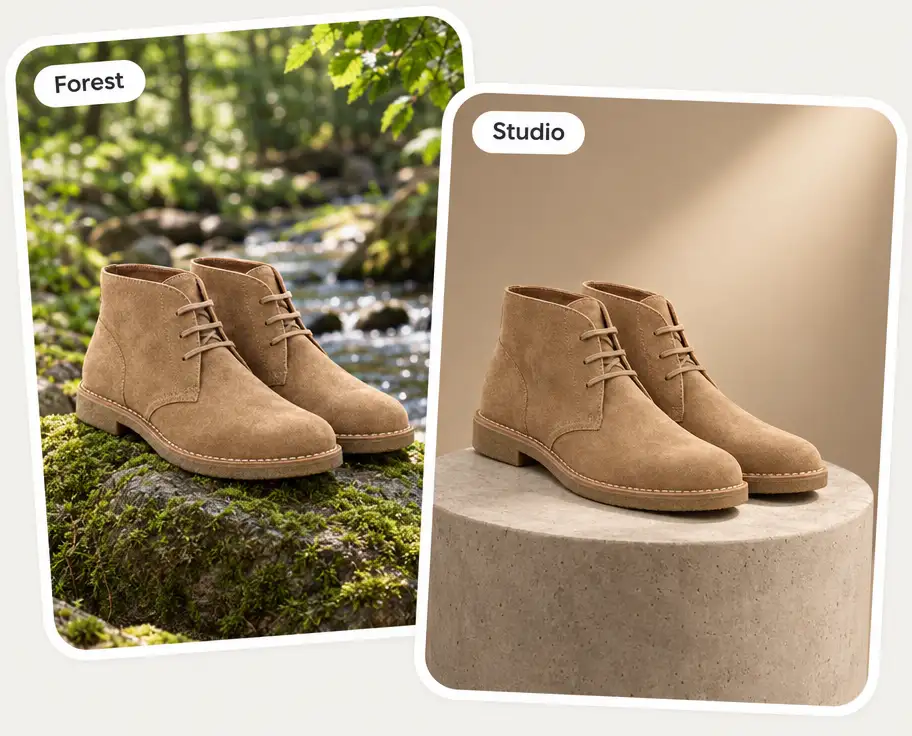
AI backgrounds: pick a scene or describe your own
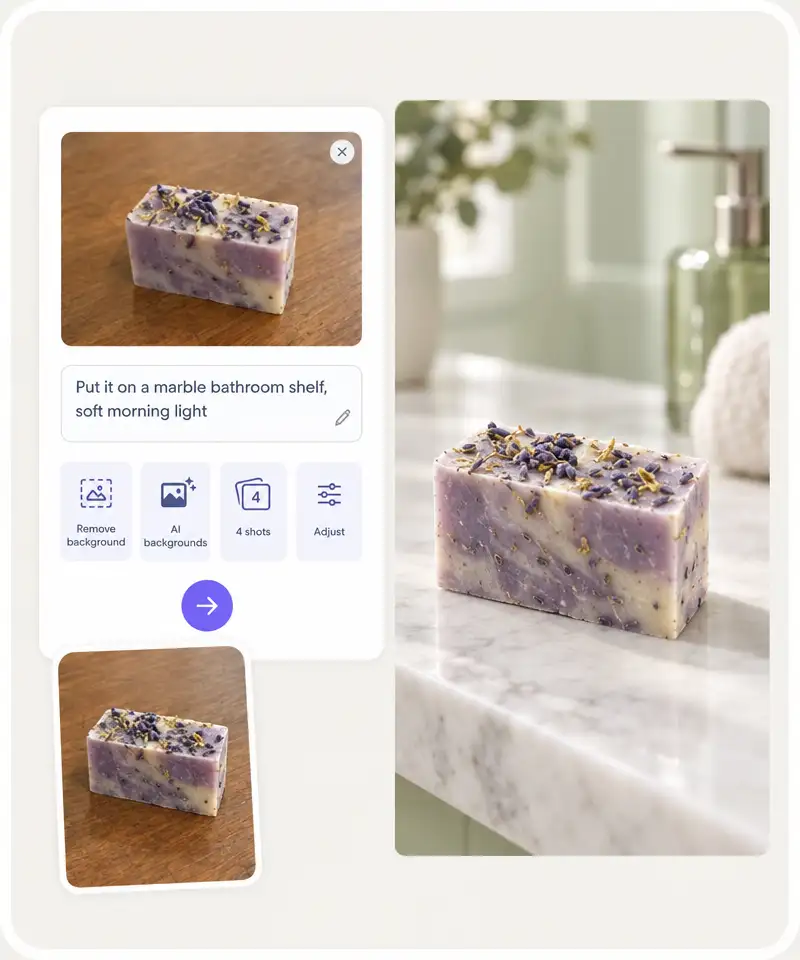
Marble shelf, forest rock, concrete pedestal or anything you can type. The product keeps its shape, colors and logo; only the scene around it changes.
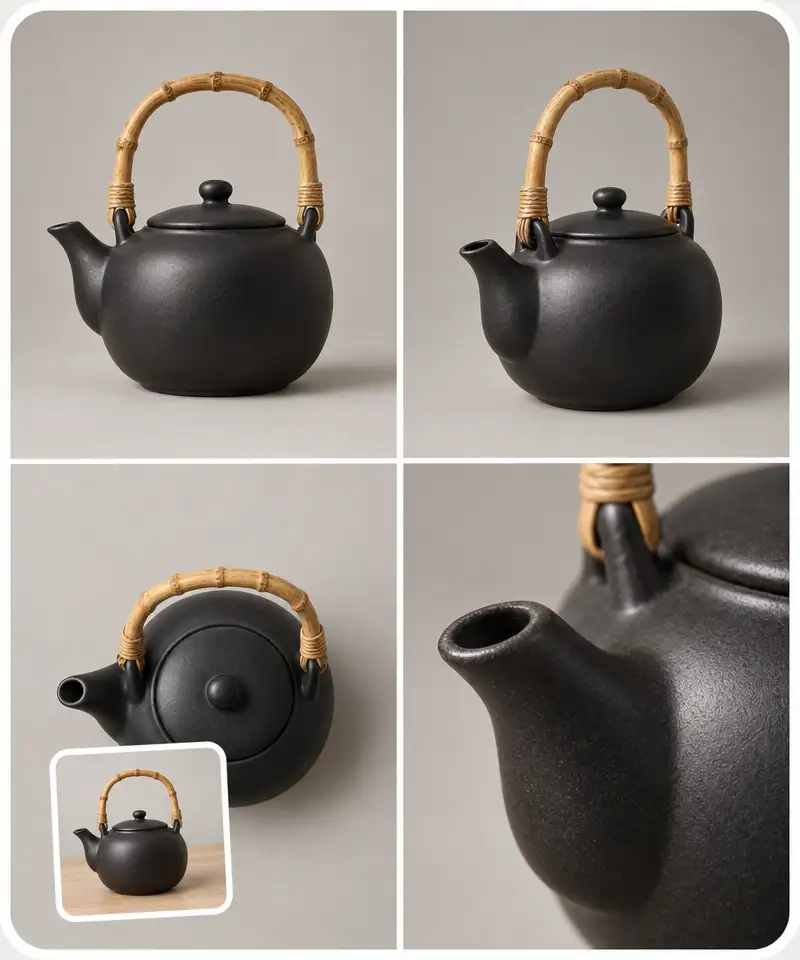
Four shots of one product at once
The “4 shots” preset returns four angles of the same product in one go, so a listing gets its front, angle, top and detail views from a single upload.
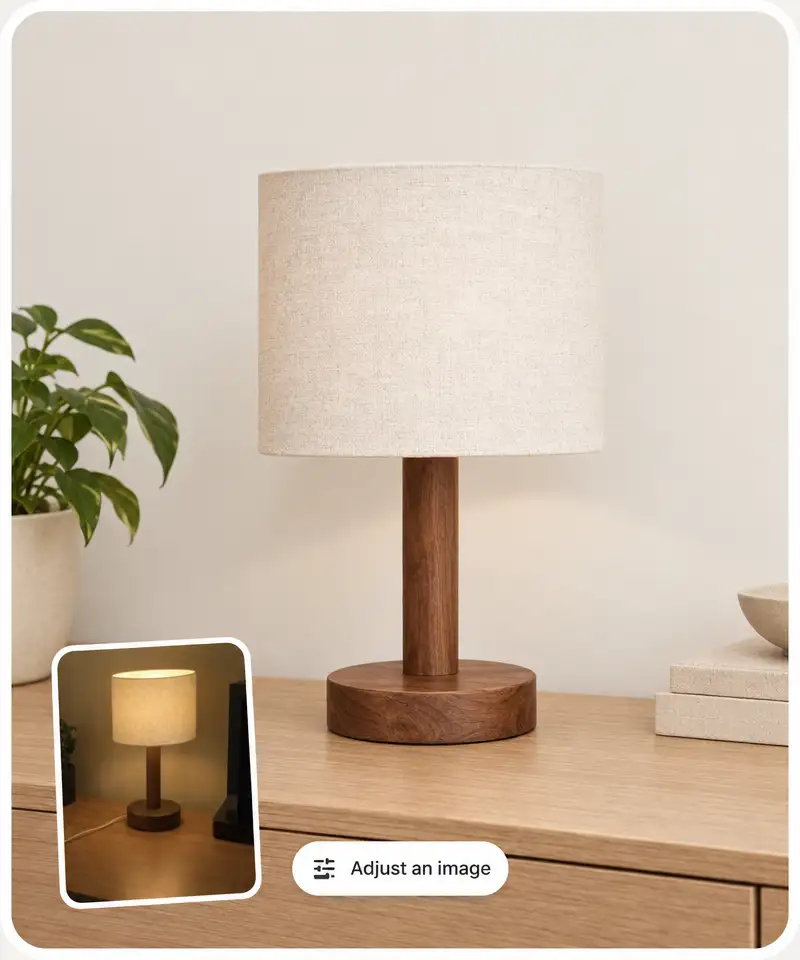
Retouch without Photoshop
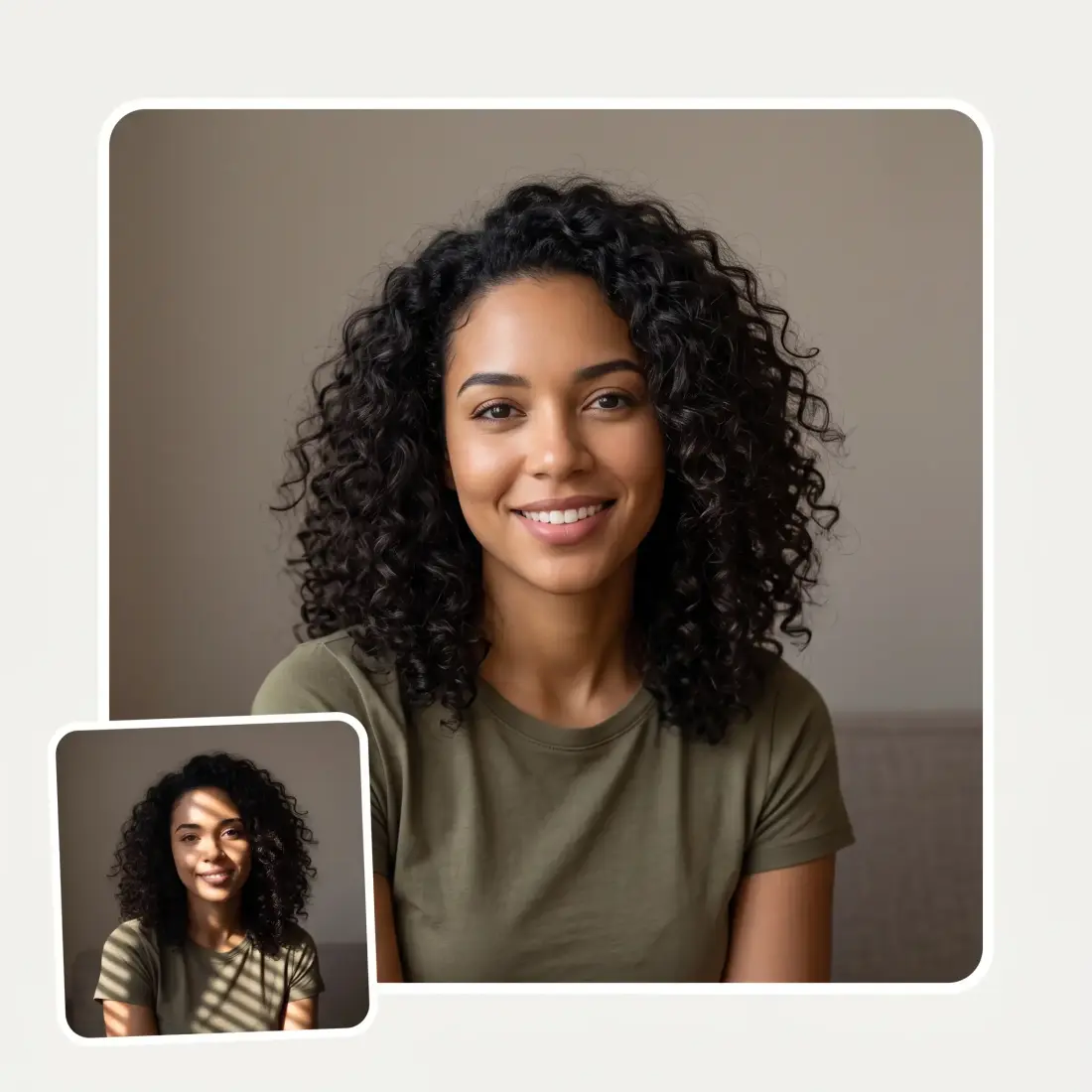
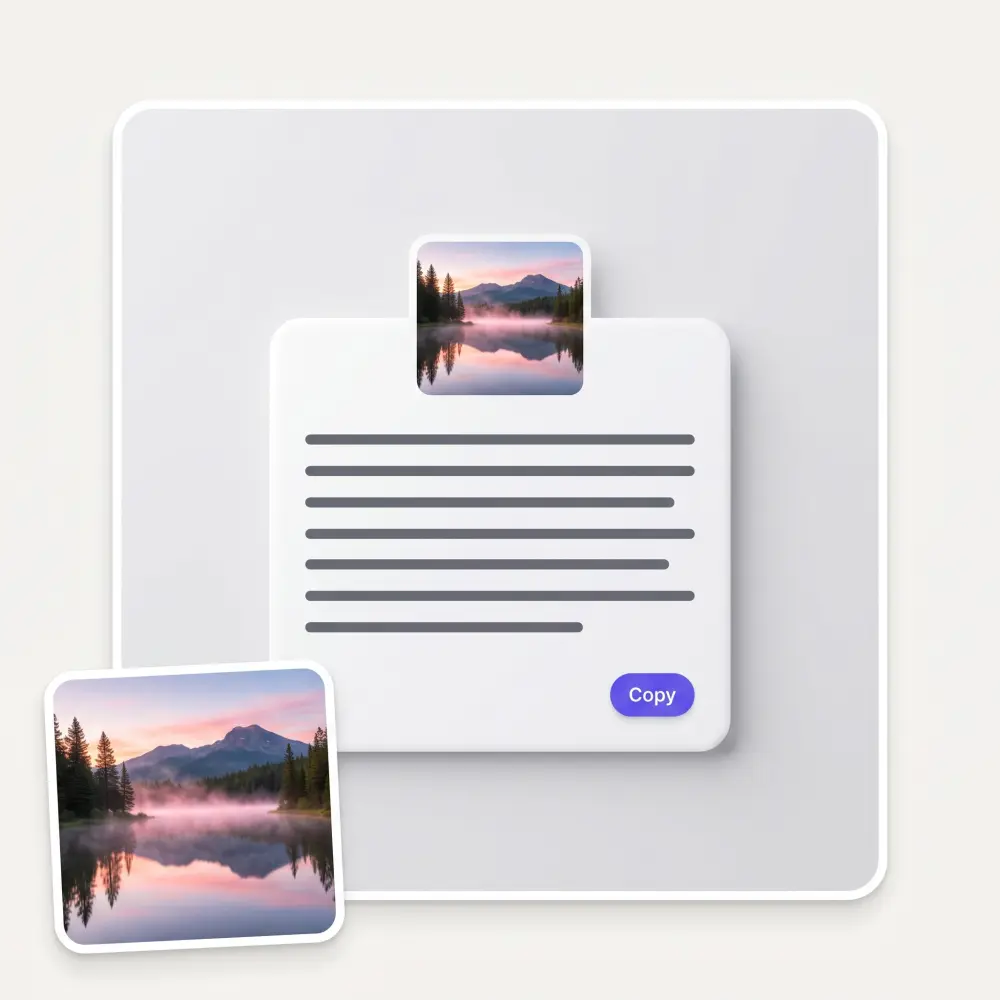
Fix lighting, colors, reflections and stray objects by describing the change. Pick the image model and the aspect ratio for each shot, and download in HD.
How to make product photography with AI
1
Upload a product photo
Drop a photo of your product into the composer, or tap a preset first and the file picker opens. A sharp phone photo on any background works; you do not need a studio shot.
2
Pick a preset or describe the shot
Choose Remove background, Create AI backgrounds, Generate 4 shots at once or Adjust an image, then refine the prompt in your own words. Set the model and the aspect ratio if you need a specific one.
3
Press Generate
The Overchat AI product studio opens with your photo and prompt already loaded and renders the shot in about 30 seconds.
4
Download or make more
Save the result in HD, or change the scene, ratio or model and generate again until the whole listing is covered.
AI product photography use cases
🛒
Amazon, Shopify and Etsy sellers
Listing photos that pass marketplace review: a clean white-background hero plus lifestyle shots, made from the one phone photo you already have.
📦
Dropshippers and resellers
Supplier photos look like everyone else’s. Regenerate them in your own scenes and backgrounds so your store stops looking like a catalog copy.
📱
Social media and ads creatives
Product shots for Instagram, TikTok and paid ads in the ratio each placement wants, without booking a photographer for every campaign.
🧴
Small brands and DTC founders
Launch a new product with a full set of photos on day one: studio shot, lifestyle scene, detail angles, all consistent with your brand.
👜
Vinted, eBay and Depop sellers
Turn a bedroom-floor photo of the item into a clean, well-lit product shot that sells faster and gets fewer “more photos?” messages.
🎨
Designers and agencies
Mockups, packaging renders and client previews on demand: describe the scene, generate, iterate, no stock-photo hunting.
What people say about Overchat AI
★★★★★
I've started to use overchat last week and it feels very promising. Lots of AI models in one place saves a lot of money in comparison if you buy subscriptions for each one.
Georgy P
Armenia · Trustpilot, 14 Jul 2026
★★★★★
im really into ai apps and that one is good, helps me with my arts and homework. i draw ai vids for inst and generate images with my characters, many widgets and models! like it
Rita Semenova
Germany · Trustpilot, 14 Aug 2026
★★★★★
I like how it keeps everything organized. One subscription is enough for all major AI models, which helps me avoid paying for multiple platforms.
Staria Quinn
United States · Trustpilot, 16 Nov 2025
★★★★★
Affordable and simple to use. I like that I don't have to pay for several different services anymore.
Dylan Thompson
United States · Trustpilot, 28 Oct 2025
★★★★★
Good and easy to use
Kanan Safarli
United Kingdom · Trustpilot, 23 Jul 2026
★★★★★
It's a nice place to be. I love it
Fabiyi Oluwakemi Phillips
Nigeria · Trustpilot, 23 Jul 2026
Frequently asked questions about AI product photography
What is AI product photography?
AI product photography uses an image model to turn an ordinary photo of your product into professional product shots: it removes or replaces the background, generates realistic scenes and lighting, creates extra angles and retouches details, all without a physical photoshoot.
Can AI make product photos from a single phone photo?
Yes. Upload one clear photo of the product, pick a preset or describe the scene, and the AI generates a studio-quality version. A sharp, well-lit phone photo with the whole product visible gives the best results.
Can AI product photography replace a studio photoshoot?
For listing photos, lifestyle scenes and ad creatives, in most cases yes, at a fraction of the cost and time. Very reflective products, exact color-matching for print and complex multi-product scenes can still need a real shoot or a careful check.
Will my product’s logo, shape and colors stay accurate?
The AI keeps the product itself and changes the scene around it, so shape, colors and labels stay as in your photo in most cases. Always zoom in on the label and edges before publishing; if a detail drifts, regenerate or add “keep the label exactly as in the photo” to the prompt.
Can I use AI product photos on Amazon, Shopify or Etsy?
Shopify, Etsy and your own store have no restriction. Amazon requires the main image to show the actual product on pure white and asks sellers not to misrepresent it, so use the background-removal preset for the main image and keep AI scenes for secondary and lifestyle images.
Can it generate multiple angles or a whole set of shots?
Yes. The “Generate 4 shots at once” preset returns four angles of the same product from one upload, and you can rerun it with a different scene, ratio or model to build a full listing set.
Is the AI product photography tool free?
Starting is free: upload a photo, set up the shot on this page and generate in the Overchat AI studio, then download the result in HD. Generating larger sets and using premium image models runs on Overchat AI credits.
Which image models can I use?
GPT Image 2.5 Flare is the default because it keeps product details well; you can switch to other image models from the model tile before generating, and pick the aspect ratio for each shot.
{"@context":"https://schema.org","@graph":[{"@type":"WebApplication","@id":"https://overchat.ai/ai-tools/ai-product-photography#app","name":"AI Product Photography","url":"https://overchat.ai/ai-tools/ai-product-photography","description":"Turn one product photo into studio-quality shots with AI: remove the background, add AI backgrounds, get 4 shots at once, retouch by prompt. No photoshoot, free to start.","applicationCategory":"MultimediaApplication","operatingSystem":"Web","browserRequirements":"Requires JavaScript","offers":{"@type":"Offer","price":"0","priceCurrency":"USD","availability":"https://schema.org/InStock","url":"https://overchat.ai/ai-tools/ai-product-photography"},"publisher":{"@type":"Organization","name":"Overchat AI","url":"https://overchat.ai/"},"image":"https://cdn.prod.website-files.com/673728fe79d73c09073776cb/6ab21c34e04b618f53d9eddf_pp-showcase.webp"},{"@type":"BreadcrumbList","itemListElement":[{"@type":"ListItem","position":1,"name":"Home","item":"https://overchat.ai/"},{"@type":"ListItem","position":2,"name":"Image","item":"https://overchat.ai/image"},{"@type":"ListItem","position":3,"name":"AI Product Photography","item":"https://overchat.ai/ai-tools/ai-product-photography"}]},{"@type":"FAQPage","mainEntity":[{"@type":"Question","name":"What is AI product photography?","acceptedAnswer":{"@type":"Answer","text":"AI product photography uses an image model to turn an ordinary photo of your product into professional product shots: it removes or replaces the background, generates realistic scenes and lighting, creates extra angles and retouches details, all without a physical photoshoot."}},{"@type":"Question","name":"Can AI make product photos from a single phone photo?","acceptedAnswer":{"@type":"Answer","text":"Yes. Upload one clear photo of the product, pick a preset or describe the scene, and the AI generates a studio-quality version. A sharp, well-lit phone photo with the whole product visible gives the best results."}},{"@type":"Question","name":"Can AI product photography replace a studio photoshoot?","acceptedAnswer":{"@type":"Answer","text":"For listing photos, lifestyle scenes and ad creatives, in most cases yes, at a fraction of the cost and time. Very reflective products, exact color-matching for print and complex multi-product scenes can still need a real shoot or a careful check."}},{"@type":"Question","name":"Will my product’s logo, shape and colors stay accurate?","acceptedAnswer":{"@type":"Answer","text":"The AI keeps the product itself and changes the scene around it, so shape, colors and labels stay as in your photo in most cases. Always zoom in on the label and edges before publishing; if a detail drifts, regenerate or add “keep the label exactly as in the photo” to the prompt."}},{"@type":"Question","name":"Can I use AI product photos on Amazon, Shopify or Etsy?","acceptedAnswer":{"@type":"Answer","text":"Shopify, Etsy and your own store have no restriction. Amazon requires the main image to show the actual product on pure white and asks sellers not to misrepresent it, so use the background-removal preset for the main image and keep AI scenes for secondary and lifestyle images."}},{"@type":"Question","name":"Can it generate multiple angles or a whole set of shots?","acceptedAnswer":{"@type":"Answer","text":"Yes. The “Generate 4 shots at once” preset returns four angles of the same product from one upload, and you can rerun it with a different scene, ratio or model to build a full listing set."}},{"@type":"Question","name":"Is the AI product photography tool free?","acceptedAnswer":{"@type":"Answer","text":"Starting is free: upload a photo, set up the shot on this page and generate in the Overchat AI studio, then download the result in HD. Generating larger sets and using premium image models runs on Overchat AI credits."}},{"@type":"Question","name":"Which image models can I use?","acceptedAnswer":{"@type":"Answer","text":"GPT Image 2.5 Flare is the default because it keeps product details well; you can switch to other image models from the model tile before generating, and pick the aspect ratio for each shot."}}]}]}

.webp)