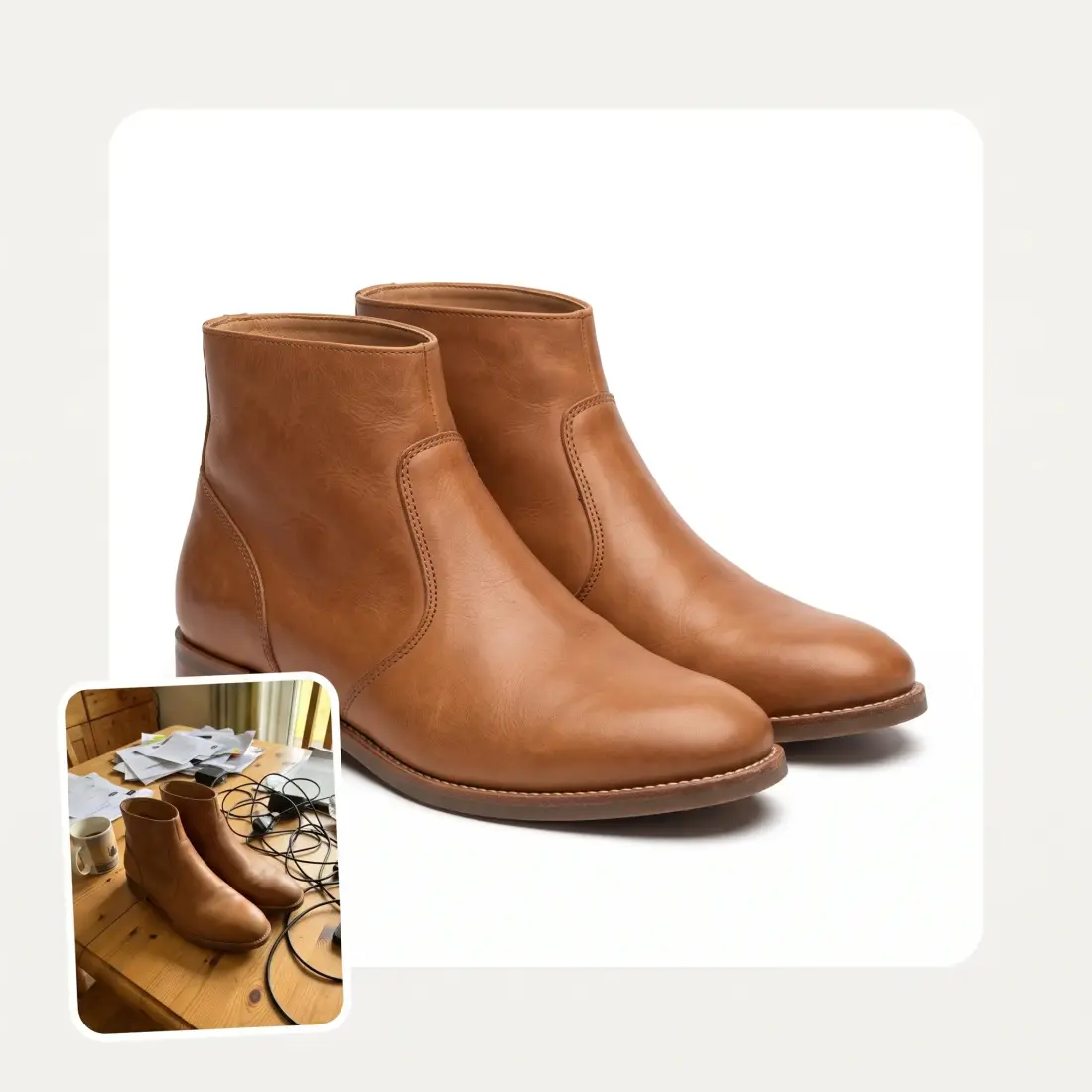
 Before
After
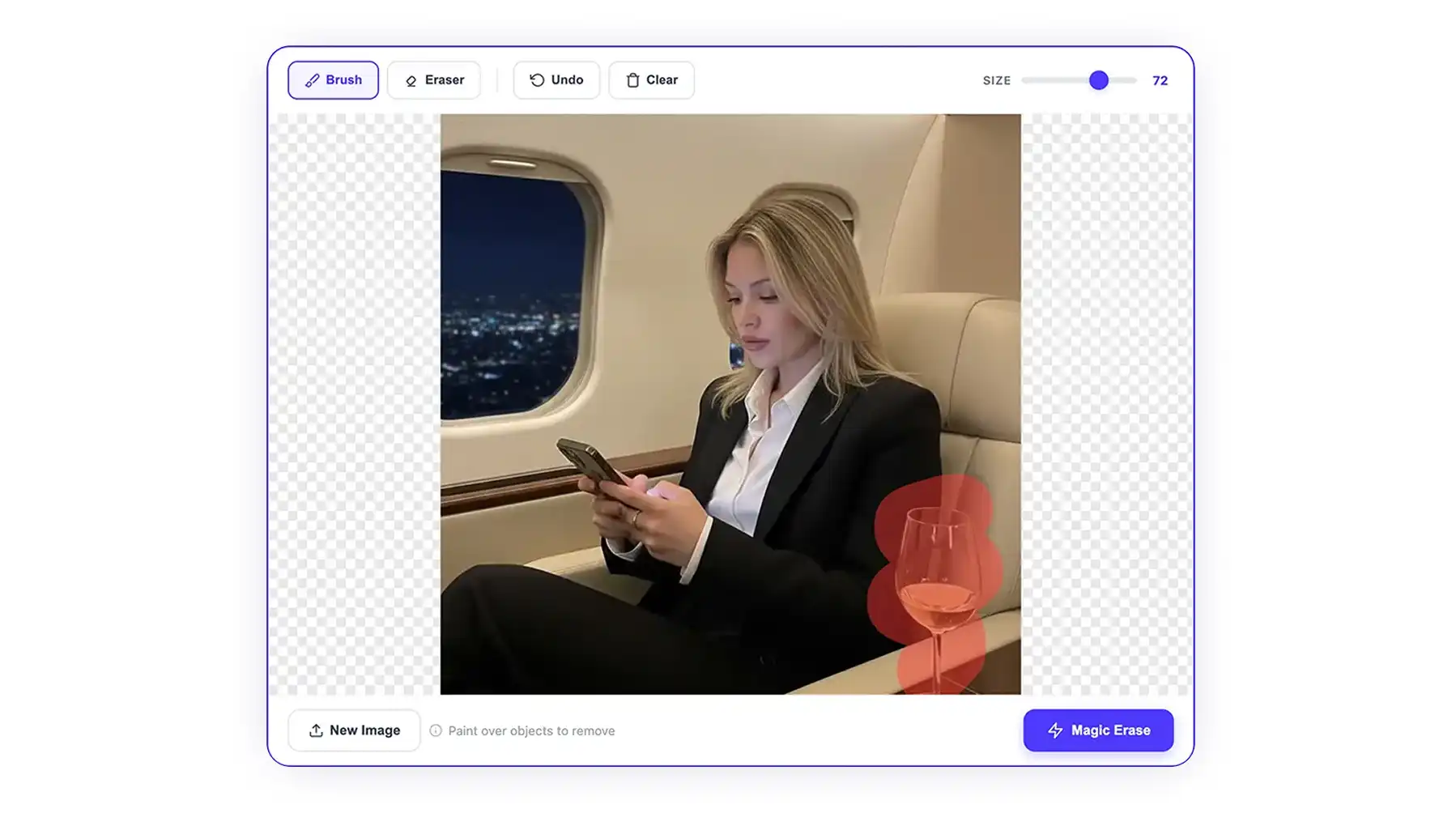
Before
After
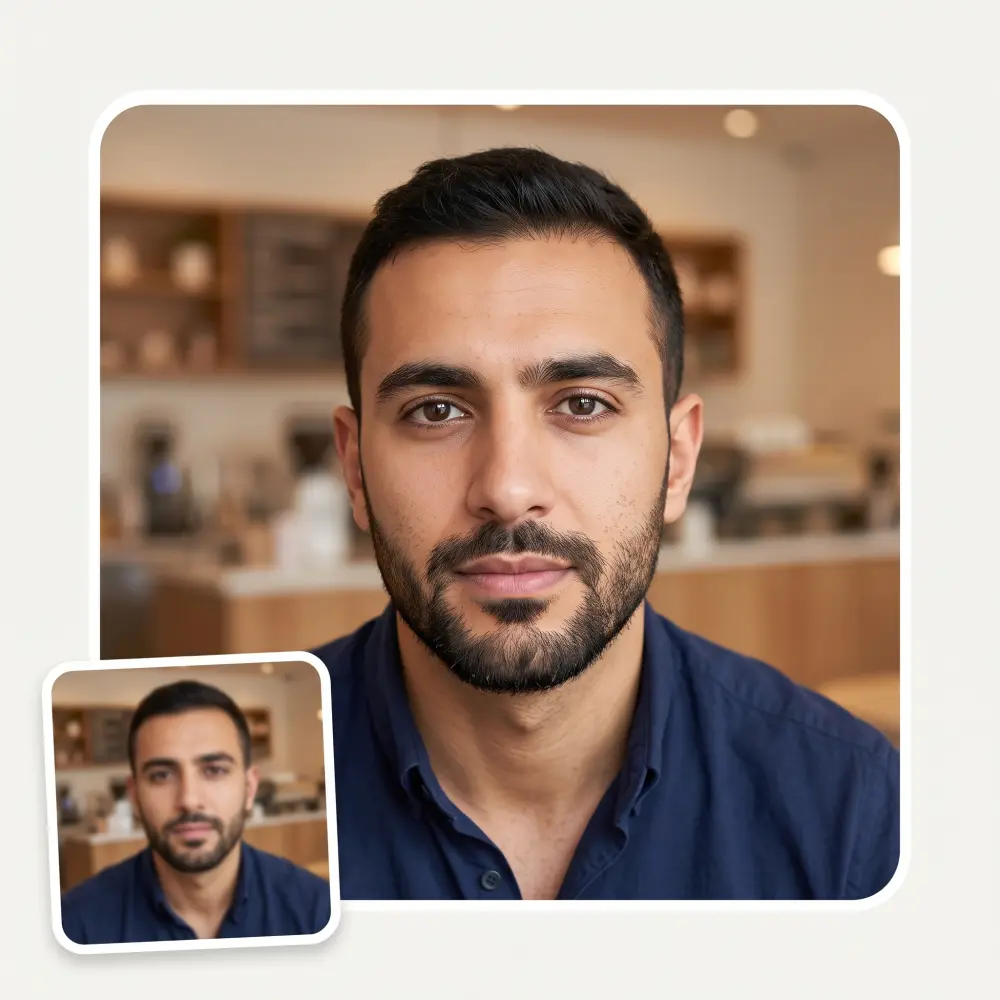
Kill the shadow, keep the photo. AI relights whatever the shade was covering — a face, a product, a scanned page — and leaves the soft shading that gives your subject its shape.
Before
After
There are two kinds of shadow in a photo: the harsh one cast by a lamp or a window frame, and the soft shading that tells you a face is round. This removes the first and keeps the second — flattening both is exactly what makes a relit photo look fake.
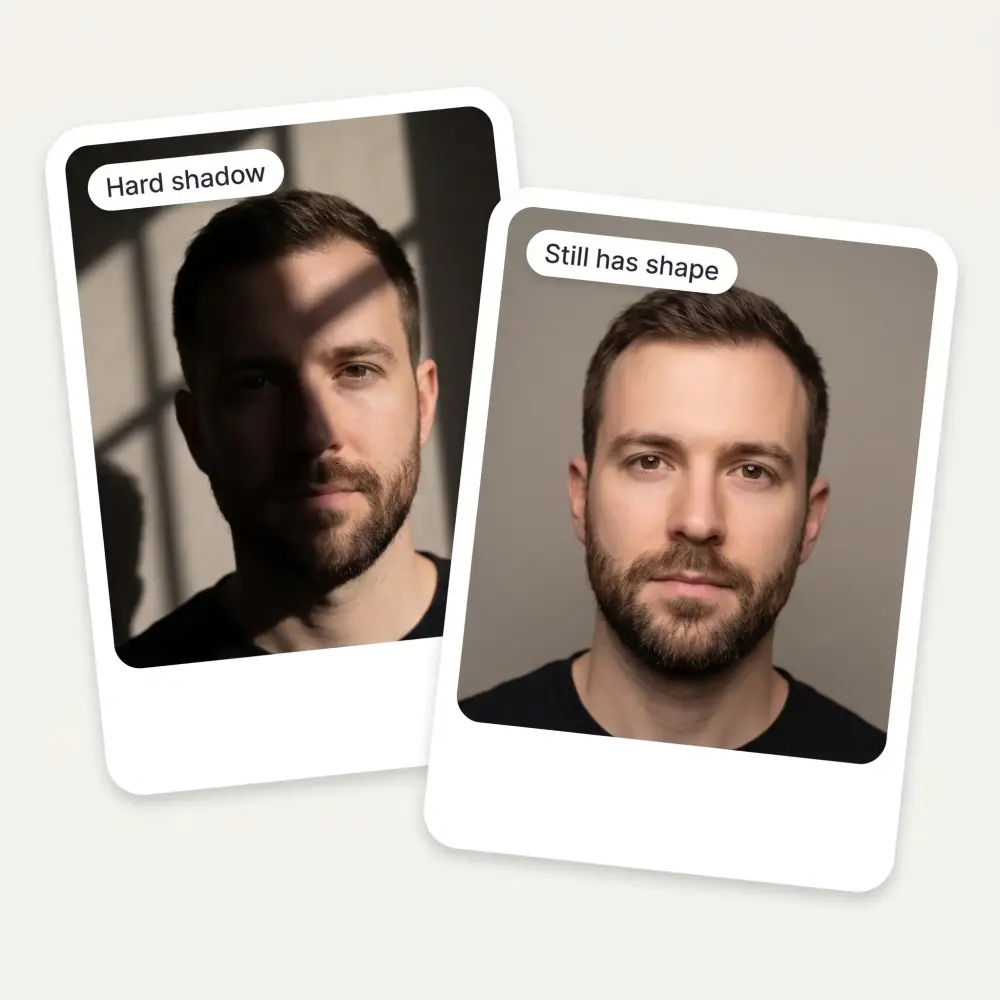
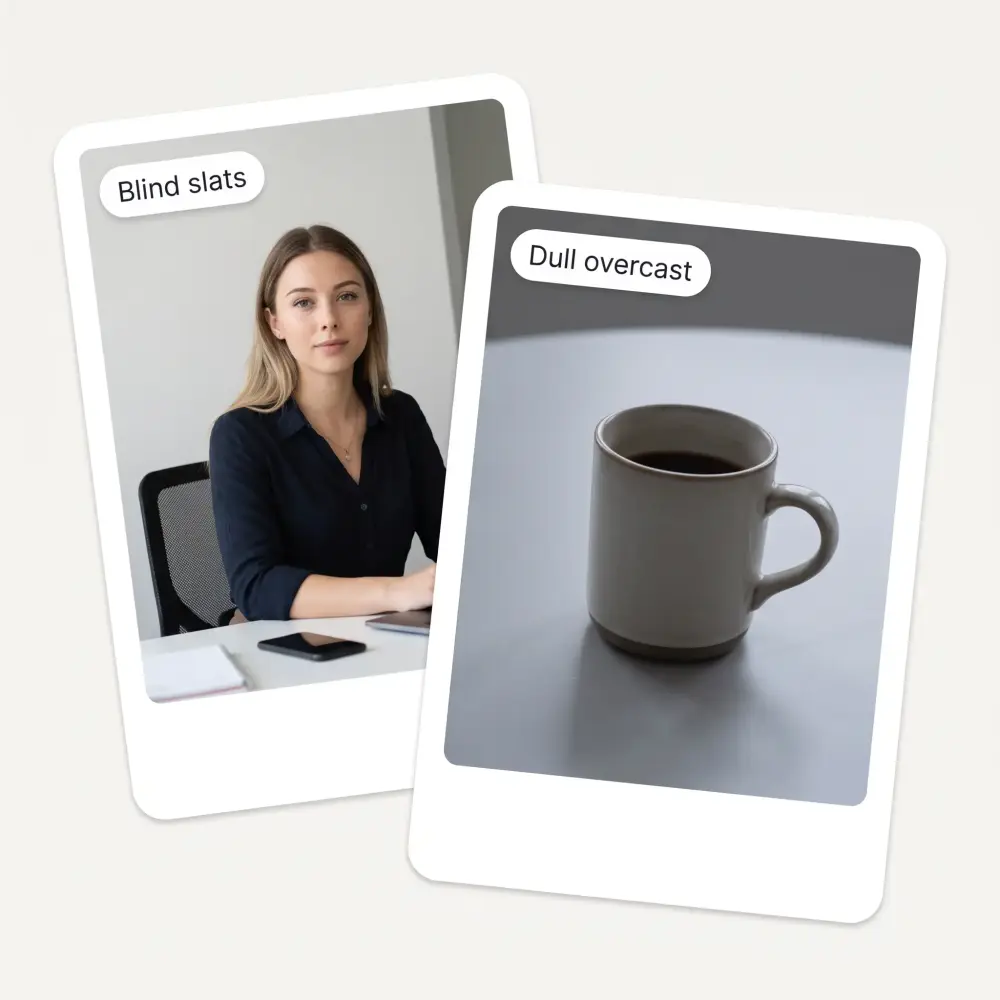
Blind slats, hat brims and doorframes leave sharp-edged shadows; overcast rooms leave broad dull ones. Both come out, and whatever the shade was covering is rebuilt from the light around it.
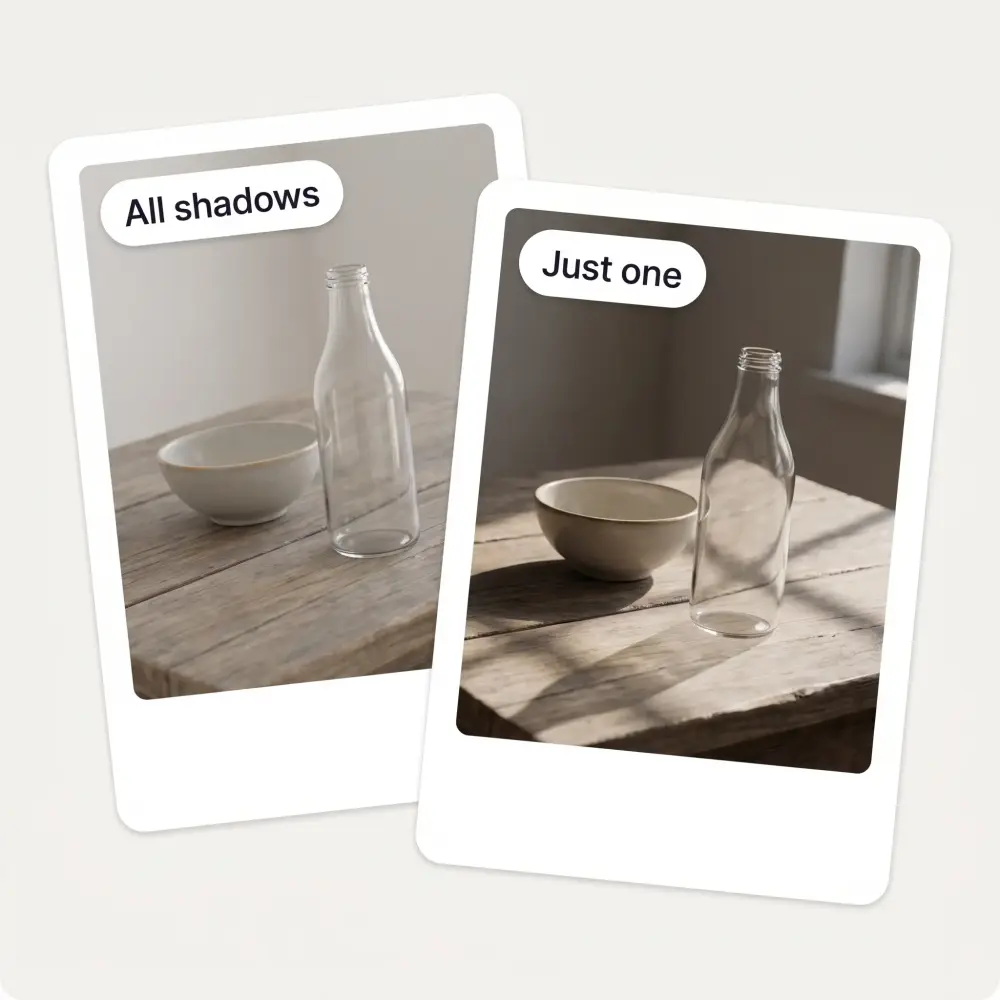
Leave it on the default and every shadow in the frame is handled. Type a hint like “the shadow under the bottle” and only that one is touched.
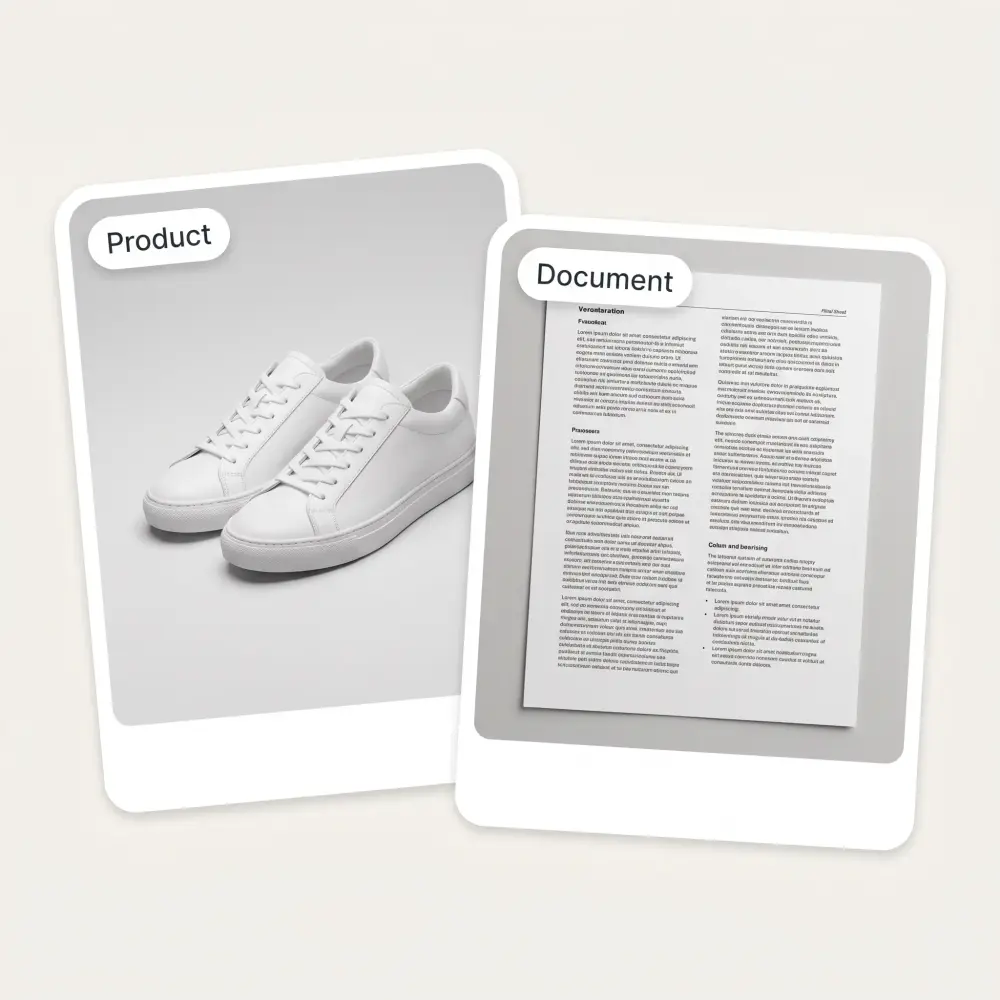
The same pass works on a portrait, a packshot, a room and a photographed page. There is nothing to configure per subject type.
Drag it in, paste with Ctrl+V or pick it from your device. JPG, PNG, WebP and iPhone HEIC all work.
Clear everything in the frame, or narrow it to the shadows falling on the subject. Add a short hint if you want one specific shadow gone.
The AI relights what the shade was covering. It takes about 30 seconds.
Drag the slider across the before and after to check the result, then save it in HD with no watermark.
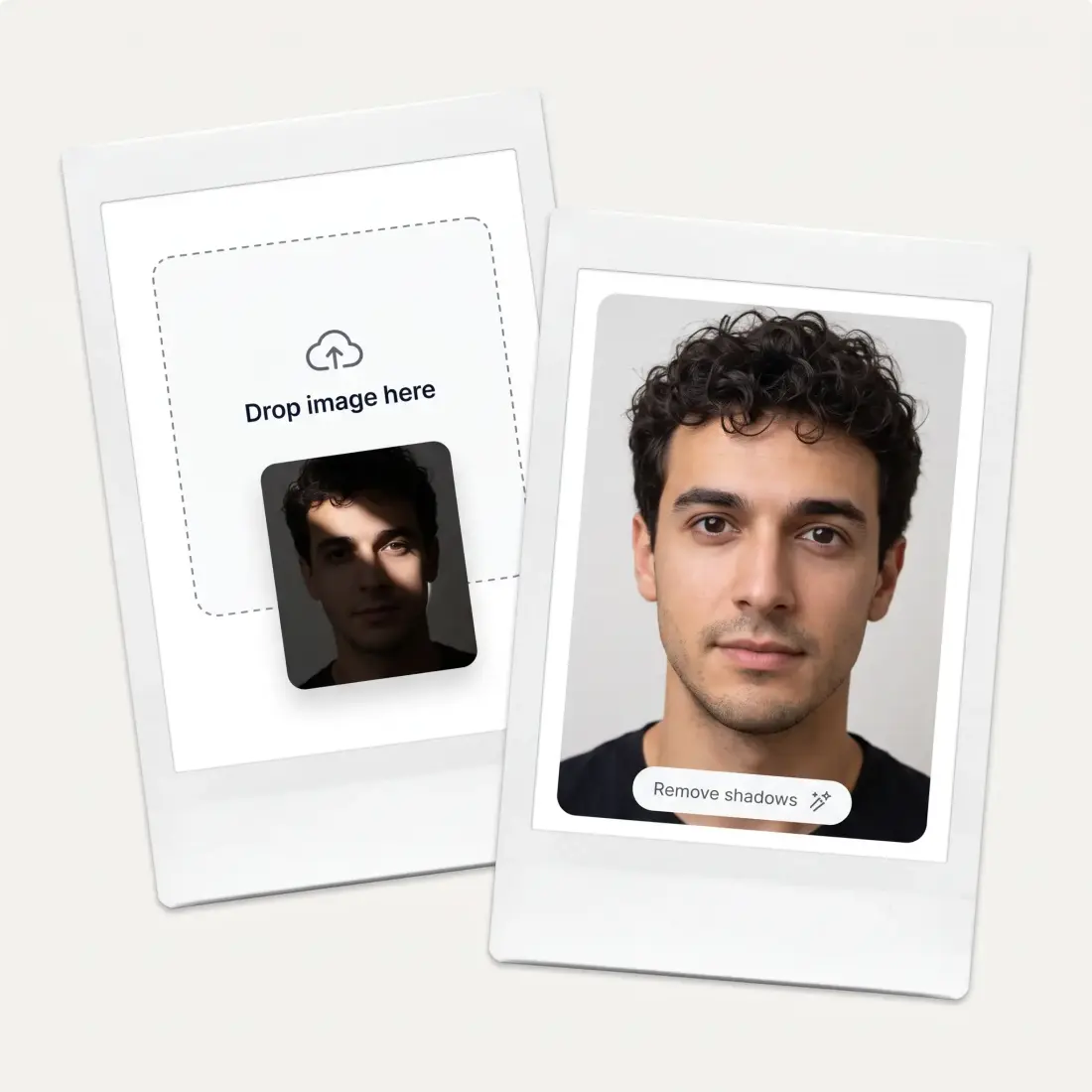
A shadow on the wall behind you, or across your face, is one of the most common reasons an ID photo gets rejected. Clear it and the shot passes the lighting check.
A hard shadow thrown by a desk lamp reads as a stain on a marketplace listing. Flatten the lighting so the product is the only thing buyers look at.
Overhead ceiling lights carve shadows under the eyes and nose. Relight the face without turning it into a flat cut-out.
Holding a phone over a page throws your own hand and shoulder across the paper. Take that out and the scan is readable again.
Window light across a floor or a wall makes a room look patchy. Even it out so the space reads the way it does in person.
Canvases and prints shot at home pick up shadow bands from the room. Clear them so the colours are true to the piece.
Great experience! It helps me able to do my work and respond to questions quickly trusting that the my responses are grammatically correct.
I've started to use overchat last week and it feels very promising. Lots of AI models in one place saves a lot of money in comparison if you buy subscriptions for each one.
Nice app, everything in one place
Easy and convenient!
im really into ai apps and that one is good, helps me with my arts and homework. i draw ai vids for inst and generate images with my characters, many widgets and models! like it
I like how it keeps everything organized. One subscription is enough for all major AI models, which helps me avoid paying for multiple platforms.
Upload it on this page, choose which shadows to clear and press Remove shadows. The AI rebuilds what the shade was covering and hands the photo back in about 30 seconds — no masking, no layers, no editor.
No, and this is the part most shadow removers get wrong. Only the cast shadow is taken out; the soft shading that gives a face or a product its shape is deliberately kept, so the result still reads as a photograph rather than a cut-out.
Yes — shadows from a hat brim, a window frame or overhead lighting are the most common case. The face underneath is relit rather than smoothed over, so features stay where they were.
Yes. A hard shadow thrown by a desk lamp is cleared and the surface under it rebuilt, which is usually what a marketplace listing needs before it will pass review.
Removing a shadow will not add detail that was never captured. On a soft or noisy file the lighting improves but the sharpness does not, so start from the best copy of the photo you have.
Yes. Type a short hint such as “the shadow under the bottle” and only that area is relit — everything else is left exactly as it was.
JPG, PNG, WebP and BMP, plus HEIC straight from an iPhone.
No. The tool on this page runs without an account and the result downloads in HD with nothing stamped on it.
Available on Web, iOS, and Android. Access your AI assistant anywhere, anytime.

.webp)