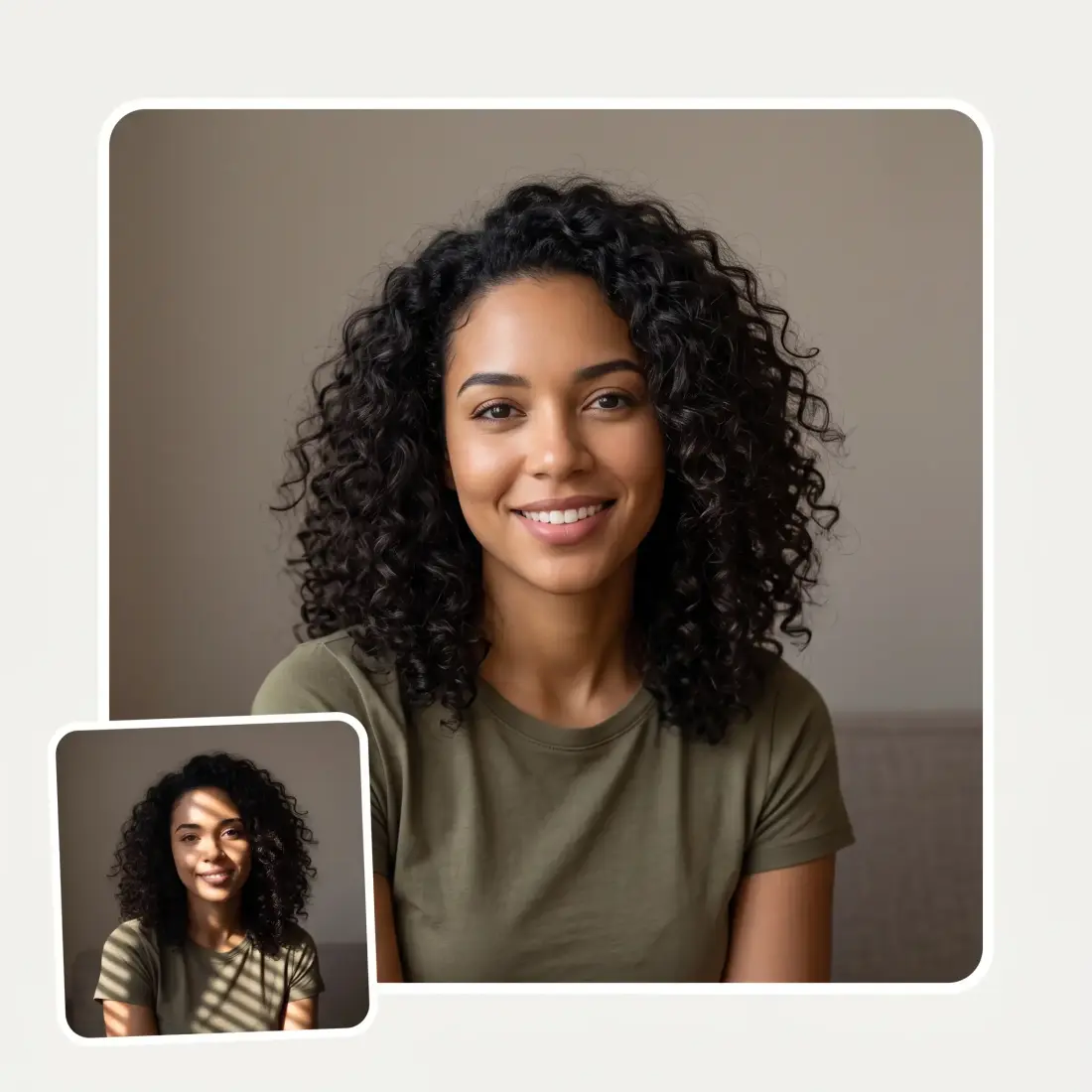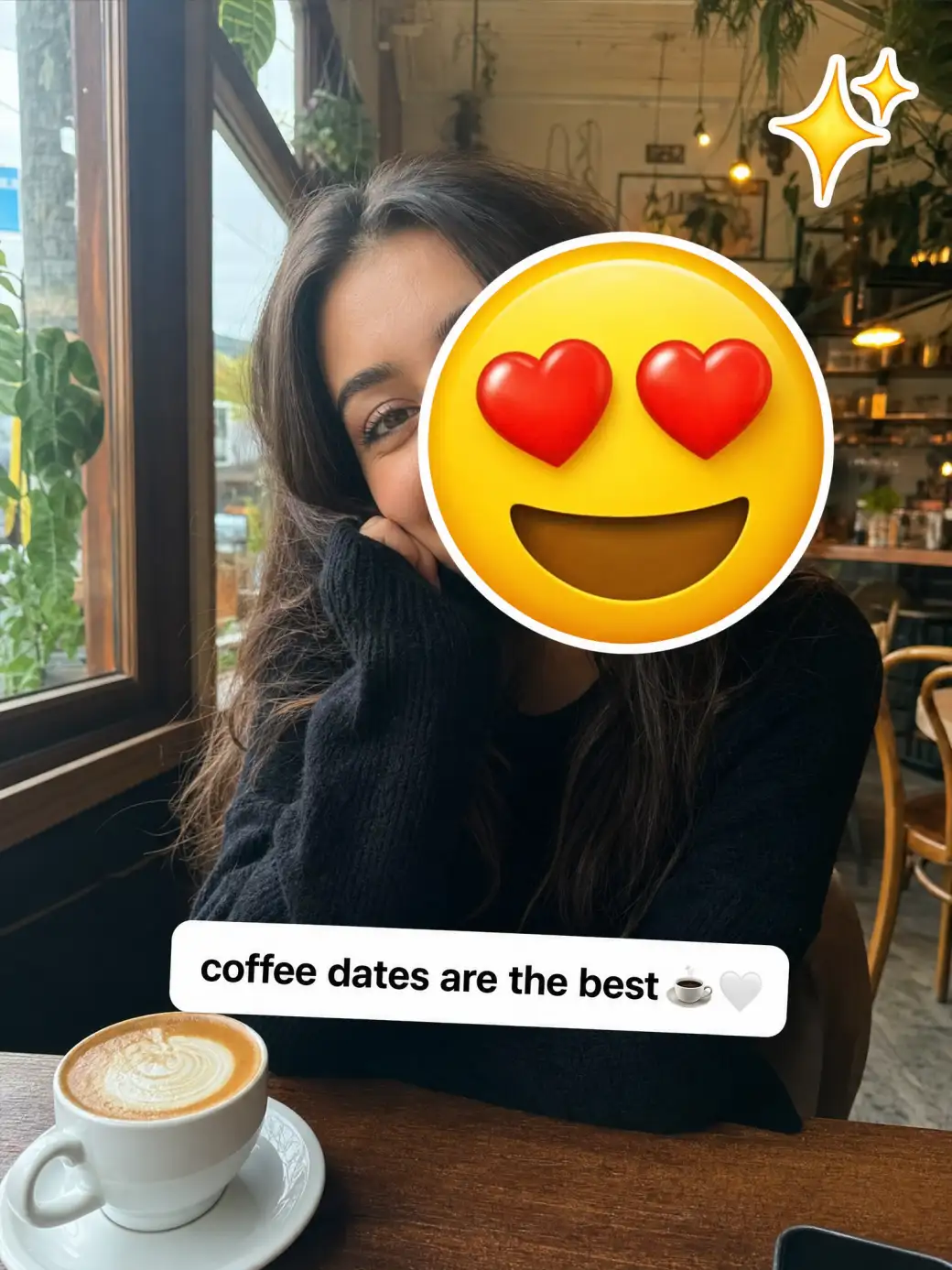
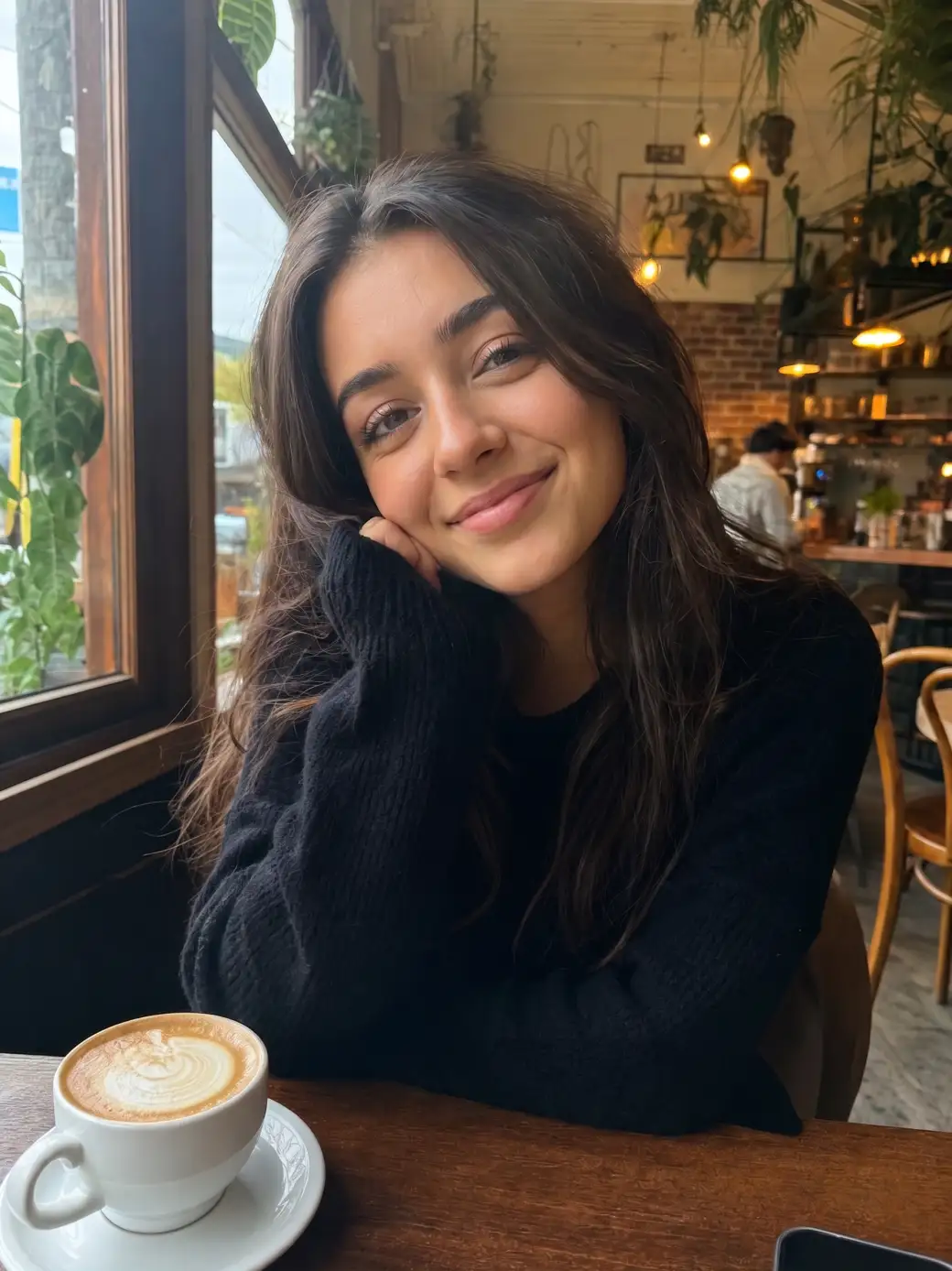
 Before
After
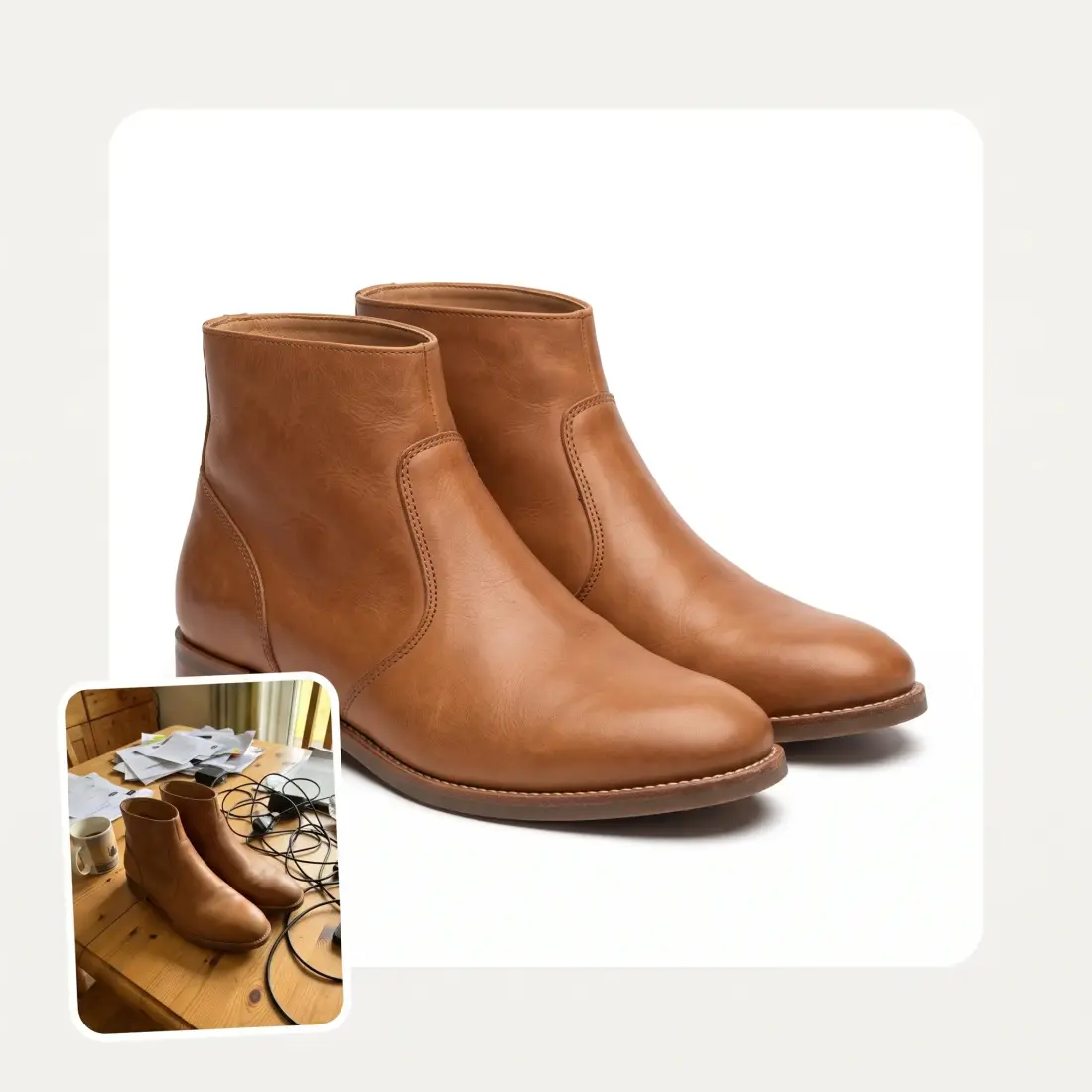
Before
After
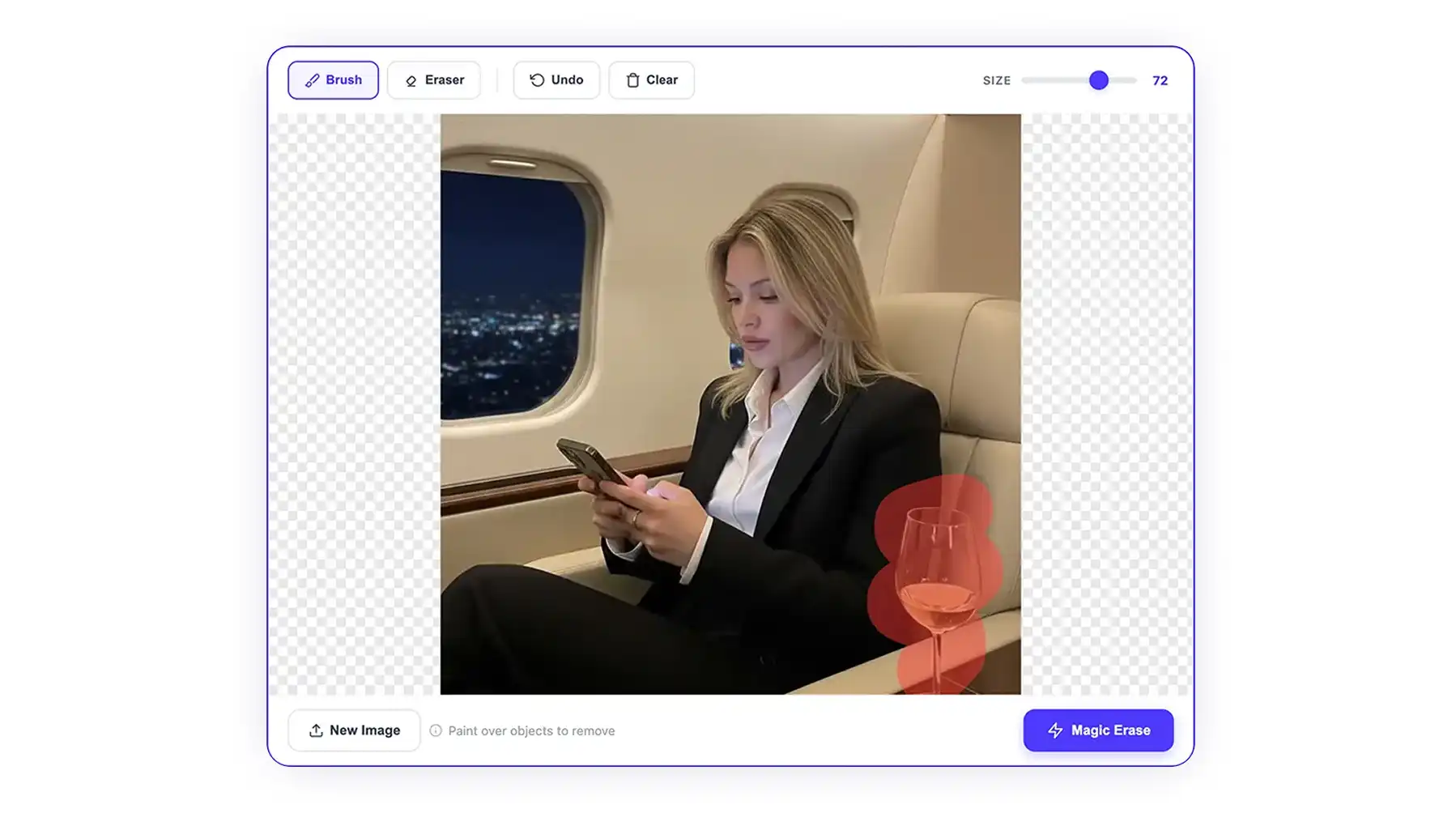
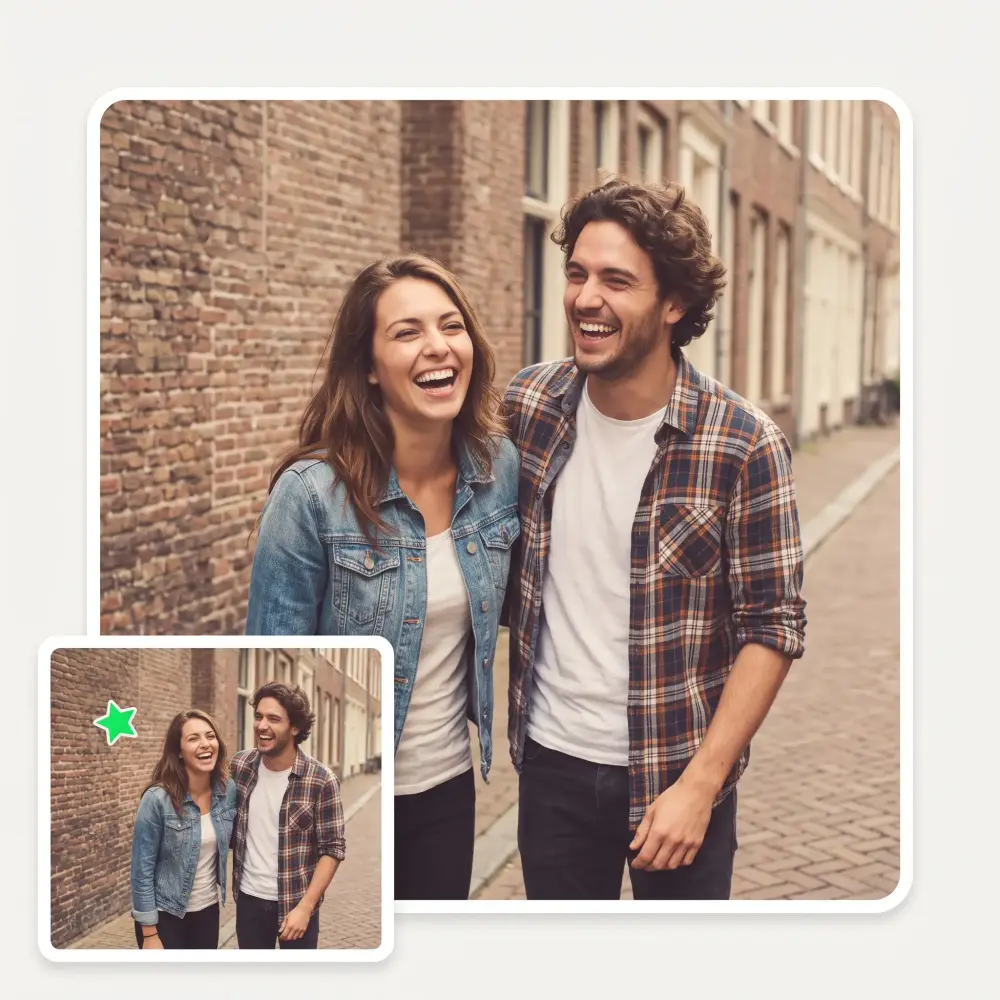
Take the emoji off the picture. AI lifts the sticker, badge or caption and rebuilds what was underneath — no blur patch, no ghost outline, nothing else touched.
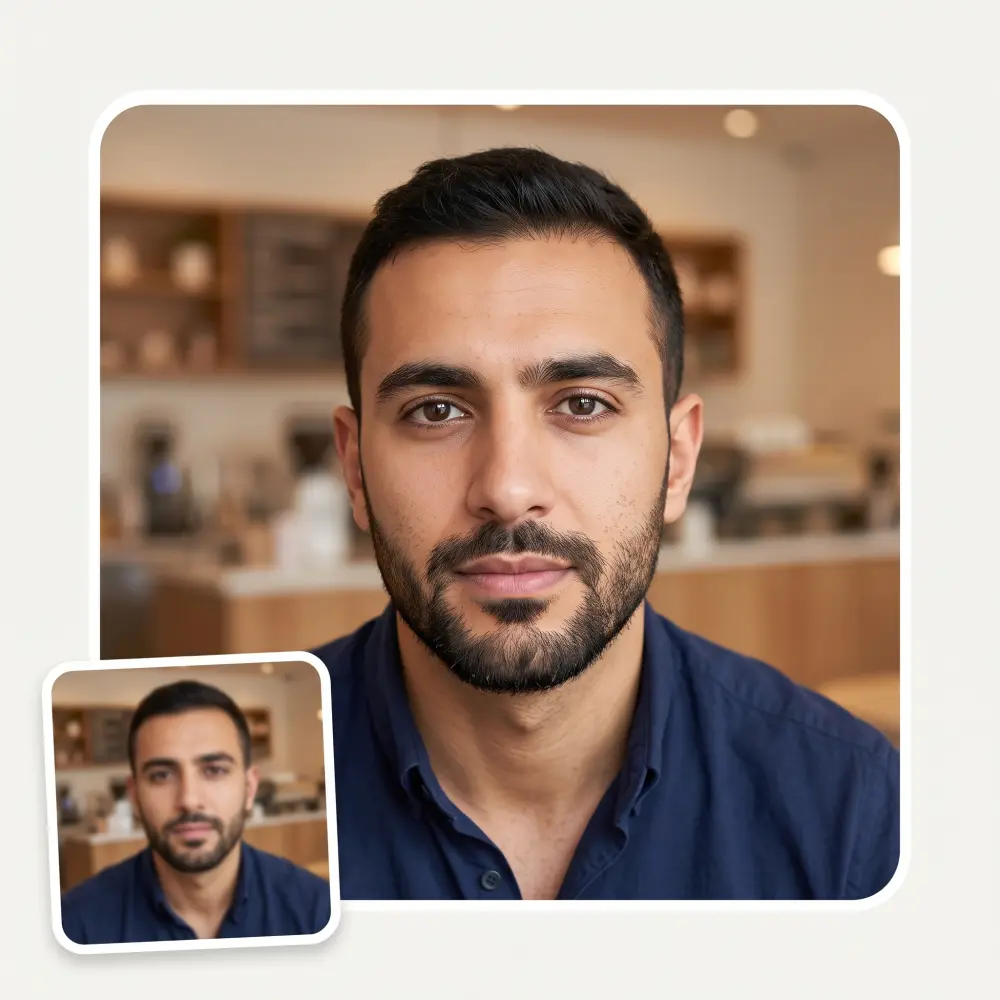
Before
After
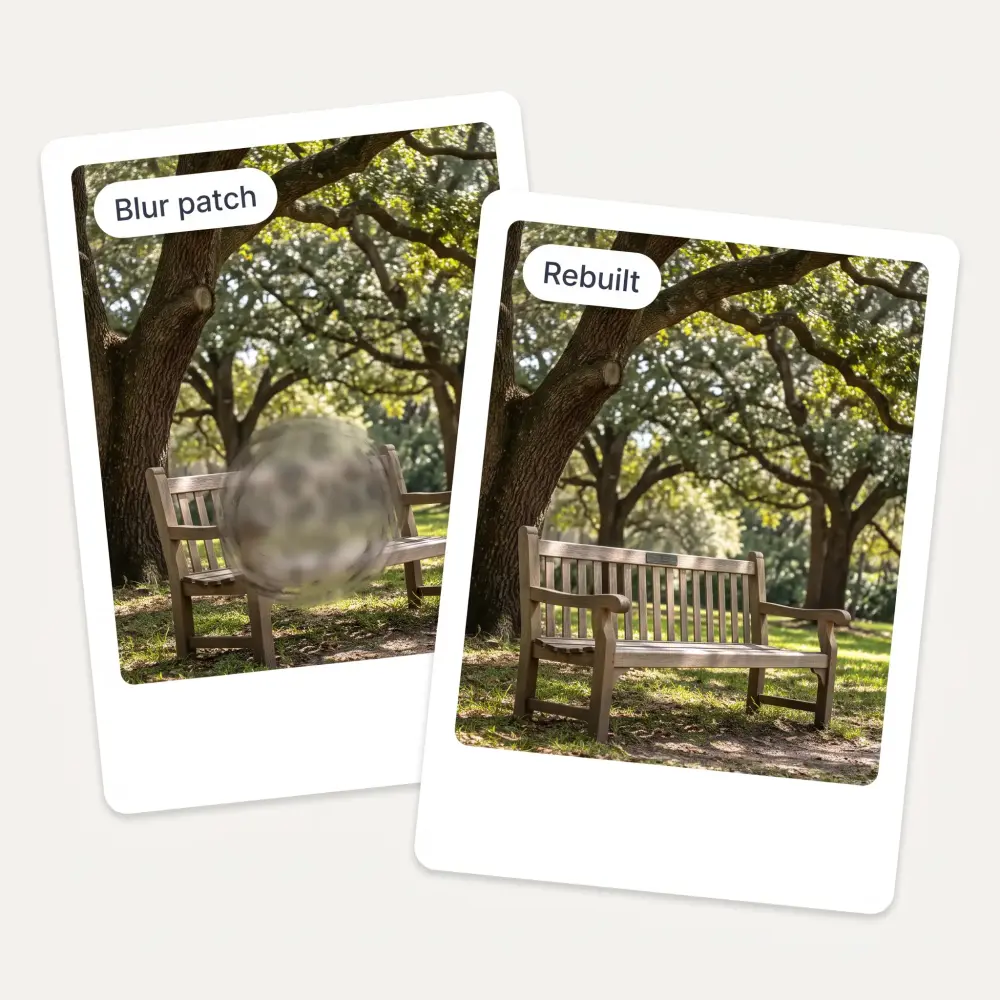
A blur patch or a colour smear is obvious at a glance. The area under the sticker is regenerated from what surrounds it, so the repair reads as part of the photo.
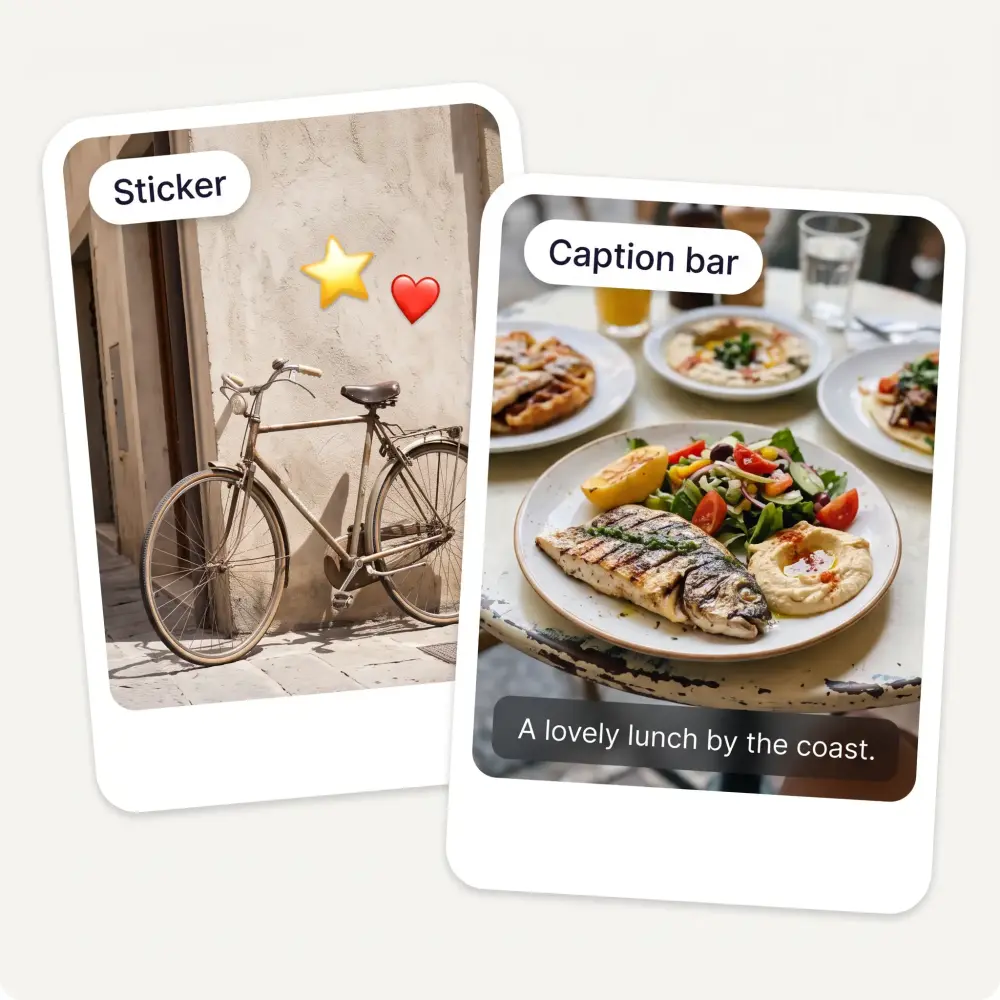
Round emoji, rectangular caption bars, app badges and drawn-on scribbles are all handled by the same pass — you do not pick a type.
Only the covered area changes. Faces, background and colour grading outside it come back exactly as you uploaded them.
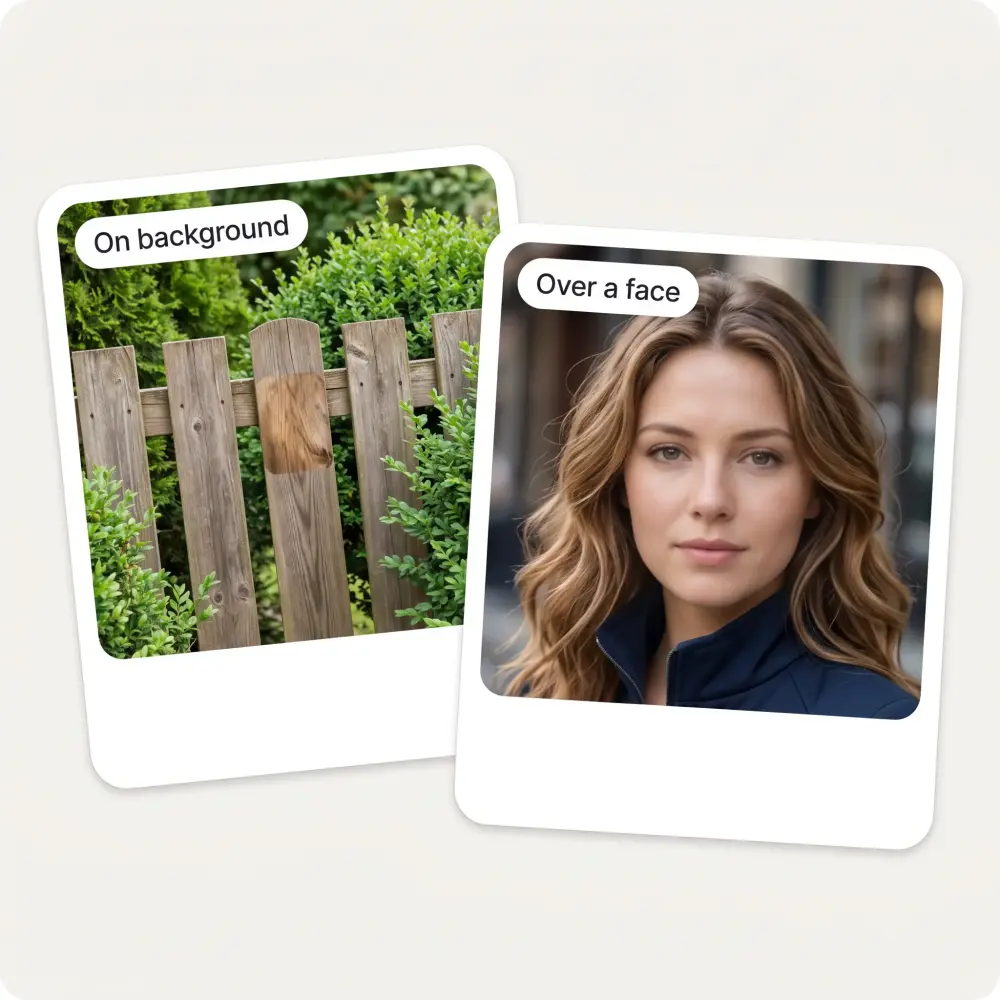
Where a sticker sat on background, the result is usually seamless. Where it covered a face, the AI invents a face rather than revealing the one underneath — the FAQ below is blunt about the difference.
Drag it in, paste with Ctrl+V or pick it from your device. JPG, PNG, WebP and iPhone HEIC all work.
Most stickers are found automatically. Add a short hint when several overlays sit in one frame.
The AI lifts the sticker and fills the gap to match what is around it. It takes about 30 seconds.
Drag the slider across the before and after, then save it in HD with no watermark.
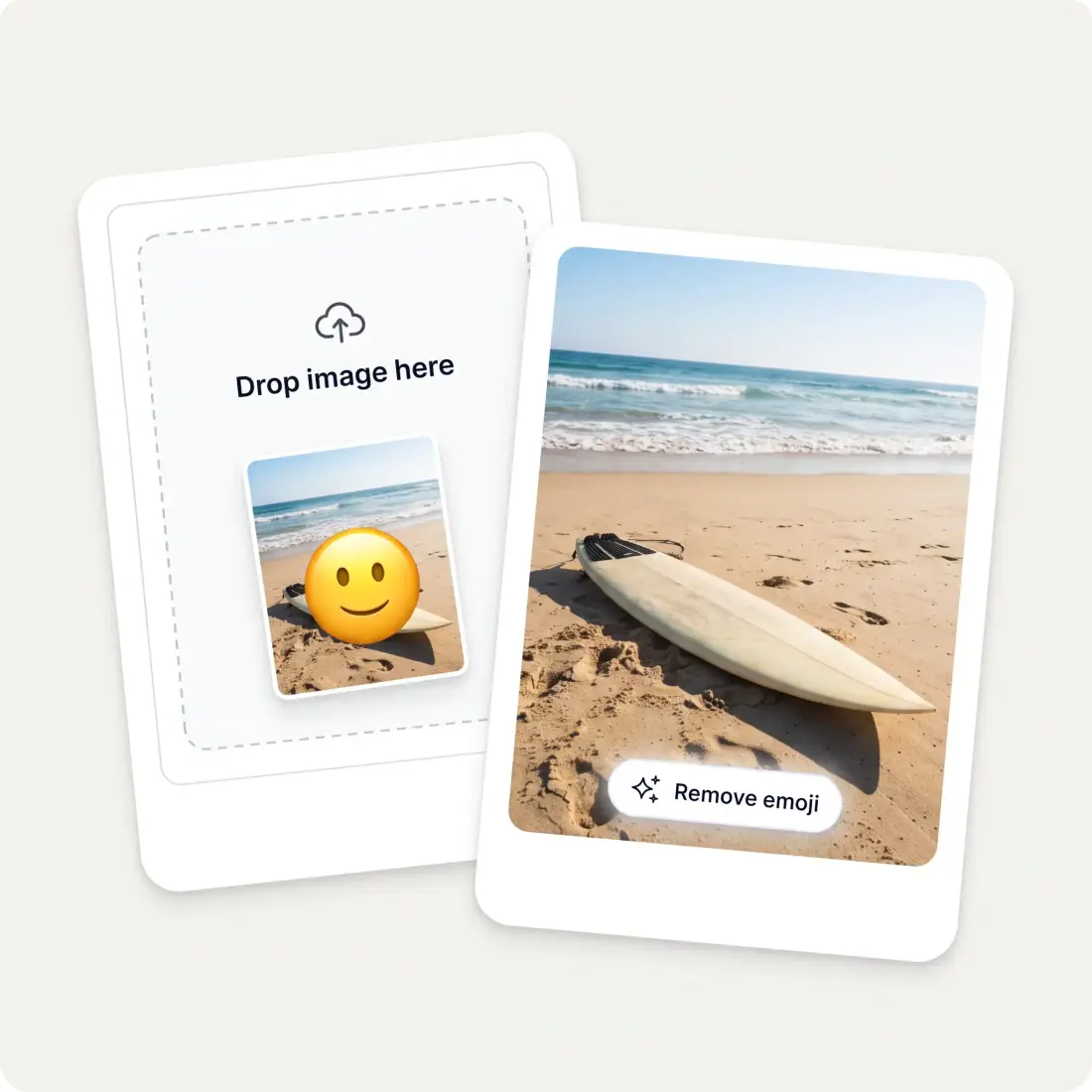
A sticker added years ago is still sitting on the only copy you kept. Take it off and get the picture back.
Screenshots and forwards arrive with stickers and captions burned in. Clear them before you reuse the shot.
Price badges and promo stickers left on an old listing image come off so the product is visible again.
Screenshots carrying reaction emoji and app badges clean up so slides look deliberate rather than scraped.
Repurposing a post usually means stripping the caption bar and stickers the last platform baked in.
Old edits with doodles and text overlays go back to the frame you originally shot.
Great experience! It helps me able to do my work and respond to questions quickly trusting that the my responses are grammatically correct.
I've started to use overchat last week and it feels very promising. Lots of AI models in one place saves a lot of money in comparison if you buy subscriptions for each one.
Nice app, everything in one place
Easy and convenient!
im really into ai apps and that one is good, helps me with my arts and homework. i draw ai vids for inst and generate images with my characters, many widgets and models! like it
I like how it keeps everything organized. One subscription is enough for all major AI models, which helps me avoid paying for multiple platforms.
Upload the picture on this page and press Remove emoji. The sticker is lifted and the area underneath is rebuilt from the surrounding image, usually in about 30 seconds.
No — and no tool honestly can. The pixels behind a sticker were never recorded in the file. Over a background the rebuild is convincing, but over a covered face the AI generates a plausible face rather than the real one. Treat that output as a new image, not a recovered photo.
No. The area is regenerated to match the surrounding texture and lighting instead of being smudged, cloned or blurred over.
Yes. Caption bars, app watermarks, date stamps and drawn-on doodles are all treated as overlays to lift.
No. Only the covered region is repainted — everything outside it comes back as you uploaded it.
The more that is hidden, the more the AI has to invent. Small and mid-size stickers come back cleanly; something covering most of the picture is a reconstruction rather than a restoration.
JPG, PNG, WebP and BMP, plus HEIC straight from an iPhone.
No. The tool on this page runs without an account and the result downloads in HD with nothing stamped on it.
Available on Web, iOS, and Android. Access your AI assistant anywhere, anytime.

.webp)