
Injectables
Surgery
Hair and teeth
Contouring
Breast
Texture
Tone and glow
Preview cosmetic procedures on your photo
This cosmetic surgery simulator covers injectables, surgery and body procedures. Try one procedure or combine several in a single preview
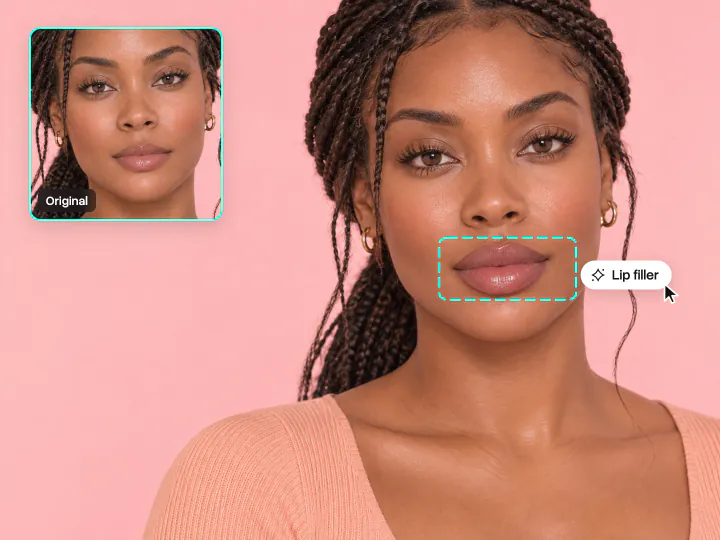
Try a lip filler and Botox simulator on your photo
Select lip filler, a lip flip, Botox or jawline filler to see how each option could change your appearance. Adjust the intensity to compare different results
Try it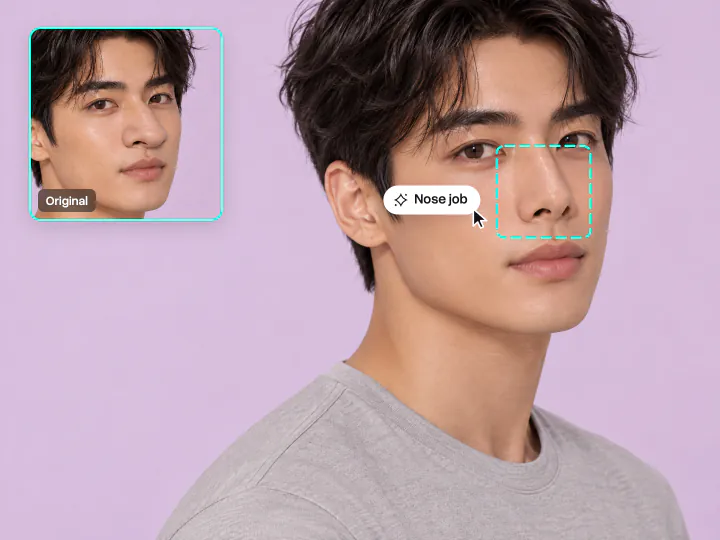
Use the nose job simulator and other face procedures
Choose a nose job (rhinoplasty), eyelid lift or facelift and see how each procedure could change your appearance. Compare the results with your original photo
Try it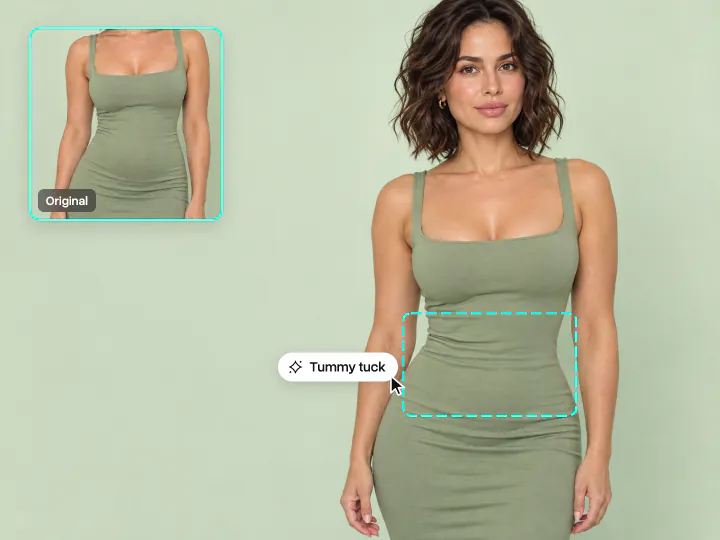
Preview body procedures like a BBL or breast augmentation
Upload a full-body photo to try liposuction, a tummy tuck, BBL, breast augmentation or a breast lift. You can also combine body and face procedures in one preview
Try itWhy use the Overchat AI plastic surgery simulator
36 procedures
Choose from injectables, surgery, body procedures and skin treatments
Multiple procedures at once
Combine several procedures and see them together in one result
Adjustable intensity
Choose Subtle, Natural or Bold to control the extent of each change
Your appearance stays recognizable
Your original facial features, skin tone, hair and expression remain in the generated image
Private photo uploads
Your photo is used to generate your result
Works on any device
Use the simulator in your browser on your phone or computer. No installation required
How to use the AI plastic surgery simulator
Get your result in three steps
- 01
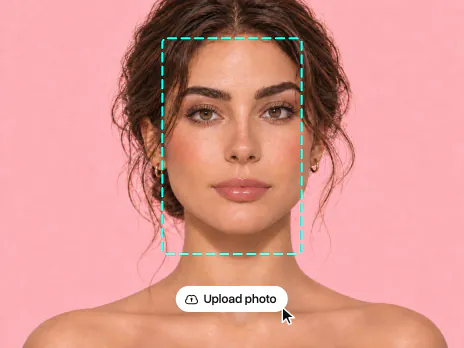
Upload your photo
Choose a clear, front-facing photo with good lighting. For body procedures, make sure the area you want to change is visible
- 02
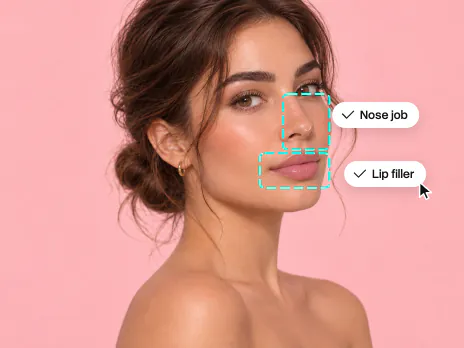
Choose your procedures
Browse Face, Body or Skin and select the procedures you want to try. You can choose several procedures and set the intensity
- 03
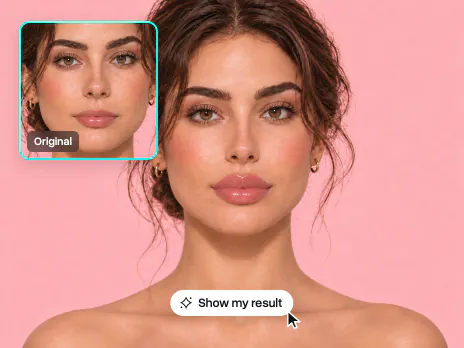
See your results
Tap Show my result to generate your edited photo. Compare it with the original to see the changes
Related articles

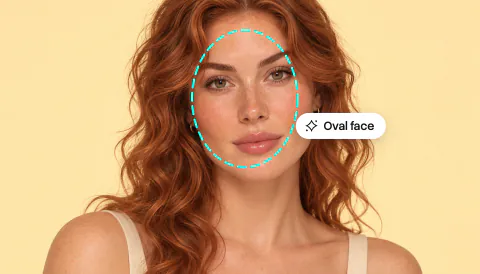
Face Shape Guide: How to Find Your Face Shape
Learn how to identify your face shape: oval, round, square, heart, diamond or oblong
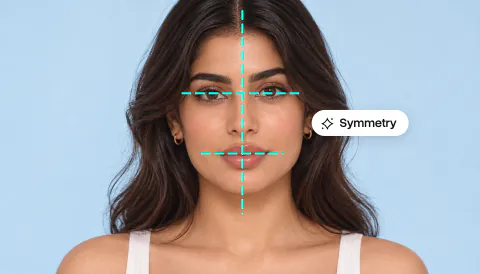
Face Symmetry Test: How Symmetrical Is Your Face?
Learn how an AI face symmetry test works, how to understand your score and how to get an accurate result
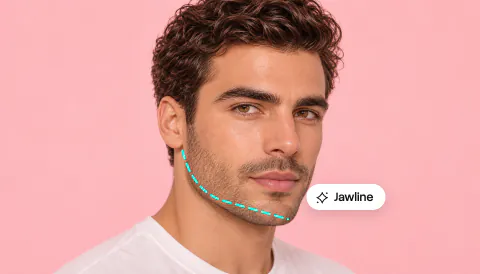
5 Best Looksmaxing AI Tools in 2026
Explore five AI tools for analyzing your appearance and trying different looks
Explore more AI tools
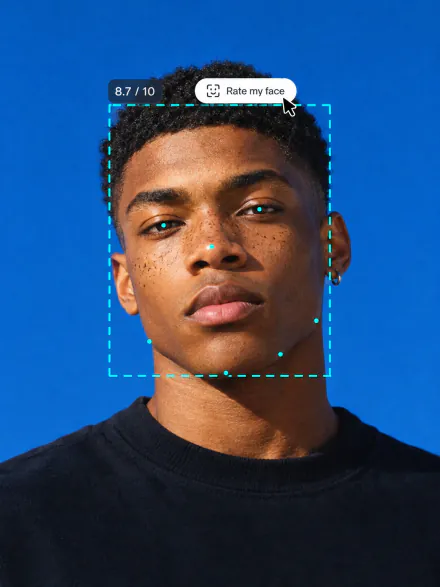
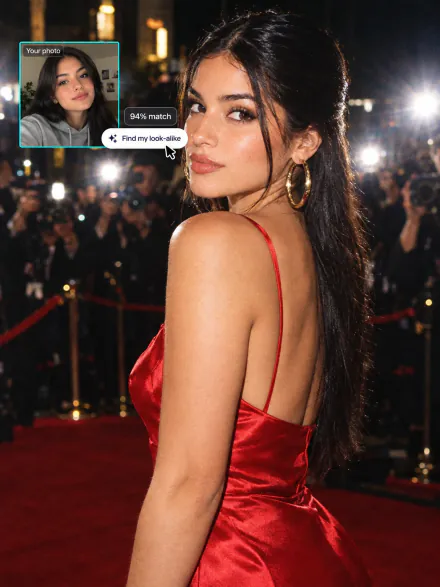
Try other AI tools to rate your appearance, change your hairstyle or edit your photos






AI plastic surgery simulator FAQ
If you have any questions,
reach out to us at hello@overchat.ai
Upload a clear front photo, pick one or several procedures and set the intensity. Overchat AI keeps your face, pose and light and changes only what the procedures change
Injectables like lip filler, Botox and jawline filler, surgery like a nose job, a facelift or buccal fat removal, body procedures like a BBL or a tummy tuck, and skin treatments
Upload a front photo, pick the procedures you are thinking about and tap Show my result. You get an edited version of your own photo to compare with the original
Yes. The tool works as a nose job and rhinoplasty simulator: upload a front selfie, pick Nose job or Nose filler and set the intensity. Only your nose changes
Yes. Use it as a lip filler simulator: pick Lip filler or Lip flip under Face and see fuller lips on your own selfie
Yes. Pick as many as you like and they all show up in one result
It shows a realistic preview of how the procedures could change your look, not a medical prediction. Your real result depends on your anatomy and your surgeon, so use the before and after to talk through your goals at a consultation
Yes. It runs online in your browser, and you can try it for free. More results come with an Overchat AI plan
A sharp front photo in even light, with your face and neck in the frame. For body procedures, use a photo where the area is in view
Your photo is used only to make your result and is not shown to anyone else


