
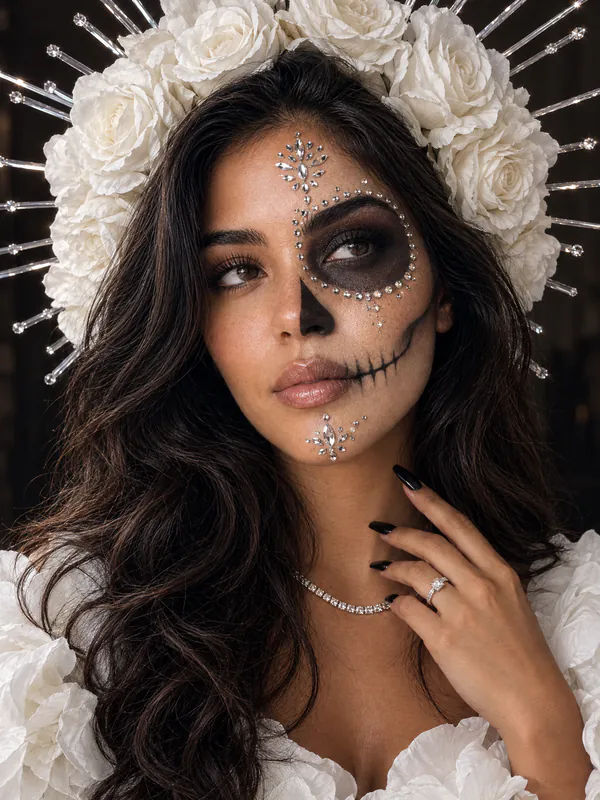


AI Halloween images from one selfie
Turn one selfie into Halloween makeup looks, costumes, spooky scenes and pet photos
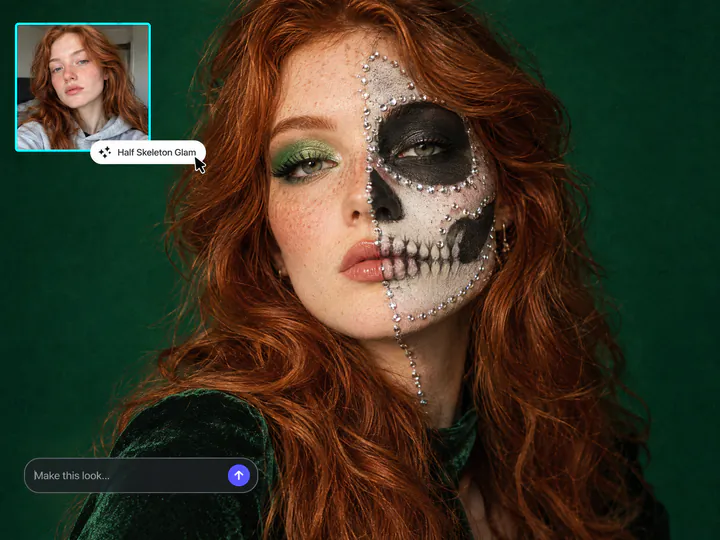
Halloween makeup on your face
Try sugar skull, half skeleton or patchwork doll makeup on your own selfie before you do it for real
Try it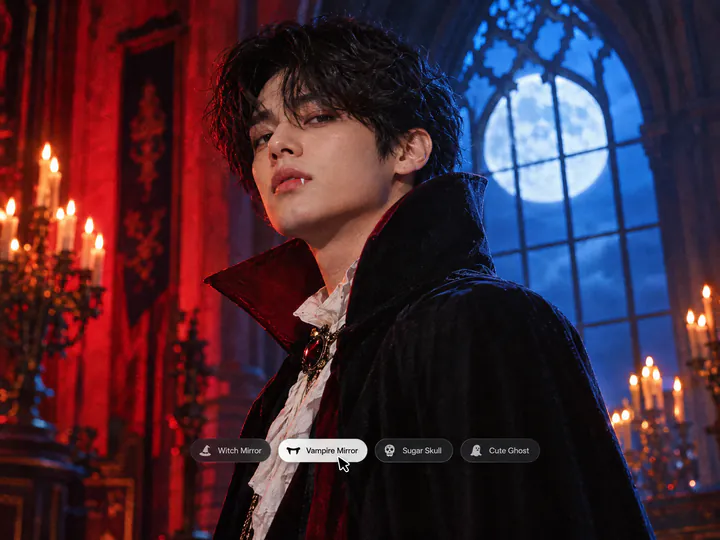
Halloween costumes and spooky scenes
Dress up as a witch or the Cheshire Cat, try a vampire filter or put yourself in a haunted mansion with our AI Halloween costume filters
Try it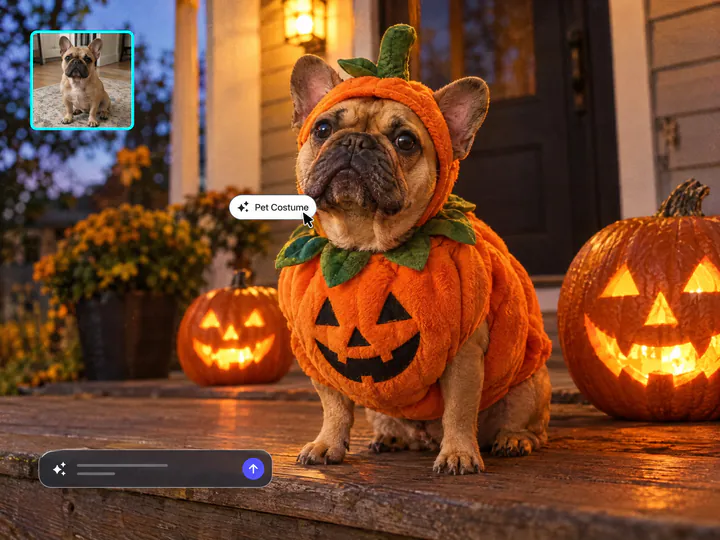
Your pet in a Halloween costume
Upload a photo of your dog or cat and dress it up as a wizard, a pumpkin, a ghost or a vampire with our pet Halloween filters
Try itWhy make AI Halloween photos with Overchat AI
Keeps your face
Every filter changes the makeup, costume and scene and keeps your face, so friends recognize you
35 viral looks
Choose from Halloween makeup, costumes, horror scenes and AI Halloween art like vintage posters and Victorian ghost photos
Prompts built in
Our filters have tested Halloween AI prompts built in, so you only upload a photo
Pet costumes
Dress up your dog or cat for Halloween with two filters made for pet photos
Ready in under a minute
Get your Halloween photo in under a minute and post it the same night
Selfies and pet photos
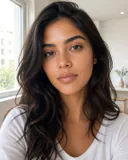
Upload a selfie, a portrait or a photo of your pet
How to do the AI Halloween trend
Make a Halloween AI photo in three steps
- 01
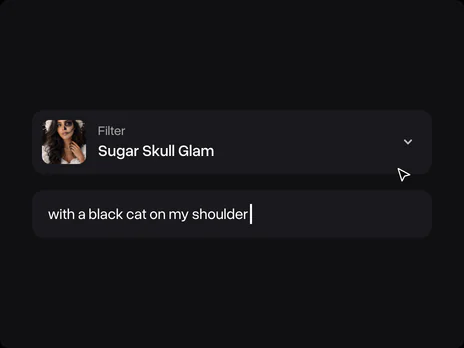
Choose a filter
Pick one of 35 Halloween filters and add an optional detail, like a black cat on your shoulder
- 02
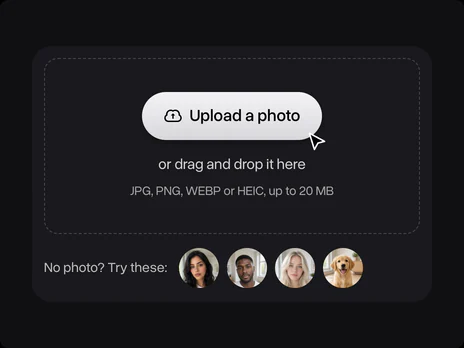
Upload a photo
Upload a selfie or a photo of your pet, or use one of our sample photos
- 03
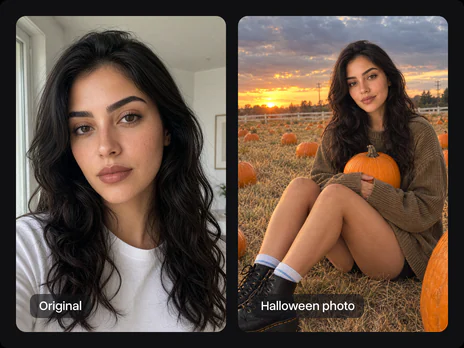
Get your photo
Sign in with Google or Apple and save your Halloween photo
Explore More AI Tools
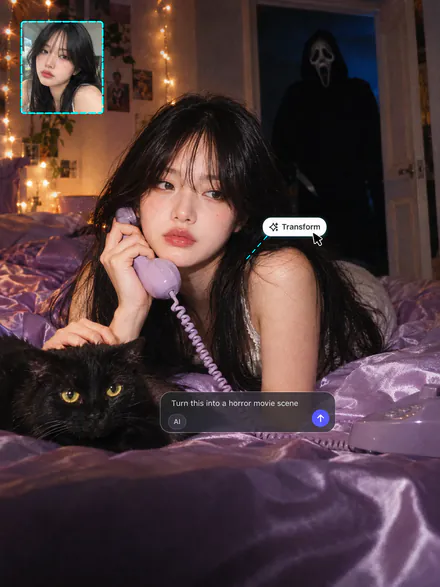
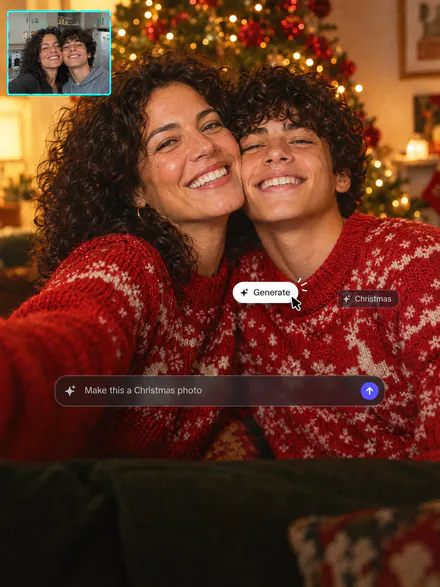
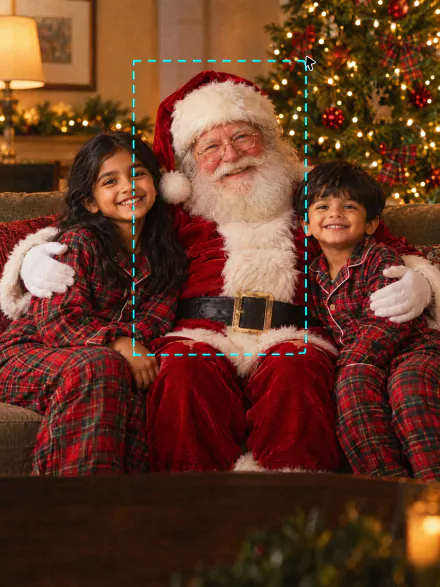
The Ghostface trend, Christmas photos or Santa in your living room. Every tool runs on the same subscription
FAQ
If you have any questions,
reach out to us at hello@overchat.ai
The AI Halloween trend is turning a selfie into a Halloween photo with AI. The most popular looks are sugar skull makeup, witch and vampire mirror selfies, a ghost behind you and 90s horror scenes like the Ghostface trend
Pick a filter on this page, upload a selfie and sign in to Overchat AI to get your photo in under a minute
Every filter on this page is a ready Halloween AI trend prompt, so you don't need to copy prompts into Gemini or ChatGPT
Upload a selfie and pick Witch Mirror Selfie, Cheshire Cat Costume, Cute Ghost Costume or Vampire Mirror in our AI Halloween costume generator
Most AI Halloween photos are made in Gemini or ChatGPT with long prompts. Overchat AI turns those prompts into 35 one-tap filters on GPT Image 2.5, Grok Imagine and Seedream
Upload it to our Halloween photo editor and pick Victorian Ghost, Vintage Halloween Poster or Sugar Skull Glam
Yes, Ghost Behind You, Ghoul Over Your Shoulder, Bathroom Mirror Horror and Haunted Mansion Night add a ghost or a masked killer to your photo
Yes, upload a photo of your dog or cat and pick Pet Halloween Costumes or Pet Wizard Costume
Yes, every filter keeps your face and changes only the makeup, costume and background. A sharp, front-facing selfie works best
You can make Halloween photos with daily credits on the free Overchat AI plan, and paid plans add more credits for extra photos
Yes, generating needs a free Overchat AI account


