


What you can do with the AI girlfriend generator
Design her look, put her in any outfit and place, and get a set of photos instead of a single picture.
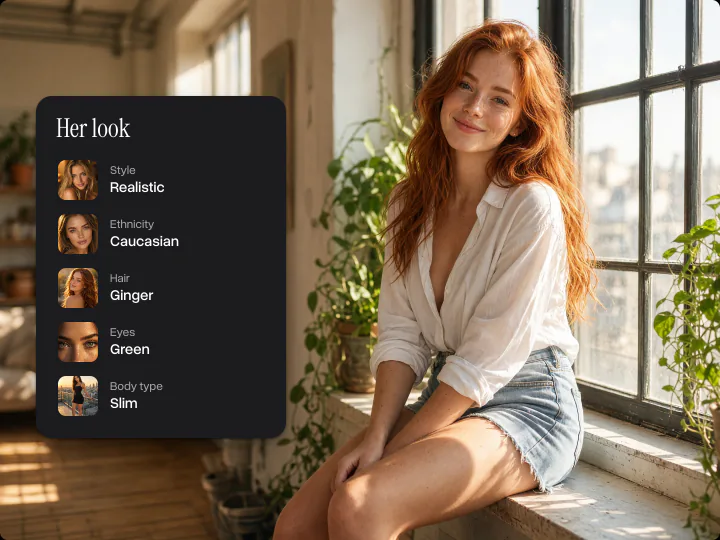
Design her from head to toe
Pick her ethnicity, age, hair, eye color and body type from photo examples, with no prompt to write. Every pick goes into her description, so the AI girlfriend generator draws the woman you built, not a random face.
Try it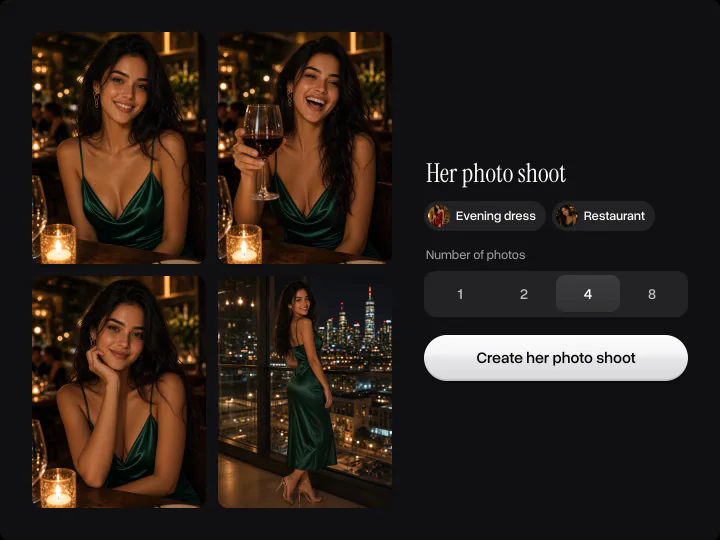
A whole photo shoot, not one picture
Choose an outfit, a place and the kind of photos, then how many you want: 1, 2, 4 or 8. Every shot in the set follows the same description, so you get selfies, portraits and full-body photos of her from one date, one trip or one evening at home.
Try it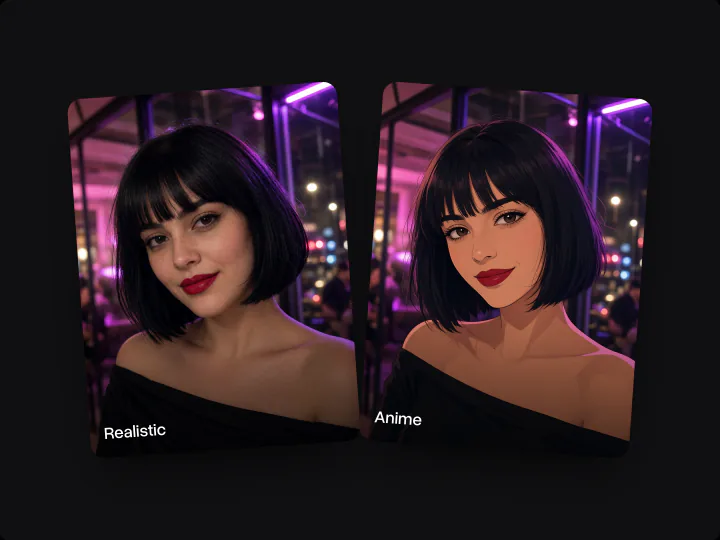
Realistic photos or anime
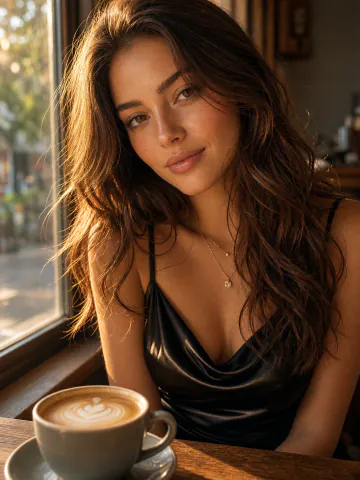
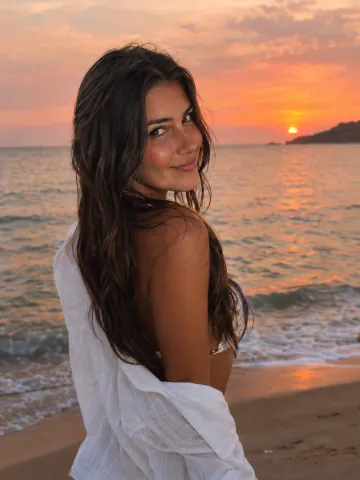
Realistic mode makes AI girlfriend photos that look like her Instagram: natural skin, real light and phone-camera framing. Anime mode draws the same girl as a polished anime illustration.
Try itWhy use the Overchat AI girlfriend generator
No prompt to write
Build her from photo examples: nine quick picks instead of a long description.
Instagram-quality photos
Natural light, real skin texture and phone-camera framing, like photos she posted herself.
Up to 8 photos at once
One description becomes a whole set of selfies, portraits and full-body shots.
Realistic or anime
The same picks work for realistic photos and for anime art.
Private
Your AI girlfriend and her photos stay in your Overchat AI account.
Online, on any device
Runs in the browser on a phone or a computer, with nothing to install.
How to create an AI girlfriend
Three steps, starting right on this page.
- 1
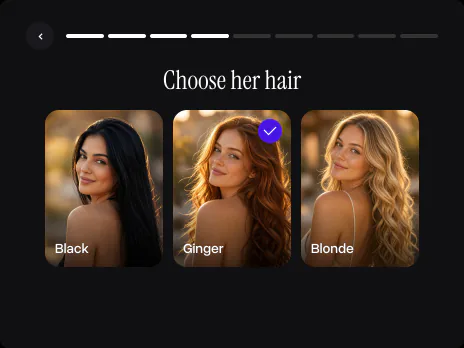
Design her look
Pick a style, then her ethnicity, age, hair, eyes and body type from the photo examples.
- 2
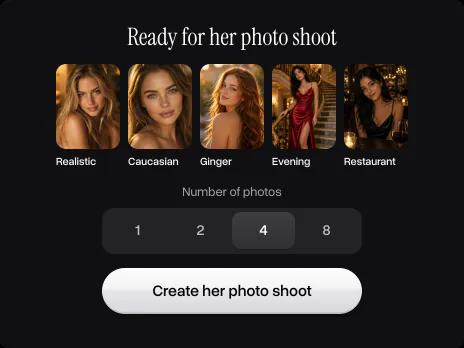
Choose the photo shoot
Pick her outfit, the place and the kind of photos, then how many photos you want.
- 3
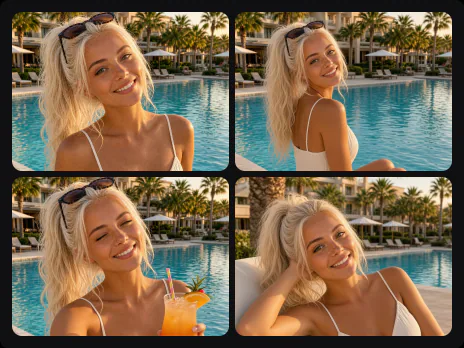
Get her photos
Press Create her photo shoot. Overchat AI makes the photos, and you can download them or make another set.
Explore More AI Tools
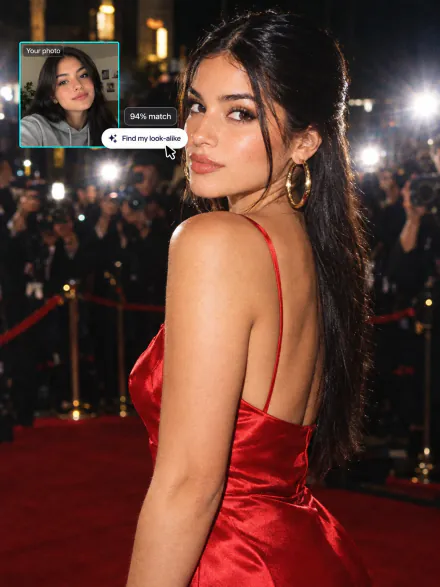
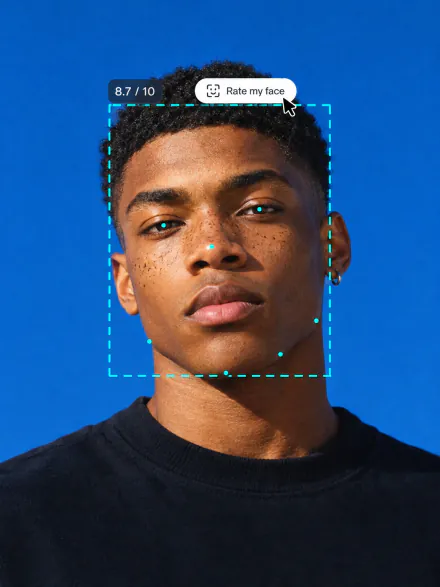
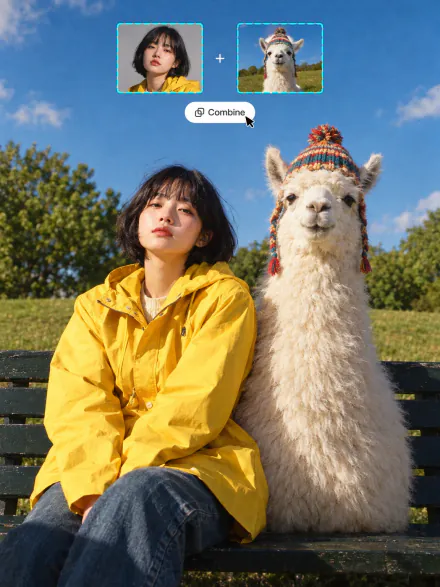
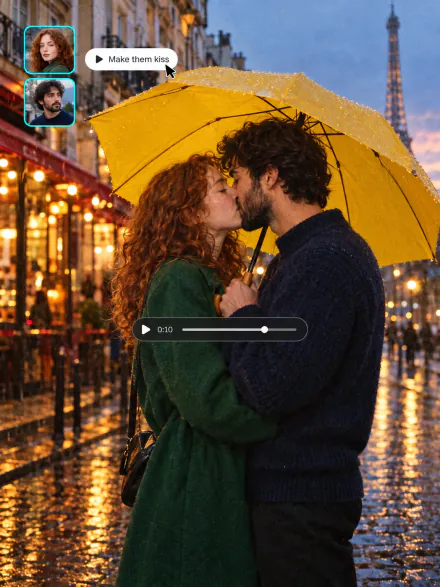
Swap into a movie star, rate your face, merge two photos or see your future baby. Every tool runs on the same subscription.
FAQ
If you have any questions,
reach out to us at hello@overchat.ai
An AI girlfriend generator creates photos of a fictional woman you design. On Overchat AI you pick her look, outfit and place from photo examples, and the AI makes a photo shoot of her.
Press Create my AI girlfriend at the top of this page and go through nine picks: style, ethnicity, age, hair, eyes, body type, outfit, place and the kind of photos. Then choose how many photos you want and press Create her photo shoot.
Yes, that is what this generator is for: selfies, portraits, full-body and candid shots of her in the outfit and place you pick, as realistic photos or anime art.
One photo shoot makes 1, 2, 4 or 8 photos. On the free plan a photo shoot makes one photo; paid plans make up to 8 at once.
Every shot in a photo shoot follows the same description of her look, outfit and place, so the photos read as one set. Small details can differ between shots, as in any AI image.
Yes. Pick Anime on the first step, and the same choices become anime illustrations.
Yes. You can design her and create her photos on the free plan, one photo per photo shoot and within the plan's limits. Paid plans make up to 8 photos at once.
No. Every woman is generated by AI from your picks and does not show a real person.


