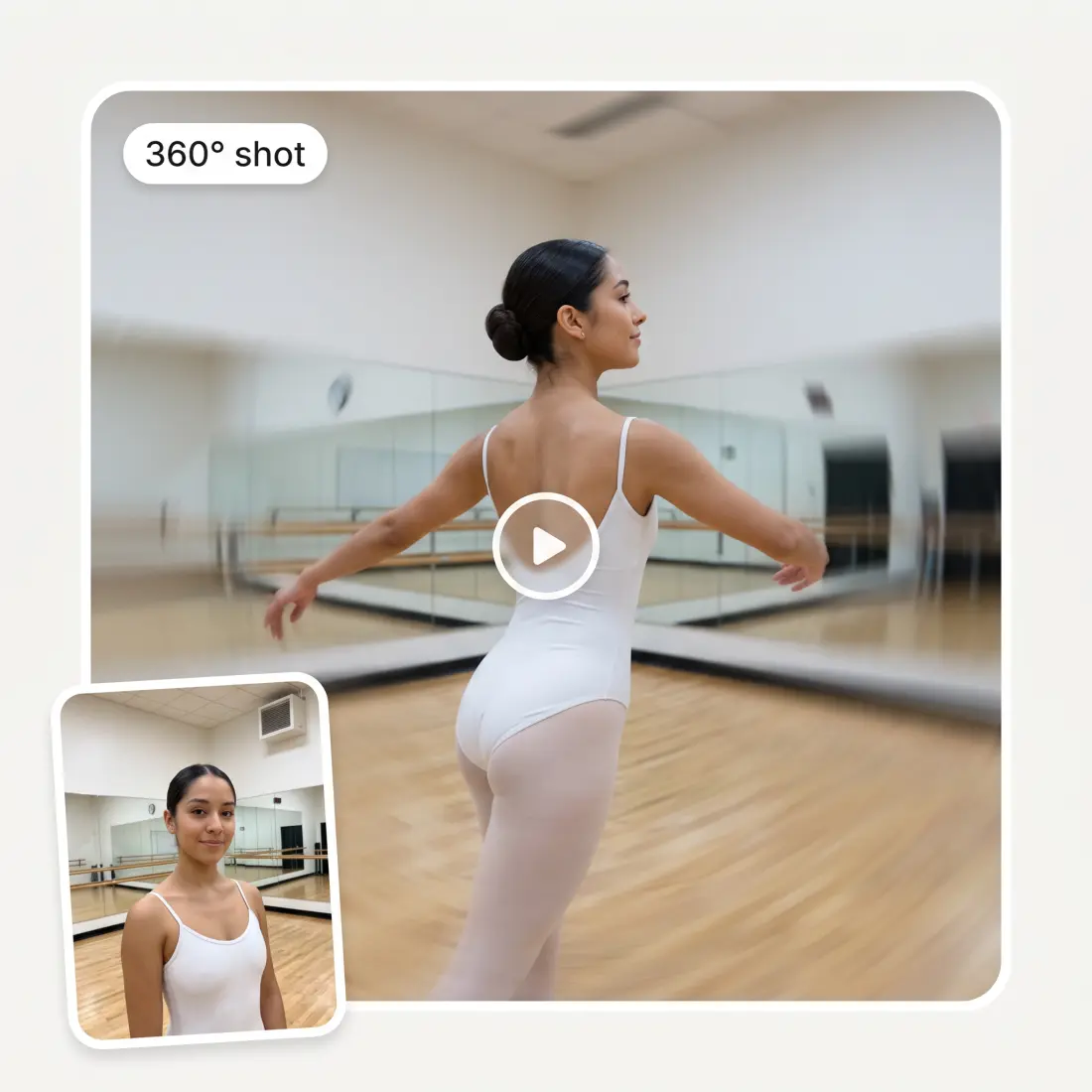
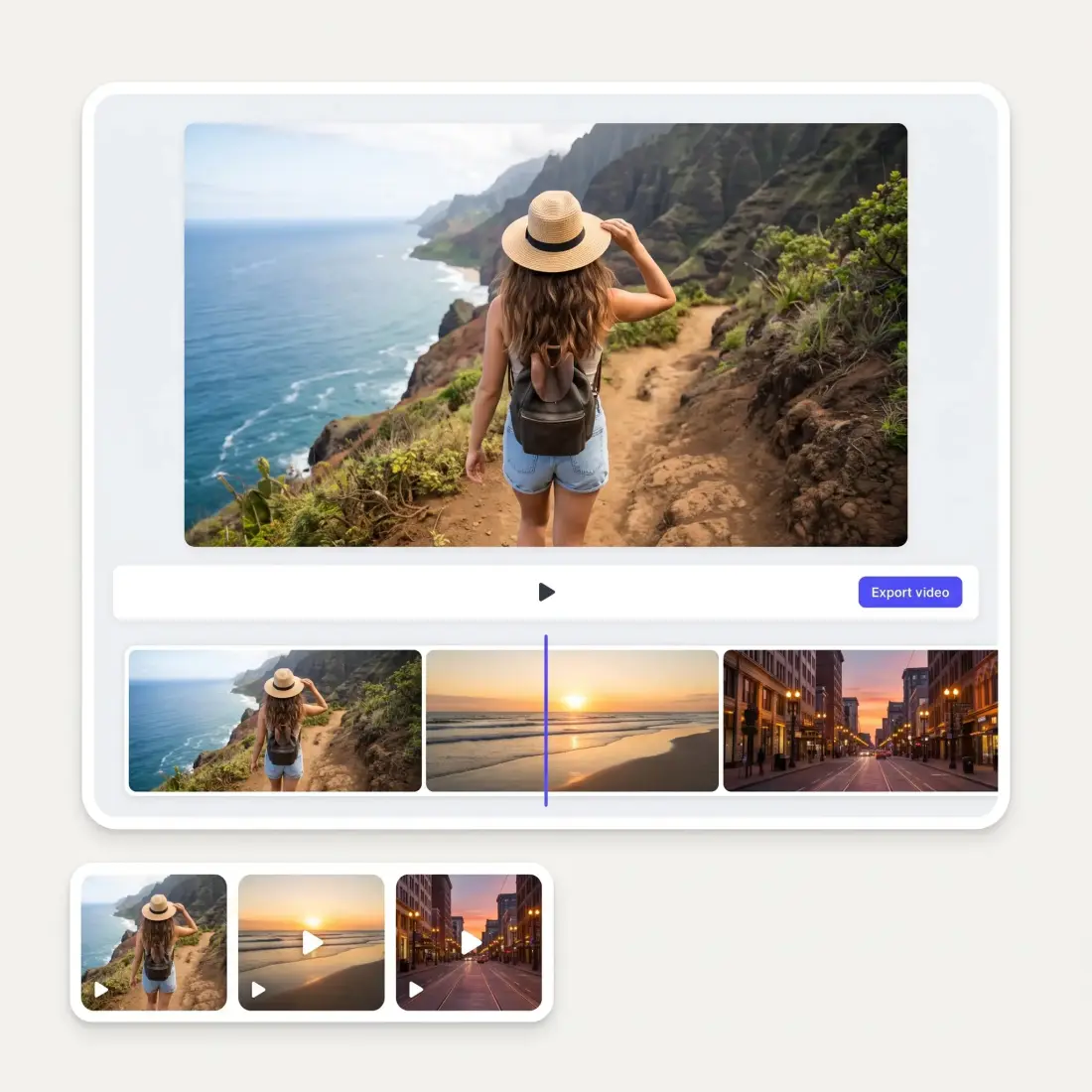
Create an AI crowd dance video in the STORM II style from a single photo. You are the lead, a dancer of your choice is cloned into the whole crowd, and the choreography, camera and setting come from one of six templates, recreated by Kling 3 Omni.
Or pick a template
Who does the crowd become?
Opening your video studio…
Put yourself in the lead of a STORM II dance video
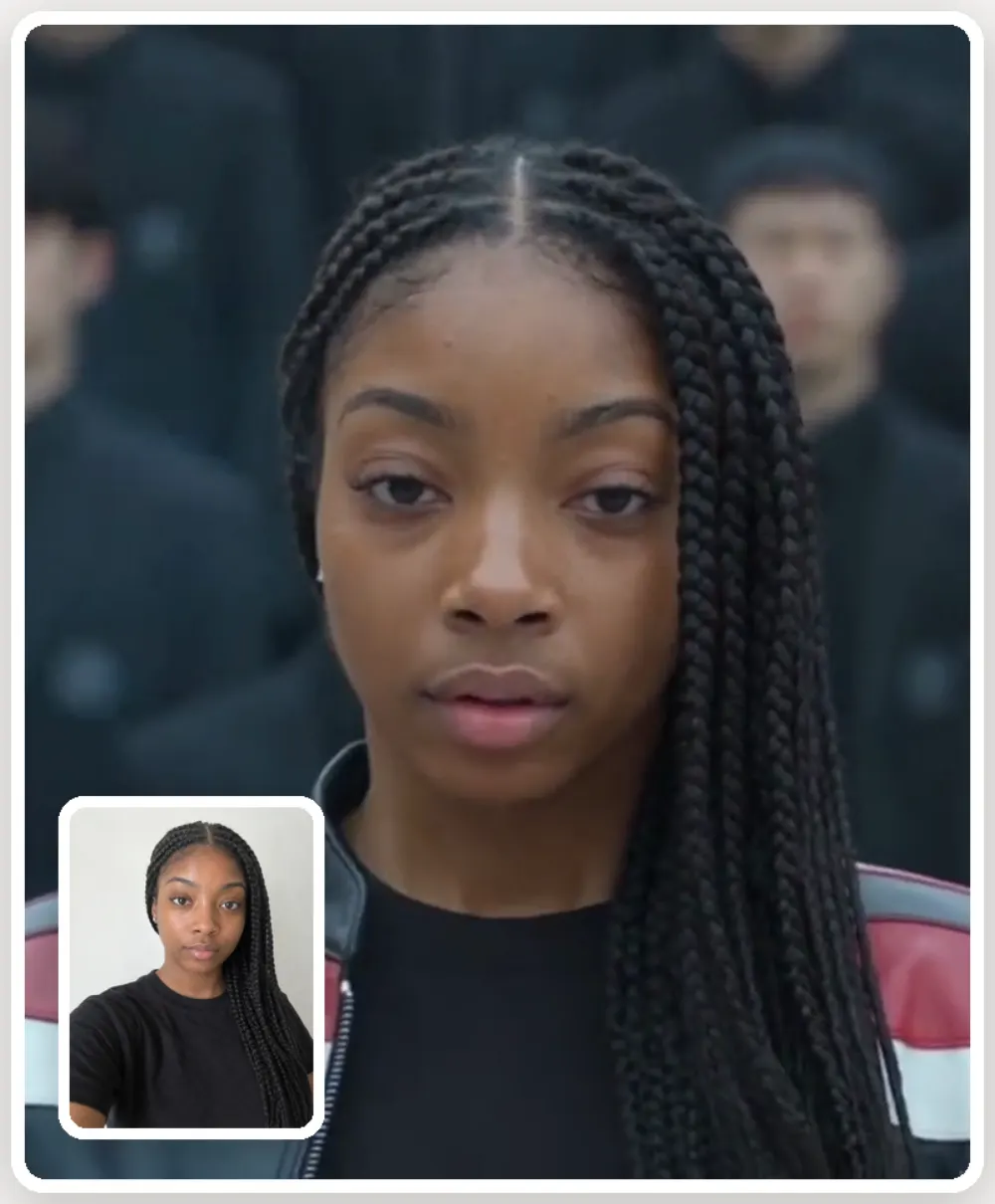
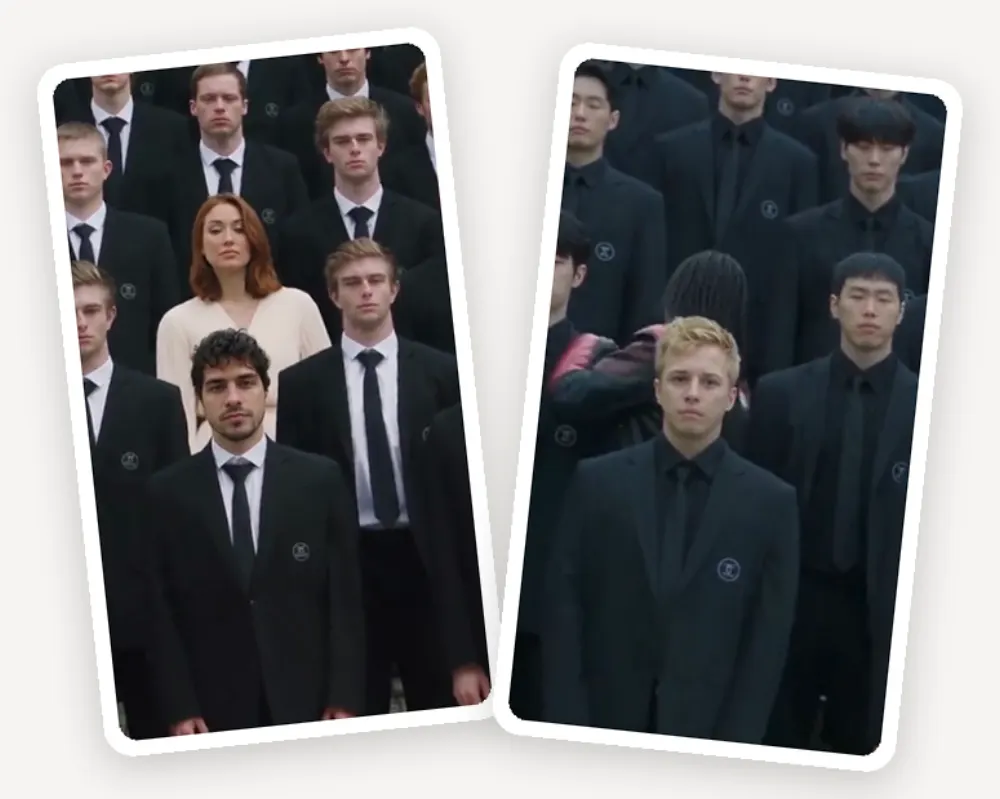
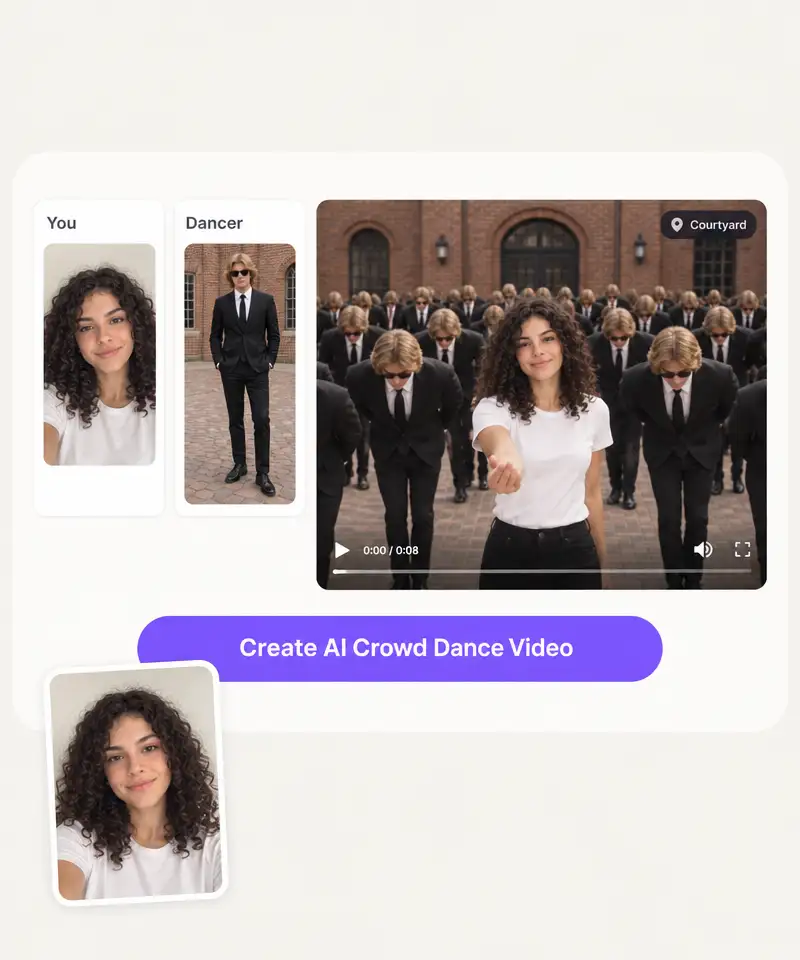
Upload one photo and the AI places you at the front of the formation as the lead dancer. Your face, hair and outfit stay recognizable while the crowd behind you moves in sync, so the video reads as you leading a STORM II crowd dance rather than a stranger wearing your face.
Choose exactly who appears in the crowd
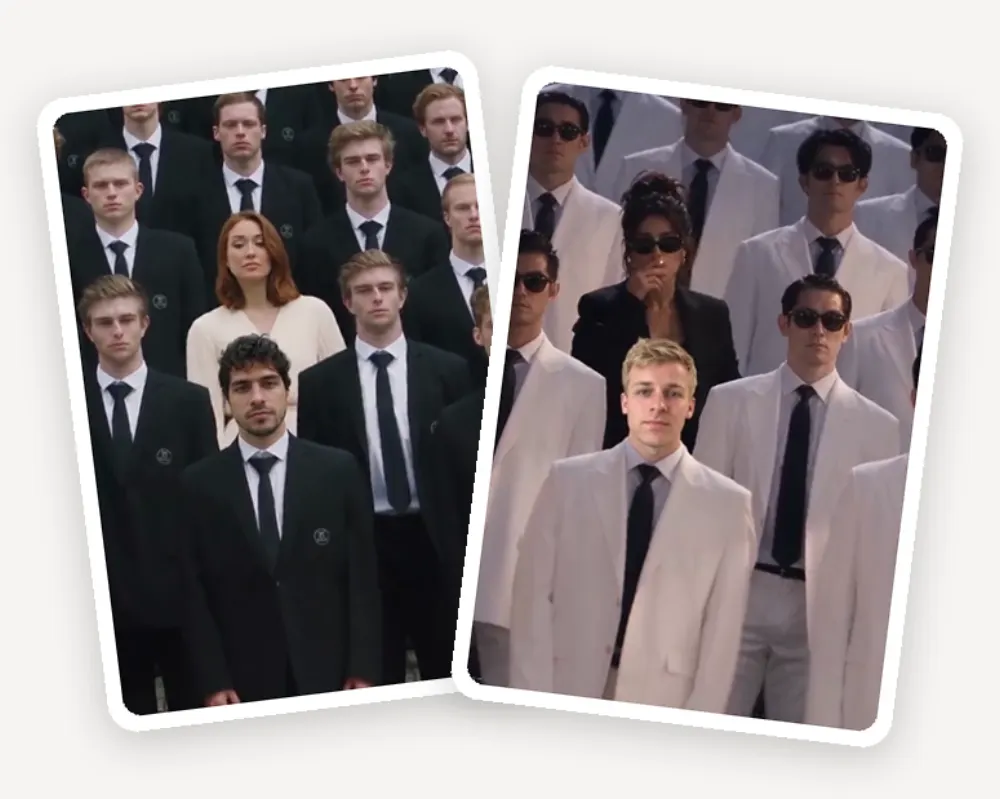
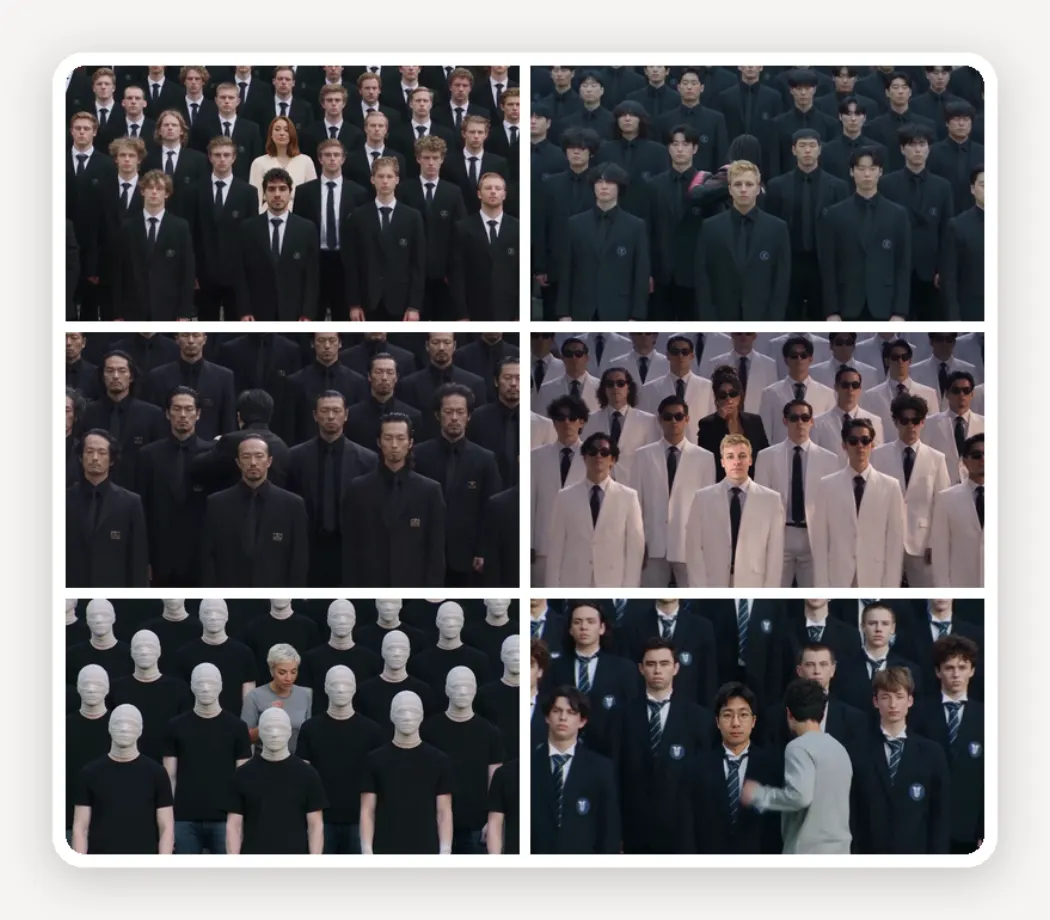
The crowd is not random. Pick the look the entire supporting cast copies — black suits, cadets, navy uniforms, school blazers or a faceless cast — or upload your own photo and let the AI clone that person into every dancer behind you.
Pick from six synchronized dance templates
Six STORM II dance templates cover the formations people actually search for. Each template plays the clip its own prompt produced, so you see the choreography, the camera move and the cast before you spend a generation on it.
Create vertical dance videos for TikTok, Reels and Shorts
Every crowd dance video renders vertical at 9:16 and downloads in HD, framed so the lead dancer and the formation both stay in shot. Kling 3 Omni generates the full crowd choreography, so the clip is ready to post without cropping or re-editing.
How to Make a STORM II AI Dance Video
1
Upload your photo
Add one clear, front-facing photo of yourself. This is the face the AI puts at the front of the crowd as the lead dancer, so an unobstructed shot gives the strongest likeness.
2
Choose the crowd
Pick the look the supporting cast copies, or upload a second photo of the person you want the entire crowd to become.
3
Pick a dance template
Choose one of the six synchronized STORM II choreography templates. Each one previews the clip it generates, so you know the formation and camera move before you commit.
4
Generate your crowd dance video
Press Create AI Crowd Dance Video. Kling 3 Omni renders the full crowd choreography as a vertical clip, and you download it in HD.
AI Crowd Dance Videos for Creators, Characters and Brands
📱
TikTok and Reels creators
The STORM II crowd dance is a format people stop scrolling for. One photo is the entire input, so you can post the trend on the day it peaks instead of organizing a shoot.
💃
Dancers and choreography accounts
Show a formation at a scale you cannot film alone. The AI generates the synchronized crowd behind you, so a solo dancer publishes a full-cast choreography video.
🎭
Character and OC accounts
Put an original character at the head of a crowd that shares their look. Upload the character art as the dancer and the entire supporting cast becomes them.
🎵
Musicians and promoters
Cut a crowd dance video to your own track. A vertical clip of a synchronized crowd carries a release or an event announcement further than a static poster.
🏢
Brand and agency accounts
Run the trend with your own cast. Swap the crowd for staff, uniforms or mascots and publish a STORM II dance video that still looks like your brand.
👯
Friends making an inside joke
Make the whole crowd one friend. A single photo turns into a hundred synchronized copies of them, which is the version of this trend that gets sent around a group chat.
What people say about Overchat AI
★★★★★
I've started to use overchat last week and it feels very promising. Lots of AI models in one place saves a lot of money in comparison if you buy subscriptions for each one.
Georgy P
Armenia · Trustpilot, 14 Jul 2026
★★★★★
im really into ai apps and that one is good, helps me with my arts and homework. i draw ai vids for inst and generate images with my characters, many widgets and models! like it
Rita Semenova
Germany · Trustpilot, 14 Aug 2026
★★★★★
I like how it keeps everything organized. One subscription is enough for all major AI models, which helps me avoid paying for multiple platforms.
Staria Quinn
United States · Trustpilot, 16 Nov 2025
★★★★★
Affordable and simple to use. I like that I don't have to pay for several different services anymore.
Dylan Thompson
United States · Trustpilot, 28 Oct 2025
★★★★★
Good and easy to use
Kanan Safarli
United Kingdom · Trustpilot, 23 Jul 2026
★★★★★
It's a nice place to be. I love it
Fabiyi Oluwakemi Phillips
Nigeria · Trustpilot, 23 Jul 2026
STORM II AI Crowd Dance Video FAQ
What is the STORM II AI crowd dance trend?
STORM II is a dance video format where one lead dancer moves at the front of a large crowd that performs the same choreography in perfect sync. The AI version recreates that look from photos: you supply the lead and the crowd, and the model generates the synchronized formation around you.
How do I make a STORM II AI dance video?
Upload a photo of yourself, choose who the crowd becomes, pick one of the six choreography templates, and press Create AI Crowd Dance Video. The generator renders a vertical clip of you leading the crowd.
Do I need a reference video or dance experience?
No. You do not need to film anything or know the choreography. The movement comes from the template you pick, not from a video you record, so two photos are the whole input.
Will the video keep my face?
Yes. The lead dancer is generated from your uploaded photo and keeps your face, hair and outfit. A clear, well-lit, front-facing photo gives the closest likeness.
Can I choose what the crowd looks like?
Yes. You pick the look the entire supporting cast copies — black suits, cadets, navy uniforms, school blazers or a faceless cast — or upload your own photo and the crowd becomes that person.
How long is the video and what aspect ratio is it?
Videos render vertical at 9:16, the ratio TikTok, Reels and Shorts expect, and download in HD. No cropping or re-framing is needed before you post.
Which AI model generates the crowd choreography?
The crowd choreography is generated with Kling 3 Omni, which handles the synchronized motion across the whole formation rather than animating the lead dancer alone.
Can I post the video with the original song?
You can add any track in the editor of the platform you post to. Music rights belong to the rights holders, so use a song your account is licensed to use — on TikTok and Reels that usually means picking it from the in-app library.
Can I use an original character instead of a real person?
Yes. Upload character art in place of a photo and the AI treats it as the lead or as the look the whole crowd copies, which is how OC and mascot accounts run this trend.
Is the AI crowd dance video generator free to try?
You can start for free and generate your first STORM II crowd dance video. Longer and higher-volume generation runs on an Overchat AI plan.
{"@context":"https://schema.org","@graph":[{"@type":"WebApplication","@id":"https://overchat.ai/ai-tools/storm-ii-ai-crowd-dance-video#app","name":"STORM II AI Crowd Dance Video Generator","url":"https://overchat.ai/ai-tools/storm-ii-ai-crowd-dance-video","description":"Create a STORM II-inspired AI crowd dance video from your photo. Choose the lead, customize the entire crowd, and pick a choreography template.","applicationCategory":"MultimediaApplication","operatingSystem":"Web","browserRequirements":"Requires JavaScript","offers":{"@type":"Offer","price":"0","priceCurrency":"USD","availability":"https://schema.org/InStock","url":"https://overchat.ai/ai-tools/storm-ii-ai-crowd-dance-video"},"publisher":{"@type":"Organization","name":"Overchat AI","url":"https://overchat.ai/"},"image":"https://cdn.prod.website-files.com/673728fe79d73c09073776cb/6ab38cc90e71e3f8be4259f8_cd-feat1-lead.webp"},{"@type":"BreadcrumbList","itemListElement":[{"@type":"ListItem","position":1,"name":"Home","item":"https://overchat.ai/"},{"@type":"ListItem","position":2,"name":"Video","item":"https://overchat.ai/video"},{"@type":"ListItem","position":3,"name":"AI Crowd Dance Video Generator","item":"https://overchat.ai/ai-tools/storm-ii-ai-crowd-dance-video"}]},{"@type":"FAQPage","mainEntity":[{"@type":"Question","name":"What is the STORM II AI crowd dance trend?","acceptedAnswer":{"@type":"Answer","text":"STORM II is a dance video format where one lead dancer moves at the front of a large crowd that performs the same choreography in perfect sync. The AI version recreates that look from photos: you supply the lead and the crowd, and the model generates the synchronized formation around you."}},{"@type":"Question","name":"How do I make a STORM II AI dance video?","acceptedAnswer":{"@type":"Answer","text":"Upload a photo of yourself, choose who the crowd becomes, pick one of the six choreography templates, and press Create AI Crowd Dance Video. The generator renders a vertical clip of you leading the crowd."}},{"@type":"Question","name":"Do I need a reference video or dance experience?","acceptedAnswer":{"@type":"Answer","text":"No. You do not need to film anything or know the choreography. The movement comes from the template you pick, not from a video you record, so two photos are the whole input."}},{"@type":"Question","name":"Will the video keep my face?","acceptedAnswer":{"@type":"Answer","text":"Yes. The lead dancer is generated from your uploaded photo and keeps your face, hair and outfit. A clear, well-lit, front-facing photo gives the closest likeness."}},{"@type":"Question","name":"Can I choose what the crowd looks like?","acceptedAnswer":{"@type":"Answer","text":"Yes. You pick the look the entire supporting cast copies — black suits, cadets, navy uniforms, school blazers or a faceless cast — or upload your own photo and the crowd becomes that person."}},{"@type":"Question","name":"How long is the video and what aspect ratio is it?","acceptedAnswer":{"@type":"Answer","text":"Videos render vertical at 9:16, the ratio TikTok, Reels and Shorts expect, and download in HD. No cropping or re-framing is needed before you post."}},{"@type":"Question","name":"Which AI model generates the crowd choreography?","acceptedAnswer":{"@type":"Answer","text":"The crowd choreography is generated with Kling 3 Omni, which handles the synchronized motion across the whole formation rather than animating the lead dancer alone."}},{"@type":"Question","name":"Can I post the video with the original song?","acceptedAnswer":{"@type":"Answer","text":"You can add any track in the editor of the platform you post to. Music rights belong to the rights holders, so use a song your account is licensed to use — on TikTok and Reels that usually means picking it from the in-app library."}},{"@type":"Question","name":"Can I use an original character instead of a real person?","acceptedAnswer":{"@type":"Answer","text":"Yes. Upload character art in place of a photo and the AI treats it as the lead or as the look the whole crowd copies, which is how OC and mascot accounts run this trend."}},{"@type":"Question","name":"Is the AI crowd dance video generator free to try?","acceptedAnswer":{"@type":"Answer","text":"You can start for free and generate your first STORM II crowd dance video. Longer and higher-volume generation runs on an Overchat AI plan."}}]}]}

.webp)