

Kling 4.0 specs
Longer clips, steadier camera moves and control over the frames the shot passes through.

30s
One clip up to 30 seconds from a single prompt
1080p
Full HD output
21:9
Cinema widescreen, down to 9:16
Smooth camera
Tracking and orbit shots stay steady from the first frame to the last
10
Keyframes in one clip: the start, the end and up to 8 in between
First and last frame
Set where the shot starts and where it ends
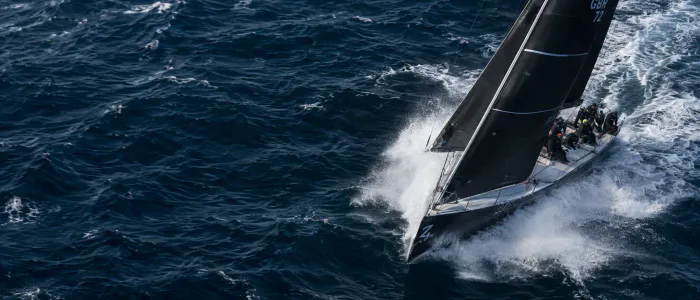
Real physics
Water, cloth and hair move the way they do on camera
What you can make with Kling 4.0
Commercials, action scenes and posts for every screen in 1080p.
Commercials. Slow orbits and macro moves around your product, in 1080p.
Action scenes. Chases, fights and stunts with steady, readable motion.
Social media. POV shots in 21:9 for YouTube or in 9:16 for Reels and TikTok.
Why use Kling 4.0 on Overchat AI
One account for Kling 4.0 and every other top video and image model, with free credits every day.
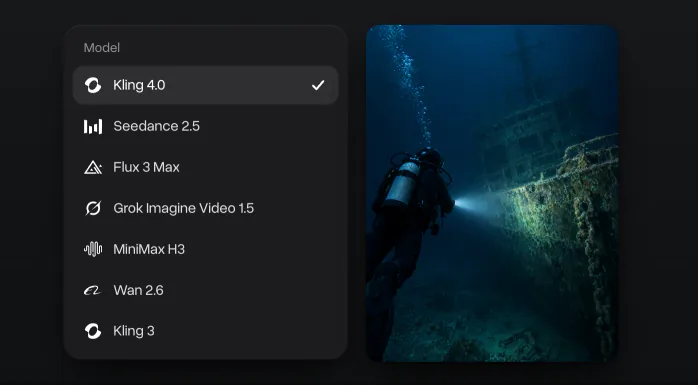
Every top video model in one place
Seedance 2.5, Flux 3 Max, Grok Imagine and MiniMax H3 are in the same menu, on one subscription.
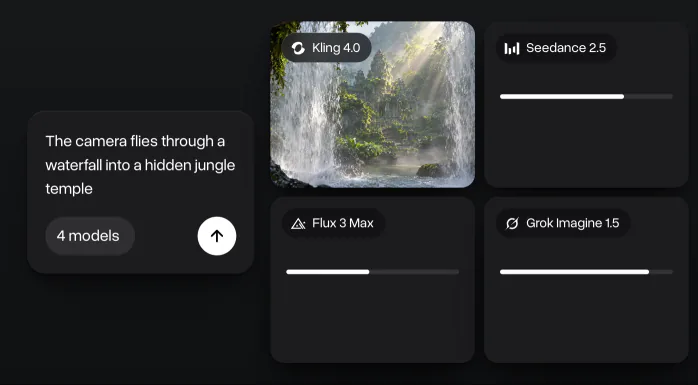
Compare models side by side
Run one prompt on several models at once and keep the best take.
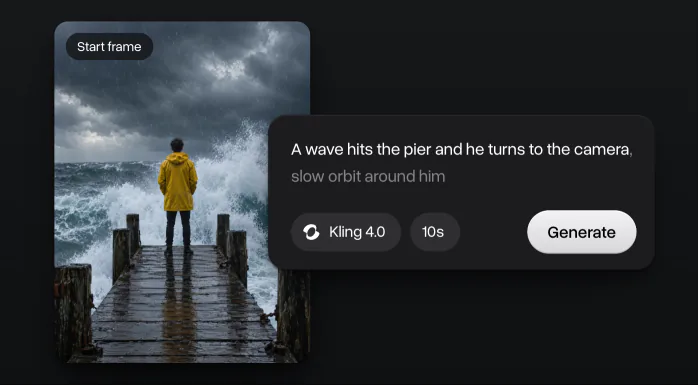
Start from a picture
Make the first frame with GPT Image 2.5 in the same app, then animate it.
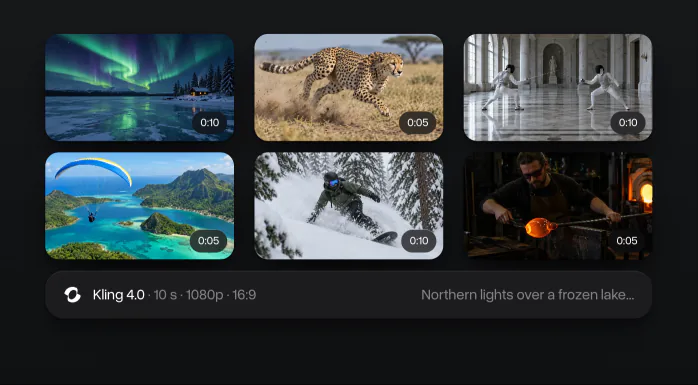
All your videos in one history
Every clip keeps its prompt and settings, on the web and in the iOS and Android apps.
How to use Kling 4.0
Make a Kling 4.0 video in three steps, right on this page.
- 1
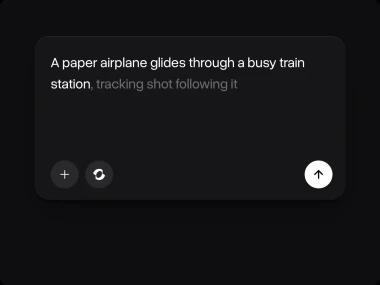
Describe the scene
Write who is in the shot, what happens, where and how the camera moves: a slow orbit, a tracking shot or a push-in. To animate a picture, switch to Image to video and add it as the start frame, and add an end frame if the shot should land on a set picture.
- 2
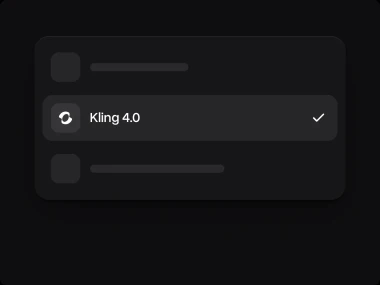
Set the length and format
Kling 4.0 is already picked. Choose how long the clip runs and the format: 9:16 for Reels and TikTok, 16:9 for YouTube.
- 3
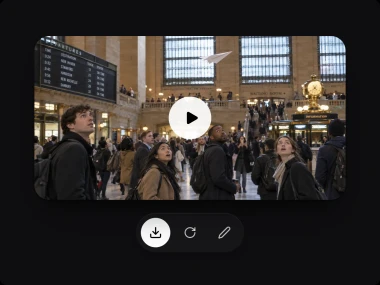
Generate and download
Press Generate and get the clip in a few minutes. Download it, run the prompt again for a new take, or try the same prompt on another model. Every video stays in your history.
Try Kling 4.0
Write a prompt or add a start and an end frame, and Kling 4.0 turns them into a smooth 1080p clip.
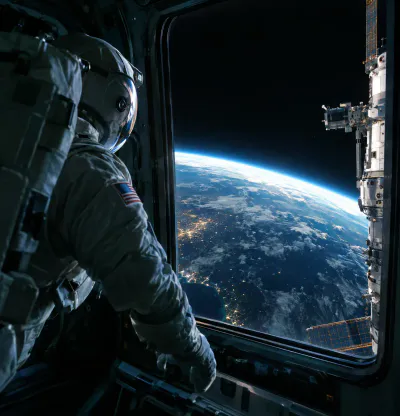

Who is Kling 4.0 for
Kling 4.0 suits any video where the camera moves a lot: trailers, product films, travel scenes and game cinematics.
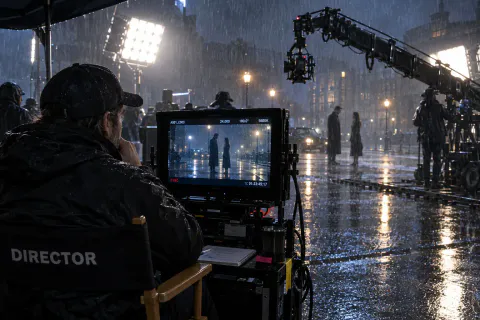
Filmmakers
Test a scene, a shot or a whole trailer before you film it.
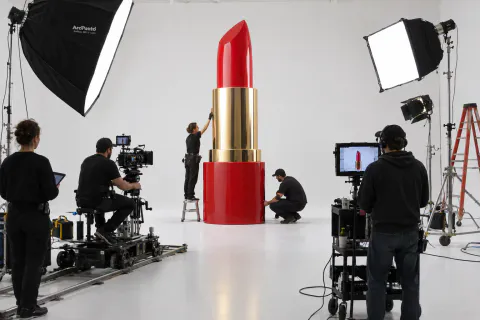
Marketers and brands
Make product films and ads without a studio day.

Content creators
Make travel scenes, intros and B-roll in 1080p.

Game studios
Make cinematics and trailers for your game world.
Kling 4.0 vs other AI video models
How Kling 4.0 compares with the other video models in Overchat AI: release date, blind-test score, clip length, resolution and the photos each one takes.
 Kling 4.0Kuaishou
 Seedance 2.5ByteDance
 Flux 3 MaxBlack Forest Labs
 Grok Imagine Video 1.5SpaceXAISeedance 2ByteDance
Explore other video models
Other new video models in Overchat AI: Seedance 2.5, Grok Imagine Video 1.5, Flux 3 Max, MiniMax H3, Kling 3 and Wan 2.6.


What creators say about Overchat AI
Real reviews from Trustpilot, the App Store and Google Play. People use Overchat AI to make images and videos, compare AI models and keep chat, image and video tools in one subscription.

Saves so much time
Using this gives me opportunity to do insta reels and content for my blog Saves so much time with little effort I get a lot of material to work with
Best app for image and video generation
I really enjoy creating videos with Sora and images with Nano Banano in Overchat! The app is fast, intuitive and very user-friendly
Saves a lot of money
I've started to use overchat last week and it feels very promising. Lots of AI models in one place saves a lot of money in comparison if you buy subscriptions for each one.
All ai in one app
Before I used to pay separately for chat and image generations, now it’s all in one app for me Genuinely saves me money, love it thx guys
I love this app
I love this app, mostly using from web version (NanoBanana) and everything go smoothly everytime…
 Google Play
Lots of new models
Helps a lot! lots of new models
Affordable and simpe to use
Affordable and simpe to use. I like that I don't have to pay for several different services anymore.
One subscription for all models
I like how it keeps everything organized. One subscription is enough for all major AI models, which helps me avoid paying for multiple platforms.
Awesome app
Absolutely love this app
Compare different LLMs
I think I've been using it for around 3 months. it helps me because I can check and compare different LLMs and use it for urgent questions
Great experience
Great experience! It helps me able to do my work and respond to questions quickly trusting that the my responses are grammatically correct.
Nice app
Nice app, everything in one place
Ask and you shall receive
I ask. CHATGP answers. I check on the answer and it's always been correct.
Good and easy to use
Good and easy to use

Kling 4.0 FAQ
If you have any questions,
reach out to us at hello@overchat.ai
Kling 4.0 is Kuaishou’s video generation model, released on October 15, 2026. It makes 1080p clips from a text prompt or a photo, up to 30 seconds long, and can start and end on the pictures you choose.
Clips up to 30 seconds in one pass, up to 10 keyframes in one clip and, by Kuaishou’s account, steadier motion in tracking and orbit shots than in Kling 3.
From 3 to 30 seconds in one clip. Start with 5 or 10 seconds while you test a prompt, then make the long take.
Yes. Switch to Image to video, add a start frame and an end frame, and describe what happens between them. Kling 4.0 fills in the motion.
720p or 1080p, in 16:9, 9:16, 1:1 and 21:9. Use 9:16 for Reels and TikTok, 16:9 for YouTube and 21:9 for a cinema look.
Describe the subject, the action and the setting, then the camera: a slow orbit, a tracking shot or a push-in. Kling 4.0 follows camera directions closely, so name the move you want.
No. Kuaishou offers Kling 4.0 in the Kling app and through its API. In Overchat AI you use it without a separate Kling account.
On this page, in the Overchat AI web app and in the iOS and Android apps. Your videos and their prompts are saved in your history on every device.


